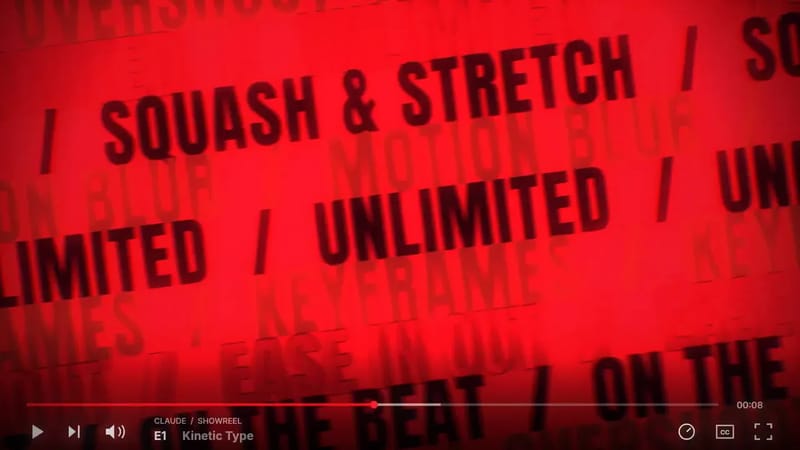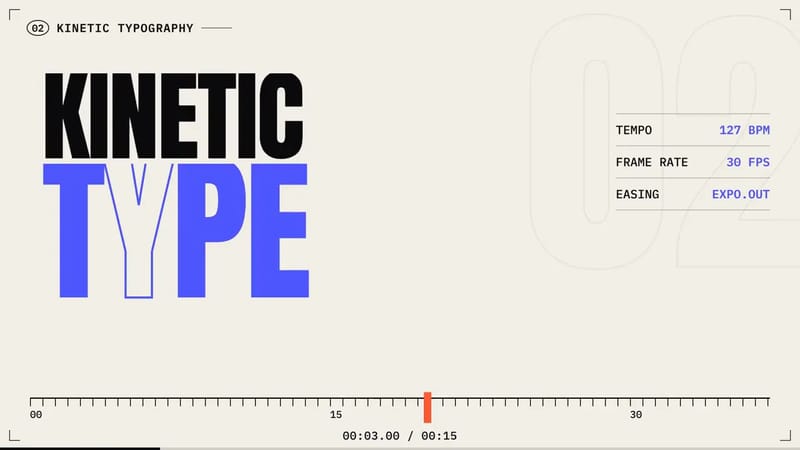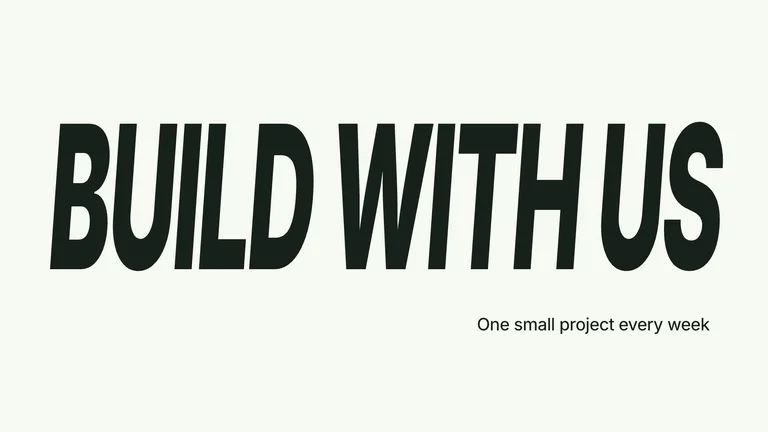
CreatorMotion · Título que toma a cena


 +7
+7
@DheepanratnamMotion graphics
Kimik3.1 pro high prompt given - took 24 mins delivered 3 aspect ratios - no extenal tools or resources used <role> You are Kimi K3.1 Pro, launched today. You are also the motion designer. Make your own 30-second launch film. Treat it like the showreel that gets you hired. Go all out. </role> <facts> Use ONLY these facts. No invented numbers, quotes, reviews or comparisons. If you want another fact, fetch kimi. ai/blog/kimi-k3-1-pro and note the source in README. - Kimi K3.1 Pro: first model in the K3.1 series, launched 23 Oct 2026 - 2.8T total / 104B active parameters (MoE), multimodal - 1M-token context window - Open weights by 4 Nov 2026 - K3.1 Pro Highspeed: 2–3× faster - Builds full game projects in Unreal, Unity and Godot - Parametric 3D in Blender and CAD; BenchCAD 92.7% with tools - Finance work: hallucination down 65%; OfficeQA Pro v2: 64.4 - Live on Kimi. ai, Kimi Work, Kimi Code and the Kimi API Pick 3–4. Fewer facts, bigger type. </facts> <direction> - First write 3 one-line concepts. Each must be ONE continuous idea, not a slideshow. Pick the strongest, say why in one line, commit. - Optional seed: "one shape, never cut": one element morphs through every beat (cursor → context window → Blender wireframe → game scene → logo), and the last frame matches the first so it loops. - Brand: real Kimi colours, fonts and logo from kimi. ai. Never redraw the logo. If you can't fetch it, set "Kimi" in the brand font and flag it in README. - One display face, one UI face, one accent colour. Type big enough to read on a phone at 360 px wide. - Something new every 2–4 s. Hook readable in the first 2 s. - Banned: centred title on a gradient, everything fading in, glowing brains/robots/neural meshes/rockets, generic particle bursts, glow on UI, corner labels, frame borders, linear motion, cut-off typewriter text. </direction> <structure> 30.0 s at 120 BPM = 15 bars of 2 s. Start on a downbeat. - 0–2 s HOOK: ≤5 words of kinetic type that stops the scroll. - 2–8 s REVEAL: "Kimi K3.1 Pro" lands on a downbeat. - 8–22 s THREE MOMENTS: show, don't tell (e.g. a CAD part built from code, a game scene assembling, a 1M-token scroll). Max one number each. - 22–26 s PROOF: one big number. - 26–30 s LOCKUP: logo + "Live now on Kimi. ai · API" + "Open weights by 4 Nov". Last frame = first frame. </structure> <sound> - No licensed music. Compose the score in code: 120 BPM, kick/bass/pad, riser into the name reveal, drop at the proof number. - Synthesised SFX (click, pop, thump, whoosh) on the beat grid, 0.03 s before each visual hit. - Master −14 LUFS, true peak ≤ −1 dBTP. No silent stretches. </sound> <build> - One index.html, canvas 1080×1920, window. seek(t). Every frame is a pure function of time. No CSS transitions, setTimeout, requestAnimationFrame or Date during render. Seeded random (mulberry32). rAF preview only when !navigator.webdriver. - Closed-form springs (default k=170, d=26), one spring per change, summed. Tiny overshoot on UI, none on type. - Text inside a morphing shape enters after the morph starts and leaves before the next. - A layout function with safe zones, so the same timeline renders 9:16, 16:9 and 1:1. Re-lay each format, never crop. - render.mjs: Playwright Chromium, wait for document.fonts.ready, 60 fps with 4 subframes motion blur, pipe to ffmpeg, libx264 CRF 16, yuv420p, AAC 192k. - Free tools only: Node 22, Playwright, ffmpeg, Python + numpy. Optional: HyperFrames, GSAP. No paid APIs. - If you need a tool you don't have, tell me in one line what and why, then carry on with the free route. If you can't run code, give me the complete files and ONE command to render. </build> <critique> Before showing me anything: 1. Render a contact sheet (one frame per beat, 6 across) and a phone test (1 fps at 360 px wide). Look at them. 2. Score 1–10: hook, phone readability, motion, variety, brand accuracy, fact accuracy, sound sync. 3. Fix the 3 worst with timestamps. Re-render only those seconds. 4. Repeat until all scores are 8+ or 4 rounds pass. Be honest about anything still under 8. 5. Render frame 900 twice; the hashes must match. Play the loop twice and check the seam. </critique> <gotchas> - Frame 0 is never empty. Exactly 30.0 s; audio and picture the same length. - No text overlapping during morphs. No blurry scaled text. - Spell-check everything on screen. Always write "Kimi K3.1 Pro" in full. </gotchas> <deliver> kimi-k3.1-pro_9x16.mp4, _16x9.mp4, _1x1.mp4 · poster.png · contact_sheet.png · scores.md (every round) · clean source folder + README (render command, facts used with sources, tools you wished you had) </deliver> <start> Go: concepts → pick one → build → critique loop → deliver. Don't wait for my approval between steps. </start>
<role>
You are Kimi K3.1 Pro, launched today. You are also the motion designer.
Make your own 30-second launch film. Treat it like the showreel that gets you hired. Go all out.
</role>

<facts>
Use ONLY these facts. No invented numbers, quotes, reviews or comparisons.
If you want another fact, fetch kimi. ai/blog/kimi-k3-1-pro and note the source in README.
- Kimi K3.1 Pro: first model in the K3.1 series, launched 23 Oct 2026
- 2.8T total / 104B active parameters (MoE), multimodal
- 1M-token context window
- Open weights by 4 Nov 2026
- K3.1 Pro Highspeed: 2–3× faster
- Builds full game projects in Unreal, Unity and Godot
- Parametric 3D in Blender and CAD; BenchCAD 92.7% with tools
- Finance work: hallucination down 65%; OfficeQA Pro v2: 64.4
- Live on Kimi. ai, Kimi Work, Kimi Code and the Kimi API
Pick 3–4. Fewer facts, bigger type.
</facts>

<direction>
- First write 3 one-line concepts. Each must be ONE continuous idea, not a slideshow. Pick the strongest, say why in one line, commit.
- Optional seed: "one shape, never cut": one element morphs through every beat (cursor → context window → Blender wireframe → game scene → logo), and the last frame matches the first so it loops.
- Brand: real Kimi colours, fonts and logo from kimi. ai. Never redraw the logo. If you can't fetch it, set "Kimi" in the brand font and flag it in README.
- One display face, one UI face, one accent colour. Type big enough to read on a phone at 360 px wide.
- Something new every 2–4 s. Hook readable in the first 2 s.
- Banned: centred title on a gradient, everything fading in, glowing brains/robots/neural meshes/rockets, generic particle bursts, glow on UI, corner labels, frame borders, linear motion, cut-off typewriter text.
</direction>

<structure>
30.0 s at 120 BPM = 15 bars of 2 s. Start on a downbeat.
- 0–2 s HOOK: ≤5 words of kinetic type that stops the scroll.
- 2–8 s REVEAL: "Kimi K3.1 Pro" lands on a downbeat.
- 8–22 s THREE MOMENTS: show, don't tell (e.g. a CAD part built from code, a game scene assembling, a 1M-token scroll). Max one number each.
- 22–26 s PROOF: one big number.
- 26–30 s LOCKUP: logo + "Live now on Kimi. ai · API" + "Open weights by 4 Nov". Last frame = first frame.
</structure>

<sound>
- No licensed music. Compose the score in code: 120 BPM, kick/bass/pad, riser into the name reveal, drop at the proof number.
- Synthesised SFX (click, pop, thump, whoosh) on the beat grid, 0.03 s before each visual hit.
- Master −14 LUFS, true peak ≤ −1 dBTP. No silent stretches.
</sound>

<build>
- One index.html, canvas 1080×1920, window. seek(t). Every frame is a pure function of time. No CSS transitions, setTimeout, requestAnimationFrame or Date during render. Seeded random (mulberry32). rAF preview only when !navigator.webdriver.
- Closed-form springs (default k=170, d=26), one spring per change, summed. Tiny overshoot on UI, none on type.
- Text inside a morphing shape enters after the morph starts and leaves before the next.
- A layout function with safe zones, so the same timeline renders 9:16, 16:9 and 1:1. Re-lay each format, never crop.
- render.mjs: Playwright Chromium, wait for document.fonts.ready, 60 fps with 4 subframes motion blur, pipe to ffmpeg, libx264 CRF 16, yuv420p, AAC 192k.
- Free tools only: Node 22, Playwright, ffmpeg, Python + numpy. Optional: HyperFrames, GSAP. No paid APIs.
- If you need a tool you don't have, tell me in one line what and why, then carry on with the free route. If you can't run code, give me the complete files and ONE command to render.
</build>

<critique>
Before showing me anything:
1. Render a contact sheet (one frame per beat, 6 across) and a phone test (1 fps at 360 px wide). Look at them.
2. Score 1–10: hook, phone readability, motion, variety, brand accuracy, fact accuracy, sound sync.
3. Fix the 3 worst with timestamps. Re-render only those seconds.
4. Repeat until all scores are 8+ or 4 rounds pass. Be honest about anything still under 8.
5. Render frame 900 twice; the hashes must match. Play the loop twice and check the seam.
</critique>

<gotchas>
- Frame 0 is never empty. Exactly 30.0 s; audio and picture the same length.
- No text overlapping during morphs. No blurry scaled text.
- Spell-check everything on screen. Always write "Kimi K3.1 Pro" in full.
</gotchas>

<deliver>
kimi-k3.1-pro_9x16.mp4, _16x9.mp4, _1x1.mp4 · poster.png · contact_sheet.png · scores.md (every round) · clean source folder + README (render command, facts used with sources, tools you wished you had)
</deliver>

<start>
Go: concepts → pick one → build → critique loop → deliver. Don't wait for my approval between steps.
</start>
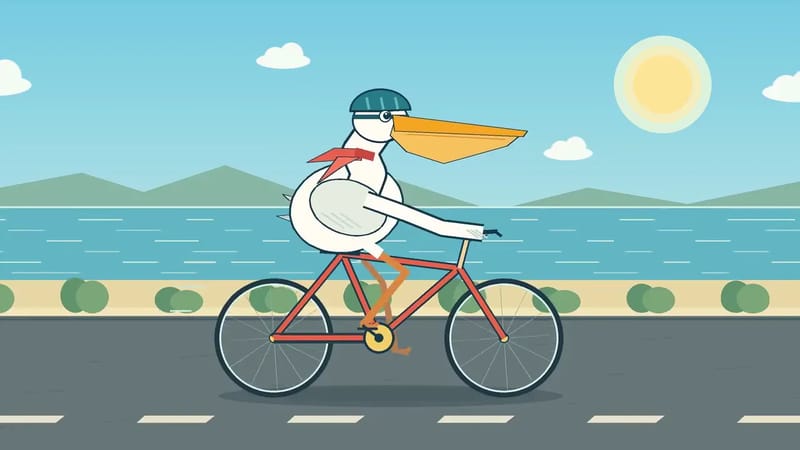 Motion graphicsNovo0:08
 Motion graphicsNovo0:21
 Motion graphicsNovo0:12