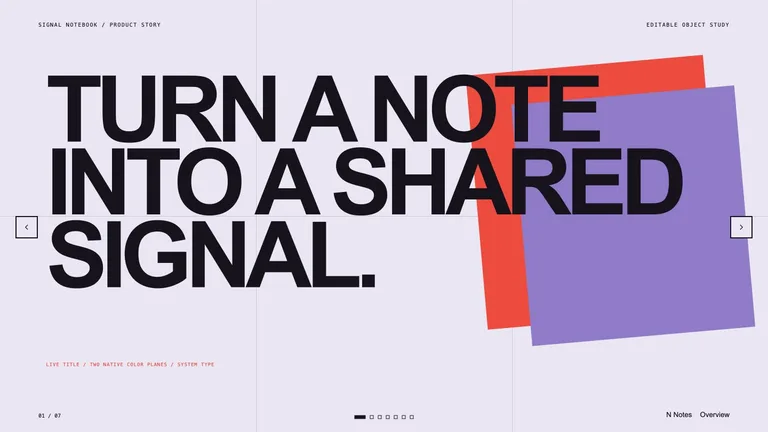
Consulting Storyline Deckv1.0.1
Use this Skill to create presentation.
Rising
5.045 downloads1 likes0 saves
Free
Creates a consulting storyline deck with action titles, restrained red accents, structured evidence blocks, and a recommendation-to-implementation sequence. It turns approved analysis into a client-ready argument with explicit assumptions and decision gates. Every deck can be edited in the browser and exported as an editable PowerPoint file.
Picked most often by
Updated Oct 3, 2026
Preview gallery
Runs in
Generates with
Similar Skills
View all skillsWhat you get
- A client deck whose action titles run from executive finding through evidence to a recommendation, an implementation roadmap and a steering decision.
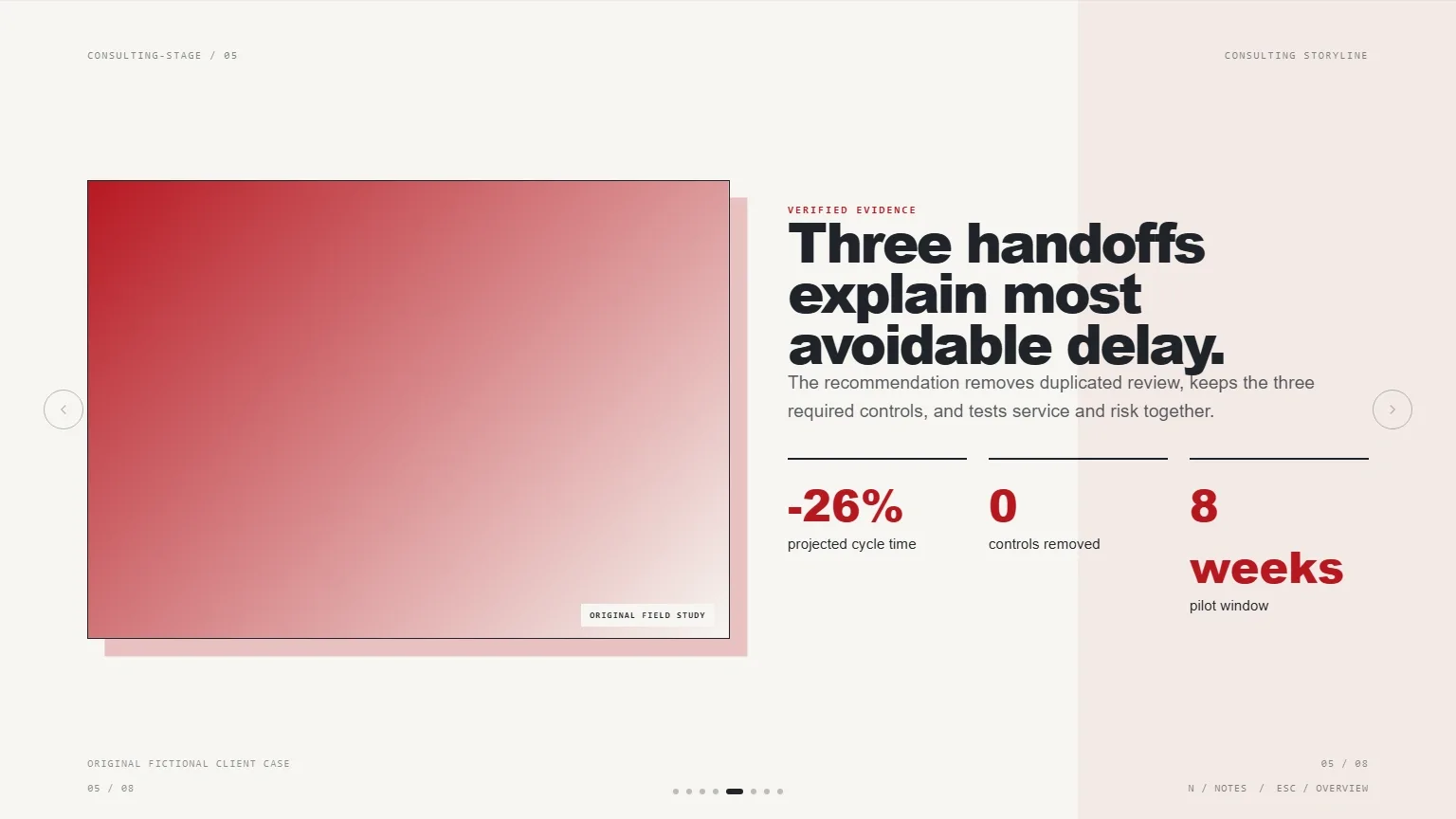
- Structured evidence blocks with headline metrics, explicit assumptions and decision gates, plus three to five talking points per slide in the speaker notes.
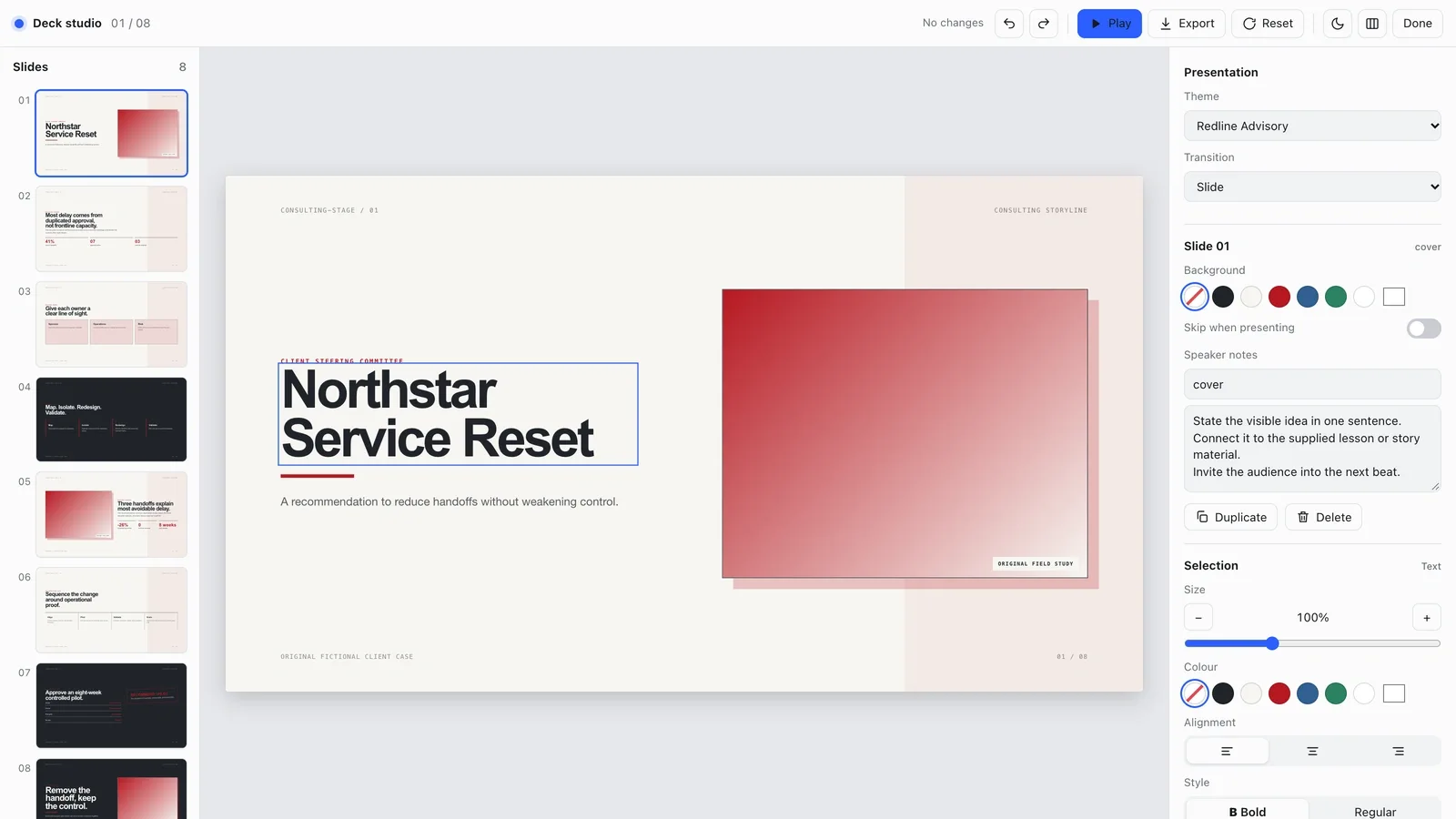
- A deck you can edit in the browser, from wording and pictures to slide order and theme, that exports to an editable PowerPoint file with speaker notes, or to PDF.
Good fit
- Consultants and strategy teams presenting a recommendation to a client steering committee.
- Analysts turning approved analysis and metrics into a decision-ready story.
- Leaders asking for a bounded decision, such as approving a pilot, with owners and gates spelled out.
Not for
- Doing the analysis for you; it presents the verified analysis and metrics you supply.
- Scrolling reports or long documents; the output is a paged deck shown one slide at a time.
- Flashy, image-heavy pitch decks; the style stays restrained, with red used sparingly.
Client & Executive ReportingSales Proposal & FundraisingCreate PresentationBuild Business CasePrepare Client DeckLogic-firstEvidence-firstEditable OutputAction TitleConsultingCorporateMinimal
About this Skill

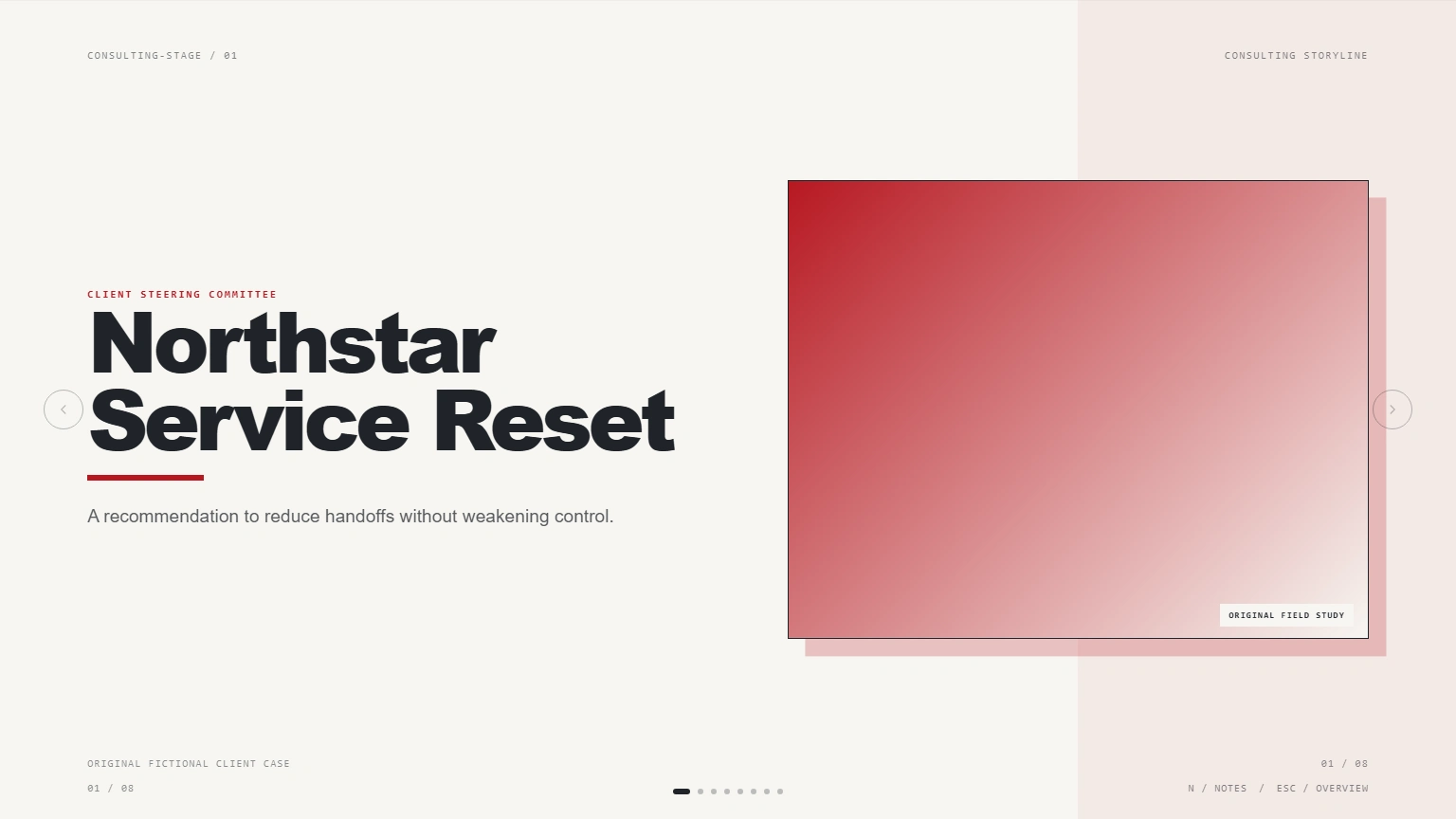
Bring your approved analysis and it builds a consulting-style deck in which every slide title states its point, from the first finding to the decision you need. Clean pages, restrained red accents and structured evidence blocks keep assumptions and decision gates in plain view.
What you get
- An action-title storyline that runs from executive finding through evidence to recommendation, roadmap and steering decision
- Evidence slides with headline metrics and the assumptions behind them, plus three to five talking points per slide in the speaker notes
- A deck you can edit in the browser and export to an editable PowerPoint file or a PDF
How to use
- Share the client brief, the decision you want, your verified analysis and metrics, and the meeting context.
- Say how many slides you need.
- Press E to tighten a title, swap a picture, reorder slides or switch between the Redline Advisory, Blueproof and Green Value themes.
- Export a PowerPoint file or PDF for the meeting.
What you need before you start
- You bring
- Approved client brief and decision objective · Verified analysis, metrics, and source notes · Meeting context and target slide count · Rights-cleared charts or optional generated-image brief
- Dependencies
- FAL account — optional for generated imagery · Node.js 20 or newer — required · Chrome, Chromium or Edge plus Node.js 20 or newer — required only for PowerPoint export
- Outside costs
- The deck works with built-in treatments. Optional image generation uses paid FAL tasks; each request ID is saved and failures are never retried automatically.
- Last tested
- v1.0.1 — Claude Code / Claude Desktop / Cowork / Codex / ChatGPT
User reviews
Loading reviews…