

For consultants and business professionals

AI tools for consultants who have to show the thinking

Client work has to stand up to questions. These Skills help turn interviews, analysis, and rough notes into a proposal, summary, business case, deck, or visual that keeps its assumptions and evidence visible.

Describe the decision, audience, source material, and format. Keep names and confidential details out unless the workflow is approved.

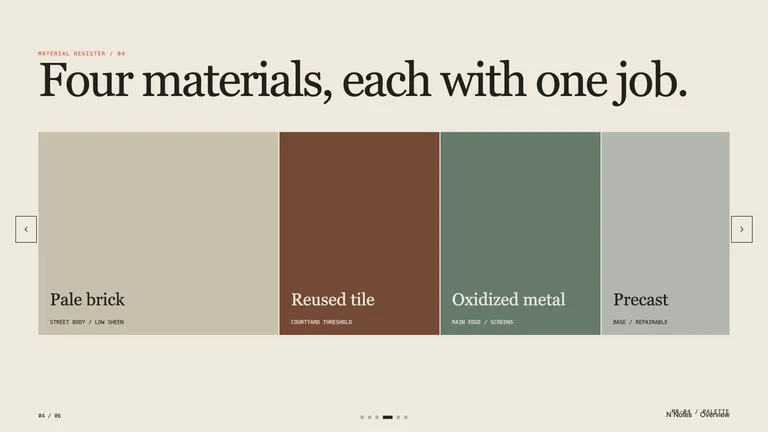
Architectural Project Deck result preview

Start with the client decision

Choose the file that will move the engagement forward. The strongest match makes the reasoning easier to inspect, not merely easier to decorate.

Skills that keep the client logic visible

The recommended match shows how it moves from evidence to a decision-ready artifact. Alternatives remain only when their method or output is genuinely different.

Real output from matching Skills

Every example comes from a Skill shown on this page. The media is here to make the choice easier, not to decorate an empty promise.

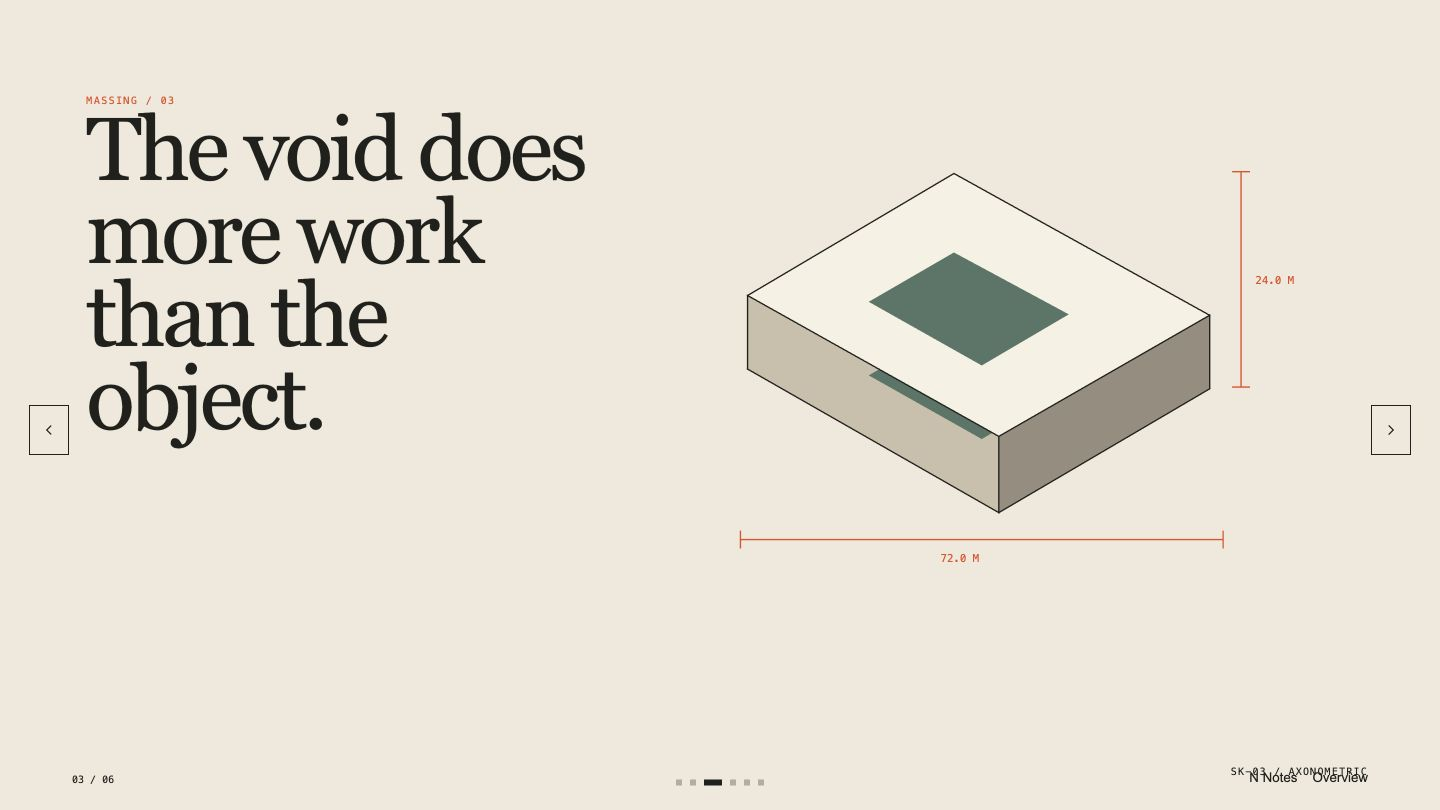
Architectural Project Deck result preview
Architectural Project Deck
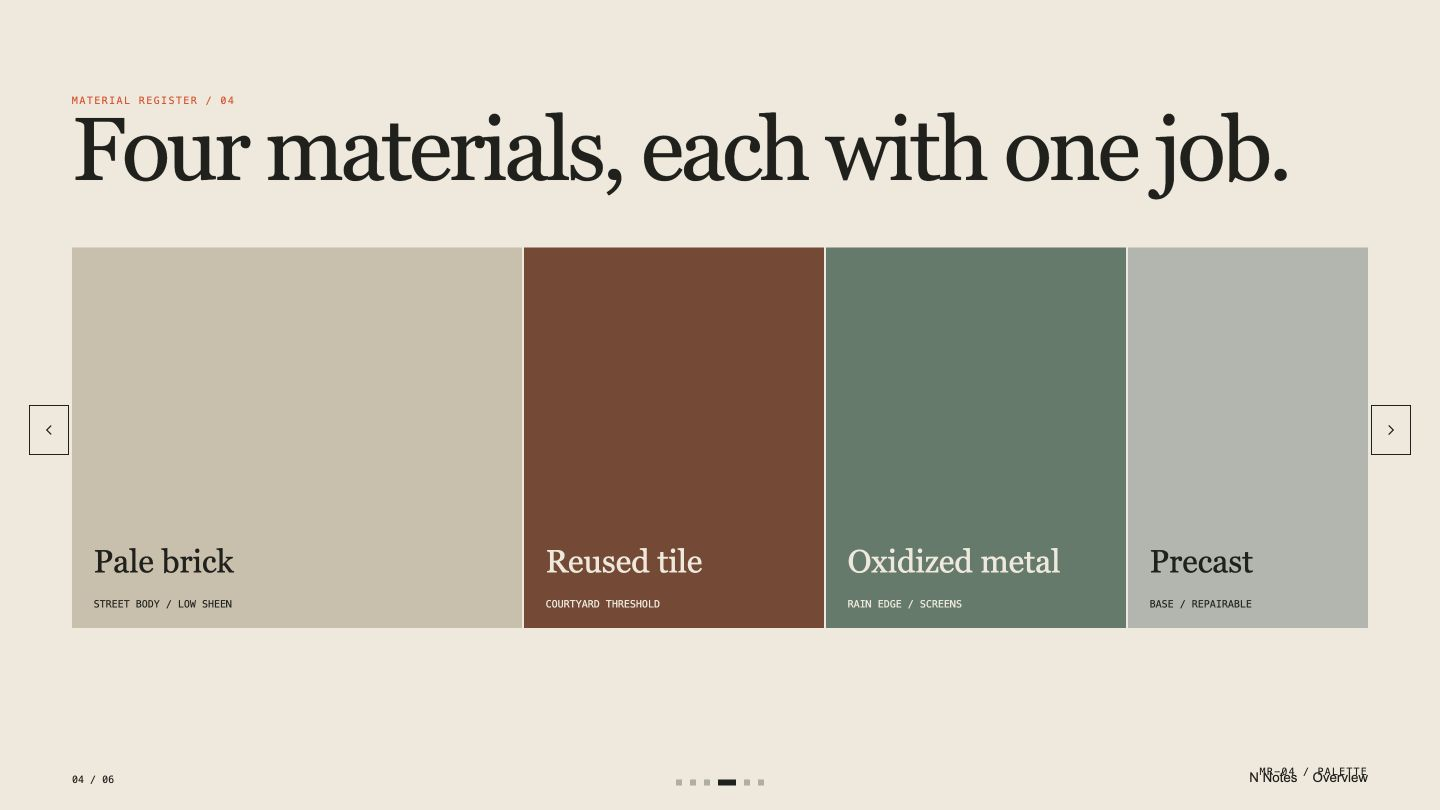
Architectural Project Deck result preview
Architectural Project Deck
Architectural Project Deck result preview
Architectural Project Deck
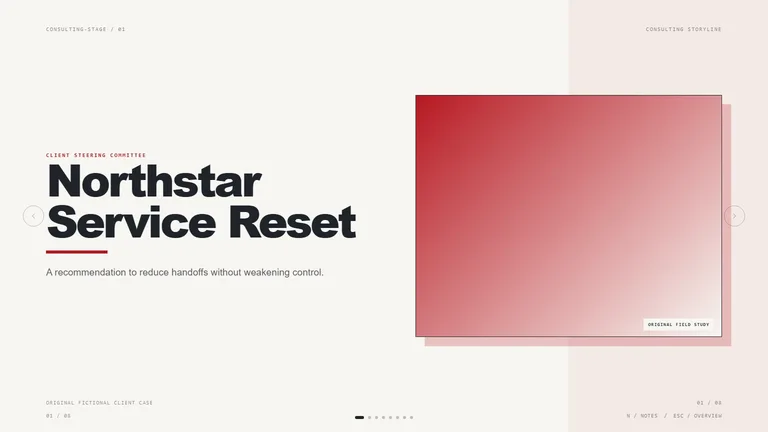
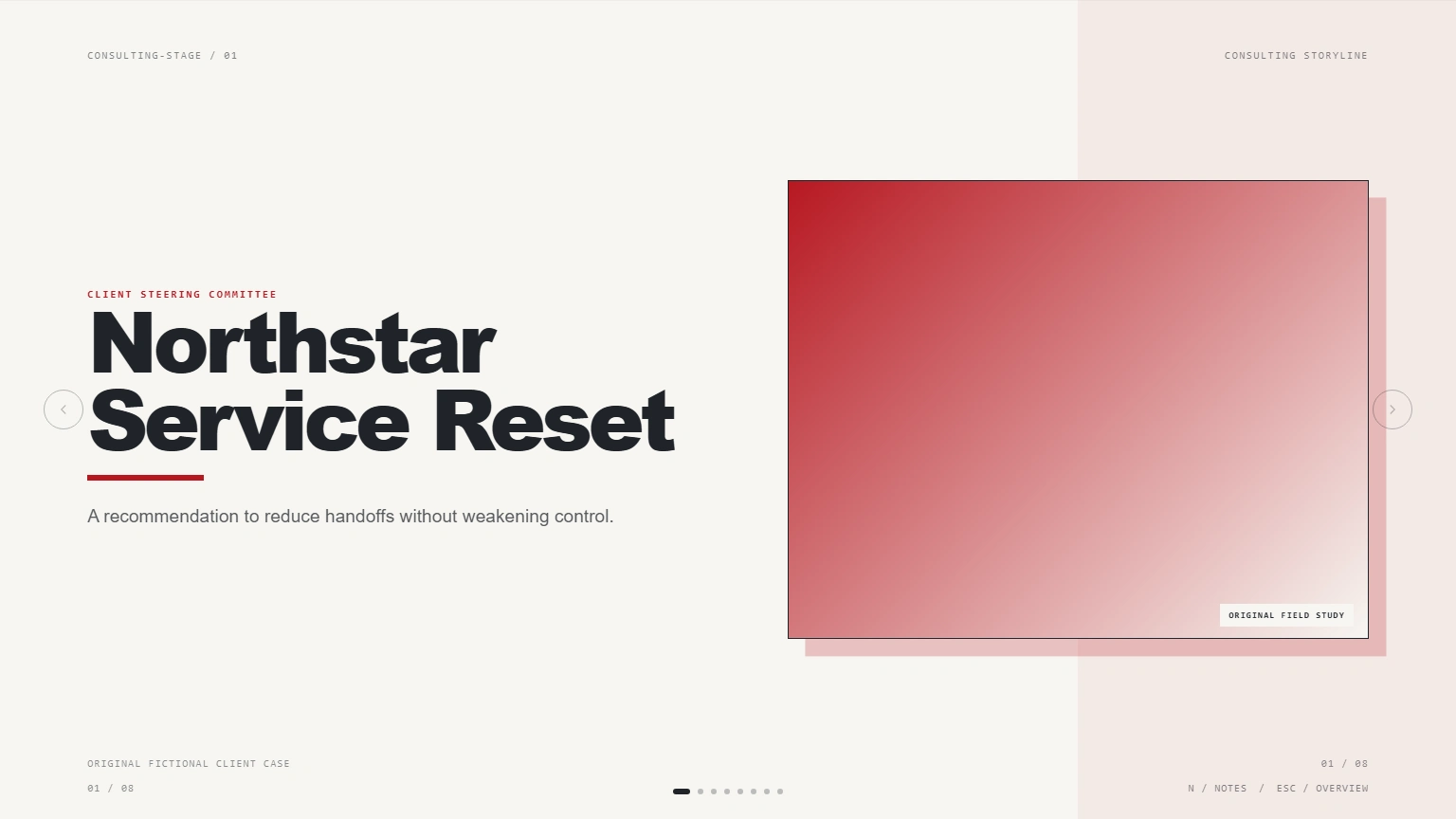
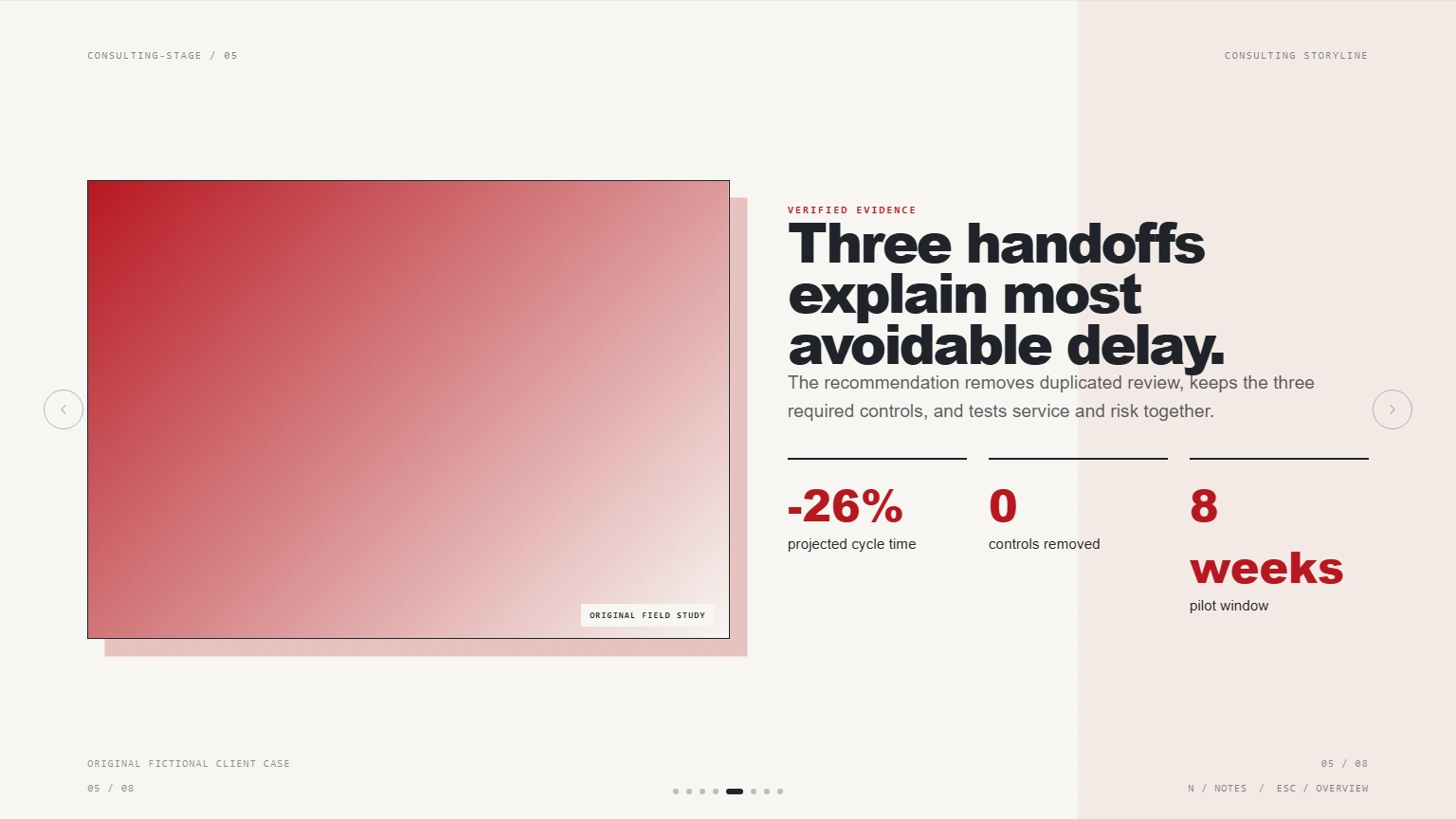
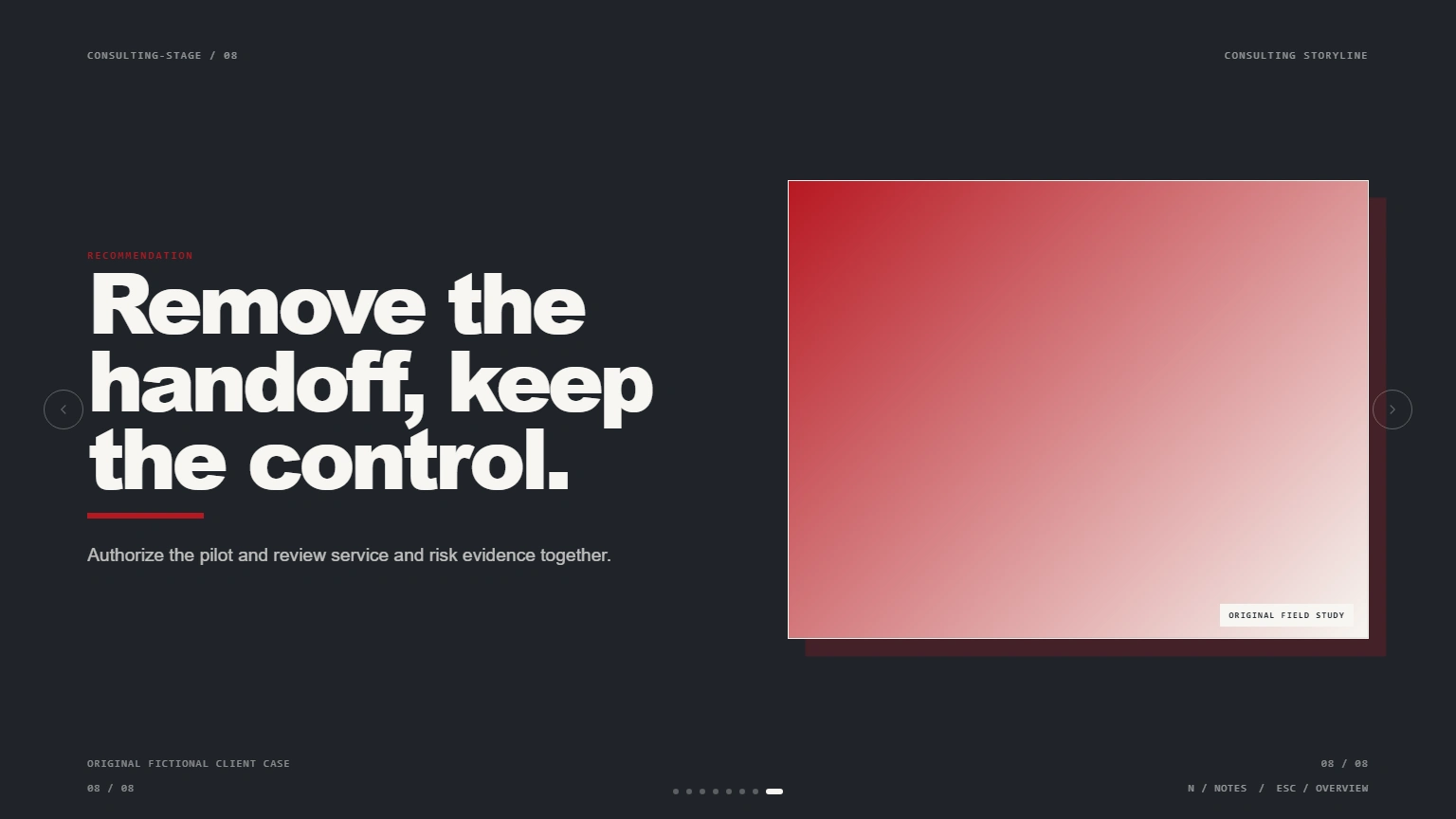
Consulting Storyline Deck result preview
Consulting Storyline Deck
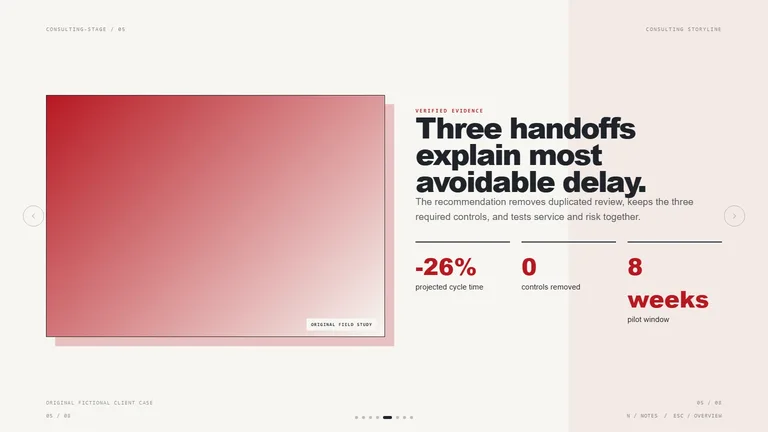
Consulting Storyline Deck result preview
Consulting Storyline Deck
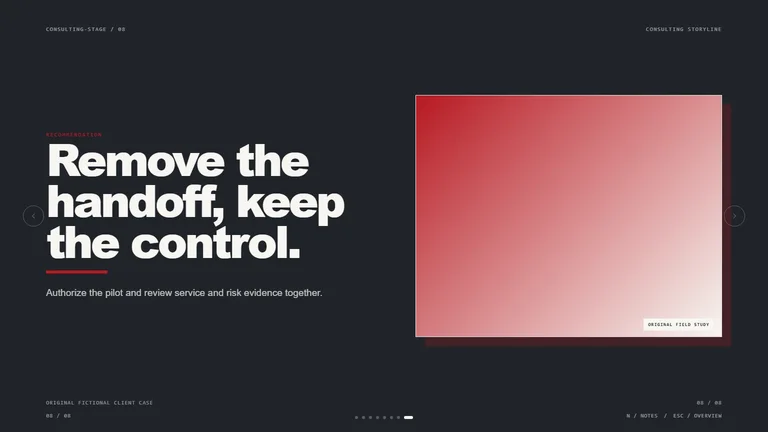
Consulting Storyline Deck result preview
Consulting Storyline Deck

Client-work check

Choose for traceability before polish

A beautiful deliverable still fails if no one can see where the conclusion came from. Use these checks before client data enters a workflow.

1

Keep evidence attached to the claim

Ask for source notes, links, or section references beside important findings so the team can verify them quickly.

2

Separate fact, interpretation, and advice

A client should be able to see what the data says, what you infer, and what you recommend as three related but distinct layers.

3

Deliver an editable file

The engagement continues after the presentation. Prefer an artifact the team can update when an assumption or decision changes.

Use it inside the agent you already work with

A Skill becomes a repeatable way for your agent to do this job. Your brief and output stay in the project where the rest of the work already lives.

1

Pick the Skill

Check the output examples, required inputs, dependencies, and price before you install.

2

Install it once

Ask your agent to install the Skill. The trusted guide handles the setup and authorization.

3

Write the brief

Describe the consultants job in plain language, review the result, and keep the final file.

Works with the agents you already use

  • Claude Code
  • Codex
  • Cursor
  • Gemini CLI
  • Cline

Questions consultants ask before installing

How should I handle confidential client material?

Use only approved systems and the minimum necessary source material. Remove secrets and personal data, and review model and provider dependencies before uploading anything.

Can a Skill preserve citations and source notes?

Yes when the workflow is built for traceability. Check the output examples and require source references beside important claims.

Can I export a client deck or report to PDF?

Many presentation and document Skills include PDF or browser print output. The individual Skill page lists the exact delivery formats.

How do I avoid every proposal looking the same?

Start from the client decision, evidence, and constraints. Reuse the reasoning structure, not a fixed set of headlines and decorative slides.

Keep going from here

Turn the analysis into something a client can question.

Choose the next client artifact, keep the evidence visible, and use a Skill that leaves you in control of the recommendation.