For brand and marketing teams

AI tools for marketers, chosen by the campaign job

Skip the hundred-tool list. Start with what has to leave the building this week: a social set, an explainer, campaign images, a banner, or a launch film. Each Skill gives your agent one repeatable production process and shows the output before you install.

Use the language already in your brief. The directory can match the campaign job, format, and audience.

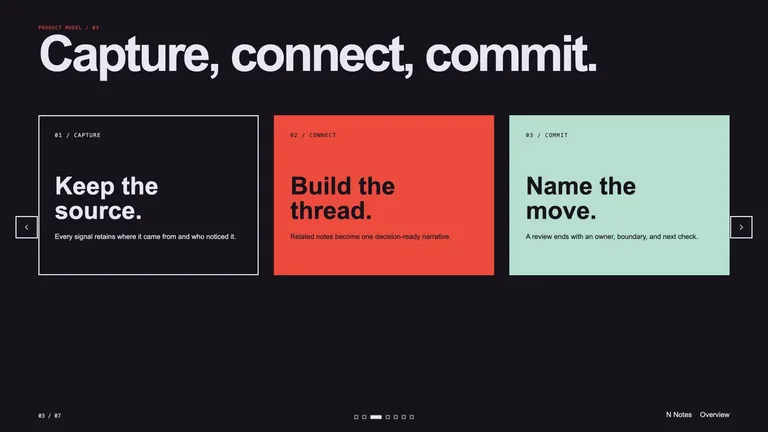
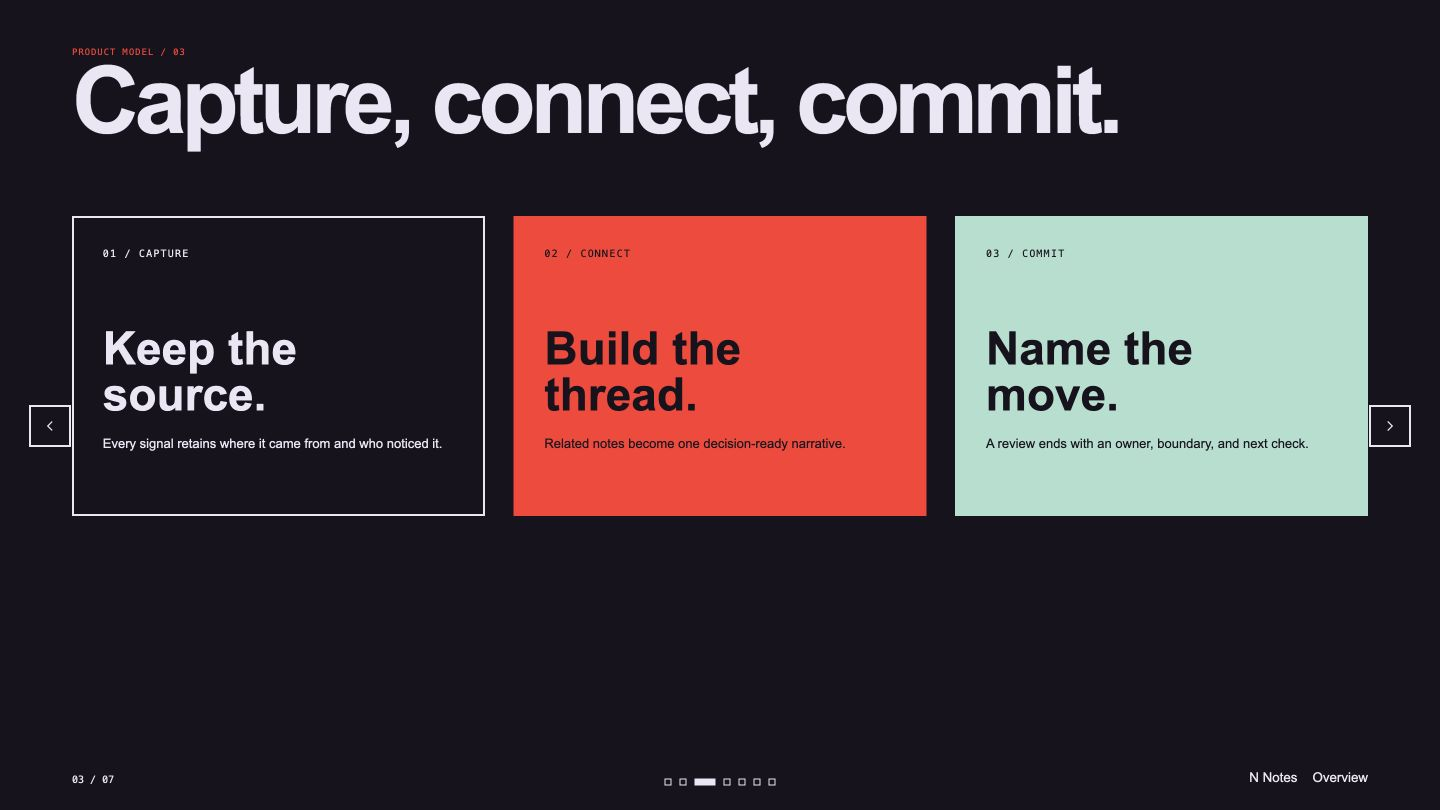
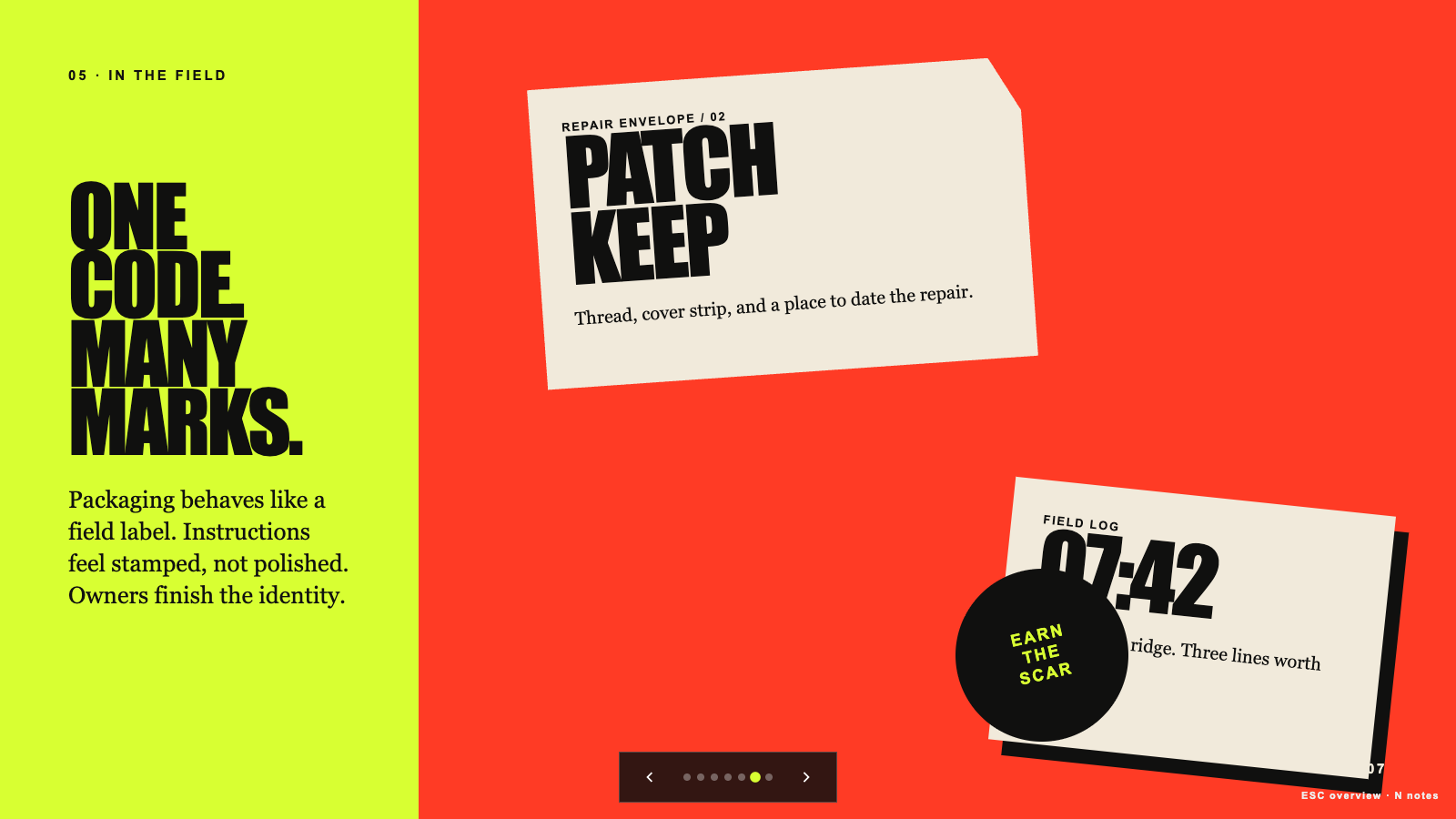
Brand Story Deck result preview

Start with the campaign asset you owe

A clear job produces a useful shortlist. Pick the deliverable first, then compare which Skill fits your channel, source material, and review process.

Campaign Skills with a visible difference

Matches are ranked by the work they can show and the task they cover. Alternatives stay only when they change the channel, format, or creative tradeoff.

Real output from matching Skills

Every example comes from a Skill shown on this page. The media is here to make the choice easier, not to decorate an empty promise.

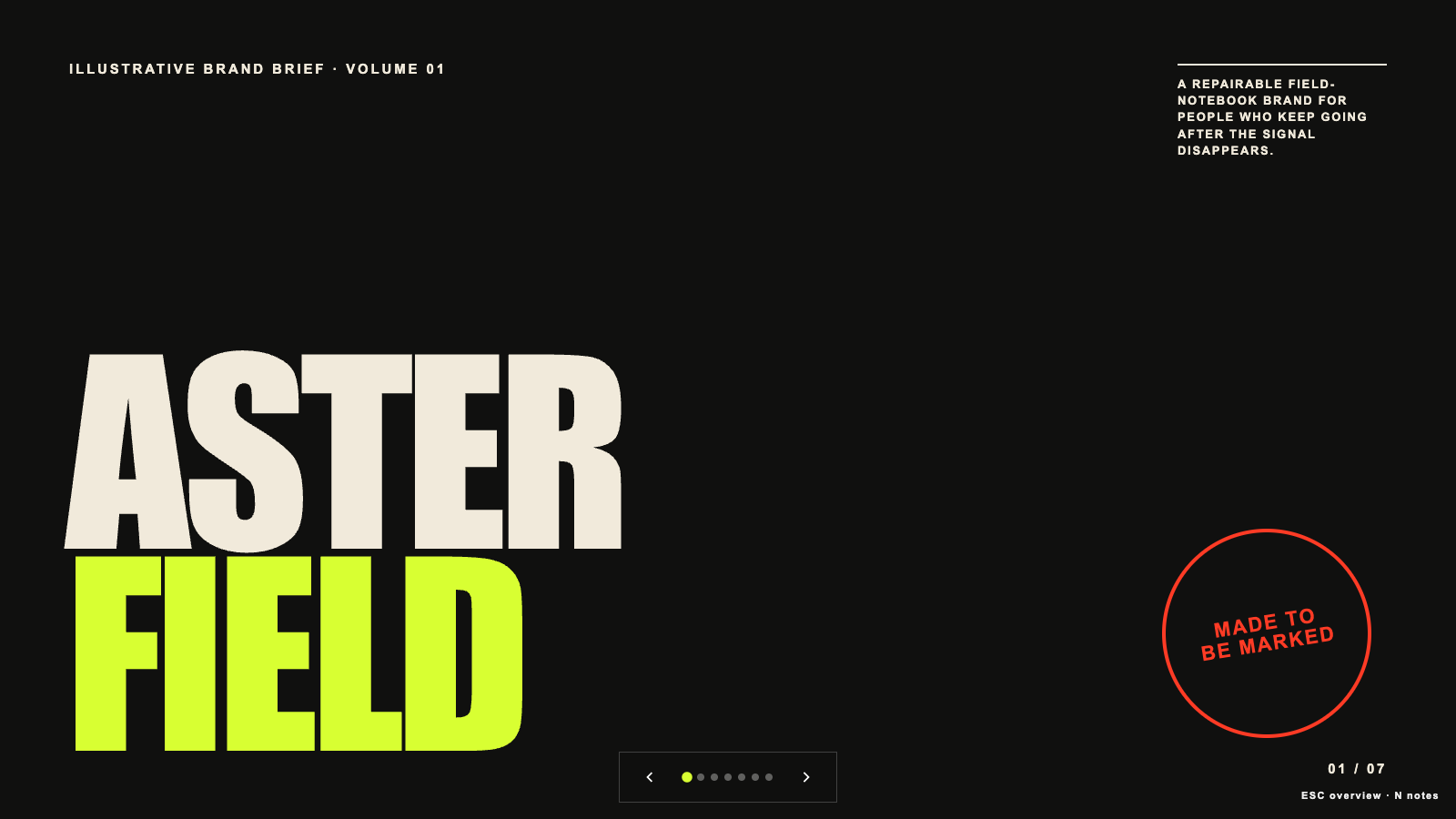
Brand Story Deck result preview
Brand Story Deck
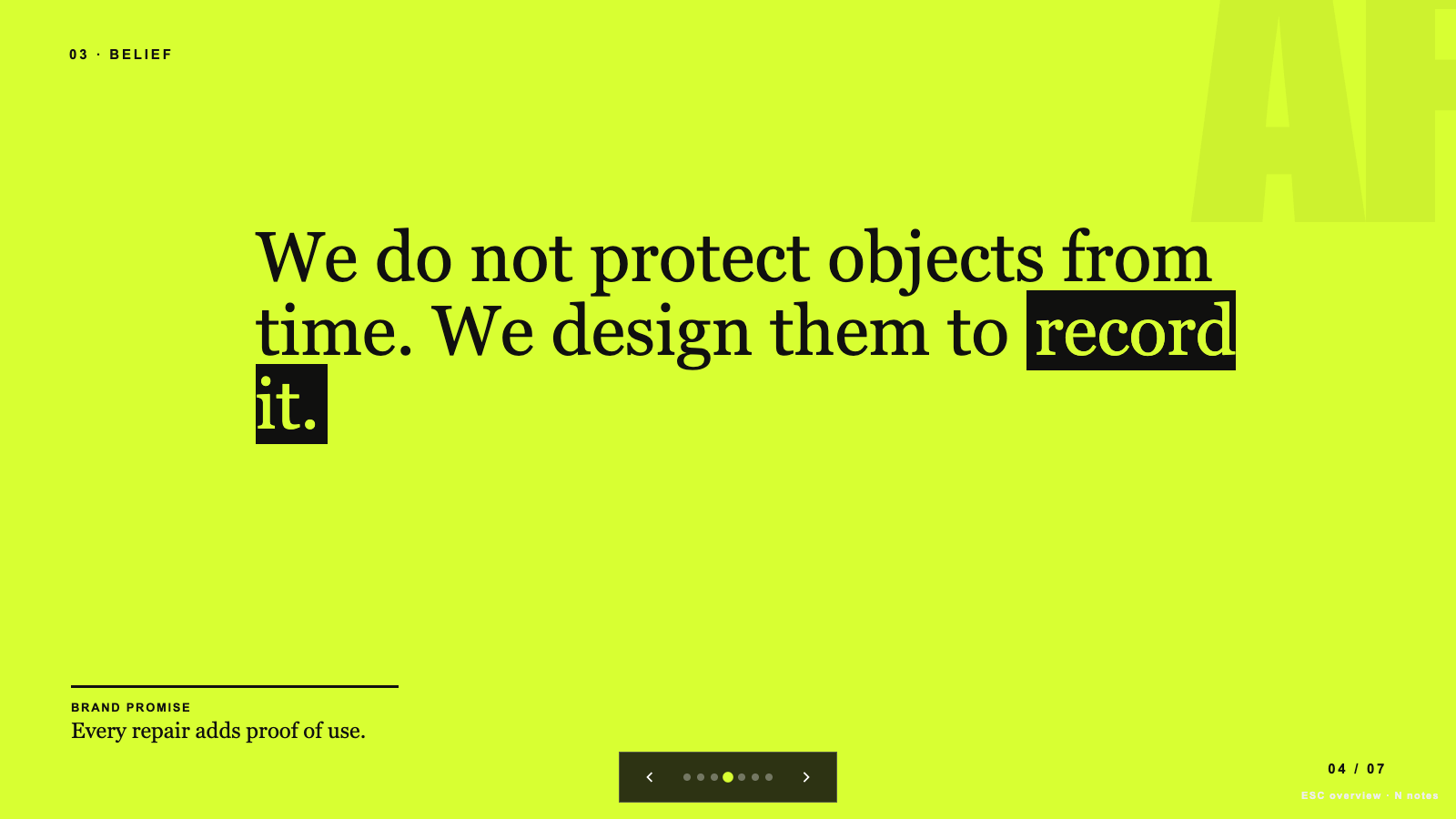
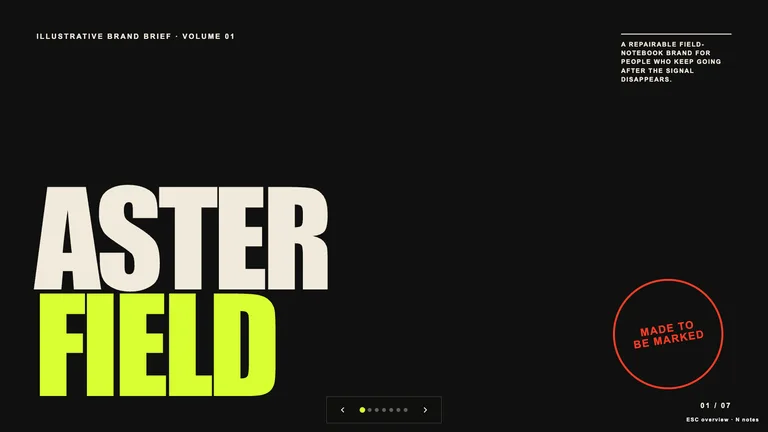
Brand Story Deck result preview
Brand Story Deck
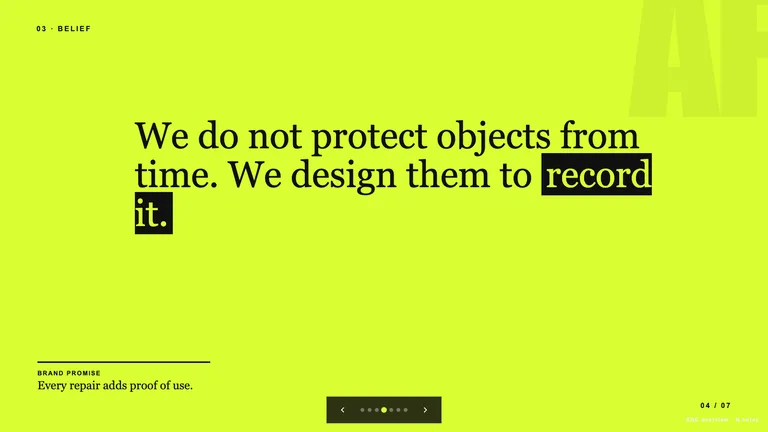
Brand Story Deck result preview
Brand Story Deck
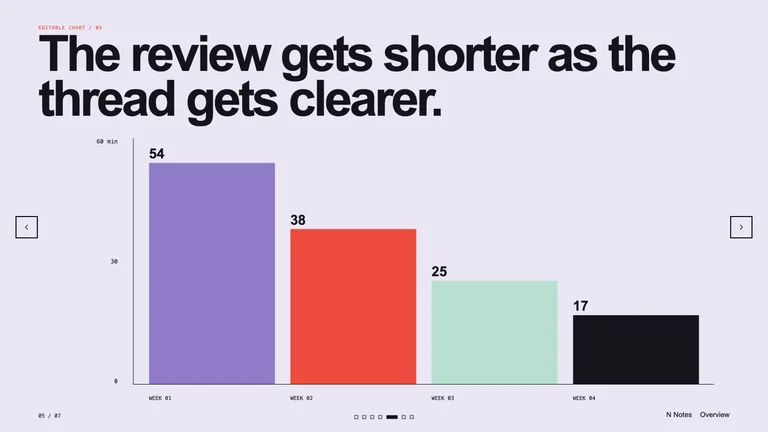
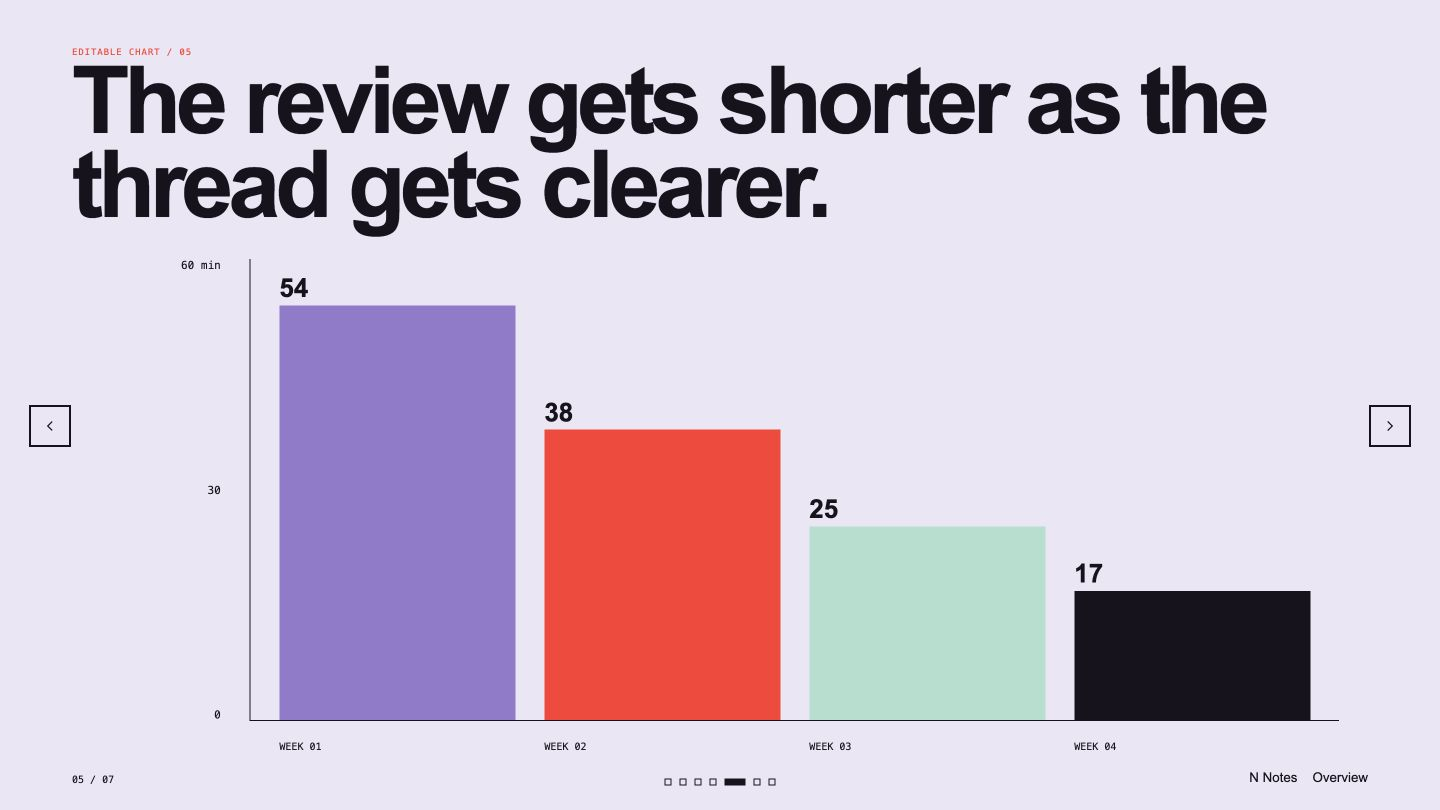
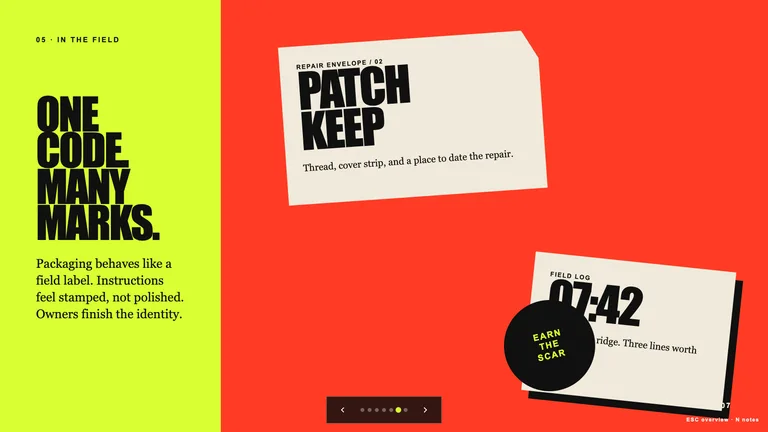
Editable Visual Deck result preview
Editable Visual Deck
Editable Visual Deck result preview
Editable Visual Deck
Editable Visual Deck result preview
Editable Visual Deck

Campaign check

Choose around the review you will actually run

Generation is the short part. The useful Skill is the one that makes channel fit, evidence, and brand review easier.

1

Name the single job of the asset

Awareness, explanation, proof, and conversion need different openings. One asset should not pretend to do all four.

2

Bring the brand constraints

Voice, banned claims, colors, logos, and approved proof should be inputs. Do not expect a generic prompt to remember them.

3

Review claims before polish

Confirm the offer, data, testimonial, and product behavior before spending time on variants and final exports.

Use it inside the agent you already work with

A Skill becomes a repeatable way for your agent to do this job. Your brief and output stay in the project where the rest of the work already lives.

1

Pick the Skill

Check the output examples, required inputs, dependencies, and price before you install.

2

Install it once

Ask your agent to install the Skill. The trusted guide handles the setup and authorization.

3

Write the brief

Describe the marketers job in plain language, review the result, and keep the final file.

Works with the agents you already use

  • Claude Code
  • Codex
  • Cursor
  • Gemini CLI
  • Cline

Questions marketing teams ask

Can a Skill follow an existing brand voice?

Yes when you provide concrete examples, vocabulary rules, and claims the team has approved. Review the first set before using the same rules at scale.

Will a social post Skill repeat the same hook?

A good one varies the role of each post, not just the wording. Ask for a sequence with distinct openings, proof, objections, and next steps.

How should we review data and customer claims?

Give the Skill approved sources and require traceable notes. A person should verify every number, quote, comparison, and product promise.

Can one brief produce versions for several channels?

Yes, but each version should be rewritten for the channel rather than cropped mechanically. Check length, aspect ratio, opening, and CTA separately.

Keep going from here

Move one real brief into production.

Pick the asset that is blocking the campaign, compare real output, and give your agent a process the team can review again next week.