For musicians, labels, and visual collaborators

AI album cover generator for a release with a point of view

An album cover has one small square to make the release feel specific. These Skills help develop a visual premise, image direction, title treatment, and release variations from your music and references. You keep the authorship, rights checks, and final art direction.

Include the sound, emotional tension, title, artist name, audience, references, forbidden clichés, required sizes, and rights constraints.

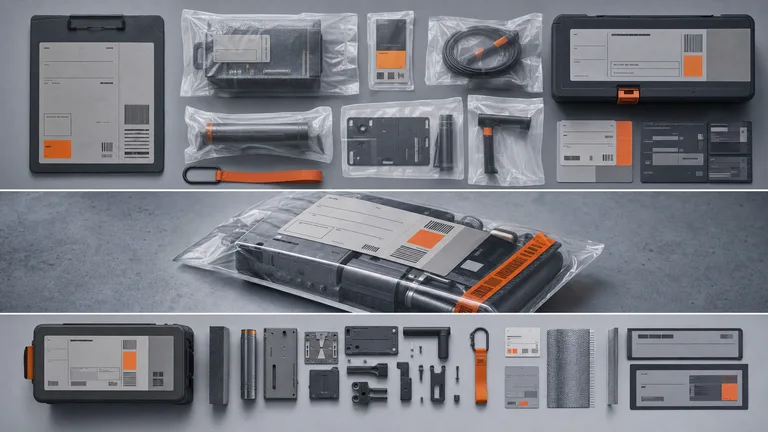
Industrial Identity Artifact result preview

Choose the release and the visual job

Start from the music’s premise and where the art will appear. A strong cover still reads when it is the size of a thumbnail.

Album cover Skills with a real art-direction process

Compare finished examples, supported references, typography handling, output resolution, dependencies, and the rights path for generated media.

Real output from matching Skills

Every example comes from a Skill shown on this page. The media is here to make the choice easier, not to decorate an empty promise.

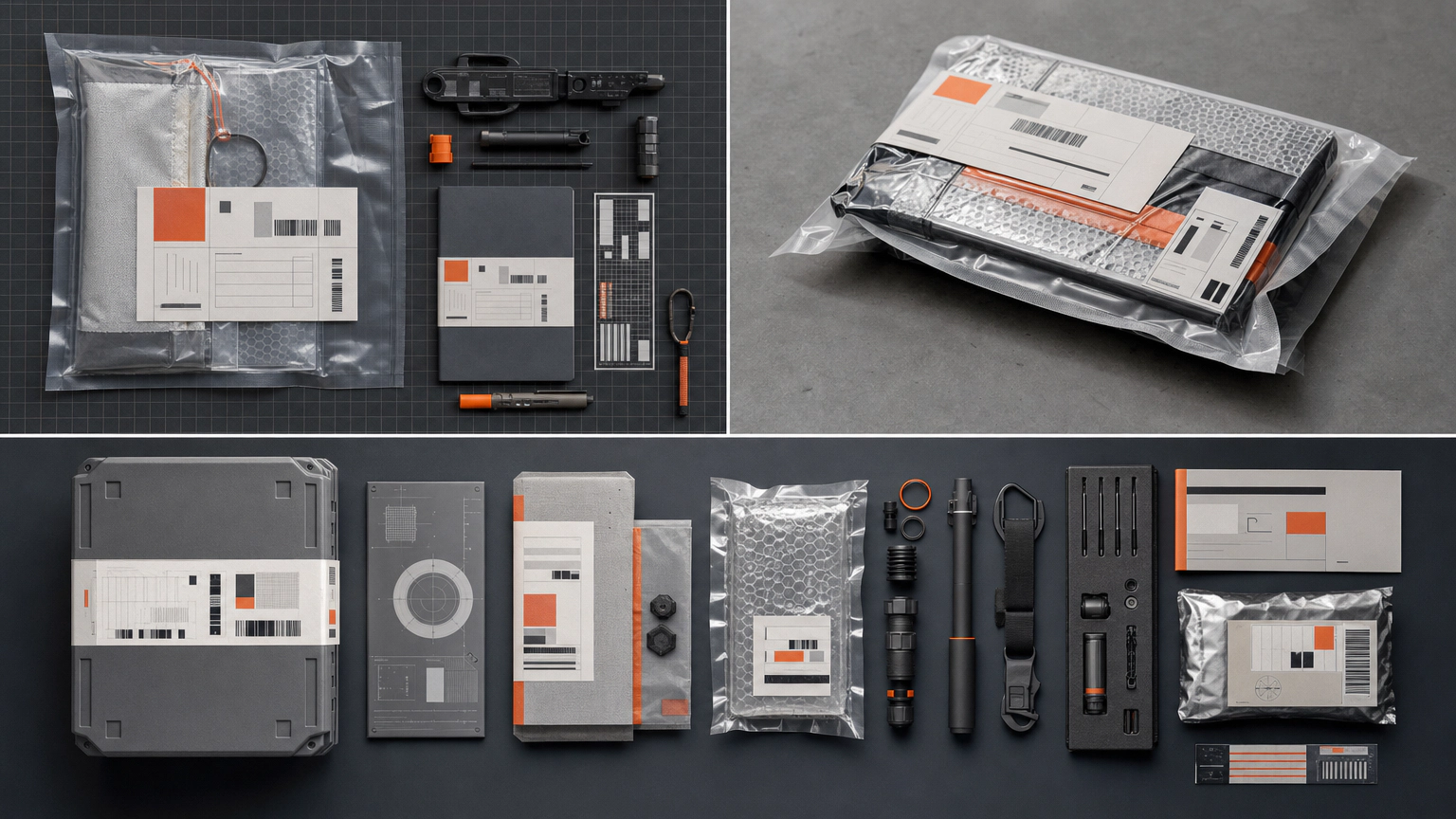
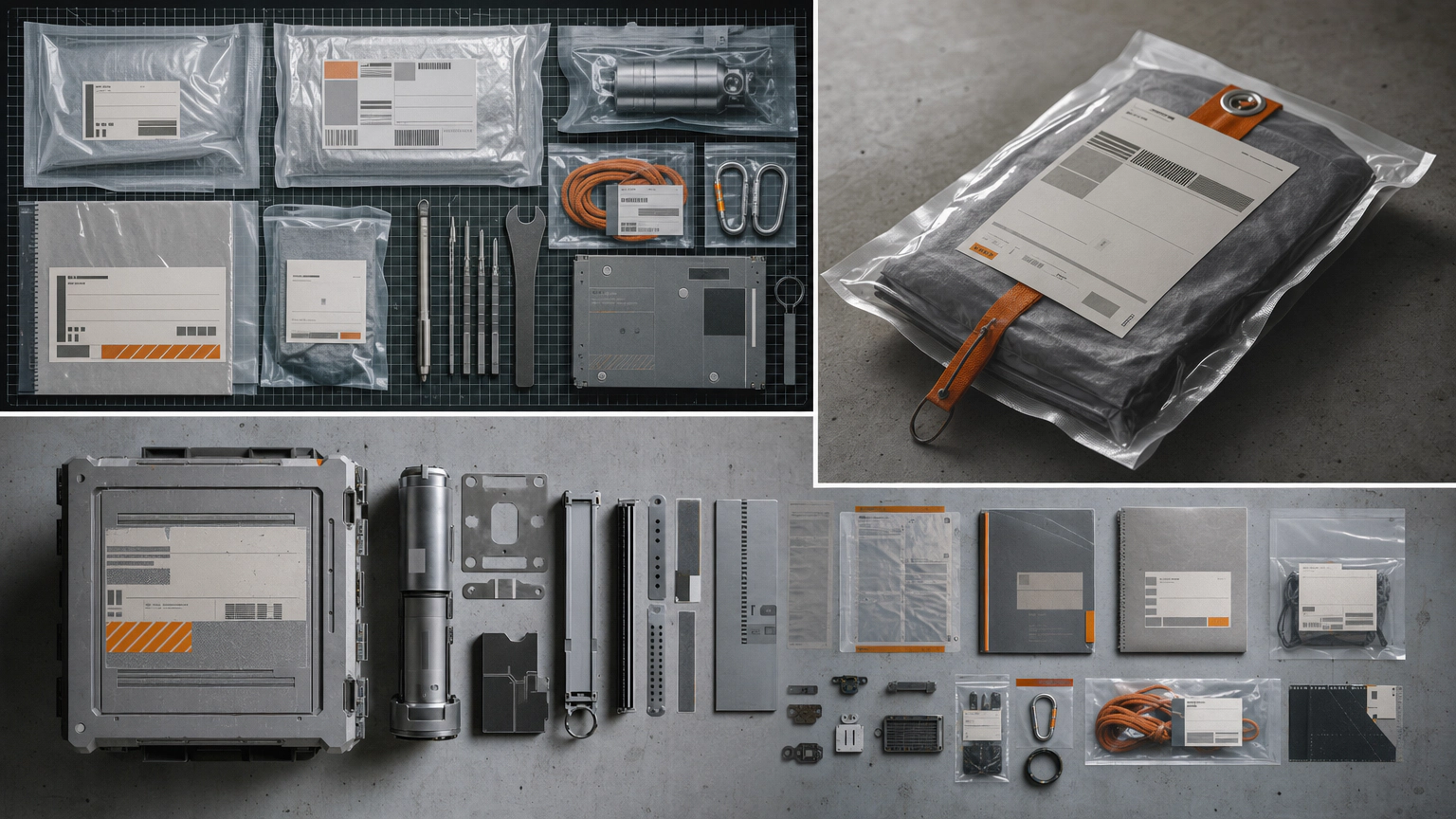
Industrial Identity Artifact result preview
Industrial Identity Artifact
Industrial Identity Artifact result preview
Industrial Identity Artifact
Industrial Identity Artifact result preview
Industrial Identity Artifact
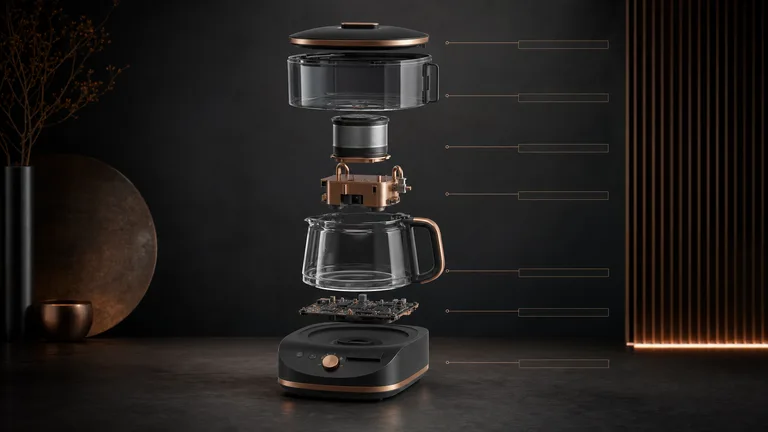
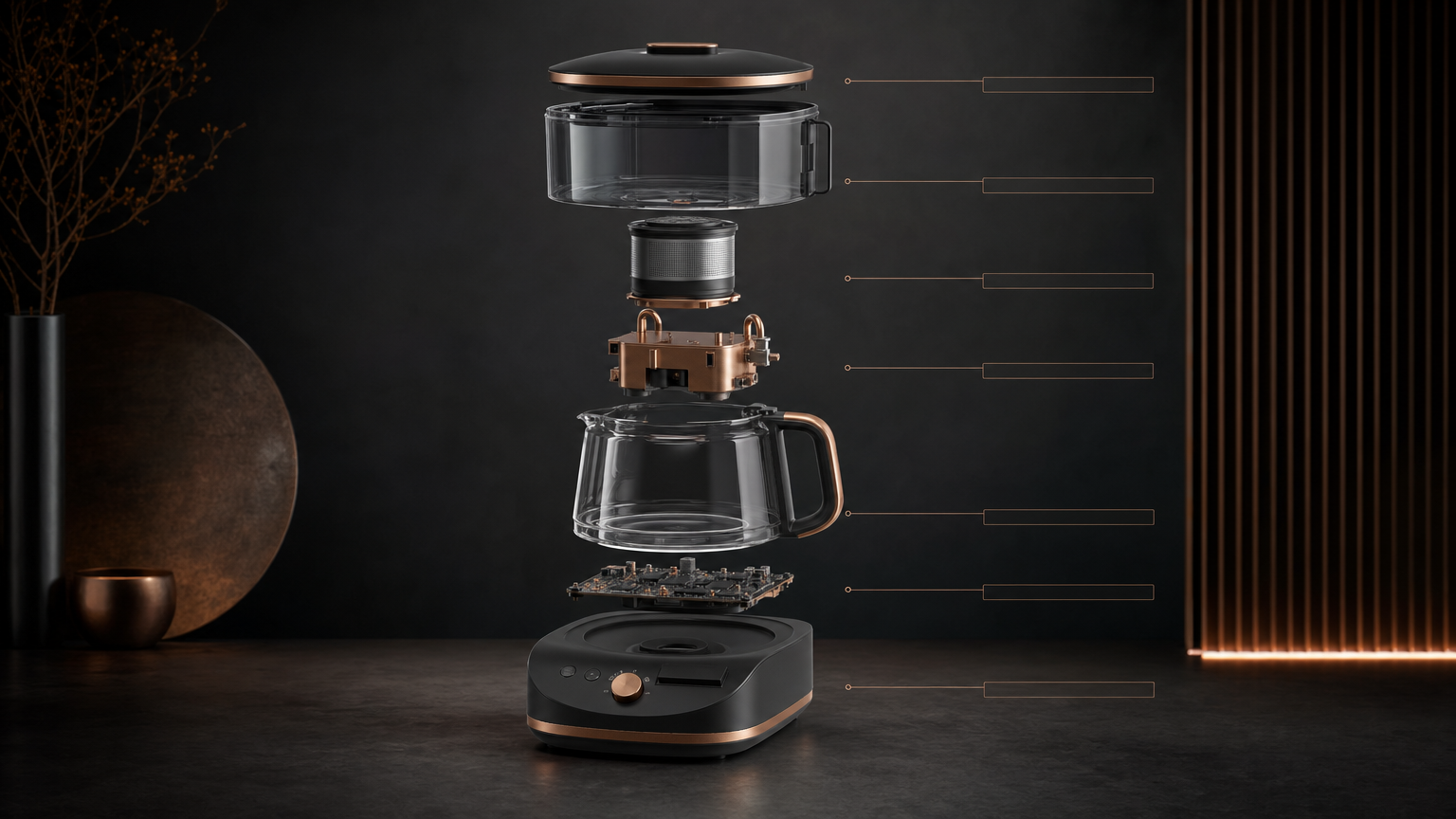
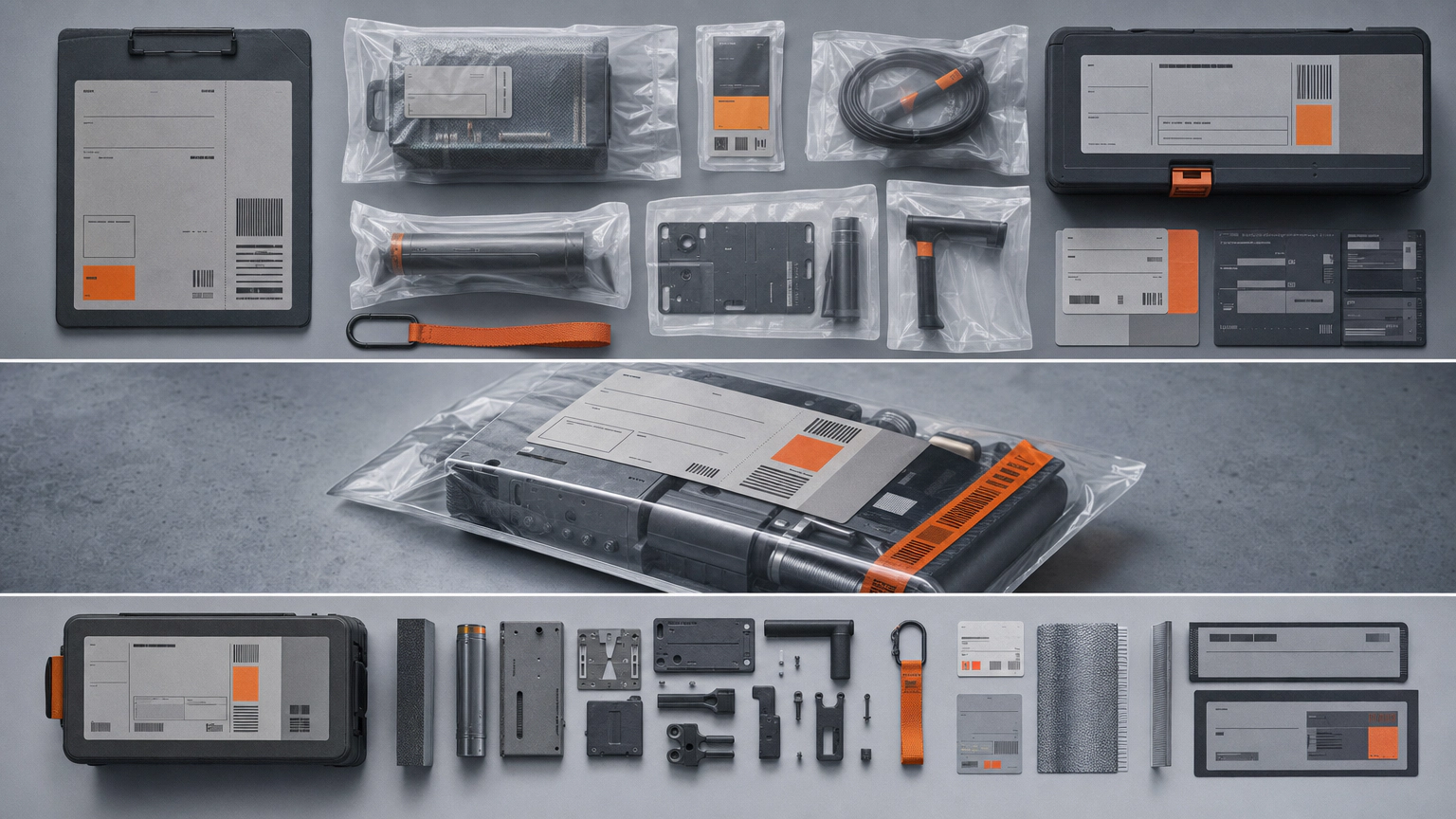
Appliance Exploded Poster result preview
Appliance Exploded Poster
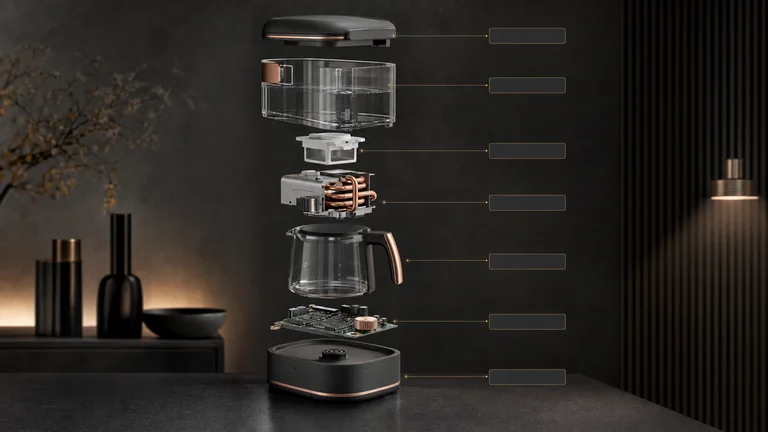
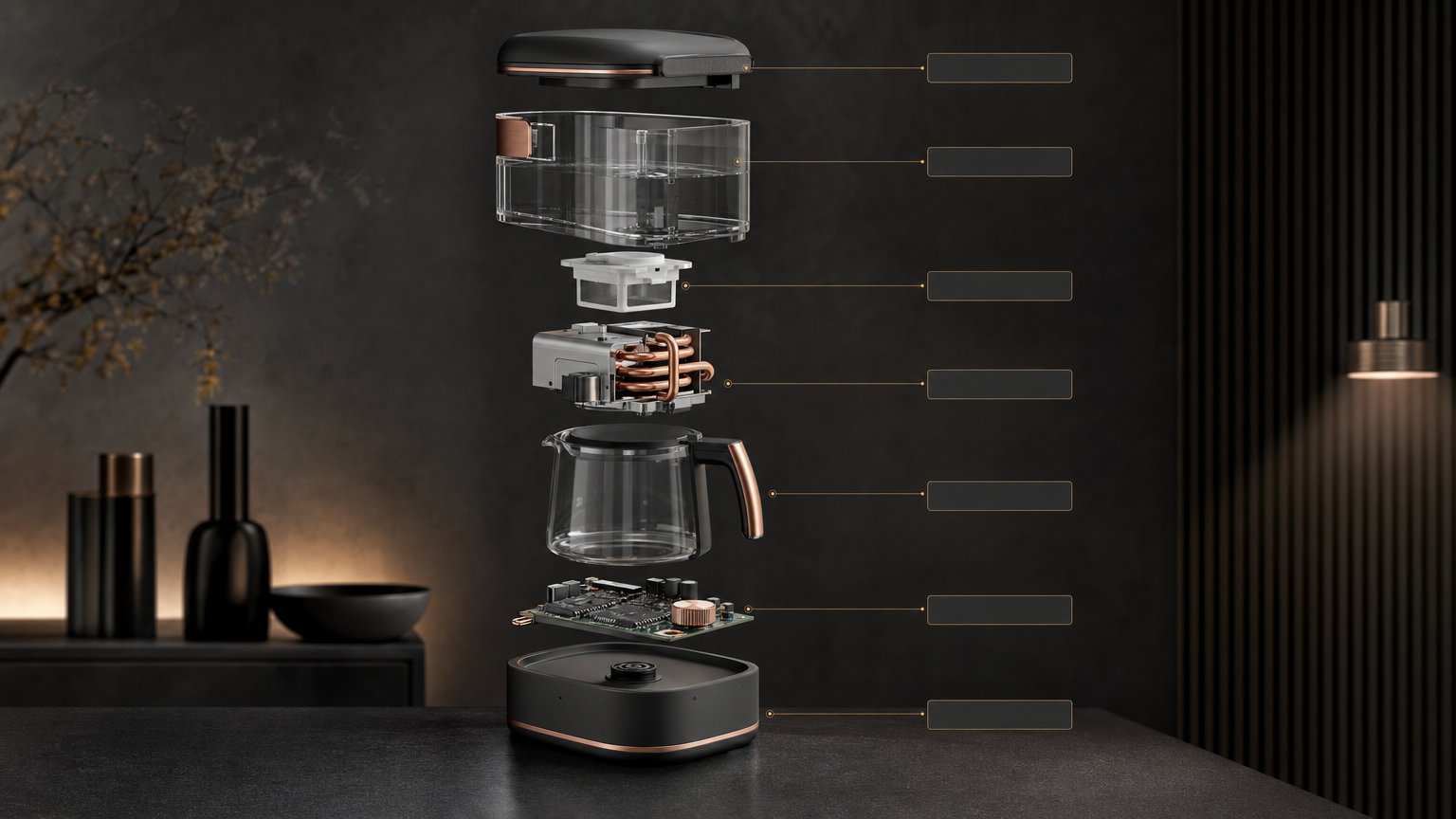
Appliance Exploded Poster result preview
Appliance Exploded Poster
Appliance Exploded Poster result preview
Appliance Exploded Poster

Cover check

Choose a workflow that helps you find one strong premise

More variations only help when the visual idea, release context, and reasons for choosing are clear.

1

Brief the tension in the music

Describe contrasts, atmosphere, pace, subject, and the emotional aftertaste. This gives the image more to work with than a genre label.

2

Test title and thumbnail together

Check the art at full size and tiny streaming size. The hierarchy, focal point, and artist identity should survive both.

3

Clear the rights path

Use assets you can license, obtain permission for recognizable people, check model and font terms, and retain documentation for the release.

Use it inside the agent you already work with

A Skill becomes a repeatable way for your agent to do this job. Your brief and output stay in the project where the rest of the work already lives.

1

Pick the Skill

Check the output examples, required inputs, dependencies, and price before you install.

2

Install it once

Ask your agent to install the Skill. The trusted guide handles the setup and authorization.

3

Write the brief

Describe the album covers job in plain language, review the result, and keep the final file.

Works with the agents you already use

  • Claude Code
  • Codex
  • Cursor
  • Gemini CLI
  • Cline

Questions about AI album covers

What should an album-cover brief include?

Include the music, title, artist identity, audience, emotional tension, visual references, clichés to avoid, required text, formats, deadline, and rights limits.

Can I use my own photo or artwork?

Yes when the Skill accepts references and you have permission to use them. State which parts may be transformed and which must remain accurate.

Will the output meet distributor requirements?

Check the final pixel size, aspect ratio, color mode, file type, text, and content rules against the distributor’s current specification before delivery.

Who owns AI-generated cover art?

Rights depend on your jurisdiction, source assets, model provider terms, and the human contribution. Keep records and get professional advice for important releases.

Keep going from here

Give the release one visual idea people can remember.

Bring the music, title, tension, references, and rights constraints. Explore directions, then finish the one that belongs to the record.