
For content creators and editors

AI content creation tools for work you actually publish

The draft is already yours. These agent Skills help with the parts that turn it into something ready to publish: the article illustration, the cover, the carousel, the clip, and the visual set that makes a series feel like one body of work.

Describe the piece you are making. The directory searches the work and output, not a memorized product name.

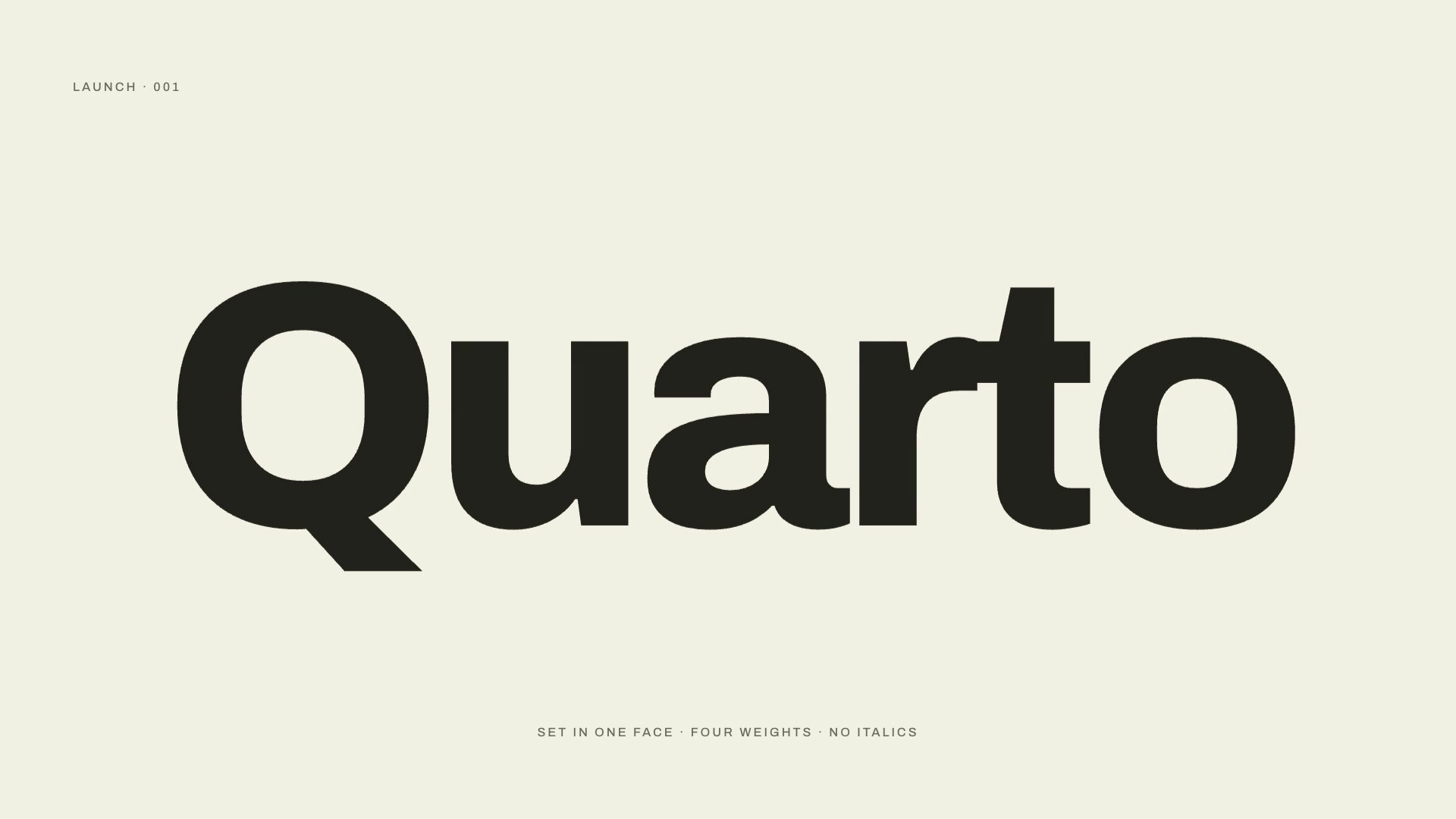
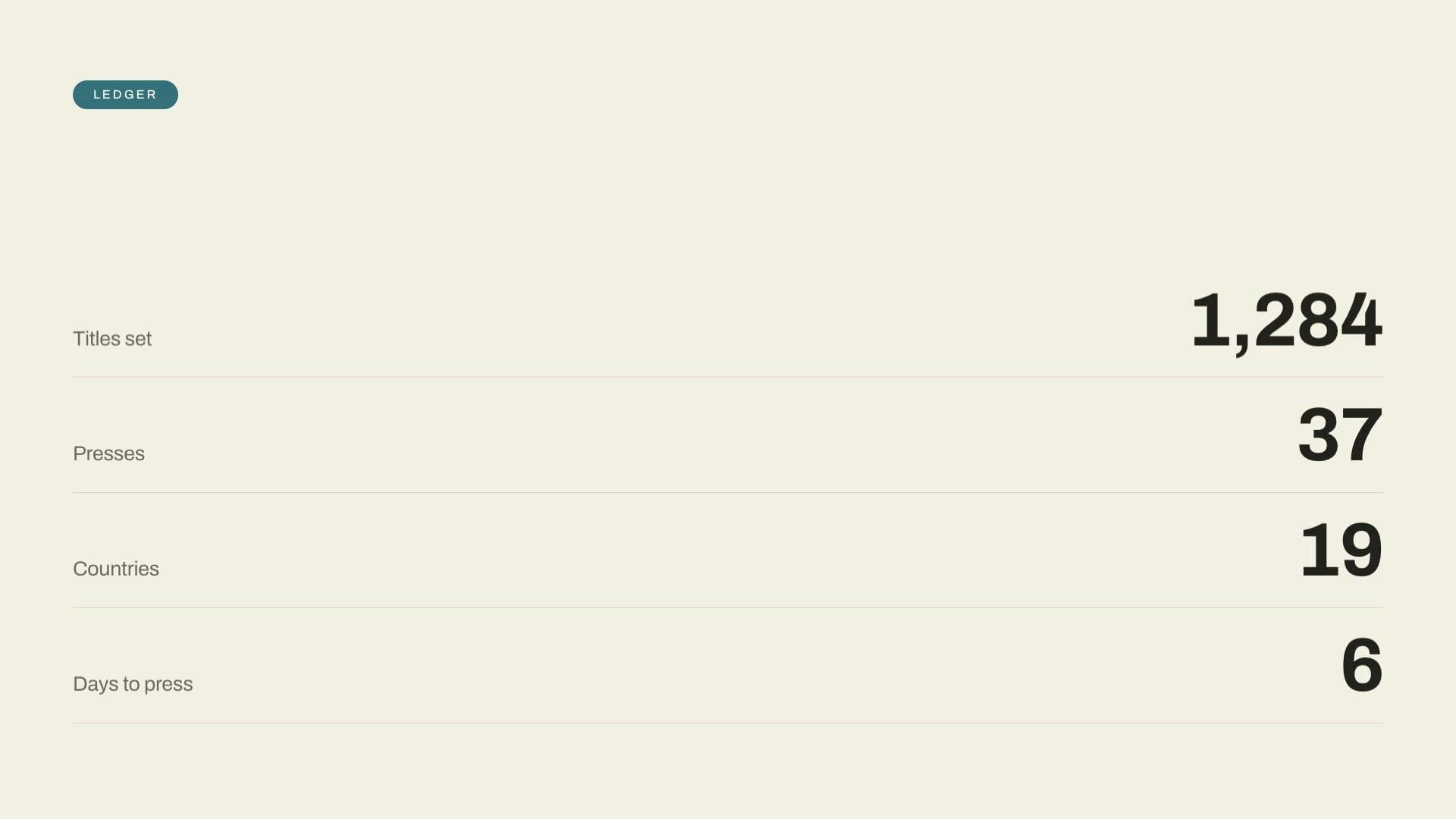
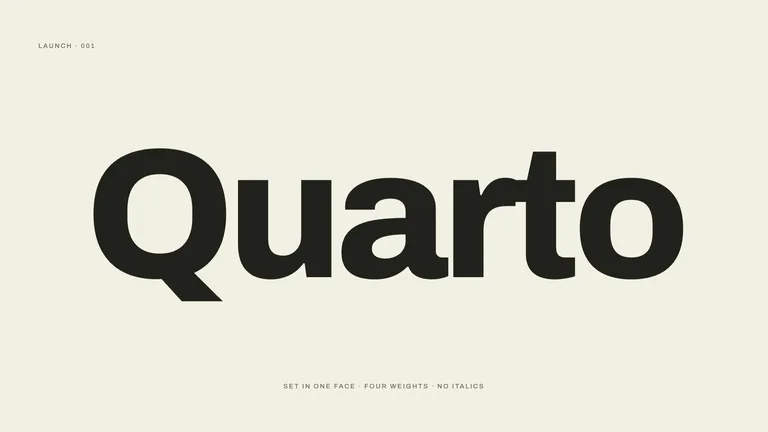
Frame-Token Editorial Launch result preview
Liquid-Rupture Logo Reveal result preview

Start with the piece you have to ship

A useful Skill does one publishing job well. Pick the job in front of you, then compare real output and the inputs each Skill needs.

Skills that earn a place in a publishing workflow

The first match is the strongest fit for this role. Alternatives only appear when they make a meaningfully different tradeoff in style, format, or the amount of material you need to bring.

Real output from matching Skills

Every example comes from a Skill shown on this page. The media is here to make the choice easier, not to decorate an empty promise.

Frame-Token Editorial Launch result preview
Frame-Token Editorial Launch
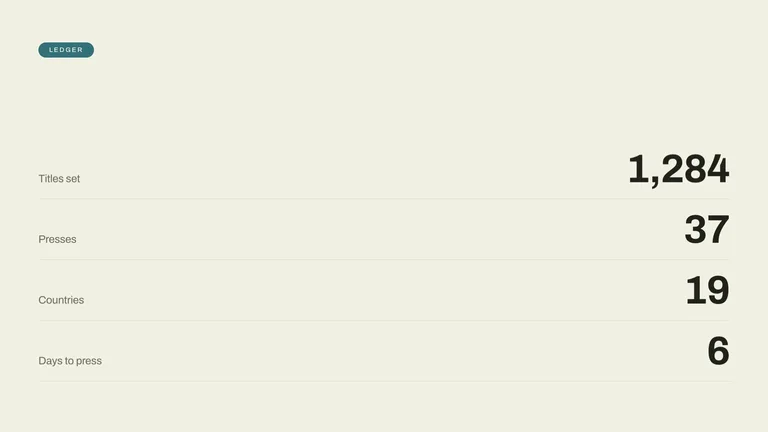
Frame-Token Editorial Launch result preview
Frame-Token Editorial Launch
Liquid-Rupture Logo Reveal result preview
Liquid-Rupture Logo Reveal
Liquid-Rupture Logo Reveal result preview
Liquid-Rupture Logo Reveal
Sound-Reveal Launch Film result preview
Sound-Reveal Launch Film
Sound-Reveal Launch Film result preview
Sound-Reveal Launch Film

How to choose

Pick for the series, not just this week

The fastest-looking option can create more work later. Check how the Skill handles repeat use before you make it part of a publishing rhythm.

1

Decide whether this is one image or a series

A one-off can lean on a single reference. A weekly column needs visual rules that stay stable after the first prompt is forgotten.

2

Check what you have to bring

A good Skill names the draft, reference images, dimensions, and decisions it needs before it starts making anything.

3

Confirm the final format

Know whether you get a flat image, an editable source, a self-contained deck, or a set of channel-ready exports.

Use it inside the agent you already work with

A Skill becomes a repeatable way for your agent to do this job. Your brief and output stay in the project where the rest of the work already lives.

1

Pick the Skill

Check the output examples, required inputs, dependencies, and price before you install.

2

Install it once

Ask your agent to install the Skill. The trusted guide handles the setup and authorization.

3

Write the brief

Describe the content creators job in plain language, review the result, and keep the final file.

Works with the agents you already use

  • Claude Code
  • Codex
  • Cursor
  • Gemini CLI
  • Cline

Questions creators ask before installing

How is a Skill different from another AI content tool?

A tool is usually another app and another workspace. A Skill gives your current agent a repeatable process, so it can work beside the draft, references, and files already in your project.

Can I use the output in paid or commercial work?

Many Skills are designed for newsletters, videos, client work, and product releases. Check the rights and model dependencies on the individual Skill page before publishing.

Will a visual series stay consistent from issue to issue?

Choose a Skill that documents its palette, composition, type, and reference rules. Those constraints make consistency repeatable instead of relying on a lucky prompt.

Do image and video Skills have outside generation costs?

Some call a model through your own provider account. The Skill page lists required accounts and expected outside costs before you install or buy.

Keep going from here

Your agent can already write. Give it a way to make the rest.

Start with the piece on your desk now. Compare the real outputs, install one Skill, and keep the result in the project where the work began.