For visual and interface designers

Best AI for design work that still needs a designer

Use AI to move through production faster while keeping the choices that make the work coherent: hierarchy, type, image direction, interaction, and restraint. These Skills are organized by the artifact on your board, not by a vague promise to “do design.”

Name the audience, format, required assets, and visual rules that should survive every variation.

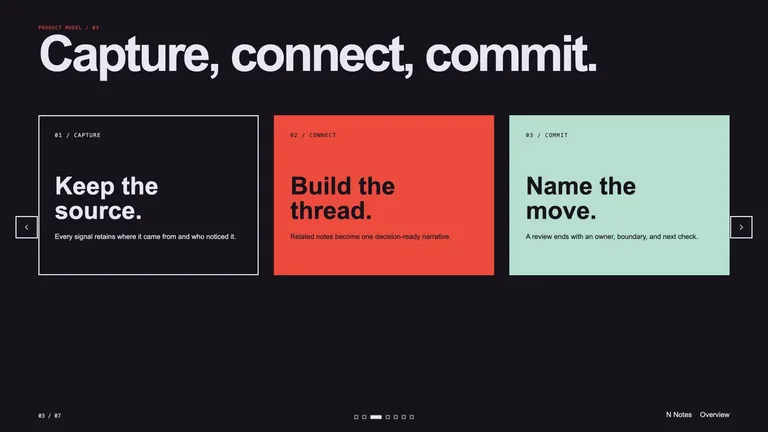
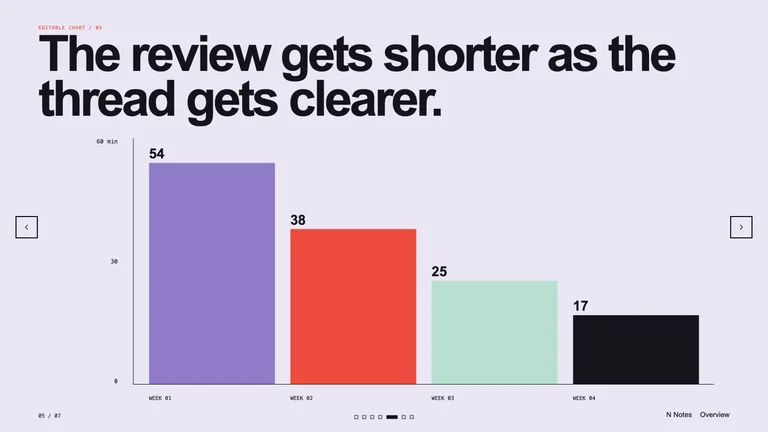
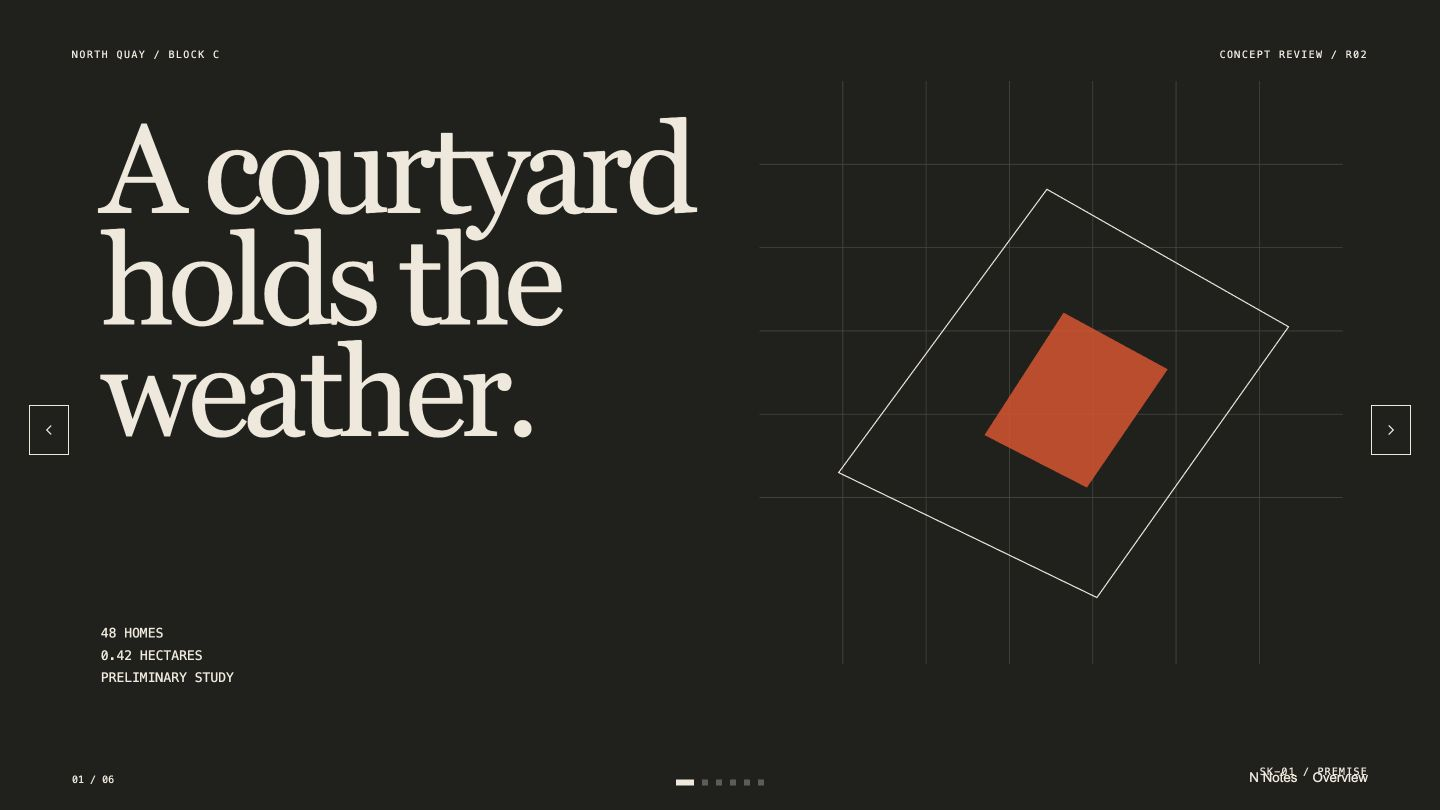
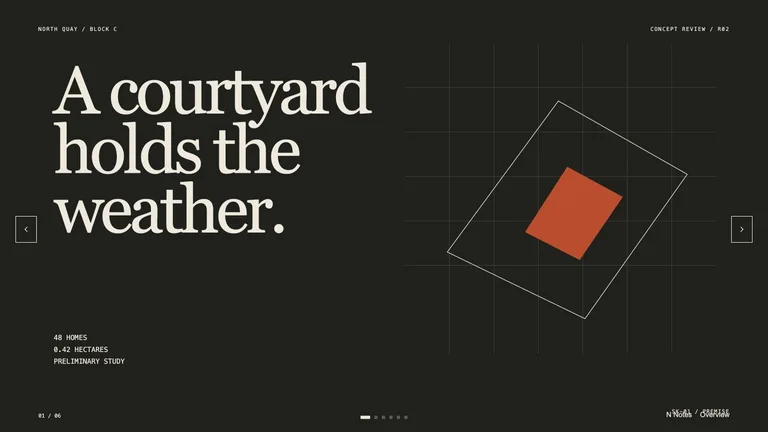
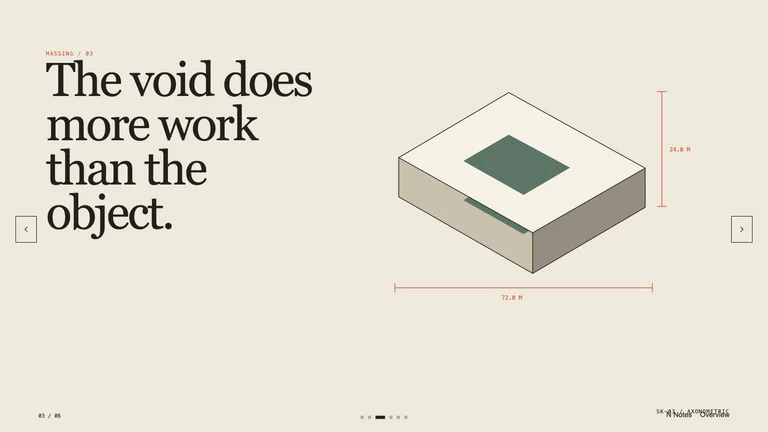
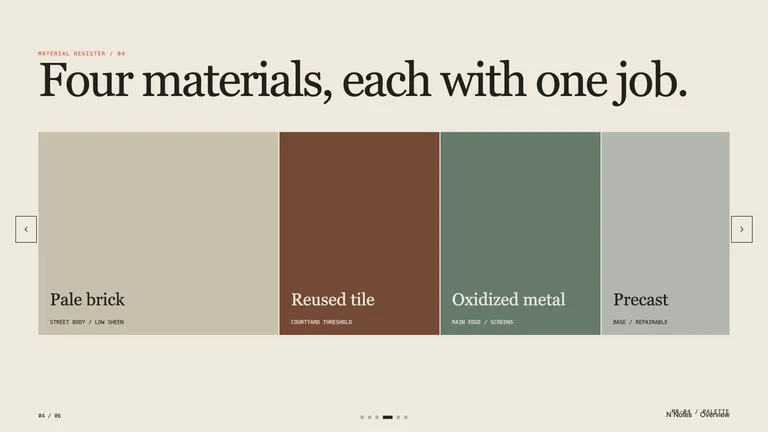
Architectural Project Deck result preview

Start with the design artifact you need to move

Each route makes a defined visual or working file. You can judge the output, revise the system, and keep the useful parts.

Skills with work you can actually critique

Compare the artifact, visual range, required inputs, dependencies, and output format before adding a workflow to your practice.

Real output from matching Skills

Every example comes from a Skill shown on this page. The media is here to make the choice easier, not to decorate an empty promise.

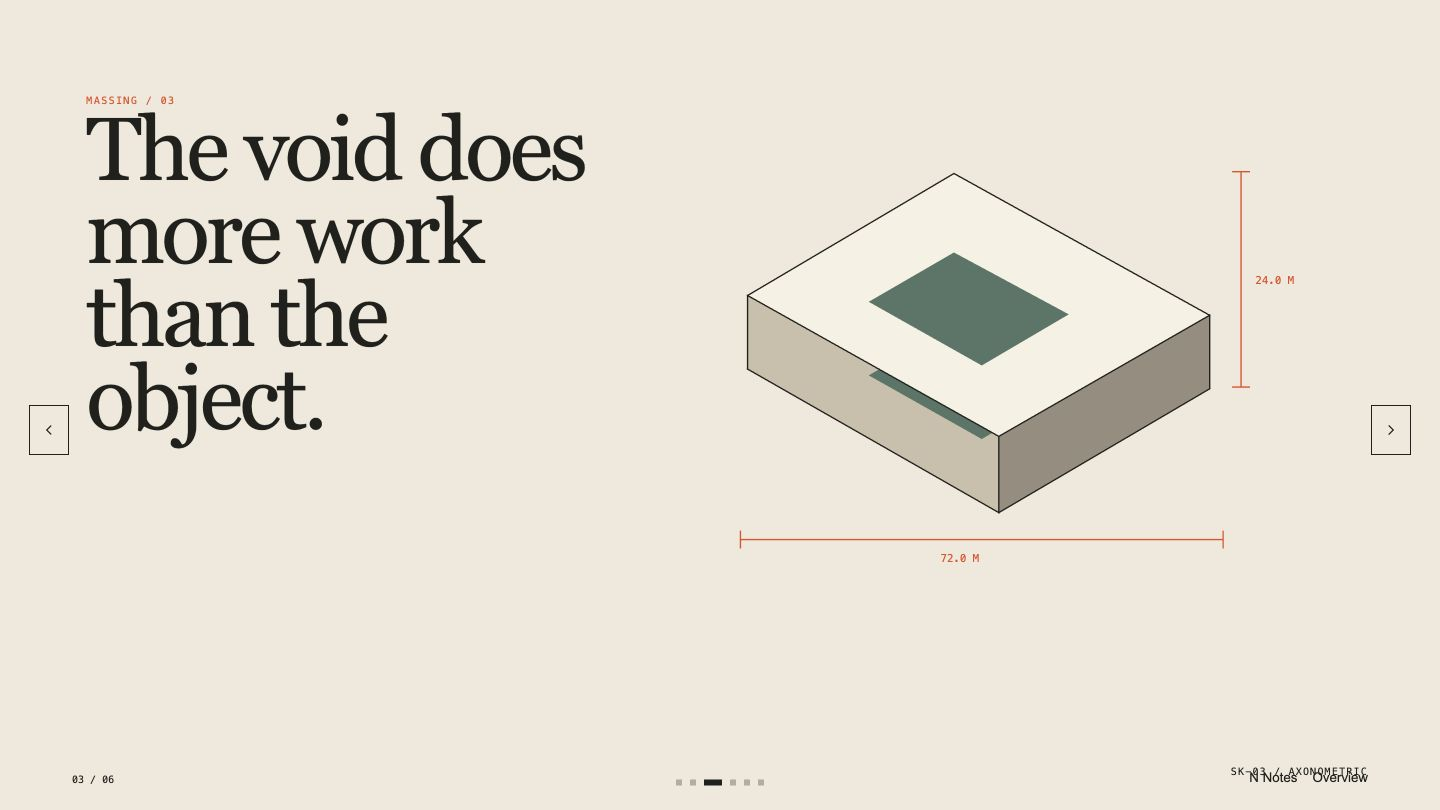
Architectural Project Deck result preview
Architectural Project Deck
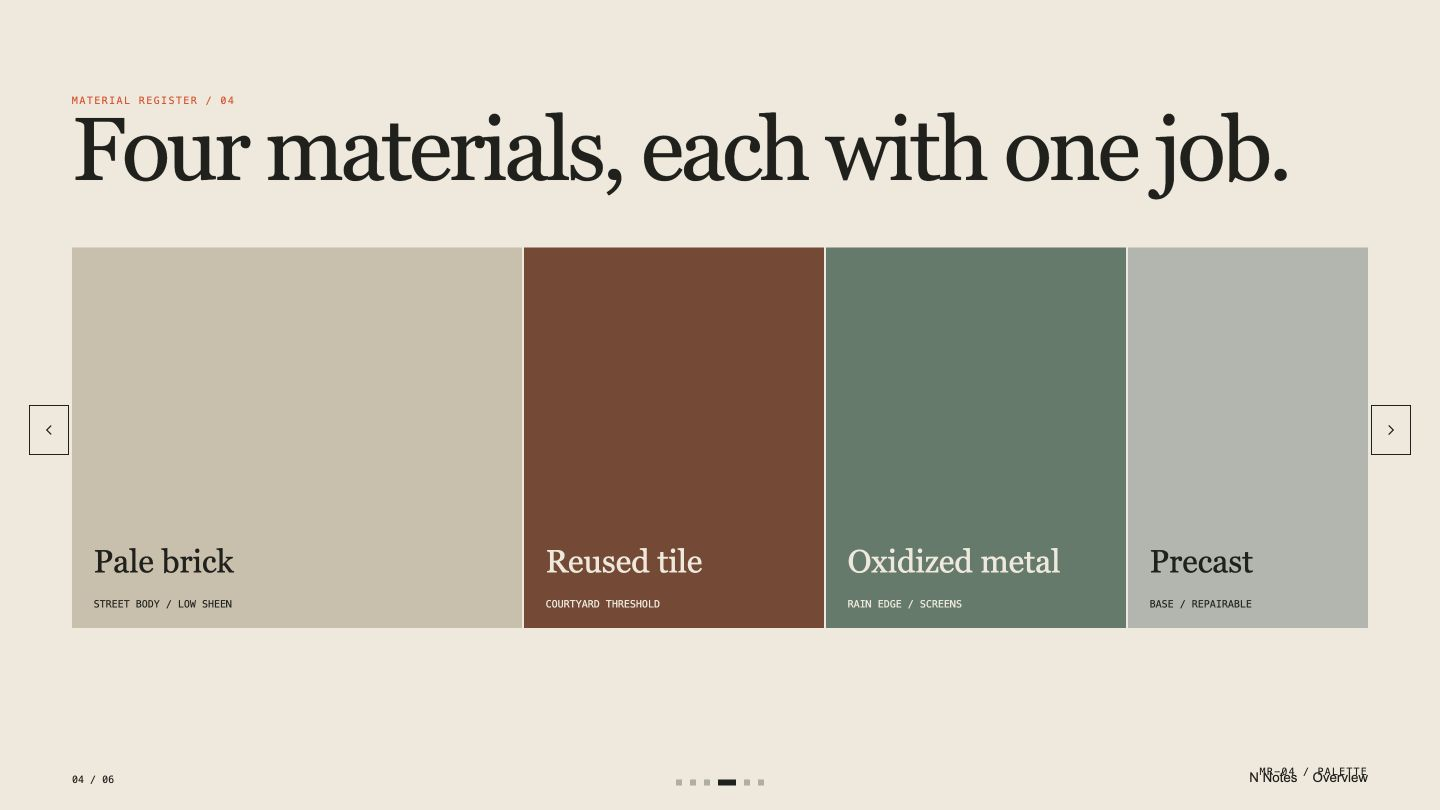
Architectural Project Deck result preview
Architectural Project Deck
Architectural Project Deck result preview
Architectural Project Deck
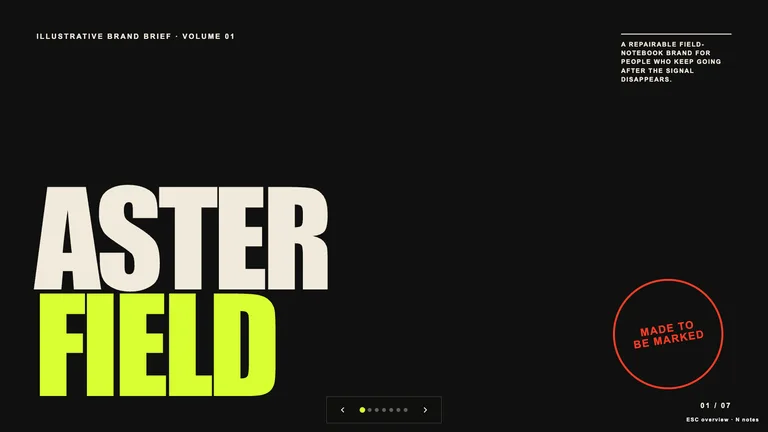
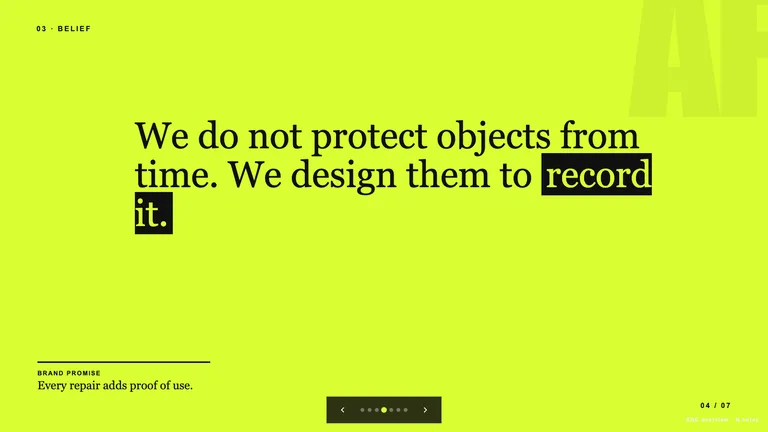
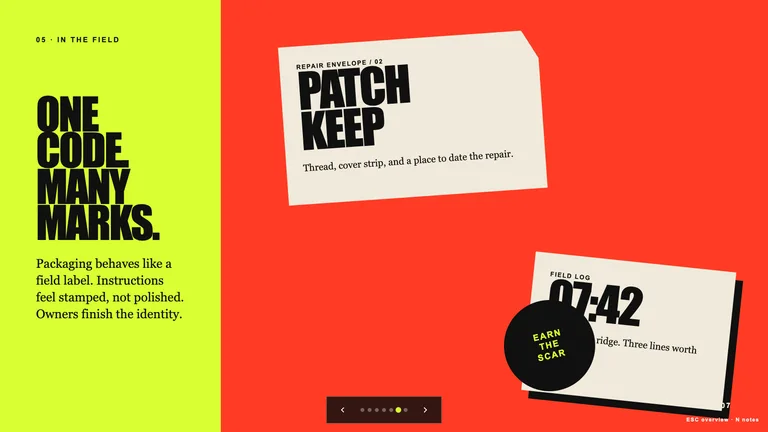
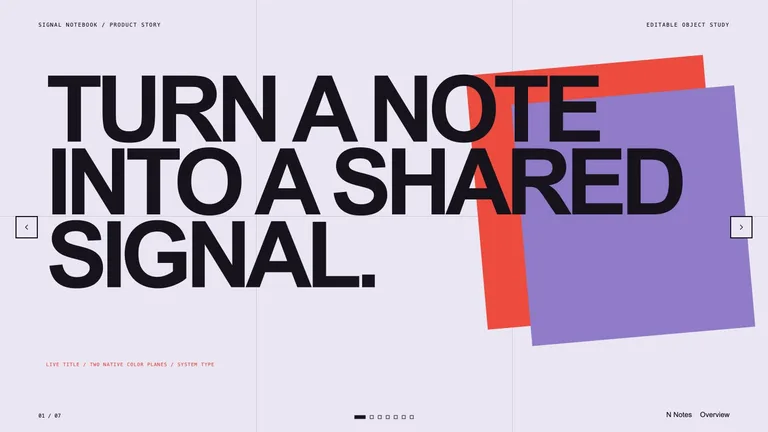
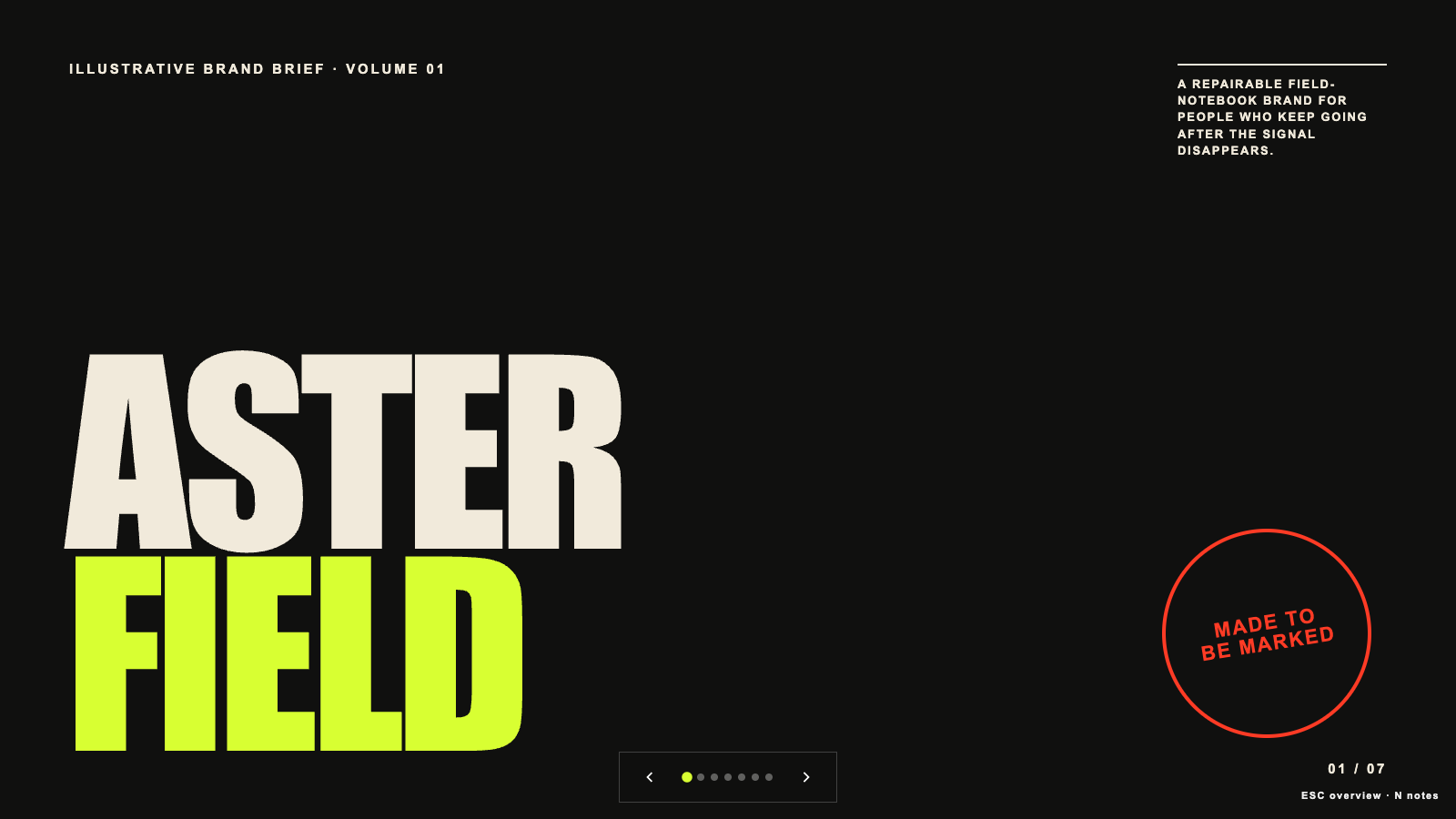
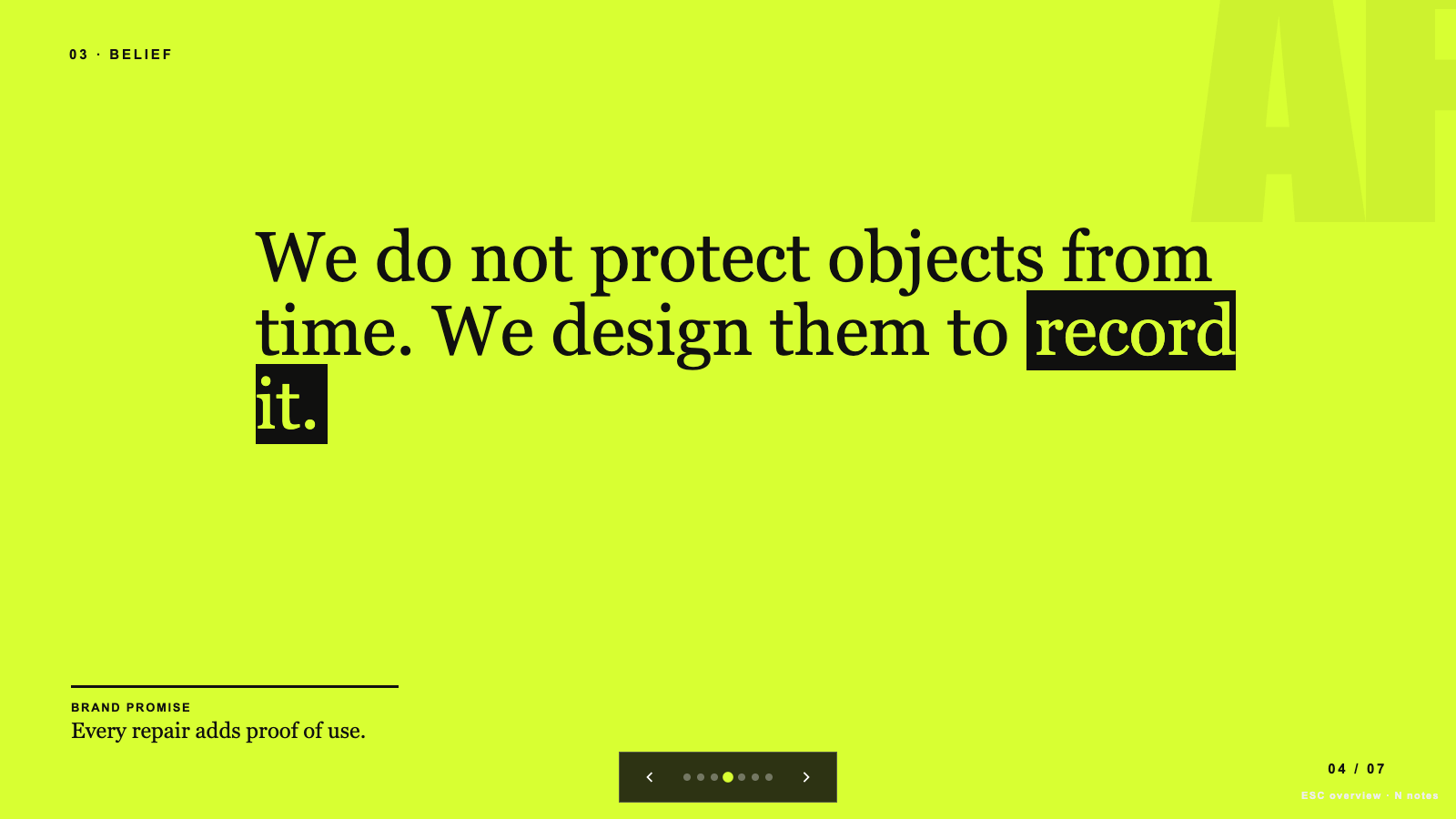
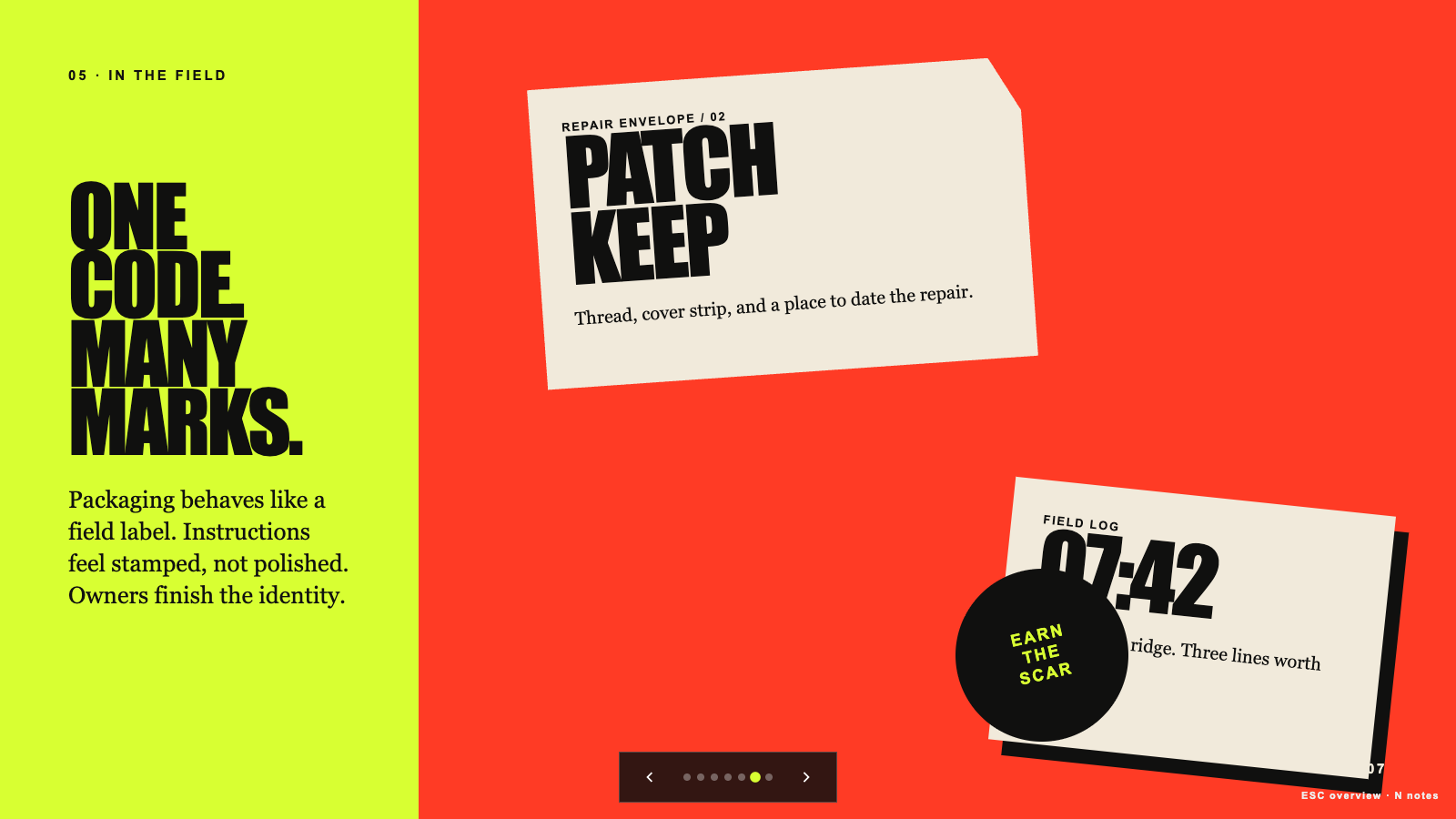
Brand Story Deck result preview
Brand Story Deck
Brand Story Deck result preview
Brand Story Deck
Brand Story Deck result preview
Brand Story Deck

Design check

Choose a workflow with enough control to make a system

Fast variation helps after the direction is clear. These checks keep the work from becoming a pile of unrelated options.

1

Define the invariant parts

State what cannot drift: logo treatment, type roles, color behavior, product details, content hierarchy, or interaction states.

2

Bring real content early

Test the direction with the actual title, data, image proportions, and edge cases. Placeholder content hides the decisions that matter.

3

Ask for an editable handoff

Know whether you receive source code, structured files, layers, vectors, or only a flattened image before building the workflow around it.

Use it inside the agent you already work with

A Skill becomes a repeatable way for your agent to do this job. Your brief and output stay in the project where the rest of the work already lives.

1

Pick the Skill

Check the output examples, required inputs, dependencies, and price before you install.

2

Install it once

Ask your agent to install the Skill. The trusted guide handles the setup and authorization.

3

Write the brief

Describe the designers job in plain language, review the result, and keep the final file.

Works with the agents you already use

  • Claude Code
  • Codex
  • Cursor
  • Gemini CLI
  • Cline

Questions designers ask before installing

Can these Skills use our own fonts, logo, and palette?

Some can. Check the required inputs and dependencies, then test whether the rules hold across several outputs rather than one hero sample.

Will I receive an editable file?

It depends on the Skill. The listing should state whether the result is code, SVG, layered source, presentation, HTML, video, or a flattened image.

How do I keep a generated set visually consistent?

Lock a small set of visual rules, reuse the same source references, and review the whole family together. Regenerate the outlier instead of changing the system around it.

Can a UI Skill handle light and dark states?

Yes when both themes and their semantic tokens are part of the brief. Include real content and interaction states so the result can be checked beyond a static screen.

Keep going from here

Pick one artifact and keep the art direction in your hands.

Bring the real content and constraints, compare the output, and install the workflow that gives you a useful handoff.