
For shops and marketplace teams

AI tools for ecommerce teams with products to move

A store needs more than one polished hero image. It needs a truthful, consistent set of product pictures, listing copy, campaign assets, and channel-ready variations. Start with the selling job that is slowing the catalog down.

Name the product, channel, required sizes, and details that must remain accurate. Add your real source images whenever appearance matters.

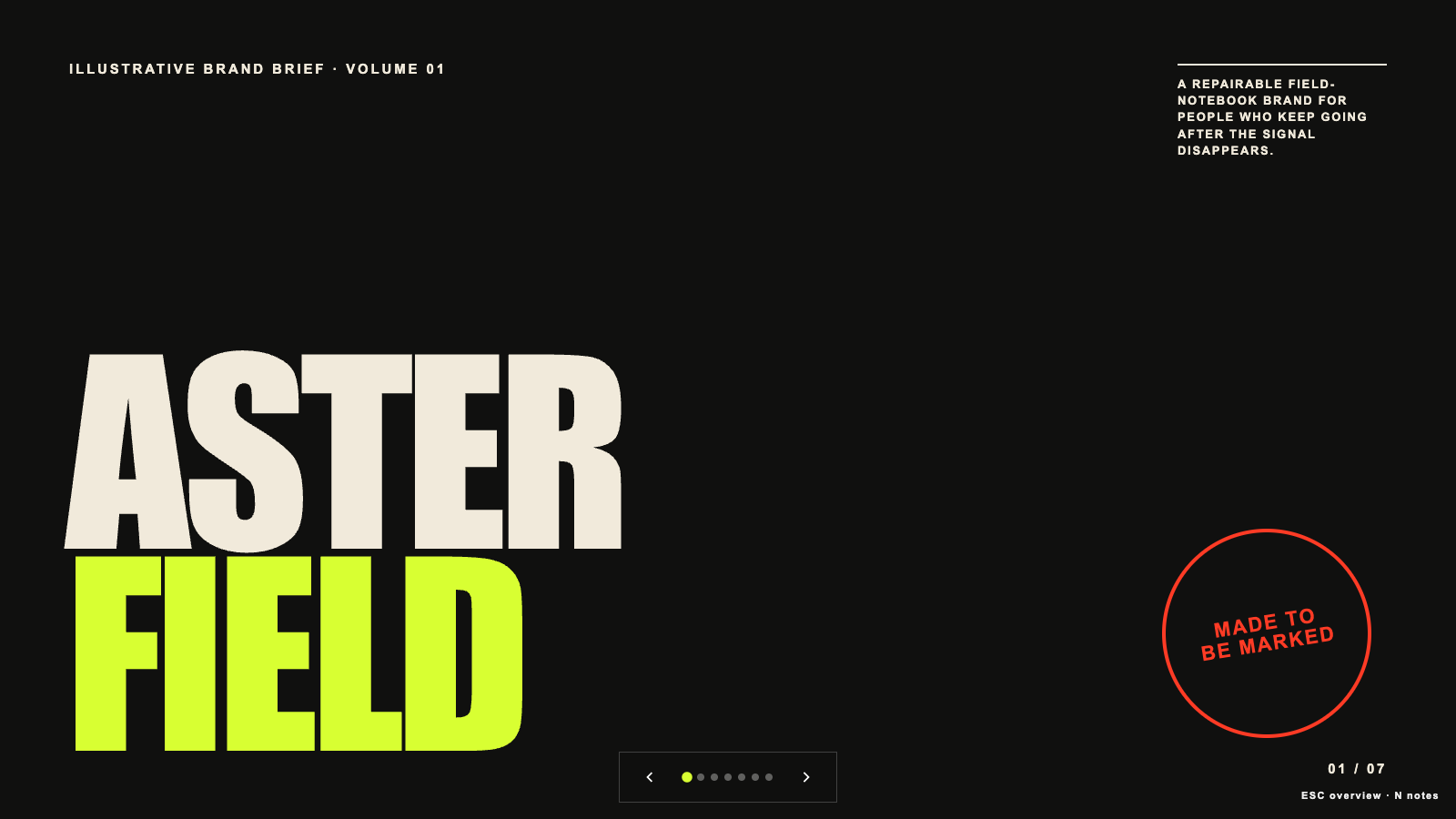
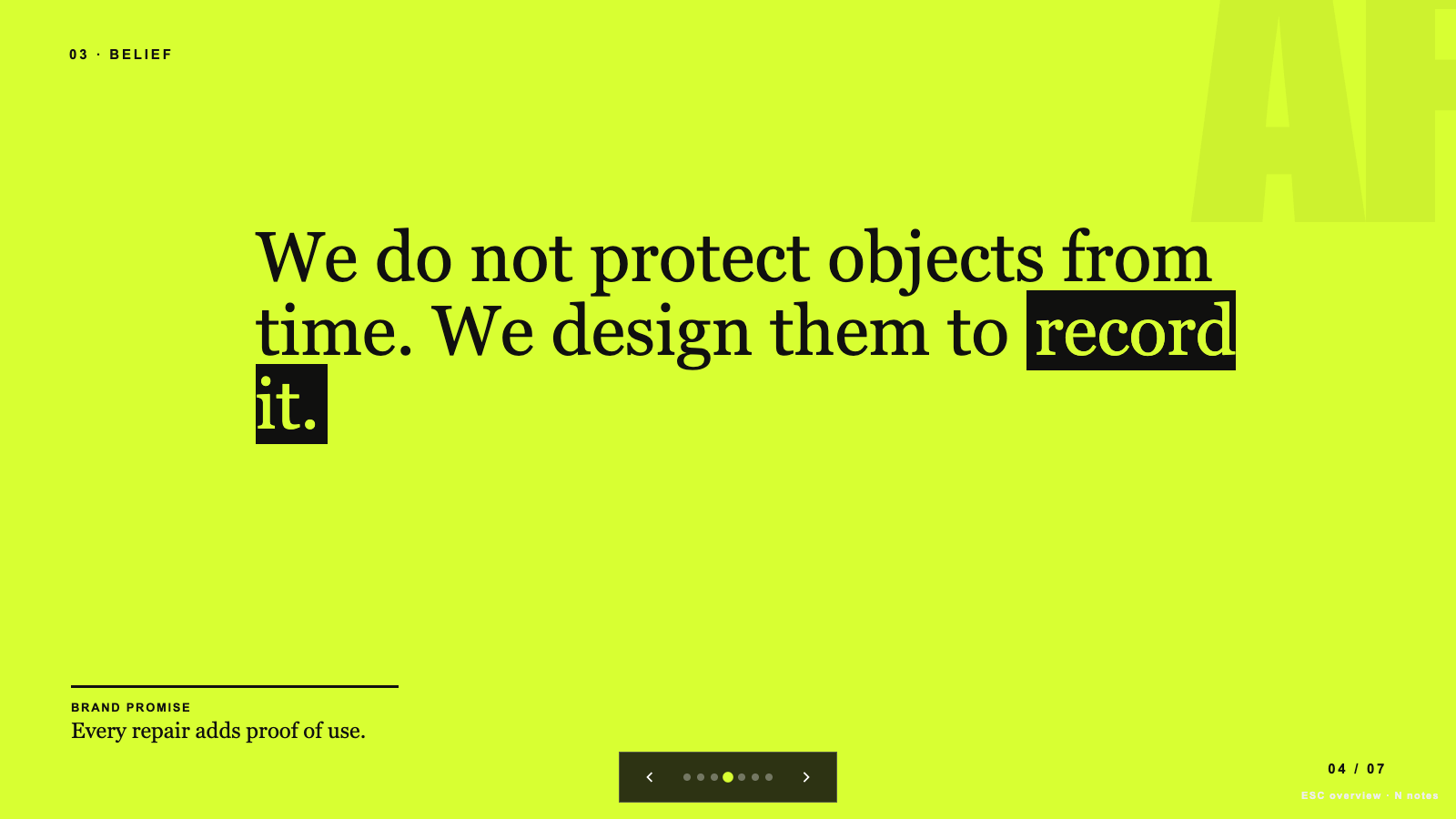
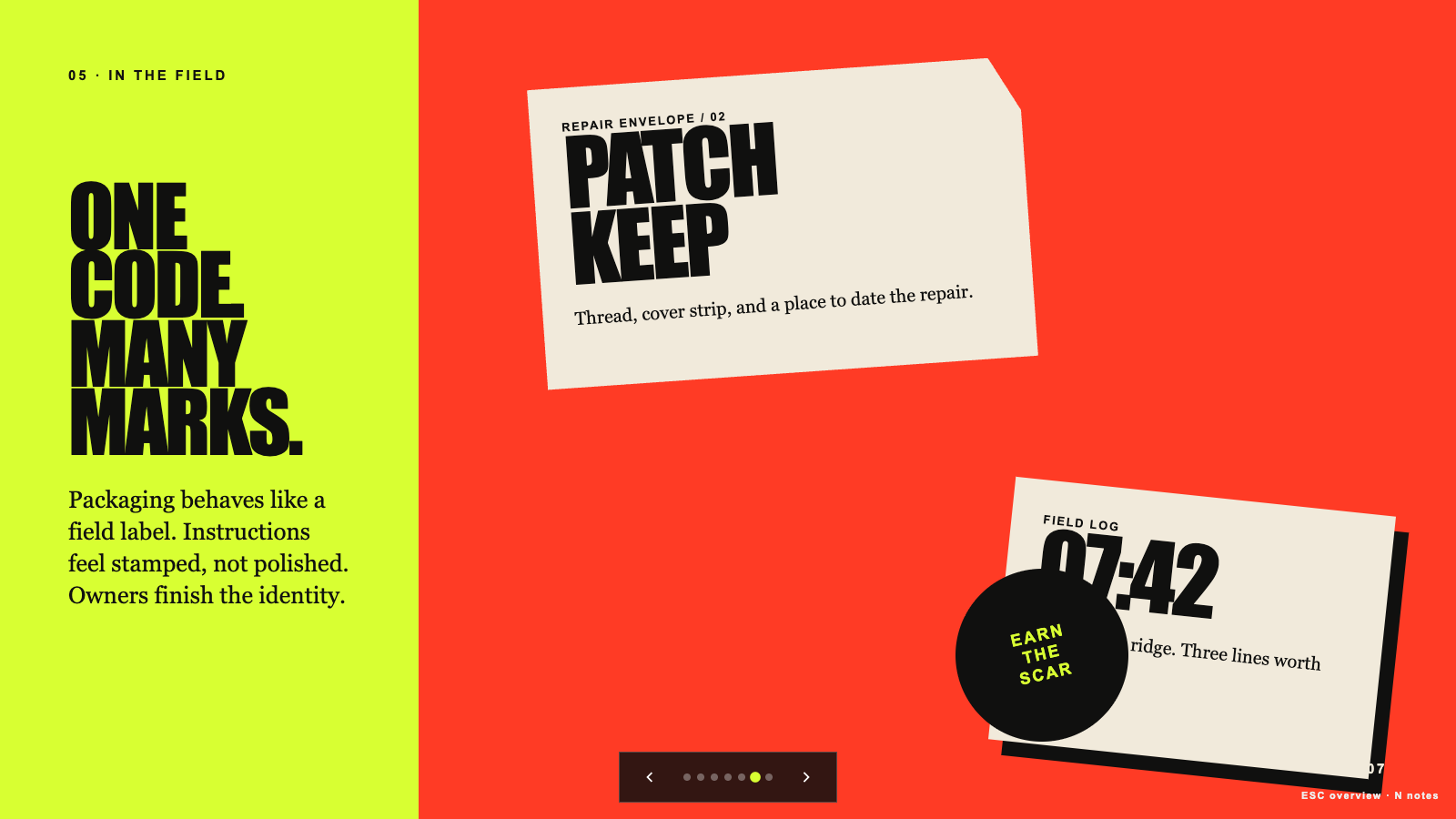
Brand Story Deck result preview

Start with the asset the listing still needs

Choose one concrete selling job. Each route leads to Skills that produce files your team can review, resize, and publish.

Skills that protect the product while speeding up production

The useful options show real examples, required source material, output formats, and the limits of what they change.

Real output from matching Skills

Every example comes from a Skill shown on this page. The media is here to make the choice easier, not to decorate an empty promise.

Brand Story Deck result preview
Brand Story Deck
Brand Story Deck result preview
Brand Story Deck
Brand Story Deck result preview
Brand Story Deck
Agent-Chorus Capability Reel result preview
Agent-Chorus Capability Reel
Agent-Chorus Capability Reel result preview
Agent-Chorus Capability Reel
Capability-Keynote Launch Film result preview
Capability-Keynote Launch Film

Catalog check

Choose speed you can use across the whole catalog

A good ecommerce Skill helps the next SKU too. Check these details before making it part of your production line.

1

Protect product truth

Lock the details buyers rely on: shape, color, finish, scale, contents, and fixed room features. Review every generated variation against the source.

2

Plan the channel set first

List the aspect ratios, safe areas, file limits, and required image order before generating one beautiful asset that fits nowhere else.

3

Keep the visual system consistent

Reuse lighting, background, typography, spacing, and camera rules so a catalog looks like one store rather than twenty separate experiments.

Use it inside the agent you already work with

A Skill becomes a repeatable way for your agent to do this job. Your brief and output stay in the project where the rest of the work already lives.

1

Pick the Skill

Check the output examples, required inputs, dependencies, and price before you install.

2

Install it once

Ask your agent to install the Skill. The trusted guide handles the setup and authorization.

3

Write the brief

Describe the ecommerce sellers job in plain language, review the result, and keep the final file.

Works with the agents you already use

  • Claude Code
  • Codex
  • Cursor
  • Gemini CLI
  • Cline

Questions ecommerce teams ask

Will an image Skill change the product itself?

It can if the workflow is too open-ended. Use clear preservation rules, supply several accurate references, and compare every output with the real item before publishing.

Can I create several marketplace sizes at once?

Some Skills support a defined size set. Check the output list first and include each channel’s current requirements in the brief.

How do I avoid invented product claims?

Give the Skill an approved fact sheet and require copy to stay within it. Legal, safety, performance, and comparative claims still need a human review.

Can a Skill use our brand assets?

Yes when it accepts logos, fonts, palette, photography references, and layout rules. The individual page lists the inputs and output format.

Keep going from here

Build the next listing asset from the real product.

Choose one blocked deliverable, bring approved source material, and keep a review step before the asset reaches a buyer.