



For real estate, interiors, and property marketing

Virtual staging app Skills for rooms buyers can still trust

Virtual staging can help buyers understand scale and use when the edit stays honest. These Skills add plausible furniture and style direction while preserving the room, fixed features, view, proportions, and source evidence.

Include the original high-resolution image, room type, audience, style, fixed features, measurements, disclosure needs, and details that may not change.

Architectural Project Deck result preview

Choose the room and the honest staging job

Start from a clear source image and a defined use. Keep original and generated versions together for review and disclosure.

Virtual staging Skills with clear preservation rules

Compare before-and-after examples, source requirements, fixed-feature controls, output resolution, dependencies, and disclosure support.

Real output from matching Skills

Every example comes from a Skill shown on this page. The media is here to make the choice easier, not to decorate an empty promise.

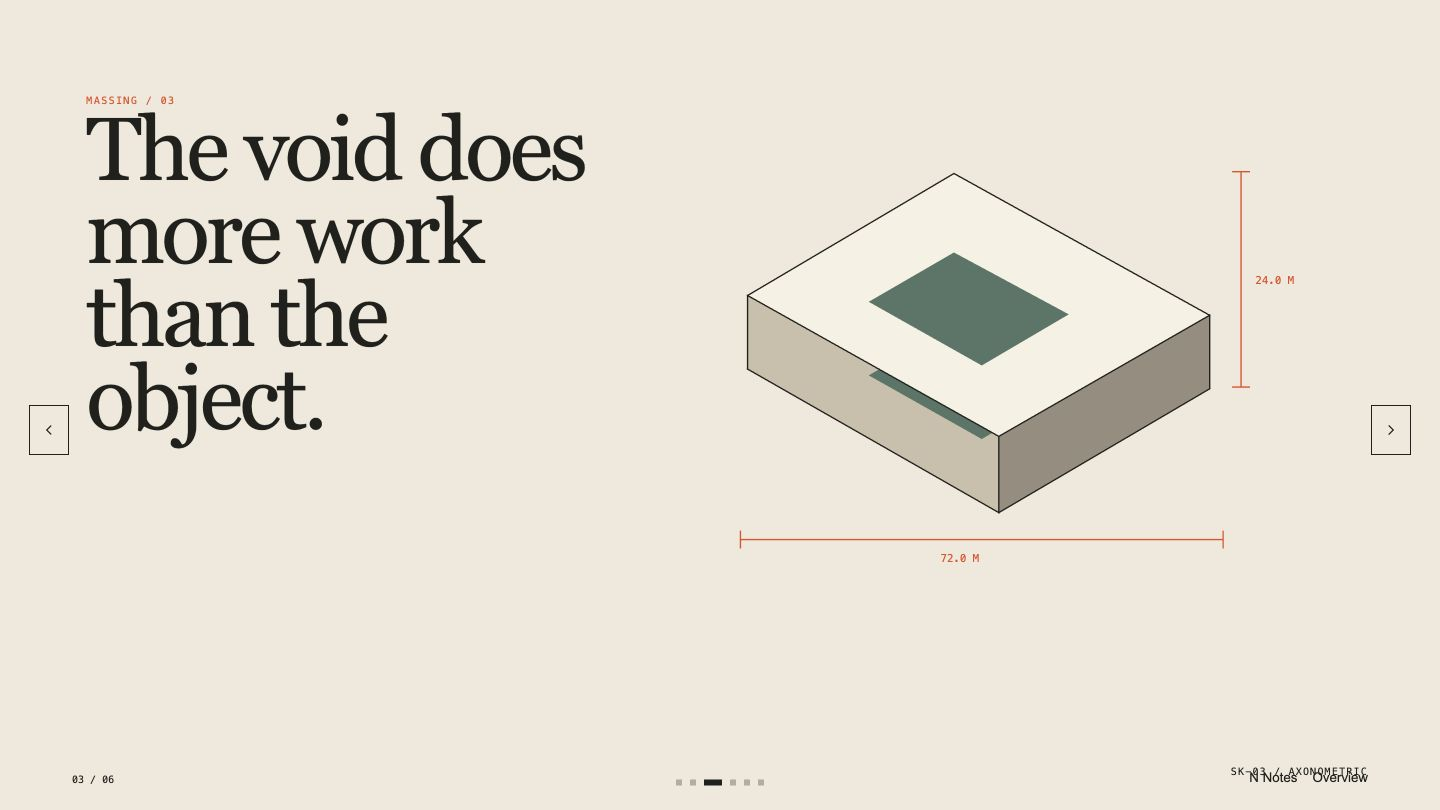
Architectural Project Deck result preview
Architectural Project Deck
Architectural Project Deck result preview
Architectural Project Deck
Architectural Project Deck result preview
Architectural Project Deck
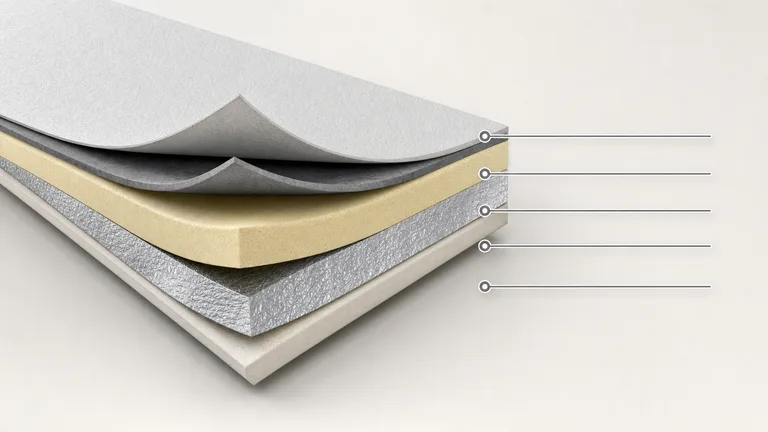
Layered Material Cutaway result preview
Layered Material Cutaway
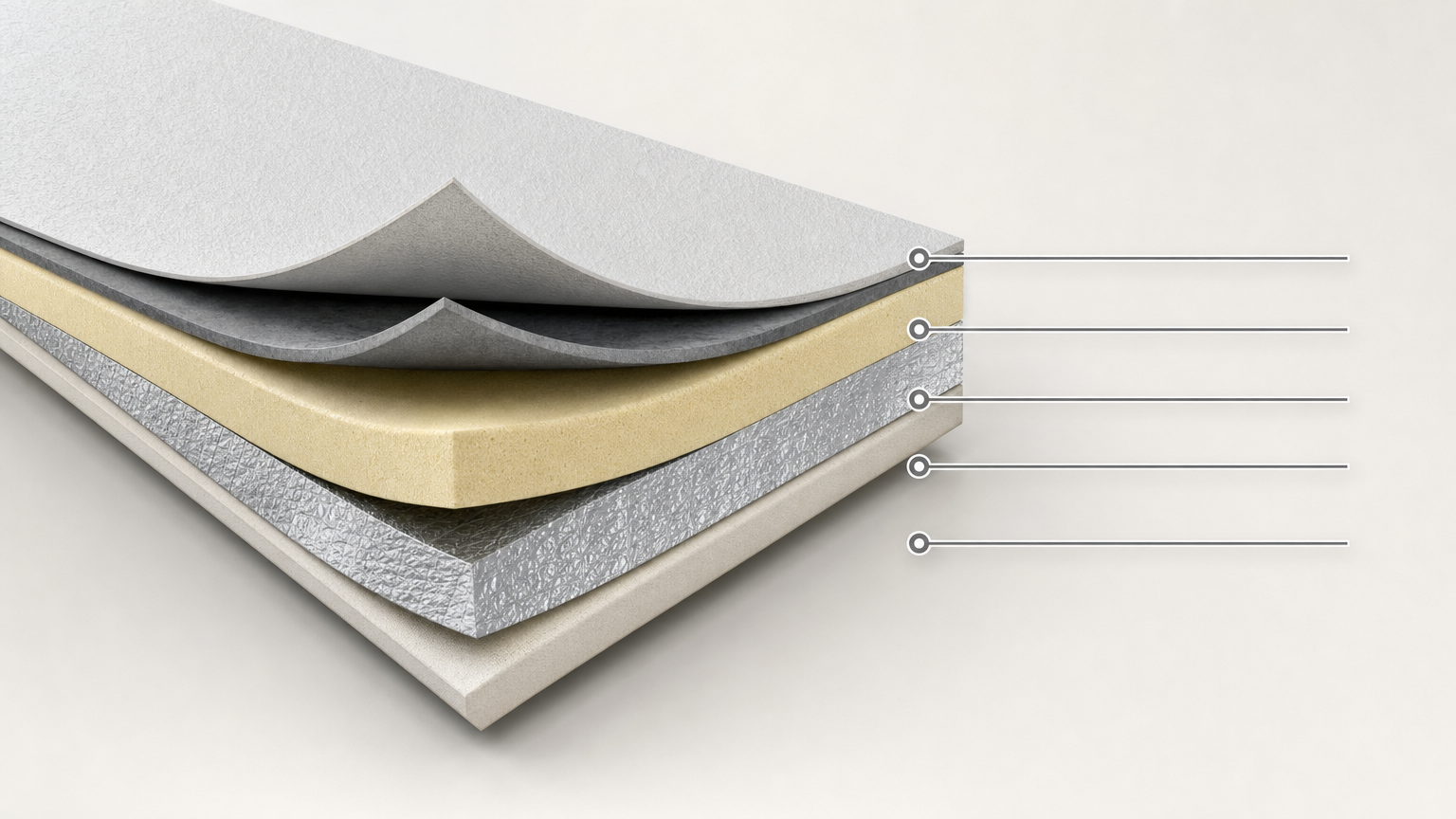
Layered Material Cutaway result preview
Layered Material Cutaway
Layered Material Cutaway result preview
Layered Material Cutaway

Staging check

Choose a workflow that changes only what you can explain

The staged image should help a viewer understand the room while the original remains the record of its current condition.

1

Lock the room before adding furniture

Preserve walls, openings, ceiling, flooring, fixtures, appliances, damage, view, shadows, proportions, and camera position.

2

Use plausible scale and circulation

Choose furniture that fits measured dimensions and leaves believable movement paths. Oversized or undersized pieces distort the room.

3

Keep disclosure and source evidence ready

Store the original beside every version, use clear filenames, record what changed, and add the required notice before publishing.

Use it inside the agent you already work with

A Skill becomes a repeatable way for your agent to do this job. Your brief and output stay in the project where the rest of the work already lives.

1

Pick the Skill

Check the output examples, required inputs, dependencies, and price before you install.

2

Install it once

Ask your agent to install the Skill. The trusted guide handles the setup and authorization.

3

Write the brief

Describe the virtual staging job in plain language, review the result, and keep the final file.

Works with the agents you already use

  • Claude Code
  • Codex
  • Cursor
  • Gemini CLI
  • Cline

Questions about virtual staging

What should a virtual staging edit leave unchanged?

Keep the room envelope, fixed features, materials, openings, views, damage, scale, perspective, and camera position unchanged. Add only the approved movable layer.

Can I remove existing furniture or clutter?

Some workflows can, but removal may hide condition or included features. Follow the listing policy, preserve the original, and disclose edits where required.

Should I label a virtually staged image?

Requirements vary. Check current local, MLS, brokerage, and platform rules, and use a clear label wherever generated staging appears.

What source image gives the best result?

Use a sharp, high-resolution, level image with natural perspective, visible room boundaries, controlled highlights, and enough information to judge scale.

Keep going from here

Help buyers imagine the room without changing the facts.

Bring the original image and preservation rules. Generate the concept, compare it carefully, and disclose the edit where required.