For marketers, creators, and small teams

AI social media post generator for one clear campaign idea

A useful social set carries one idea across several placements without repeating the same square everywhere. These Skills help turn a real offer, story, or launch into copy and visual files you can review, resize, and publish.

Include the audience, one campaign idea, proof, offer, voice, brand assets, platforms, sizes, and next action.

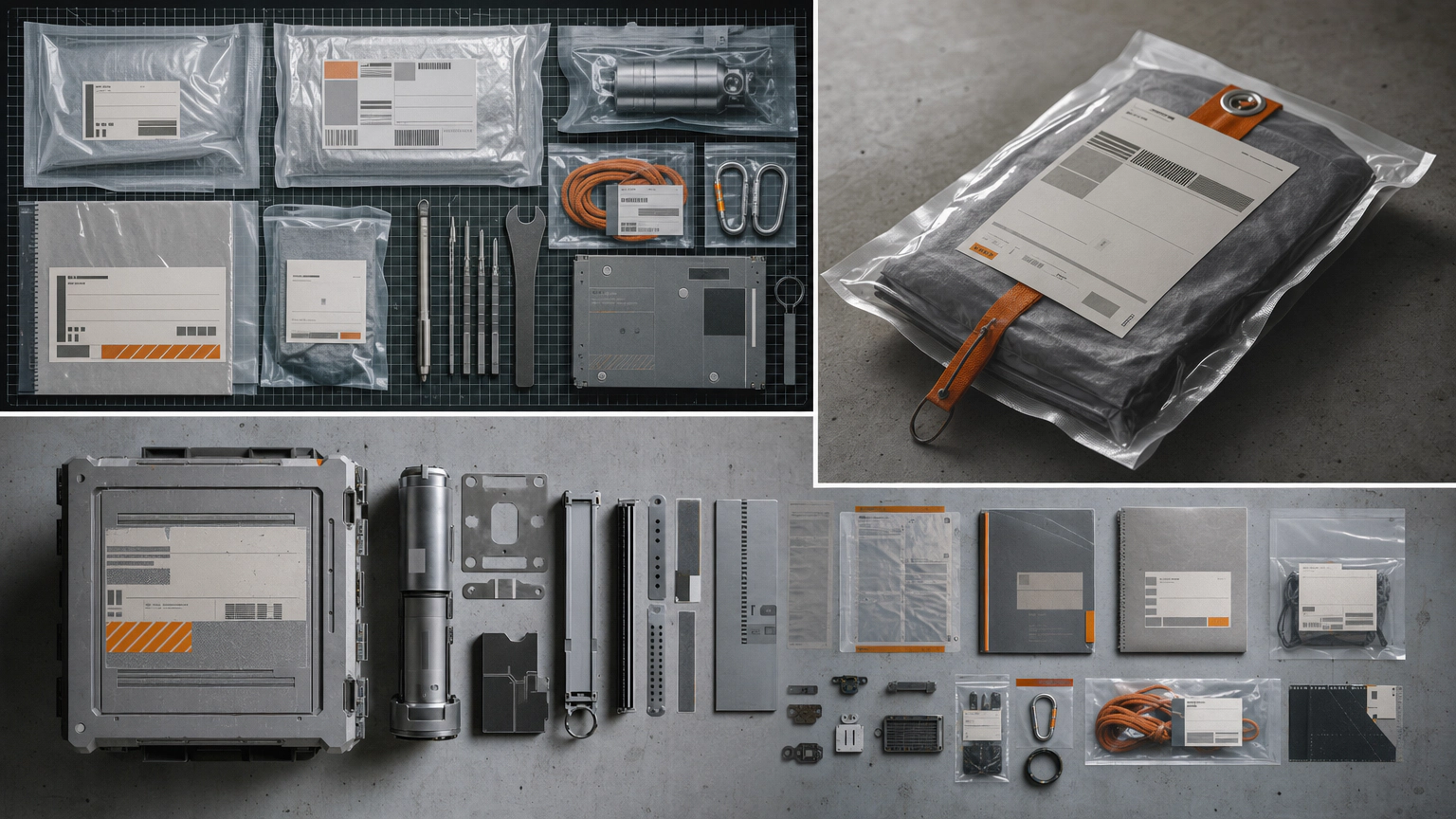
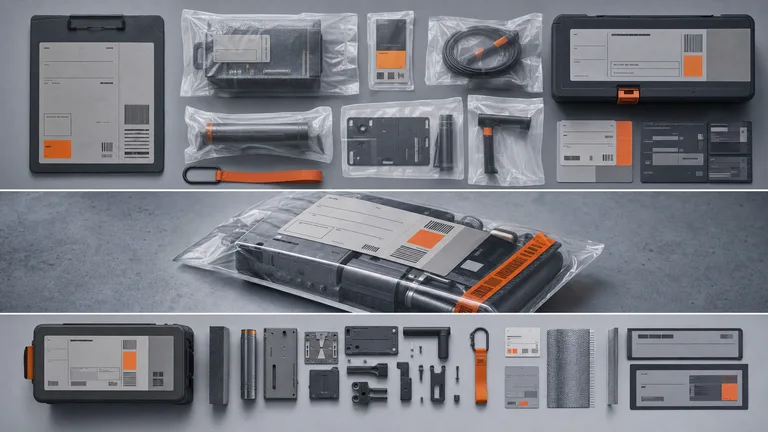
Industrial Identity Artifact result preview

Choose the job this post must do

A post works better when it has one role in the campaign. Start from that role before choosing the format.

Social post Skills with a campaign-ready output

Compare platform coverage, brand inputs, sample sets, output formats, dependencies, and how the workflow handles resizing.

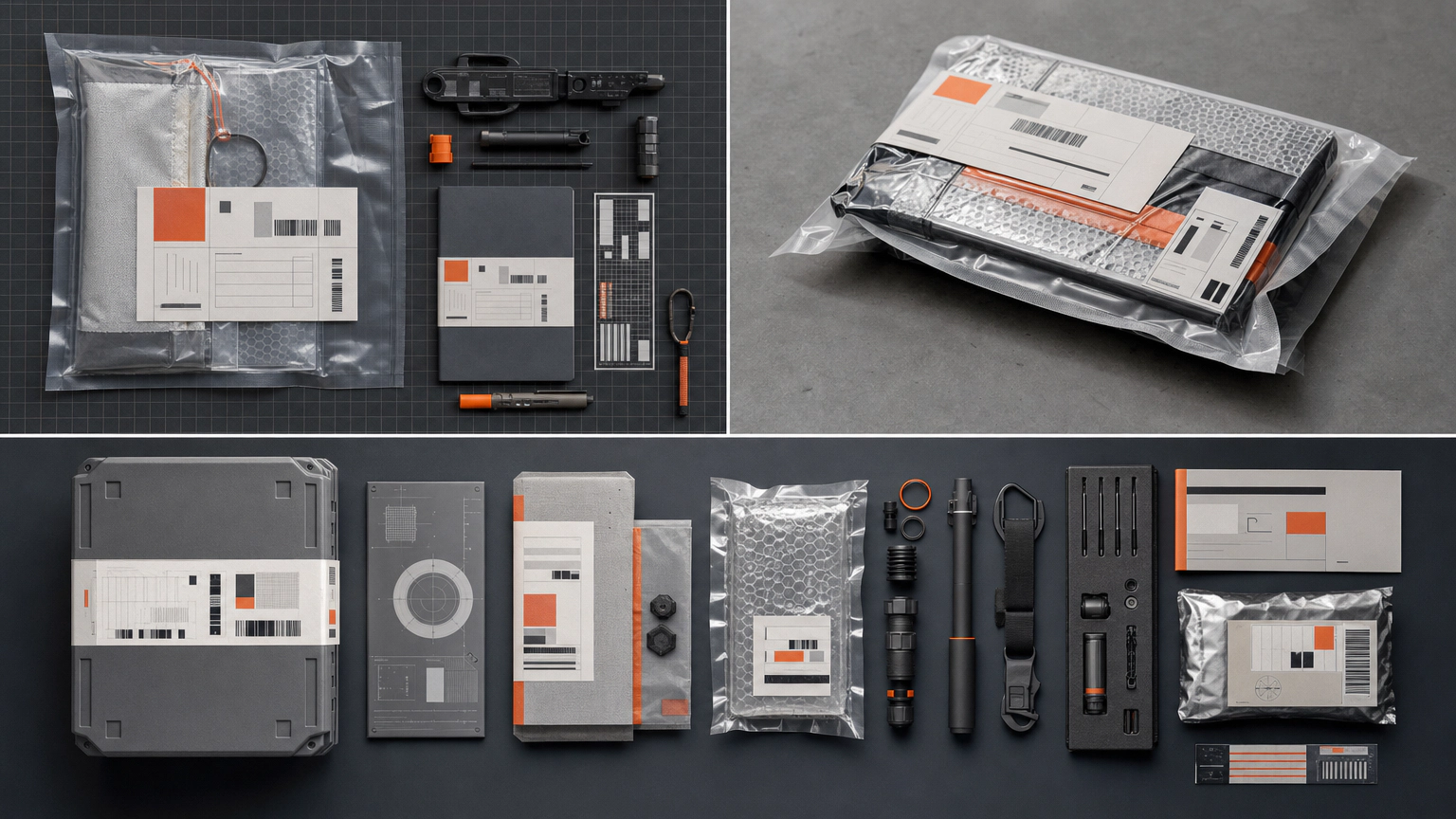
Real output from matching Skills

Every example comes from a Skill shown on this page. The media is here to make the choice easier, not to decorate an empty promise.

Industrial Identity Artifact result preview
Industrial Identity Artifact
Industrial Identity Artifact result preview
Industrial Identity Artifact
Industrial Identity Artifact result preview
Industrial Identity Artifact
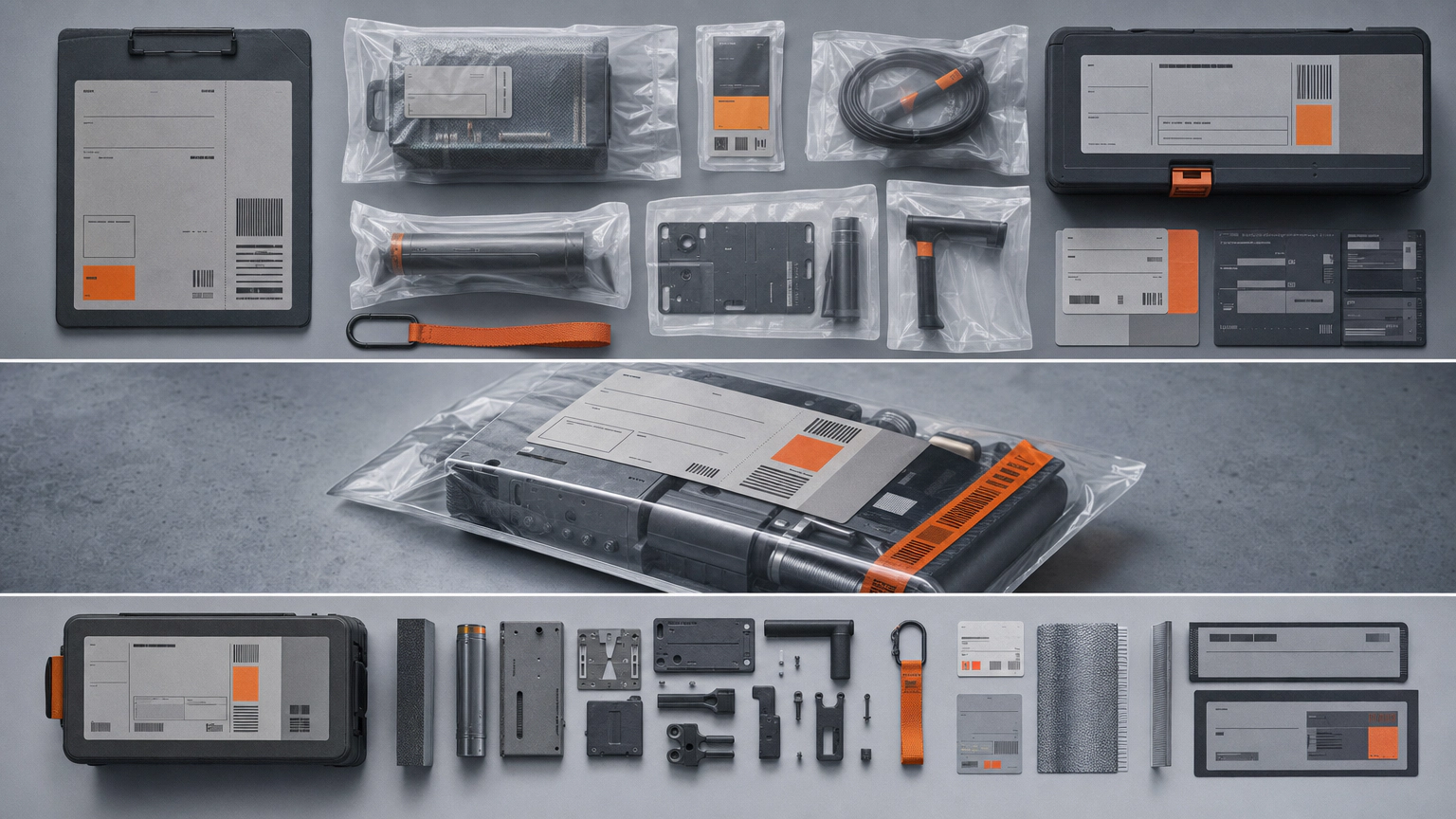
Appliance Exploded Poster result preview
Appliance Exploded Poster
Appliance Exploded Poster result preview
Appliance Exploded Poster
Appliance Exploded Poster result preview
Appliance Exploded Poster

Campaign check

Choose a workflow that can hold one idea across many sizes

Consistency comes from a clear message and a small visual system, not from copying one composition into every frame.

1

Write the one-sentence campaign idea

State who should care, what changed, why it matters, and what they can do next before generating captions or layouts.

2

Bring approved proof and brand material

Use real product facts, customer evidence you have permission to share, approved logos, fonts, colors, and image references.

3

Review each placement in context

Check crop, reading order, safe areas, captions, links, accessibility text, and how the post sits in the actual feed.

Use it inside the agent you already work with

A Skill becomes a repeatable way for your agent to do this job. Your brief and output stay in the project where the rest of the work already lives.

1

Pick the Skill

Check the output examples, required inputs, dependencies, and price before you install.

2

Install it once

Ask your agent to install the Skill. The trusted guide handles the setup and authorization.

3

Write the brief

Describe the social posts job in plain language, review the result, and keep the final file.

Works with the agents you already use

  • Claude Code
  • Codex
  • Cursor
  • Gemini CLI
  • Cline

Questions about social post generators

Can one Skill make several platform sizes?

Some can. Check the listed outputs, supply current dimensions, and review every crop because text and subjects often need recomposition.

Can it use our brand voice and visual system?

Yes when the Skill accepts clear examples and brand rules. Test a small set together to see whether voice, hierarchy, and image direction stay consistent.

Will it publish to social accounts?

These Skills focus on producing assets unless the listing explicitly states a publishing integration. Review and approve the final post before scheduling.

How do I avoid generic AI copy?

Provide a specific audience, real point of view, concrete proof, forbidden phrases, and examples of how the brand actually talks. Remove claims the source cannot support.

Keep going from here

Turn one clear campaign idea into the set you need.

Bring the proof, brand system, and placements. Generate the files, then review each one where it will actually appear.