
For UX and product interface designers

AI tools for UX design, from flow to working interface

A useful interface workflow has to survive real content, states, devices, and implementation. These Skills help with flows, UI production, browser-ready pages, screenshots, and stakeholder explanations while you keep the product logic and visual system coherent.

Include users, goals, content, permissions, devices, design tokens, and the states that usually get missed.

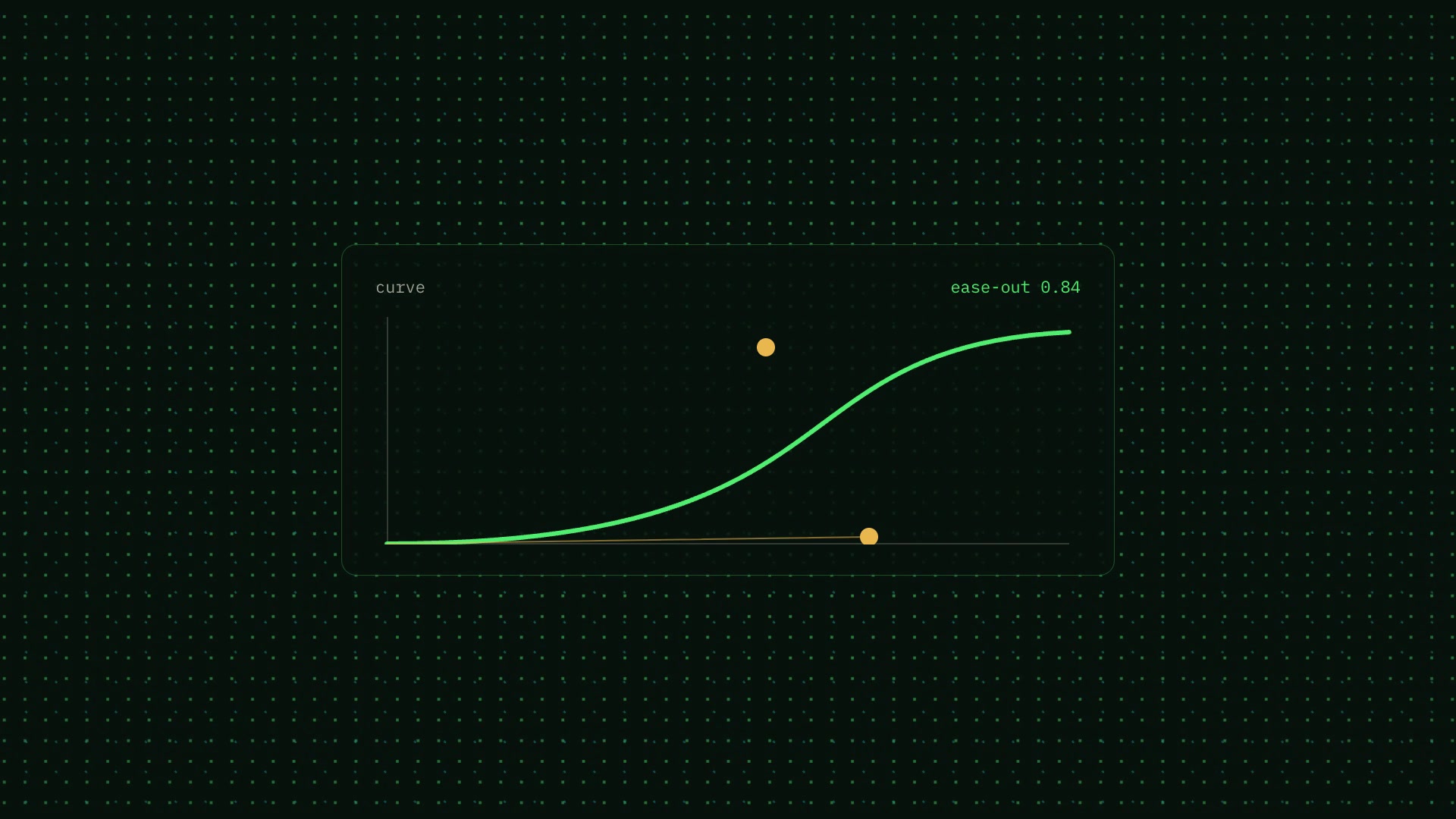
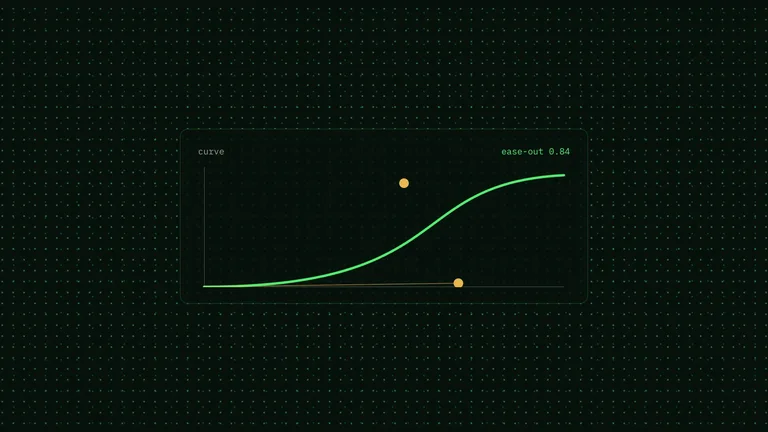
Living-Halftone Canvas Film result preview
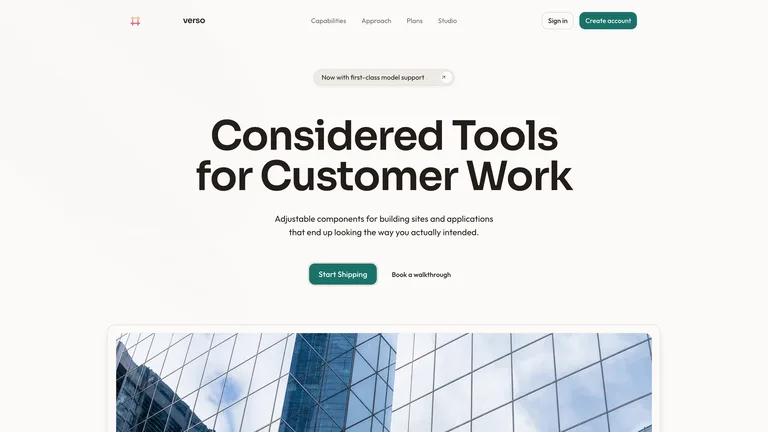
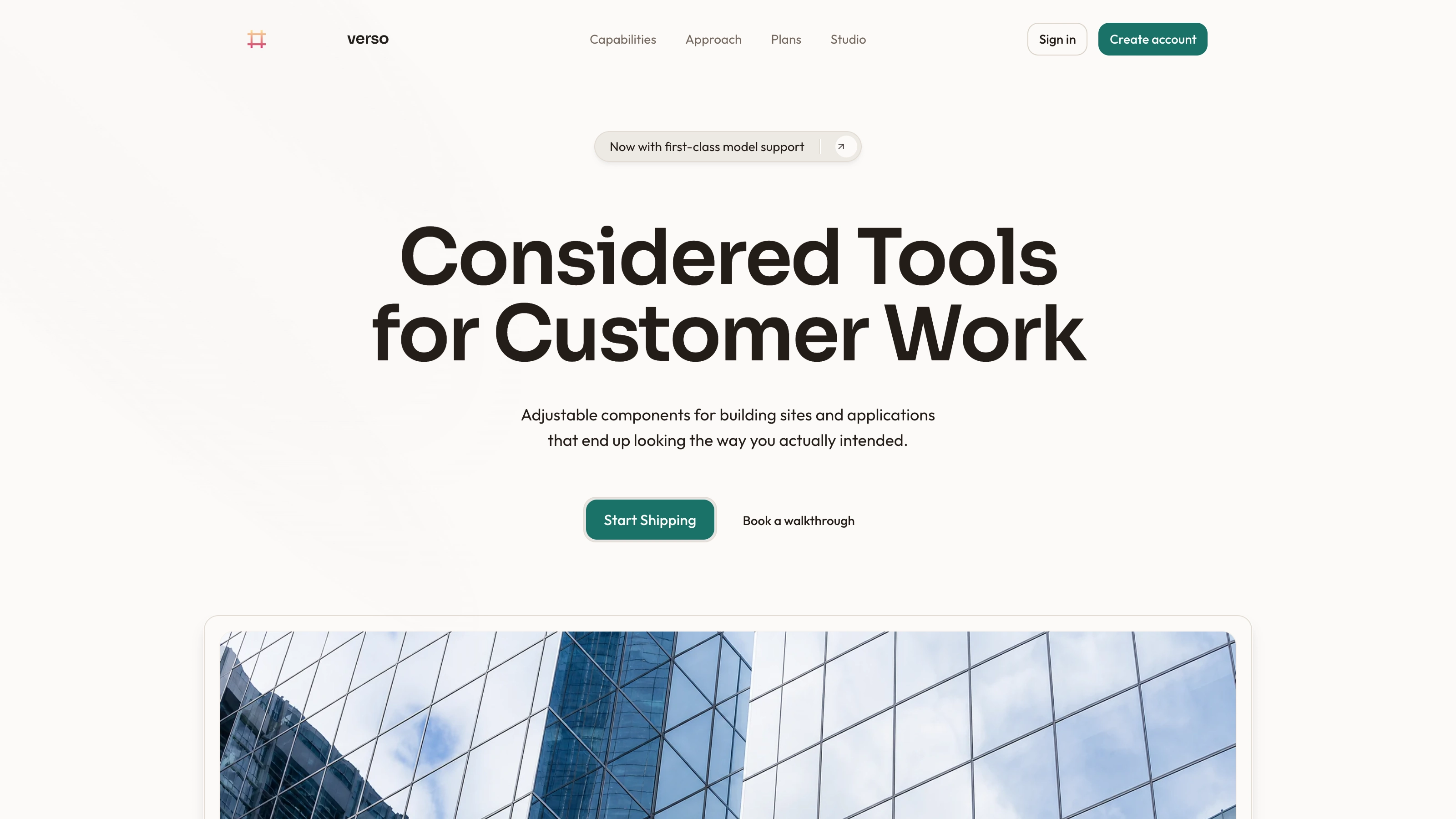
Skyline Hero result preview

Start with the interface artifact you need to test

Move one piece of the product from assumption to something the team can inspect in context.

Skills you can judge with real states and content

Compare the output, implementation depth, dependencies, and supported handoff before adding a workflow to the product process.

Real output from matching Skills

Every example comes from a Skill shown on this page. The media is here to make the choice easier, not to decorate an empty promise.

Living-Halftone Canvas Film result preview
Living-Halftone Canvas Film
Living-Halftone Canvas Film result preview
Living-Halftone Canvas Film
Skyline Hero result preview
Skyline Hero
Skyline Hero result preview
Skyline Hero
Skyline Hero result preview
Skyline Hero
Angled Gallery Hero result preview
Angled Gallery Hero

Interface check

Choose a workflow that can carry the whole product state

The best-looking frame matters less than a coherent experience across real conditions.

1

Start with users and state

Define who is acting, what they know, what can fail, and what happens next. The layout should follow that logic.

2

Use semantic design rules

Provide roles for color, type, spacing, controls, and feedback so new screens extend a system instead of copying a screenshot.

3

Review the result in the browser

Check keyboard use, focus, contrast, responsive widths, loading, empty, error, and long-content behavior with the real implementation.

Use it inside the agent you already work with

A Skill becomes a repeatable way for your agent to do this job. Your brief and output stay in the project where the rest of the work already lives.

1

Pick the Skill

Check the output examples, required inputs, dependencies, and price before you install.

2

Install it once

Ask your agent to install the Skill. The trusted guide handles the setup and authorization.

3

Write the brief

Describe the ui designers job in plain language, review the result, and keep the final file.

Works with the agents you already use

  • Claude Code
  • Codex
  • Cursor
  • Gemini CLI
  • Cline

Questions UI designers ask

Can a Skill follow an existing design system?

Yes when you provide tokens, components, conventions, and representative screens. Review whether it reuses the system or silently creates parallel styles.

Will I get code or only a mockup?

The output depends on the Skill. Listings identify browser-ready HTML, framework code, images, video, or document formats before installation.

Can it handle accessibility requirements?

A Skill can support accessible structure, but the team must still test semantics, keyboard flow, focus, contrast, motion, zoom, and assistive technology behavior.

How do I prevent invented product behavior?

Give explicit state rules and real product references. Treat any new action or data as a proposal that needs product and engineering review.

Keep going from here

Move one interface from a picture to a testable state.

Bring the real content, rules, and edge cases. Choose a Skill that leaves you with a clear implementation or handoff.