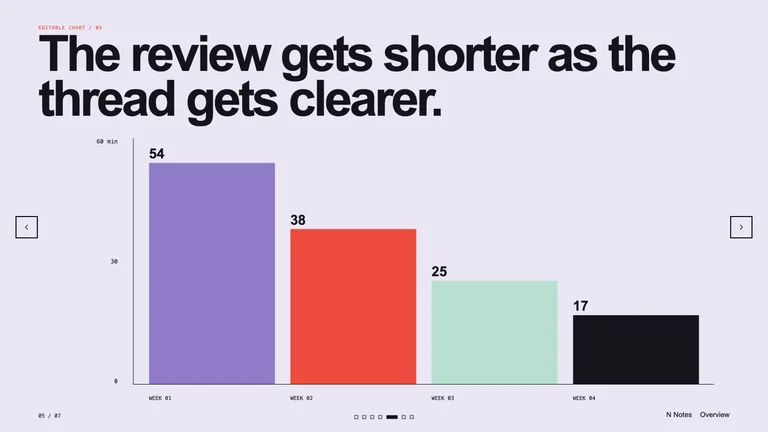
Editable Visual Deck
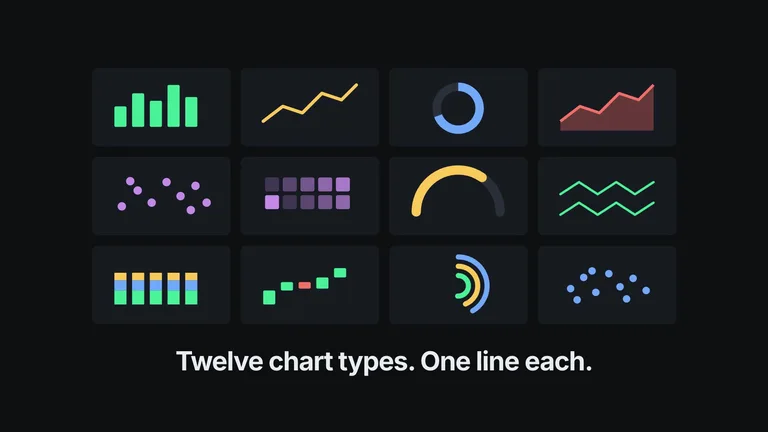
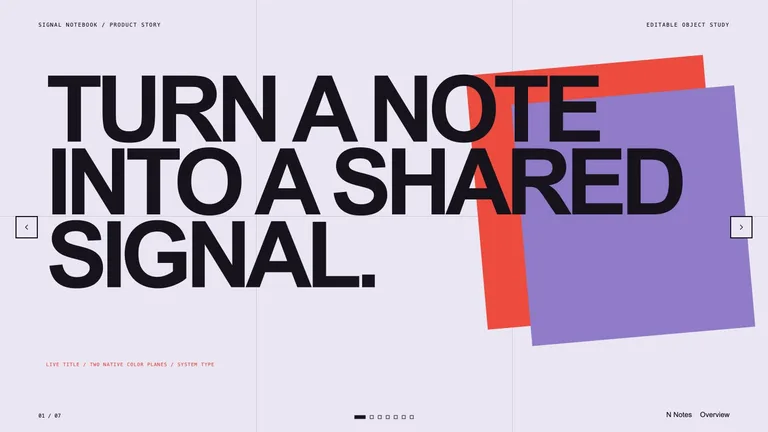
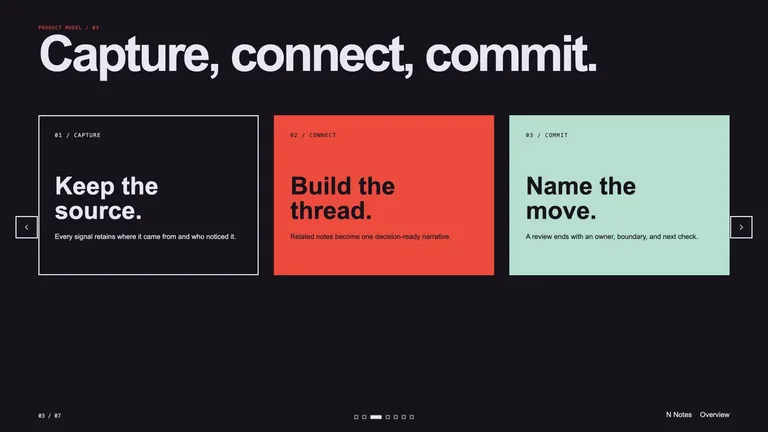
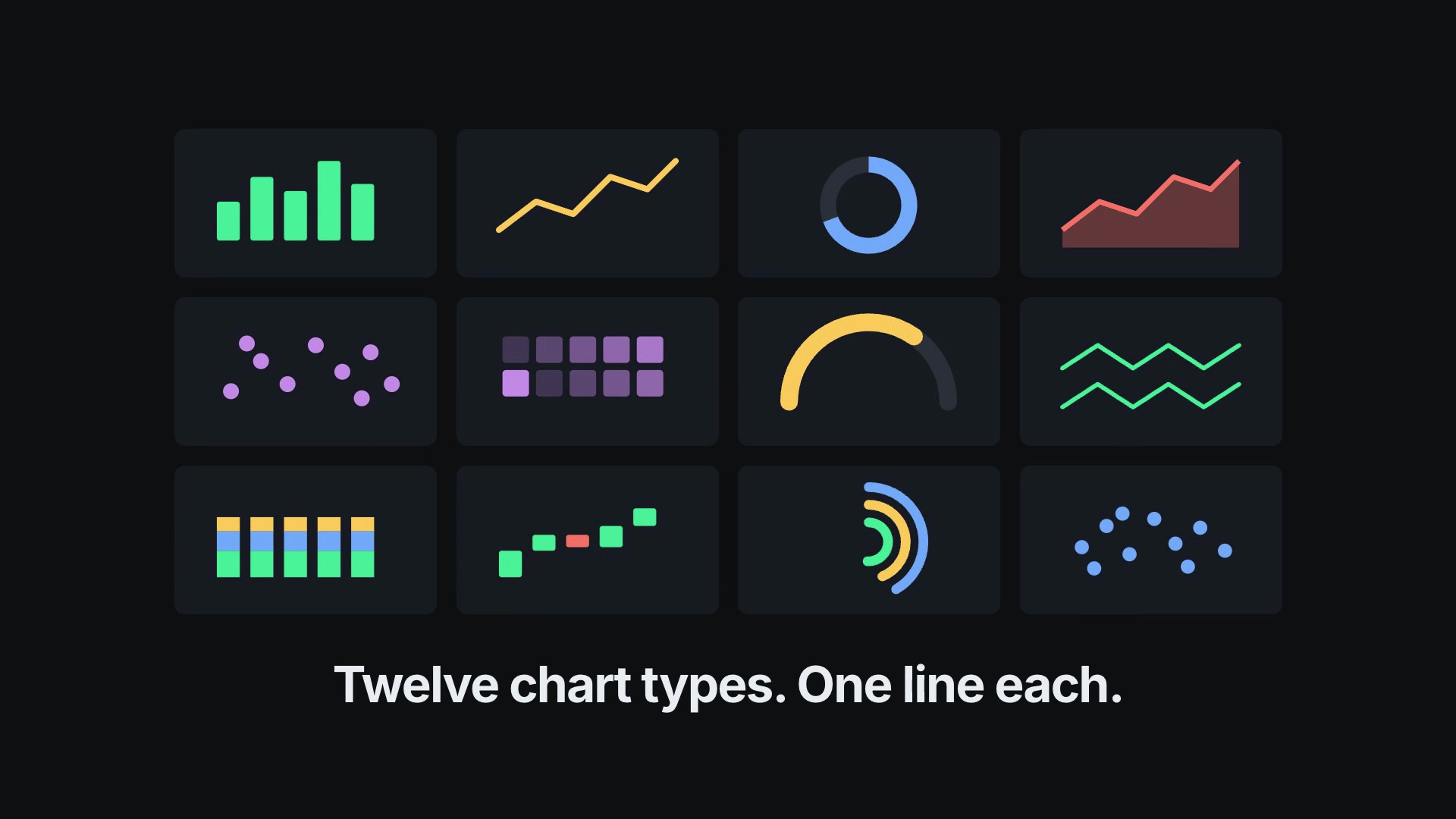
Create a polished presentation from editable text, shapes, diagrams, and chart elements. It prioritizes a dependable browser deck while preserving a clear native-object handoff for later editable presentation export.


 +55.0
+55.0For founders and indie developers
Small teams rarely need more ideas. They need the screenshot set, working page, dashboard, deck, or explainer that closes the gap between “we have it” and “someone else can see and use it.” These Skills work inside the agent and project you already use.
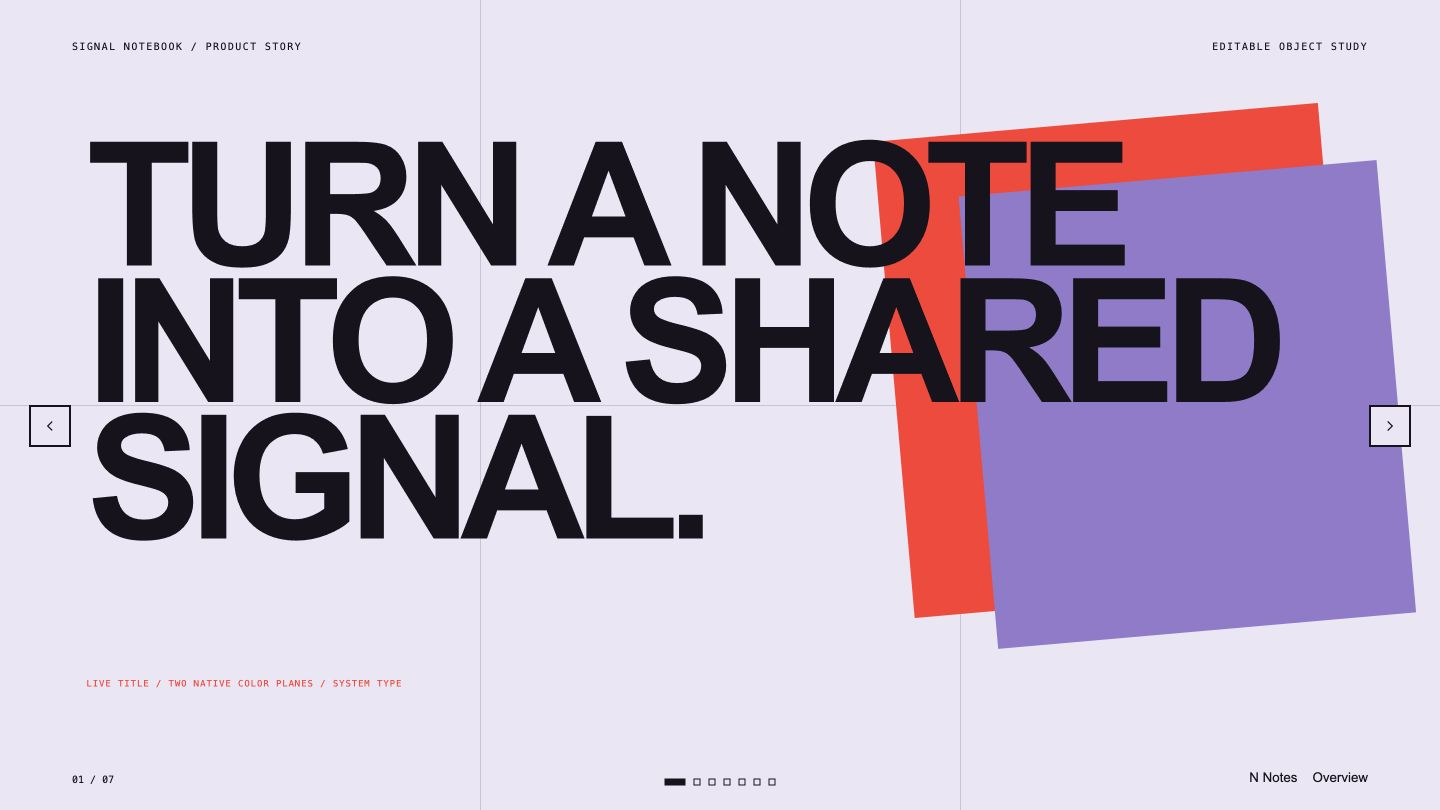
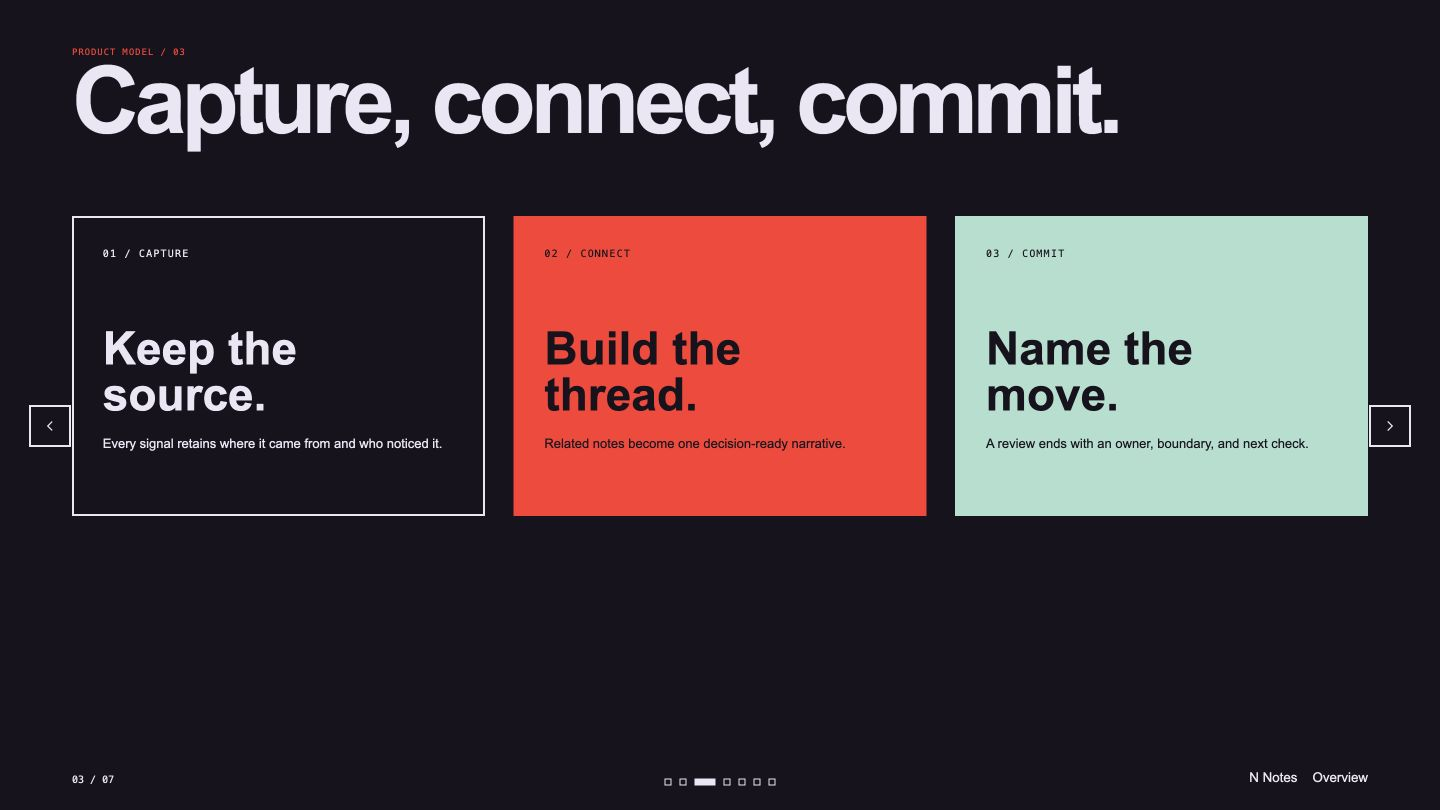
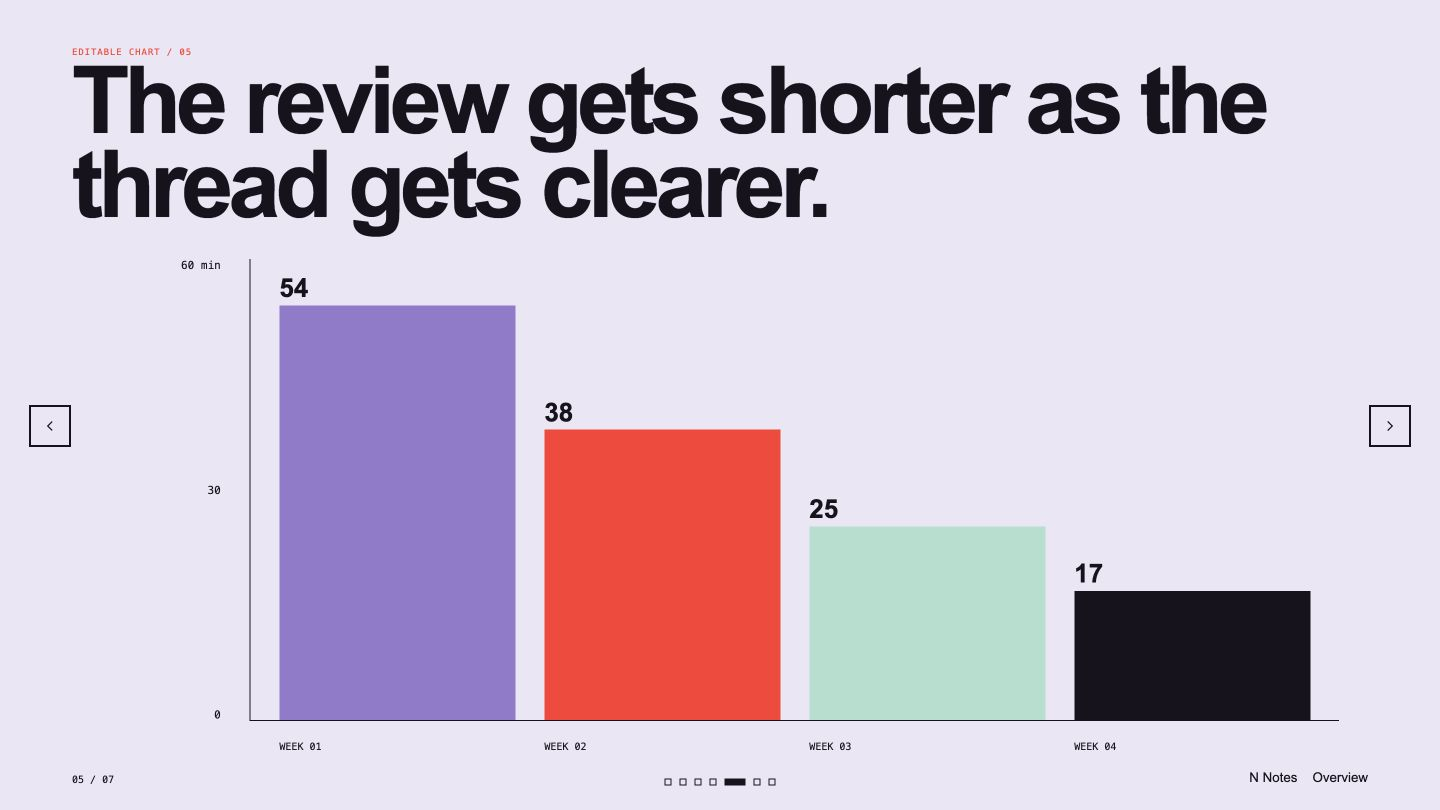
Pick the deliverable that is holding the team back. Each route shows Skills that make a concrete file you can review and keep editing.
A founder does not need a demo that ends inside another app. These matches make files the team can inspect, version, and continue using.
Every example comes from a Skill shown on this page. The media is here to make the choice easier, not to decorate an empty promise.

Founder check
The useful shortcut leaves the product, code, or launch material easier to maintain after the first result.
Use real screens, behavior, constraints, and metrics. A polished story built on a fictional product state creates a worse handoff.
Prefer code, structured files, or documented visual rules over an output that has to be rebuilt for every small change.
Know which model, account, API key, and outside cost the Skill needs before it becomes part of a deadline.
A Skill becomes a repeatable way for your agent to do this job. Your brief and output stay in the project where the rest of the work already lives.
Check the output examples, required inputs, dependencies, and price before you install.
Ask your agent to install the Skill. The trusted guide handles the setup and authorization.
Describe the founders job in plain language, review the result, and keep the final file.
Works with the agents you already use
Claude CodeCodexCursor Gemini CLI
 Cline
ClineSome produce visual or document outputs with no code. Web and dashboard Skills are most useful when someone can review the generated implementation and run the project checks.
Yes when it is designed to inspect and preserve an existing project. Read its required inputs and constraints before allowing it to edit the codebase.
Only provide the minimum source material the job needs. Keep secrets out of prompts and generated files, and review the model and provider dependencies first.
Yes. Free Skills only require an account. Paid pages show the one-time price and any outside provider cost before purchase.
Founder roles
Launch work
Browse outputs
Bring the current product state, choose one blocked deliverable, and keep the result where the team can continue the work.