For developers taking an app to market

AI dev tools that help app developers ship

The last mile of an app includes more than code. You still need release screens, a useful admin surface, a launch page, a clear system diagram, and a story other people can follow. These Skills turn those blocked deliverables into reviewable files.

Describe the working app, target platform, real states, and deliverable. Mark anything that is still a mockup.

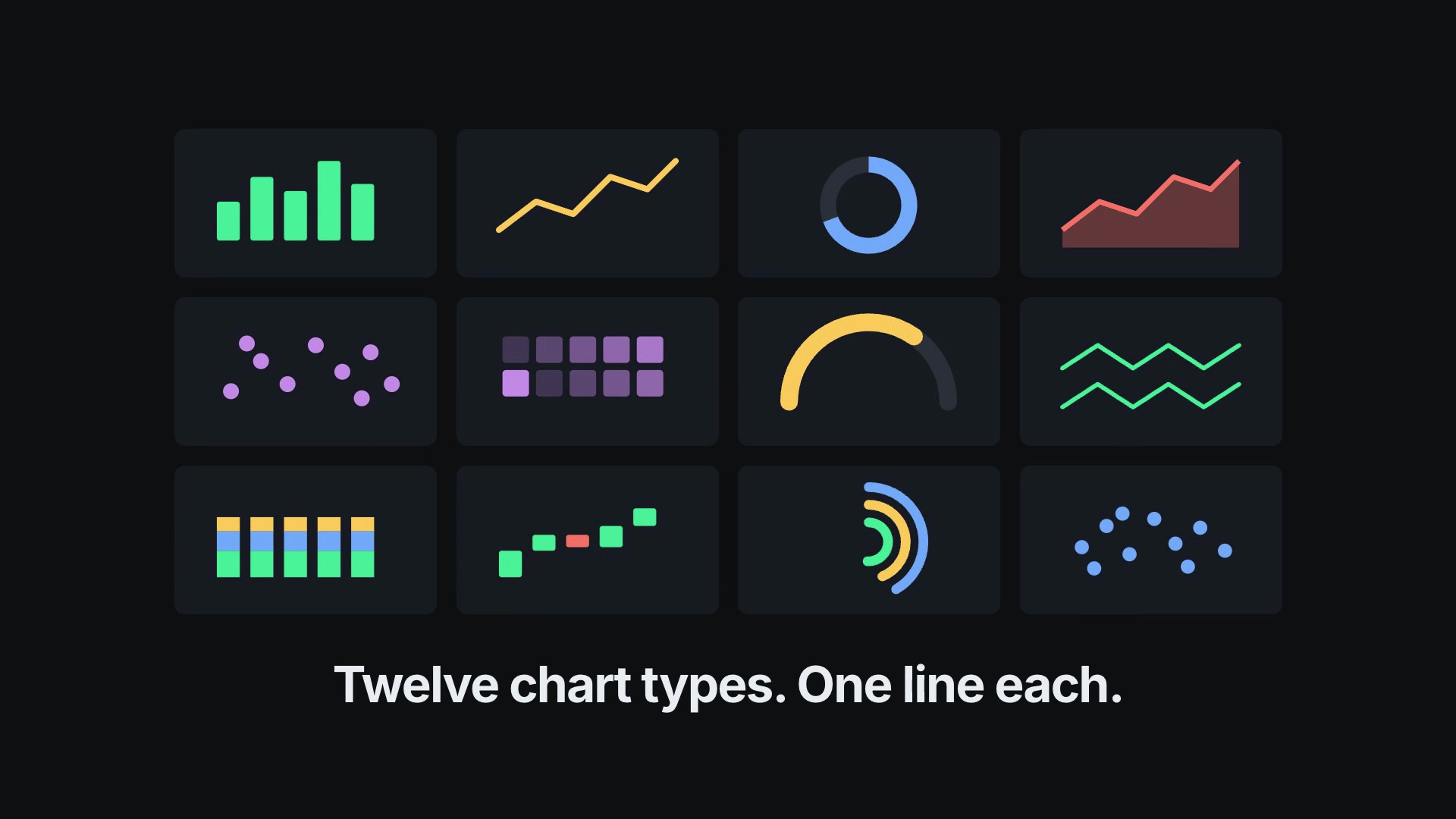
Agent-Chorus Capability Reel result preview
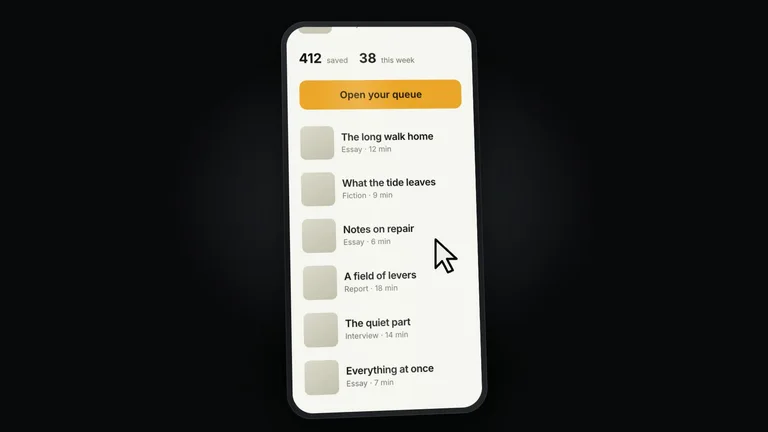
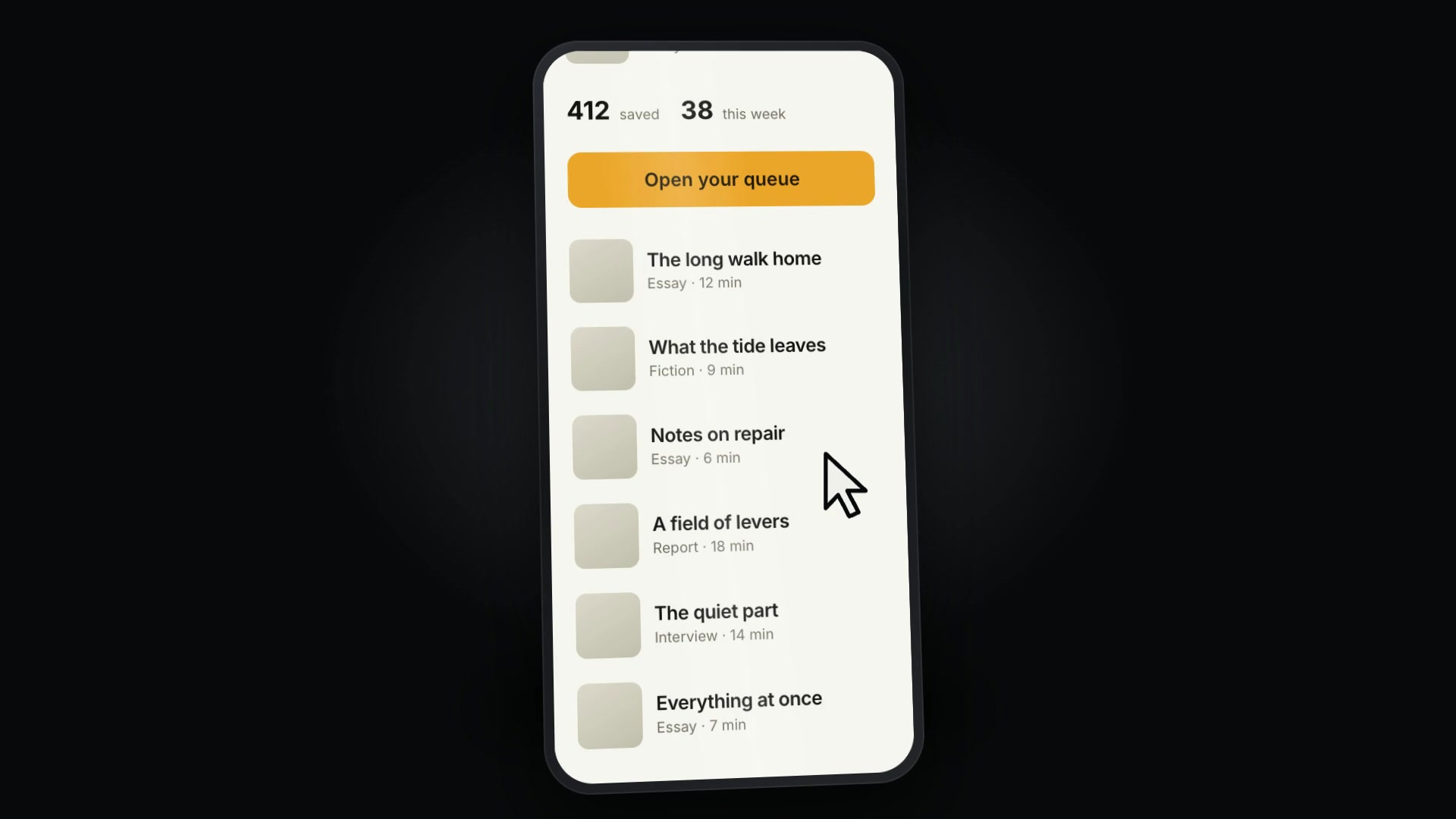
Device-Canvas Product Launch result preview

Start with the release job blocking the app

Choose the artifact you need next. Keep generated work close to the product truth and run the project checks before shipping it.

Skills that fit an existing product and repository

Compare supported agents, required tools, real outputs, and whether the workflow preserves the project conventions you already rely on.

Real output from matching Skills

Every example comes from a Skill shown on this page. The media is here to make the choice easier, not to decorate an empty promise.

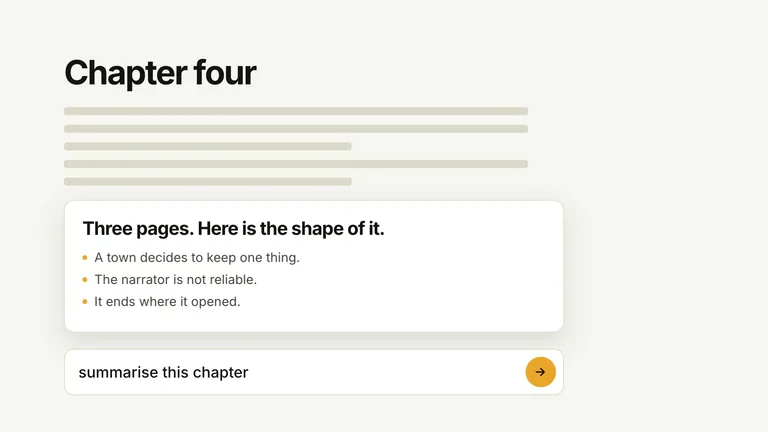
Agent-Chorus Capability Reel result preview
Agent-Chorus Capability Reel
Agent-Chorus Capability Reel result preview
Agent-Chorus Capability Reel
Device-Canvas Product Launch result preview
Device-Canvas Product Launch
Device-Canvas Product Launch result preview
Device-Canvas Product Launch
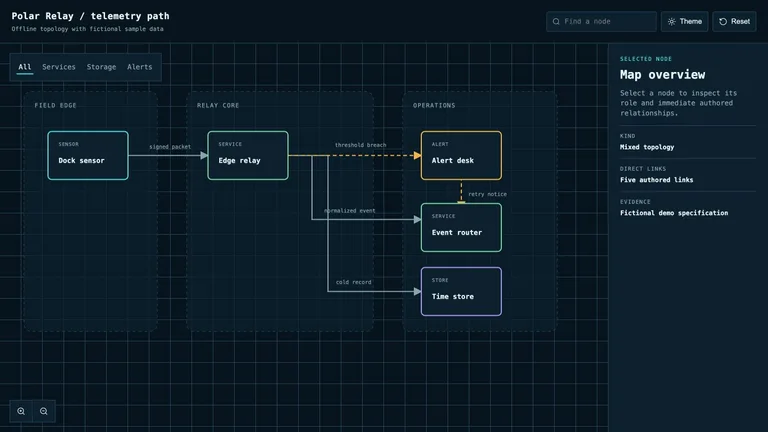
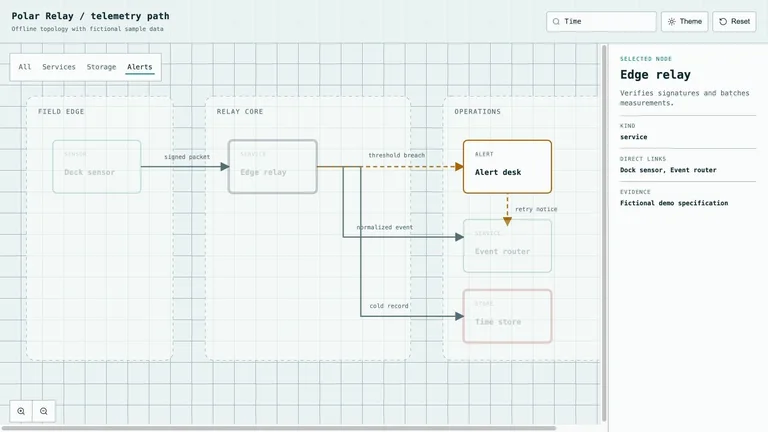
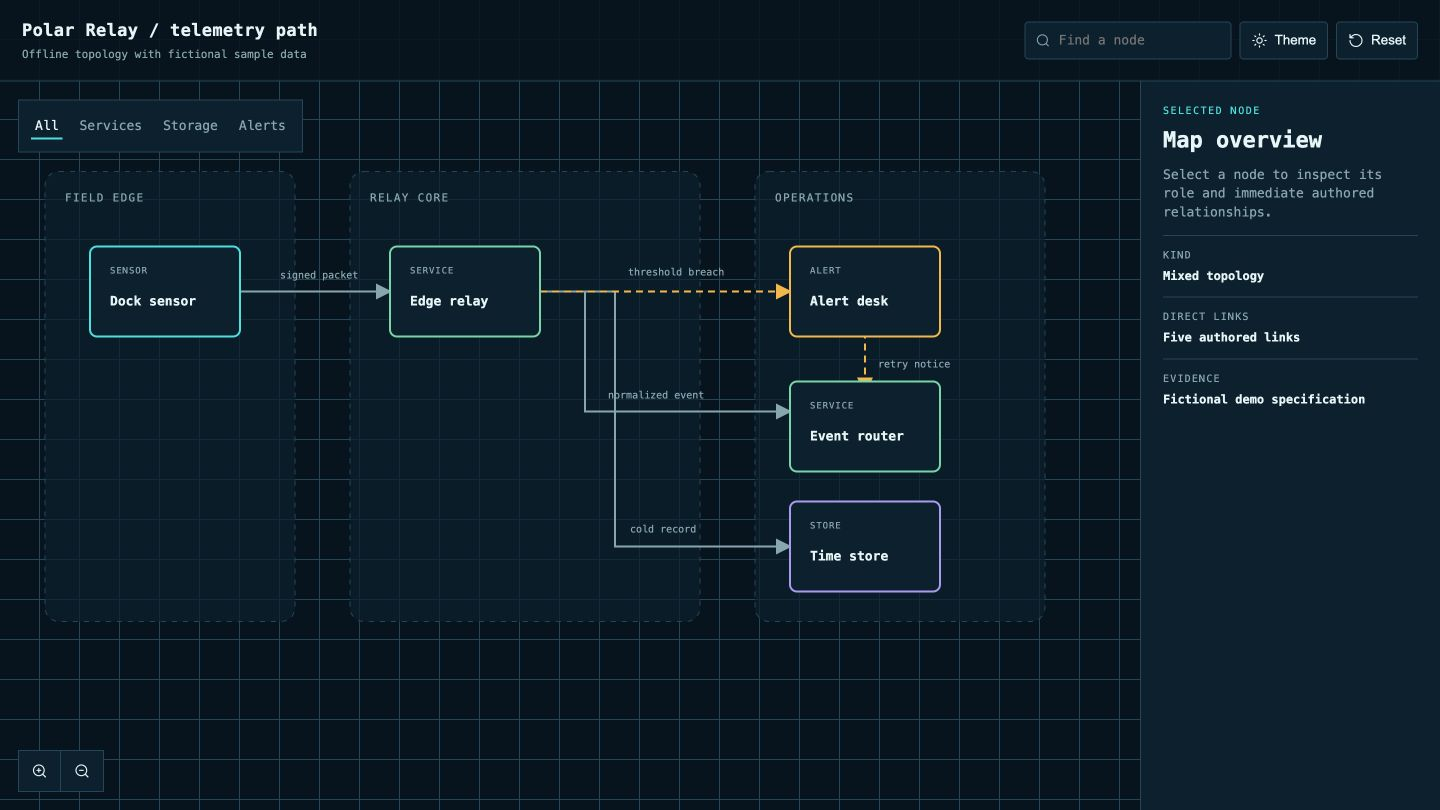
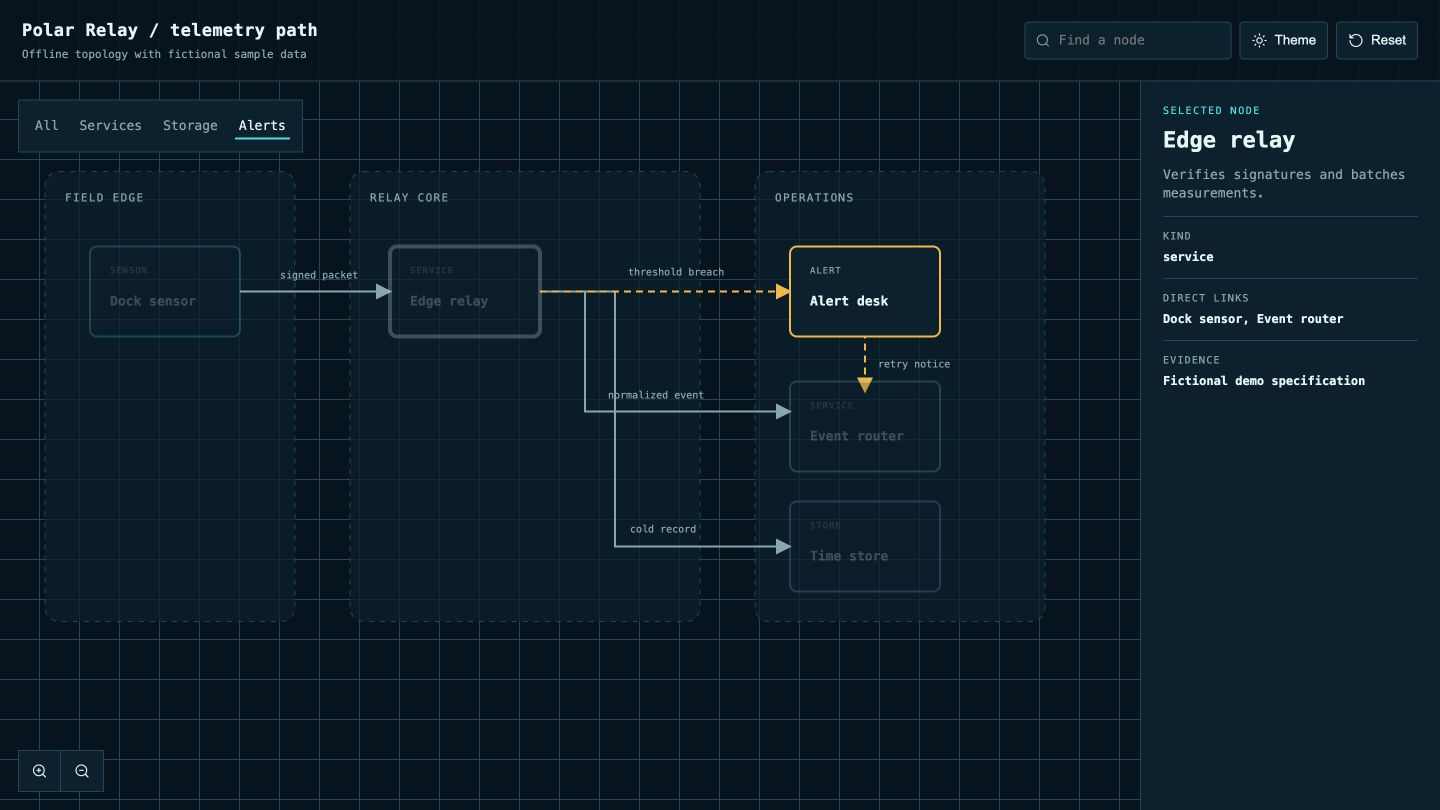
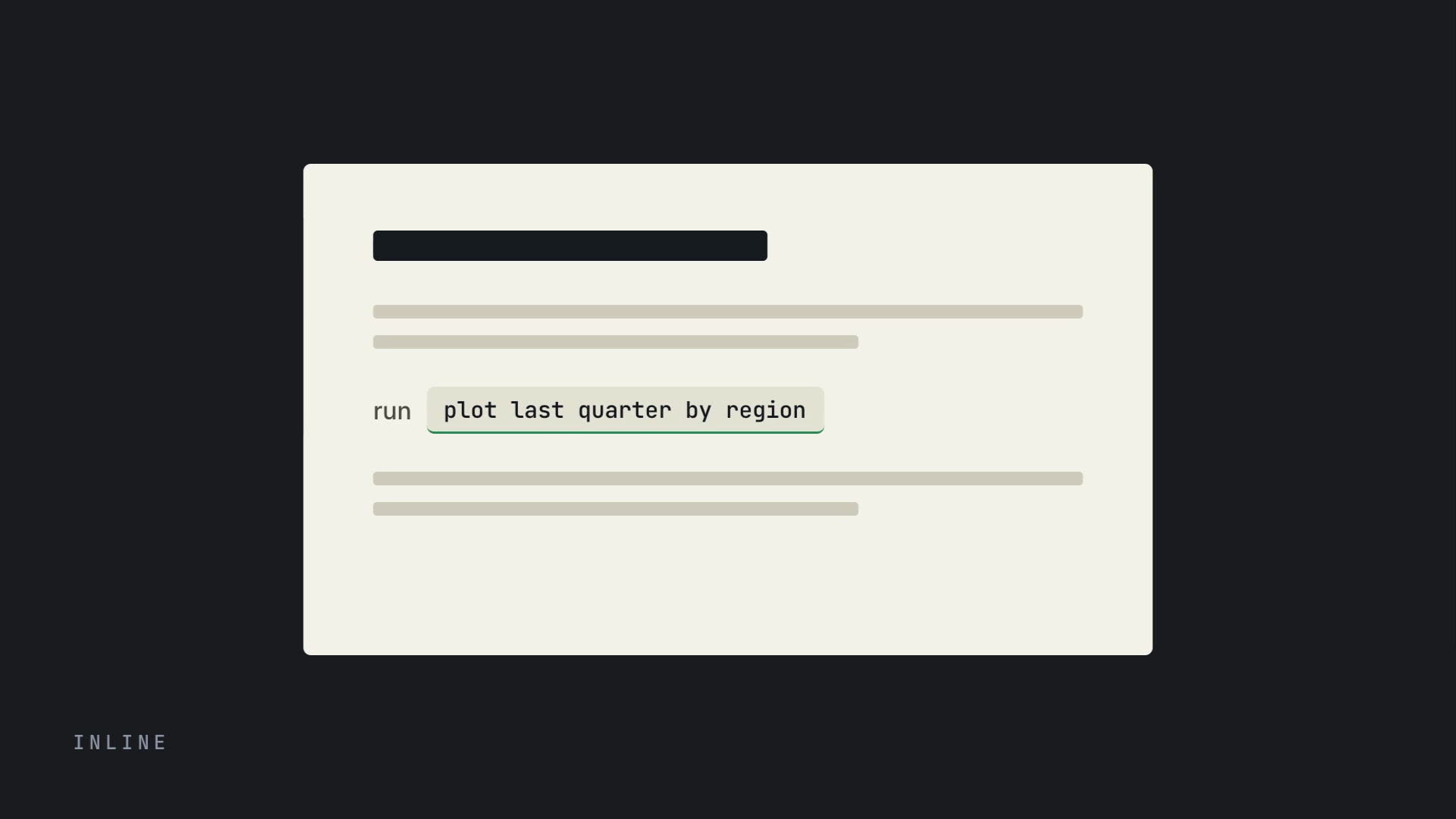
Interactive System Map result preview
Interactive System Map
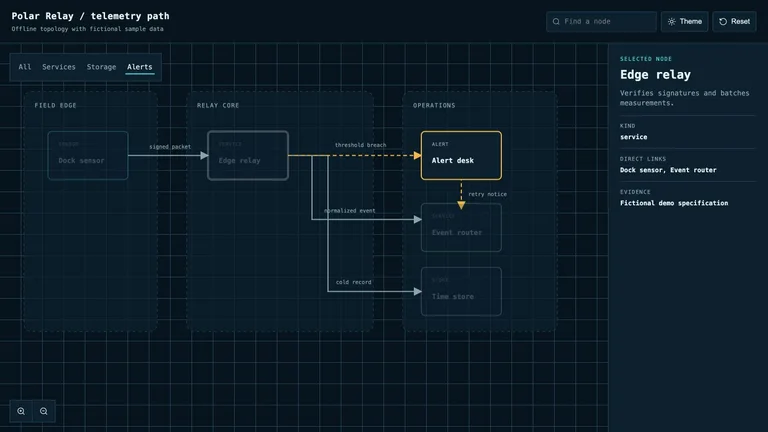
Interactive System Map result preview
Interactive System Map

Release check

Choose the tool that understands the current app state

The most useful workflow starts from what already works and leaves the repository easier to continue.

1

Use real screens and states

Capture the actual product, including loading, empty, error, and permission states. Invented UI creates support and review problems later.

2

Keep the change set reviewable

Ask for one deliverable at a time, preserve local conventions, and run formatting, type, test, and build checks before committing.

3

Check the full dependency chain

Know which runtime, model, browser, API key, and paid provider the Skill needs before it becomes part of release week.

Use it inside the agent you already work with

A Skill becomes a repeatable way for your agent to do this job. Your brief and output stay in the project where the rest of the work already lives.

1

Pick the Skill

Check the output examples, required inputs, dependencies, and price before you install.

2

Install it once

Ask your agent to install the Skill. The trusted guide handles the setup and authorization.

3

Write the brief

Describe the app developers job in plain language, review the result, and keep the final file.

Works with the agents you already use

  • Claude Code
  • Codex
  • Cursor
  • Gemini CLI
  • Cline

Questions app developers ask

Can a Skill work inside an existing app repository?

Yes when it is built to inspect existing conventions and make scoped edits. Use a branch, review the diff, and run the repository’s own checks.

Can it make screenshots without inventing UI?

A strong workflow captures the running app or uses supplied screens as locked source material. Compare every result with the released interface.

Will the result be production-ready code?

Treat generated code as a proposed implementation. Review accessibility, responsive states, data behavior, security, and tests before release.

Which coding agents can install these Skills?

Each Skill page lists its supported agents and install path. Many work with Codex, Claude Code, Cursor, Gemini CLI, or Cline.

Keep going from here

Ship the release artifact that is still missing.

Bring the working app and its constraints. Choose one scoped job, inspect the result, and keep the useful workflow in your repo.