

 HyperFrames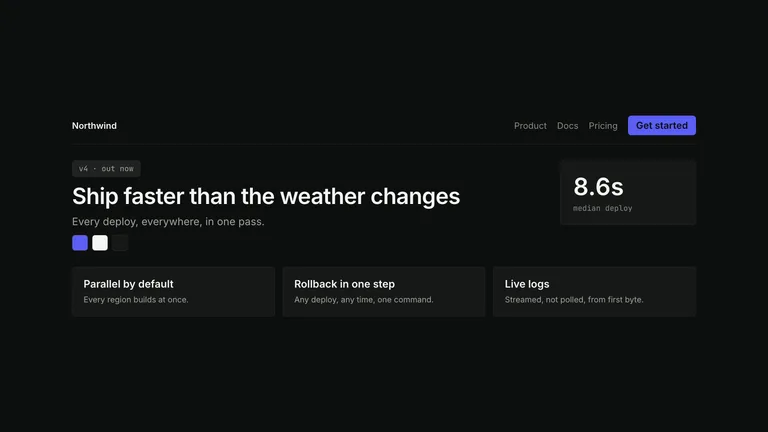
Device-Canvas Product Launchv1.0.0
Use this Skill to create social brand video.
Popular
5.0419 downloads16 likes15 saves
Free
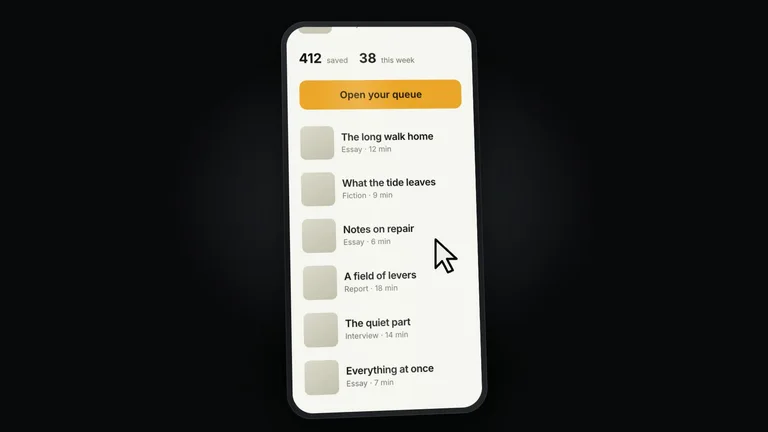
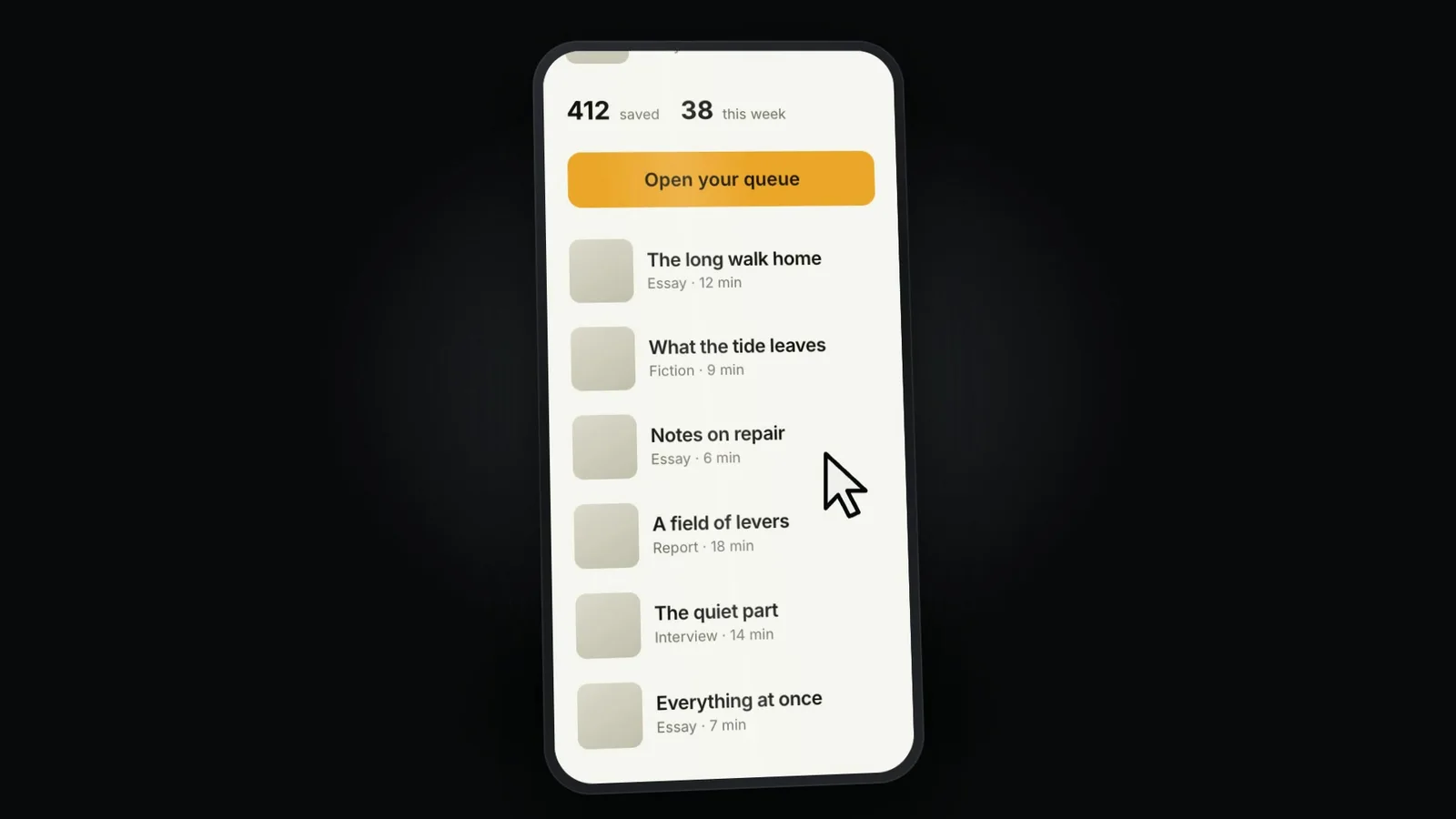
Build a launch film that puts your product's real screen on a device in a dark studio, scrolls it, zooms into the interface for one action, and resolves to the lockup through a colour-split reveal. Delivered as a rendered MP4 plus the editable project, with no 3D model and no generation model involved.
Picked most often by
Updated Sep 22, 2026
Preview gallery
Similar Skills
View all skills

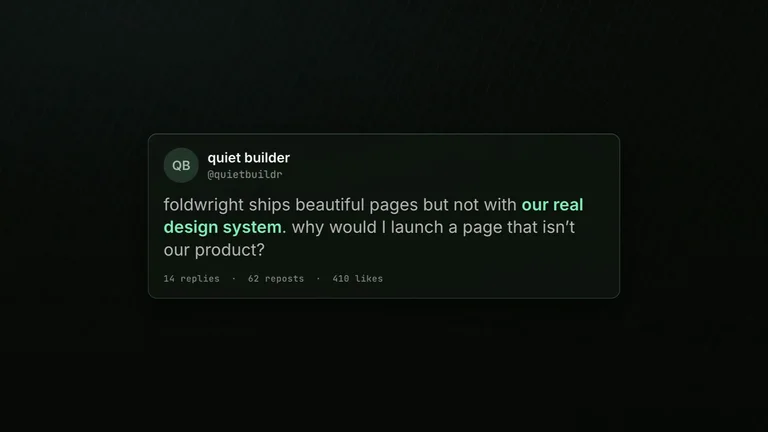
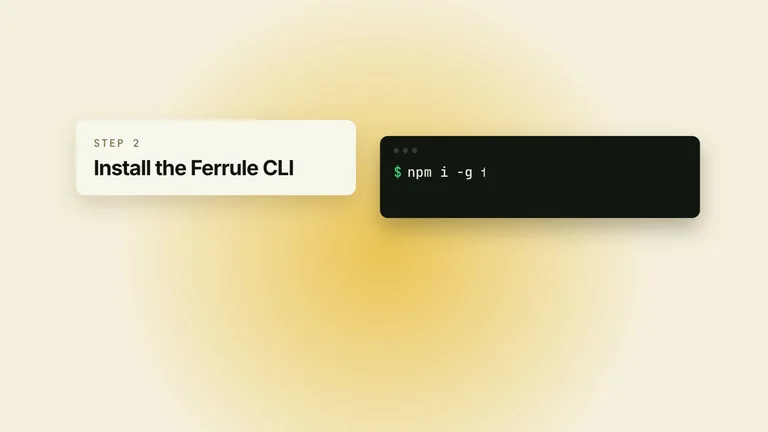
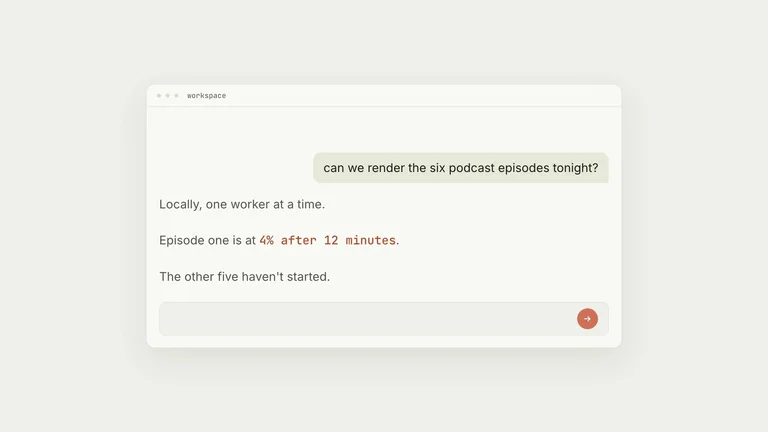
What you get
- A 16 to 20 second 1920x1080 MP4: a real product screen arrives on a device in a dark studio, scrolls under an oversized cursor, performs one action, states a claim, and reveals the lockup.
- The editable project with the device built from CSS perspective — no 3D model, no WebGL, no loader, nothing to license — and the transform stack that makes a slab read as an object.
- The staging craft: how to capture a screen that survives being pushed into, why the zoom into the interface is a change of subject rather than a camera move, and the two seams that work.
Good fit
- Your product has a screen worth showing, and the launch's job is to prove it exists and works.
- You can capture that screen for real, at your own site or app.
- You want one action shown properly rather than a tour of the whole product.
Not for
- Products with no interface, or where the screen would have to be a mockup — a mockup on a device in a studio is a very expensive way to show nothing.
- Films that need to demonstrate several features. Two actions inside the interface turn a launch into a tutorial, which is longer, slower, and for a different audience.
- Anyone wanting to show a specific manufacturer's handset, or a third party's site on the screen.
Social Media Content & CampaignsProduct Launch & App GrowthCreate Social Brand VideoCreate Product Launch FilmCreate Product Demo VideoEvidence-firstGuided WorkflowVisually PolishedChromatic Split RevealCss Perspective SlabDark Studio DeviceInterface Zoom ThroughOversized Cursor
Good forPromo videos
About this Skill
What you need before you start
- You bring
- A real capture of your product's screen, tall enough to scroll · The one action the film performs inside the interface, and what the product answers · The claim, and a two-line CTA · The lockup · Two colours: a dark studio ground and one product accent
- Dependencies
- HyperFrames CLI — required · Node.js 22 or newer — required · FFmpeg — required
- Last tested
- v1.0.0 — Claude Code / Claude Desktop / Cowork / Codex / ChatGPT
User reviews
Loading reviews…