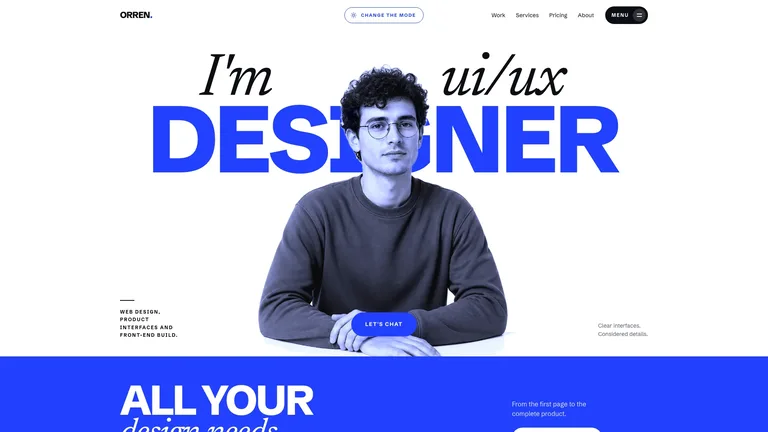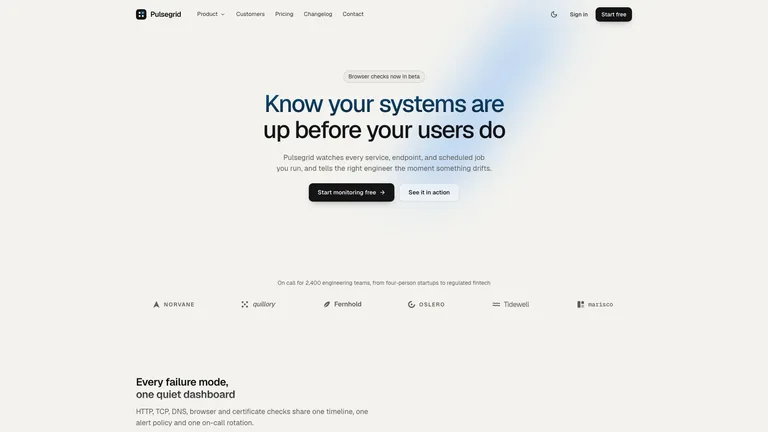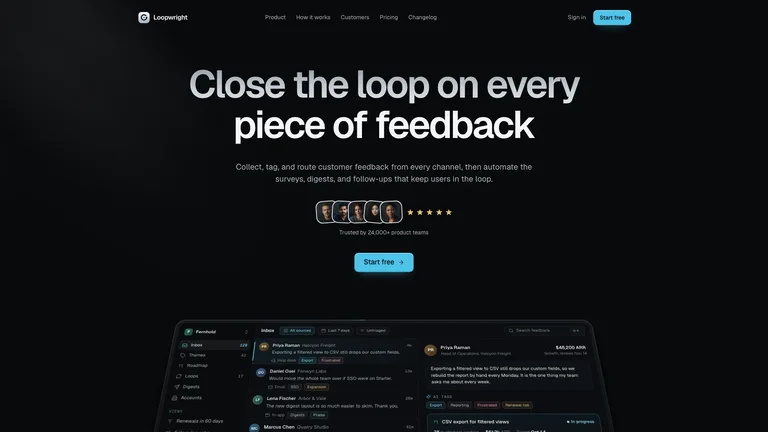
Cadence Marketing Landing


 +7
+7From free guideline Skills to finished site templates.
Claude Code Codex
Codex Cursor
Guideline Skills like Anthropic’s frontend-design, UI UX Pro Max, Impeccable and Taste sharpen your agent’s design judgment on any UI. Template Skills like Skillry’s website Skills hand it a finished, designed site to adapt.
 frontend-designAnthropic’s official design guidelines.
 ImpeccableAudit and polish commands.
 Taste skillAnti-slop guardrails.
| Skill | Output | Best for | Site templates |
|---|---|---|---|
| Anthropic frontend-design | Guidelines | Any UI task | No |
| UI UX Pro Max | Guidelines + design system | Choosing a style system | No |
| Impeccable | Guidelines + commands | Polishing existing UI | No |
| Taste skill | Guidelines + checks | Landing pages, redesigns | No |
| Skillry website Skills | Working site templates | Shipping a finished site | Yes |
Better taste on any UI: a guideline Skill
A design system first: UI UX Pro Max
A finished site this week: a website Skill
Each option in detail: what it is, what it outputs, who it suits and its limits.
 Official · Free
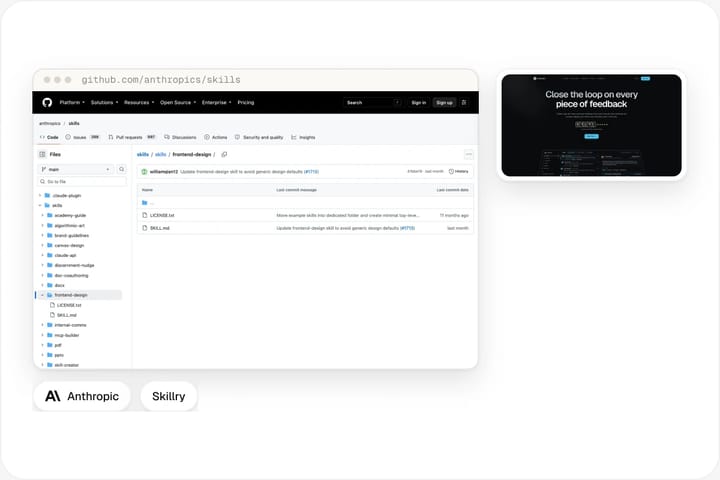
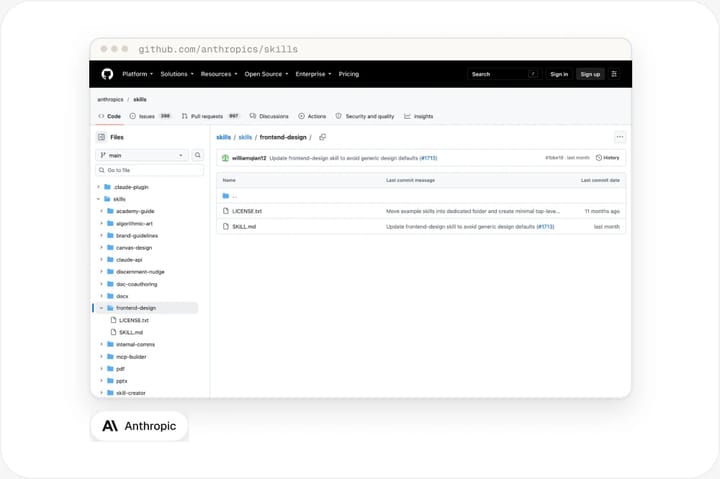
Anthropic’s frontend-design skill is a single SKILL.md published in Anthropic’s public skills repository. It does not ship templates or components. Instead it changes how the agent approaches any interface: before writing code, the agent commits to a clear aesthetic direction (a typographic voice, a colour story, a layout idea and a motion style) and avoids the generic patterns that make AI-built pages look alike.
Because it is guidance only, it works with any stack: React, Vue, plain HTML, Tailwind or your own design system. The result still depends on the model and on how specific your brief is, so two runs of the same prompt can look quite different.
Open source · Free
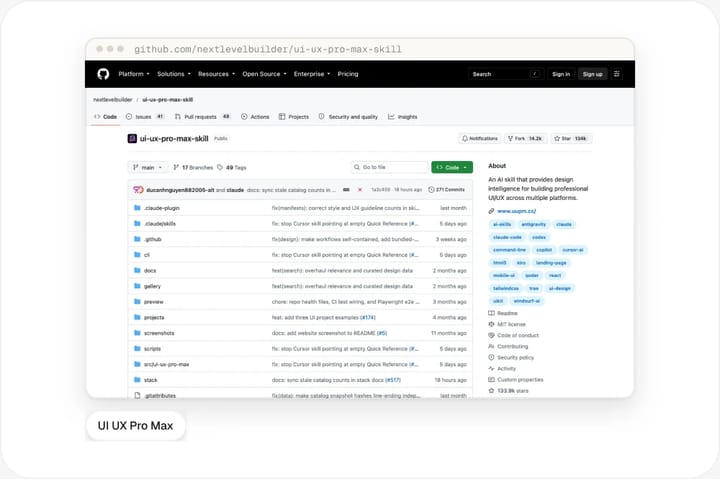
UI UX Pro Max is an open-source design skill from the nextlevelbuilder project on GitHub. It bundles searchable reference data (UI styles, colour palettes, font pairings, UX guidelines and industry-specific reasoning rules) that the agent queries before it designs. The output is a recommended design system for your product: patterns, colours, typography and effects, plus anti-patterns to avoid in your industry.
It also ships pre-delivery checklists for accessibility, responsiveness and interaction, and a CLI that installs it into different assistants. It fits best when you want the agent to reason about a style system first and build second. Like other guideline skills, it does not hand you a finished page.
 Open source · Free
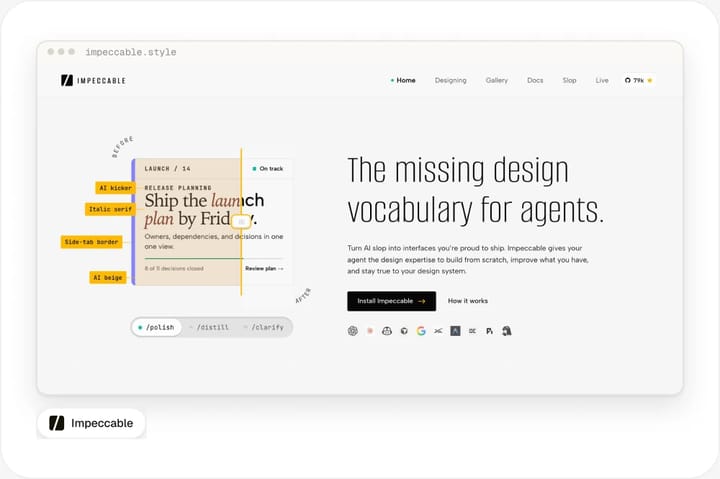
Impeccable, created by Paul Bakaus, presents itself as an enhanced take on the original frontend-design skill. It pairs design guidance with 24 commands, such as audit, critique, polish and animate, run through the /impeccable skill, and reference guides on typography, colour and contrast, spatial design, motion, interaction, responsive design and UX writing.
Where frontend-design shapes a first draft, Impeccable is most useful on an interface that already works: you run a command, the agent critiques the current UI against the references and applies targeted changes. Its documentation lives at impeccable.style.
MIT · Free
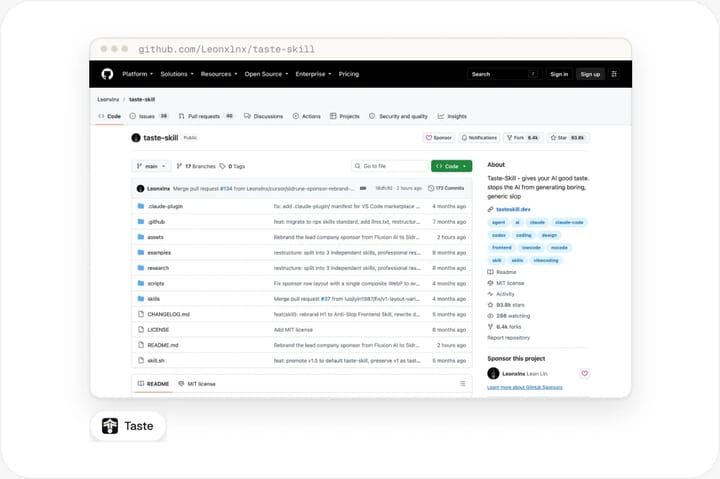
Taste skill is an MIT-licensed library of portable SKILL.md files aimed at "AI slop": the sameness of centred layouts, default fonts, pale blue buttons and bland hover states. Its flagship skill reads the brief, infers a design direction, sets dials for variance, motion and density, maps the result to a real design system and runs a ban list against common AI-generated UI patterns before shipping.
It comes in several installable variants, so you can choose a stricter or looser version. It is guidance rather than a template library, which makes it a good companion to a template skill when you want both a finished starting point and stronger defaults.
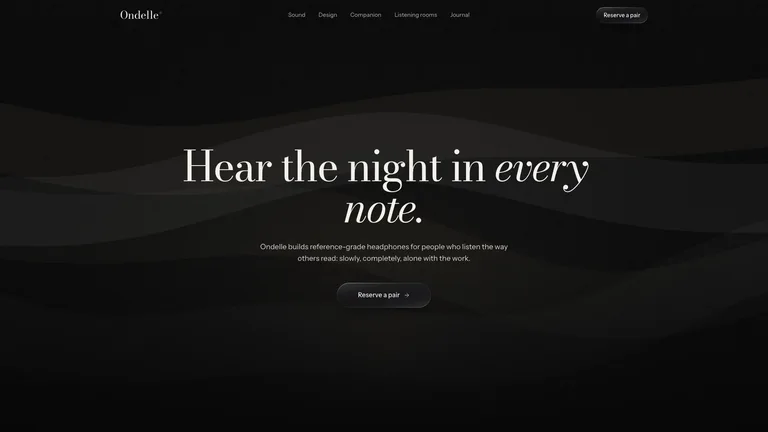
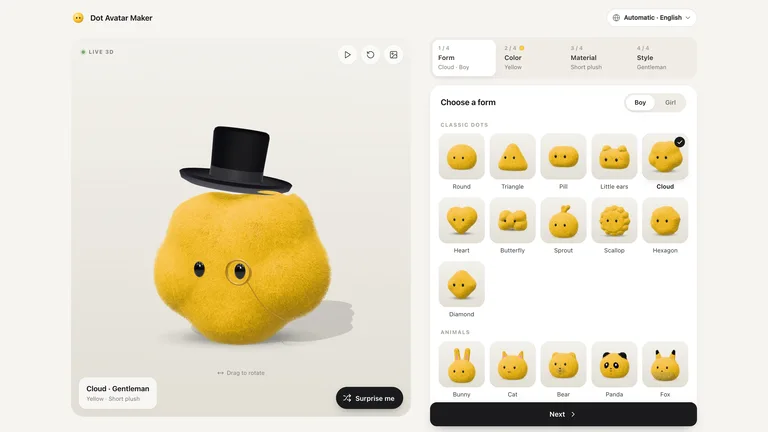
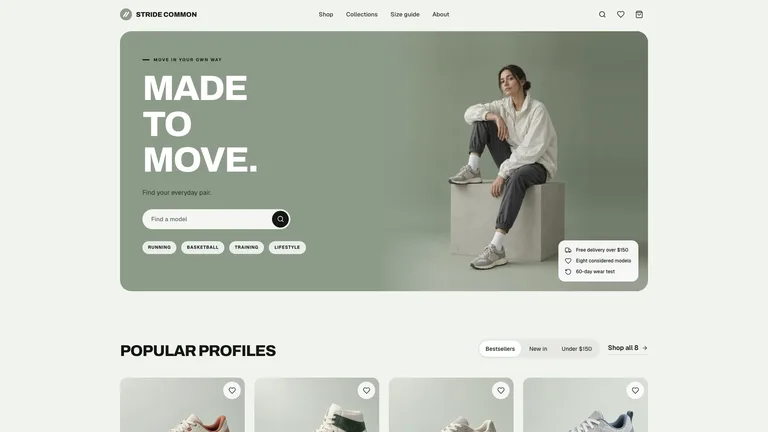
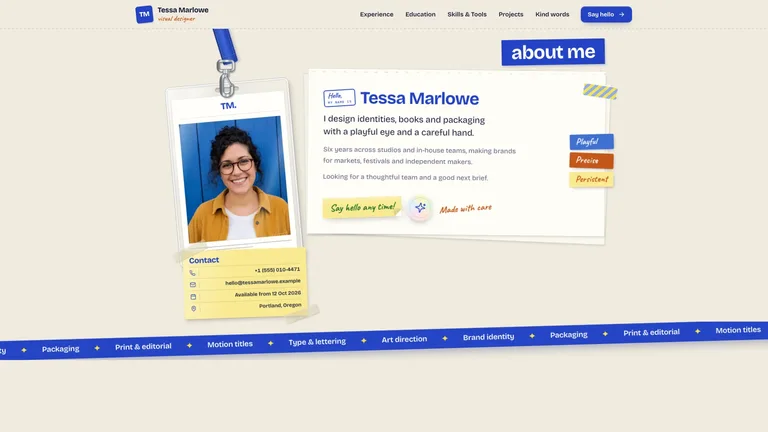
Skillry website Skills take the opposite approach. Each one is a complete, designed website (sections, typography, colour, image slots and motion already built) packaged with instructions so your agent rewrites the content, structure and brand details for your product. You start from a finished page and adapt it, instead of asking the agent to invent a design from a blank file.
Results are predictable: the layout on the Skill page is the layout you get, in Claude Code, Codex, Cursor or any agent that reads SKILL.md. The trade-off is fit, because a template works best when its direction matches your brand. Many teams pair one with a guideline skill for the rest of their UI.
Three steps in Claude Code, Codex or Cursor.

Guidelines for everyday UI, a design system first, or a finished website template.
Use Anthropic’s frontend-design or Taste for stronger defaults, UI UX Pro Max when you need a design system, Impeccable to polish a working interface, or a Skillry website Skill when a full page has to ship.

Copy the install prompt from the Skill page and paste it into your agent.
Read https://skillry.dev/skills/<slug>/install.md and follow the instructions to install the skill.Your agent reads the prompt and installs the Skill itself. All five options are SKILL.md folders: in Claude Code they go in ~/.claude/skills/ or a project’s .claude/skills/; in Codex, ~/.agents/skills/ or .agents/skills/. Cursor reads ~/.cursor/skills/, OpenCode ~/.agents/skills/ and Antigravity ~/.gemini/config/skills/. After installing, start a new session so the agent loads the skill, then describe the task, for example “redesign this landing page”, or call the skill by name.

Open a new session so the agent loads the skill, then describe the page you want.
Give the audience, the product and the tone in a sentence or two, for example “redesign this landing page for a developer tool”, or call the skill by name. Review the result at mobile width and ask for targeted fixes.
In depth: guideline skills, template skills and how to install them.

Guideline skills change how the agent thinks about design. They work on any page and in any framework, and they cost nothing to try, but the output is only as good as the brief and the model. Template skills hand the agent a finished design to adapt. They are predictable and fast, but you choose a visual direction up front. The two do not compete: a guideline skill improves the everyday UI you build, and a template skill gives you a polished starting point when a whole page has to ship.

If you mostly build product UI and want fewer generic screens, start with Anthropic’s frontend-design or Taste. If you are starting a new product and need a design system, UI UX Pro Max gives the agent the most to reason with. If your interface already works but feels unfinished, Impeccable’s commands are the quickest way to tighten it. If a landing page or portfolio has to go live this week, a website Skill gets you there fastest.

Four of the five options are free. Anthropic’s frontend-design skill (Apache 2.0) sits in Anthropic’s public skills repository; UI UX Pro Max (MIT), Impeccable (Apache 2.0) and Taste skill (MIT) are open-source projects on GitHub. Skillry website Skills include free templates and $4.99 templates. Licences differ, so if you plan to redistribute a skill inside a product or a client repository, read each licence first.

The most common mistake is a vague brief. A design skill can only push the agent toward a direction if it knows the audience, the product and the tone, so describe them in a sentence or two. The second is stacking several guideline skills that pull in different directions; pick one as the default. The third is skipping review: open the page at mobile width, check contrast and spacing, and ask the agent to fix what you see rather than starting over.

Yes. Guideline skills describe principles rather than components, so they apply to React, Vue, Svelte, plain HTML or a native framework. Website Skills ship as working HTML and CSS that your agent can port into the framework you use.
A frontend design skill is a SKILL.md folder that tells your coding agent how to design interfaces. Some, like Anthropic’s frontend-design, Taste or Impeccable, are guidelines and commands the agent applies to its own code. Others, like Skillry website Skills, are finished designs the agent adapts. Both load only when relevant, so they do not slow down unrelated tasks.
Yes. It is published in Anthropic’s public skills repository on GitHub, and you can copy the folder into your agent’s skills directory at no cost. It is released under the Apache 2.0 licence.
UI UX Pro Max is an open-source design skill from the nextlevelbuilder project. It gives your agent searchable libraries of UI styles, colour palettes, font pairings, UX guidelines and industry reasoning rules, then produces a recommended design system and accessibility checklists. It installs into Claude Code, Cursor, Windsurf, GitHub Copilot and other assistants.
Impeccable is an open-source design skill by Paul Bakaus that builds on the original frontend-design skill. It adds 24 commands, such as audit, critique and polish, plus reference guides on typography, colour, spacing, motion and UX writing, so your agent can audit and refine an interface that already works.
Yes. A guideline skill and a template skill do different jobs and can sit side by side in the same skills folder. Agents load a skill only when the task calls for it, so a common setup is one guideline skill for everyday UI work plus a website Skill when a full page needs to ship.
Yes. SKILL.md is read by Codex, Cursor, Antigravity, OpenCode and GitHub Copilot as well as Claude Code; only the install folder changes. Check each project’s README for the agents it officially supports, since guideline skills and their CLIs are updated often.
Install a website Skill and ship a page that doesn’t look generated.