Tessellated Editorial Still Life


 +8
+8 OpenClaw·Open source
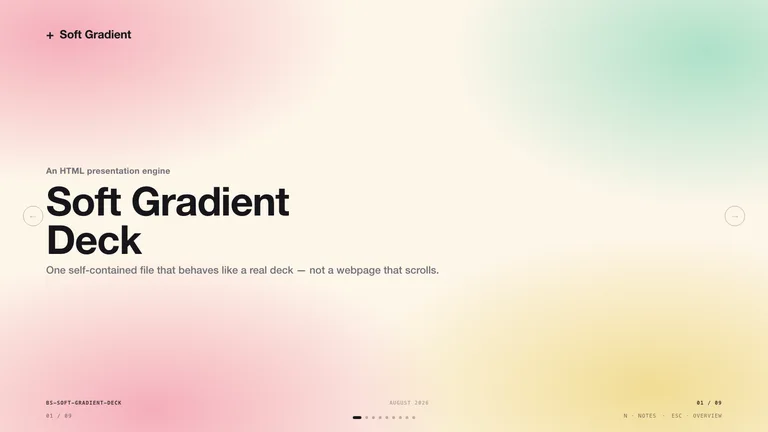
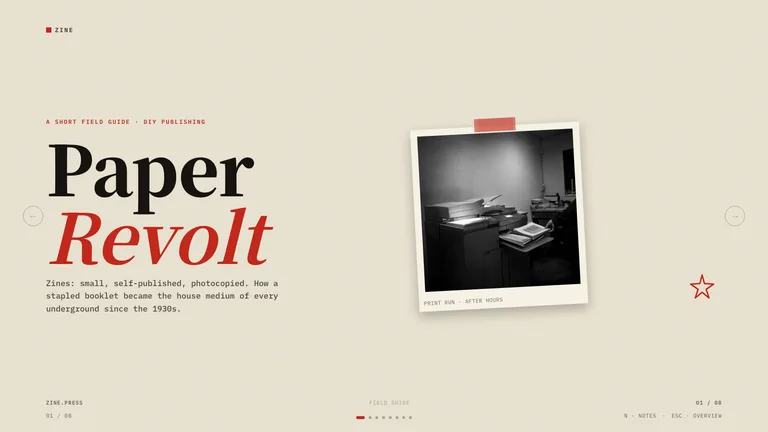
Hand-picked OpenClaw skills for decks, websites, launch videos and images. Every one is a SKILL.md folder that OpenClaw loads from your workspace or ~/.agents/skills/, no ClawHub account needed.
openclaw — ~/projects/launch$ openclaw
> Read https://skillry.dev/skills/bs-inclusive-cutpaper-deck/install.md and follow the instructions to install the skill.
✓ Installed to ~/.openclaw/skills/bs-inclusive-cutpaper-deck/
> Turn my notes into a 10-slide pitch deck
● Loading skill bs-inclusive-cutpaper-deck
● Writing pitch/index.html · sending the preview to chat
Where the Skill lives
A skill in a workspace’s skills/ folder wins over a shared skill with the same name.
Every Skill on Skillry is reviewed before it goes live and works unchanged in OpenClaw.
OpenClaw skills are folders with a SKILL.md file. OpenClaw loads them from the skills/ folder in your workspace, from ~/.agents/skills/ and from ~/.openclaw/skills/ for all your agents, then reads each skill’s description to decide when to use it. ClawHub is one place to find them, but any SKILL.md folder works, including every Skill on Skillry.
ClawHub is full of integrations. These fill the gap: finished, designed output.
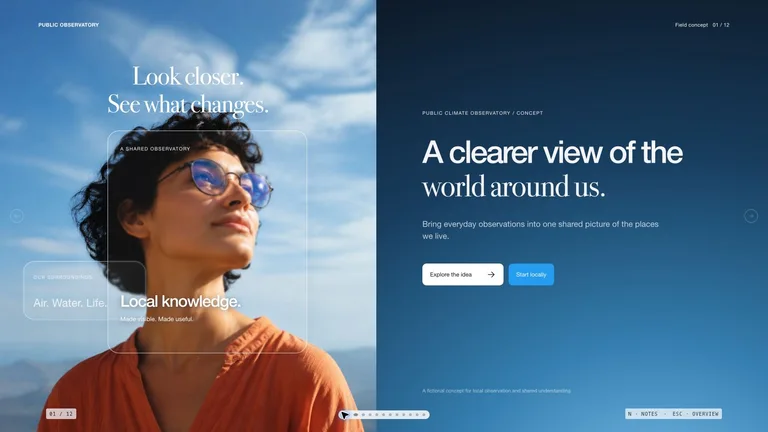
Editable HTML decks with PPTX export, ready to send back from chat.
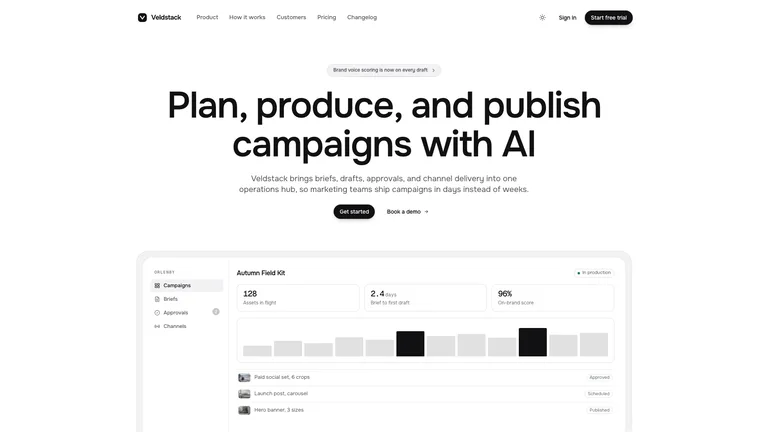
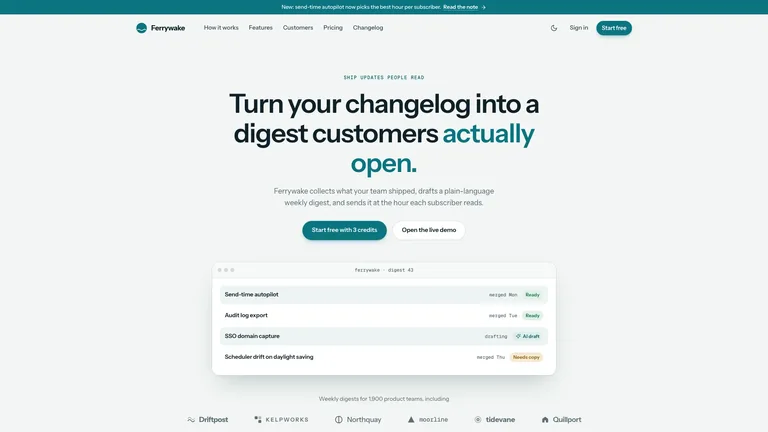
Complete one-file websites your agent can deploy or zip back to you.
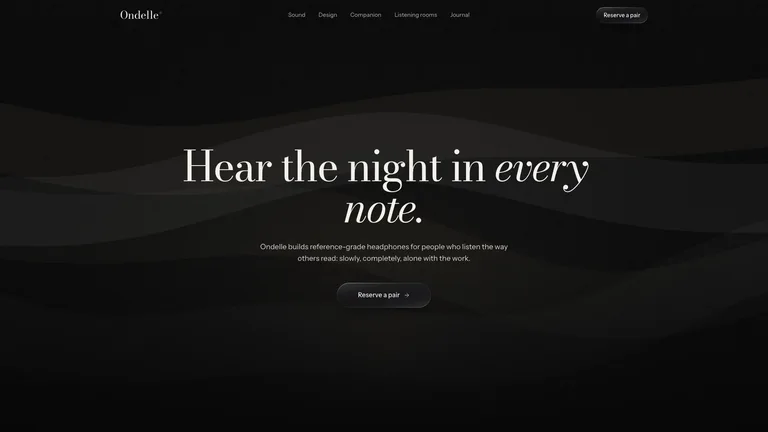
Motion-graphic product films rendered to MP4 at 1080p, 2K or 4K.
OpenClaw reads ~/.agents/skills/, so the install prompt puts each Skill there. No ClawHub login needed.
Paste one sentence into OpenClaw. It reads the install guide and puts the Skill in the right folder itself.
No Node.js needed. Unzip the Skill into the folder yourself.
~/.openclaw/skills/.One command downloads the Skill and puts it where OpenClaw looks.
~/.agents/skills/.They do different jobs, and most people use both.
An OpenClaw skill is a folder with a SKILL.md file: a name, a description and step-by-step instructions, plus optional scripts and assets. OpenClaw reads the description and loads the skill when your message matches.
Skillry complements ClawHub. ClawHub lists thousands of community skills, mostly integrations; Skillry focuses on reviewed Skills that produce designed decks, sites, videos and images.
No. Installing from ClawHub needs no sign-in, and a Skillry Skill is just a folder you can drop into your workspace’s skills/ folder or ~/.agents/skills/.
Yes. A Claude Code Skill is a SKILL.md folder, the same format OpenClaw reads. Copy the folder into ~/.openclaw/skills/ and OpenClaw picks it up.
Every category has free Skills; the rest are $4.99 each or included with a Skillry plan. Free and paid Skills install and run the same way.
The same Skills install in more than 30 coding and work agents. Pick yours for its folder and install steps.
Coding agents
Claude CodeSkills CodexSkills
 CursorSkills
 GitHub CopilotSkills
 Gemini CLISkills
 OpenCodeSkills
 AntigravitySkills
 Hermes AgentSkills
 KiroSkills
 WindsurfSkills
 ClineSkills
 ZedSkills
 AmpSkills
 Kilo CodeSkills
 GooseSkills
 JunieSkills
 OpenHandsSkills
 Grok BuildSkills
 Mistral VibeSkills
 Kimi CodeSkills
 TraeSkills
 QoderSkills
 CodeBuddySkills
 ZCodeSkills
 Qwen CodeSkills
 MiniMax CodeSkills