



Skillry Pick
Soft Gradient Deckv1.0.2
Use this Skill to create presentation.
5.038 downloads1 likes2 saves
$4.99
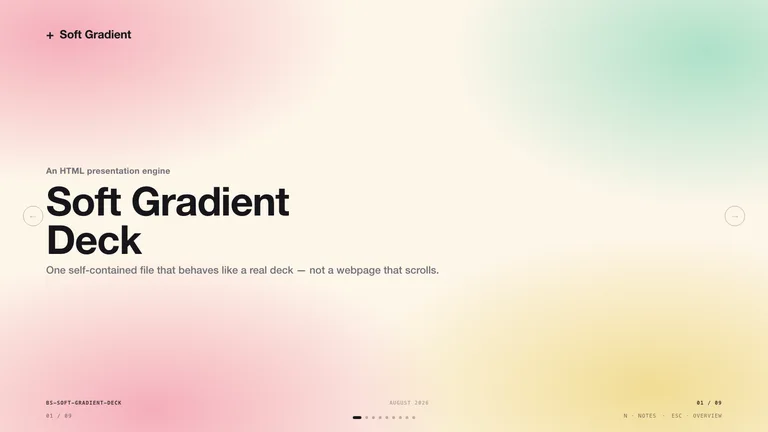
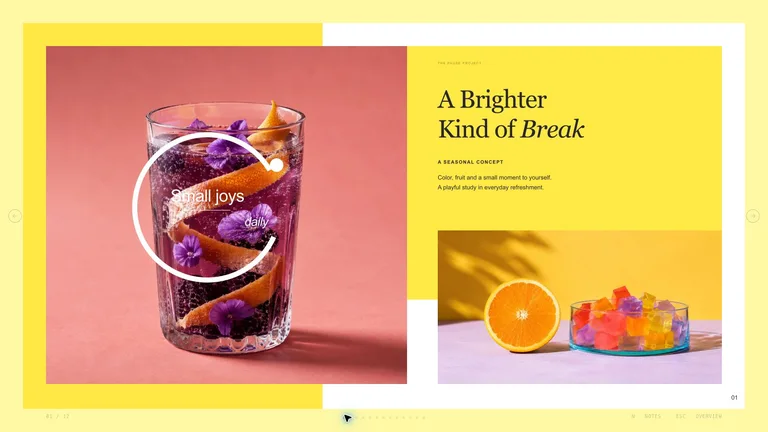
What do I get when I buy this Skill?Generate a modern soft-gradient presentation as one self-contained HTML file with real page-by-page navigation: grainy pastel gradient backgrounds, heavy black grotesk headlines, generous negative space, keyboard/wheel/touch paging across full 16:9 slides, an ESC thumbnail overview, a speaker-notes panel, and print-to-PDF export. Includes eight ready-made slide archetypes and optional FAL GPT-Image-2 imagery. Every deck can be edited in the browser and exported as an editable PowerPoint file.
Picked most often by
Updated Oct 3, 2026
Preview gallery
Similar Skills
View all skills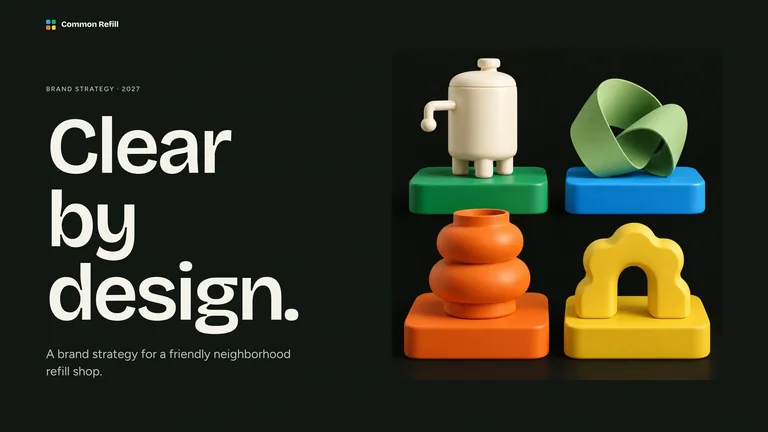



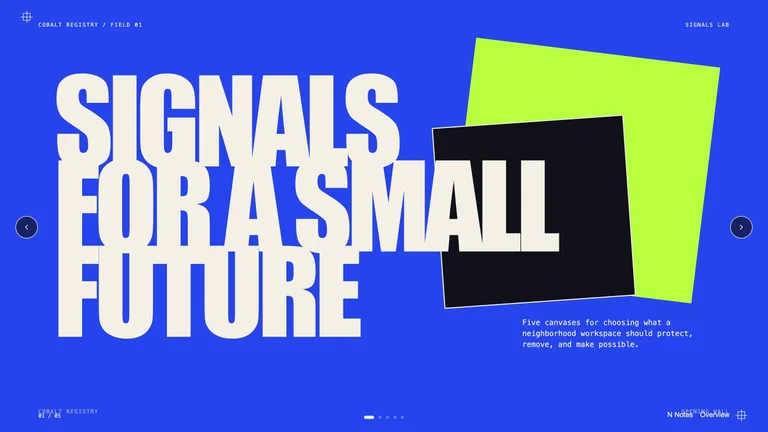
What you get
- A self-contained, zero-network HTML deck with CSS or image placeholders; optional generated imagery arrives in a companion images folder, with the same navigation and PDF export
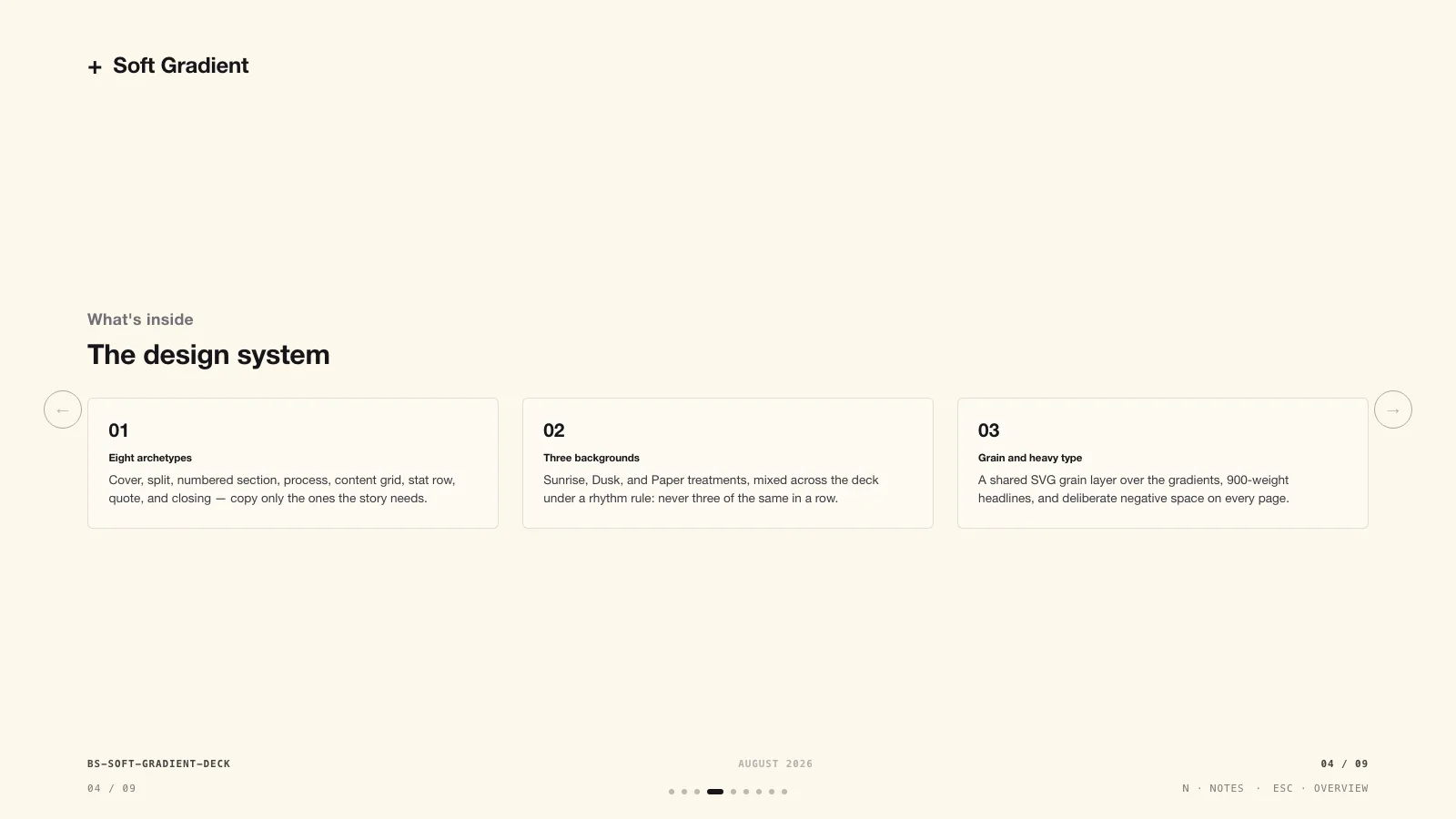
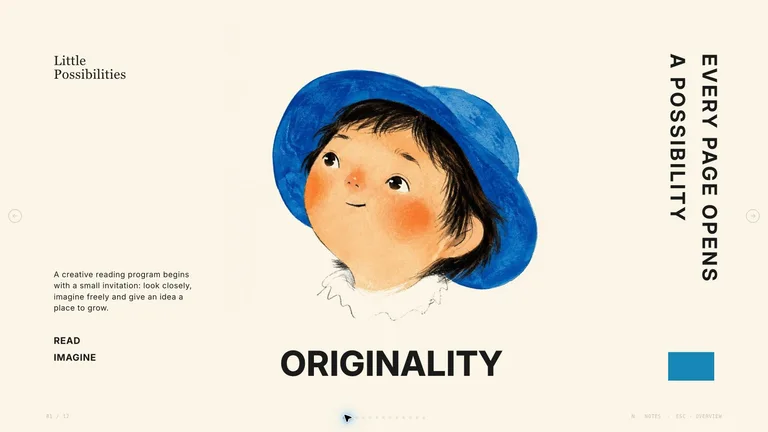
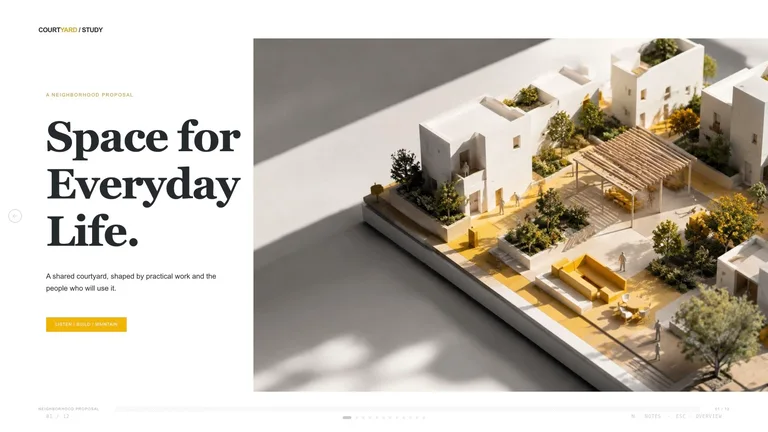
- Eight ready-made archetypes in the signature look: grainy pastel gradient washes, oversized black grotesk headlines, and generous negative space
- A validation script that catches leftover placeholders, duplicate slide ids, and page-number drift before you ever present
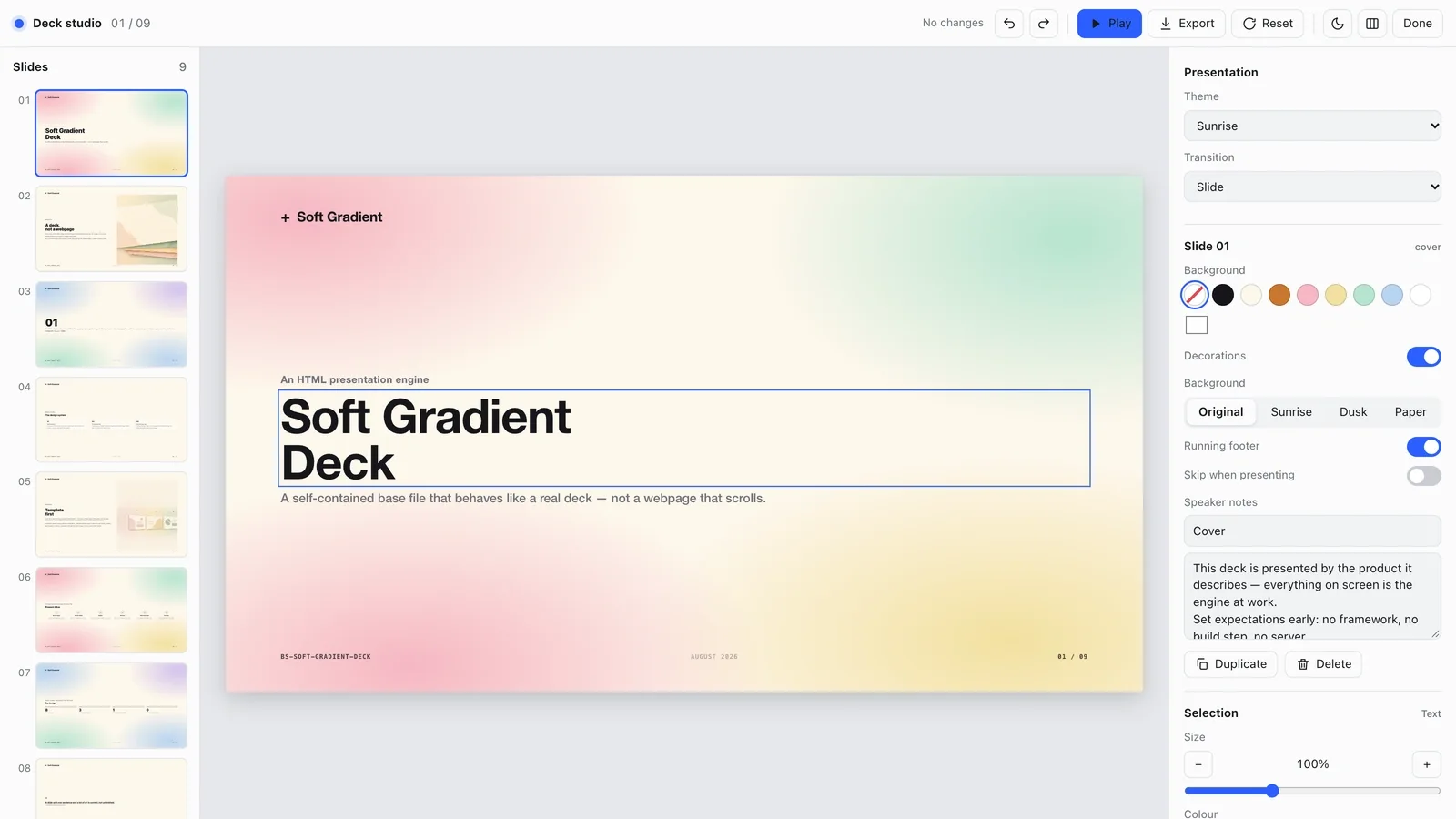
- A built-in editing studio: change text, images, slide order and themes in the browser, then export an editable PowerPoint file or a PDF.
Good fit
- Product launches, investor updates, and keynote narratives that need to feel contemporary and light
- Founders and marketers who want a finished deck from just an outline — the design system is locked and tested
- Decks that will be talked through live — speaker notes and a thumbnail overview are built in
Not for
- Teams that need native PowerPoint or Google Slides files — output is an HTML deck with PDF export
- Dense, data-heavy reports — the style leans on big headlines and negative space
- Fully free pipelines that also want AI imagery in the media frames — that optional step uses a paid FAL key
Product Launch & App GrowthClient & Executive ReportingCreate PresentationStyle-lockedEditable OutputSoft GradientRounded CardsAiry Minimal
About this Skill
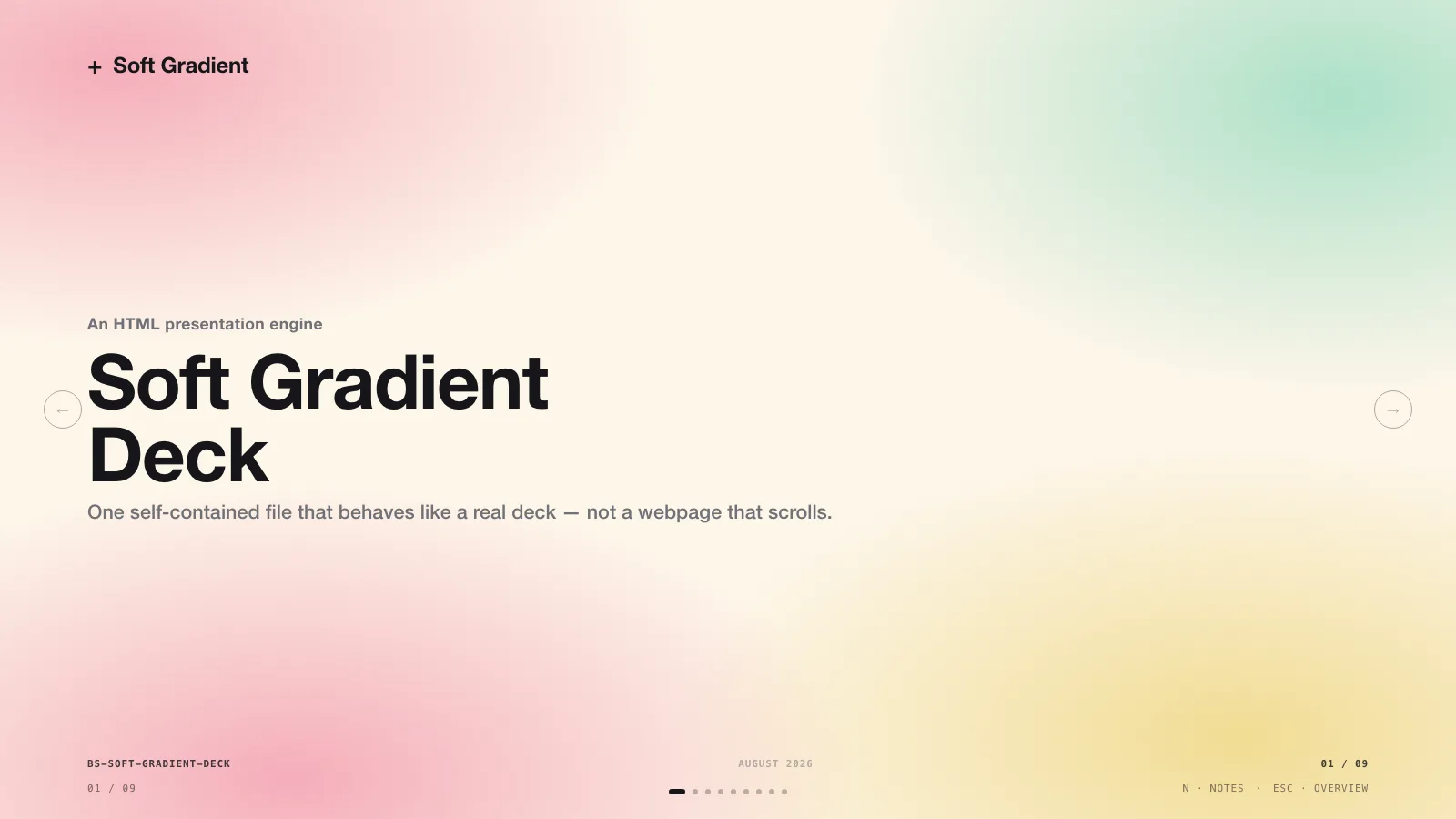
Soft Gradient Deck — Storefront Guide
What you get
A presentation-building Skill that turns a product, company, or idea
description into a modern soft-gradient deck with real page-by-page
navigation — not a long scrolling page, and not another bullet-point PPT. The
CSS-only or placeholder-image base deck is one self-contained, zero-network
HTML file; if you opt into generated imagery, the HTML ships with a companion
images/ folder using local relative paths.
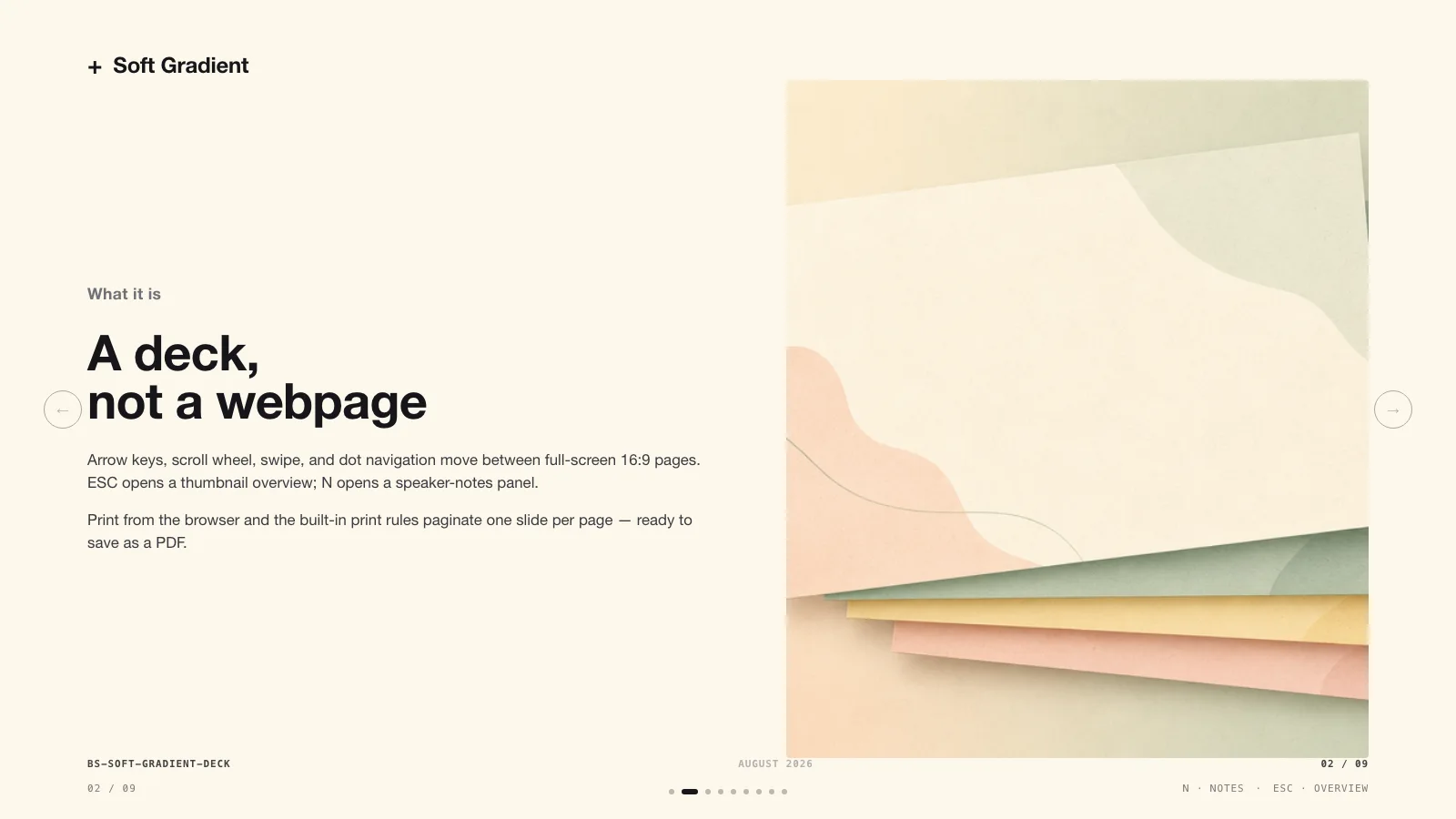
- A verified paging engine — arrow keys, scroll wheel, and touch swipe
between full-screen 16:9 slides;
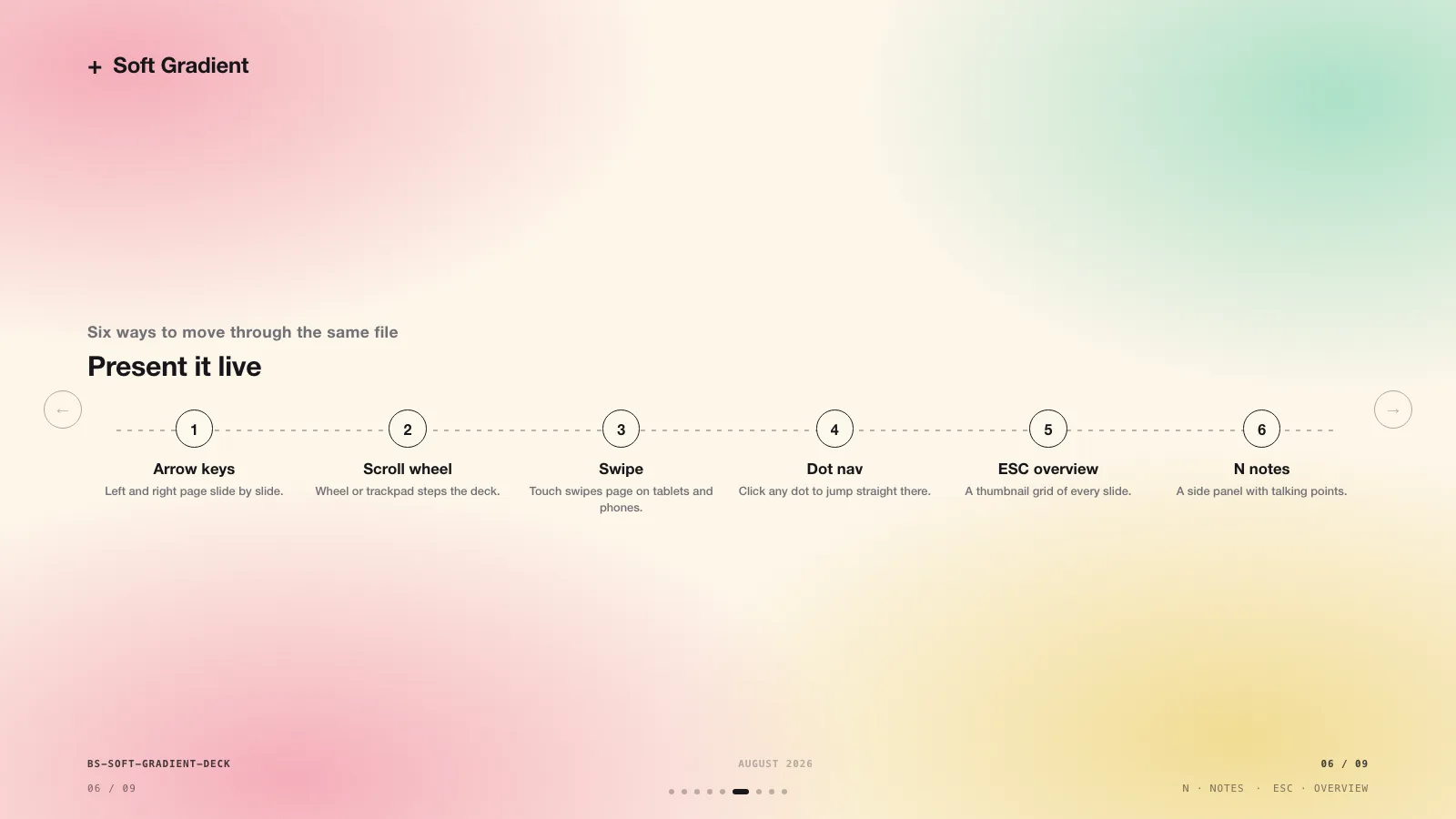
ESCthumbnail overview;Nspeaker-notes panel; print rules that export one slide per page straight to PDF. - Eight ready-made slide archetypes: cover, split, numbered section, process/steps, content grid, stat row, quote, and closing.
- The signature look: grainy pastel gradient washes (
.bg-warm/.bg-cool/.bg-flat), oversized 800–900-weight black grotesk headlines, and generous negative space. A background-rhythm rule keeps consecutive slides from blurring together. - A validation script that catches leftover placeholders, duplicate slide ids, and page-number drift before you ever present.
This is the deck style for product launches, investor updates, and keynote narratives that need to feel contemporary and light.
How a deck gets made
- You describe what's being presented and to whom; the Skill shapes a narrative arc (problem → solution → proof → next steps) across 8–12 slides.
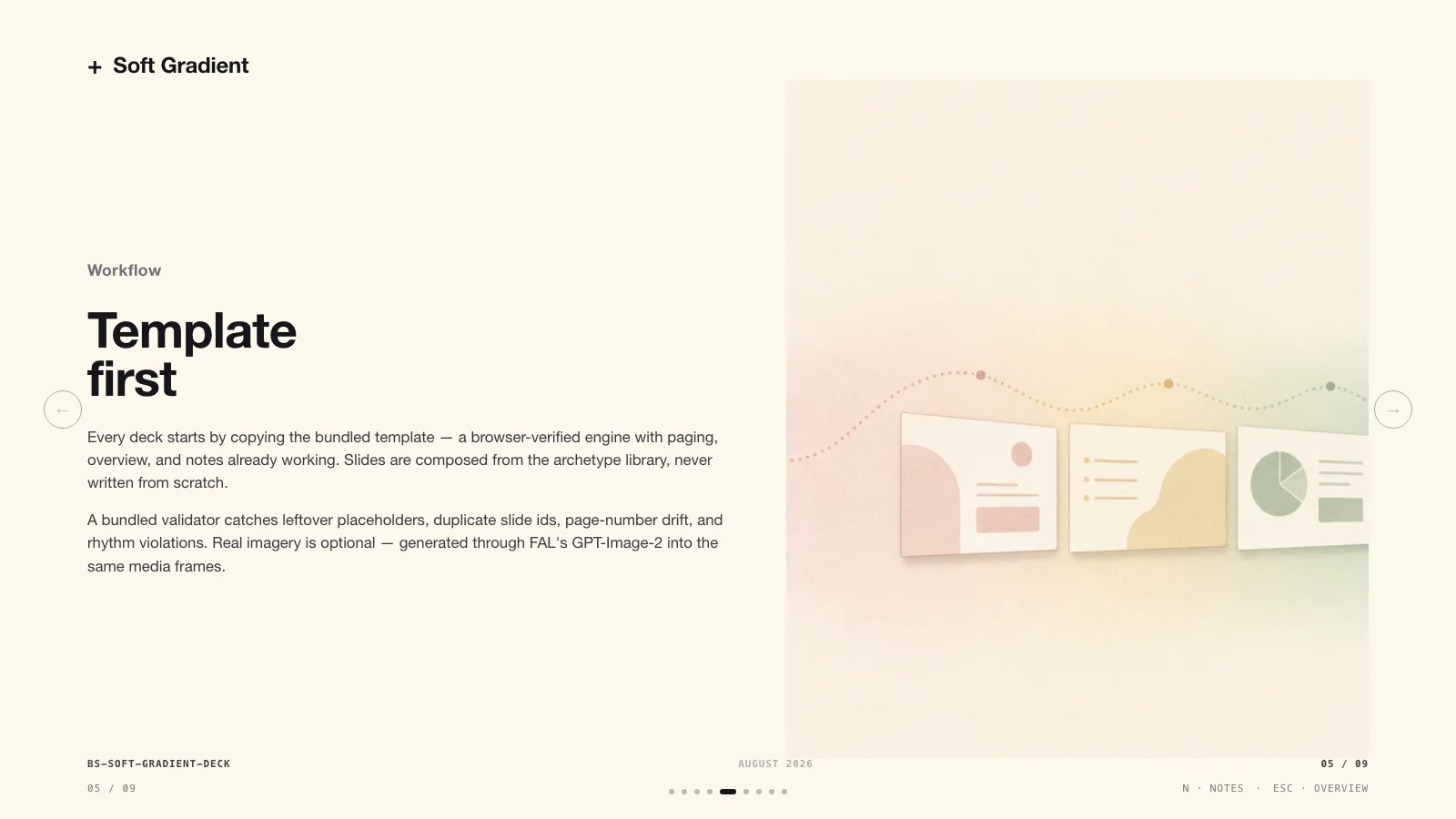
- It copies the browser-verified template and assigns one archetype and one background treatment per slide.
- Slides are written with stable ids and numbered footers; speaker notes are added when the deck will be talked through live.
- The validator runs, then the Skill pages through every slide in a browser before calling the work done.
- Real imagery is optional: with a FAL key configured,
.media-placeholderboxes can be swapped for generated visuals — asked about first, never by default.
What you need to prepare
- A deck outline or content brief. That's it — the design system is locked and tested.
- Optional: a FAL API key for AI-generated imagery inside media frames.
Costs beyond the Skill
Only optional image generation calls a paid API (FAL GPT-Image). A placeholder-only deck is complete and presentable as shipped.
Runs in
Claude Code, Codex, Cursor, Copilot, and other coding agents. Say "make me a modern gradient pitch deck for …" and page through the result with arrow keys when it's done.
Edit and export
The deck opens in a built-in editing studio. Change text, swap images, reorder slides and switch themes in the browser, then export an editable PowerPoint file or a PDF. In PowerPoint, text and speaker notes stay editable; backgrounds and decorations come across as pictures.
What you need before you start
- You bring
- Deck outline or content brief
- Dependencies
- FAL API key — optional (AI-generated gradient visuals) · Chrome, Chromium or Edge plus Node.js 20 or newer — required only for PowerPoint export
- Outside costs
- FAL GPT-Image usage charges apply when generating AI visuals.
- Last tested
- v1.0.2 — Claude Code / Claude Desktop / Cowork / Codex / ChatGPT
User reviews
Loading reviews…