
Rules your agent follows
Color, type, spacing and image style are written into the Skill, so every page and slide stays on brand.
Brand sites, brand story decks and identity films that hold one look, so your agent stops inventing a new style for every request.




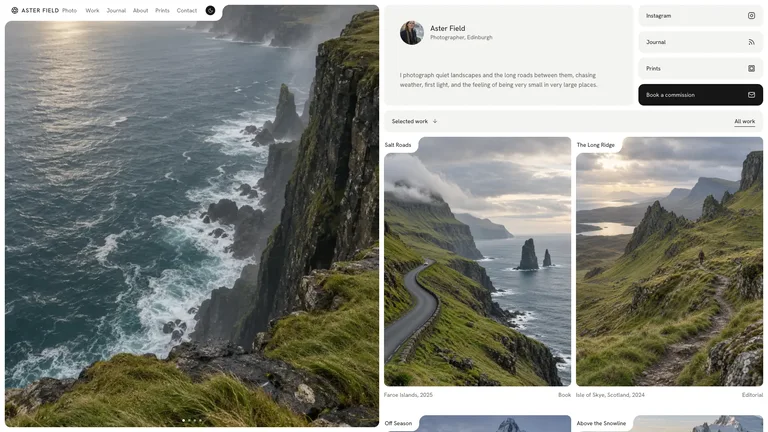
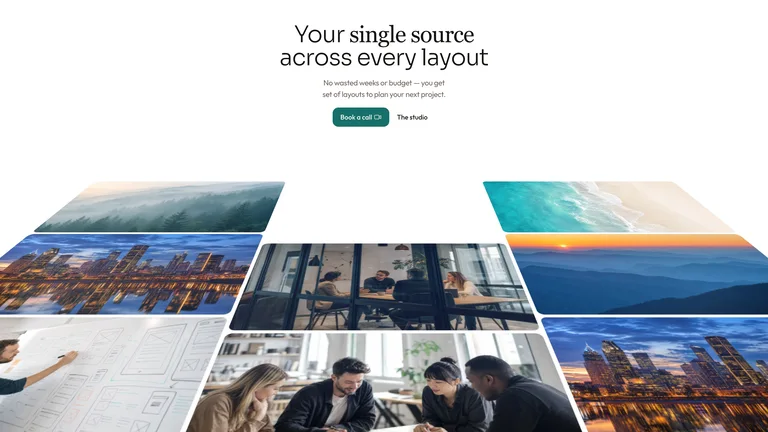
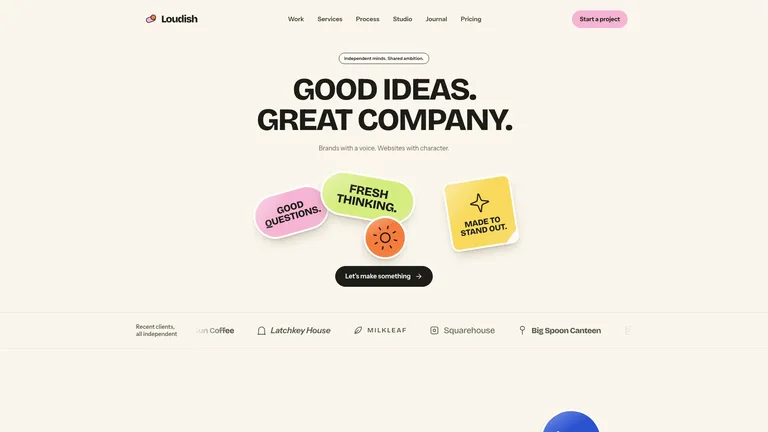
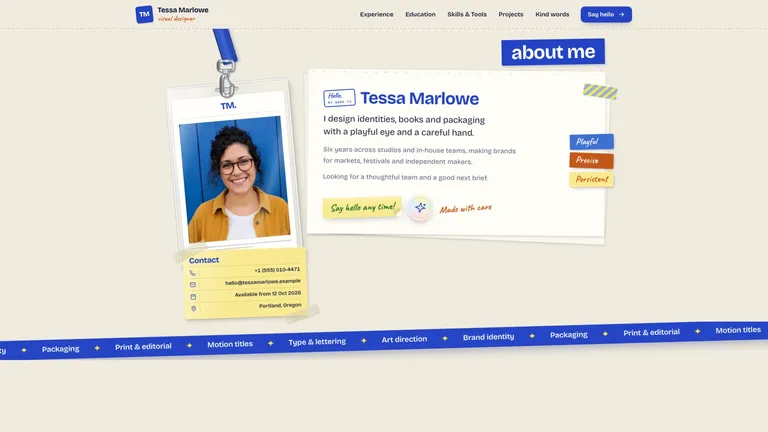
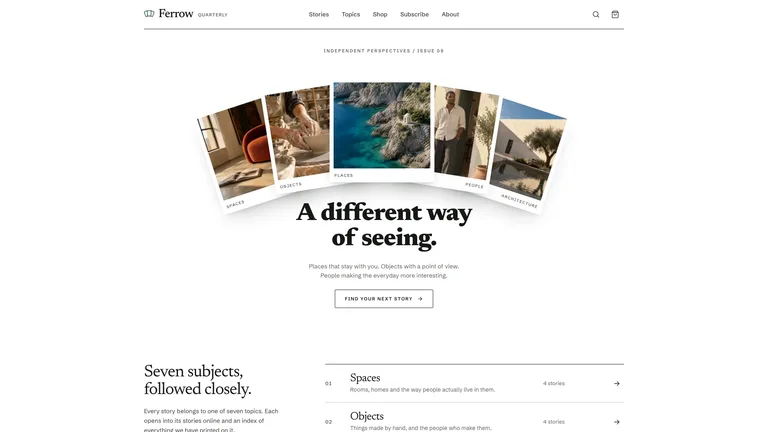
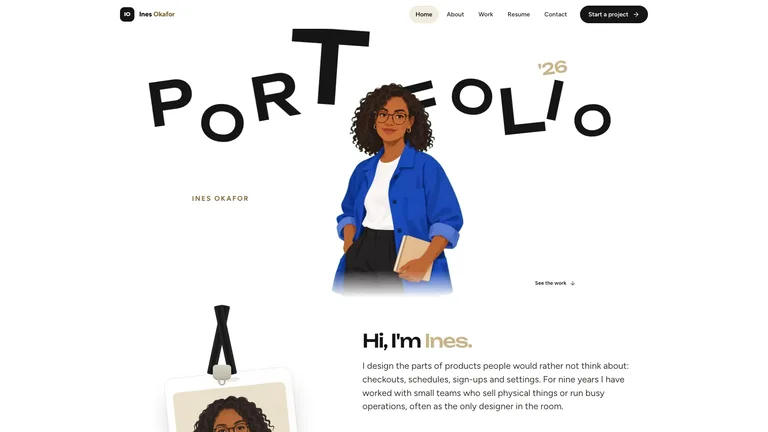
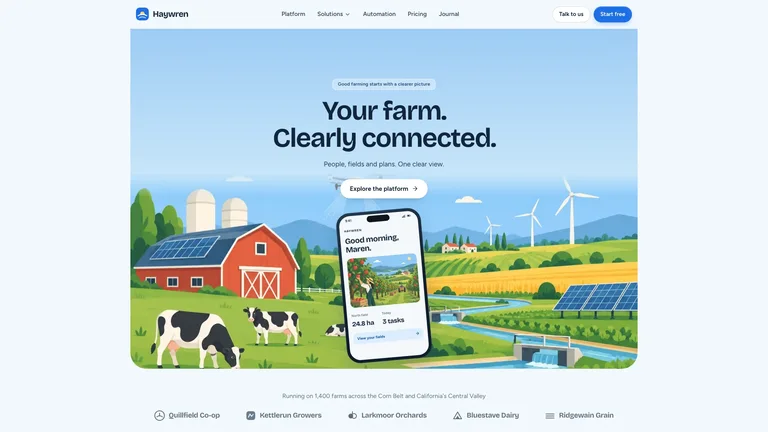
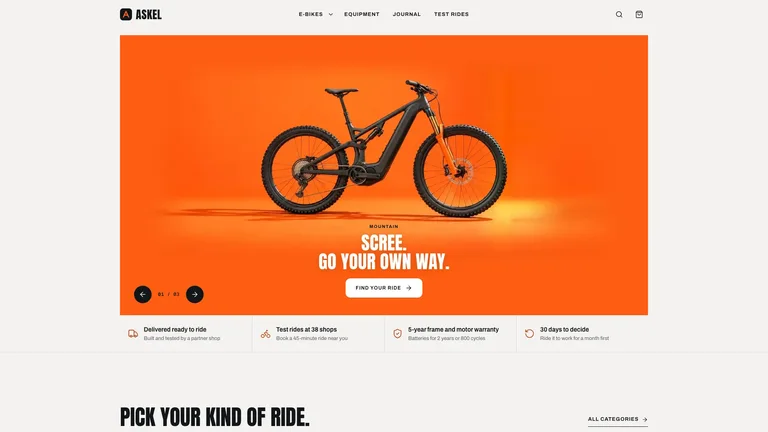
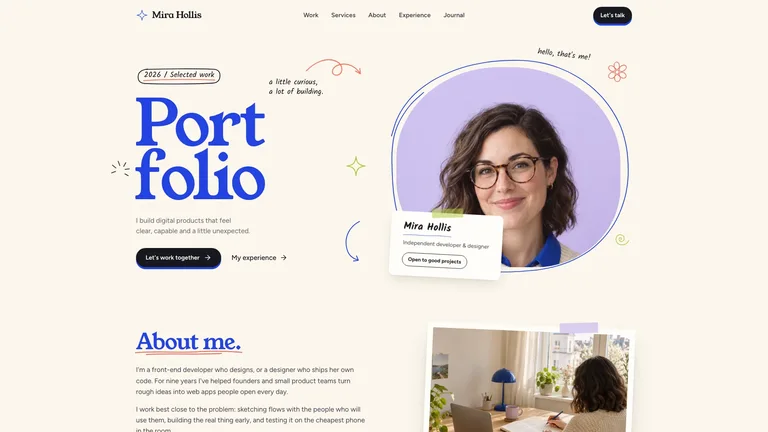
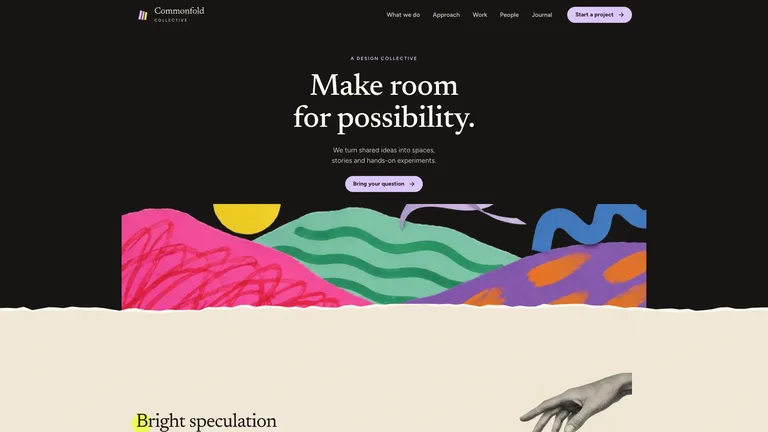
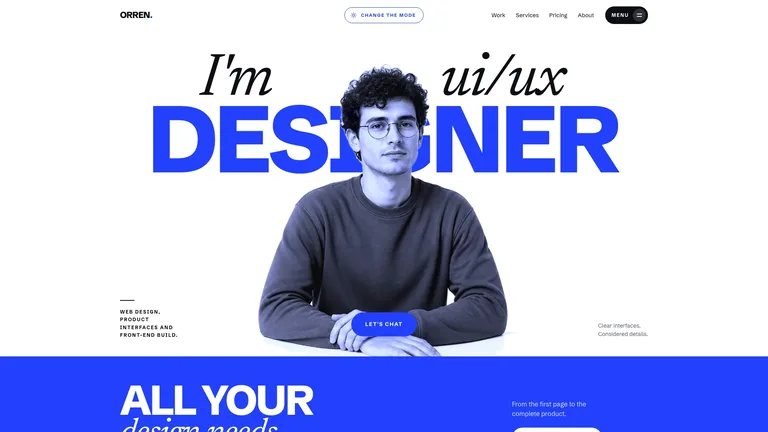
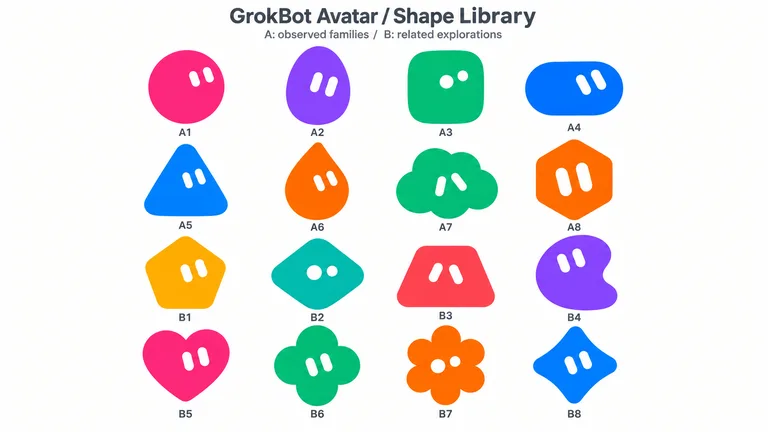
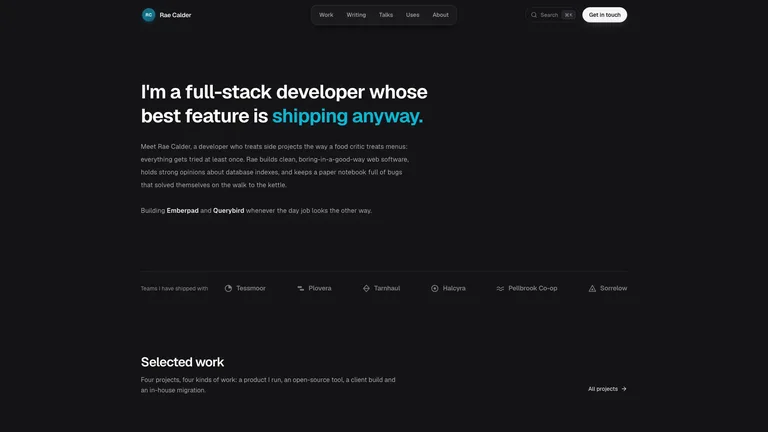
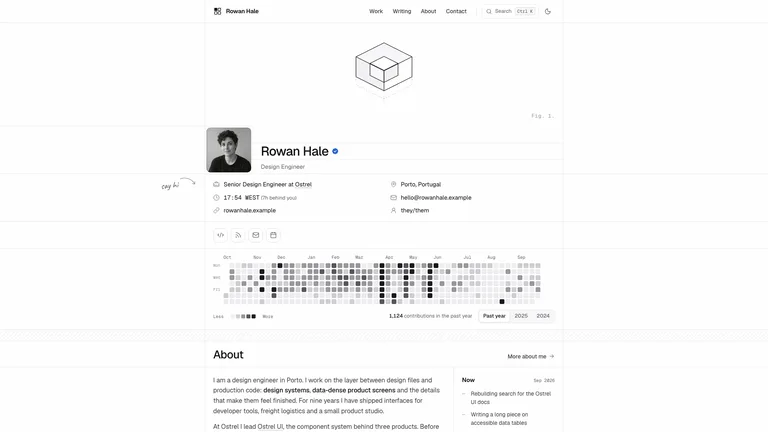
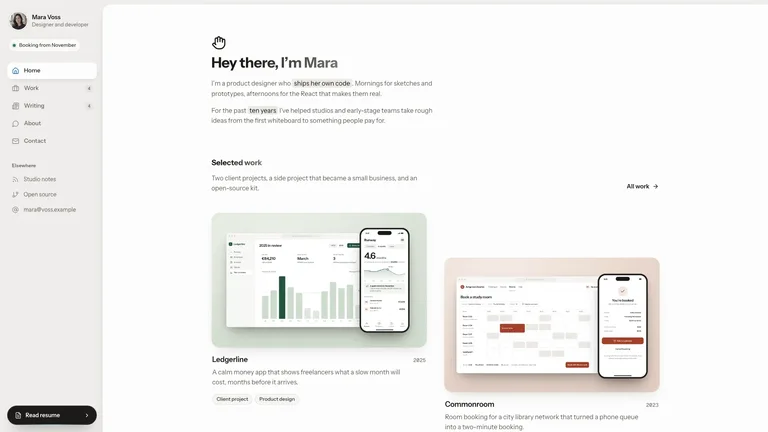
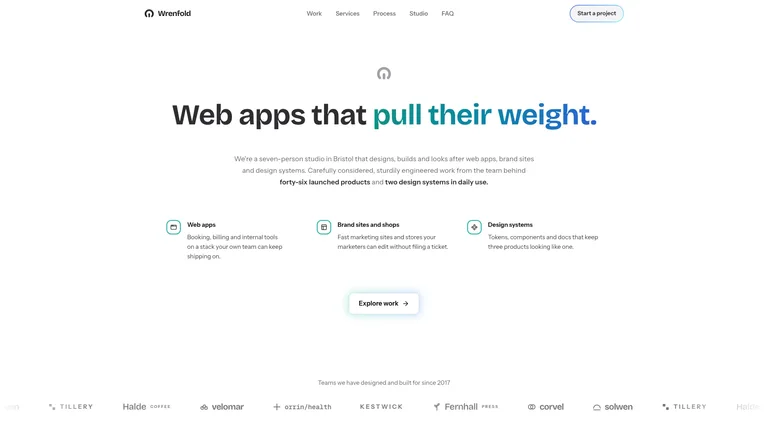

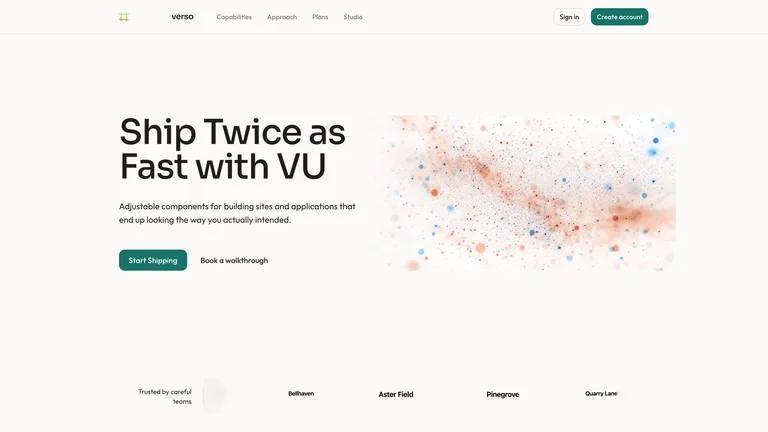
What you get from each kind of brand Skill, and what it needs.
A brand only holds up when every asset follows the same rules. These Skills write the rules down so your agent can follow them.
Color, type, spacing and image style are written into the Skill, so every page and slide stays on brand.
Studio sites, product brand sites and portfolios, each with a distinct look you can make your own.
A brand story deck that explains your visual codes, plus logo reveals and launch films that show the brand in motion.
Each role page picks the Skills that fit that job best.
 For designersA design system your agent repeats, so you work on the details.
 For foundersProduct sites, pitch decks and launch videos before the first hire.
 For ecommerce sellersStore pages, posters and promo videos for every new product.
 For content creatorsCovers, social cards and talking-head overlays in your style.
Three steps in Claude Code, Codex or Cursor. No design app needed.
Copy the install prompt into your agent, or run the command below. The Skill lands in your agent's skills folder.
npx skillry-cli@latest install bs-hyperframes-velocity-stingType a slash and the Skill name, then say what you want in plain words.
/bs-hyperframes-velocity-sting Develop three brand identity directions from this positioning brief.Open the file it made, ask for changes in the same chat, then publish or hand it off.
video.mp4A prompt can make one on-brand image. A Skill keeps your colors, type and tone steady across a brand site, a brand story deck and a short film, so people recognize you wherever they see you.
| Aspect | A plain prompt | A Skill |
|---|---|---|
| Brand inputs | You describe the look again in every prompt | Your colors, fonts, logo and references go in once and stay put |
| Consistency | Each output drifts a little from the last | The site, deck and film follow the same visual rules |
| What you keep | A single exported image | Editable source, such as HTML pages and slides, that you can update later |
Install any Skill on this page and every new one we add. Cancel anytime.
Black Friday starts early: Save 50% on Pro.
Ends November 30, 2026 at 11:59 PM Pacific Time.
Cancel anytime
50% OFF$9.99$19.9 / month
Most popular
Save 34% a year
50% OFF$79$158 / year
Best value
Pay once · Founding price
32% OFF$169$249 one-time
Black Friday prices on subscriptions cover the first month or year; renewals bill at the standard price.
Cancel anytime. Payments are non-refundable.
Commercial license · Agencies, studios & platforms
Personal plans cover finished client work. Business also lets you showcase a Skill with official media and run it for customers on your own platform.
$399/ year
Cancel anytime
Yes. Most brand site Skills ask for your logo, color values, fonts and a few references, then build around them instead of inventing a new look. The Skill page lists what to prepare.
Cobalt System Deck lays out identity-guideline pages, from mark studies and type specimens to color and imagery, using the rules you give it. Brand Story Deck explains your positioning and visual codes. Neither decides your brand for you; bring the decisions you've made.
If you only need one finished visual, browse image Skills. Stay on this page when several pieces need to match.
Most Skills on this page deliver editable source, such as HTML pages or slides you can open and change. Each Skill page lists the exact files you get.
Only if you give each Skill the same brand inputs. Each Skill has its own art direction, so check the combination before treating it as one brand system.
Brand sites, guideline decks and logo reveals in one look.
Browse all Skills