LaunchMotion · Built for launch posts on X, Threads, YouTube and Instagram
Make a product launch video with your AI agent
208 editable launch scenes for Claude Code, Codex and Cursor. Describe what you ship, and your agent storyboards, writes and renders it in up to 4K.
Browse 208 scenes


- X
- Threads
- TikTok
- YouTube
- Product Hunt
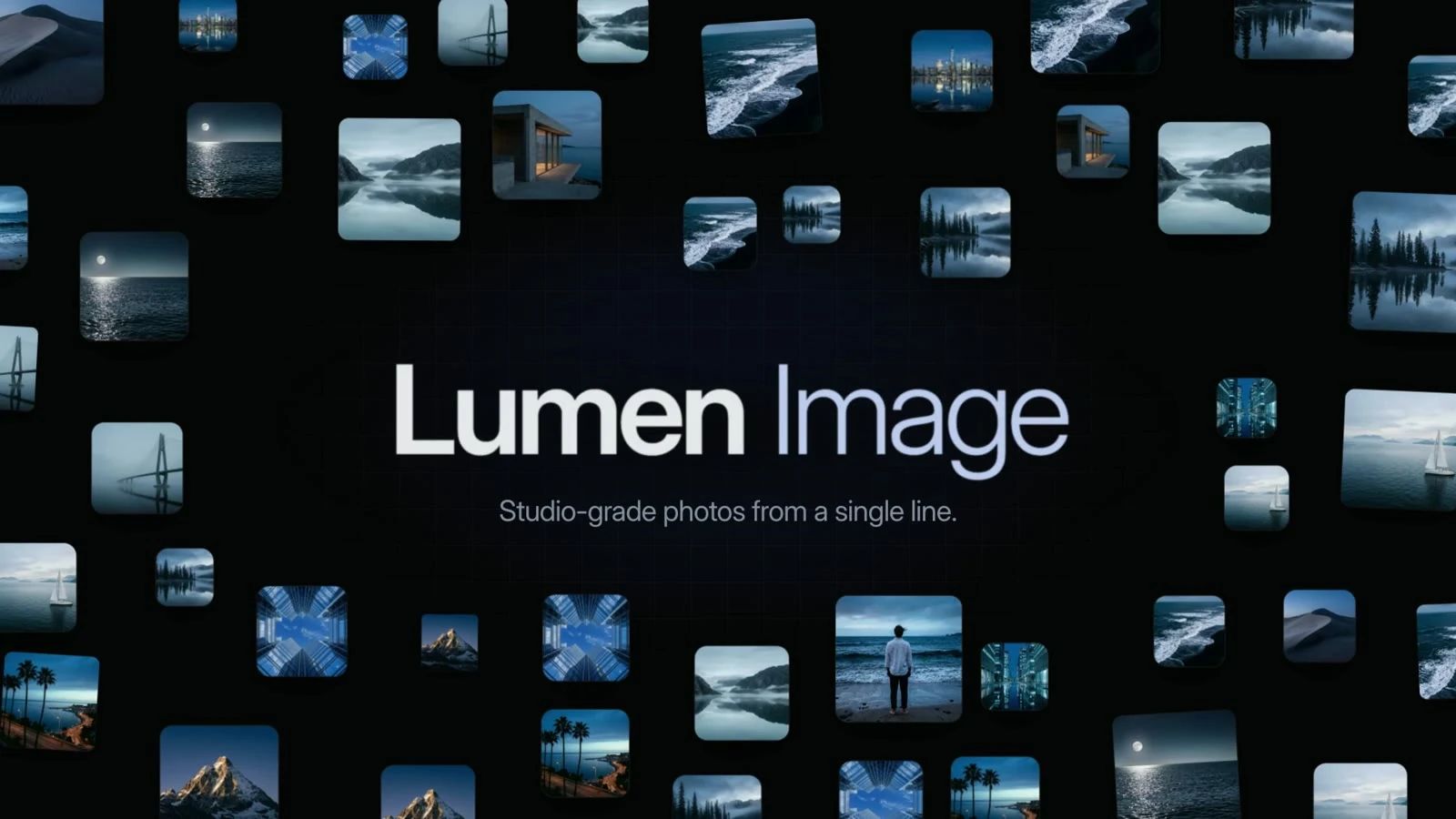 CTA · Photo Ring Burst
launch-bed.wav · ElevenLabs
- 208 scenes
- Up to 4K MP4
- Light and dark scenes
- Editable after render
Every scene is also sold on its own · Pro members get the full library
LaunchMotion reels
Product launch video examples, cut from 208 scenes
Four reels, one per scene family. Watch them as product launch video examples, then name a scene and your agent makes it yours.
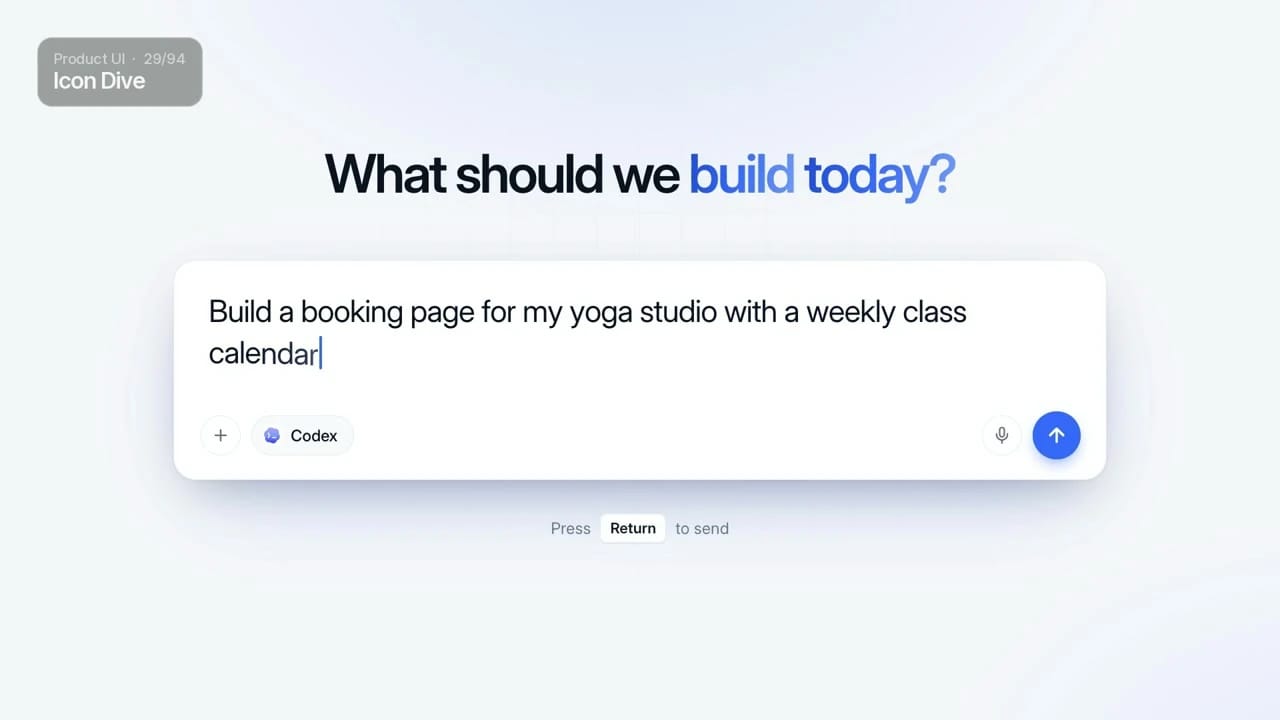
Product UI
94 scenes · 1:33- Dashboards
- App screens
- Checkouts
Prompts, agents and data
47 scenes · 0:53- Prompt boxes
- Agent flows
- Big numbers
Galleries, reveals and type
39 scenes · 0:46- Photo walls
- Logo reveals
- Kinetic type
Calls to action
28 scenes · 0:51- Closers
- Sign-offs
- Buttons
Every shot in these reels is one LaunchMotion scene. Your agent rebuilds any of them with your product name, copy and logo.
Storyboard
Build a product launch video beat by beat
Every launch film tells the same short story. LaunchMotion sorts its 208 scenes by the beat they play, so your agent can storyboard first and pick second.
- 0112 scenes
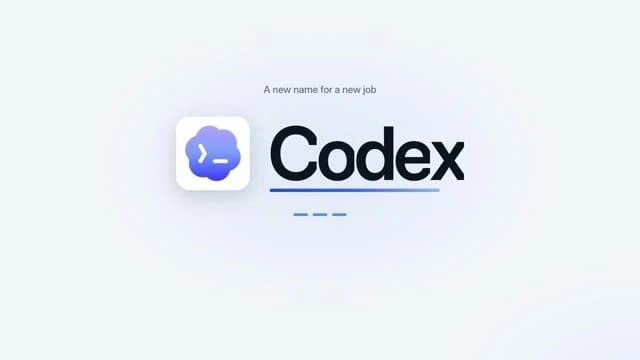
Hook
Stop the scroll with one line, typed or set in motion.
Kinetic type · Prompt boxes - 02117 scenes
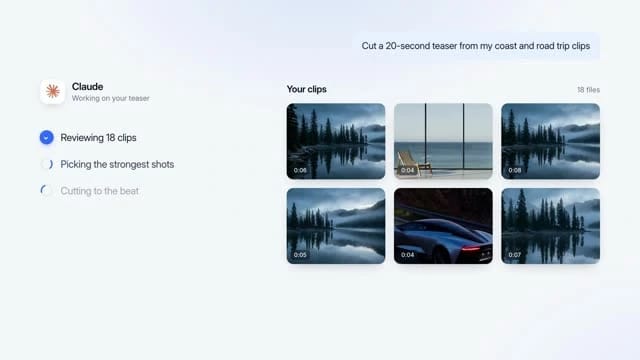
Product demo
Show the product working: real screens, real clicks.
Product UI · Galleries - 0314 scenes
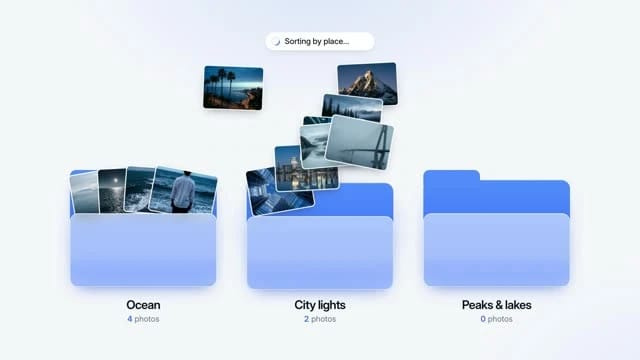
How it works
Agents, flows and requests that move on their own.
Agents & flows - 0426 scenes

Proof
One number that makes the claim believable.
Numbers & data - 0539 scenes

Close
Reveal the brand and ask for one action.
Reveals · Calls to action
A tight product launch video runs 30 to 45 seconds: one scene per beat, then one music bed under all of it.
The library
208 motion graphics templates for launch videos
Pick by what happens on screen: a prompt being typed, a dashboard filling in, a logo reveal. Every scene is also its own Skill, so you can install one for a single shot or let LaunchMotion choose from all 208.
 Brief to TeaserProduct UI · Dark
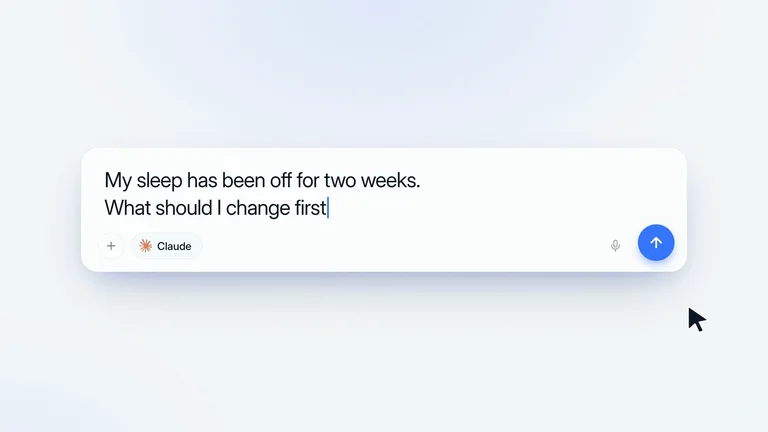 Prompt Whip-PanPrompt boxes · Light
 Billion ViewsNumbers & data · Presenter
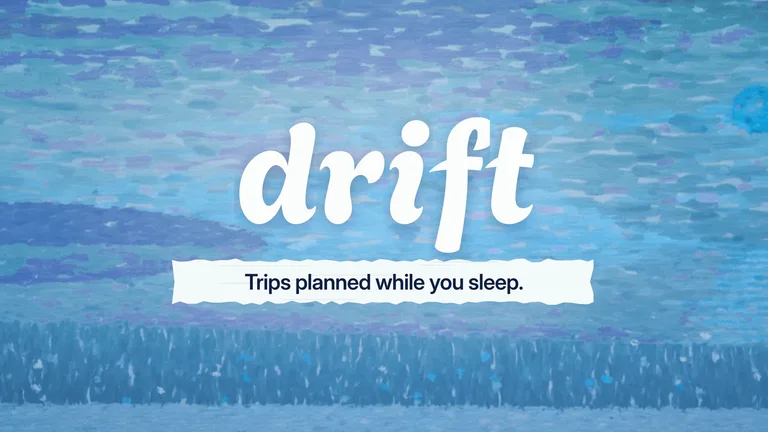 Brush Wipe FinaleCalls to action · Light
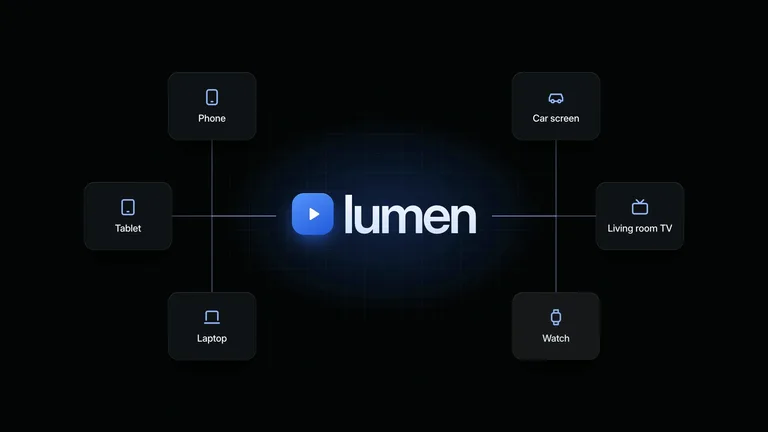 Screen TunnelAgents & flows · Dark
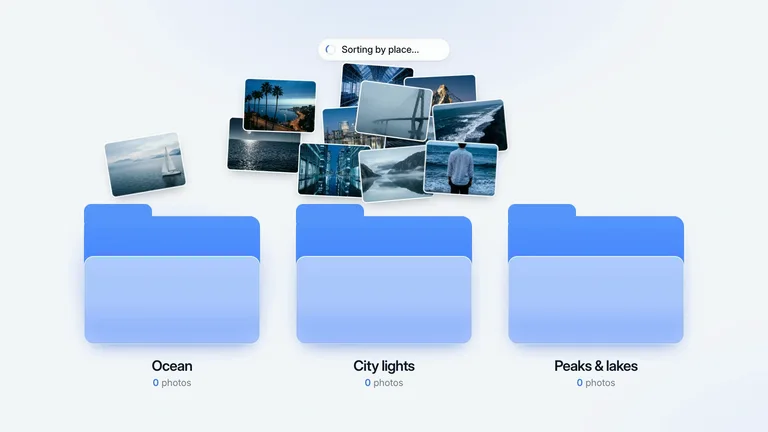 Photo FoldersAgents & flows · Light
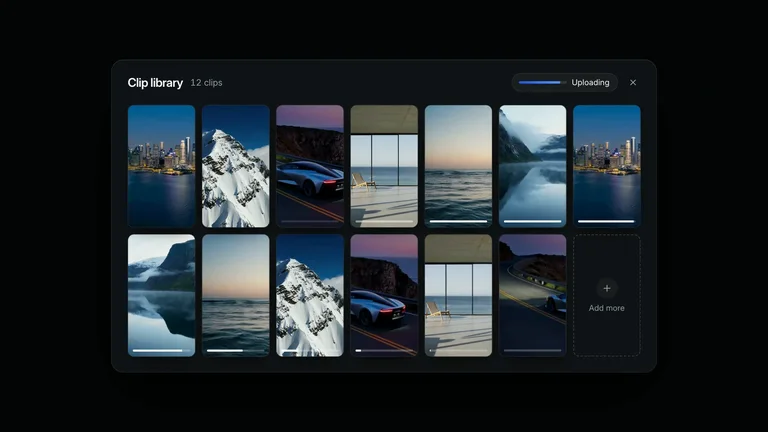 Footage DropGalleries & grids · Dark
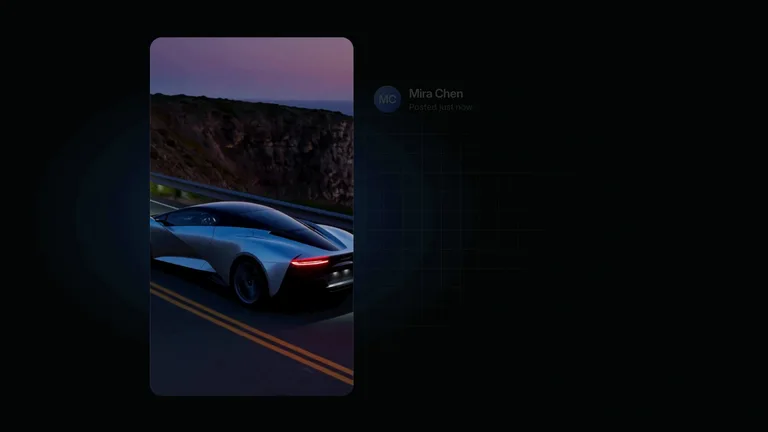 Typed SceneReveals · Dark
 Dot Grid MoodsKinetic type · Light
 Shot PickerPrompt boxes · Light
 Weeks to DaysNumbers & data · Light
 Agent Sign-offCalls to action · Dark
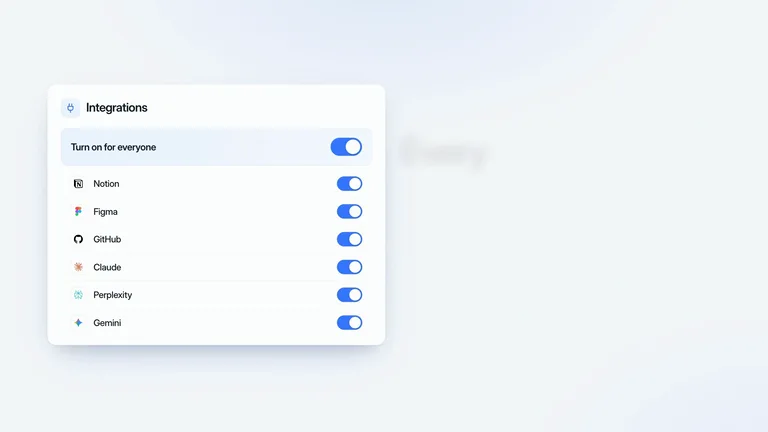 Master SwitchGalleries & grids · Light
 Photo AnswerAgents & flows · Light
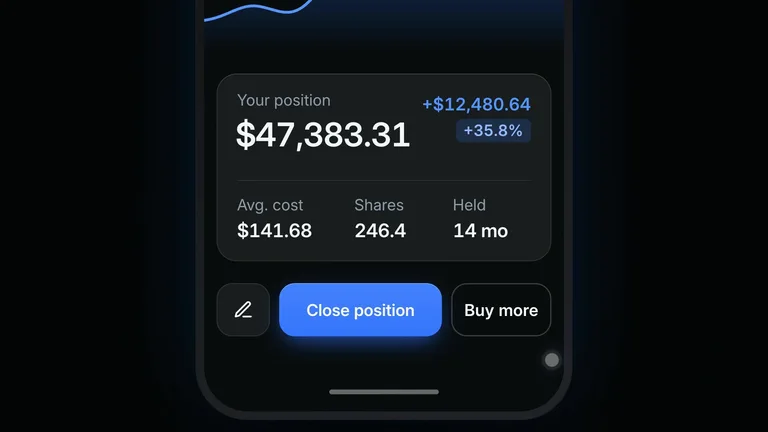 Position CardReveals · Dark
 Name RollKinetic type · Light
 Agent ChecklistProduct UI · Dark
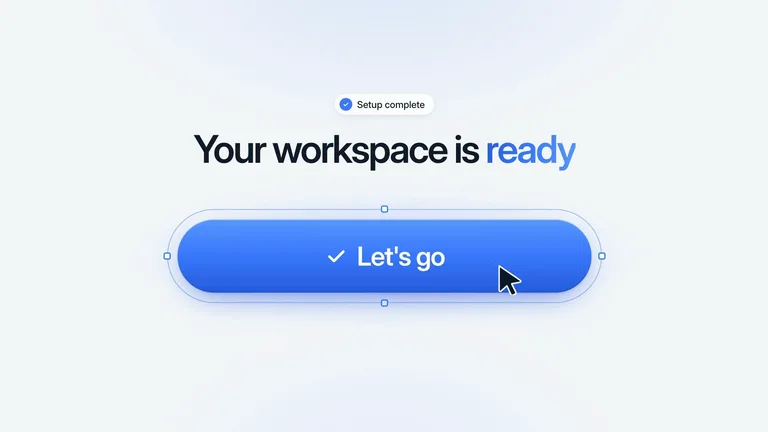 CTA ClickCalls to action · Light
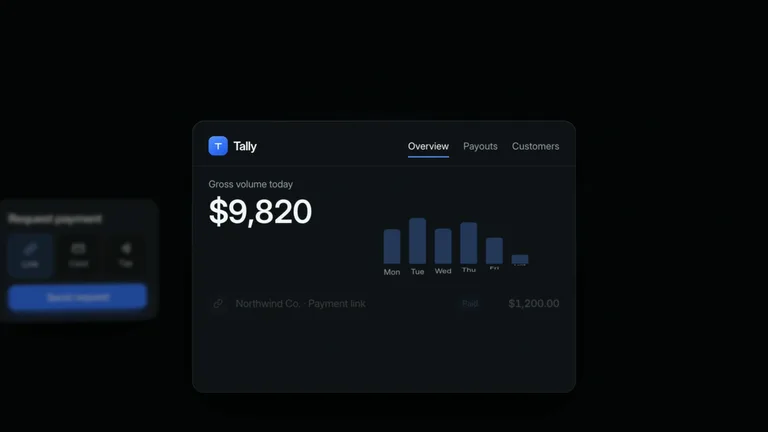 Payments DashboardNumbers & data · Dark
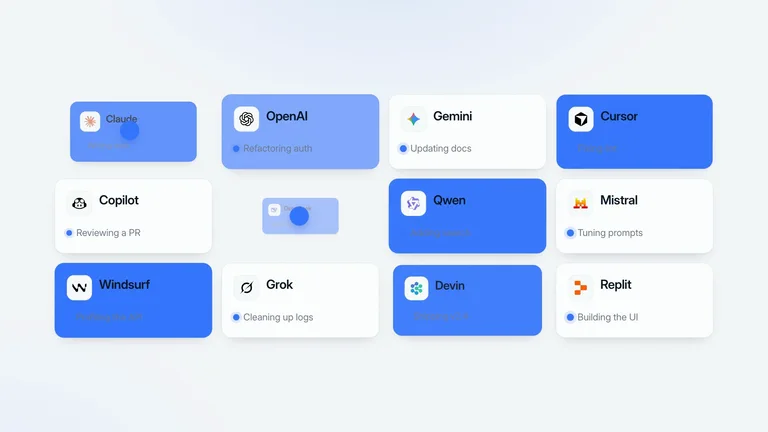 Agent InboxGalleries & grids · Light
 Architecture CanvasAgents & flows · Light
 Helix to GalaxyReveals · Dark
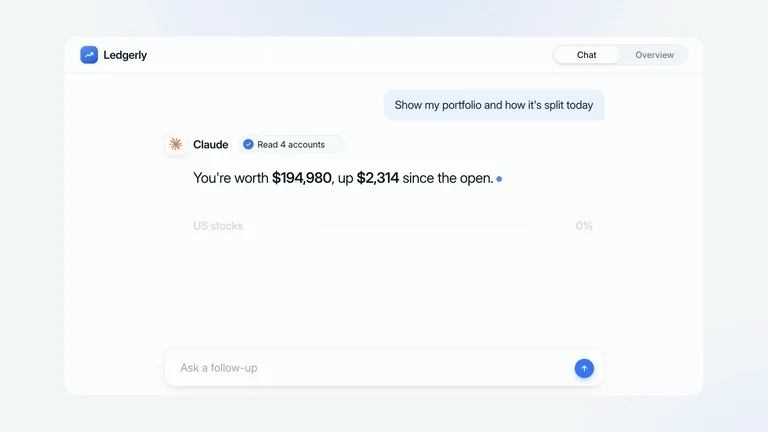 Portfolio AnswerPrompt boxes · Light
 Verb SwapKinetic type · Light
 Health WidgetsProduct UI · Light
 Particle SphereCalls to action · Dark
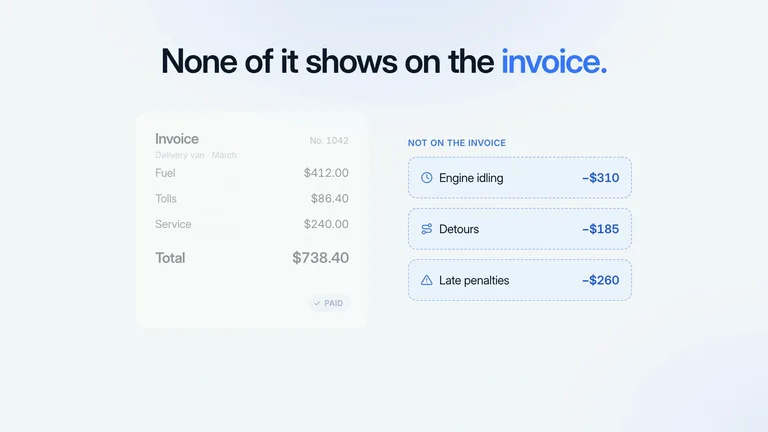 Hidden CostsNumbers & data · Light
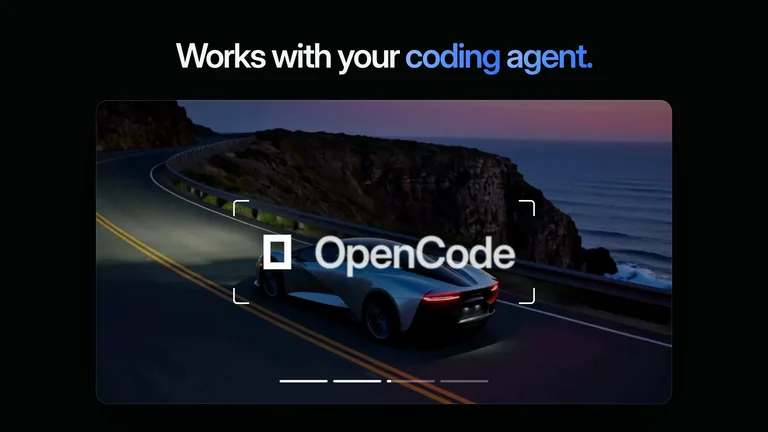 Coding Agent LockupsGalleries & grids · Dark
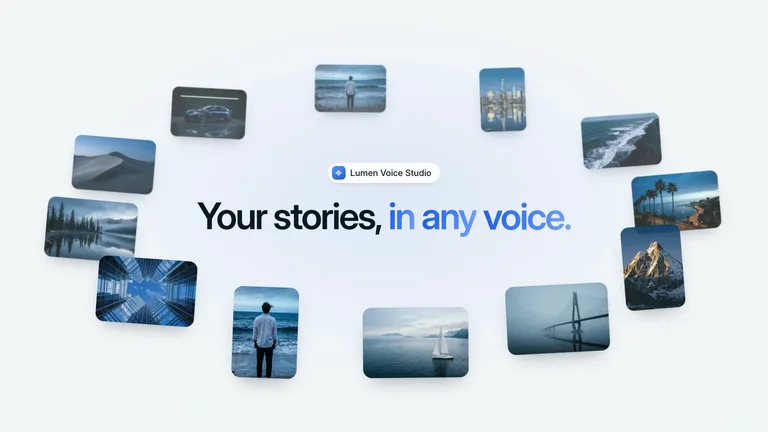 Photo OrbitAgents & flows · Light
 Agent EngineReveals · Light
 Pain Point CardsPrompt boxes · Dark
 Limit OrderProduct UI · Light
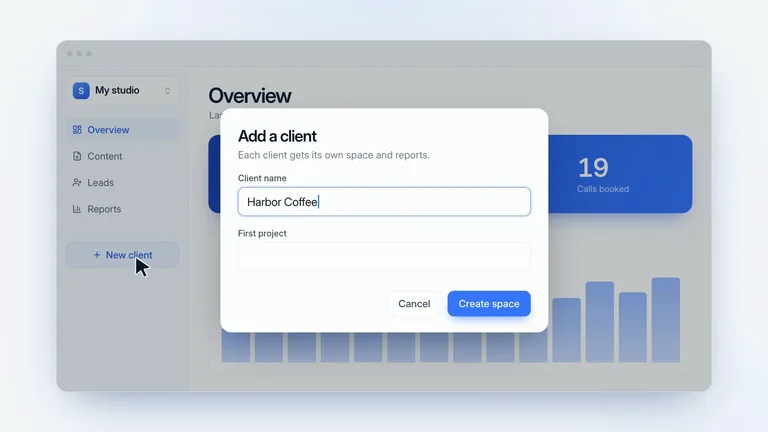 Client WorkspaceProduct UI · Light
 Tap to PayCalls to action · Light
 Pen Tool LogoNumbers & data · Light
 Chaos to OrderGalleries & grids · Light
 Lost Item FinderAgents & flows · Dark
 Photo LettersReveals · Dark
 Ink Dust CrumblePrompt boxes · Light
 Money BackKinetic type · Light
 Quote AuditProduct UI · Light
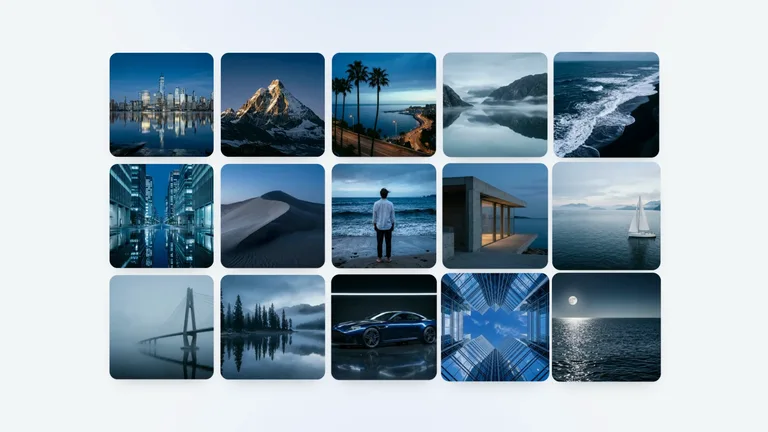 Gallery Pull-backCalls to action · Light
 Model Badge BloomNumbers & data · Light
 Moodboard SnapGalleries & grids · Dark
 One Letter NameAgents & flows · Light
 Block RevealReveals · Light
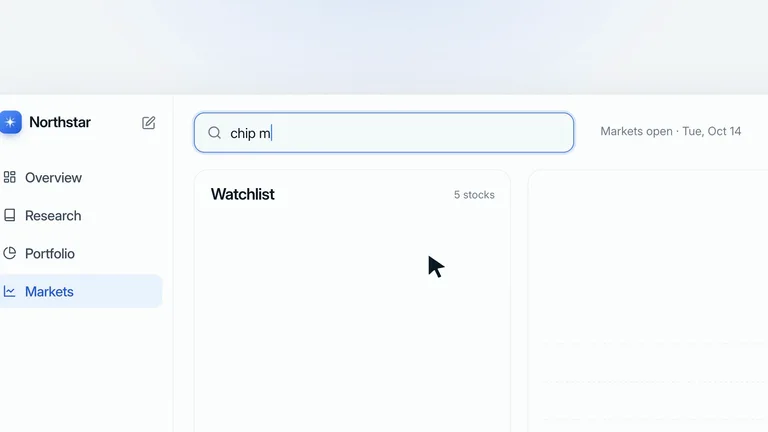 Menu to MarketsPrompt boxes · Light
 Chasing UpdatesKinetic type · Light
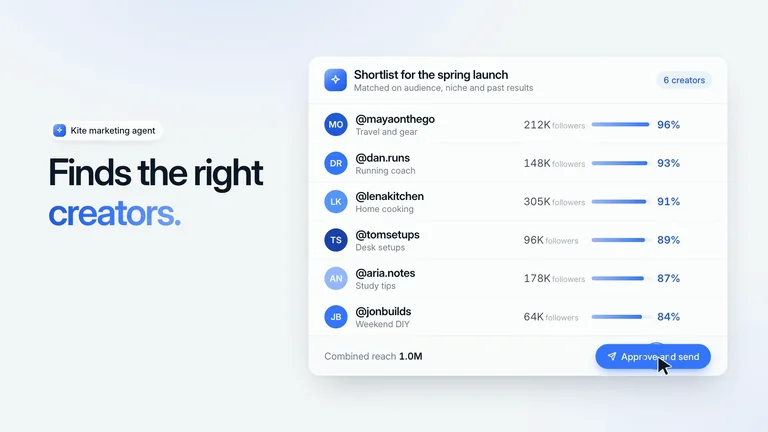 Creator OutreachProduct UI · Light
 Ad Screen WallCalls to action · Dark
 Wired SourcesNumbers & data · Light
 Gallery JourneyGalleries & grids · Light
 Rocket LiftoffAgents & flows · Dark
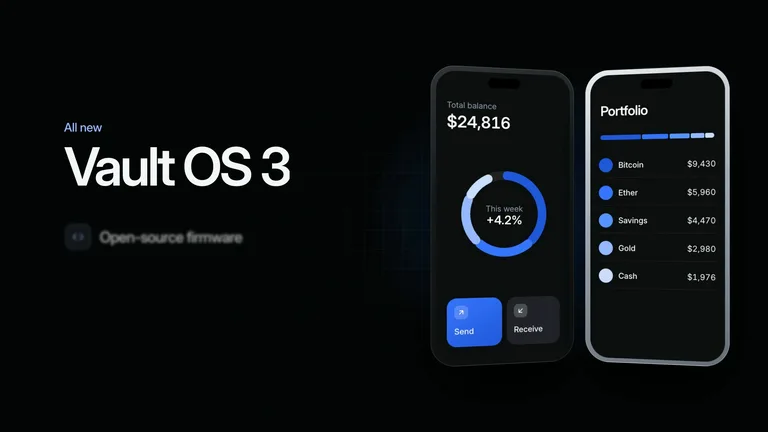 Turning PhonesReveals · Dark
 Pain Words CrossedPrompt boxes · Light
 Autopilot CoreProduct UI · Dark
 Model Orbit LogoCalls to action · Light
 Portfolio RingNumbers & data · Dark
 Outline RobotGalleries & grids · Light
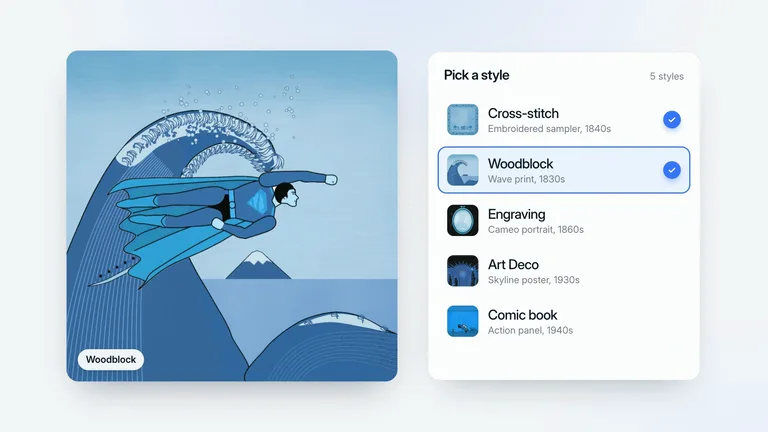 Era RestyleAgents & flows · Light
 Fleet Whip-ZoomReveals · Light
 Bouncing BallProduct UI · Dark
 Code Token LogoCalls to action · Light
 Corner Radius DragNumbers & data · Dark
 Mood OrbsGalleries & grids · Dark
 Presenter ShiftAgents & flows · Presenter
 Every DeviceReveals · Light
 Waveform Bar ChartProduct UI · Dark
 Endless ZoomCalls to action · Light
 Studio AgentNumbers & data · Light
 Framing GuidesGalleries & grids · Dark
 Robot Hand CanvasAgents & flows · Light
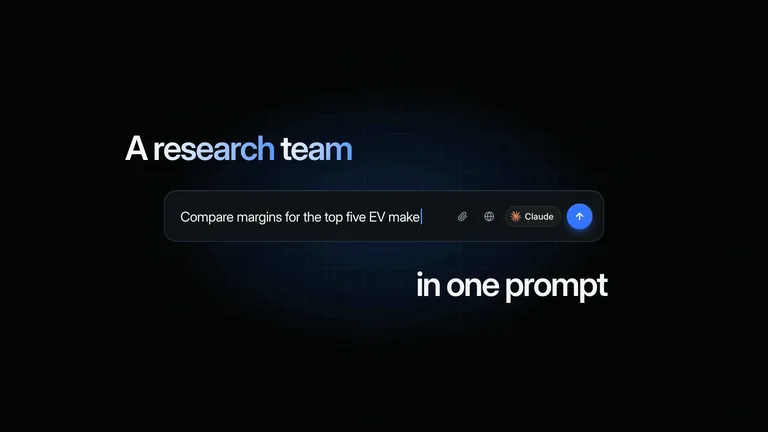 Plasma Orb PromptReveals · Dark
 Brand ReelProduct UI · Light
 Emblem Light-UpCalls to action · Dark
 Palette PopNumbers & data · Light
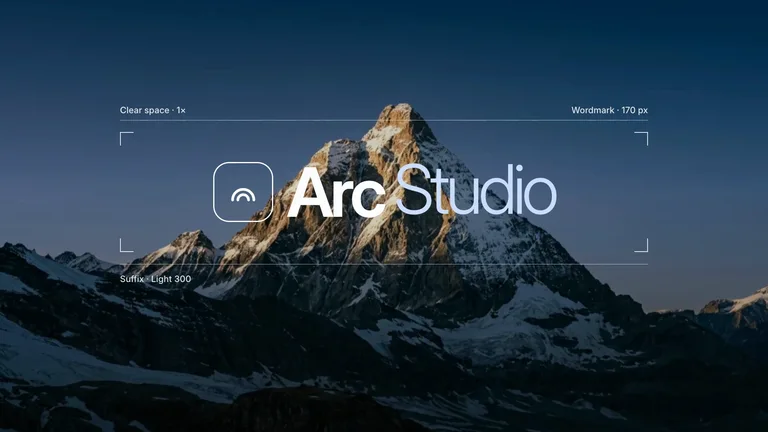 Sub-brand MontageGalleries & grids · Dark
 Agent Asks FirstAgents & flows · Light
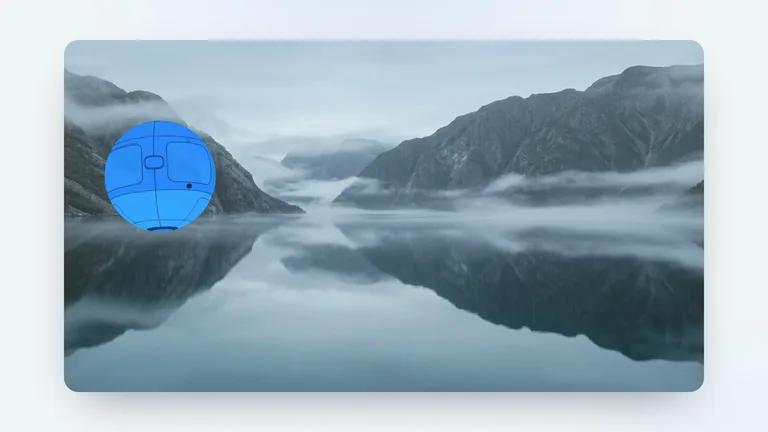 Sketch to SceneReveals · Light
 Dot to DesignProduct UI · Light
 Prompt to ButtonCalls to action · Light
 Repair BoardNumbers & data · Light
 Binary GridGalleries & grids · Dark
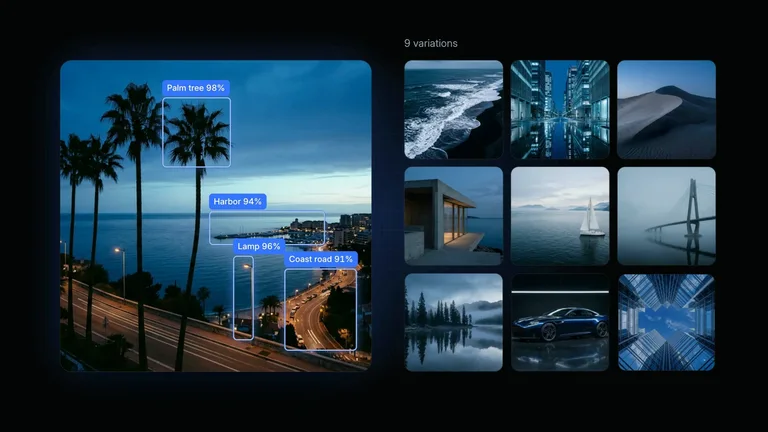 Object DetectionAgents & flows · Dark
 Contact StoryProduct UI · Light
 Million MilestoneCalls to action · Dark
 Live Co-editingNumbers & data · Light
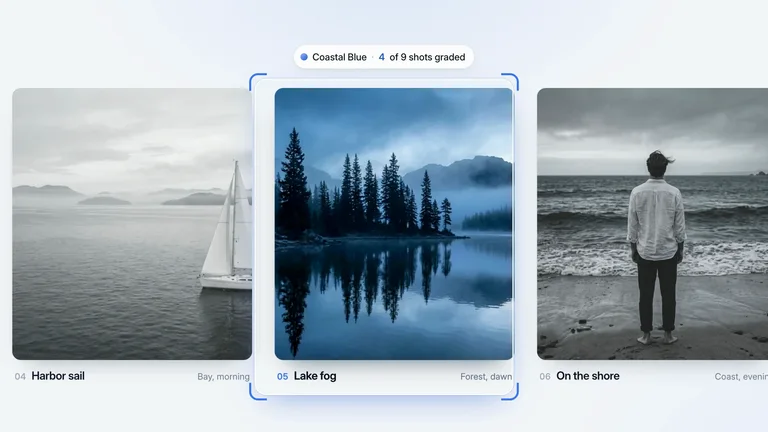 Grading LensGalleries & grids · Light
 Reference PickerAgents & flows · Dark
 Box to PictureProduct UI · Dark
 Status to WordmarkCalls to action · Dark
 Rolling Sales TotalNumbers & data · Light
 TV Ad RowGalleries & grids · Dark
 Voice PickerProduct UI · Light
 Pick a TakeCalls to action · Light
 Connect and LaunchNumbers & data · Light
 Item RingGalleries & grids · Light
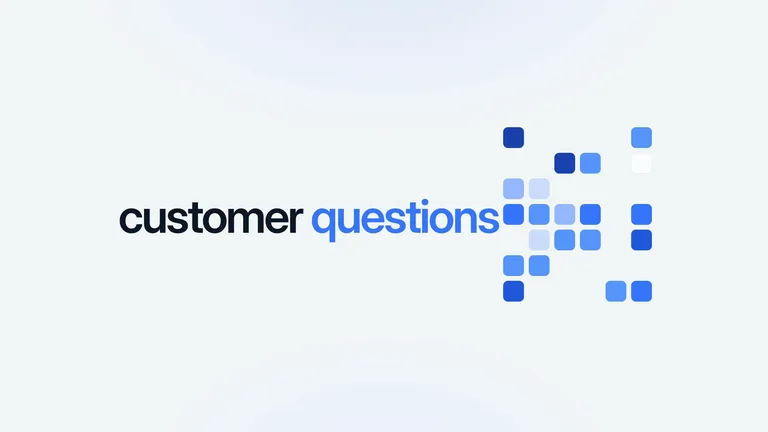 Square MosaicProduct UI · Light
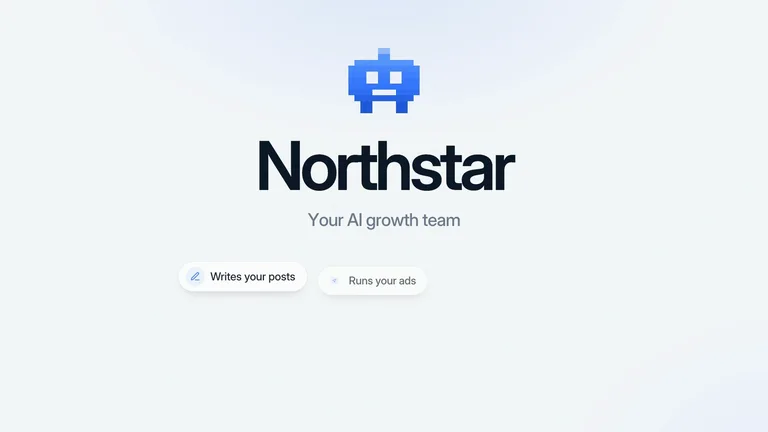 Pixel MascotCalls to action · Light
 Fair Price QuotesNumbers & data · Light
 Icon Grid LaptopGalleries & grids · Dark
 Image PipelineProduct UI · Light
 Living WordmarkCalls to action · Dark
 Style ReelNumbers & data · Light
 Detail LoupeGalleries & grids · Light
 Lockup Pull-backProduct UI · Light
 Video Voice PickCalls to action · Light
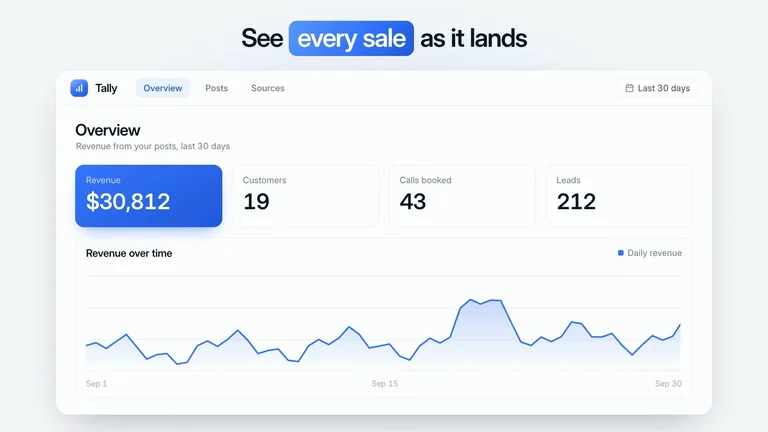 Revenue DashboardNumbers & data · Light
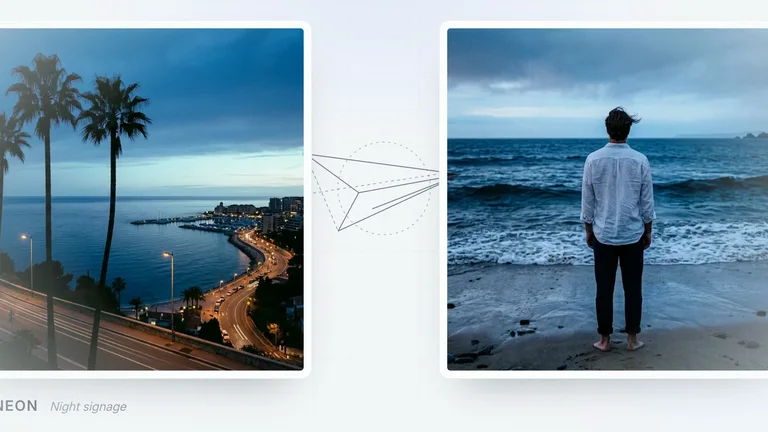 Gallery Style PanGalleries & grids · Light
 Typed RequestProduct UI · Dark
 Image Picker CanvasCalls to action · Dark
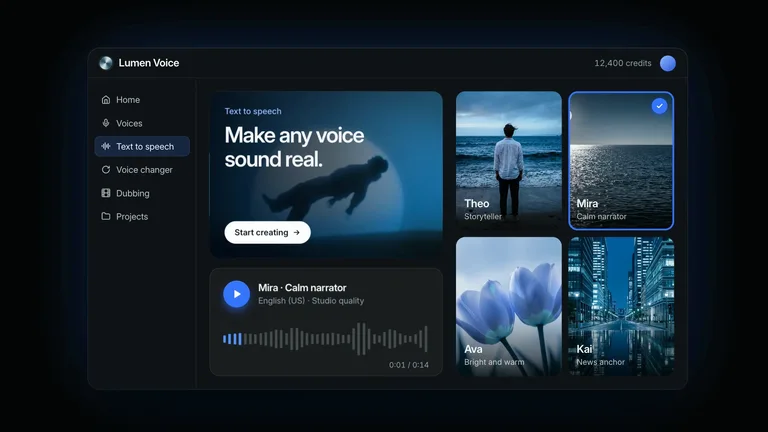 Voice OrbNumbers & data · Dark
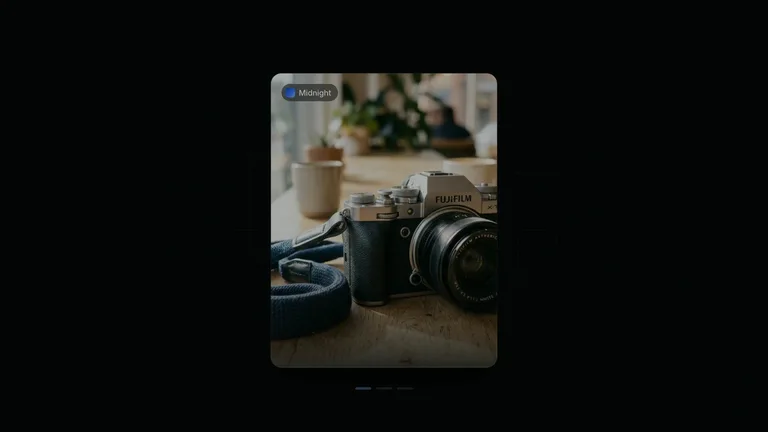 One Look StackGalleries & grids · Dark
 Setup CapsuleProduct UI · Dark
 Orb to LogoCalls to action · Dark
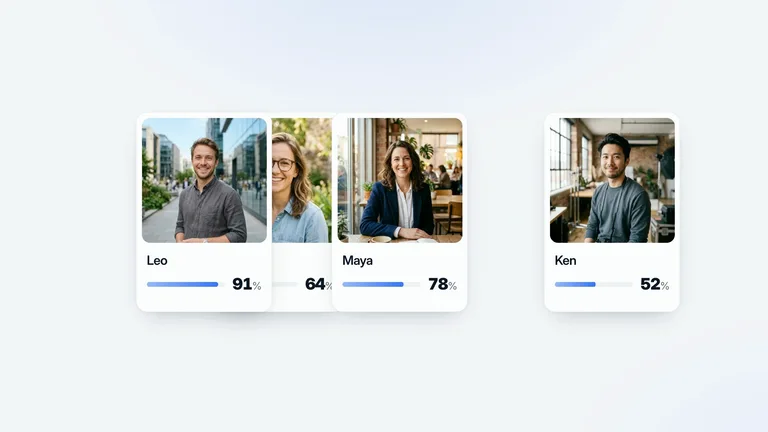 Creator RankingNumbers & data · Light
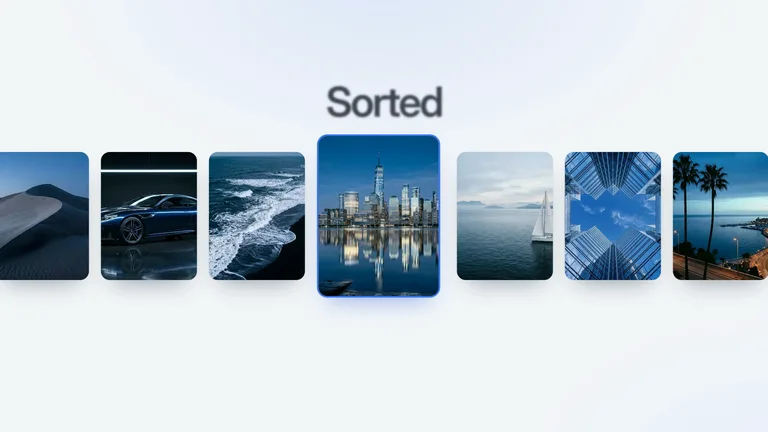 Best Pick DeckGalleries & grids · Light
 Agent TraceProduct UI · Light
 Six-Petal EmblemCalls to action · Light
 Auto-Routed RepairNumbers & data · Light
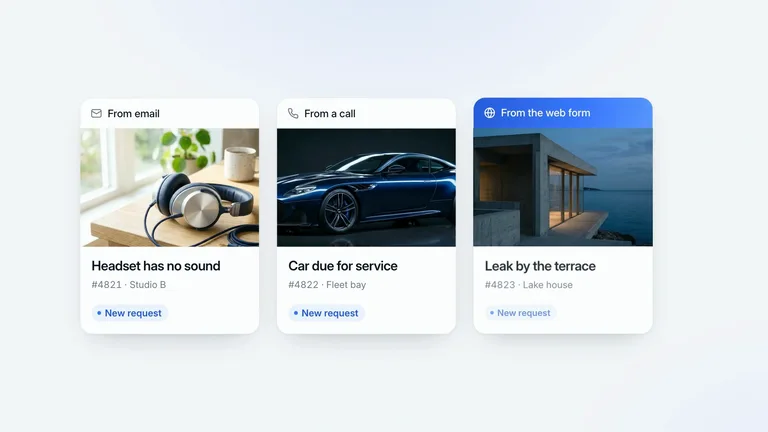 One QueueGalleries & grids · Light
 Five-Step FocusProduct UI · Light
 Order AlertsCalls to action · Light
 Repair CountdownNumbers & data · Light
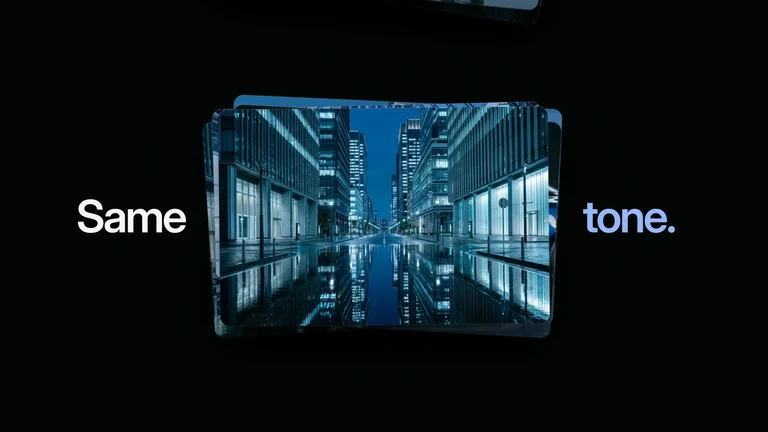 Photo StacksGalleries & grids · Dark
 Split HeadlineProduct UI · Light
 Photo Ring BurstCalls to action · Dark
 Brand KitNumbers & data · Light
 Hard-Cut MontageGalleries & grids · Dark
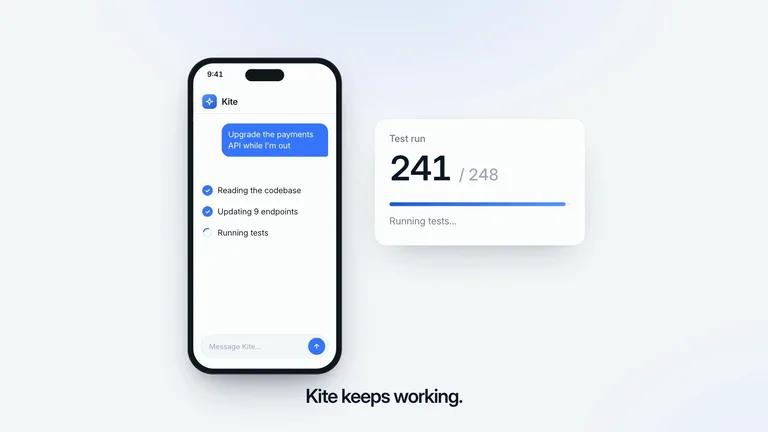 Agent Keeps WorkingProduct UI · Light
 Model HandoffCalls to action · Light
 Style Wall FlightNumbers & data · Light
 Slide to ConfirmProduct UI · Light
 Sonar PulseCalls to action · Dark
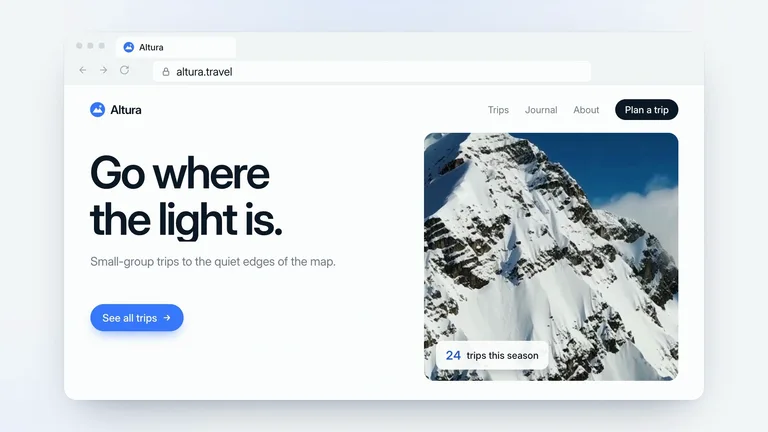 URL RevealNumbers & data · Light
 Photo SearchProduct UI · Light
 Mascot WindowCalls to action · Dark
 Screen Wall MetricsNumbers & data · Light
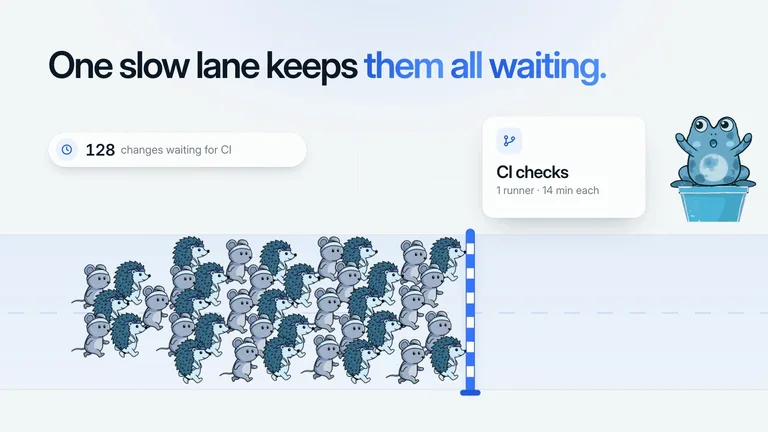 CI Fast LaneProduct UI · Light
 Selection HandlesCalls to action · Light
 Glowing ClickProduct UI · Dark
 Hand-Spelled CTACalls to action · Light
 Tool SprawlProduct UI · Light
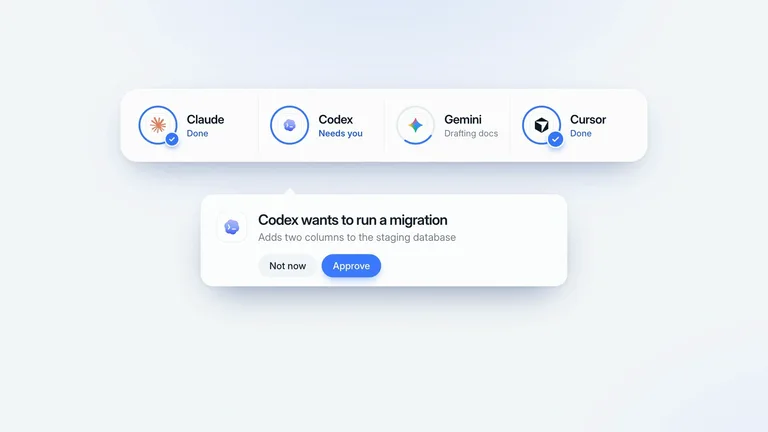 Agent Approval TrayProduct UI · Light
 Pixel Wipe IntroProduct UI · Light
 Emblem ConstructionProduct UI · Light
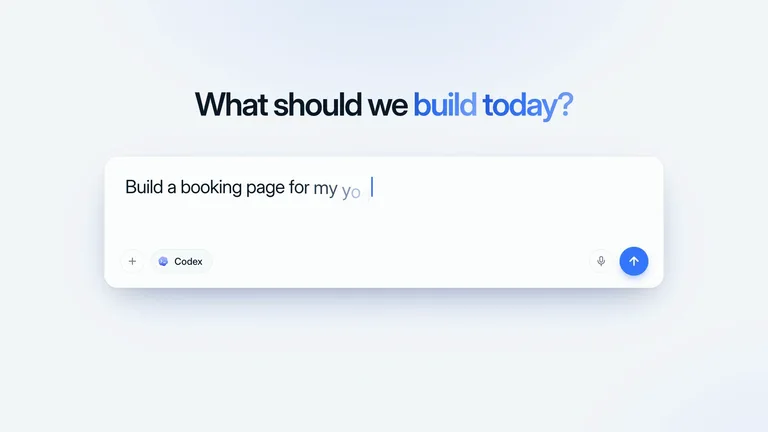 Icon DiveProduct UI · Light
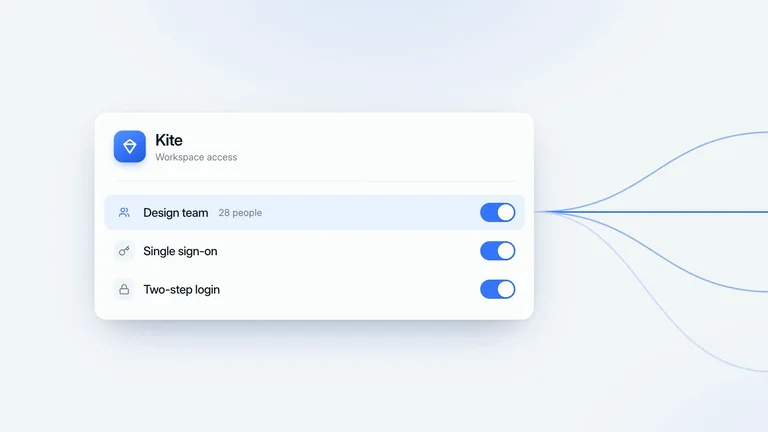 Team Access WaveProduct UI · Light
 Exploded ChipProduct UI · Dark
 Config RepaintProduct UI · Light
 Shoppable SceneProduct UI · Dark
 Glowing PearlProduct UI · Dark
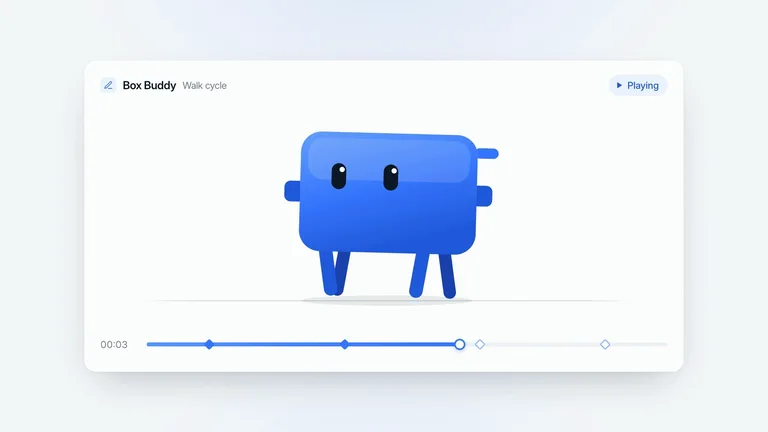 Box BuddyProduct UI · Light
 Integration HubProduct UI · Light
 Agent HubProduct UI · Light
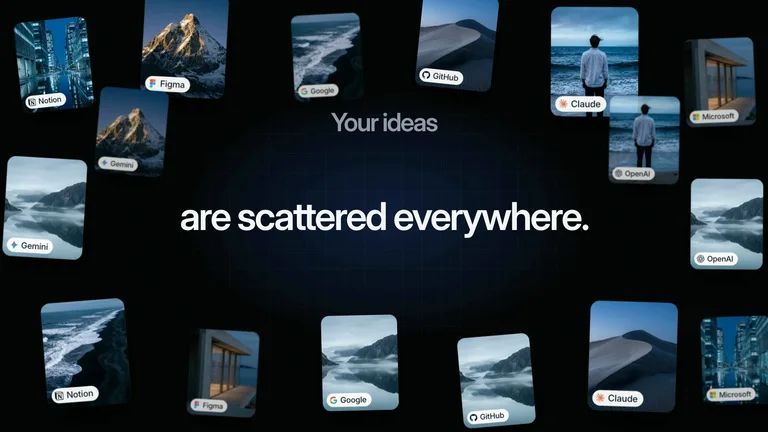 Ideas GatherProduct UI · Dark
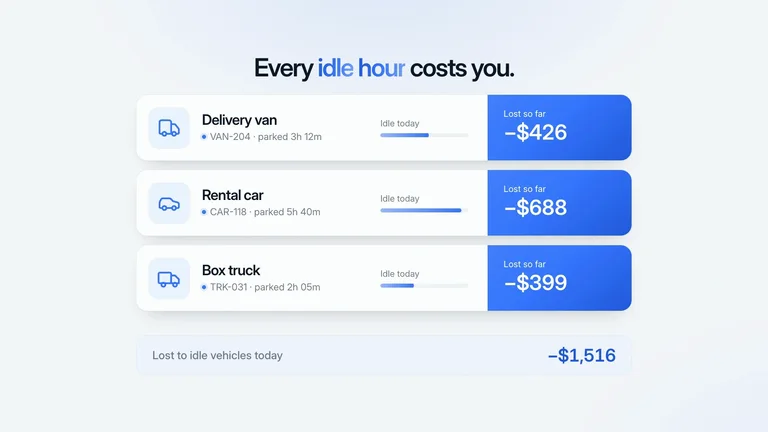 Idle Fleet LossesProduct UI · Light
 Sentence RestyleProduct UI · Light
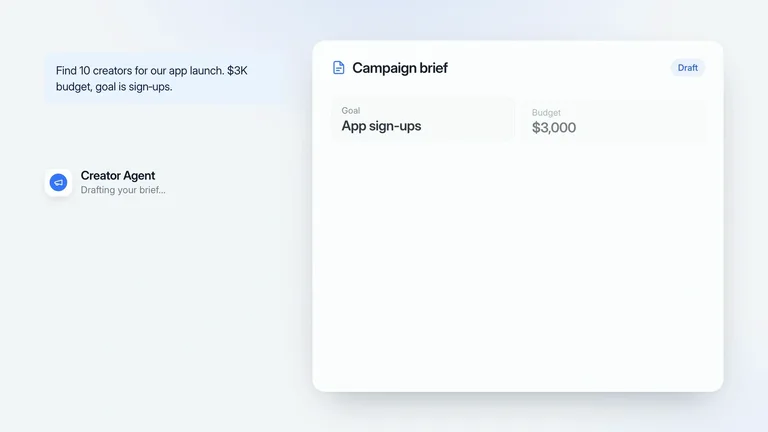 Approved BriefProduct UI · Light
 Knowledge Base OrbProduct UI · Light
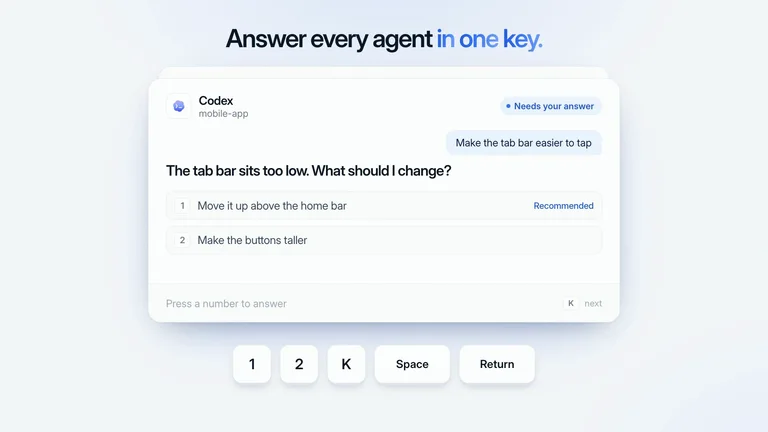 One-Key AnswersProduct UI · Light
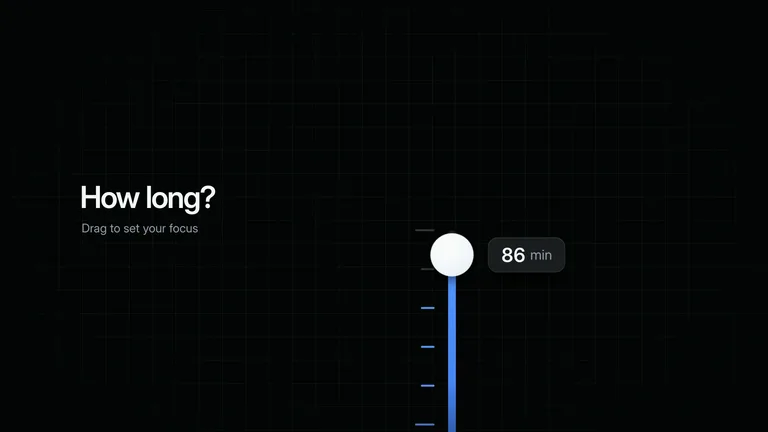 Focus KnobProduct UI · Dark
 Booking CounterProduct UI · Dark
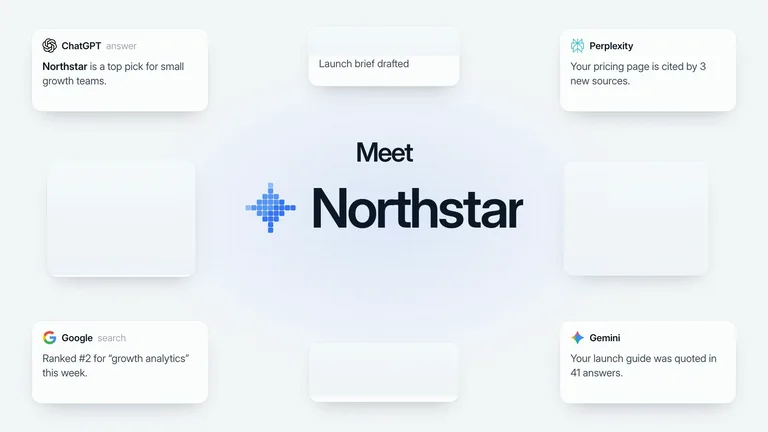 Meet the BrandProduct UI · Light
 Swiss Poster TypeProduct UI · Light
 Kinetic ClaimProduct UI · Dark
 Build AnythingProduct UI · Dark
 Device MorphProduct UI · Light
 Approval AgentProduct UI · Light
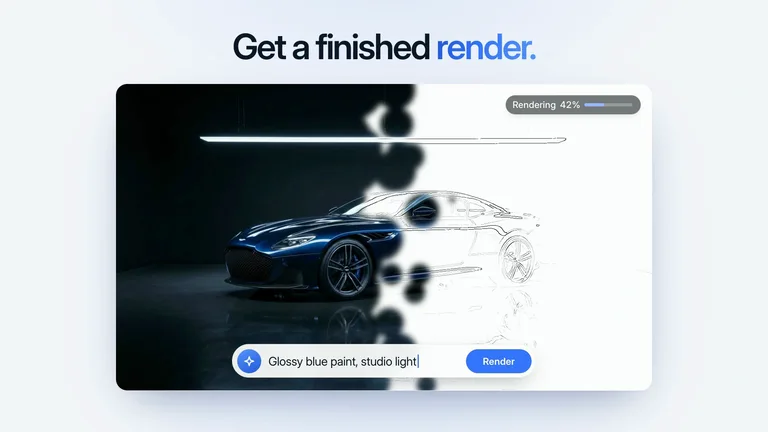 Sketch to RenderProduct UI · Light
 Savings BuddyProduct UI · Dark
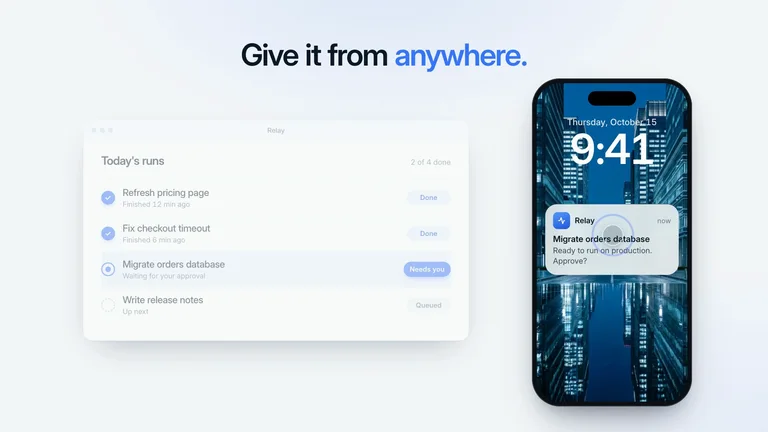 Phone ApprovalProduct UI · Light
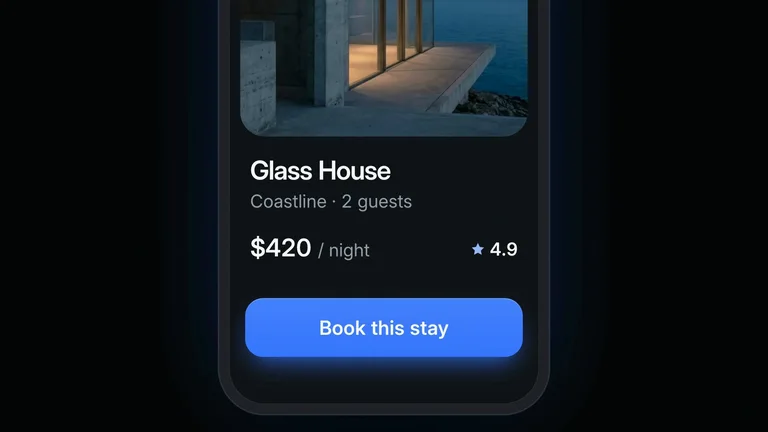 Page Swipe BookingProduct UI · Dark
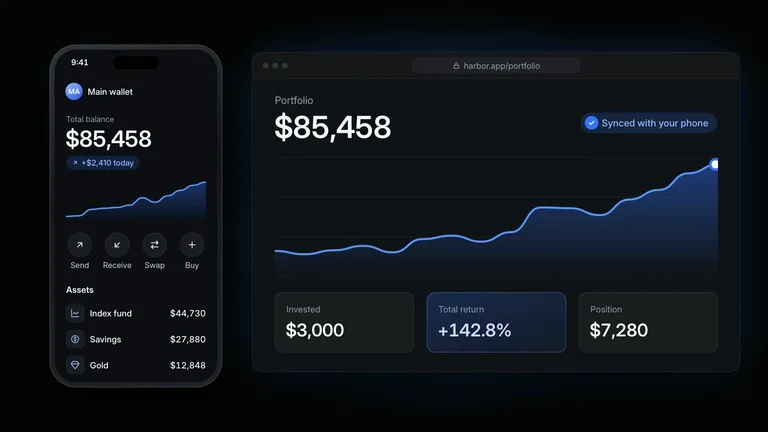 Wallet Share CardProduct UI · Dark
 Workspace TourProduct UI · Light
 Relight and RelocateProduct UI · Dark
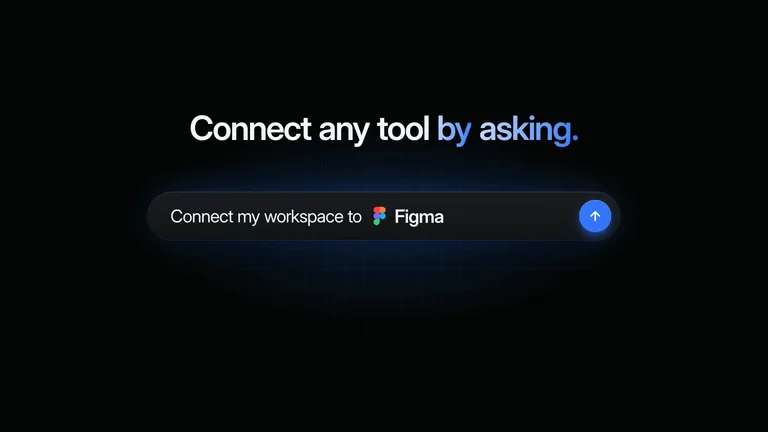 Tool Slot SpinProduct UI · Dark
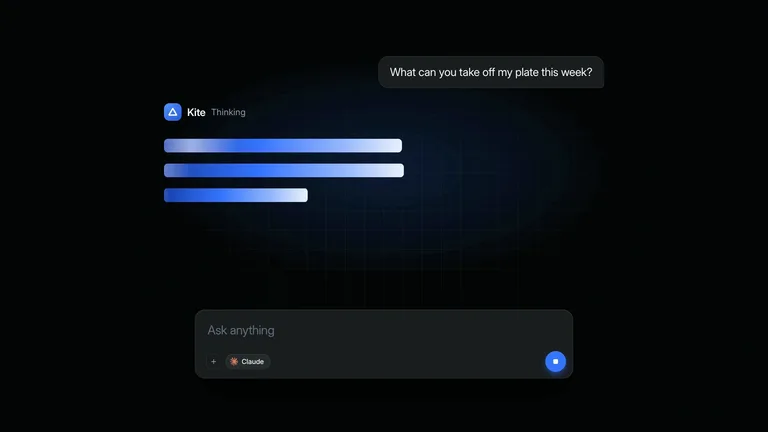 Answer WipeProduct UI · Dark
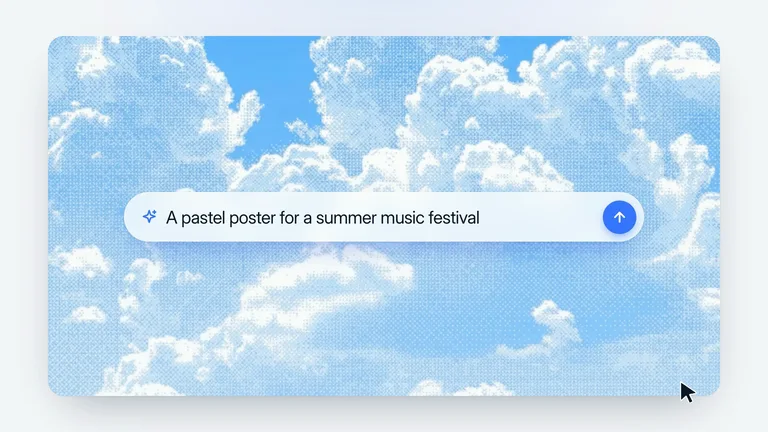 Cloud Prompt BarProduct UI · Light
 Payments in FourProduct UI · Dark
 Phone App HubProduct UI · Light
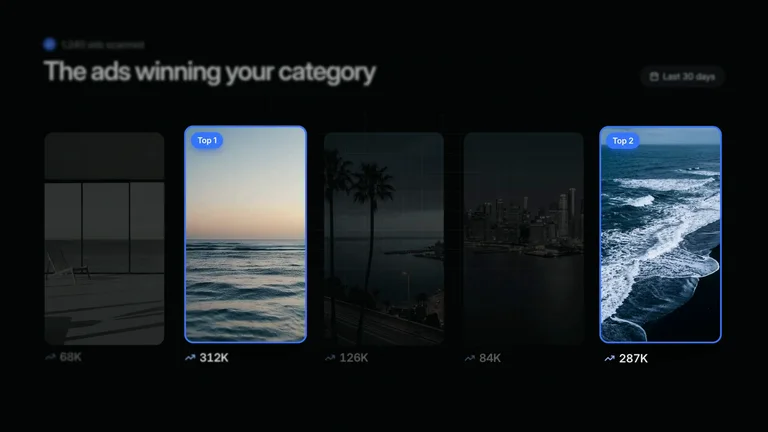 Ad RemakeProduct UI · Dark
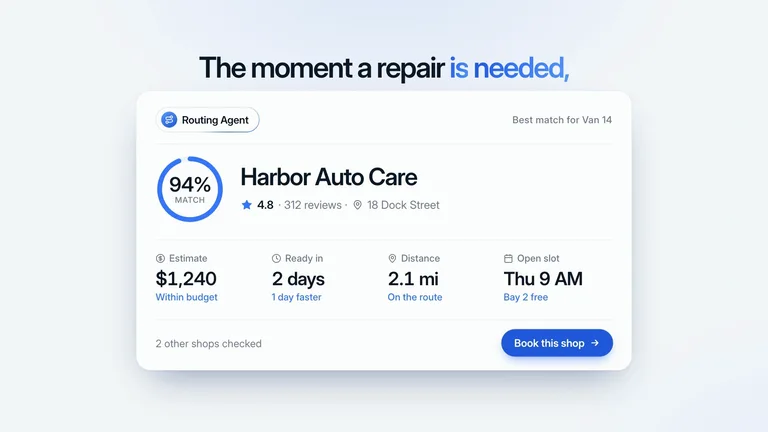 Best Shop MatchProduct UI · Light
 Word to QuestionProduct UI · Light
 Seven AgentsProduct UI · Light
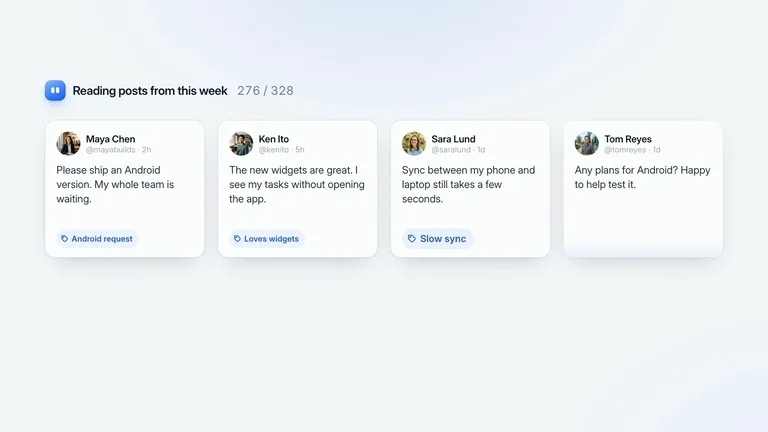 Social Post ScanProduct UI · Light
 Blue SpectrumProduct UI · Dark
 Start Line WipeProduct UI · Light
 Prompt to AppProduct UI · Light
 Plan Ship GrowProduct UI · Dark
 Stutter HeadlinesProduct UI · Dark
 Welcome CardsProduct UI · Light
 Close the LidProduct UI · Light
 Start From AnywhereProduct UI · Light
 Show, Don't TellProduct UI · Light
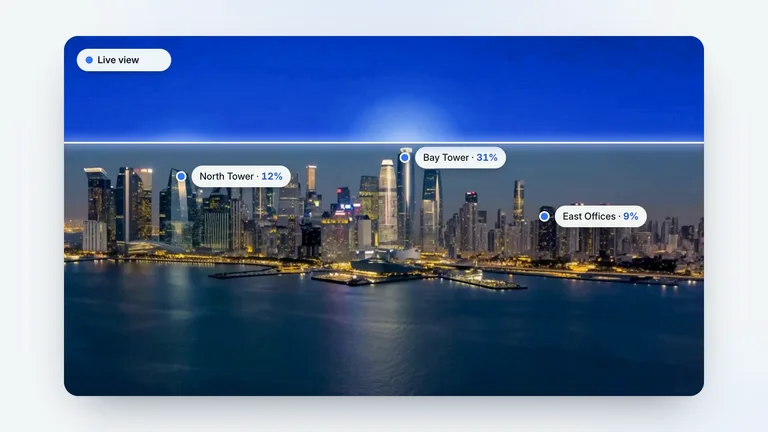 Heat ScanProduct UI · Light
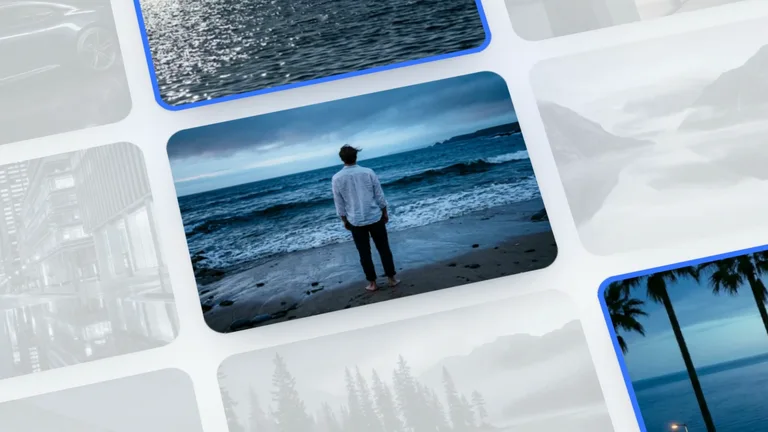 Tilted Photo WallProduct UI · Light
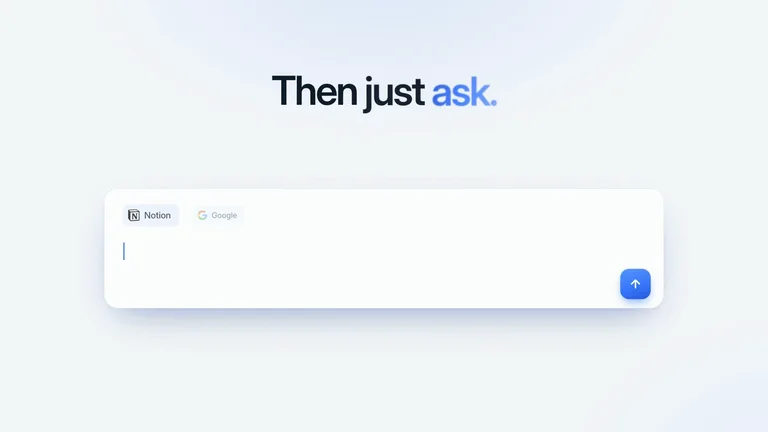 Source ChipsProduct UI · Light
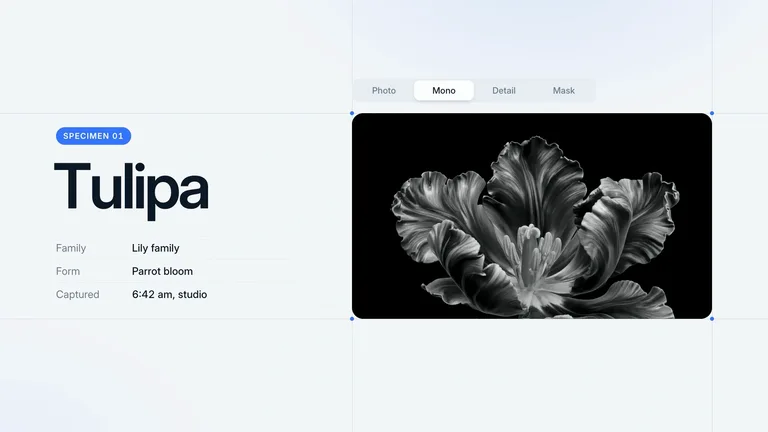 Specimen InspectorProduct UI · Light
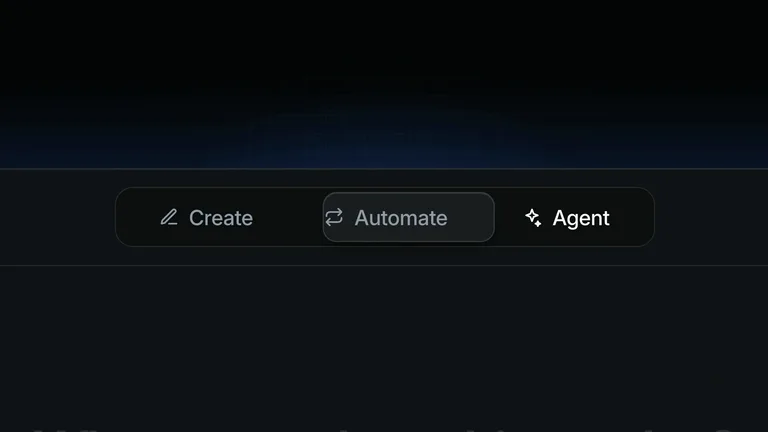 Agent Mode SwitchProduct UI · Dark
 Type SpecimenProduct UI · Light
 Cover BurstProduct UI · Dark
 Which Post SoldProduct UI · Dark
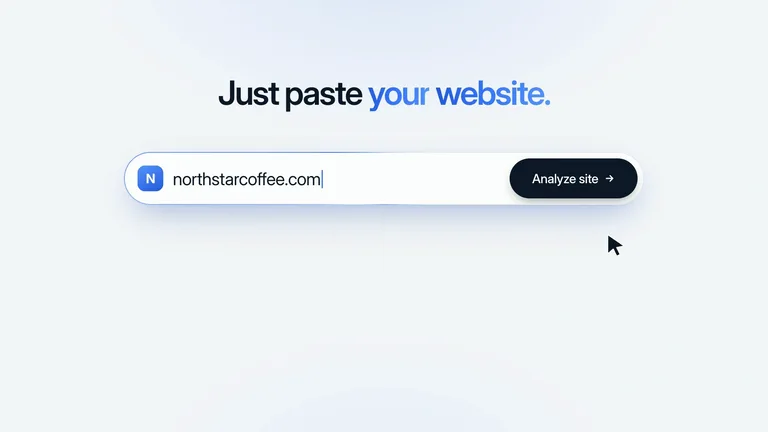 URL to PlanProduct UI · Light
 Scan to PayProduct UI · Light
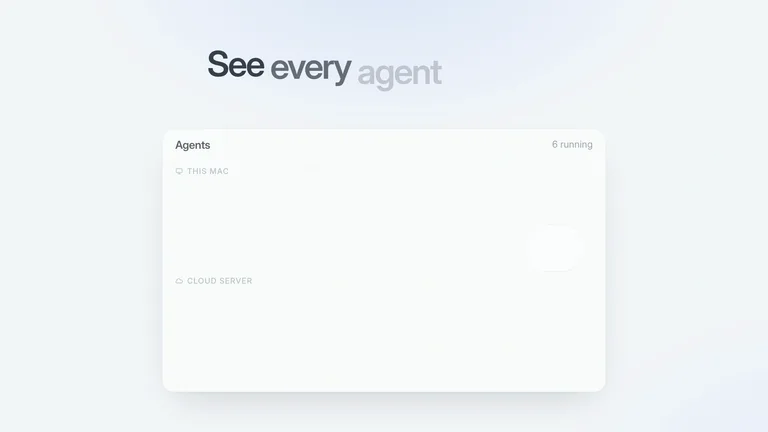 Voice CommandProduct UI · Light
 Warp TunnelProduct UI · Dark
 Autopilot SwitchProduct UI · Dark
Use cases
One library for every kind of launch
The same 208 scenes cover an app store update, a SaaS feature drop and a brand reveal. Pick the case, and your agent picks the scenes that fit it.
App promo video
Show the app doing its job: real screens, taps and the result, in under 40 seconds.
Start with
SaaS product launch
Announce a feature with a prompt box, a live dashboard and one number that proves it.
Start with
Brand launch video
Reveal a new name or logo with kinetic type, a clean lockup and a sign-off.
Start with
Startup launch on X
A 30-second cut with a hook that works on mute and a CTA people can act on.
Start with
Made with LaunchMotion
We made Skillry's own launch film with it
One prompt, six scenes and our real screenshots. The agent wrote every line from our homepage, swapped in our logo and covers, and rendered the film with one music bed under all of it.
- 6 scenes · 47 seconds · one prompt
- Real UI · our screenshots and Skill covers
- One music bed · continuous, faded out at the end
How it works
How to make a product launch video with Claude Code
Four steps from a product brief to an MP4 you can post. Codex and Cursor work the same way.
- 1
Install LaunchMotion
Paste one prompt into your AI agent. It reads the install guide and adds all 208 scenes for you, no terminal needed.
Paste this into Claude, Codex or Cursor
Read https://skillry.dev/skills/bs-launchmotion/install.md and follow the instructions to install the skill.
- 2
Describe the launch
Give it your product name, the one line that matters, a number worth repeating and your logo or screenshots.
- 3
Let the agent storyboard it
It picks one scene per beat, rewrites every line for your product and keeps your facts exactly as you gave them.
- 4
Render, add music, post
It joins the scenes into one MP4, up to 4K, and lays a music bed under it from your own track, ElevenLabs or FAL. Post it on X the same day.
Why a Skill
LaunchMotion vs an AI product video generator
AI product video generators are quick and a motion design studio is polished. LaunchMotion sits between them: designed launch scenes your own agent fills with your product and renders on your machine.
| Why a Skill | AI product video generators | Motion design studio | LaunchMotion |
|---|---|---|---|
| Starting point | A prompt or a product URL | A creative brief and calls | Your brief, screenshots and logo |
| Your product UI | Generated look-alike screens | Rebuilt by hand | Your real screens and copy, kept exact |
| Motion | Different every run | Custom, one film at a time | 208 designed scenes, timed to be read |
| Edits | Regenerate and hope | A revision round | Change a line, render again |
| What you get | A video file | Final files after the project | An MP4 plus an editable project |
Need a one-off brand film with custom illustration? Hire a studio. LaunchMotion is for the launches, features and updates you ship every week.
FAQ
Product launch video FAQ
What is a product launch video?
A product launch video is a short film, usually 30 to 90 seconds, that introduces something new: what it is, what it does and why it matters now. Teams post it on X, LinkedIn and Product Hunt and pin it to the launch page.
How long should a product launch video be?
Most land between 30 and 60 seconds. For X and LinkedIn, aim for 30 to 45 seconds with the product on screen in the first three. LaunchMotion scenes run 7 to 14 seconds, so four to six scenes make a full launch film.
How do I make a product launch video with AI?
Install LaunchMotion, then describe the launch to your agent: the product, the one line that matters, a number and your logo. The agent storyboards one scene per beat, rewrites the copy, renders each scene and joins them into one MP4 with music.
Can I use my own logo, screenshots and product name?
Yes. Every line on screen is a text slot, and image and logo slots take your files. Scenes that show AI tools use their real logos by default; swap in yours when you feature your own product, from an app promo video to a brand launch video.
Does LaunchMotion add music?
Yes, if you want it. Bring your own track, or set ELEVENLABS_API_KEY or FAL_KEY and the Skill generates an instrumental bed after asking you. It plays as one continuous piece and dips under any voiceover.
Can I buy one scene instead of the whole library?
Yes. Each of the 208 motion graphics templates is its own Skill for $4.99. The full LaunchMotion library, with the agent workflow that picks and joins scenes, comes with Skillry Pro.
What does LaunchMotion export?
An MP4 for each scene, up to 4K, and for the joined film, plus the editable HyperFrames project behind it, so you can change a line and render again.
Is LaunchMotion an AI product video generator?
Not in the usual sense. It does not generate footage from a prompt. Your agent builds each shot from designed scenes and your own screenshots, so the product on screen is the real one and every render matches the preview.
Keep exploring
More video Skills and guides
- Motion Design Skill122 motion graphics for creator videos and B-roll.
- Manus 2.0 style launch videosTurn a product URL into a keynote-style launch film.
- All video SkillsEvery Skillry Skill that outputs a video.
- AI videos made with Opus 5.5Watch what a coding agent can render end to end.
- How AI Agent Skills workWhat a Skill is and how your agent runs it.
- Browse all SkillsSearch the full Skillry catalog.
Your next launch deserves a better video
Install LaunchMotion and let your agent storyboard, write and render the product launch video while you ship the product.
Works in Claude Code, Codex and Cursor