Device-Canvas Product Launch


 +7
+7
Two ways to turn code into video with an agent.
 Remotion
 HyperFrames
Remotion builds videos as React components and renders them to MP4. HyperFrames, an open-source framework from HeyGen, builds videos from plain HTML, CSS and JavaScript. Both can be driven by an agent through a Skill: pick the authoring model your team already knows.
RemotionVideos as React components.HyperFramesVideos as HTML, CSS and JavaScript.| Aspect | Remotion | HyperFrames |
|---|---|---|
| Authoring | React components | HTML + CSS + JS |
| Renders MP4 locally | Yes | Yes |
| Distributed / cloud rendering | Yes, Remotion Lambda | AWS Lambda SDK |
| License | Source-available; free up to 3 employees | Apache 2.0 |
| Built for AI agents | Official agent skills | Yes |
| Helps to know | React | HTML & CSS |
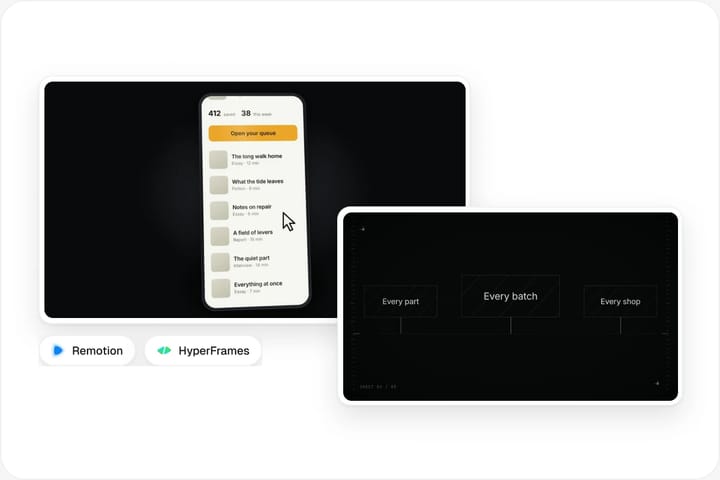
How a HyperFrames video Skill works in Claude Code.

Paste the install prompt into Claude Code to add a video Skill.
Read https://skillry.dev/skills/<slug>/install.md and follow the instructions to install the skill.The Skill brings a tested scene system, timing rules and a render command, so the first render already looks finished.
Browse video Skills
A product URL, a script or a set of screenshots is enough to start.
Install a video Skill, then give Claude a brief: a product URL, a script or a set of screenshots. The Skill provides a tested scene system, timing rules and a render command, so the first render already looks finished. Ask for changes in plain words, such as a shorter intro or a different headline, and Claude edits the HTML and renders again.

Claude renders locally; ask for changes in plain words and render again.
Typical revisions are a shorter intro, a different headline or a new end card. Claude edits the HTML composition and re-runs the render, so every version stays reproducible.
What each framework is, how an agent drives it, and its trade-offs.
React
Remotion lets you write videos as React components. Each frame is a function of time: you use hooks to read the current frame, interpolate values and sequence scenes, then render the composition to MP4 with a headless browser. Because the whole video is code, it is easy to parameterise, so one template can produce hundreds of personalised videos from a spreadsheet or an API.
A Remotion skill teaches an agent the framework’s APIs and conventions so Claude Code can scaffold a project, write compositions and run renders for you. Remotion is source-available: individuals and for-profit companies with up to 3 employees use it free, while larger companies need a company licence.
HTML · Apache 2.0
HyperFrames is an open-source framework from HeyGen, released under the Apache 2.0 licence. Compositions are plain HTML files with data attributes, styled with CSS and animated with JavaScript, and the CLI renders them to deterministic MP4 video on your own machine. There are no render credits or seat limits, and an AWS Lambda SDK is available for distributed rendering.
It was designed with AI agents in mind: the project ships agent skills and plugins, and its HTML-first model matches what coding agents already write well. Skillry’s HyperFrames video Skills build on this to turn a product URL or a script into a finished launch film.
In depth: choosing a code-to-video framework for AI agents.

Your team already writes React and TypeScript, you need many variations of the same video from data, or you want a mature ecosystem with players, templates and cloud rendering. Remotion’s component model makes it natural to reuse scenes across projects, and its long history means many agents have seen plenty of Remotion code.

You want an agent to author a film the way it writes a web page, with CSS layout, web fonts and familiar animation libraries, and render it locally for free. HyperFrames suits product launch films, motion graphics and explainer clips where design polish matters more than generating thousands of variants.

With Remotion or HyperFrames, Claude Code can write the scenes, time them to a script, render the MP4 and revise on request. It can also run tools such as ffmpeg to trim, join or re-encode clips. What it cannot replace is a timeline editor for footage-heavy work, such as cutting an interview or colour-grading camera footage; there, a human editor or a dedicated video tool is still faster.

Both frameworks render with a headless browser, so render time grows with video length, resolution and effects. HyperFrames is Apache 2.0 and renders on your machine at no cost; distributed rendering through AWS Lambda is billed by AWS. Remotion is free for individuals and companies with up to 3 employees, while larger for-profit companies need a company licence; cloud rendering is billed by the cloud provider.
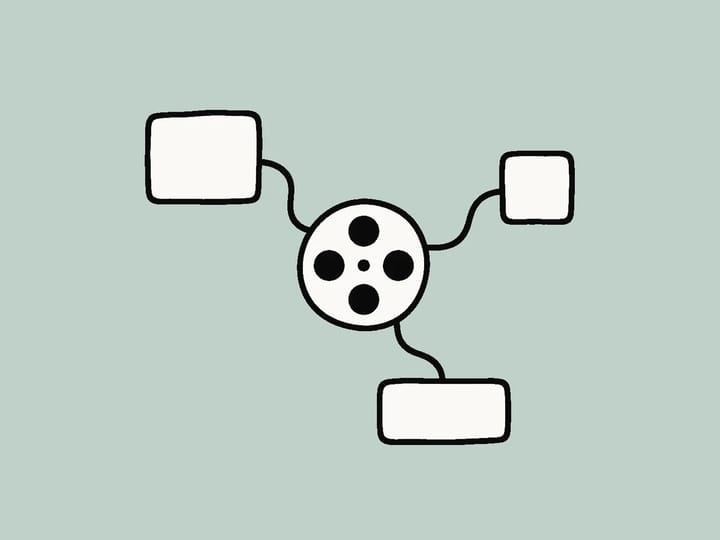
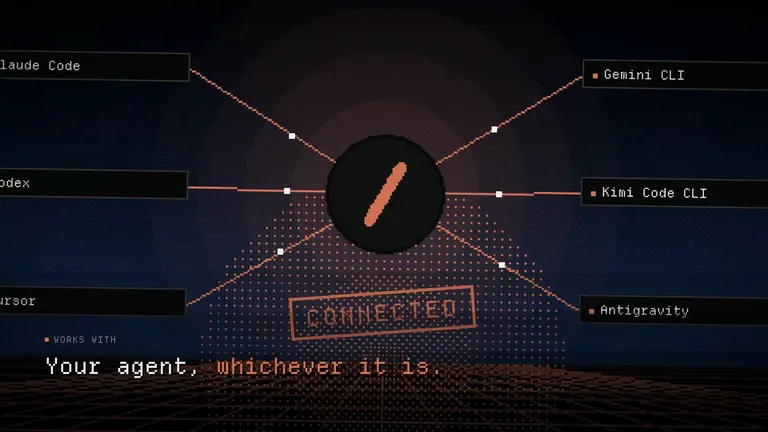
Neither framework is tied to Claude. Codex, Cursor, Antigravity, OpenCode and GitHub Copilot can all run the same CLI commands and read the same SKILL.md video Skills, so a team can switch agents without rewriting its video templates.
A Remotion skill is a SKILL.md package that teaches a coding agent Remotion’s APIs, project structure and best practices, so Claude Code or Codex can write React video compositions and render them to MP4 without you looking up the docs. Remotion maintains official agent skills on GitHub (remotion-dev/skills).
HyperFrames is an open-source (Apache 2.0) framework from HeyGen for turning HTML, CSS and JavaScript into video. Compositions are standard HTML files with data attributes, the CLI renders deterministic MP4s locally, and an AWS Lambda SDK supports distributed rendering. It ships agent skills so AI coding agents can author videos directly.
Claude Code can write and render code-based video with Remotion or HyperFrames, and it can run tools like ffmpeg to trim, join, resize or re-encode clips. For footage-heavy editing, such as cutting long interviews or colour grading, a timeline editor is still the better tool.
Neither is strictly better. Remotion suits React teams and data-driven video where one template produces many variants. HyperFrames suits web-style motion design and launch films that an agent writes like a web page. Pick the authoring model your team already knows.
Yes. HyperFrames is released under the Apache 2.0 licence and renders on your own machine, so there are no render credits, seat limits or per-render fees. Optional cloud rendering through AWS Lambda is billed by AWS.
Skillry’s launch-film Skills are built on HyperFrames, and CreatorMotion Skills provide editable motion-graphics segments. Each Skill page states what it is built on and what it needs before you install it.
HyperFrames and motion-graphics Skills, rendered locally from your agent.