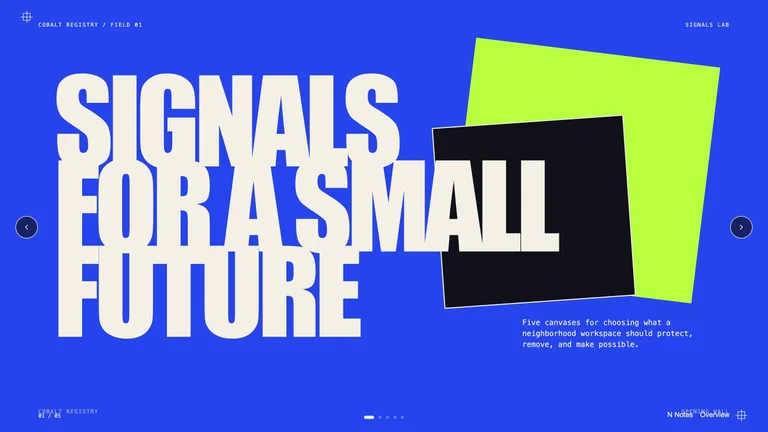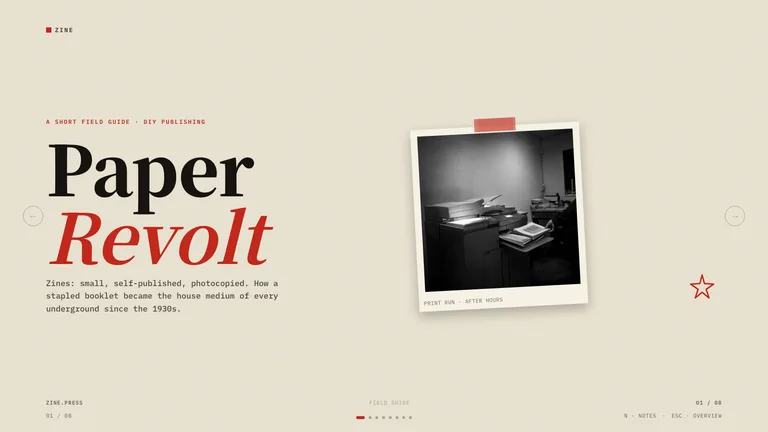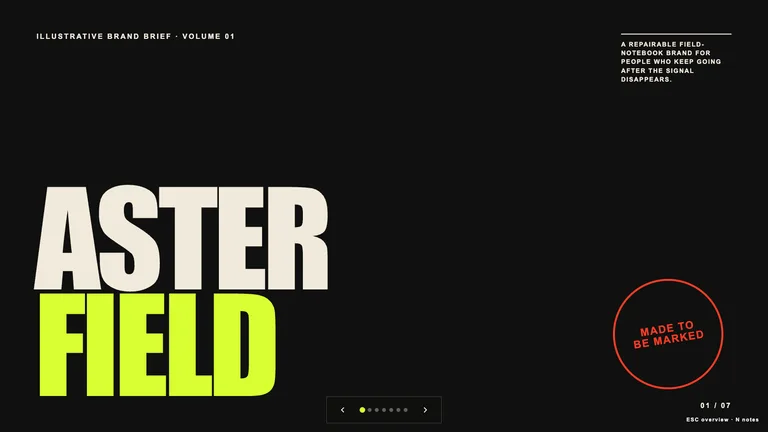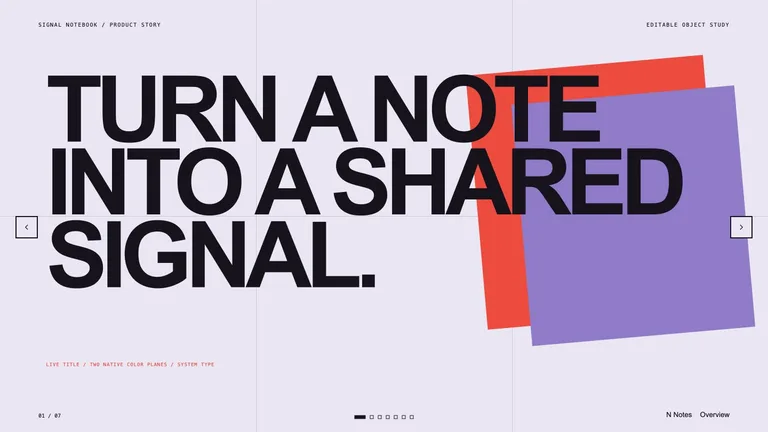
Editable Visual Deck


 +7
+7Your agent and your files, or a hosted editor.
 Gamma
Gamma Canva
CanvaChoose an AI presentation maker if you want a hosted editor, sharing and templates in one app. Choose a PPT Skill if you already work in an agent like Claude Code or Codex and want deck files you own, a fixed visual style and PPTX export.
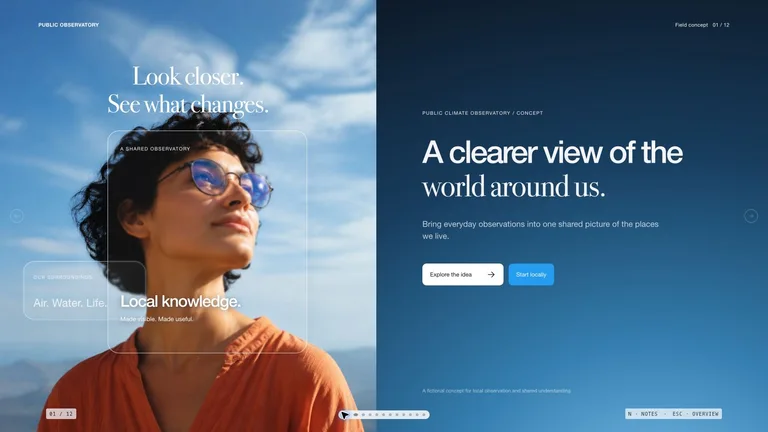 GammaHosted AI deck editor.CanvaDesign suite with AI presentations.
| Aspect | PPT Skill | Gamma | Canva |
|---|---|---|---|
| Runs in | Your agent | Web app | Web + desktop |
| Files live in your repo | Yes | No | No |
| Editable PPTX export | Yes | Yes | Yes |
| Reads your docs and data | Yes | Upload | Upload |
| Style control | Fixed design system | Themes | Brand kit |
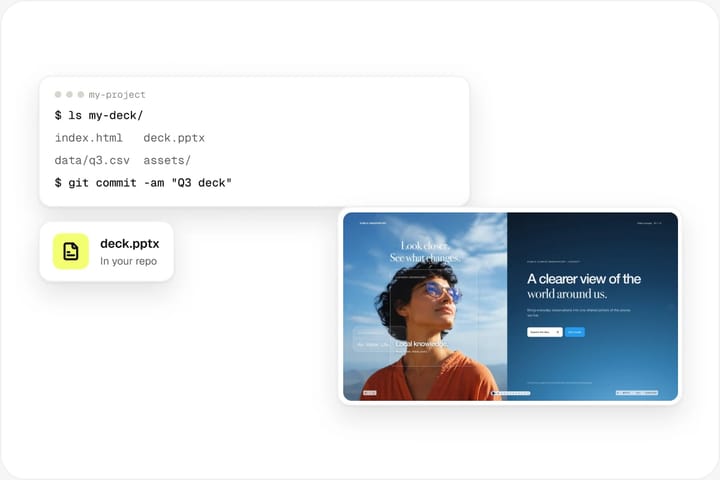
HTML and PPTX files live next to your notes and data.
An AI presentation maker that runs inside Claude Code or Codex.

Paste one install prompt and your agent adds the deck Skill.
Read https://skillry.dev/skills/<slug>/install.md and follow the instructions to install the skill.Each deck Skill is a SKILL.md folder with its layouts, type and colour rules, so every deck it writes shares one visual system. It works in Claude Code, Codex, Cursor and other agents that read SKILL.md.
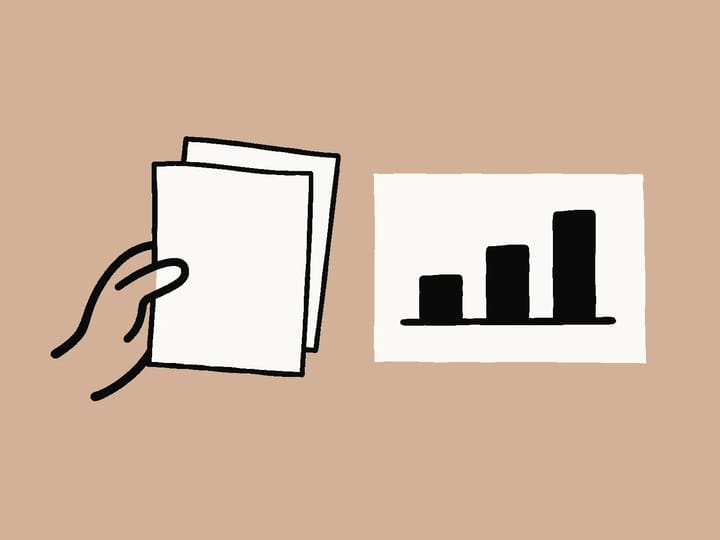
The agent reads your notes, documents and data directly from the project.
Give the topic, audience and slide count, and name the files to use. Because the agent works next to your data, numbers and claims come from source rather than copy-paste, and the deck can be regenerated when the data changes.
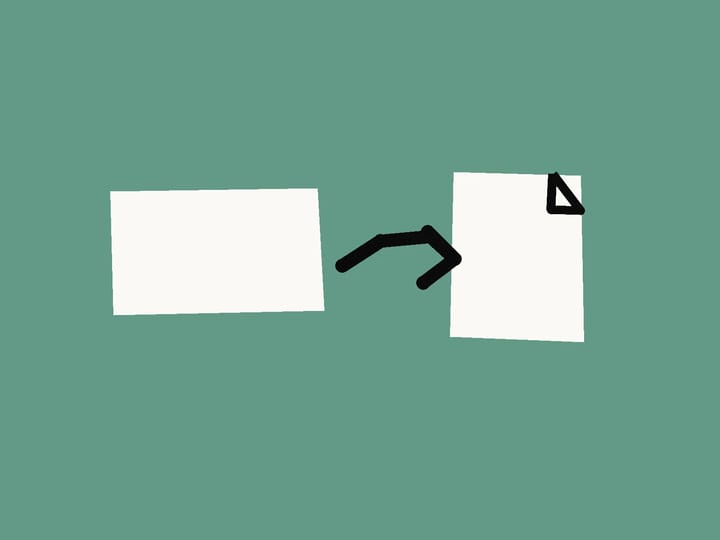
Polish copy and layout in the deck studio, then export an editable PPTX.
The HTML deck and the exported PPTX stay in your project folder, so you can version them with git and share the PPTX with anyone who presents from PowerPoint.
Three ways to make an AI presentation, compared neutrally.
A PPT Skill turns a coding agent such as Claude Code or Codex into a presentation maker. You install a designed deck style, describe the talk and point the agent at your notes, documents or data. The agent writes the deck as HTML in that style, you edit it in a browser deck studio, and you export an editable PPTX. Everything stays in your project folder, so the deck can be versioned, reviewed and regenerated like any other file.
Hosted editor
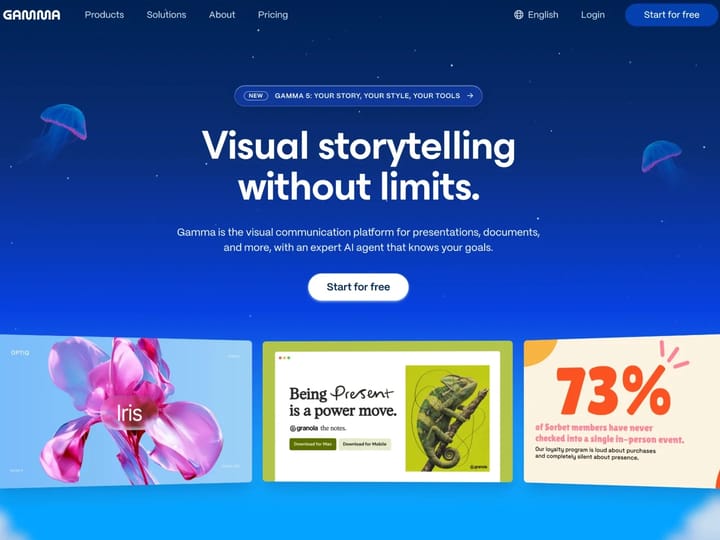
Gamma is a web app built around AI generation. You type a topic or paste notes, Gamma drafts a deck in one of its themes, and you refine it in a card-based editor with AI rewrite tools. Decks are shared as live links, with analytics and comments, and can be exported to PPTX, PDF and PNG, and to Google Slides via PPTX. It suits people who want everything in one browser tab and do not use a coding agent.
Design suite
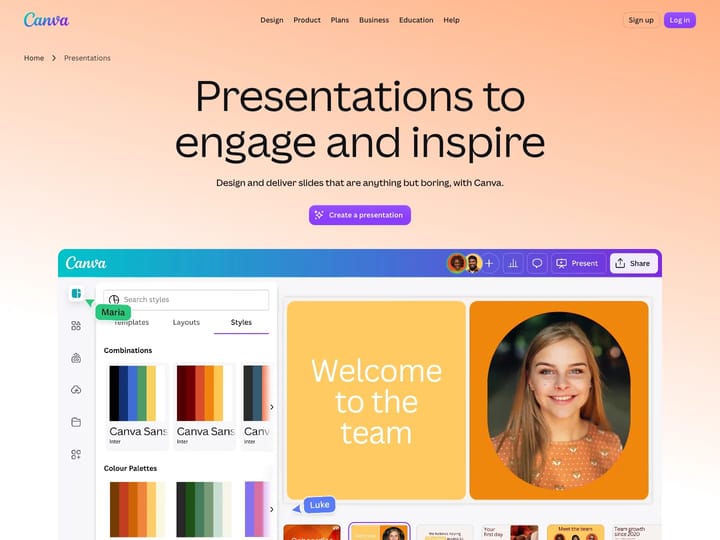
Canva is a broad design platform that includes presentations alongside social graphics, documents and video. Its AI features can draft slides, and teams can apply a brand kit with logos, colours and fonts. Large template libraries and real-time collaboration are its main strengths. Presentations can be downloaded as PPTX and PDF. It is a good fit for marketing teams that already design everything in Canva.
In depth: when a Gamma alternative makes sense, and when it does not.

If your deck needs live sharing, comments from people outside your team or built-in analytics, a hosted tool like Gamma or Canva is the simpler choice. The same is true when the people building slides never open a terminal or an IDE: a browser editor has no setup at all, and templates are one click away.

If you already spend your day in Claude Code, Codex or Cursor, a PPT Skill keeps the deck next to the work it describes. The agent can read the spreadsheet, the product spec or the research notes directly, so numbers and claims come from source rather than from copy-paste. The deck becomes a file you can diff, review and regenerate when the data changes.

With a PPT Skill, the HTML deck and the exported PPTX live in your own folder or repository. With a hosted editor, the master copy lives in the vendor’s workspace and you export copies when needed. Both approaches can produce a PPTX for colleagues who present from PowerPoint; check the export quality of any tool with one real deck before committing.
Skillry offers free deck Skills and $4.99 Skills, and you use them inside the agent plan you already pay for. Canva offers Free, Pro, Business and Enterprise plans; Gamma has Free, Plus, Pro, Ultra and Business plans, and its AI features spend credits. Compare the total cost for your team, including seats, rather than the headline price.

Yes. Some teams draft data-heavy internal decks with a PPT Skill in their agent and use a hosted editor for public, link-shared presentations. Because a PPT Skill exports PPTX, its slides can also be imported into other tools when a deck needs to move.
For people who already use an AI coding agent, yes. A PPT Skill covers deck generation, browser editing and PPTX export without a separate SaaS editor, and the files stay in your project. If you need hosted link sharing, analytics or comments from outside collaborators, a hosted tool such as Gamma may still suit you better.
PPT Skills create new decks rather than converting existing ones. To reuse content, export your Gamma or Canva deck as text, PDF or PPTX, put the file in your project and ask the agent to rebuild it in a deck style.
No. You describe the deck in plain language and the agent writes the files. Editing happens in the browser deck studio with clicks and drag-and-drop. You only need an AI agent such as Claude Code, Codex or Cursor installed.
Claude Code, Codex, Cursor, Antigravity, OpenCode, GitHub Copilot and any other agent that reads the SKILL.md format. Only the install folder differs between agents.
Skillry deck Skills are free or $4.99 each and run inside the agent plan you already have. Canva has Free, Pro, Business and Enterprise plans, and Gamma has Free, Plus, Pro, Ultra and Business plans. Check each vendor’s pricing page for current prices.
Yes. The HTML deck can be presented full-screen in any modern browser, which keeps web fonts and motion intact. When someone needs a file, export an editable PPTX from the deck studio.
Pick a style, describe the talk, export an editable PPTX.