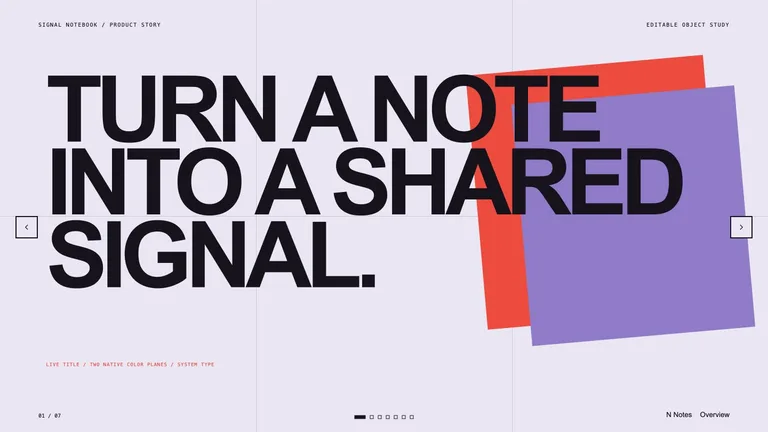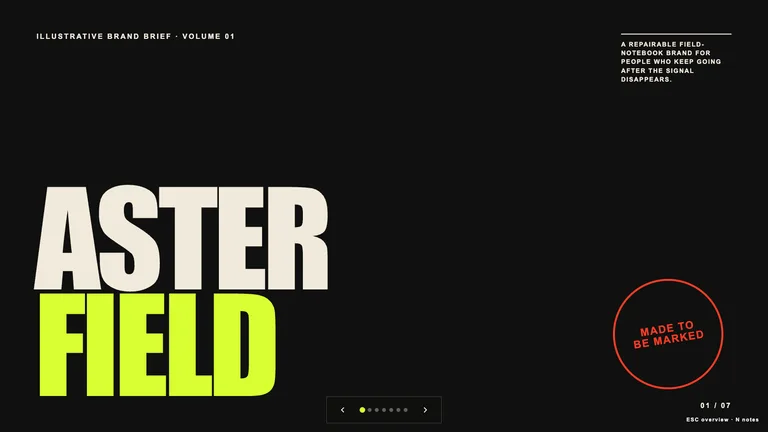
Image Narrative Deck


 +7
+7Designed HTML presentations your agent writes. Present in the browser or export PPTX.
Filter tabs: All · Pitch & business · Research & teaching · Brand & creative

Real HTML, not screenshots
Sharp at any size, easy for agents to edit.
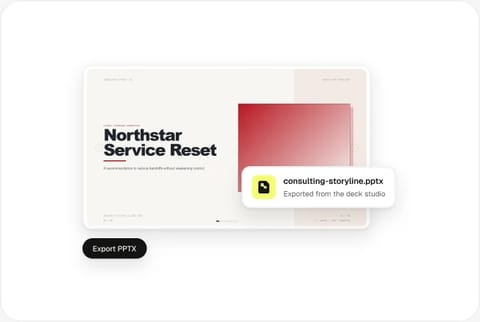
Edit in the deck studio
Click to rewrite, move and reorder.

Export to PowerPoint
An editable PPTX when you need a file.
| Aspect | HTML presentation | PPTX file |
|---|---|---|
| Opens in | Any browser | PowerPoint, Keynote |
| Edited directly by your agent | Yes | No |
| Full CSS motion and web fonts | Yes | No |
| Shared as a link | Yes | No |
Three steps from style to presentation.

Choose a deck style and preview real slides before installing.
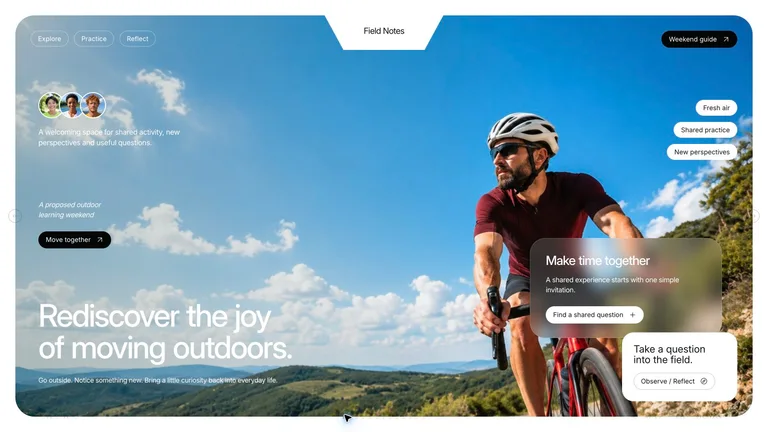
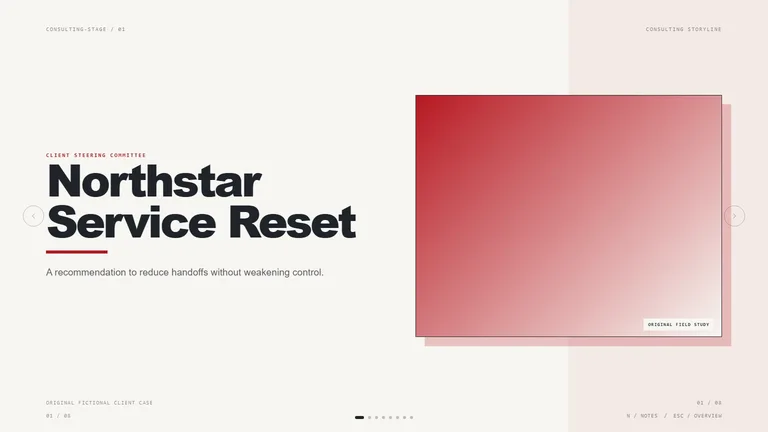
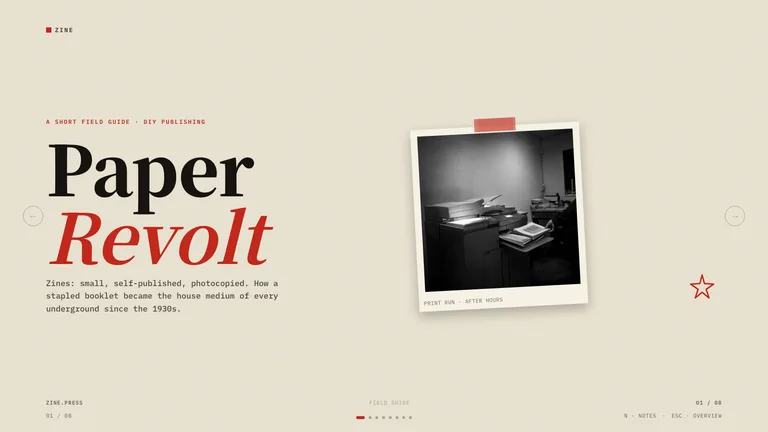
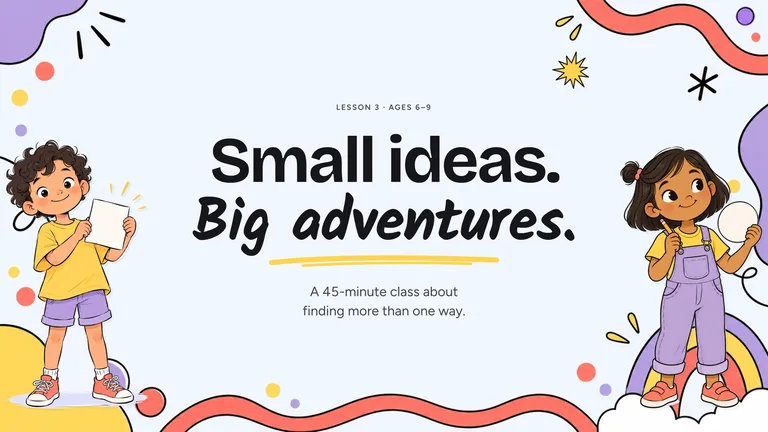
Choose a style that fits the talk: a figure-first research deck, a bold editorial deck for a launch, or a calm consulting storyline for a client update. Each Skill page shows real slides, so you see the result before installing.
Browse slide Skills
Paste the install prompt into Claude Code or Codex, then give the topic, audience and slide count.
Read https://skillry.dev/skills/<slug>/install.md and follow the instructions to install the skill.Install the Skill in Claude Code, Codex or another agent, then give the topic, the audience, the slide count and the files to draw from. The agent writes the deck as HTML in the chosen style.

Present full-screen from the browser, or export an editable PPTX.
Open the deck studio to rewrite text, move blocks and reorder slides. Present full-screen from the browser, or export an editable PPTX when someone needs a PowerPoint file. Related
Codex Skills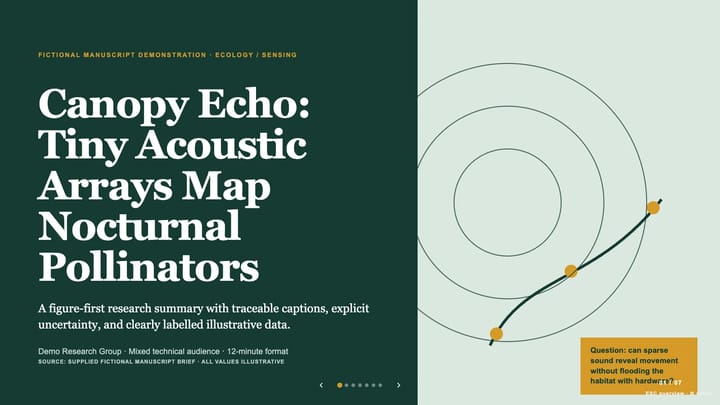
An HTML presentation is a set of web pages shown one slide at a time. It opens in any browser, scales sharply to any screen and supports web fonts, CSS layout and motion. Because the slides are code, an AI agent can write, restyle and update them as easily as it edits any other file, which is why HTML slides suit agent-made decks better than binary PowerPoint files.
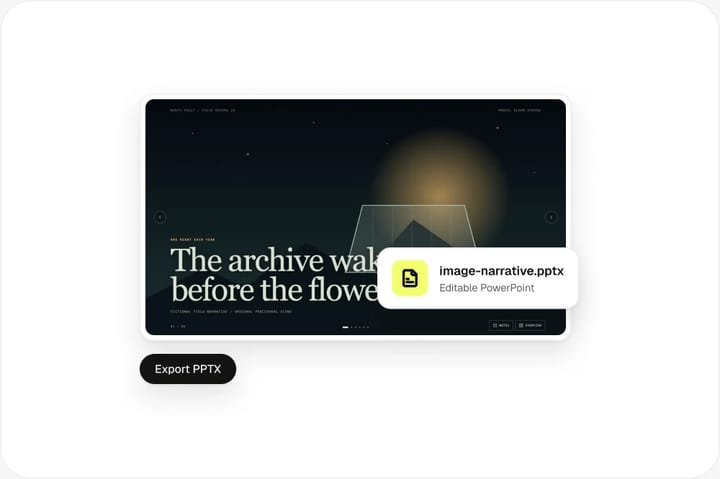
You do not have to choose one format. Present the HTML version from the browser when you control the screen, and export an editable PPTX from the deck studio when a client, a conference or a colleague needs a PowerPoint file.
Slidev, reveal.js and Marp are popular open-source tools for writing slides as code. Slidev turns Markdown into slides with Vue components and a developer-friendly editor; reveal.js is an HTML presentation framework you build with HTML, CSS and JavaScript; Marp converts plain Markdown into slides and can export PDF, PPTX and HTML. They give you full control, but you still design every slide yourself. An HTML slide Skill sits one level up: your agent writes the deck from a brief in a finished design, you edit it in the deck studio and export an editable PPTX. Use a framework when you want to hand-build a talk; use a Skill when you want a designed deck quickly.
| Tool | What it is | Licence |
|---|---|---|
| Slidev | Markdown + Vue slide framework | MIT |
| reveal.js | HTML presentation framework | MIT |
| Marp | Markdown slide ecosystem | MIT |
| HTML slide Skill | Designed deck your agent writes, with PPTX export | Skillry licence |
HTML slides are a presentation built as a web page. Each slide is laid out with HTML and CSS and shown full-screen in the browser, so it can use web fonts, responsive layout and CSS motion. Because they are plain files, an AI agent can write and edit them directly.
Yes. Skillry slide Skills include a deck studio that exports an editable PPTX, so colleagues who present from PowerPoint can keep working on the deck. Text stays editable and images stay as separate objects.
Once the deck files are in your project you can open them locally in a browser without an internet connection. If a style loads web fonts from a CDN, include local copies of the fonts for fully offline use.
Claude Code, Codex, Cursor, Antigravity, OpenCode, GitHub Copilot and any other agent that reads the SKILL.md format. The same HTML slide Skill gives the same design in each of them.
You set the slide count in your request. The Skill keeps cover, section, content and closing layouts consistent however many slides you ask for, and you can add or remove slides later in the deck studio.
It depends on the Skill. Many deck Skills ship their own picture library and reuse it by default, and your own photos and charts always come first, so you can finish a deck without an image API. To generate new pictures for your topic, the Skill uses your agent’s built-in image tool, such as Codex’s GPT Image; in agents without one, Skills that support fal need your own FAL_KEY. Skills that need an API key are marked on their Skill page.
Pick a style, let your agent write it, export PPTX when you need it.



 Codex
Codex Cursor