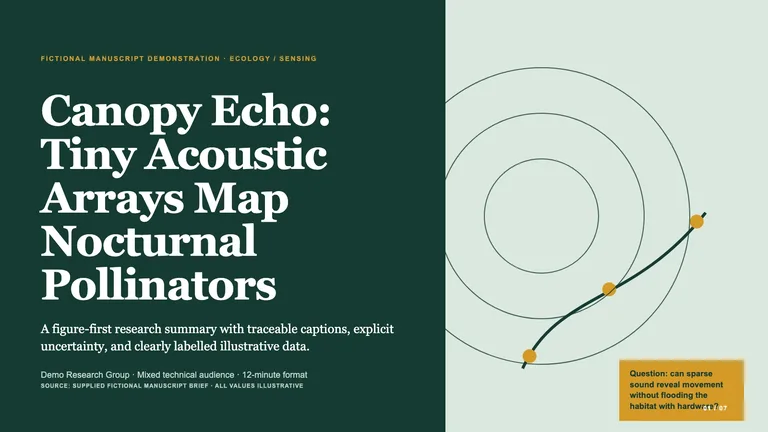



Research Paper Deckv1.0.3
Use this Skill to create research presentation.
5.049 downloads0 likes1 saves
$4.99
What do I get when I buy this Skill?Convert a supplied research paper into a figure-first 16:9 HTML deck with traceable captions, explicit sources, calibrated claims, and a problem-to-evidence narrative. Use for conference summaries, lab reviews, paper explainers, or research briefings. Every deck can be edited in the browser and exported as an editable PowerPoint file.
Picked most often by
Updated Oct 13, 2026
Preview gallery
Similar Skills
View all skills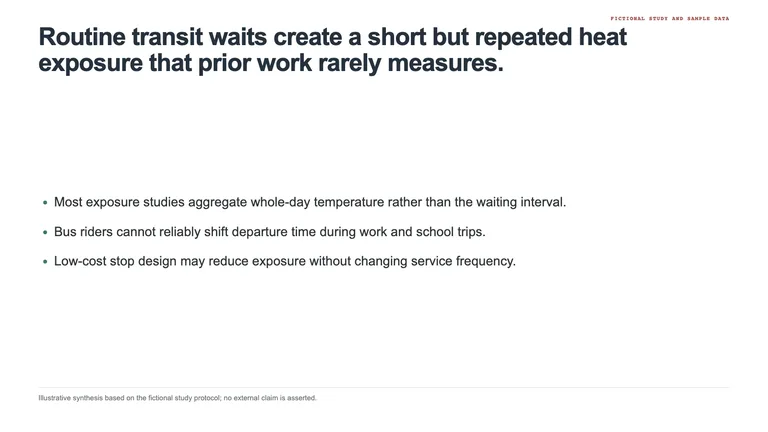



What you get
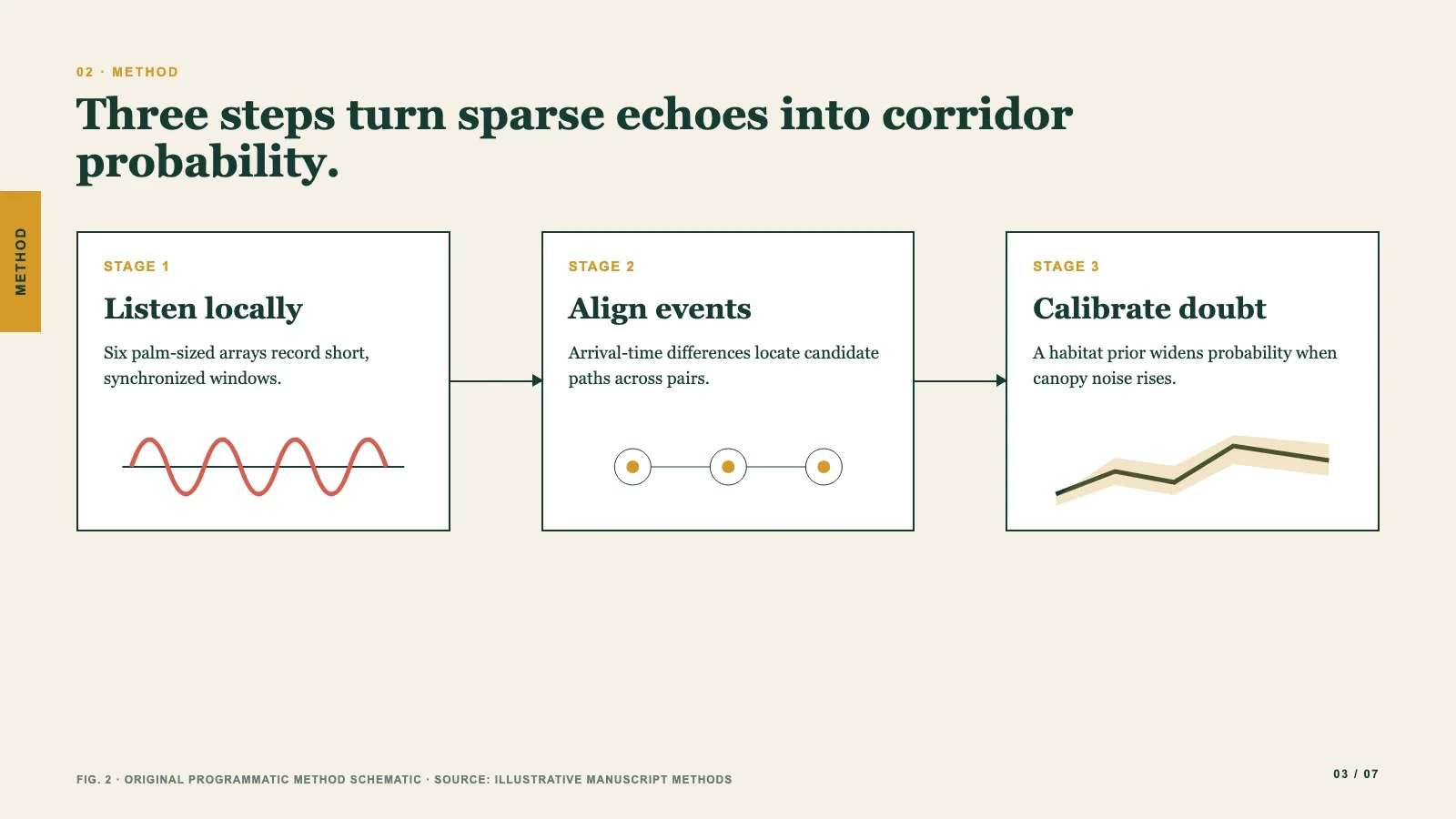
- A figure-first deck that walks from the research problem through method and evidence to limits and conclusion, with a chart, diagram or figure leading every content slide.
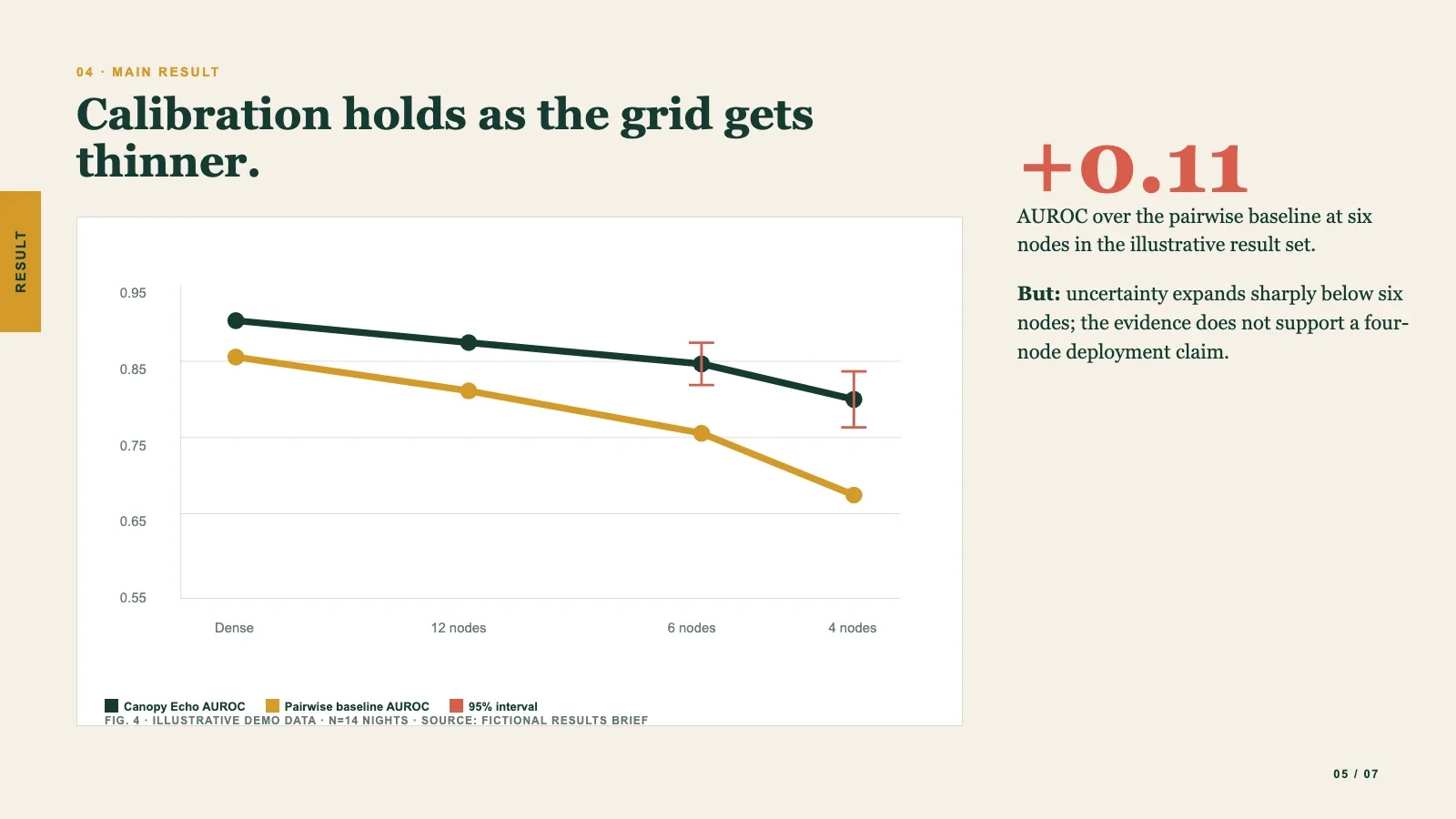
- A caption and citation right under every figure, illustrative or redrawn data clearly labelled, and a list tying each claim back to the paper, with any evidence gaps.
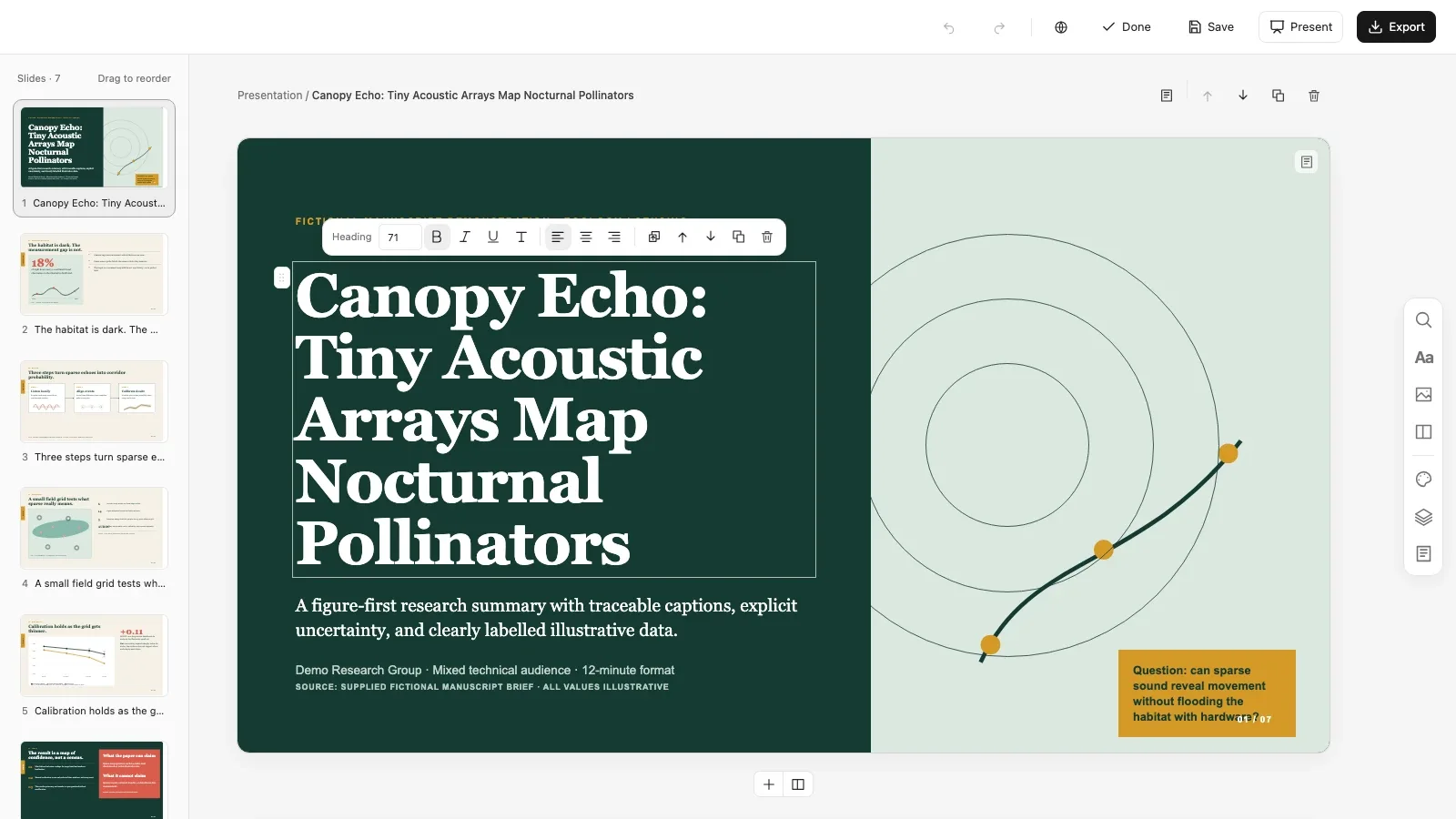
- A deck you can edit in your browser (retype text, replace pictures, reorder slides, switch between four color themes) and export as an editable PowerPoint file with notes, or a PDF.
Good fit
- Researchers and graduate students presenting a paper at a lab meeting, a conference session or a research briefing.
- Science communicators explaining a paper to a mixed audience without overstating what it found.
- Anyone who has the full paper and knows which figures and tables they're allowed to show.
Not for
- Topics without a paper: it works only from the paper or a complete extract you supply and never invents numbers, citations or results.
- A section-by-section copy of the paper or text-only slides; the content is reorganized around the evidence.
- Walking through long derivations: complex math appears as an approved crop from the paper rather than being retyped.
Education & ExplainersResearch & Technical CommunicationCreate Research PresentationEditable OutputGuided WorkflowVisually PolishedEvidence FirstFigure LedScholarly Editorial
About this Skill
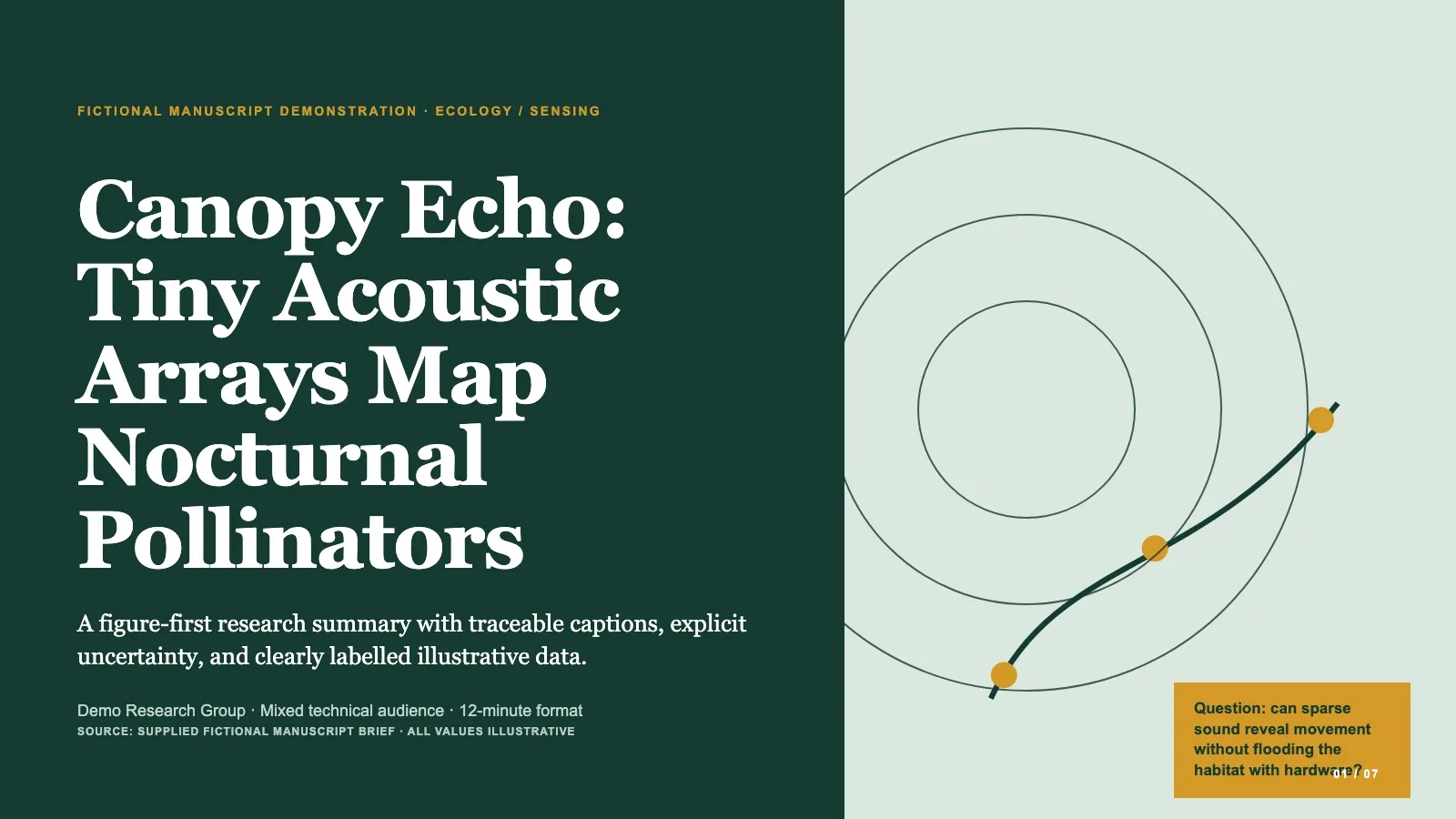
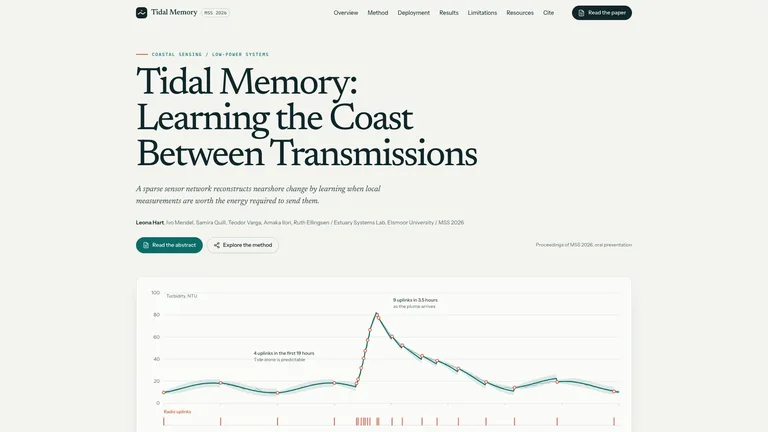
Hand over a research paper and get back a slide deck that tells its story from problem to evidence to conclusion. Every content slide leads with a chart, diagram or figure, with the caption and citation right underneath, so the audience always knows where a number came from.
What you get
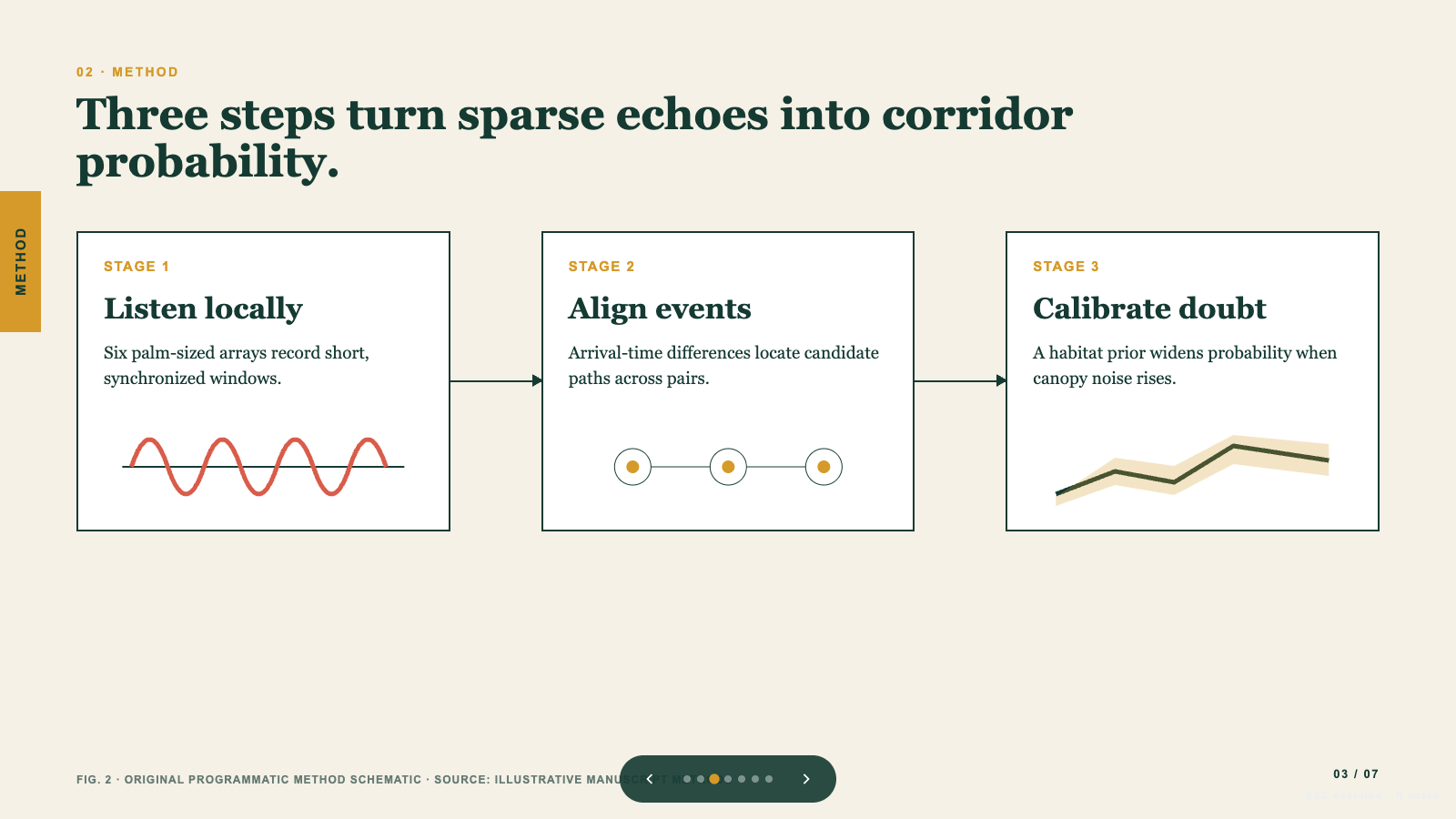
- A deck that moves from the problem through method, evidence and limits to a conclusion, with one strong visual on every slide
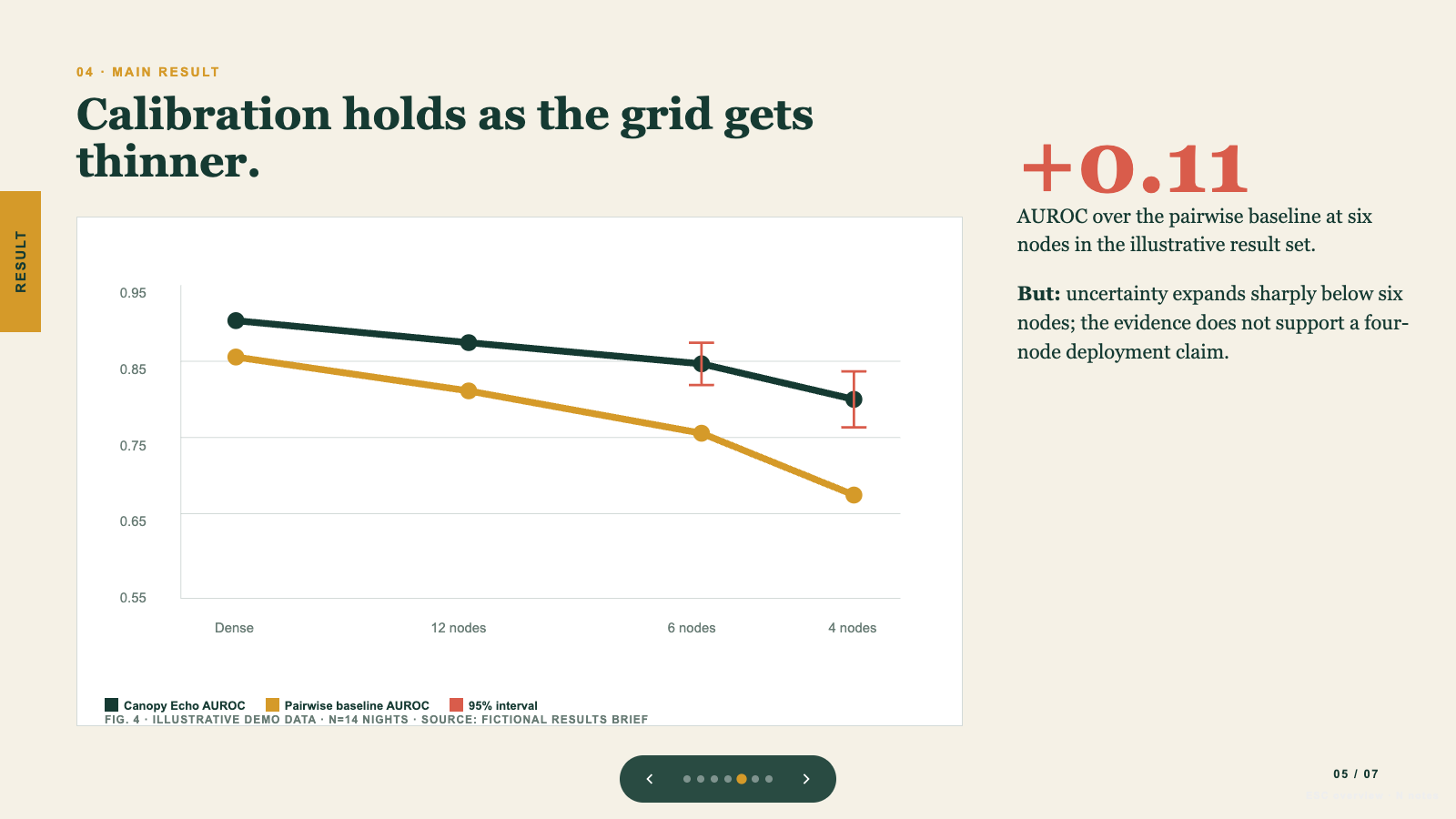
- Numbers kept exactly as the paper reports them, a citation under every figure, and illustrative data labelled as illustrative
- A deck you can edit in your browser and export as an editable PowerPoint file with speaker notes, or as a PDF
How to use
- Share the full paper and say who the audience is and how long you'll be talking.
- Point out which figures and tables you're allowed to show.
- Read through the deck, then press E to retype text, replace pictures, reorder slides or try another color theme.
- Export to PowerPoint or PDF when it's ready.
If something the deck needs isn't in the paper, you'll get one short question instead of a made-up number.
What you need before you start
- You bring
- Complete paper or verified source extract · Audience expertise, talk duration, and setting · Figures and tables approved for presentation use
- Dependencies
- Modern browser — required · Node.js 20 or newer — required for local validation · Chrome, Chromium or Edge plus Node.js 20 or newer — required only for PowerPoint export
- Last tested
- v1.0.3 — Claude Code / Claude Desktop / Cowork / Codex / ChatGPT
User reviews
Loading reviews…