
For content creators
Make product explainer videos with AI Skills
Your agent researches the product, storyboards one feature from its real facts and interface, and renders a video a viewer can follow. MP4 out, project editable.
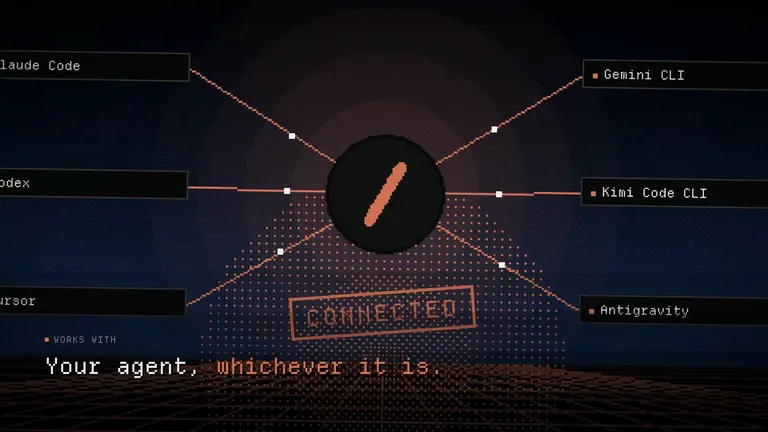
Works in


 and 30+ other agents
and 30+ other agentsProduct explainer video examples
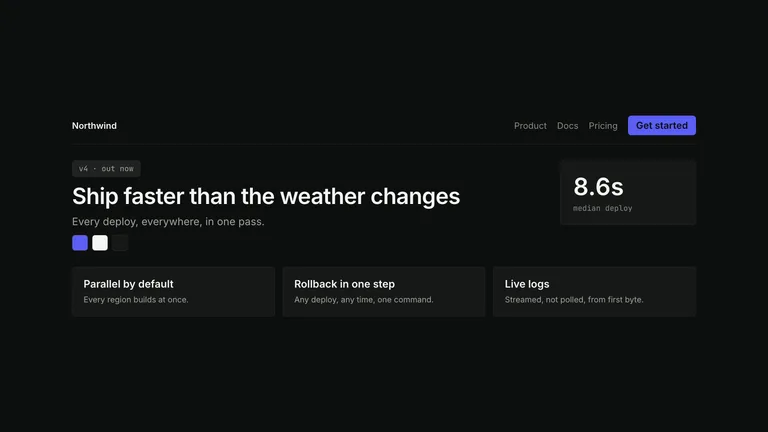
Each card plays a film the Skill made. Pick one by how it shows your product working.

Quick answer
What is an explainer video?
An explainer video shows how a product or feature works in a minute or two, so a viewer understands it without reading docs. Product explainers stay close to the real interface; animated explainers lean on motion graphics to carry the idea.
 Explainer video1:24
How our assistant turns a chat into a finished report

Leo Builds
48K subscribers
21K views 1.2K Share
- Product explainer
- The real interface, one feature at a time
- Animated explainer
- Motion graphics and type that carry the idea
- You provide
- Product name or URL, and the feature to explain
- Typical output
- MP4 at 1080p; some Skills offer 2K or 4K
- Runs on
- Node.js, FFmpeg and a browser renderer on your machine
- Running cost
- Rendering is local; optional paid stills or music
Build a feature story from verified product inputs
Explainers fail when they guess. These Skills write from your product’s own facts.
 1
1Install a Skill
Pick a style above and paste its install prompt into your agent.
 2
2Point it at the product
Share the URL or product notes and the one feature viewers should understand.
 3
3Review the storyboard
Approve the beats, then let it render and check the final cut.
Why not just ask your AI for an explainer video?
Asking directly gets you a result. A Skill adds the parts that make it reliable and repeatable.
Asking your AIWith this Skill
FactsAsking your AI: Features get inventedStoryboard written from the product’s own pages
InterfaceAsking your AI: Fake screensPhone and desktop moments built as live scenes
PacingAsking your AI: Random cutsBeats cut to the soundtrack
DeliveryAsking your AI: One file you cannot changeAn editable film plus the rendered MP4
Explainer video maker FAQ
What these Skills do not do
- They do not make whiteboard character animation.
- They do not include voiceover narration by default.
- They do not record your real app; interface scenes are rebuilt from your inputs.
Is this an online explainer video maker?
No. These are Skills your AI agent runs on your computer. You describe the product and approve the storyboard; the agent builds and renders the video.
How long are the videos?
It depends on the Skill. Cue Style Launch Video makes 60 to 90 second films; most HyperFrames launch films run 20 to 45 seconds.
Do the videos have a voiceover?
Not by default. They use kinetic type and music. Add narration afterwards in your editor if you need it.
What are some explainer video examples?
Open any card above: each plays a full film the Skill rendered, with its length and format on the Skill page.
More jobs for content creators
Each job has its own Skills, real examples and FAQ.
 Promo videosShort brand films in a reusable style
 Animated B-rollMotion clips between your talking-head shots
 Infographic postersExplain one idea in one picture
 Landing pagesA full marketing page for your launch