
For content creators
Promo videos and brand films, made by your AI agent
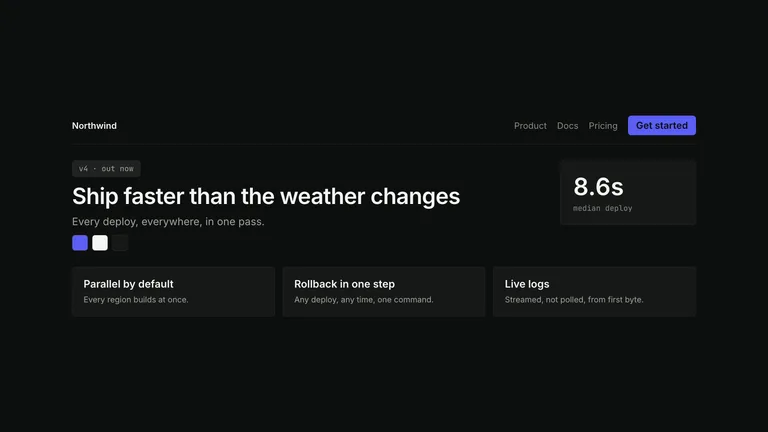
Each Skill is a promo video template your agent can fill: pick a style, give it your product, copy and brand colours, and get a rendered MP4 plus the project to edit.
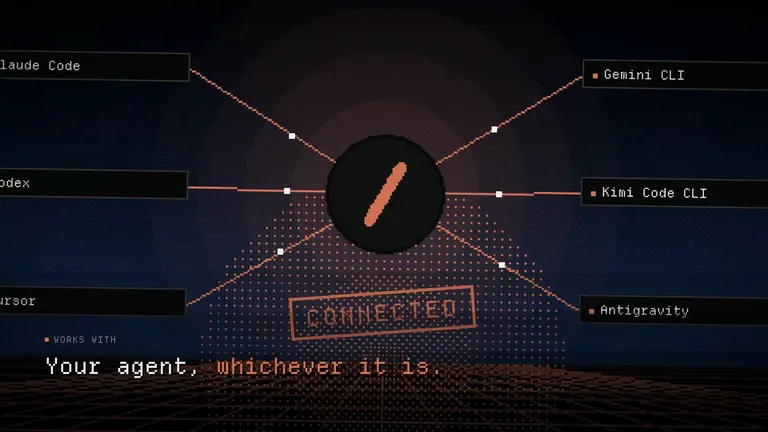
Works in


 and 30+ other agents
and 30+ other agentsPreview promo video styles
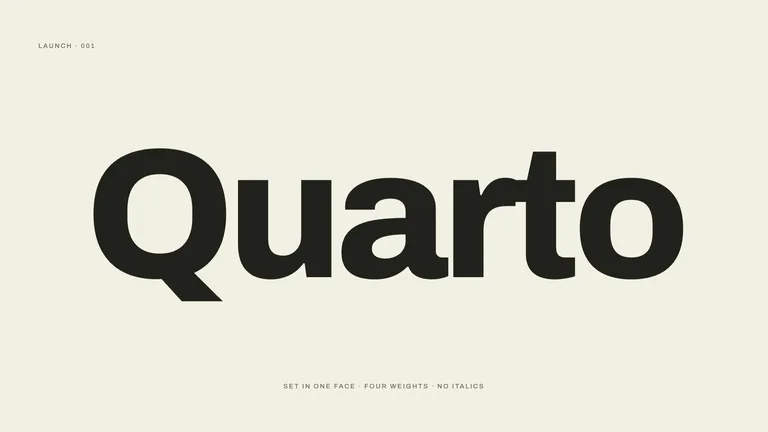
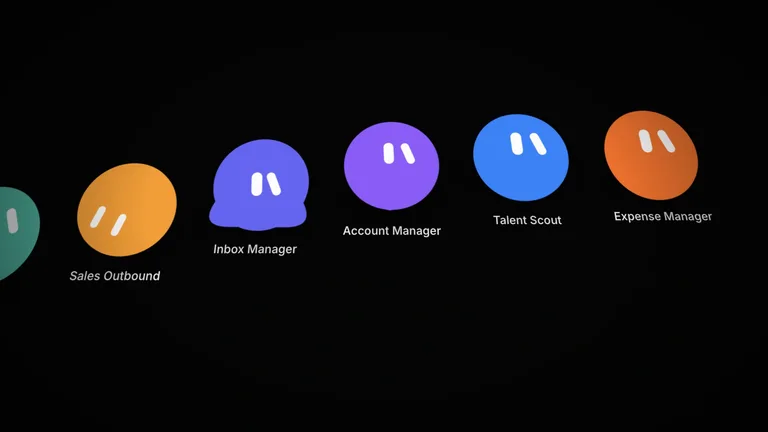
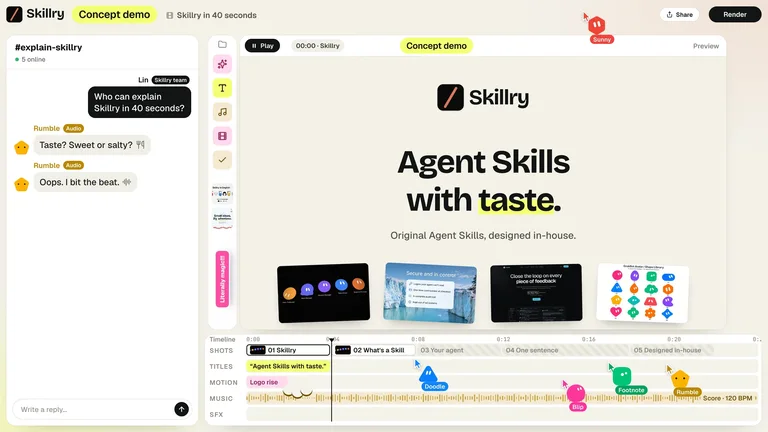
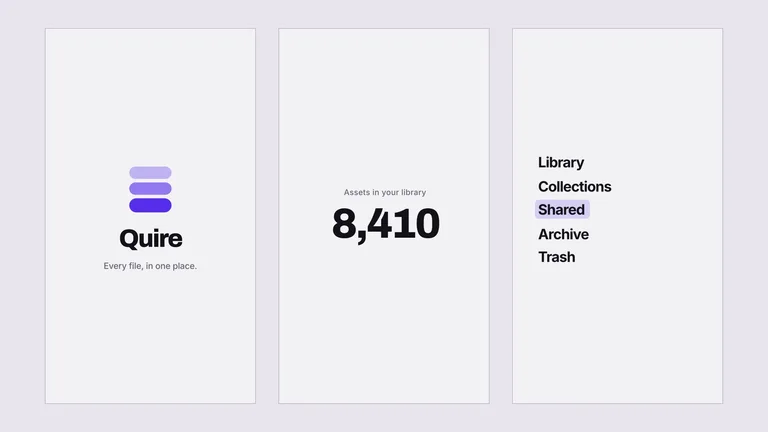
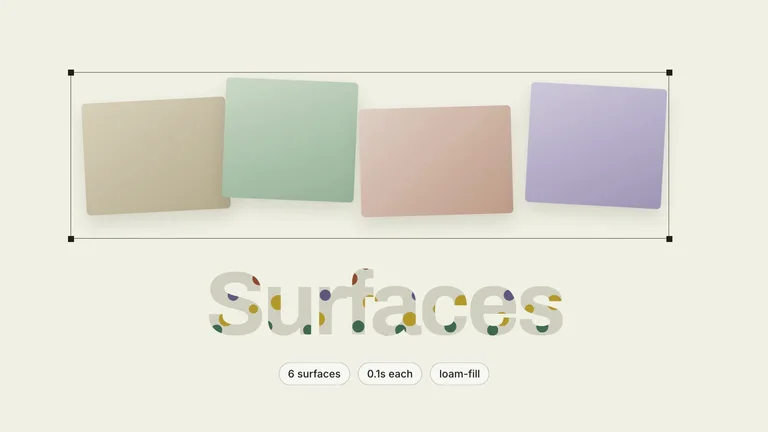
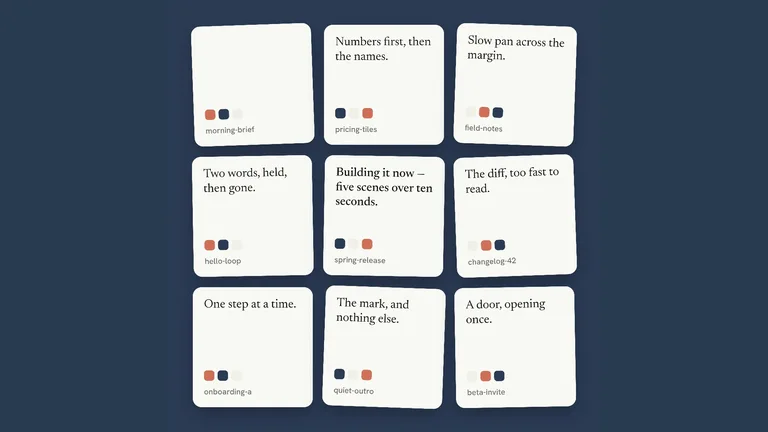
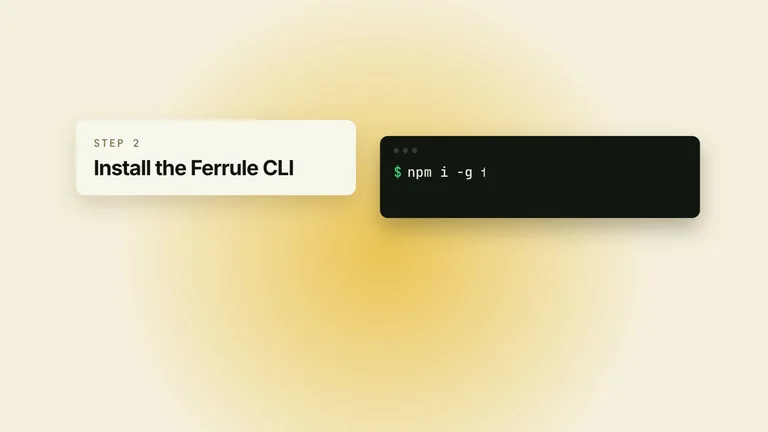
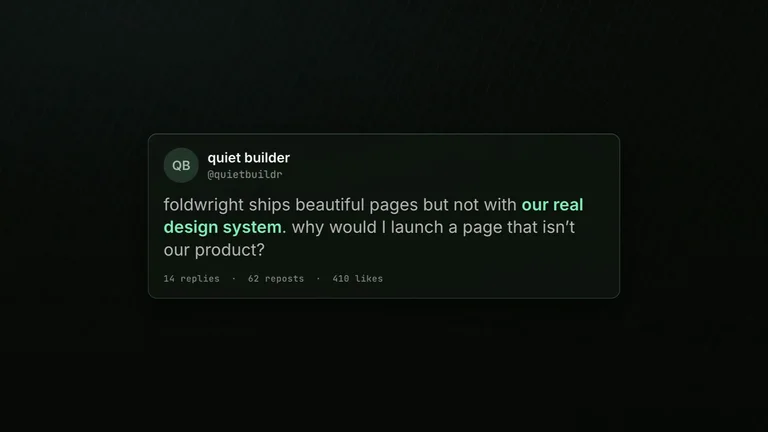
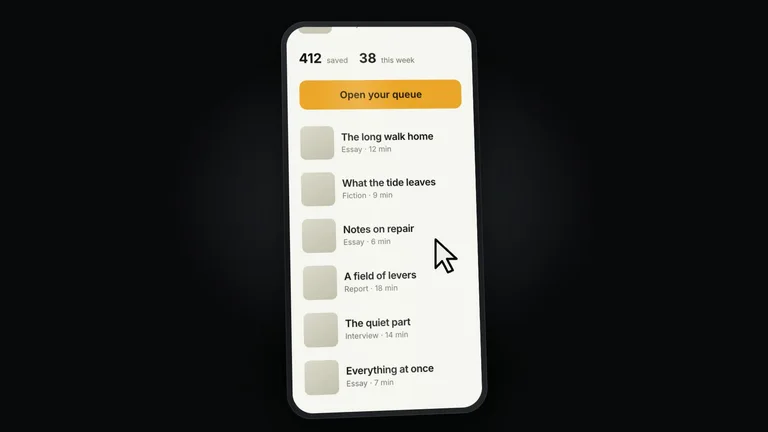
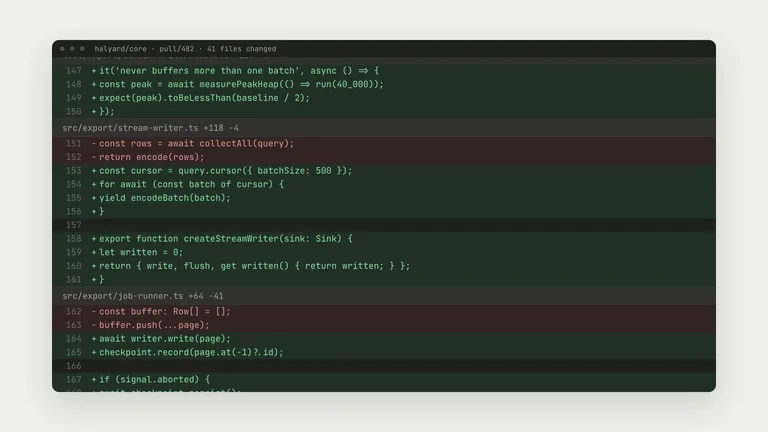
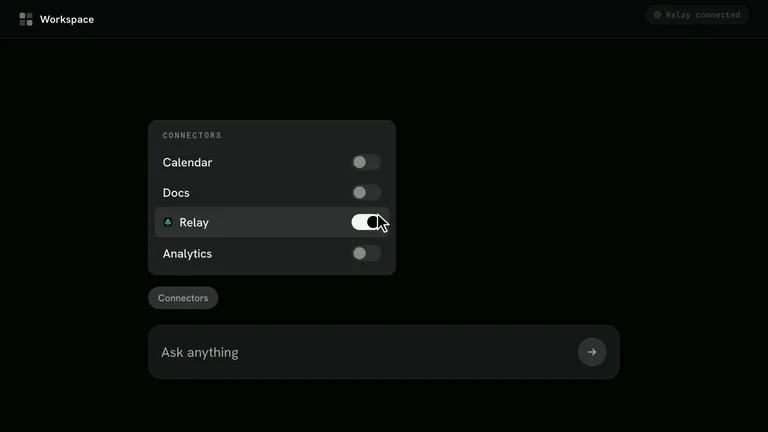
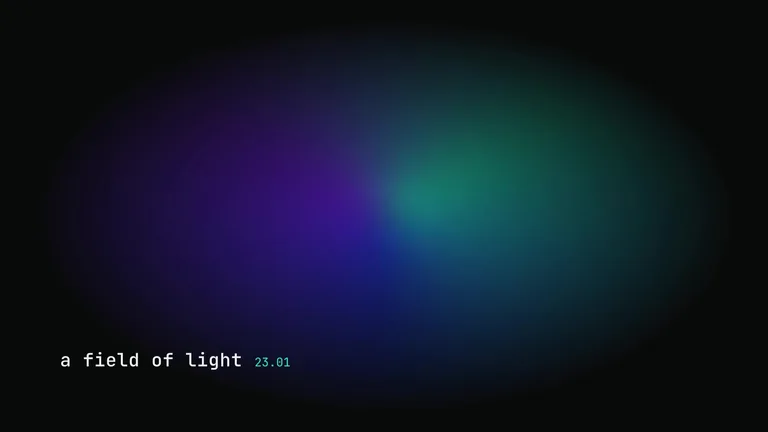
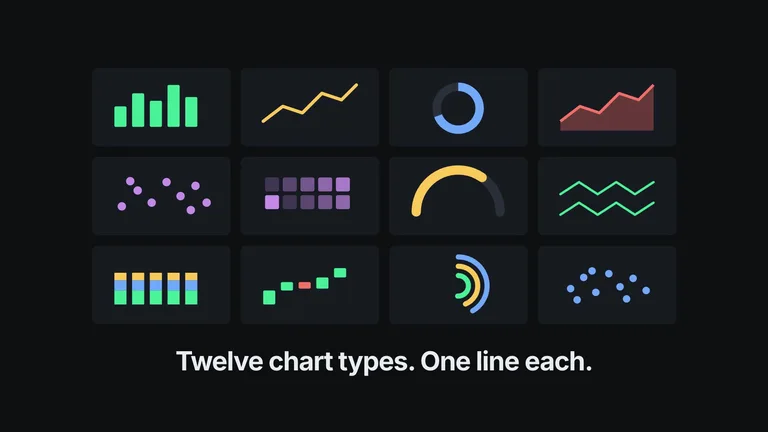
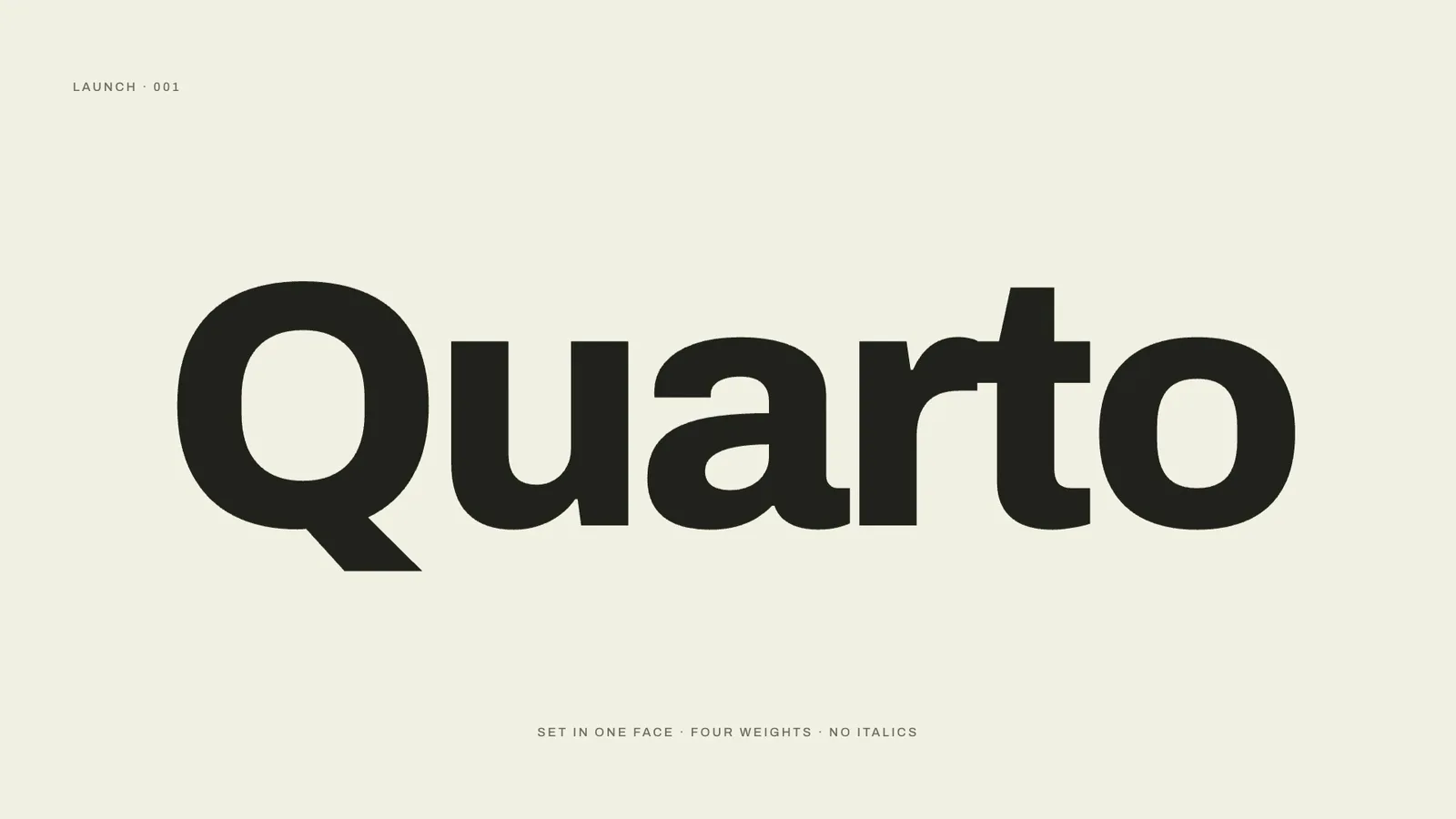
Every card plays a film the Skill rendered. Open one for its length, aspect ratio and what you need to supply.


Quick answer
Choose by message, duration and aspect ratio
Pick the style by what the film has to say. Some open on a single claim, some show a product changing shape, some stage a before-and-after. Length and ratio are fixed per Skill, so check them before you start.
 Promo film0:28
Brightloop: meet the new editor

Brightloop
48K subscribers
21K views 1.2K Share
- What a "template" means here
- A reusable film structure plus the steps to fill it
- Typical length
- 20 to 30 seconds; stings run 6 to 8
- Typical output
- 1920 × 1080 MP4 and the editable project
- You provide
- Product name, copy, colours, typeface, wordmark
- Runs on
- HyperFrames CLI, Node.js 22+ and FFmpeg on your machine
- Running cost
- Rendering is local; no per-video fee
Generate and edit your promo video
Your agent writes the copy into the template, renders locally and keeps the project editable.
 1
1Install a Skill
Pick a style above and paste its install prompt into your agent.
 2
2Give it your brand
Share the product, a few lines of copy, colours and the closing call to action.
 3
3Render and adjust
Watch the MP4, change copy or timing in the project, then render again.
Why not just ask your AI for a promo video?
Asking directly gets you a result. A Skill adds the parts that make it reliable and repeatable.
Asking your AIWith this Skill
StructureAsking your AI: A loose sequence of clipsA tested film structure with one idea per frame
BrandAsking your AI: Colours and type drift between scenesOne token file for every colour, size and radius
EditsAsking your AI: Generate the whole video againEdit the project and re-render
CostAsking your AI: Per-second video generation feesRenders on your machine at no per-video cost
Promo video template FAQ
What these Skills do not do
- They are not After Effects or Premiere template files.
- They do not film live action or generate talking presenters.
- Not every style is free; check each Skill’s price before you start.
Are these real video templates?
They are reusable film structures your agent fills in and renders, delivered as an MP4 plus an editable HTML project. They are not AE or Premiere files.
What do I need installed?
The HyperFrames CLI, Node.js 22 or newer and FFmpeg. Your agent can check and install them when you run the Skill.
Can I make a vertical version for social media?
Each Skill renders the ratio it lists, usually 1920 × 1080. Some styles cover format changes on screen; for a vertical cut, ask your agent to re-lay out the project before rendering.
How is this different from a product launch video?
Promo films sell a brand or message in seconds. For a full launch story or a feature walkthrough, see the explainer video and product launch pages.
More jobs for content creators
Each job has its own Skills, real examples and FAQ.
 Explainer videosShow what a feature does, on screen
 Animated B-rollMotion clips between your talking-head shots
 OG imagesLink previews for every page you share
 MascotsAn original character for your brand