

For content creators
Animated B-roll Skills for AI agents
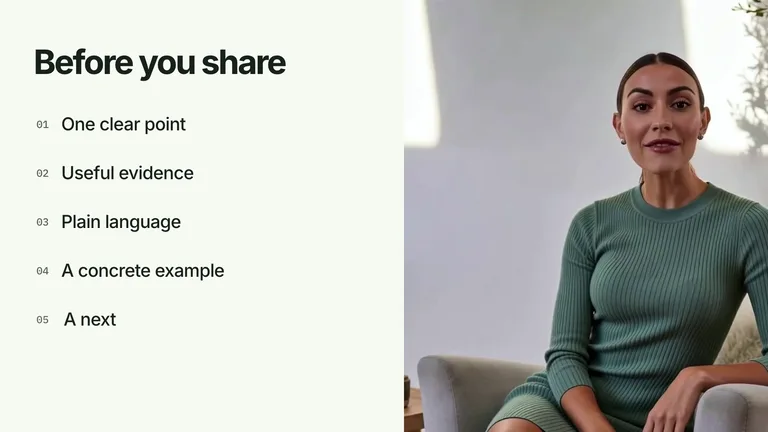
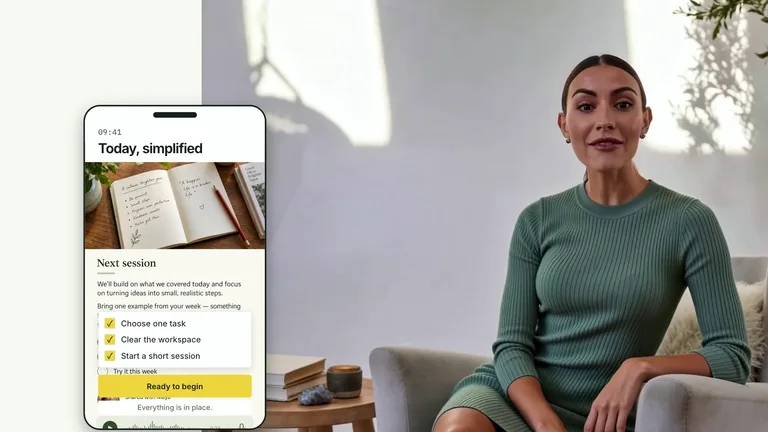
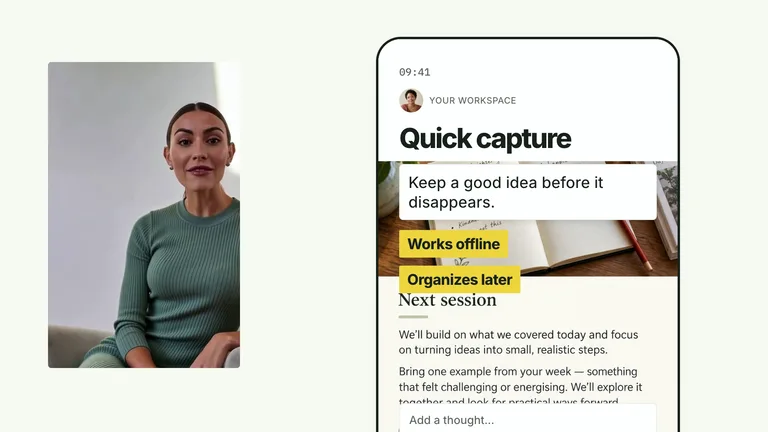
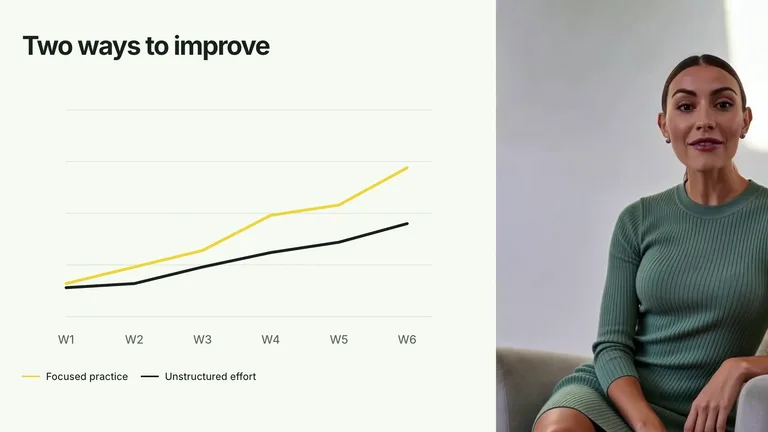
Cut away from the talking head to a moving title, chart or diagram that says the point on screen. Your agent builds each clip as an editable project and renders it on your machine.
Works in


 and 30+ other agents
and 30+ other agentsAnimated B-roll examples by purpose
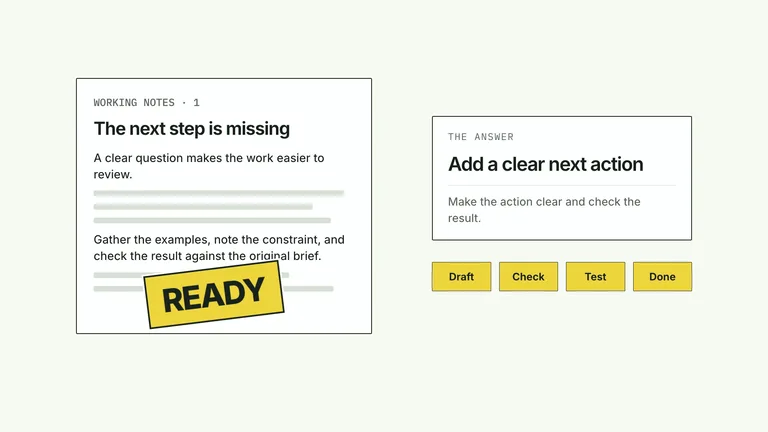
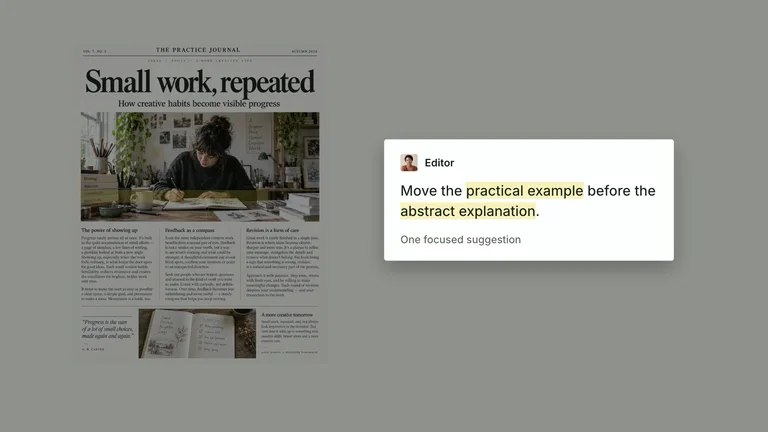
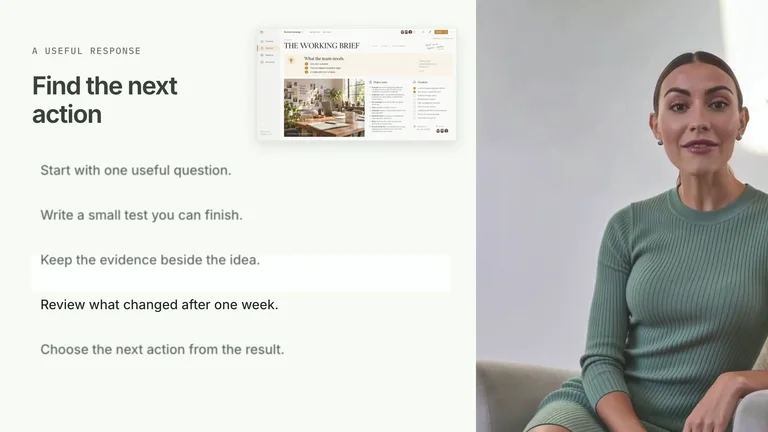
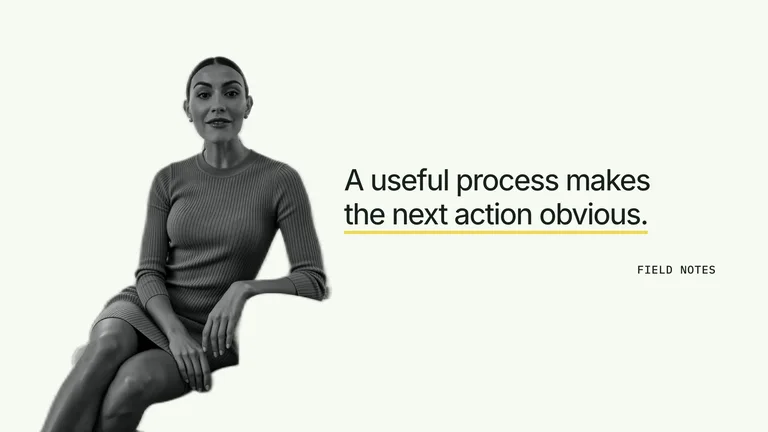
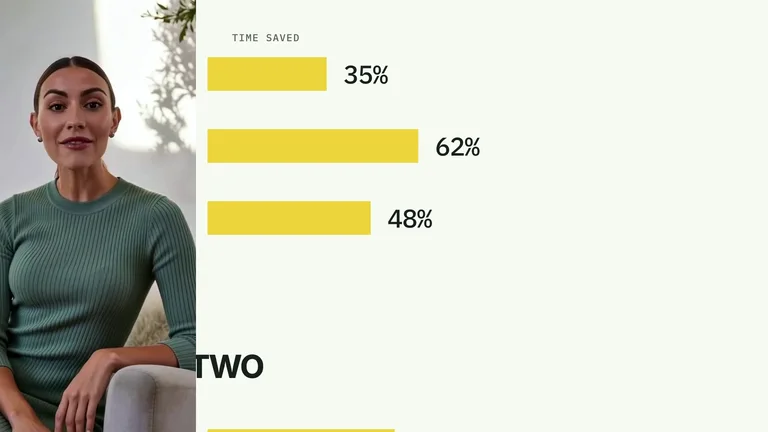
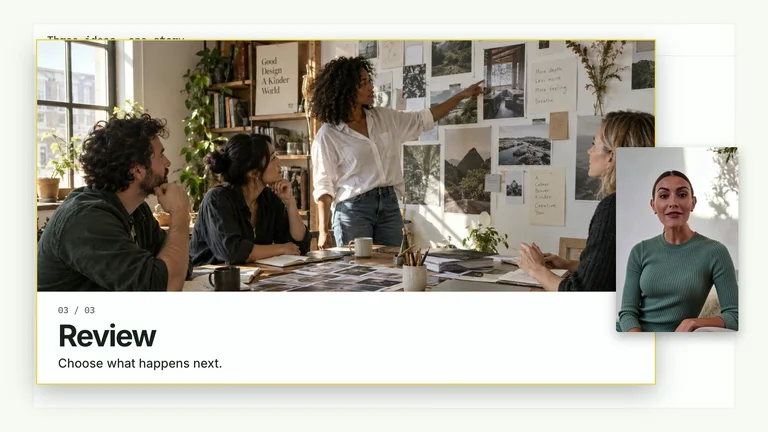
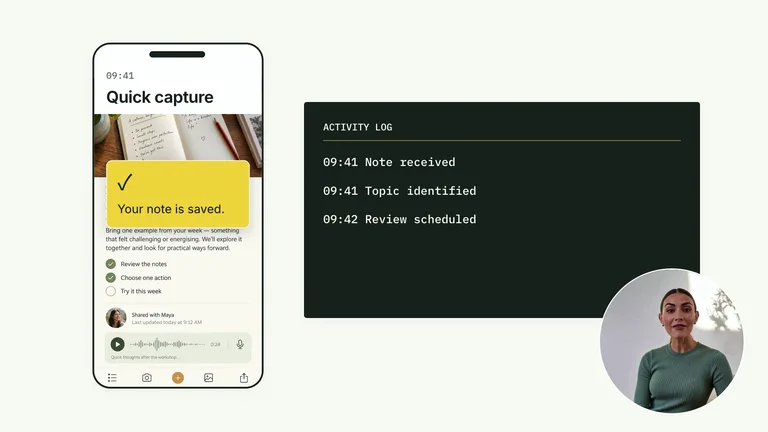
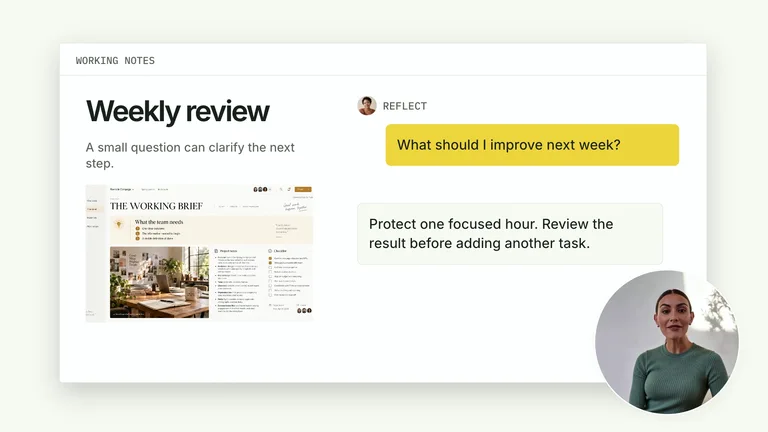
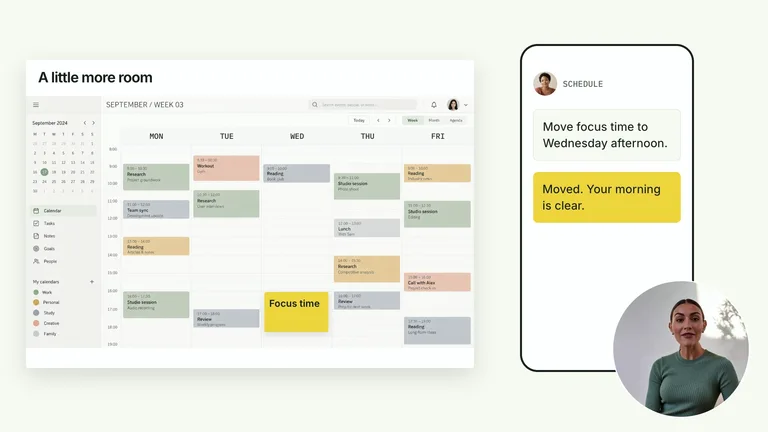
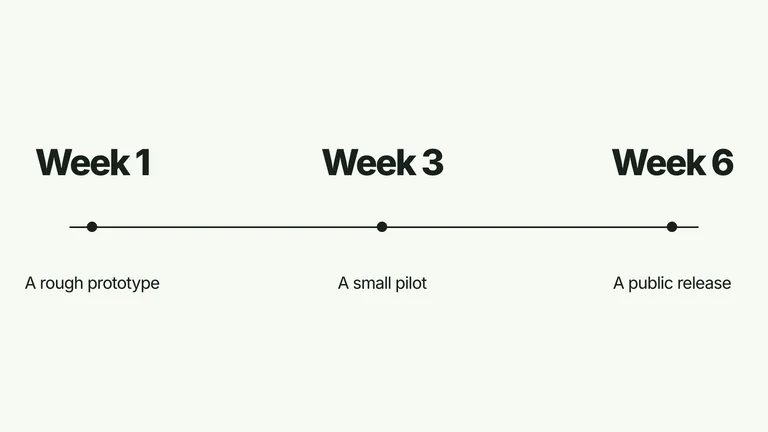
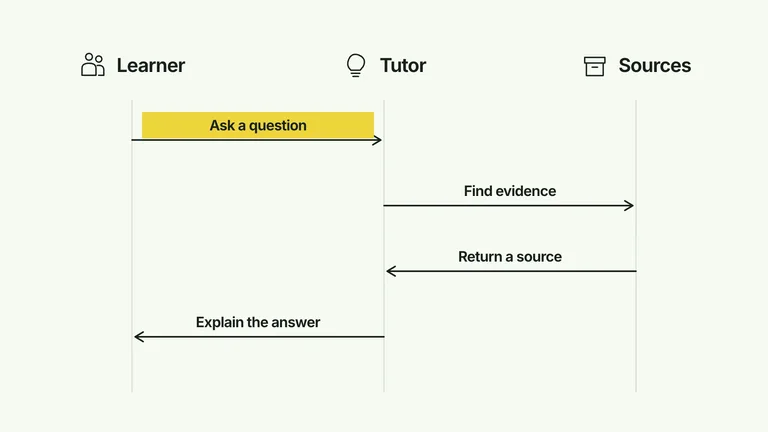
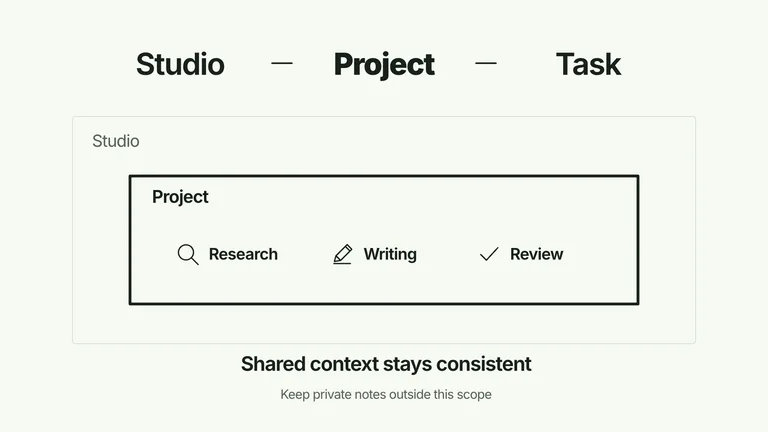
Every card plays a clip the Skill rendered. Filter by text, charts and diagrams, or cards.




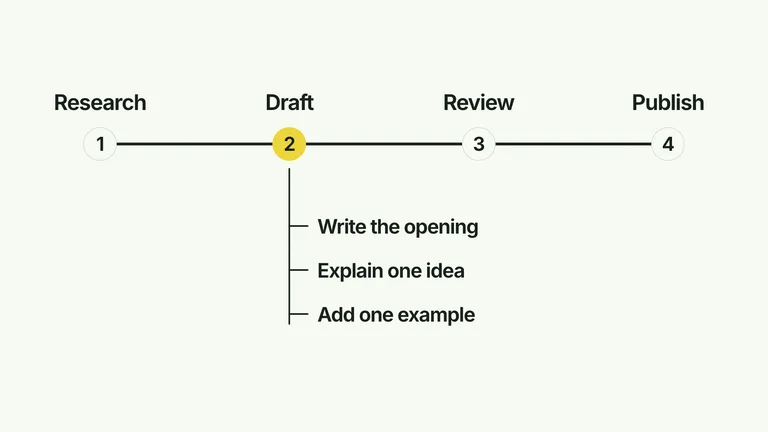
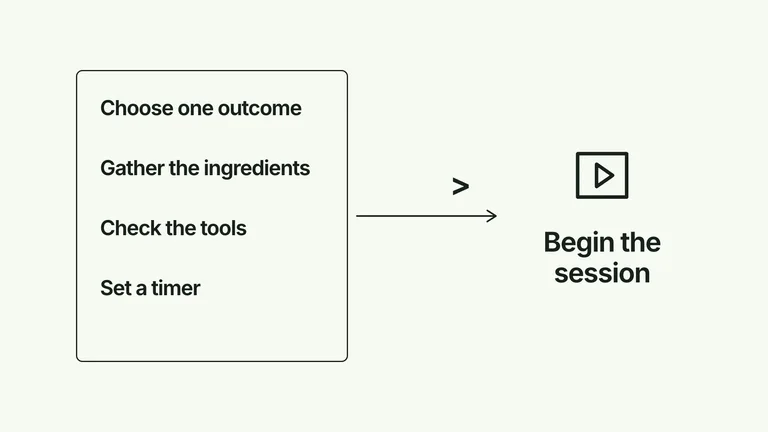
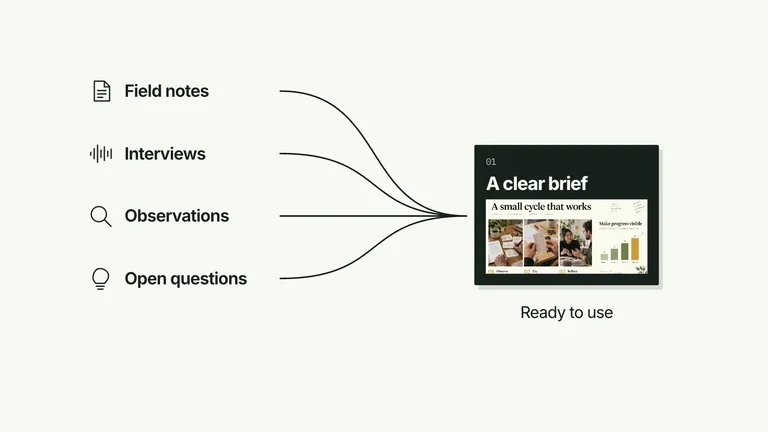
Quick answer
What is B-roll?
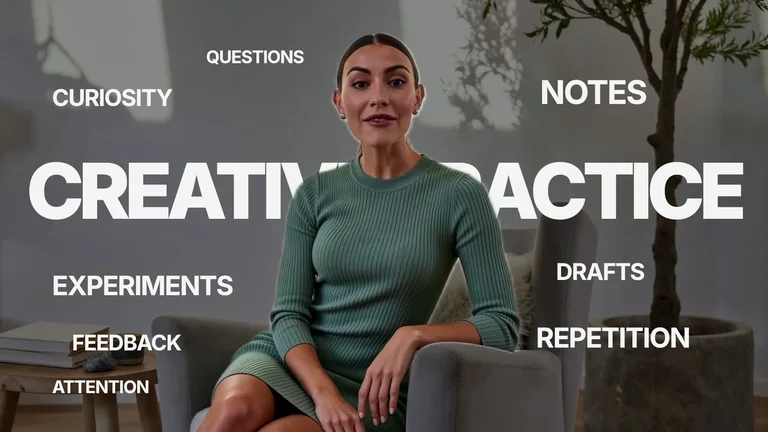
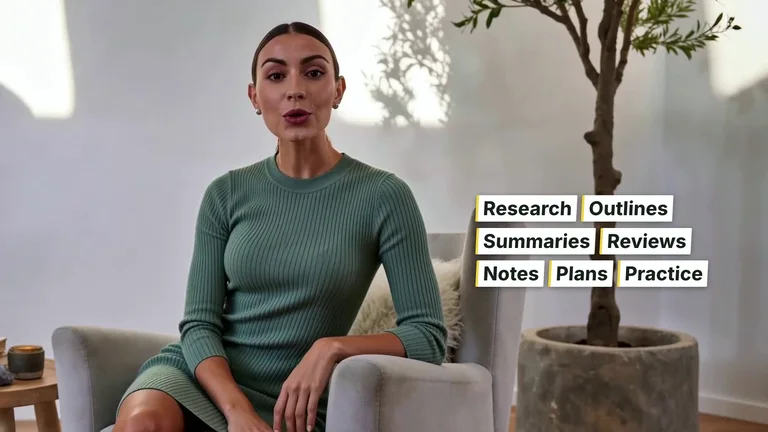
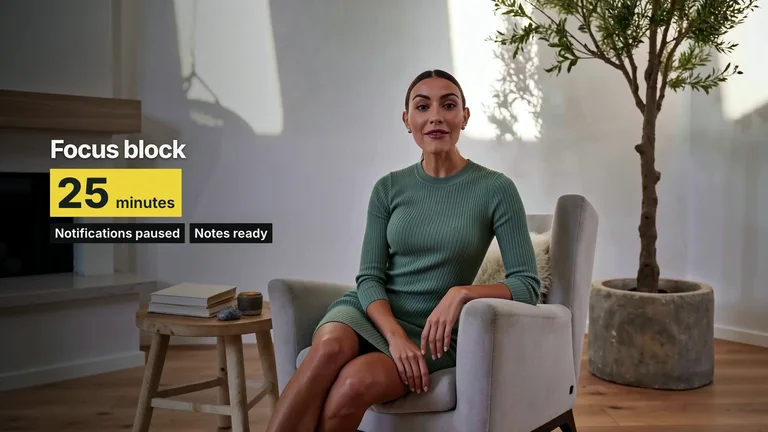
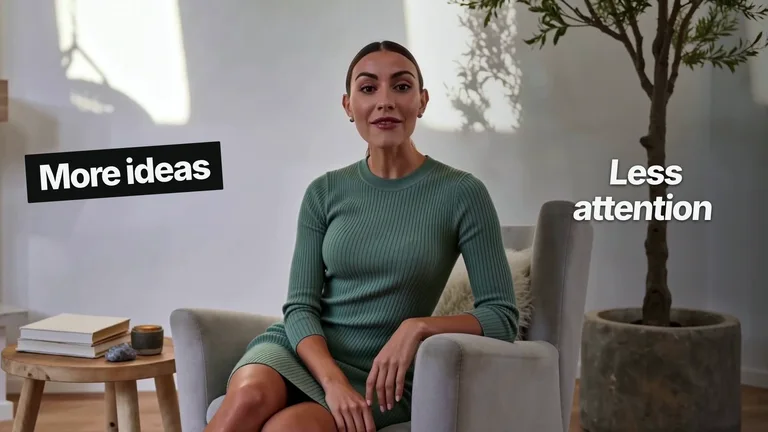
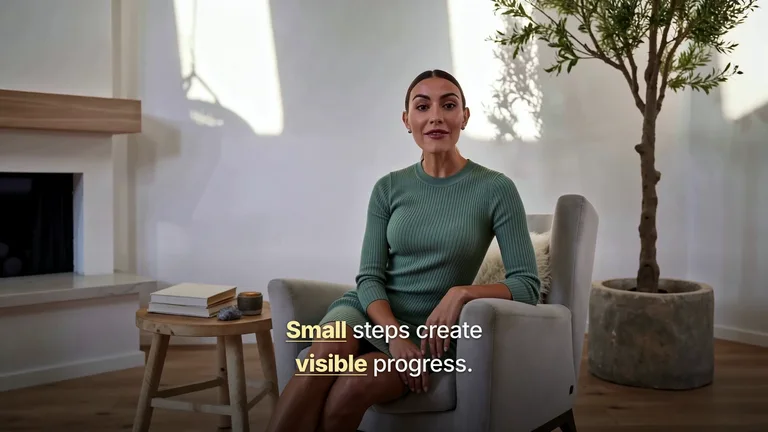
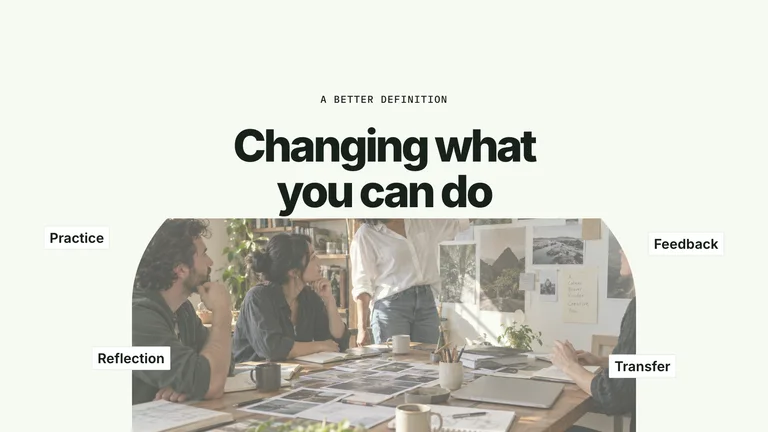
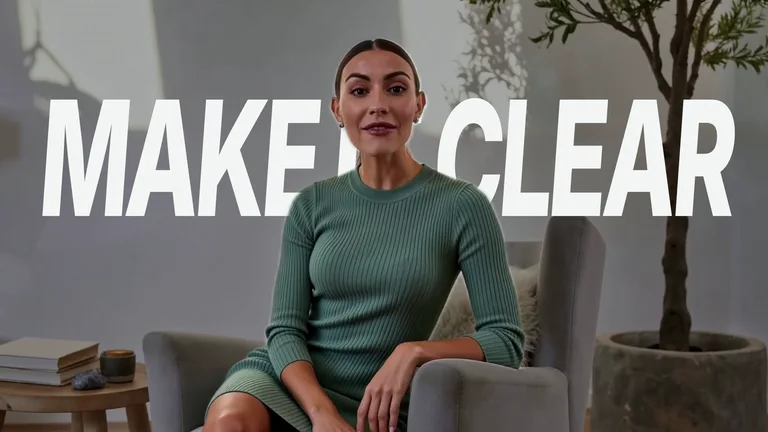
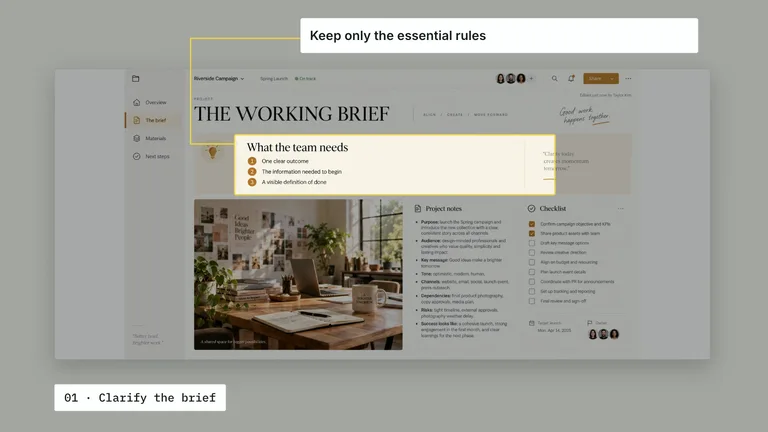
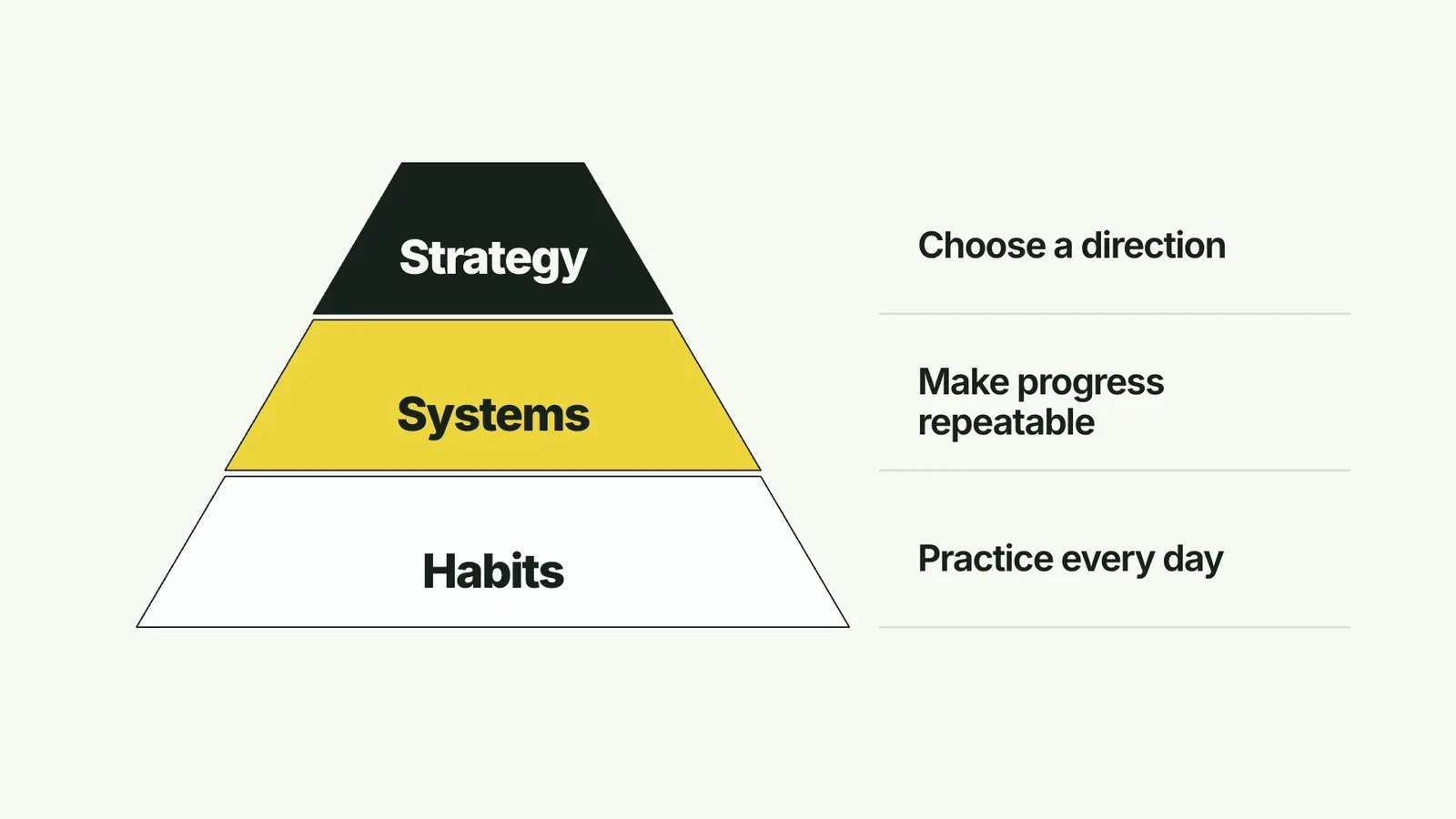
B-roll is the footage you cut to while someone keeps talking. In talking-head videos it is often motion graphics instead of filmed shots: a key phrase in big type, a chart that builds, a diagram that explains the step.
 Animated B-roll cut-in12:40
Three pricing mistakes I made as a solo founder

Leo Builds
48K subscribers
21K views 1.2K Share
- Kinetic typography
- The key phrase animated on screen
- Animated charts
- Numbers you supply, drawn as they are spoken
- Diagrams
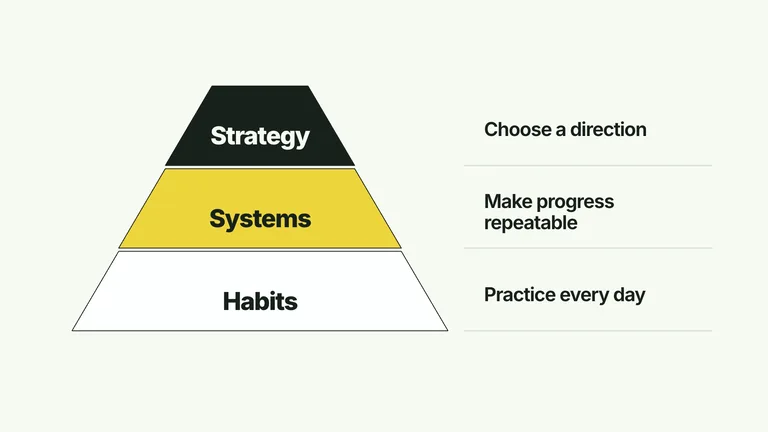
- Pyramids, flows and grids that build step by step
- You provide
- The words, numbers or items for the clip
- Output
- An editable local video project and rendered clip
- Runs on
- HyperFrames CLI, Node.js 22+ and FFmpeg
Render a clip and add it to your video
Make the clip, then drop it on your timeline at the moment the point is spoken.
 1
1Install a Skill
Pick an effect above and paste its install prompt into your agent.
 2
2Give it the content
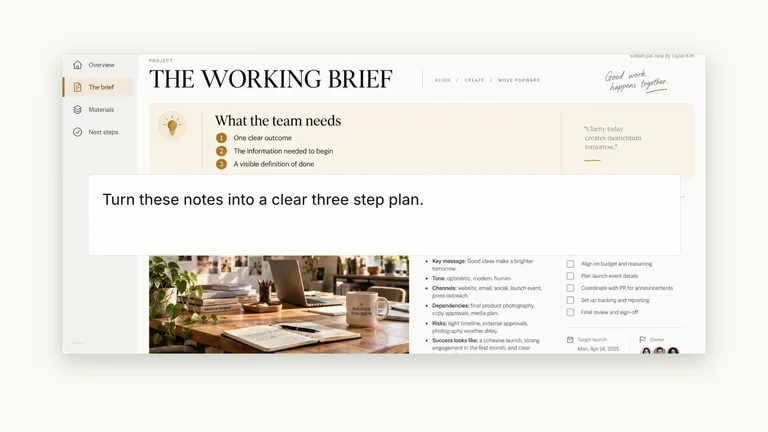
Share the phrase, the numbers or the list the clip should show.
 3
3Render and place it
Render the clip, then add it to your editor where the point is made.
Why not just ask your AI for B-roll?
Asking directly gets you a result. A Skill adds the parts that make it reliable and repeatable.
Asking your AIWith this Skill
ContentAsking your AI: Stock footage that is only loosely relatedA clip that shows your exact words and numbers
StyleAsking your AI: Mismatched looks across clipsFour coordinated palettes with consistent type
EditsAsking your AI: RegenerateChange the content in the project and re-render
CostAsking your AI: Video generation creditsLocal rendering, no per-clip fee
Animated B-roll FAQ
What these Skills do not do
- They do not search or download stock B-roll footage.
- They do not watch your video or insert clips on your timeline.
- They do not generate a presenter or a soundtrack.
Can these Skills find B-roll footage for me?
No. They make motion-graphic B-roll from your content. For filmed footage, use a stock library.
How do I add the clips to my video?
Render each clip and import it into your editor (Premiere, Final Cut, CapCut and so on), placing it where the point is spoken.
Can I change the colours?
Each effect ships with four coordinated palettes and editable content, so clips match across a whole video.
What do I need installed?
The HyperFrames CLI, Node.js 22 or newer and FFmpeg. Your agent can check them when you run the Skill.
More jobs for content creators
Each job has its own Skills, real examples and FAQ.
 Explainer videosShow what a feature does, on screen
 Promo videosShort brand films in a reusable style
 Infographic postersExplain one idea in one picture
 OG imagesLink previews for every page you share