Tessellated Editorial Still Life


 +8
+8 GitHub Copilot·GitHub
Agent Skills for GitHub Copilot in VS Code and JetBrains, Copilot CLI and Copilot cloud agent. Drop a Skill into .github/skills/ and Copilot loads it when your request matches.
GitHub CopilotCreate a landing page for this repo
Where the Skill lives
Commit .github/skills/ so Copilot cloud agent can use the Skill when it works on a task and opens a pull request.
Every Skill below works in Copilot as-is. Same SKILL.md, same result as in Claude Code or Codex.
Yes. Copilot agent mode in VS Code and JetBrains, Copilot CLI, Copilot cloud agent and Copilot code review read Agent Skills. Put a Skill folder in .github/skills/ inside a repository, or in ~/.copilot/skills/ or ~/.agents/skills/ for personal use, and Copilot loads it when a task matches its description.
Three things a Skill adds that custom instructions cannot.

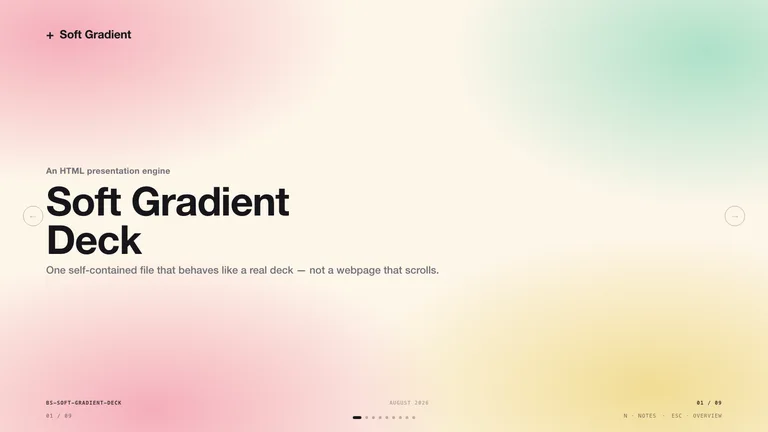
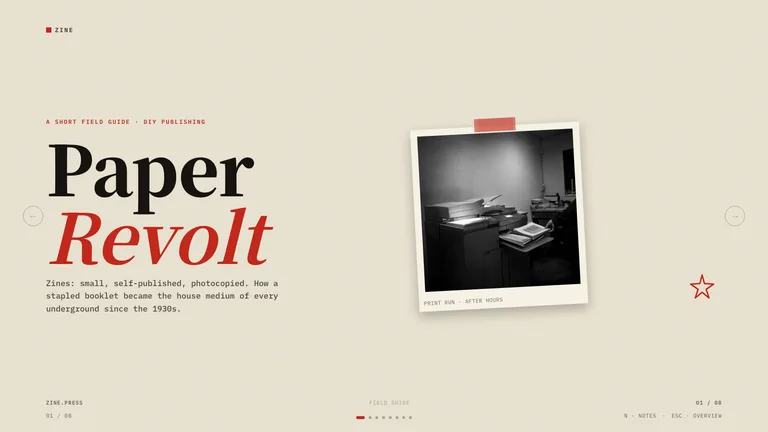
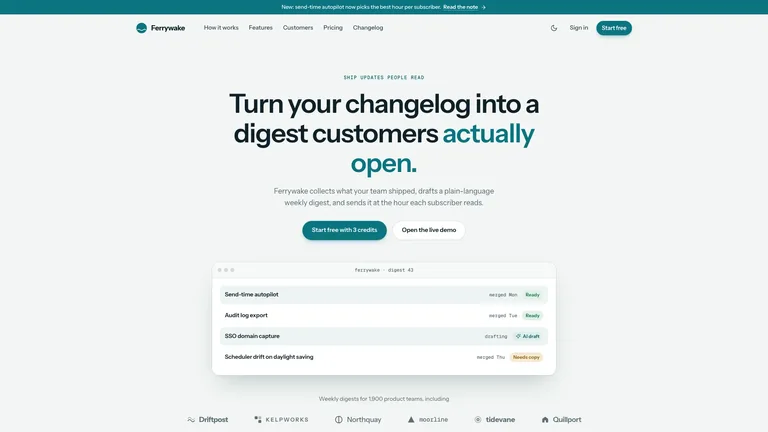
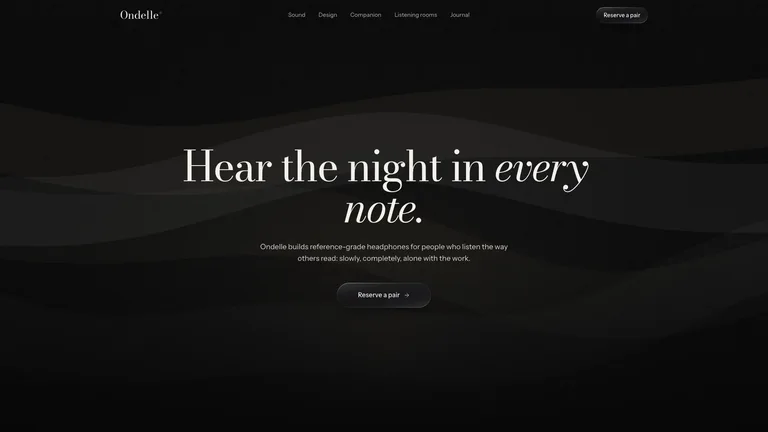
Ask in agent mode and get a designed one-file site, not a bare template.

Turn a changelog into an editable HTML deck with PPTX export.
The same folder serves agent mode, Copilot CLI and Copilot cloud agent.
Copilot reads ~/.agents/skills/, so the install prompt puts each Skill there with no extra setup.
Paste one sentence into GitHub Copilot. It reads the install guide and puts the Skill in the right folder itself.
No Node.js needed. Unzip the Skill into the folder yourself.
~/.copilot/skills/.One command downloads the Skill and puts it where GitHub Copilot looks.
~/.agents/skills/.They do different jobs, and most people use both.
Yes. Copilot agent mode in VS Code and JetBrains, Copilot CLI, Copilot cloud agent and Copilot code review read Agent Skills from .github/skills/ (or .agents/skills/) in a repository and ~/.copilot/skills/ or ~/.agents/skills/ on your machine.
In a repository, use .github/skills/; .claude/skills/ and .agents/skills/ also work. For personal skills, use ~/.copilot/skills/ or ~/.agents/skills/.
.github/copilot-instructions.md holds conventions Copilot applies to every request. A skill is a packaged job with its own templates, loaded only when the task needs it.
Yes. A Claude Code Skill is a SKILL.md folder, the same format GitHub Copilot reads. Copy the folder into ~/.copilot/skills/ and GitHub Copilot picks it up.
Every category has free Skills; the rest are $4.99 each or included with a Skillry plan. Free and paid Skills install and run the same way.
The same Skills install in more than 30 coding and work agents. Pick yours for its folder and install steps.
Coding agents
Claude CodeSkills CodexSkills
 CursorSkills
 Gemini CLISkills
 OpenCodeSkills
 AntigravitySkills
 OpenClawSkills
 Hermes AgentSkills
 KiroSkills
 WindsurfSkills
 ClineSkills
 ZedSkills
 AmpSkills
 Kilo CodeSkills
 GooseSkills
 JunieSkills
 OpenHandsSkills
 Grok BuildSkills
 Mistral VibeSkills
 Kimi CodeSkills
 TraeSkills
 QoderSkills
 CodeBuddySkills
 ZCodeSkills
 Qwen CodeSkills
 MiniMax CodeSkills