Tessellated Editorial Still Life


 +8
+8 WorkBuddy·Tencent
Skills for Tencent WorkBuddy that produce finished work: decks, one-page sites, launch videos and images. Upload one in WorkBuddy and it uses it whenever a task fits.
WorkBuddyTurn this weekly report into a 10-slide deck
What to upload
Inside a project, WorkBuddy also reads Skills from .codebuddy/skills/.
Every Skill below uploads to WorkBuddy as a ZIP.
WorkBuddy skills use the open SKILL.md format. Install one from the built-in skill market or Tencent SkillHub, or open Skills › Add skill › Upload skill and pick a Skill ZIP. Inside a project, WorkBuddy also reads Skills from .codebuddy/skills/.
WorkBuddy handles the task. A Skill decides what the result looks like.

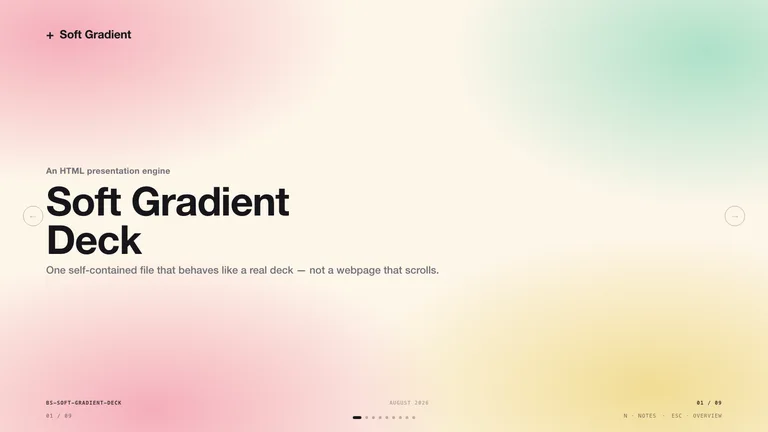
Weekly reports and plans as designed, editable slides.

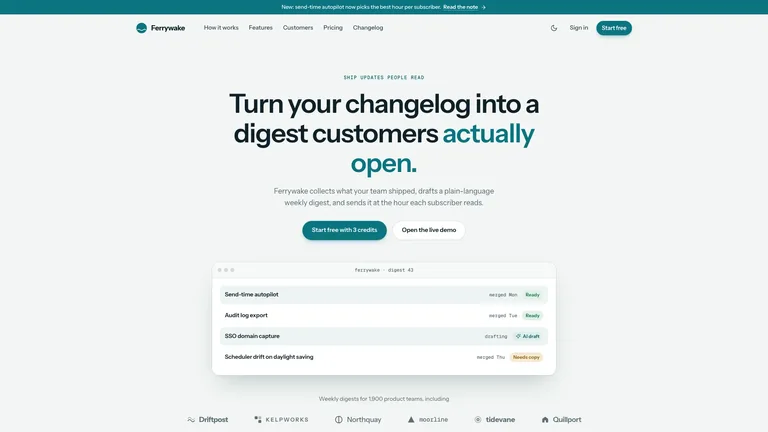
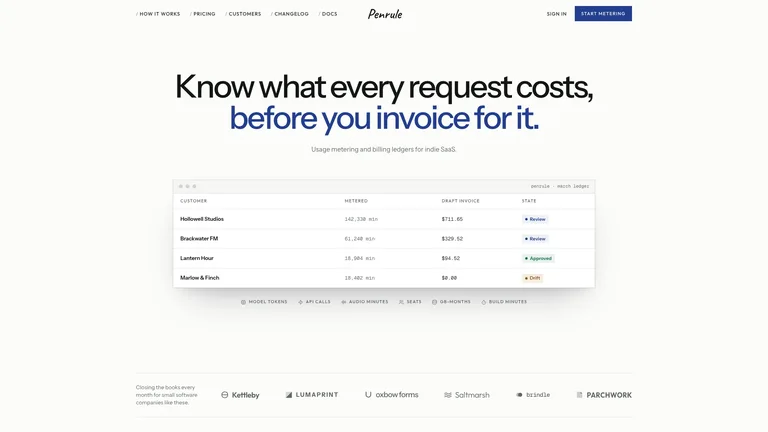
A shareable one-page site from a short brief.
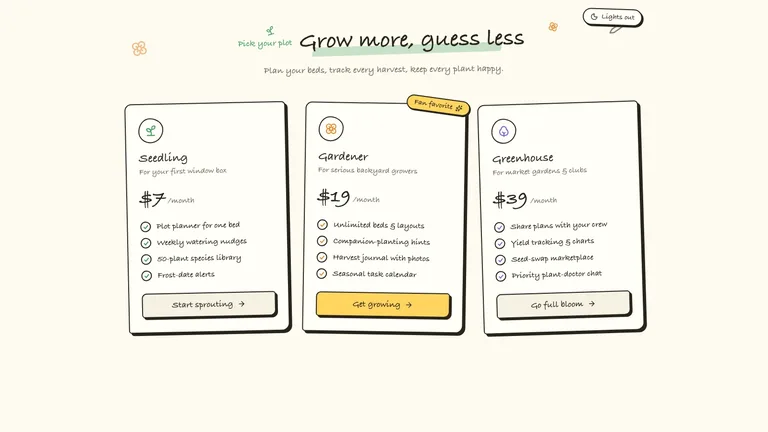
Consistent visuals for articles and internal posts.
WorkBuddy installs Skills from its own Skills page. No terminal needed.
Add the Skill from WorkBuddy’s own Skills page. No terminal needed.
Every Skill page has a Download ZIP button. That ZIP is what you upload.
A one-command install for WorkBuddy is not available yet. Use the ZIP for now.
They do different jobs, and most people use both.
Yes. WorkBuddy skills are folders with a SKILL.md file, the same open format Claude and OpenClaw use. You can install them from the skill market, from Tencent SkillHub or from a ZIP.
SkillHub is Tencent Cloud’s skills platform, launched in March 2026, with Chinese search and domestic downloads. It can install skills straight into WorkBuddy.
Tencent is moving QClaw users to WorkBuddy before QClaw closes on December 24, 2026. WorkBuddy reads the same SKILL.md format, so you can upload the same Skill ZIPs.
Yes. A Claude Code Skill is a SKILL.md folder, the same format WorkBuddy reads. Zip the folder and upload it in Skills › Add skill › Upload skill.
Every category has free Skills; the rest are $4.99 each or included with a Skillry plan. Free and paid Skills install and run the same way.
The same Skills install in more than 30 coding and work agents. Pick yours for its folder and install steps.
Coding agents
Claude CodeSkills CodexSkills
 CursorSkills
 GitHub CopilotSkills
 Gemini CLISkills
 OpenCodeSkills
 AntigravitySkills
 OpenClawSkills
 Hermes AgentSkills
 KiroSkills
 WindsurfSkills
 ClineSkills
 ZedSkills
 AmpSkills
 Kilo CodeSkills
 GooseSkills
 JunieSkills
 OpenHandsSkills
 Grok BuildSkills
 Mistral VibeSkills
 Kimi CodeSkills
 TraeSkills
 QoderSkills
 CodeBuddySkills
 ZCodeSkills
 Qwen CodeSkills
 MiniMax CodeSkills