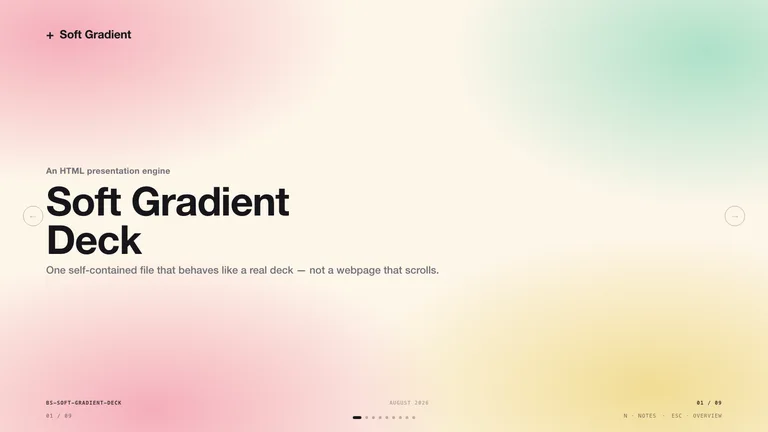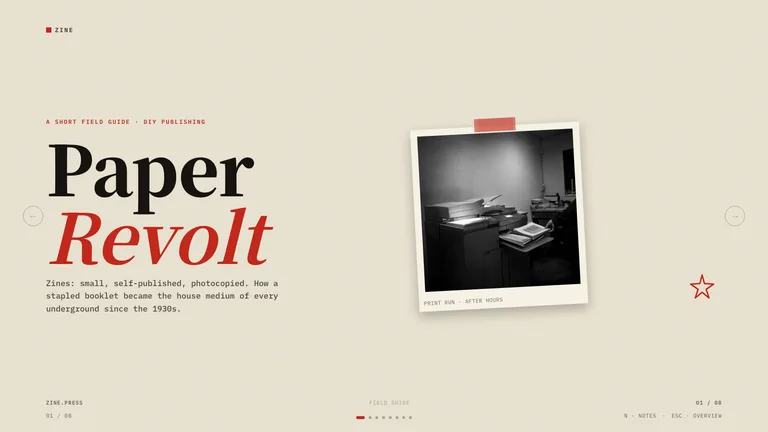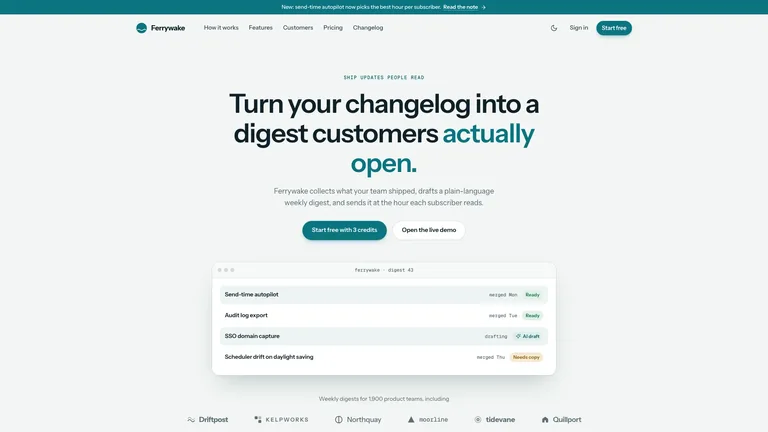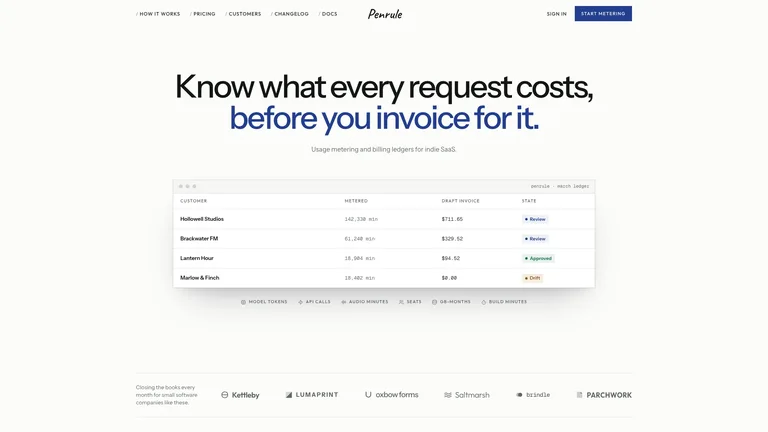
Tessellated Editorial Still Life


 +8Claude Cowork·Anthropic
Skills that turn Claude Cowork into a deck designer, web builder and video studio. Download a ZIP, upload it once under Customize › Skills, and Cowork uses it whenever a task calls for it.
Claude CoworkBuild a launch deck from the files in this folder
What to upload
Zip the Skill folder itself, so the ZIP holds my-skill/SKILL.md, and keep the folder name the same as the Skill.
Every Skill below uploads to Claude as a ZIP and works in Cowork and chat.
Download the Skill as a ZIP, open Customize › Skills in Claude, click + and choose Upload a skill. Once it is on, Cowork reads its description and uses it in any task that matches, with no prompt engineering on your side. Skills you add there work in Claude chat too.
Cowork already reads your files and works in the background. A Skill tells it what good output looks like.

Turn a folder of notes and data into a designed deck you can edit or export to PowerPoint.

Product pages and portfolios as a single HTML file, saved straight to your folder.

Covers, posters and editorial illustrations in one consistent style.
Cowork installs Skills from Customize › Skills. No terminal needed.
Add the Skill from Claude Cowork’s own Skills page. No terminal needed.
Every Skill page has a Download ZIP button. That ZIP is what you upload.
A one-command install for Claude Cowork is not available yet. Use the ZIP for now.
They do different jobs, and most people use both.
A Cowork skill is a folder with a SKILL.md file that teaches Claude one job, such as building a deck or a website. You upload it once under Customize › Skills and Cowork loads it whenever a task matches its description.
A skill teaches Claude one workflow. A plugin packages several skills with connectors and sub-agents, and is installed from Customize › Plugins.
Skills work on every Claude plan with code execution turned on. Cowork itself needs a Pro, Max, Team or Enterprise plan.
Yes. A Claude Code Skill is a SKILL.md folder, the same format Claude Cowork reads. Zip the folder and upload it in Customize › Skills.
Every category has free Skills; the rest are $4.99 each or included with a Skillry plan. Free and paid Skills install and run the same way.
The same Skills install in more than 30 coding and work agents. Pick yours for its folder and install steps.
Coding agents
Claude CodeSkills CodexSkills
 CursorSkills
 GitHub CopilotSkills
 Gemini CLISkills
 OpenCodeSkills
 AntigravitySkills
 OpenClawSkills
 Hermes AgentSkills
 KiroSkills
 WindsurfSkills
 ClineSkills
 ZedSkills
 AmpSkills
 Kilo CodeSkills
 GooseSkills
 JunieSkills
 OpenHandsSkills
 Grok BuildSkills
 Mistral VibeSkills
 Kimi CodeSkills
 TraeSkills
 QoderSkills
 CodeBuddySkills
 ZCodeSkills
 Qwen CodeSkills
 MiniMax CodeSkills