

Skillry Pick
Fluxon Automation Landingv1.0.6
Use this Skill to build website page.
5.050 downloads2 likes1 saves
$4.99
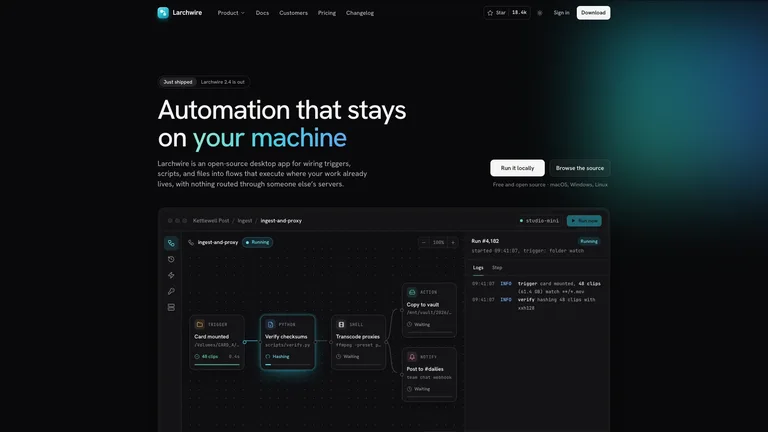
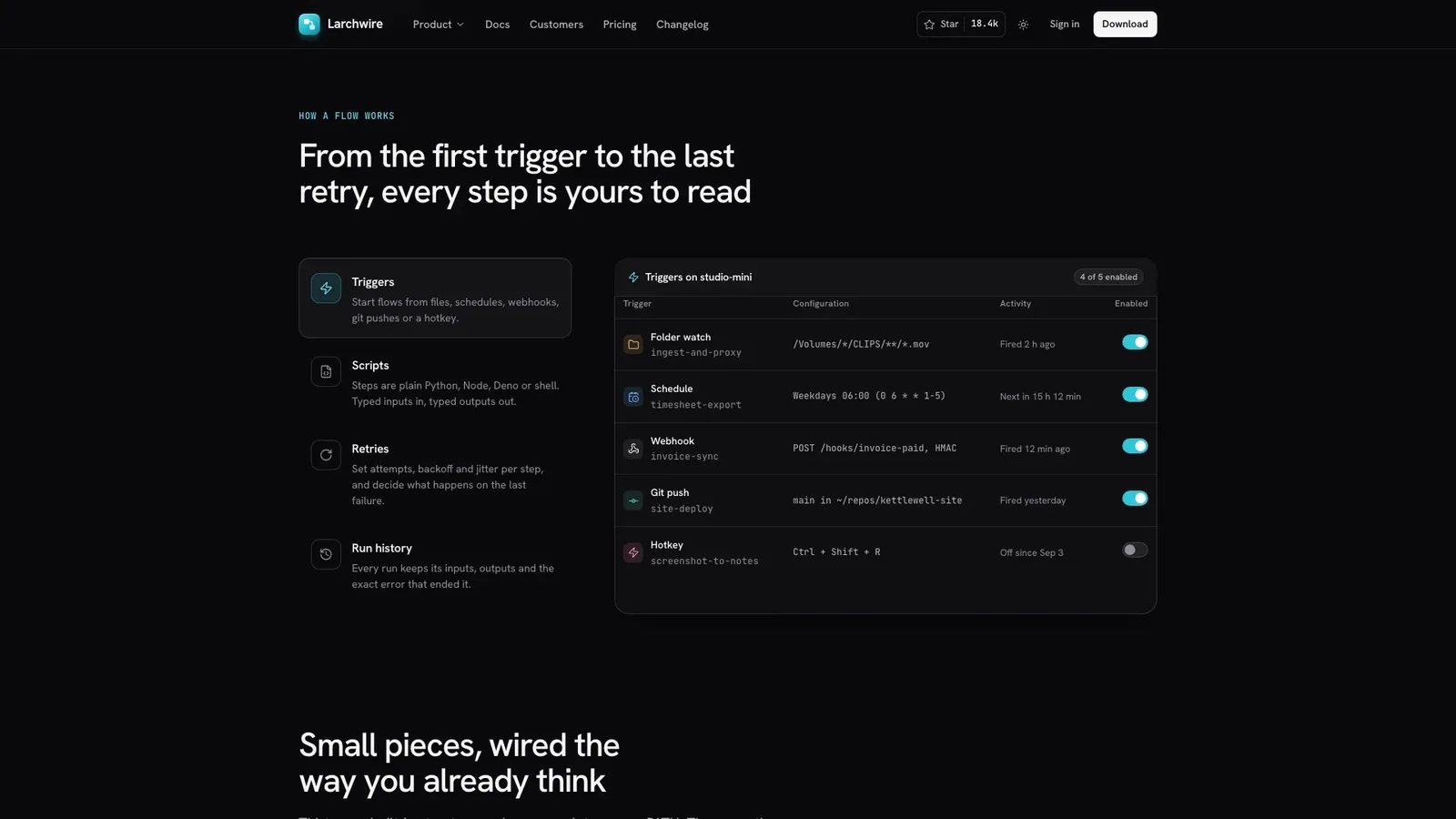
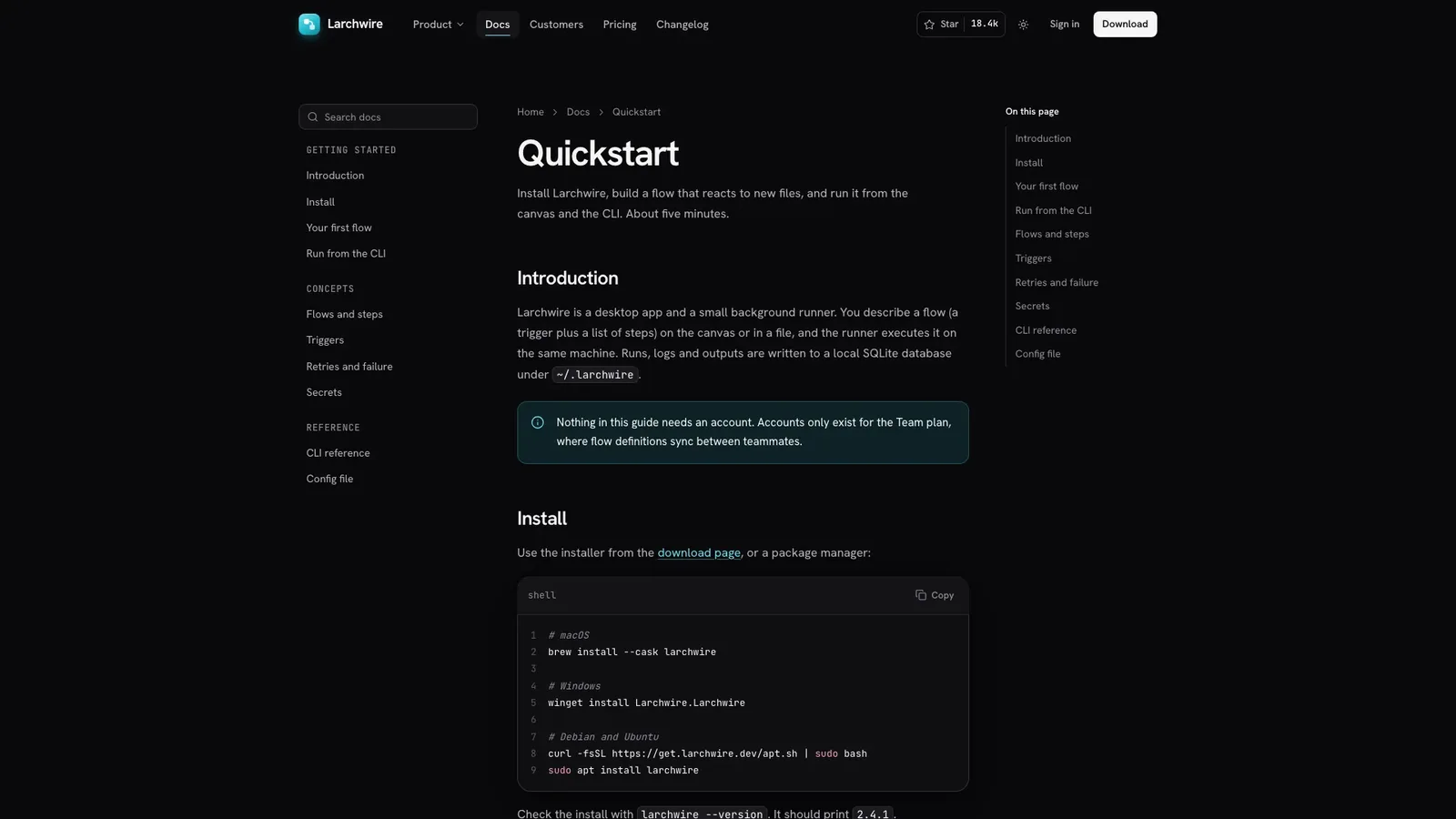
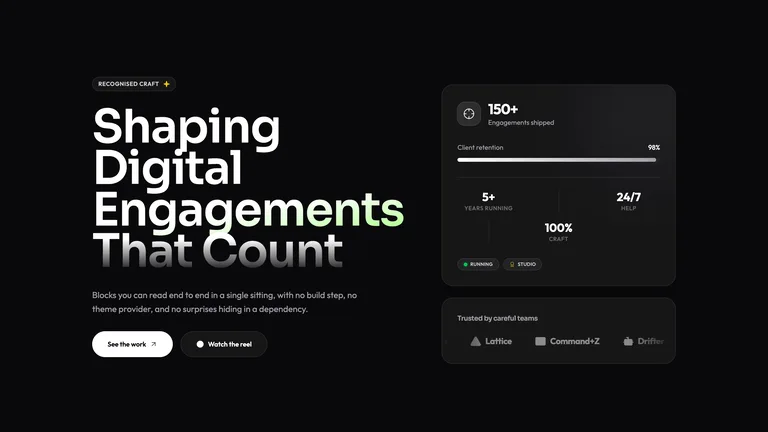
What do I get when I buy this Skill?A dark-first marketing site for an automation platform, desktop dev tool or open-source product: near-black neutral greys, one cyan accent, a quiet two-line headline and a live flow canvas that actually runs, retries a failed step and streams its logs. Interactive panels for triggers, scripts, retries and run history, observability charts, a local-first diagram, customer story, pricing and a per-OS install section follow, plus docs, changelog, download, security, sign-up, contact and legal pages in dark and light themes.
Picked most often by
Updated Oct 3, 2026
Preview gallery
Similar Skills
View all skills

What you get
- A complete developer-tool site in one self-contained HTML file that opens offline: home, docs, changelog, download, security, customer story, sign-up, sign-in, contact, legal and 404
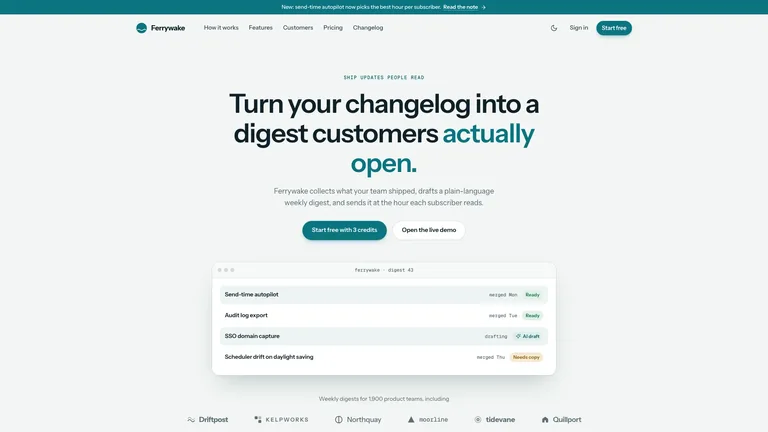
- Product interface that works: a flow canvas that runs and replays, clickable nodes, trigger switches, a tunable retry policy, filterable run history, range-switching charts and a live log tail
- Dark-first neutral greys with one cyan accent, a complete light theme, Hanken Grotesk and JetBrains Mono embedded, and photos only for the customer story, runner and avatars
Good fit
- Teams launching a desktop app, CLI, automation platform or open-source developer tool who want a credible dark site without design work
- Products whose edge is easier to show than to describe, such as runs, retries, logs and local execution
- Developers who want a standalone site now, or the same design ported into their own Next.js, React, Vue, Svelte or Astro project
Not for
- Brands that need a light-first look: the light theme is complete, but the design is built dark first
- Teams that need a CMS-driven or multi-language site out of the box
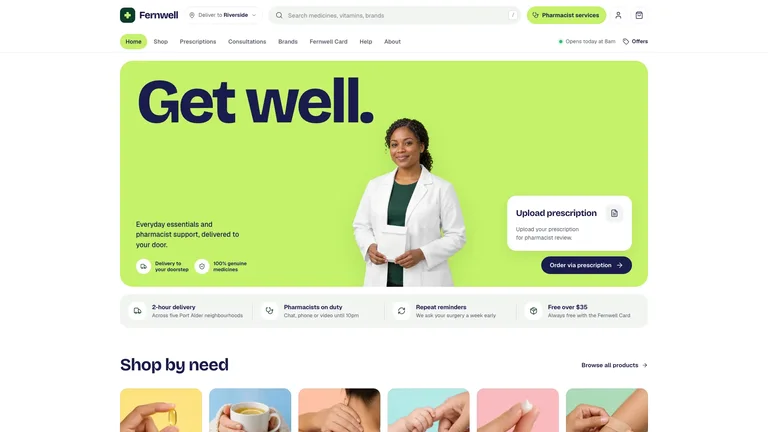
- Anyone expecting real customer logos or press: every brand, person, quote and number is fictional until you replace it
Product Launch & App GrowthWeb Design & Digital ExperiencesBuild Website PageBuild Landing PageScaffold Web TemplateStyle-lockedEditable OutputGuided WorkflowCyan AccentDark FirstChart PanelsNode Canvas HeroGrain Texture
Good forLanding pages
About this Skill
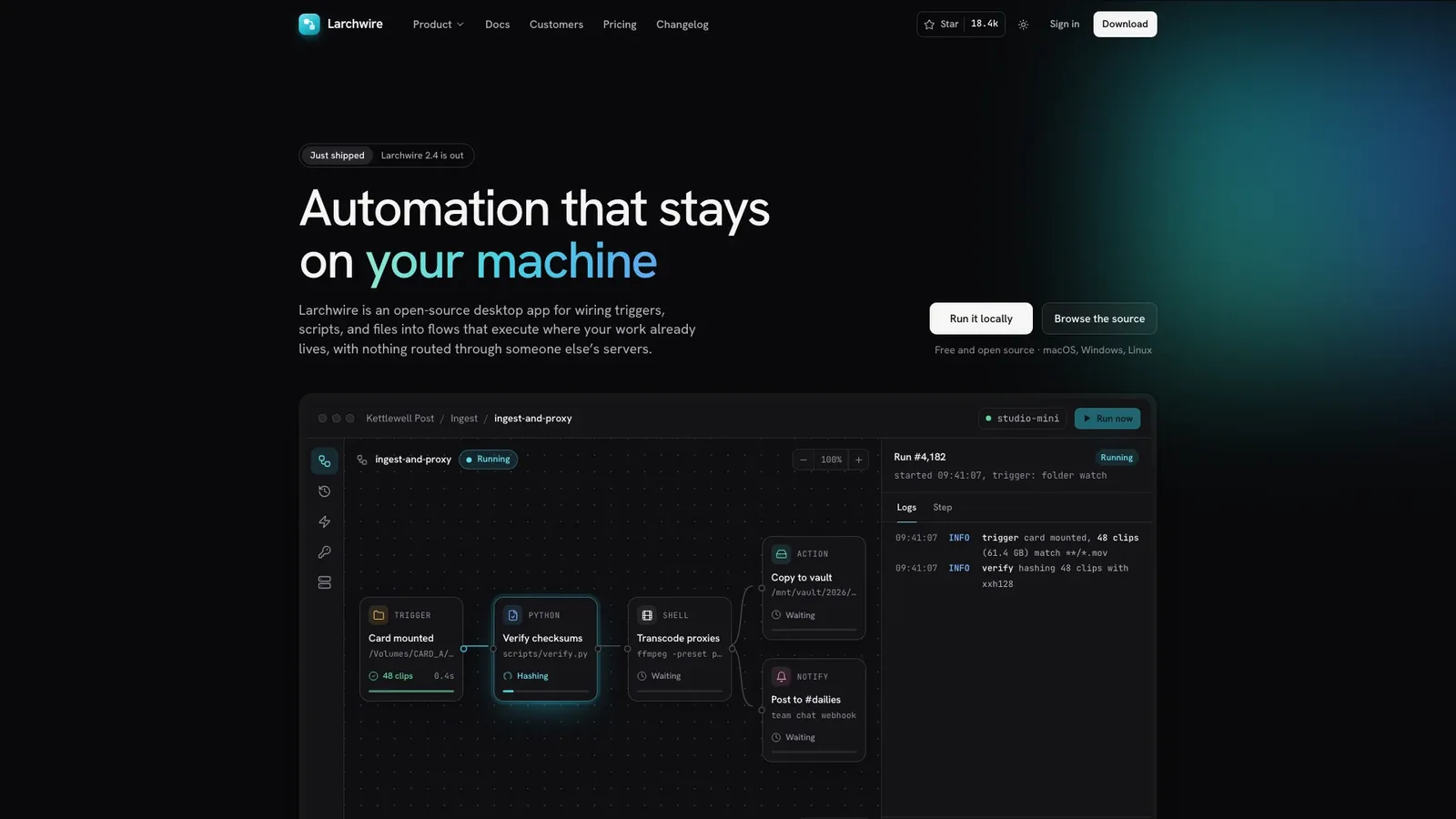
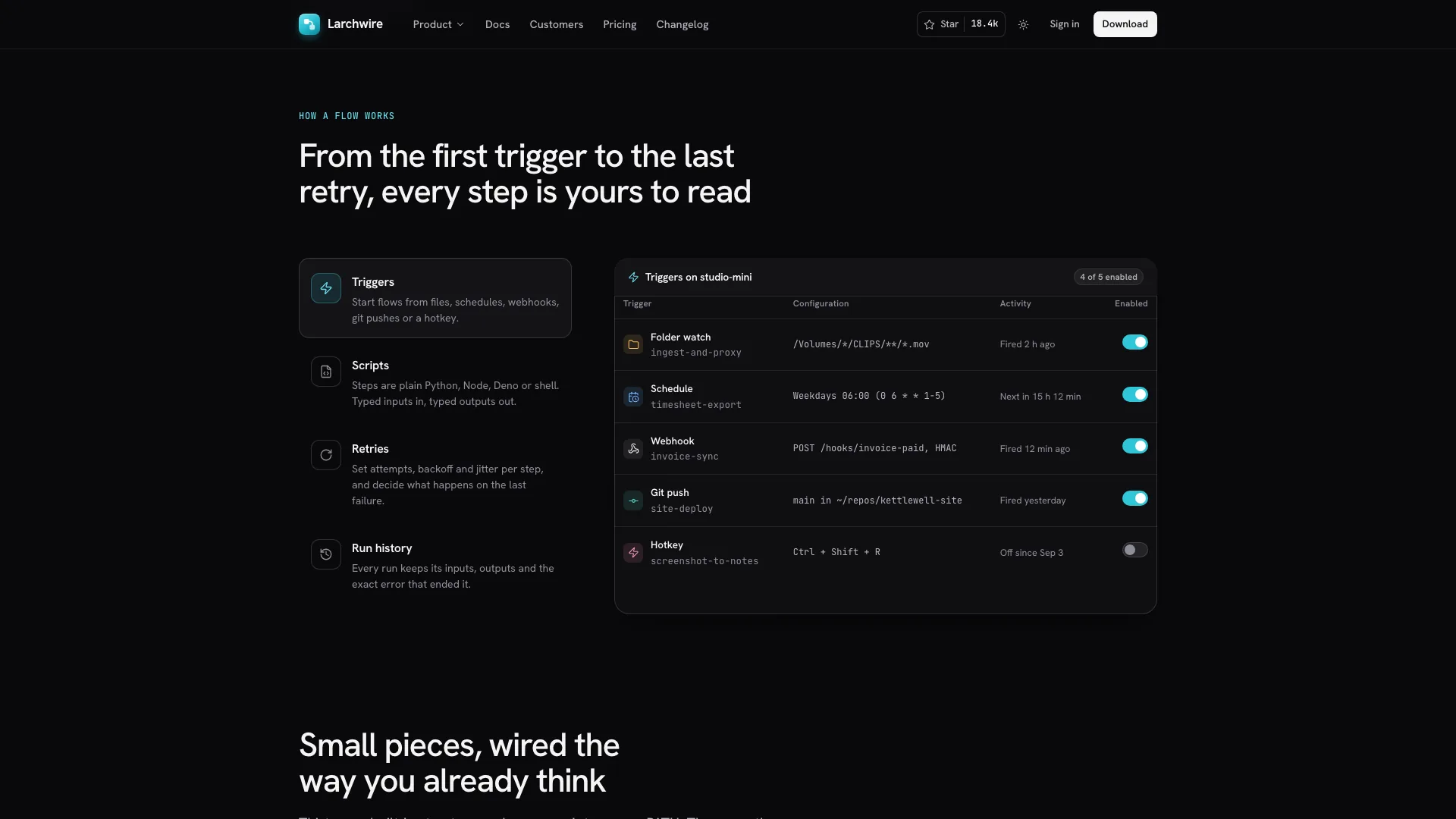
Describe your developer tool and get back a calm, dark-first product site where the product explains itself: a quiet two-line headline above a flow canvas that runs, retries a failed step and streams its logs. It arrives as one self-contained file that opens in any browser and works offline.
What you get
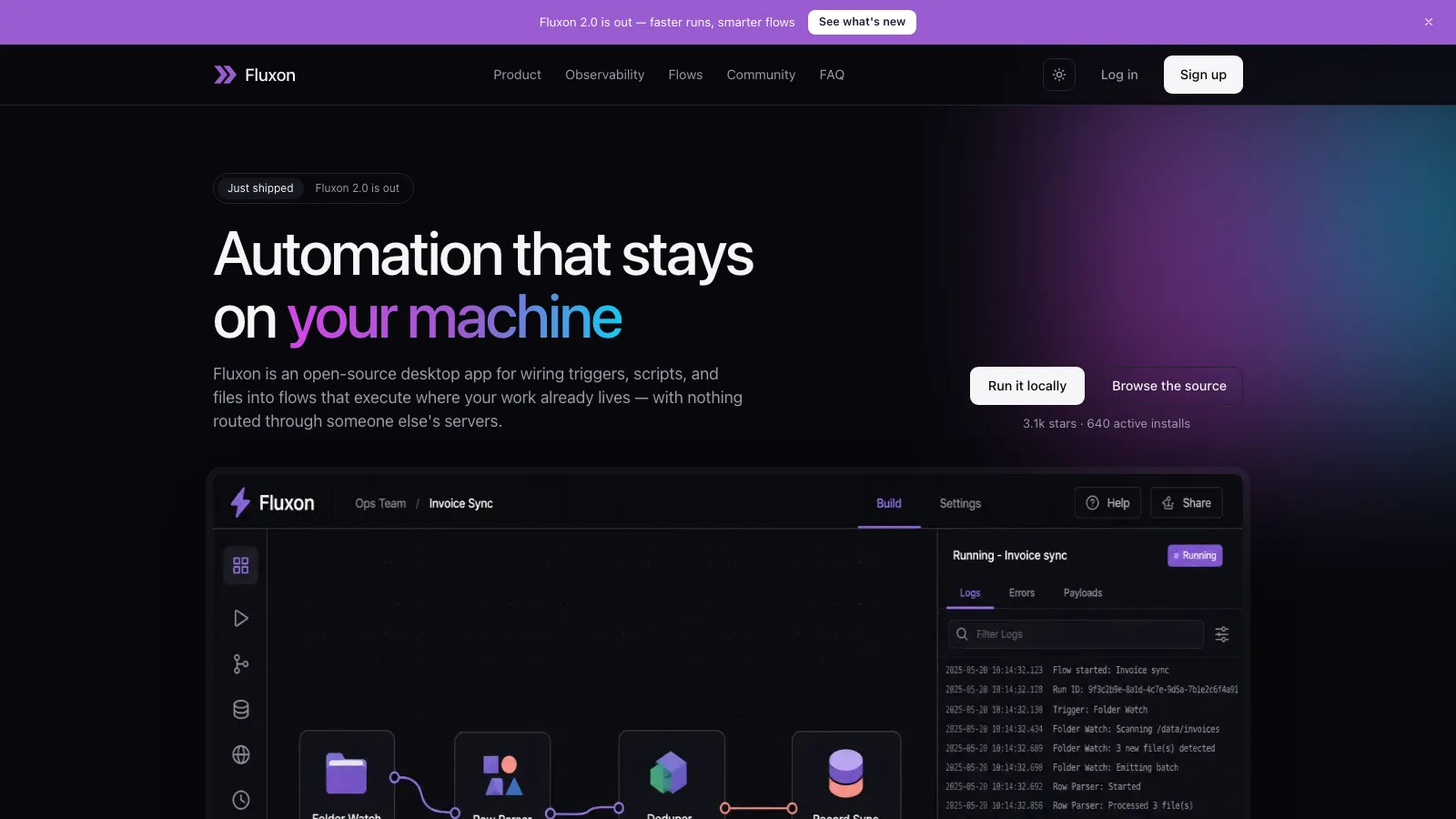
- A landing page with a tabbed flow explorer, step-library rail, observability charts, a local-first diagram, a flows-as-code section, customer story, pricing with a comparison table, FAQ and a per-OS install section
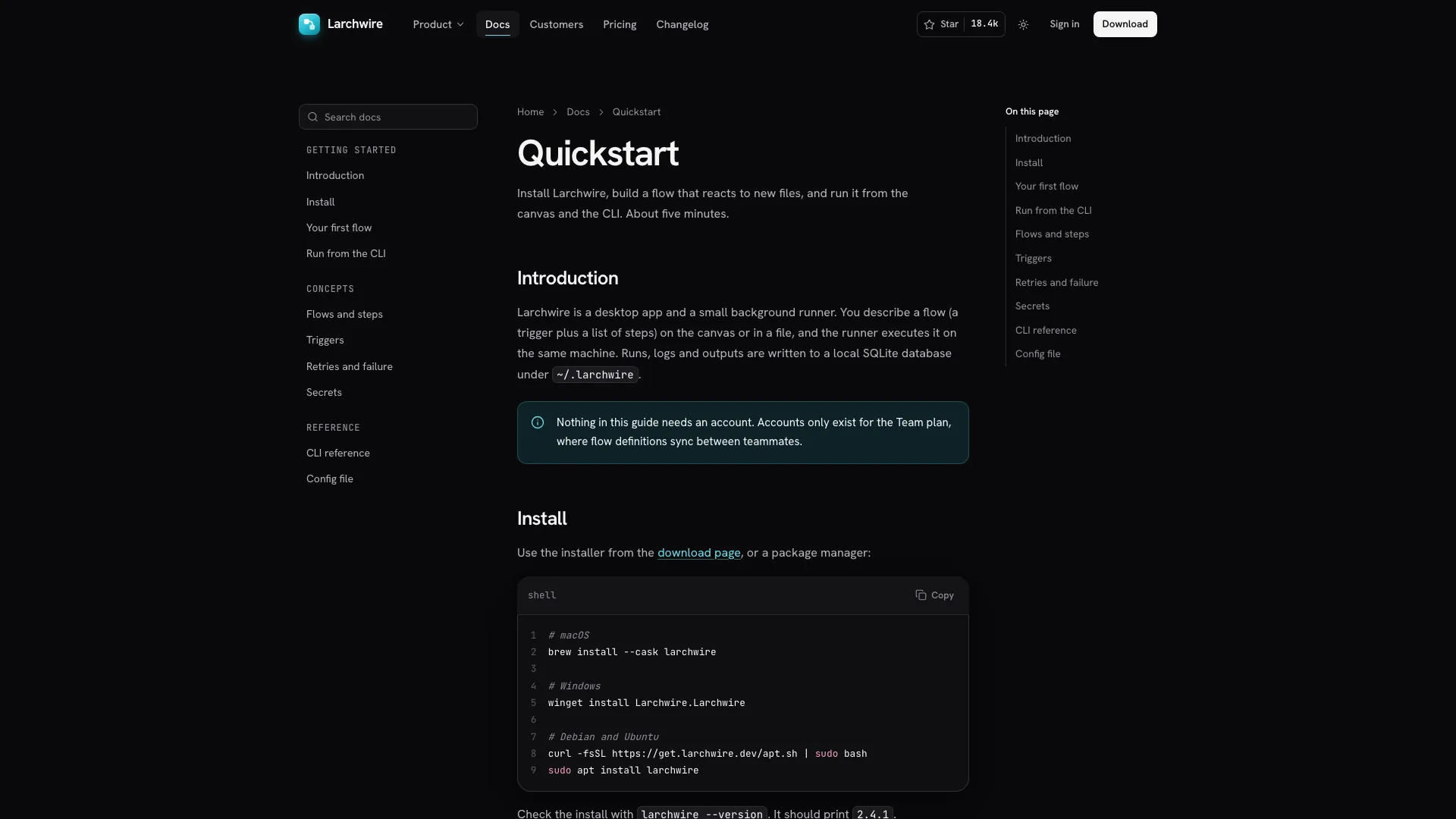
- Docs, changelog, download, security, customer story, sign-up, sign-in, contact, privacy, terms and 404 pages
- Interactive product panels: trigger switches, a retry policy you can tune and simulate, run history with filters and search, and a live log tail
- Near-black greys with one cyan accent, a soft glow and fine grain, plus a complete light theme
- Inside your own project, the same design built as components and routes in your stack
How to use it
- Share your product name, what a flow means in your product, trigger types, where it runs, how people install it, your plans and the call to action
- It rebuilds the canvas, explorer and docs around your own steps and commands, and lists any customer, price or security detail it had to draft
- Open the finished file in your browser and ask for changes in plain words, like three pricing tiers or different explorer tabs
Customer and avatar photos are generated with your agent's image tool, which may carry that tool's usage charges. Fonts and images are embedded in the finished file.
What you need before you start
- You bring
- Product name, one-line promise, what a flow is in your product and where it runs · Trigger types, runtimes or integrations, the install path, plans and prices, and the CTA (download, sign-up, trial or star)
- Dependencies
- Node.js 18 or newer on your agent's machine, to run the bundled script that builds the single offline file · Internet access while the file is built, so the fonts can be downloaded once and embedded · Optional: an image generation tool in your agent for the customer story, runner and avatar photos
- Outside costs
- Photos for the customer story, the runner shot and avatars are generated with your agent's own image tool, which may incur that tool's usage charges. Without one, your own photos or clearly labelled image slots are used.
- Last tested
- v1.0.6 — Claude Code / Claude Desktop / Cowork / Codex / ChatGPT
User reviews
Loading reviews…