Field Notes Deck


 +7
+7Three routes to a real .pptx file.
ClaudeClaude Code Codex
CodexYes, Claude can make PowerPoint files: use the Claude for PowerPoint add-in inside PowerPoint, or a deck Skill in Claude Code or Codex. For slides that look finished, a designed deck Skill writes the deck, lets you edit it in the browser and exports an editable PPTX.
Claude for PowerPointAdd-in that edits inside PowerPoint.Prompt + pptx SkillA plain .pptx from a prompt.| Aspect | Add-in | pptx Skill | Skillry PPT Skill |
|---|---|---|---|
| Runs in | PowerPoint | Any agent | Any agent |
| Works in Codex | No | Yes | Yes |
| Designed templates | No | No | Yes |
| Browser editor | No | No | Yes |
| Editable PPTX | Yes | Yes | Yes |
The full walkthrough for a designed PPT Skill; it also works in Codex.

Choose a slide Skill for the occasion and preview real slides first.
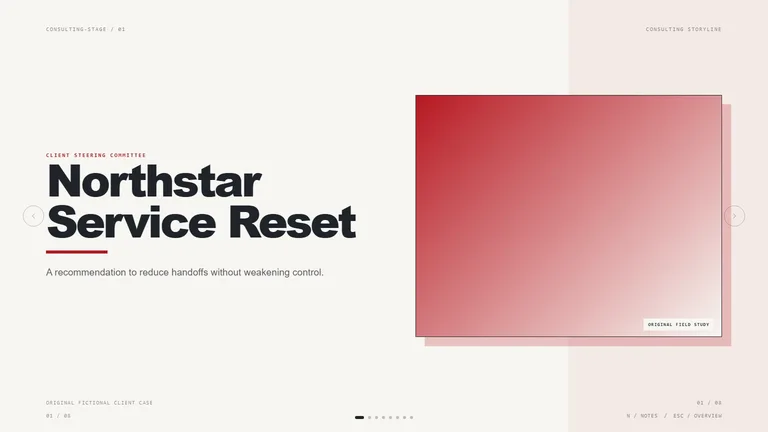
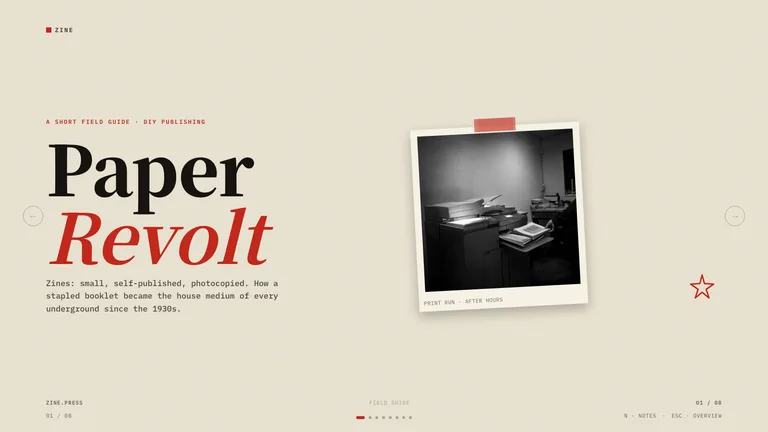
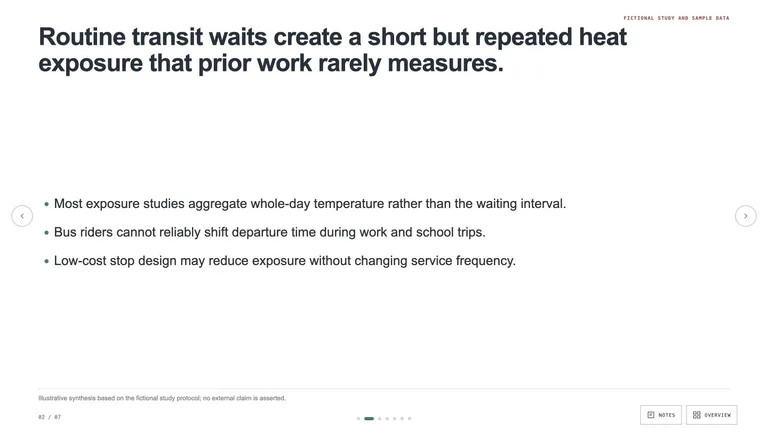
Open the slide Skills and choose a style for the occasion: a calm consulting storyline for a client update, a figure-first research deck for an academic talk, or a bold editorial style for a launch. Each style page shows real slides, so you know what the result will look like before you install anything.
See all slide Skills
Copy the install prompt from the Skill page and paste it into Claude Code or Codex.
Read https://skillry.dev/skills/<slug>/install.md and follow the instructions to install the skill.Click “Copy install prompt” on the Skill page and paste it into Claude Code; the agent installs the Skill for you. It lands in ~/.claude/skills/ for Claude Code or ~/.agents/skills/ for Codex. Start a new session so the agent picks it up.

Topic, audience, slide count and tone, plus the files to use.
/<slug> 12 slides on our Q3 resultsTell Claude the topic, the audience, the number of slides and the tone, and point it at the documents, spreadsheets or notes it should use. In Claude Code call the Skill with a slash and its name; in Codex use $ and its name. Real numbers and a clear audience produce far better slides than a one-line prompt.

Rewrite text, move blocks and reorder slides in the deck studio.
The deck opens in the deck studio. Click any text to rewrite it, drag blocks to adjust the layout, swap images and reorder or delete slides. For larger changes, such as a new section or a different chart, ask Claude in the same conversation and it updates the deck in the same style.

Export an editable PPTX, or present the HTML deck from the browser.
Export an editable PPTX when the deck is ready. Text stays editable, so colleagues can keep working in PowerPoint. You can also present the HTML version straight from the browser. For pictures, your own photos come first; many Slide Skills also reuse their own picture library by default, and only generating new pictures needs an image tool or your fal API key.
How each route works, the steps, and where it falls short.
 Route 1
Claude for PowerPoint is Anthropic’s add-in that runs Claude in a side panel inside PowerPoint. You open an existing deck, describe what you want, and Claude drafts or edits slides in place using the layouts and theme already in the file. It is the most natural route when your company has a branded template and your team works in Microsoft 365. It is generally available on all paid Claude plans; your organisation’s add-in settings still apply.
 Route 2
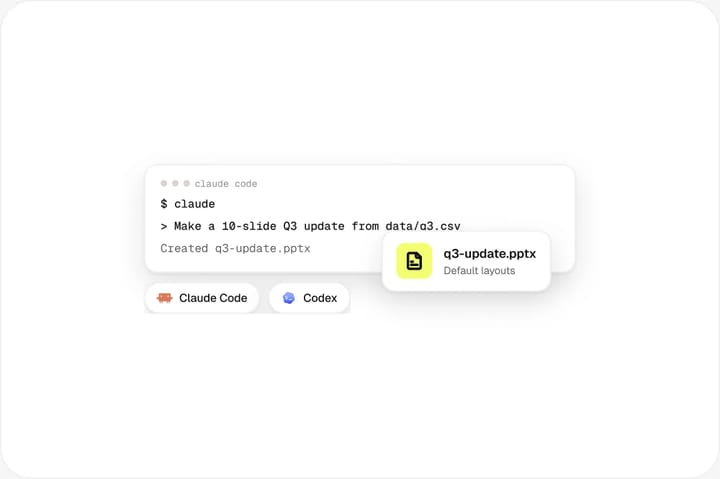
Anthropic publishes a pptx Skill that lets Claude Code create and edit PowerPoint files directly. You describe the deck, point Claude at notes or data in your project, and the Skill writes a .pptx with PptxGenJS and edits existing files with python-pptx. Because Codex reads the same SKILL.md format, the approach works there too. It is fast and free, and ideal for internal updates, data-heavy slides or a first draft. Without a designed template the result uses plain default layouts, so expect to restyle it in PowerPoint.
A Skillry PPT Skill starts from a designed deck style: cover, section, chart, quote and closing layouts that already work together. Claude or Codex writes your content into that style as an HTML deck, the deck studio opens in your browser so you can rewrite text, move blocks and reorder slides, and you export an editable PPTX when you are done. It suits client, investor and conference decks where the slides must look finished, and it keeps one look across many decks.
Tips, trade-offs and fixes for Claude PowerPoint decks.

Keep one idea per slide and say so in the brief. Give Claude the real figures rather than asking it to estimate. Ask for a short outline first and approve it before the full deck is written. Reuse the same deck Skill across a project so every presentation shares one visual system, and keep a folder of approved photos the agent can pull from.

Use the add-in when the deck already exists, lives in your company template and needs edits by people who work in PowerPoint all day. Use a pptx Skill when you want a quick first draft or data slides generated from files in a repository. Use a designed PPT Skill when the deck is new and has to look finished: a pitch, a client proposal, a conference talk. Many teams use more than one route, starting a deck with a Skill and polishing the exported PPTX in PowerPoint.

Pick one deck Skill per brand and reuse it, so colours, type and layouts stay the same from deck to deck. Put your logo, approved photos and brand colours in the project folder and mention them in the brief. If a template needs a permanent change, such as a new accent colour, edit the Skill’s files once rather than correcting every deck by hand.

Too much text on a slide: ask Claude to cut each slide to one idea and move detail into speaker notes. Charts with invented numbers: always attach the source data. A deck that drifts in style: make sure the same Skill is called for every revision instead of asking for a fresh deck each time.
Yes. Claude can make PowerPoint files in three ways: with the Claude for PowerPoint add-in inside PowerPoint, with Anthropic’s pptx Skill in Claude Code, or with a designed deck Skill that writes the slides, lets you edit them in the browser and exports an editable PPTX.
Claude for PowerPoint is Anthropic’s add-in that brings Claude into a side panel inside PowerPoint. It drafts and edits slides in the open deck, using your existing layouts and theme. It is generally available on all paid Claude plans, subject to your organisation’s add-in settings.
Yes. Anthropic publishes a pptx Skill that lets Claude Code create and edit .pptx files from a prompt. Skillry also offers designed PPT Skills: deck styles with a browser-based deck studio and editable PPTX export, available free or for $4.99.
Yes. Codex reads the same SKILL.md format as Claude Code, so a deck Skill installed in ~/.agents/skills/ works there too. Call it with $ followed by the Skill name and describe the talk; the Skill writes the deck and you export an editable PPTX.
Yes. Text and speaker notes export as editable text, so you can keep working on the deck in PowerPoint. Backgrounds and decorations arrive as pictures, which keeps the design exact. If you plan to open the file in Keynote or Google Slides, check one deck first, since each app converts PowerPoint files its own way.
It depends on the Skill. Many deck Skills ship their own picture library and reuse it by default, and your own photos and charts always come first, so you can finish a deck without an image API. To generate new pictures for your topic, the Skill uses your agent’s built-in image tool, such as Codex’s GPT Image; in agents without one, Skills that support fal need your own FAL_KEY. Skills that need an API key are marked on their Skill page.
Pick a style, describe the talk, export to PowerPoint.