Tessellated Editorial Still Life


 +8
+8 Junie·JetBrains
Agent Skills for Junie, JetBrains’ coding agent in IntelliJ IDEA, PyCharm, WebStorm and the Junie CLI. Add a SKILL.md folder to .junie/skills/ and Junie loads it when a task matches.
JunieBuild an admin dashboard page for these metrics
Where the Skill lives
Works the same in IntelliJ IDEA, PyCharm, WebStorm, GoLand and other JetBrains IDEs.
Every Skill below installs into Junie with the default command.
Yes. Junie reads Agent Skills from .junie/skills/ or .agents/skills/ in a project and ~/.junie/skills/ or ~/.agents/skills/ globally, in JetBrains IDEs and the Junie CLI. AGENTS.md keeps holding project rules; Skills add one job each and load only when needed.
Bring design output into the IDE you already use.

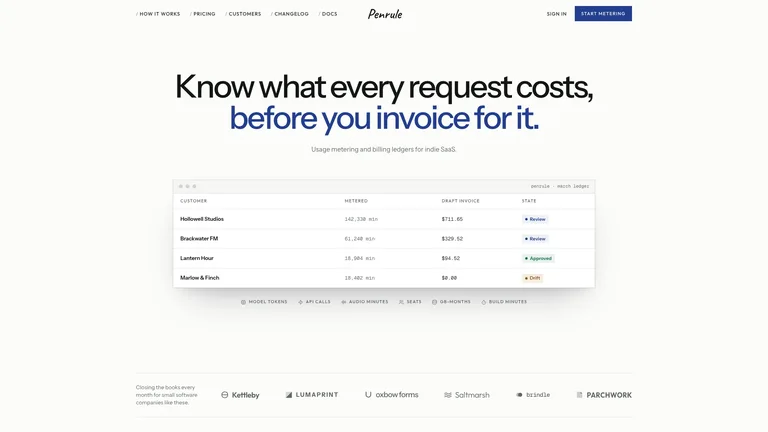
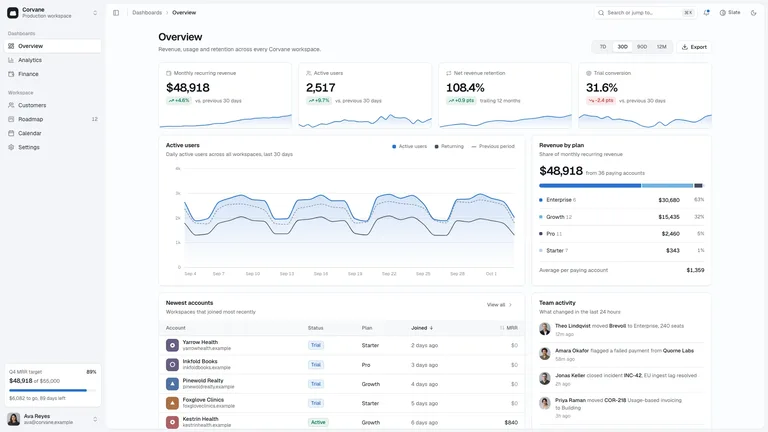
Admin and KPI pages with charts that look right.
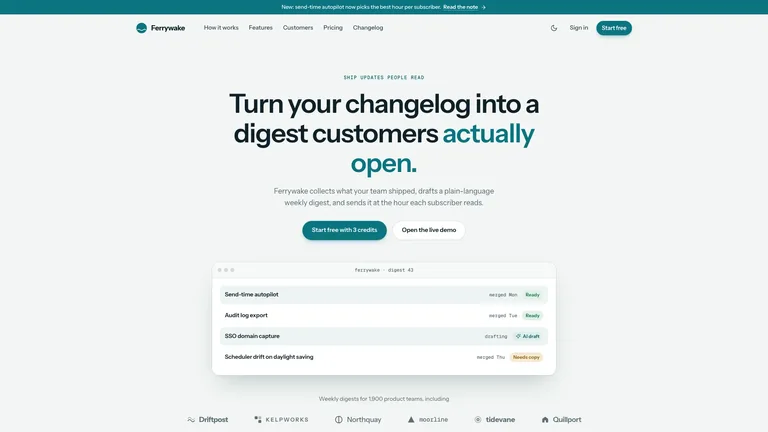
Marketing pages for the product you are building.

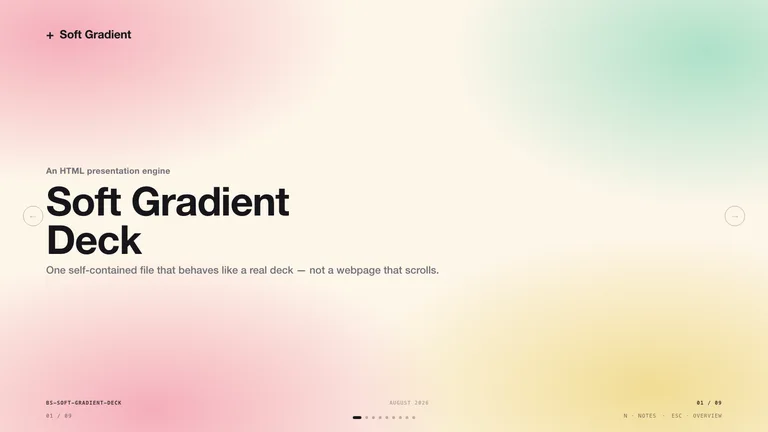
Slides for sprint reviews and demos.
Junie reads ~/.agents/skills/, so the install prompt puts each Skill there with no extra setup.
Paste one sentence into Junie. It reads the install guide and puts the Skill in the right folder itself.
No Node.js needed. Unzip the Skill into the folder yourself.
~/.junie/skills/.One command downloads the Skill and puts it where Junie looks.
~/.agents/skills/.They do different jobs, and most people use both.
AGENTS.md (legacy .junie/guidelines.md)One repeatable job: a deck, a site, a video~/.junie/AGENTS.mdWorks in any project and in 30 other agentsYes. Junie reads SKILL.md folders from .junie/skills/, .agents/skills/, ~/.junie/skills/ and ~/.agents/skills/ in JetBrains IDEs and the Junie CLI.
Project rules now go in AGENTS.md; the older .junie/guidelines.md still works. A skill is a packaged job that loads only when the task needs it.
Yes. Junie runs in IntelliJ IDEA, PyCharm, WebStorm, GoLand, PhpStorm, RubyMine, RustRover, CLion and Rider, and reads the same skill folders in each.
Yes. A Claude Code Skill is a SKILL.md folder, the same format Junie reads. Copy the folder into ~/.junie/skills/ and Junie picks it up.
Every category has free Skills; the rest are $4.99 each or included with a Skillry plan. Free and paid Skills install and run the same way.
The same Skills install in more than 30 coding and work agents. Pick yours for its folder and install steps.
Coding agents
Claude CodeSkills CodexSkills
 CursorSkills
 GitHub CopilotSkills
 Gemini CLISkills
 OpenCodeSkills
 AntigravitySkills
 OpenClawSkills
 Hermes AgentSkills
 KiroSkills
 WindsurfSkills
 ClineSkills
 ZedSkills
 AmpSkills
 Kilo CodeSkills
 GooseSkills
 OpenHandsSkills
 Grok BuildSkills
 Mistral VibeSkills
 Kimi CodeSkills
 TraeSkills
 QoderSkills
 CodeBuddySkills
 ZCodeSkills
 Qwen CodeSkills
 MiniMax CodeSkills