Tessellated Editorial Still Life


 +8
+8 Coze·ByteDance
Skills for Coze 2.0 that produce designed decks, pages and videos. Upload the ZIP in Coze Coding, deploy it, and call it with / in the Coze chat box.
Coze/deck Make a 10-slide plan for our Q4 campaign
What to upload
Coze packs a skill folder into a .skill file. SKILL.md stays the core.
Every Skill below uploads to Coze Coding as a ZIP.
Yes. Coze 2.0 added Agent Skills built on the SKILL.md format. You can create a skill by describing it, or upload a .skill or .zip package in Coze Coding, package and deploy it, then type / in the Coze chat box to use it. A Skillry ZIP works as that package.
Coze’s own skills are great for workflows. These add design.

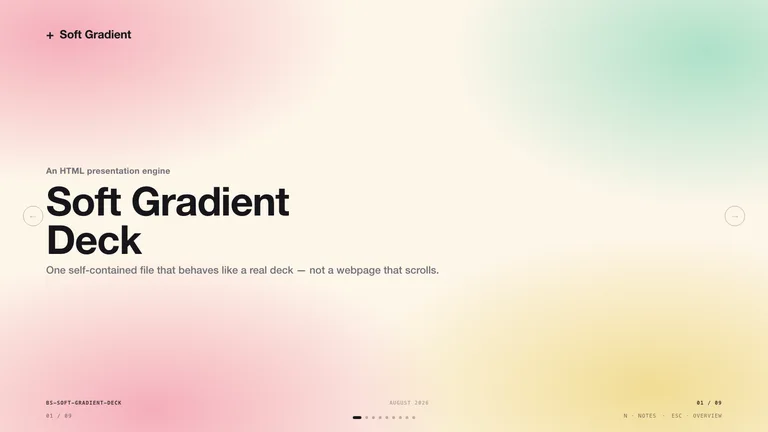
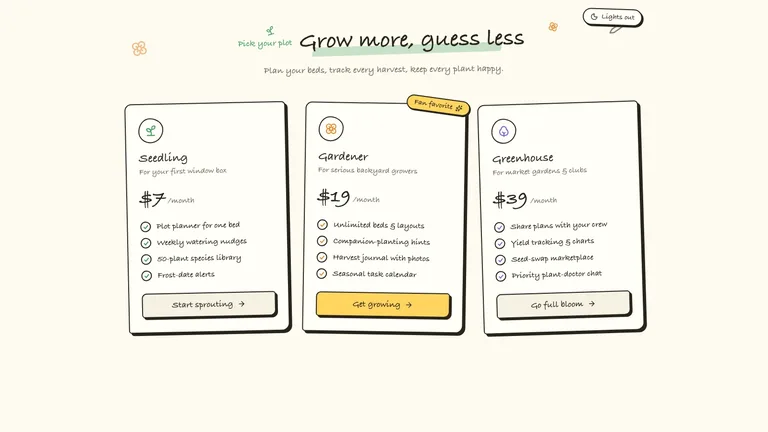
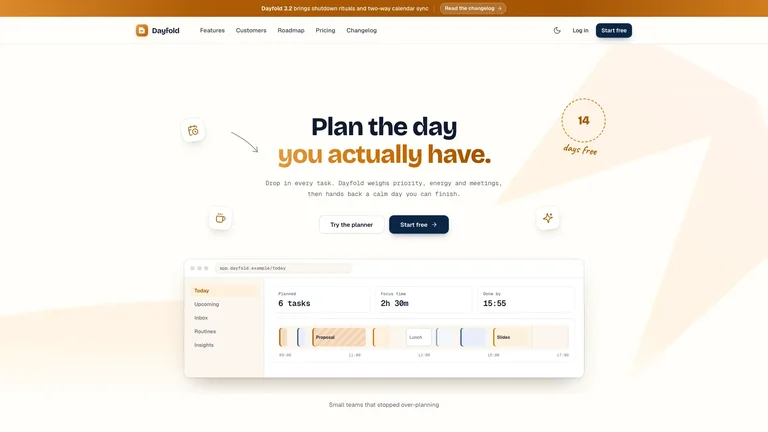
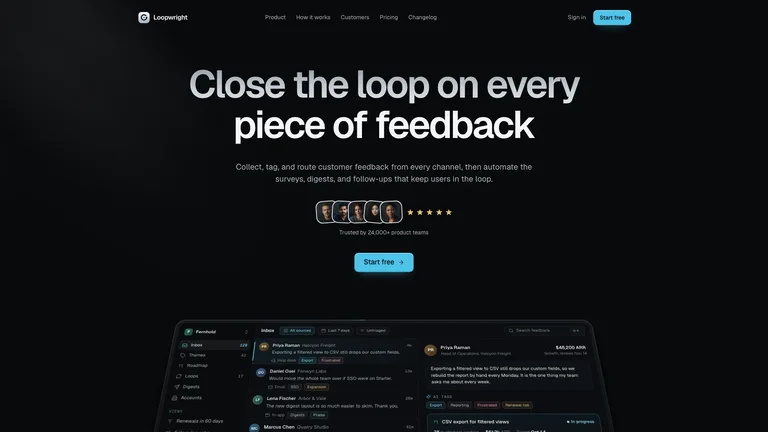
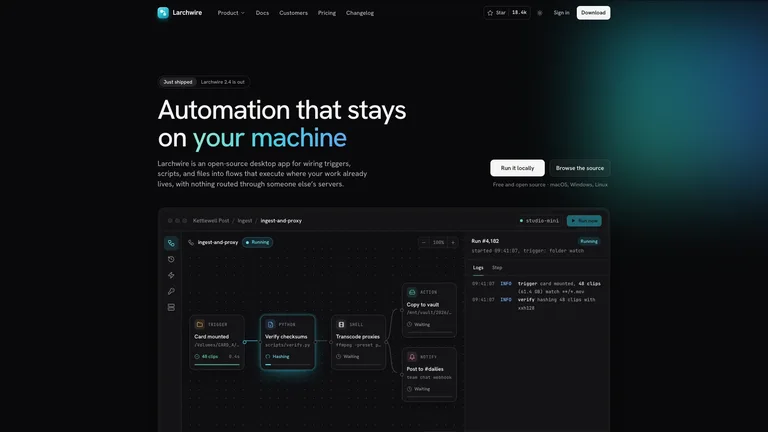
Plans and proposals as designed, editable slides.

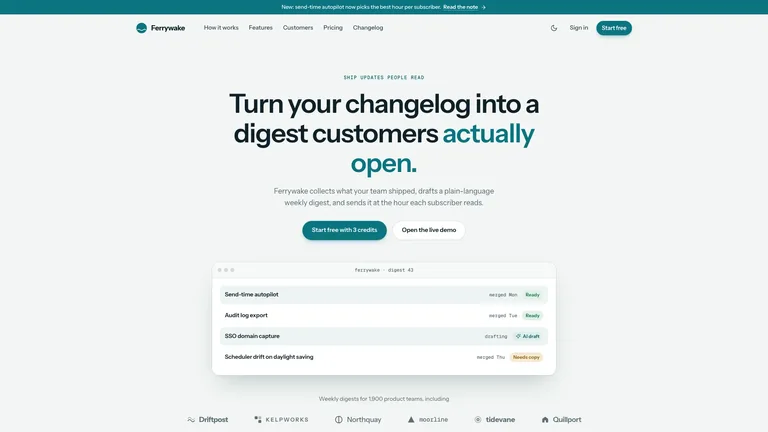
One-page sites you can share from a single prompt.
Product films with motion type, rendered to MP4.
Coze installs external Skills through Coze Coding. No terminal needed.
Add the Skill from Coze’s own Skills page. No terminal needed.
Every Skill page has a Download ZIP button. That ZIP is what you upload.
A one-command install for Coze is not available yet. Use the ZIP for now.
They do different jobs, and most people use both.
Yes. Coze 2.0 supports Agent Skills in the SKILL.md format. You can create skills in Coze or upload a ZIP in Coze Coding, then use them from the chat box with /.
Coze packs a skill folder (SKILL.md plus scripts, references and assets) into a .skill file. Uploads accept .skill or .zip; a loose SKILL.md needs to be zipped first.
Yes, if they are standard SKILL.md folders. Zip the folder, upload it in Coze Coding, package and deploy it, and it appears under My skills.
Yes. A Claude Code Skill is a SKILL.md folder, the same format Coze reads. Zip the folder and upload it in Coze Coding › Skills › Upload skill package.
Every category has free Skills; the rest are $4.99 each or included with a Skillry plan. Free and paid Skills install and run the same way.
The same Skills install in more than 30 coding and work agents. Pick yours for its folder and install steps.
Coding agents
Claude CodeSkills CodexSkills
 CursorSkills
 GitHub CopilotSkills
 Gemini CLISkills
 OpenCodeSkills
 AntigravitySkills
 OpenClawSkills
 Hermes AgentSkills
 KiroSkills
 WindsurfSkills
 ClineSkills
 ZedSkills
 AmpSkills
 Kilo CodeSkills
 GooseSkills
 JunieSkills
 OpenHandsSkills
 Grok BuildSkills
 Mistral VibeSkills
 Kimi CodeSkills
 TraeSkills
 QoderSkills
 CodeBuddySkills
 ZCodeSkills
 Qwen CodeSkills
 MiniMax CodeSkills