

 HyperFrames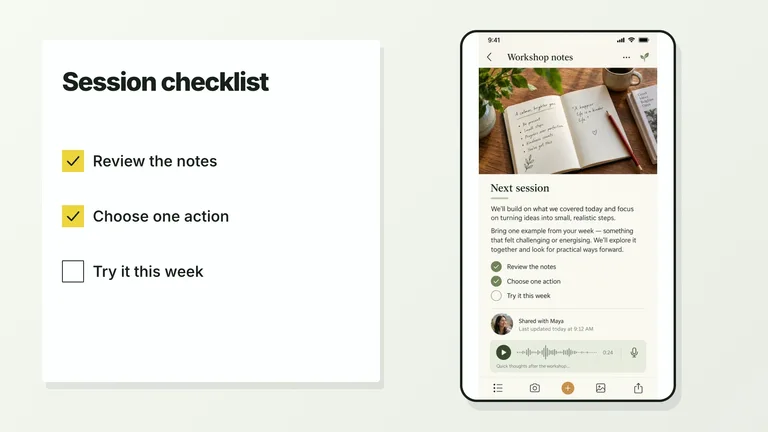
CreatorMotion · Complete Motion Effects Libraryv1.0.0
Use this Skill to create broll animation.
5.00 downloads0 likes0 saves
Pro members only
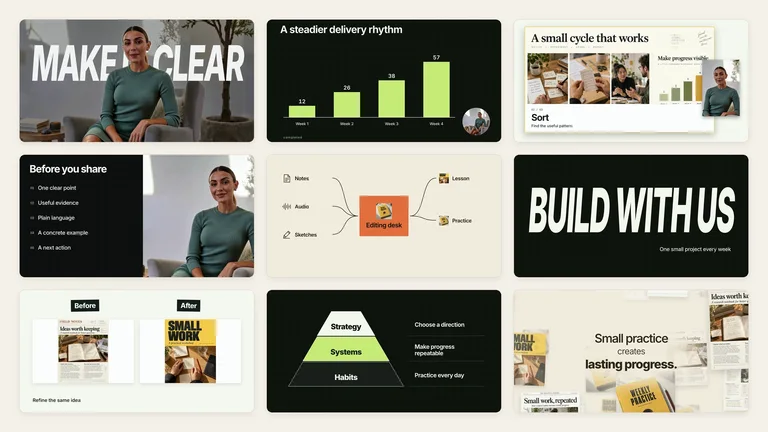
What do I get when I buy this Skill?Every CreatorMotion effect in one Skill, from charts, diagrams and kinetic type to presenter layouts, chapter cards and transitions, each generated as an editable 1080p video segment. Your agent picks the right effect for each beat of your script, or builds any CreatorMotion effect you name, in one consistent palette.
Picked most often by
Updated Oct 4, 2026
Preview gallery
Similar Skills
View all skills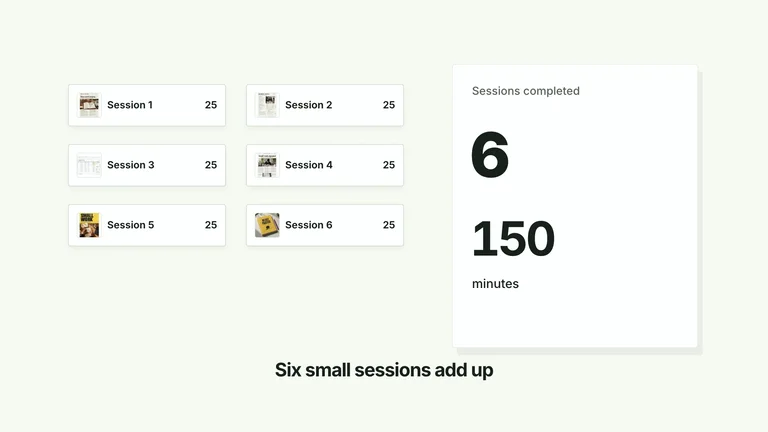
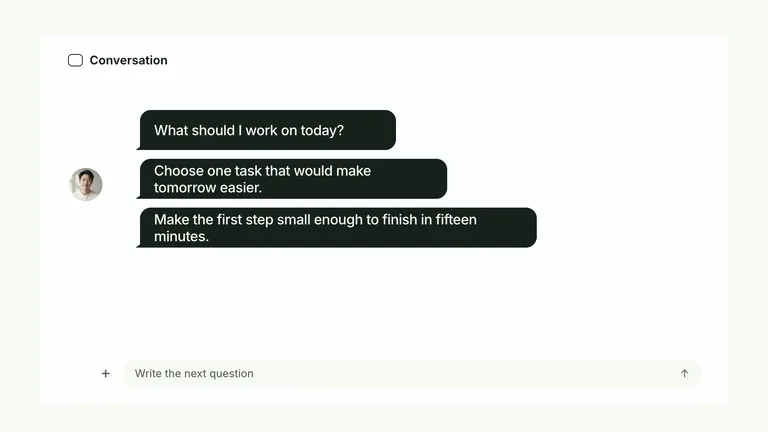
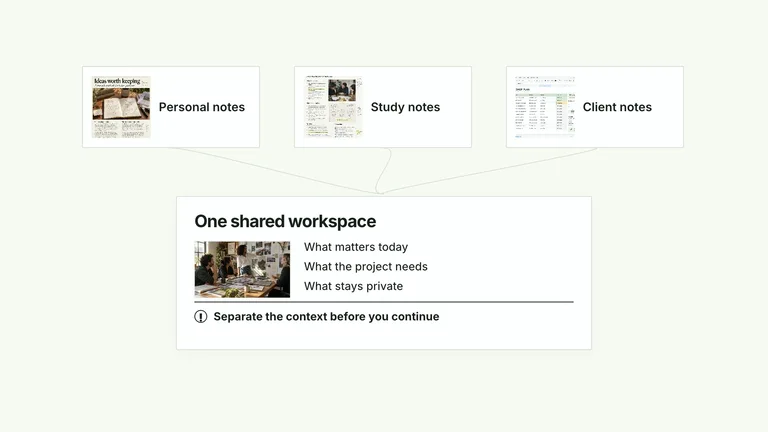
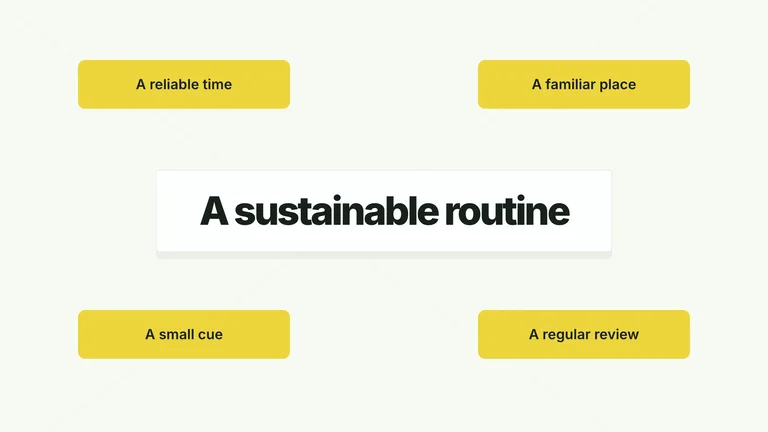
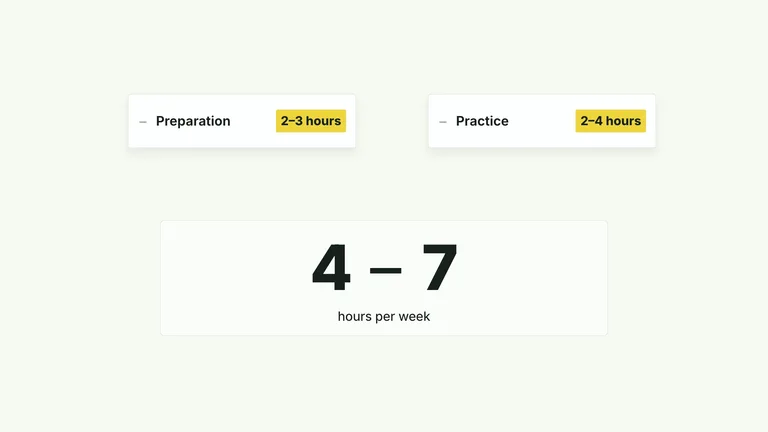
What you get
- Every CreatorMotion effect in one install, across 10 categories: charts, diagrams, kinetic type, presenter layouts, chapters, transitions, spotlights, cards and collages.
- A local generator that builds any effect as an editable 1920×1080, 30 fps project ready to render to MP4, with automatic presenter cutouts for the six cutout effects.
- Four coordinated palettes, bundled fonts with Smiley Sans applied automatically to Chinese text, 30 generated default images and a catalog that maps each beat to an effect.
Good fit
- Creators and educators who explain ideas on camera and want consistent motion across a series.
- Turning a script or storyboard into a set of motion segments, one effect per key beat.
- Channels that mix talking-head footage with charts, diagrams and kinetic type.
Not for
- Vertical 9:16 or square videos; every effect is authored for 16:9.
- Editing a finished film automatically; segments render separately and are assembled in your editor.
- Generating a presenter performance, voice-over or music; you supply the footage and audio.
Content Creation & PublishingCreate Broll AnimationStyle-lockedSeries-consistentEditable OutputMinimalistEditorialTypographic
About this Skill
CreatorMotion · Complete Motion Effects Library
Every CreatorMotion effect in one Skill, from charts, diagrams and kinetic type to presenter layouts, chapter cards and transitions, each generated as an editable 1080p video segment. Your agent picks the right effect for each beat of your script, or builds any CreatorMotion effect you name, in one consistent palette.
What's inside
| Category | Effects | What it shows |
|---|---|---|
| Presenter and split layouts | 8 | You and the explanation share the frame: lists, charts, phones and quotes beside the speaker. |
| Picture-in-picture | 4 | A demonstration fills the screen while you stay in a small frame. |
| Kinetic typography | 13 | The wording is the argument: titles behind you, corrections, keyword captions, tag stacks. |
| Chapter navigation | 7 | A new section begins: title stamps, label stacks, grid flips. |
| Scene transitions | 2 | The cut between two scenes is the motion. |
| Focus and evidence | 9 | One detail of a document, metric or screen gets the spotlight while its context stays visible. |
| Comparison and measured change | 30 | Bars, lines, ratios, matrices and before/after pairs that show a measured difference. |
| Relationships and processes | 23 | Pipelines, cycles, hubs, pyramids, timelines and other connected ideas. |
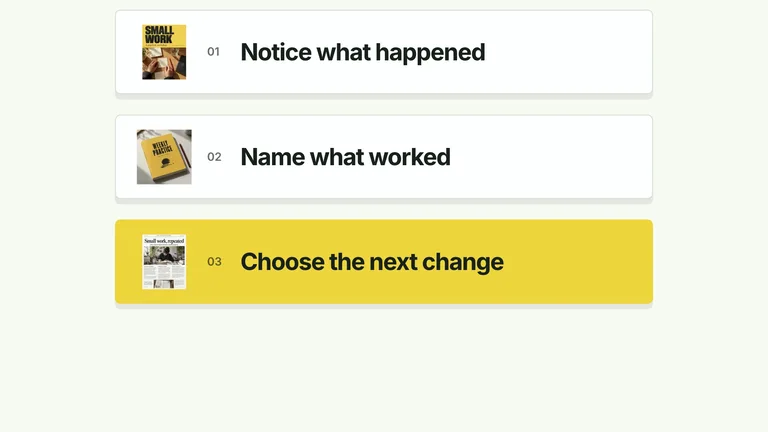
| Cards, lists and interface sequences | 19 | Items that enter, accumulate, reorder or resolve into a conclusion. |
| Images and document fields | 7 | Collages and document stacks that carry the proof. |
Each effect runs the same code as its standalone CreatorMotion Skill, so one install covers the whole library. The included catalog lists every effect by what changes on screen, and each effect has its own instructions for content, timing and media.
A-roll and B-roll
- A-roll keeps you on screen. 24 effects require a continuous take of you on camera: all picture-in-picture effects, 7 of the 8 split layouts, 9 kinetic-type effects, 3 chapter effects and the tile dissolve transition. Wall Checklist Reveal can use your take or a ready cutout of it, and Quote Underline Portrait can use a cutout or a portrait still.
- Seven effects can include you optionally, such as Sequential Bars and Line and Trend Draw, and also work without footage.
- B-roll is full-frame graphics. The other 89 effects never use footage.
Six effects place a cutout of you inside the composition, for example a large title that sits behind you. Three require the cutout and three prefer it. By default the generator cuts you out of your take with HyperFrames background removal, which runs locally. You can also supply your own cutout, and footage that already has a transparent background is used as is.
How to ask your agent
- "/bs-creatormotion Turn my 60-second script on building a weekly writing habit into B-roll, one effect per key beat." The agent splits the script into beats, chooses an effect for each beat by what should change on screen, keeps your wording and numbers, and lists the footage or images each effect needs before building.
- "Use bs-creatormotion-comparison-sequential-bars for my weekly numbers." Name any effect directly, by its full name or its short alias.
- "Use the charcoal-lime palette for every segment." One palette keeps a series consistent.
- "Open with the title behind me, using my talking-head take." Presenter effects take your local video.
- "Replace the sample photos with these images." Your images replace the bundled defaults slot by slot.
Palettes and type
Four palettes keep the same motion and layout: White & Yellow (default), Charcoal & Lime, Paper & Orange, and Black & White. The two dark palettes add a fine grid to the background. You can also override individual colors and fonts.
Inter sets titles and copy, and IBM Plex Mono sets small labels and numbers. When your content contains Chinese, Smiley Sans is applied automatically, with Noto Sans SC as a plainer option. Your own font file can replace the main typeface. All fonts are bundled, so rendering needs no network font request.
Requirements
- Node.js 22 or newer.
- HyperFrames CLI 0.8.30, which the agent runs through npx.
- FFmpeg.
- No API key or paid service. The six cutout effects download a background-removal model once, the first time they cut a presenter out of your footage.
Output
Each effect becomes its own editable project folder, with the composition, fonts, images, your footage and a build record. Rendering produces a 16:9 MP4 at 1920×1080 and 30 fps, or 4K (3840×2160) with a render flag; use 4K footage for presenter effects. There is no 9:16 or square output. Segments are separate files: place them in your editor alongside your narration and music.
What you need before you start
- You bring
- Script, storyboard or points to explain: the agent picks one effect per beat; any effect can also run on its sample content. · Presenter footage: a continuous local take, required by 24 effects; two cutout effects accept a ready cutout or a portrait still instead. · Your own images: optional; bundled generated images are used until you replace them.
- Dependencies
- HyperFrames CLI 0.8.30 or compatible — required · Node.js 22 or newer — required · FFmpeg — required · HyperFrames background-removal model (downloaded on first use) — used when no presenter cutout is supplied
- Last tested
- v1.0.0 — Claude Code / Claude Desktop / Cowork / Codex / ChatGPT
User reviews
Loading reviews…