Access all Premium Skills for $9.99/month. Cancel anytime.See plans

CreatorMotion · AI motion graphics for YouTube, TikTok and Reels creators

Edit 10x faster with motion graphics Skills

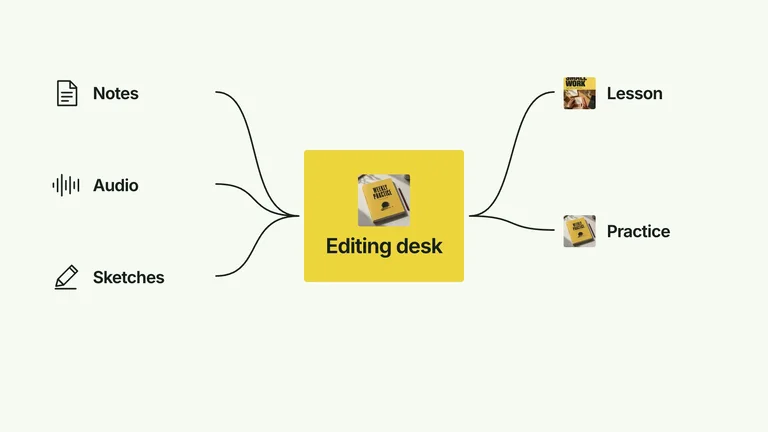
CreatorMotion gives Claude Code, Codex or Cursor 122+ motion effects made for creator videos. Hand your agent a talking-head clip or a line from your script, and it builds text behind you, split-screen charts and explainer B-roll you can still edit, then renders the MP4 for your timeline.
  • 122+ effects
  • 1080p or 4K MP4
  • No paid API
  • Editable after render

Still growing: new effects are added regularly.

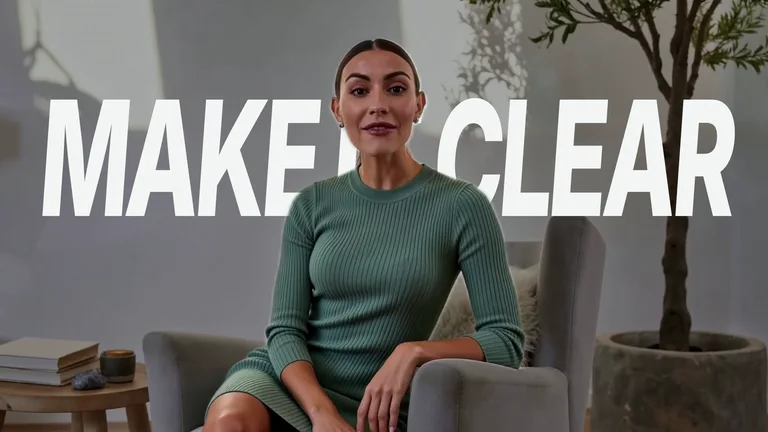
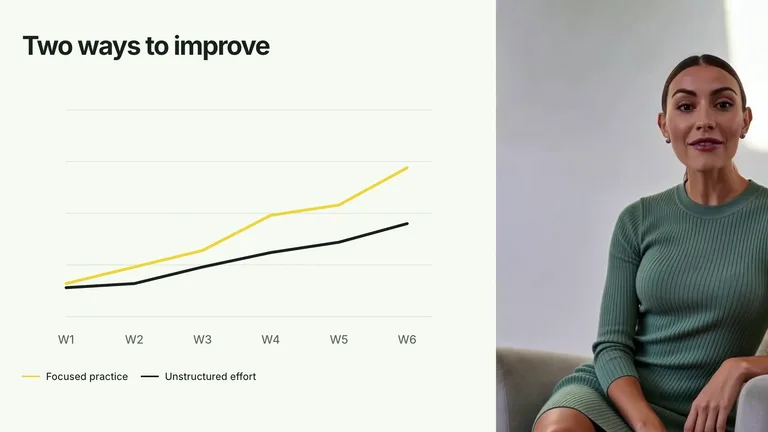
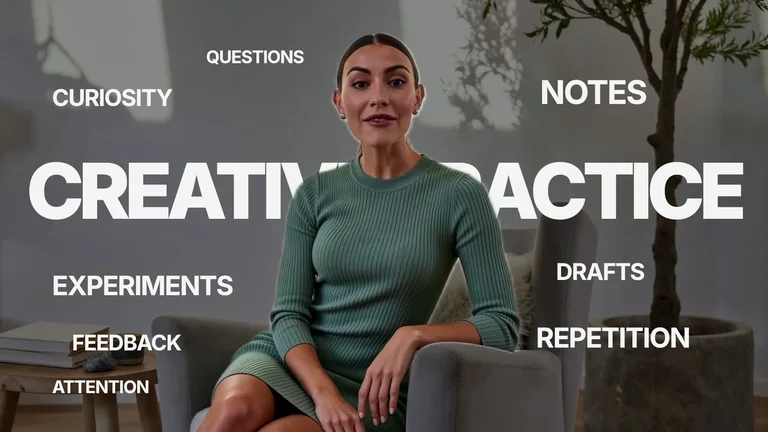
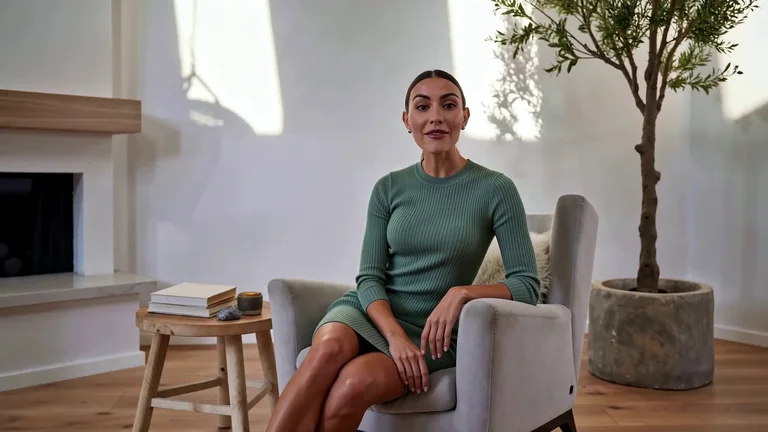
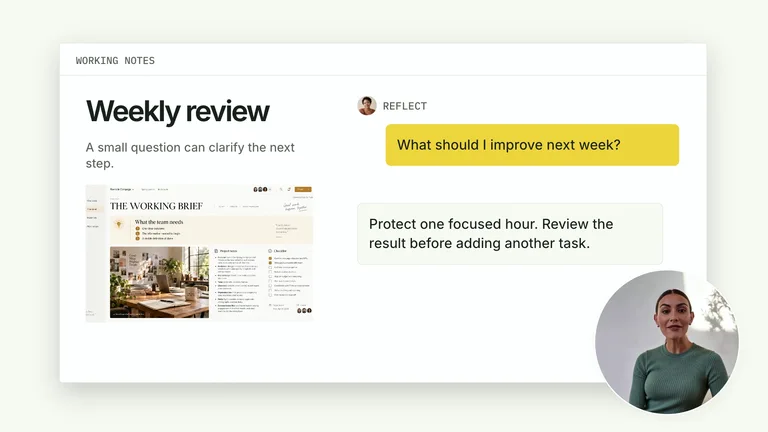
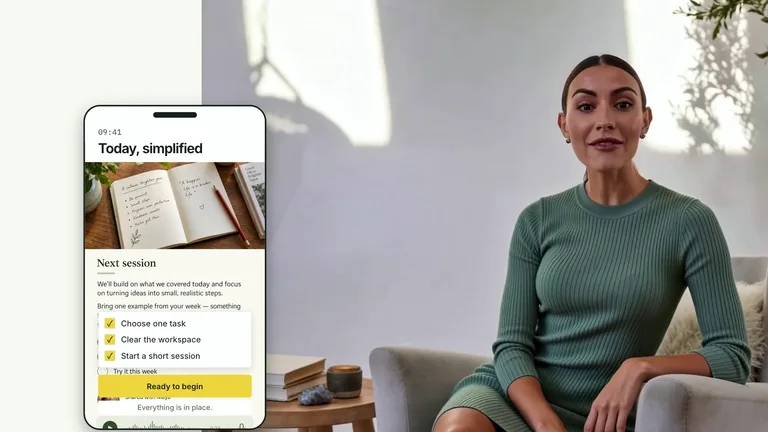
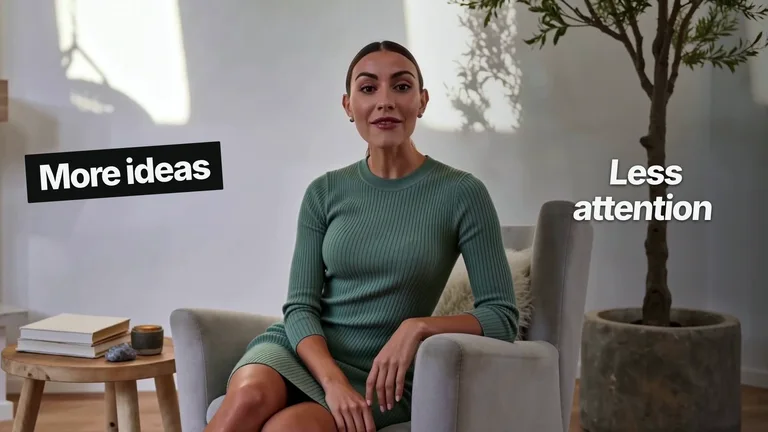
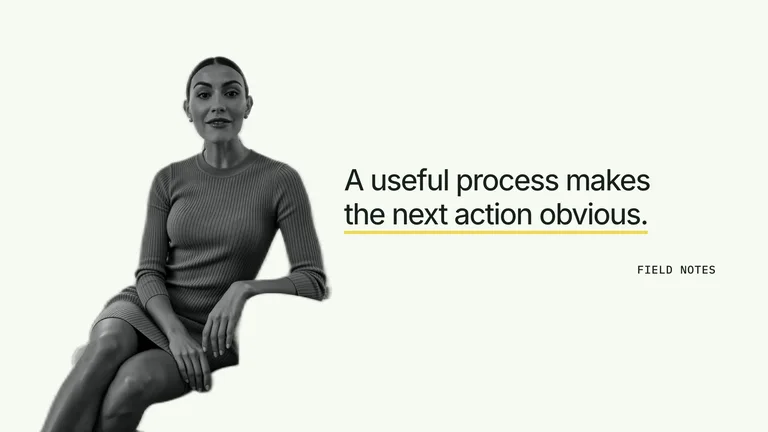
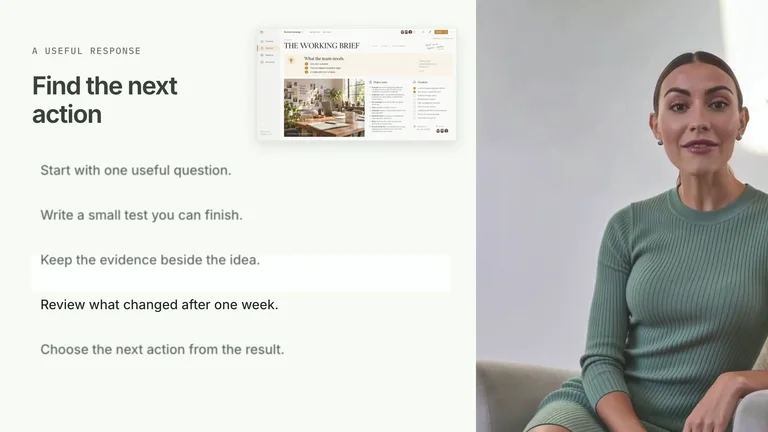
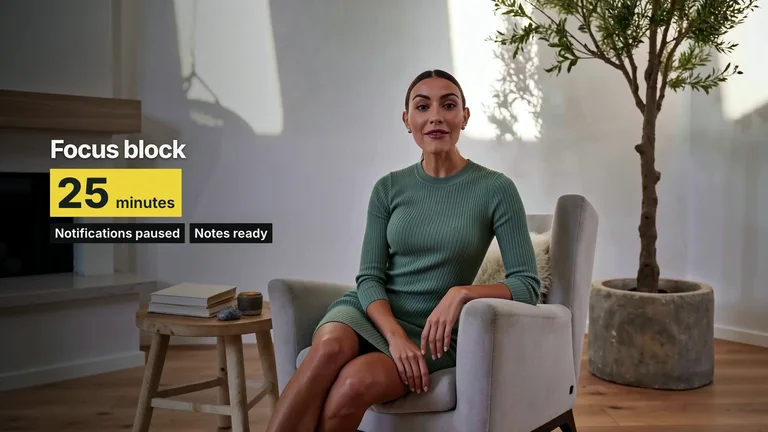
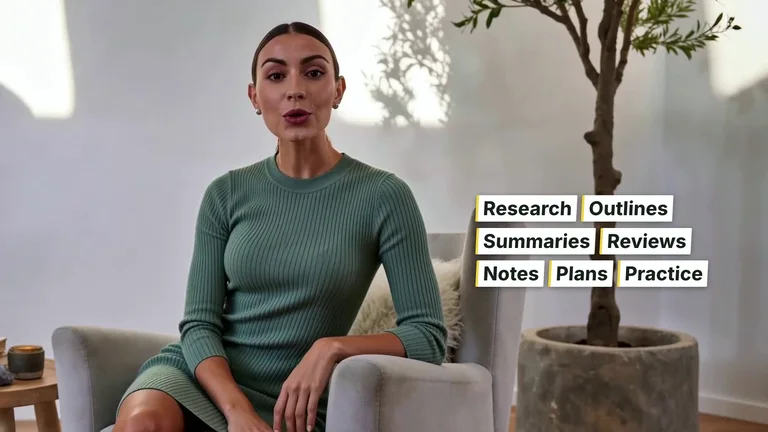
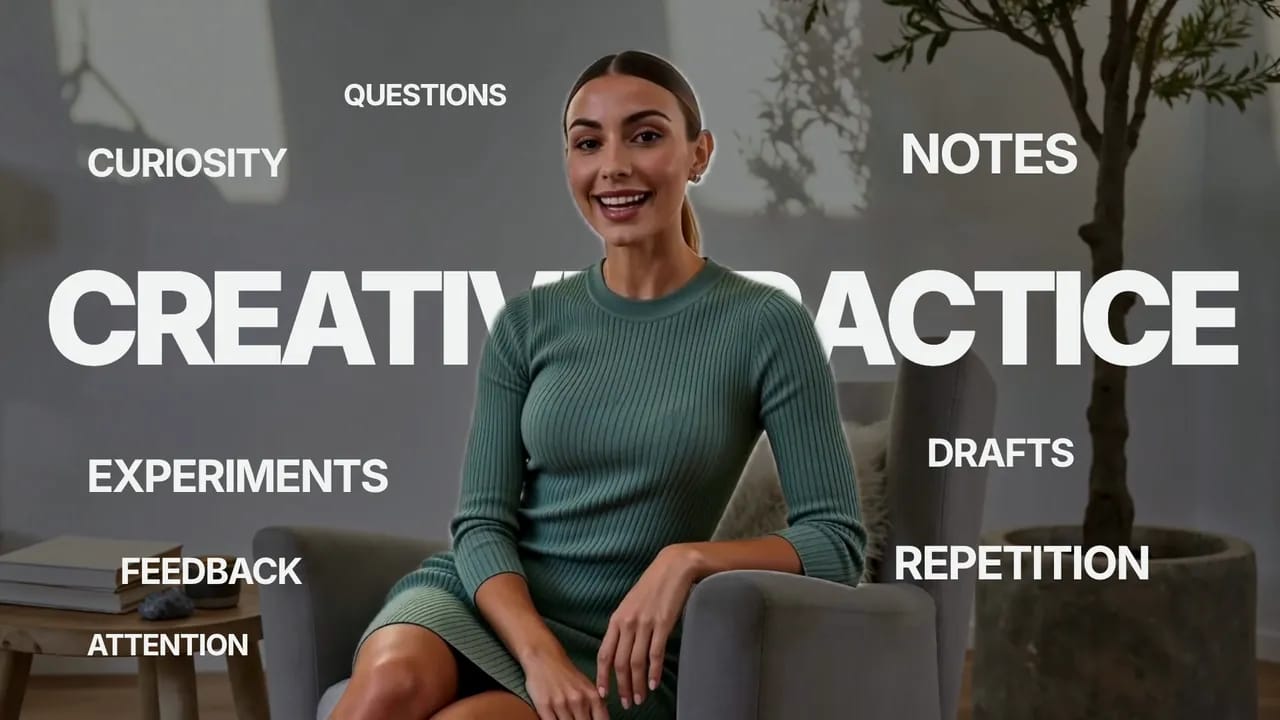
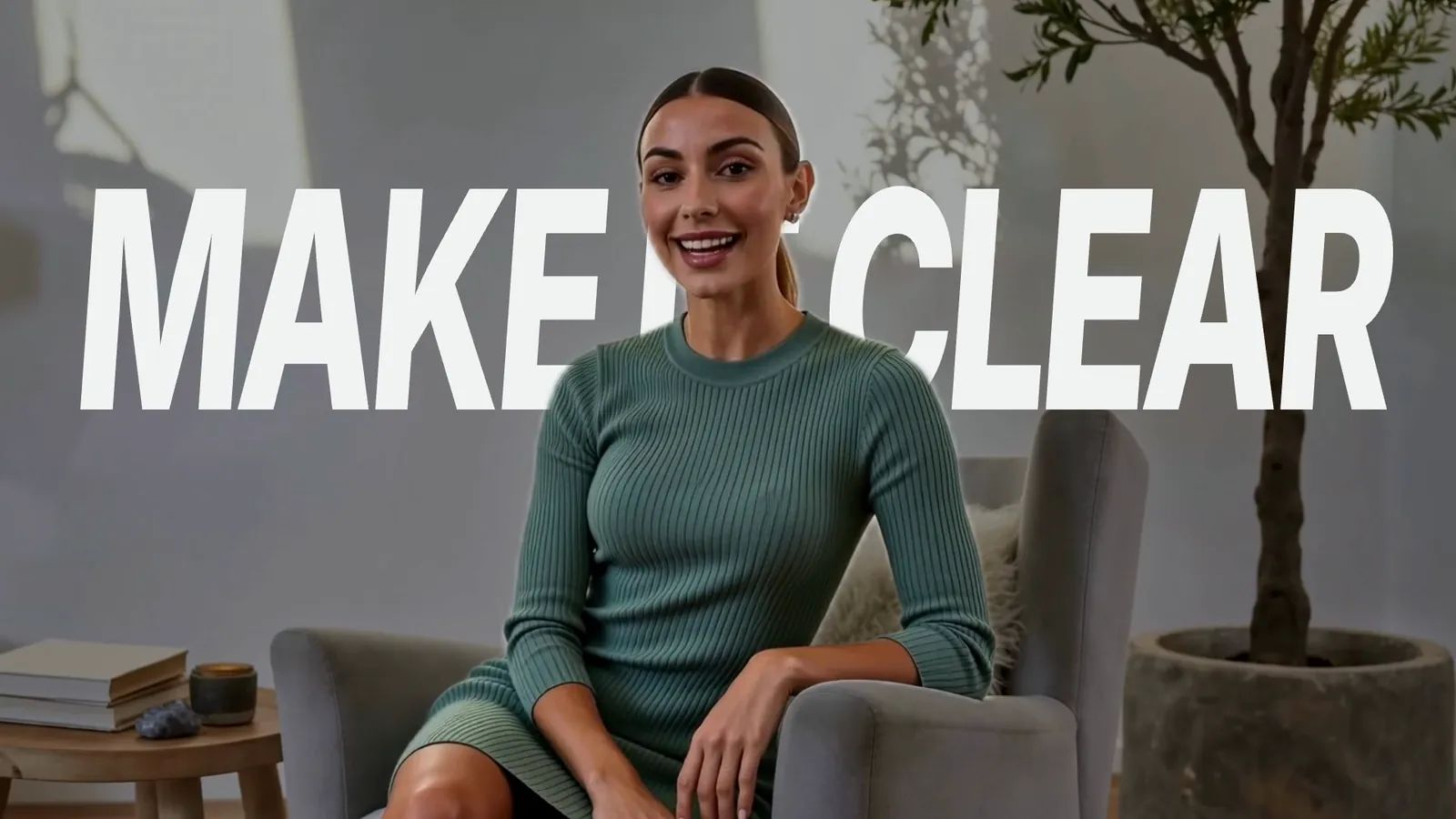
A presenter with a giant title behind her, made with CreatorMotion
A-roll · Title Behind Subject
A-rollinterview.mp4B-roll
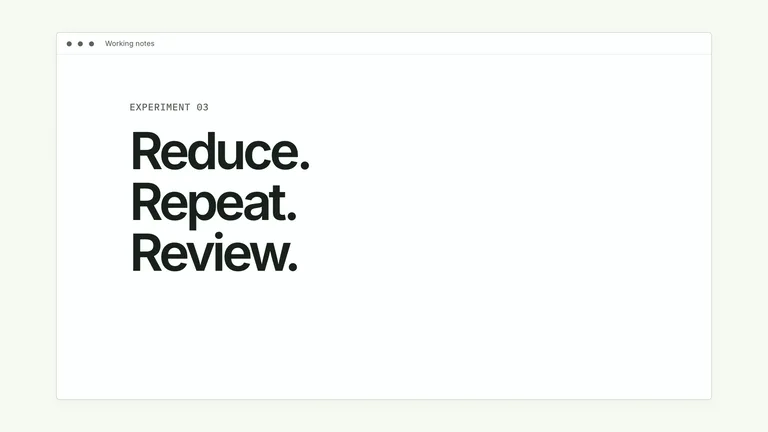
Title Behind Subject · “MAKE IT CLEAR”
/bs-creatormotion Put “MAKE IT CLEAR” behind me at 0:14 in interview.mp4

Claude Code

  • Picked Title Behind Subject
  • Cut you out of the frame
  • Rendered a 4K MP4 for your timeline

Works in your agent, exports to your editor

  • Claude Code
  • Codex
  • Cursor
  • CapCut
  • Adobe Premiere Pro
  • DaVinci Resolve
  • Final Cut Pro

Made for your feed

Motion graphics for YouTube, TikTok and Reels

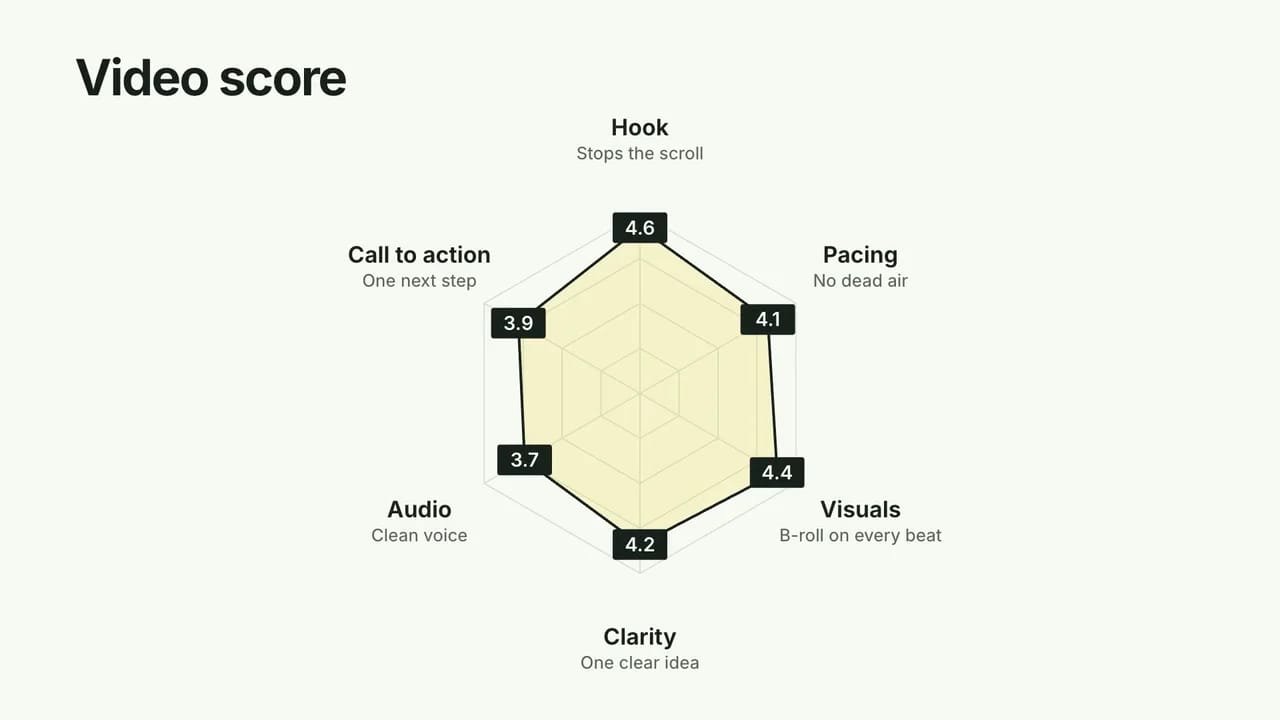
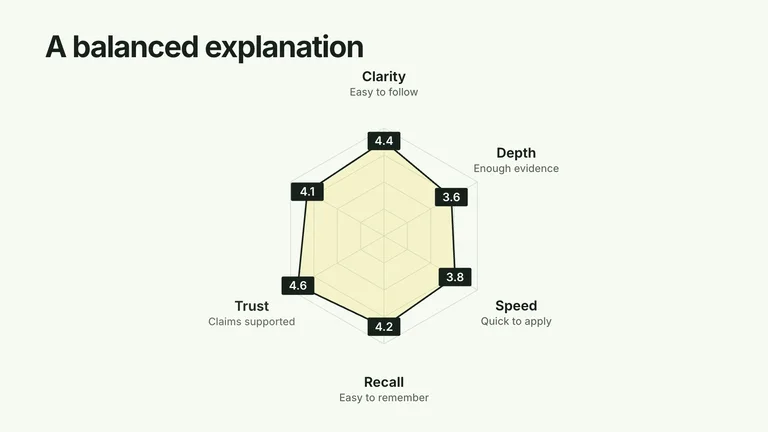
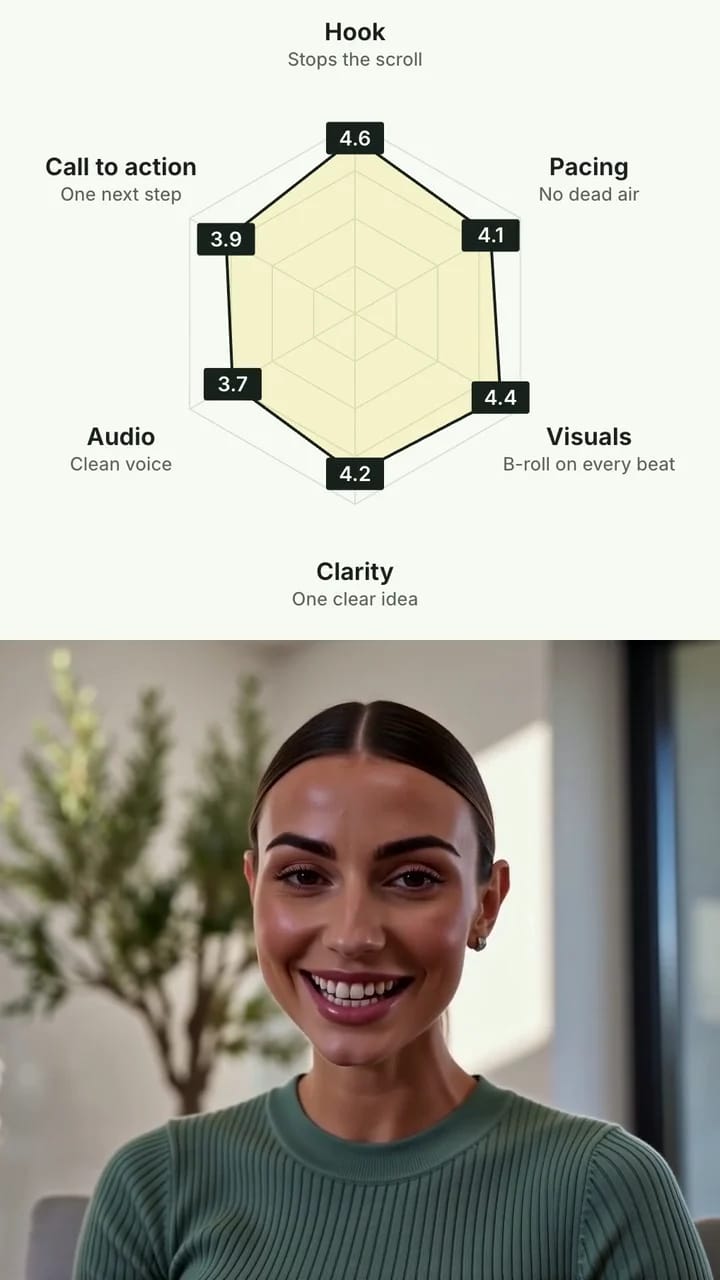
Here is one render used two ways: full screen in a YouTube video, and scaled into the top half of a vertical frame above a talking head for Shorts, TikTok and Reels.

  • 16:9 full screen
    A Radar Explanation Reveal chart scoring a video, rendered at 16:9

    YouTube videos and courses

    The clip as the Skill renders it, in 1080p or 4K. Put it on your B-roll track and it fills the frame.

  • 9:16 stacked
    The same radar chart filling the top half of a 9:16 frame, above a talking head

    Shorts, TikTok and Reels

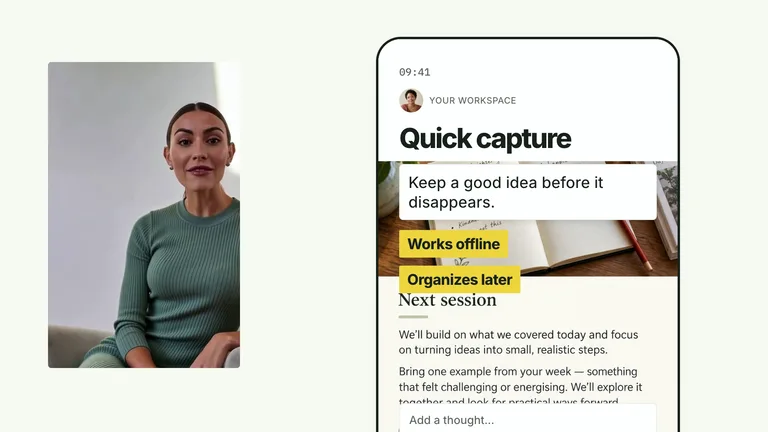
    The same clip scaled up to fill the top half of a 9:16 frame, with your talking head in the bottom half.

This vertical cut was made in an editor such as CapCut or Premiere Pro: the clip scaled to fill the top half, with the creator’s own footage below.

The library

Pick by what changes on screen: a number growing, two options compared, a step added, a new chapter.

Still growing: new effects are added regularly.

Filter effects

Pro members get all 122+ in the CreatorMotion bundle. Single effects can also be bought one by one, and two are free.

A-roll vs B-roll

Effects for both halves of your edit

A-roll is you, talking to the camera. B-roll is everything you cut to while you keep talking. CreatorMotion covers both.

A-roll

Your talking-head shot24 effects

Effects that work with your own footage. Titles slide behind you, charts and phones appear beside you, and slides take over while you stay in frame.

  • Title behind you with automatic cutout
  • Split screen with a chart, list or phone
  • Picture-in-picture for slides and apps
B-roll

The cutaways that explain89 effects

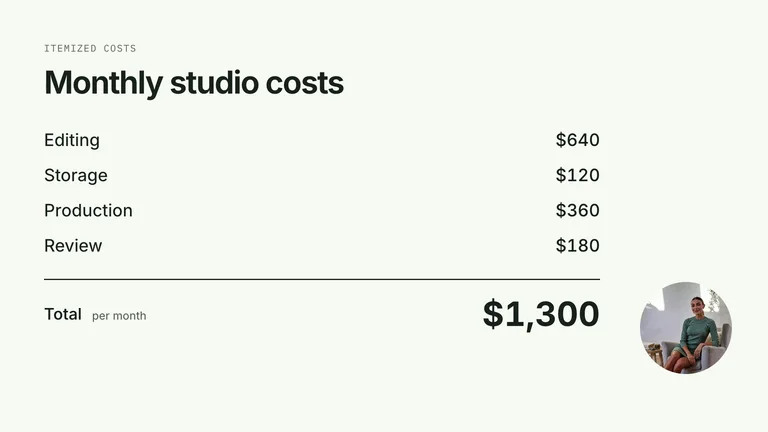
Motion graphics you cut to while you keep talking. No extra filming: give the agent your words and numbers and it builds the visual.

  • Animated charts and comparisons
  • Diagrams, timelines and workflows
  • Kinetic typography, cards and lists

Plus 9 chapter cards and transitions to mark each new section.

A-roll effects

Make your talking-head video impossible to skip

24 effects work with your own footage, so the explanation happens around you, not instead of you.

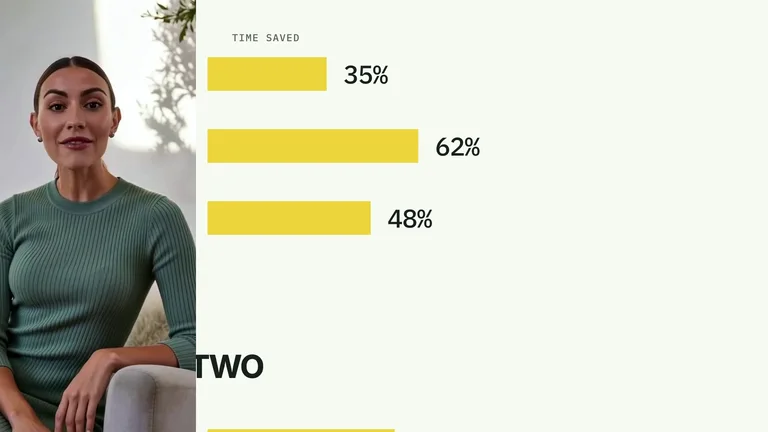
  • A giant headline slides between you and the background. The agent cuts you out of the shot automatically, so the words never cover your face.

  • Stay on one side while a chart, phone screen or list builds on the other.

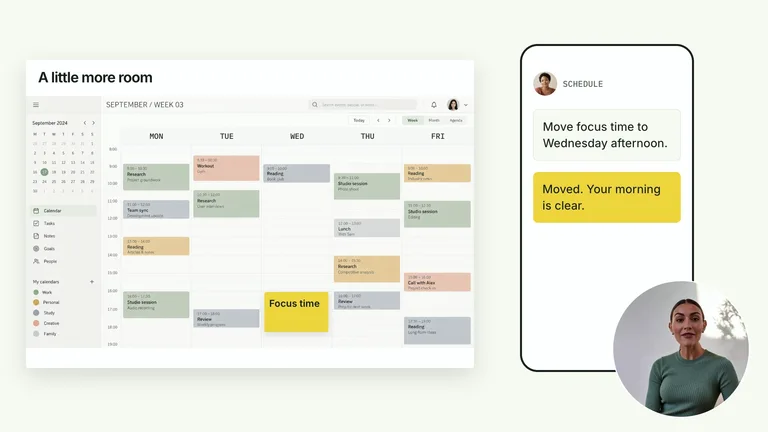
  • Slides, apps and chat replies take the main frame while you ride along in a small window.

Title Scene Takeover

B-roll effects

An AI B-roll generator for explainers, not stock footage

89 motion graphics you cut to while you keep talking. Give the agent your numbers and it draws them exactly.

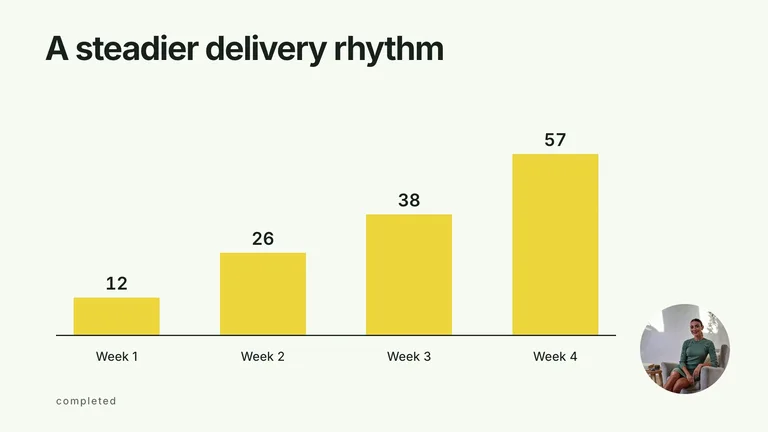
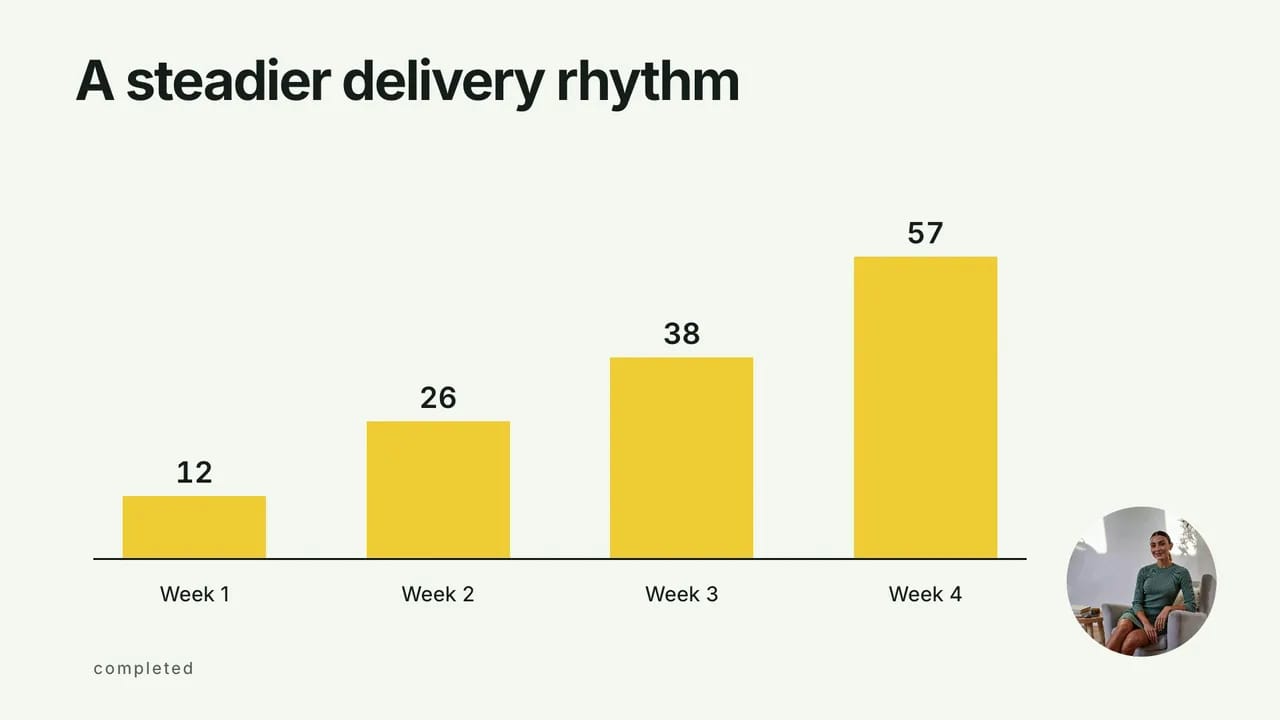
  • Bars that rise week by week, before-and-after swaps, ROI math and ranking races. 30 effects, all drawn from your real figures.

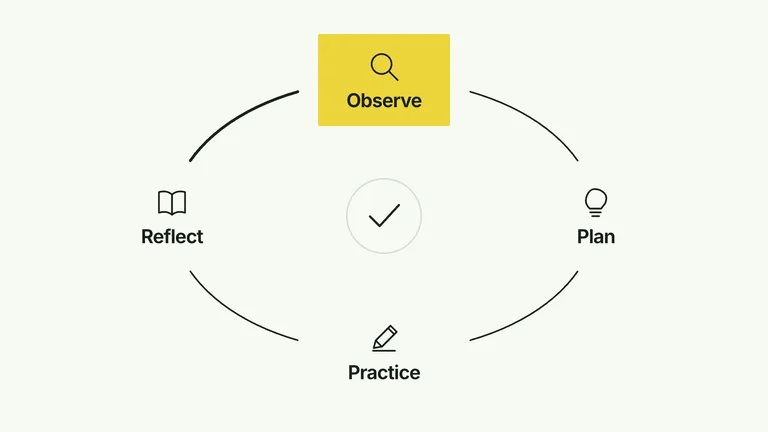
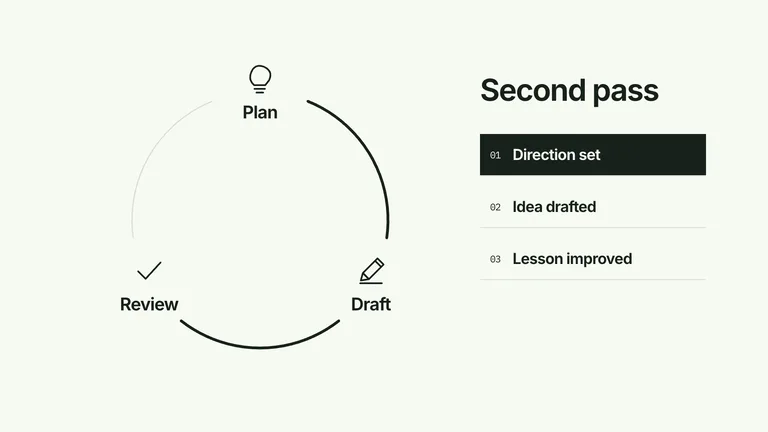
  • Pipelines, cycles, funnels and timelines that build in the order you explain them.

  • Definitions, corrections and key phrases animated word by word.

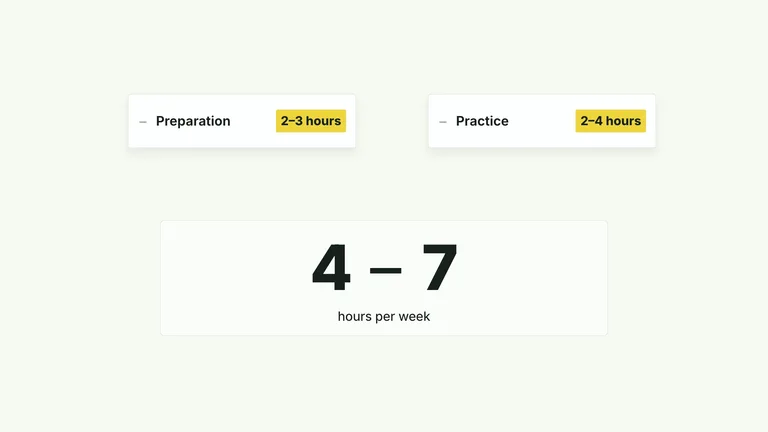
  • Steps and takeaways that stack up or tick off on the beat.

Sequential Bars
Sequential Bars

Chapters and focus

Chapters, focus and transitions that keep people watching

Long videos need signposts. These effects mark each new part and point at the detail you are talking about.

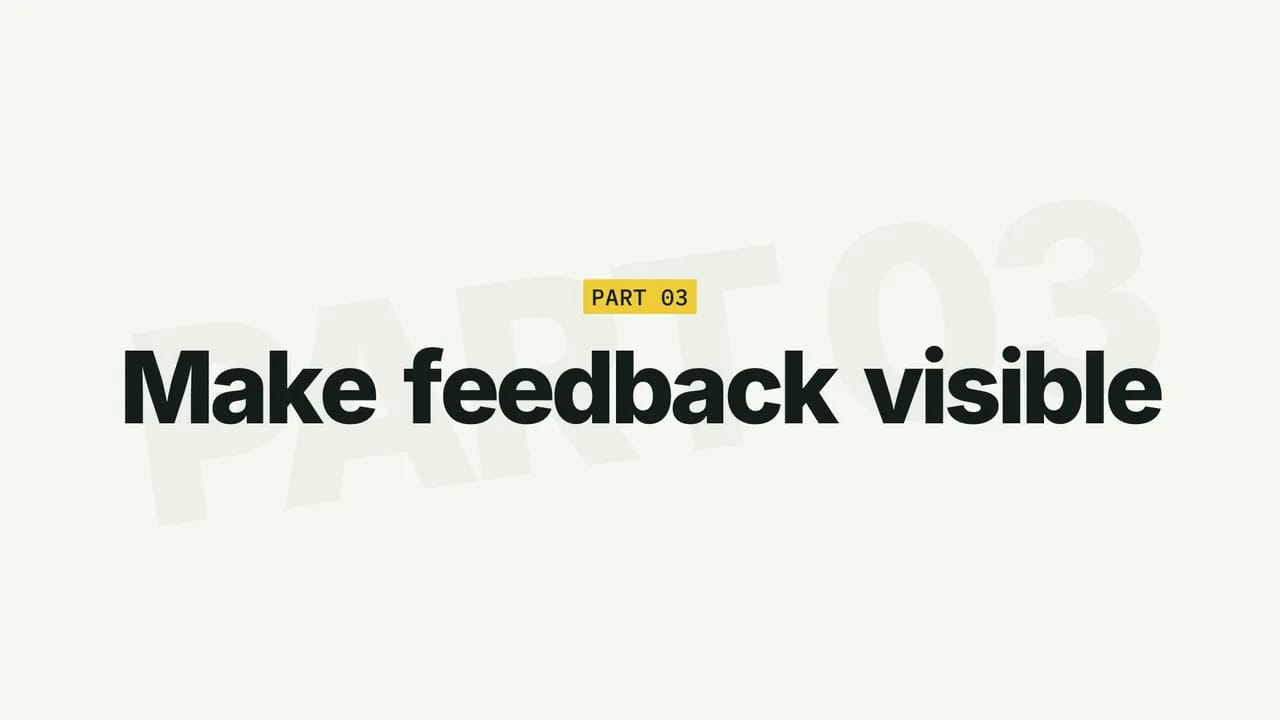
  • Seven openers, from a stamped title to a grid flip, so viewers always know where they are.

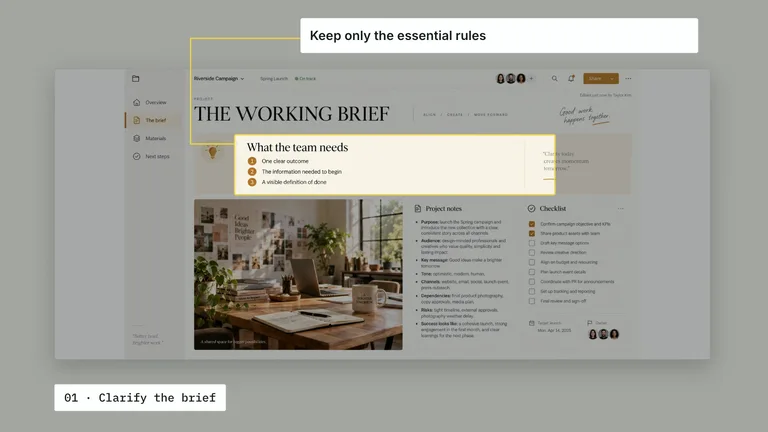
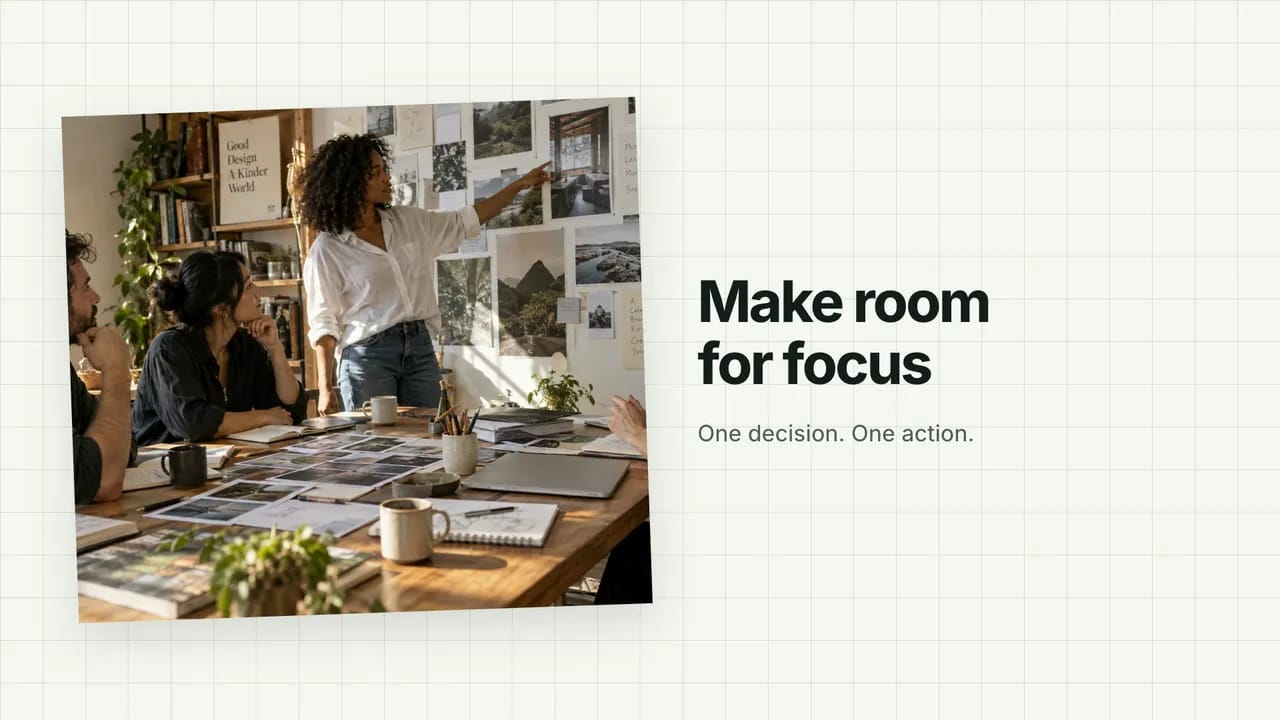
  • Circle the comment, highlight the quote or zoom into the metric while the rest stays in view.

  • Angled wipes and tile dissolves for the cut from before to after.

Chapter Character Reveal

Your look, your files

Editable HyperFrames projects, in your colors

Every effect is built as an HTML project you can open, tweak and render again.

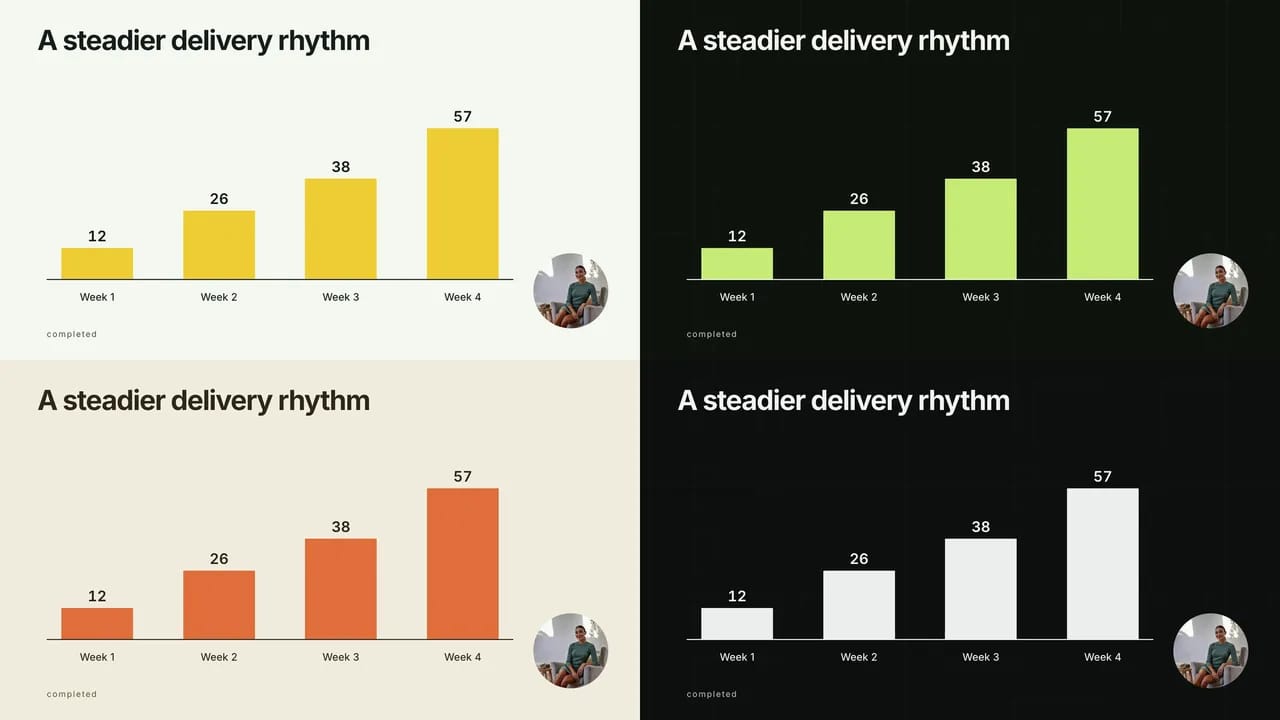
  • Four ready-made palettes

    White and yellow, charcoal and lime, paper and orange, or black and white. Keep one look across a whole series.

  • Your brand font

    Point the agent at your font file and every title uses it.

  • Edit after you render

    Change a word or a number in the project and render again. No keyframes to redo.

  • No paid API

    Effects are generated on your machine with Node.js, FFmpeg and the open-source HyperFrames CLI.

Same effect, four palettesSame effect, four palettes
  • White & yellow
  • Charcoal & lime
  • Paper & orange
  • Black & white

Who it’s for

Built for creators who post every week

Video editing for content creators usually means one person doing everything. CreatorMotion takes the motion graphics off your list.

YouTubers

Turn a 15-minute explainer into charts, chapters and proof shots without opening After Effects.

Short-form creators

Hooks for Shorts, TikTok and Reels that land before the swipe.

Educators and coaches

Lessons with diagrams, definitions and checklists that students can follow.

Brands and agencies

One motion system for every client video and every editor on the team.

How it works

How to make motion graphics with Claude Code

Install the CreatorMotion bundle once, then call it by name with what you need. Codex and Cursor work the same way.

  1. 1

    Install the bundle once

    CreatorMotion is included with Skillry Pro. Run the install command for your agent; the first run opens your browser to sign in. Or paste the install prompt into your agent and let it set things up.

  2. 2

    Call it by name

    Type /bs-creatormotion in Claude Code or Cursor, or $bs-creatormotion in Codex, then say what you need in plain words: the line, the numbers, your clip.

  3. 3

    AI picks the effect, or you choose

    By default the agent matches the effect to what changes on screen. To use a specific one, name it: its title from the gallery or its Skill name, such as bs-creatormotion-type-topic-cloud. Either way it keeps your words and numbers exactly and builds an editable project.

  4. 4

    Render and drop it in

    Render a 1080p or 4K MP4 and place it on your B-roll track in CapCut, Premiere Pro, DaVinci Resolve or Final Cut Pro.

Install once

  • Claude Code
    npx --yes skillry-cli@latest install bs-creatormotion --agent claude-code
  • Codex · Cursor · Gemini CLI · OpenCode
    npx --yes skillry-cli@latest install bs-creatormotion
  • Or ask your agent
    Read https://skillry.dev/skills/bs-creatormotion/install.md and follow the instructions to install the skill.
Download the Skill

Included with Skillry Pro. The first run opens your browser to sign in.

Example commands

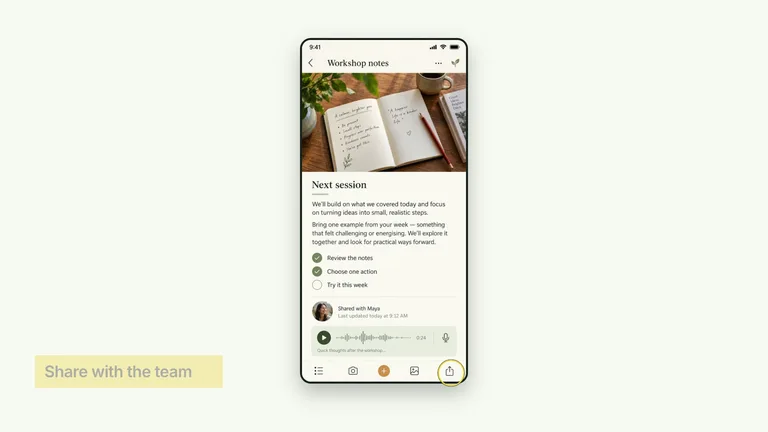
  • Text behind you
    /bs-creatormotion Put “MAKE IT CLEAR” behind me at 0:14 in interview.mp4
  • A chart next to you
    /bs-creatormotion When I say “watch time went from 4:10 to 7:45”, put that chart next to me
  • B-roll for a whole script
    /bs-creatormotion Turn script.md into B-roll, one effect per key beat, in the charcoal-lime palette
  • A specific effect
    /bs-creatormotion Use bs-creatormotion-type-topic-cloud: put “GROW YOUR CHANNEL” behind me in intro.mp4, with Hooks, Pacing, Thumbnails and Retention around it
  • A chapter card in 4K
    /bs-creatormotion Add a chapter card for “Part 2: The edit” and render it in 4K
  • Your brand colors
    /bs-creatormotion Use my brand colors for every segment: background #F6F7F0, accent #F4FF71

In Codex, start with $bs-creatormotion instead.

  • Editable HyperFrames projects
  • Your numbers, unchanged
  • No paid API

Why a Skill

Why not a template app or a blank prompt?

Templates are fast and prompts are flexible. CreatorMotion sits in between: designed motion that follows your facts.

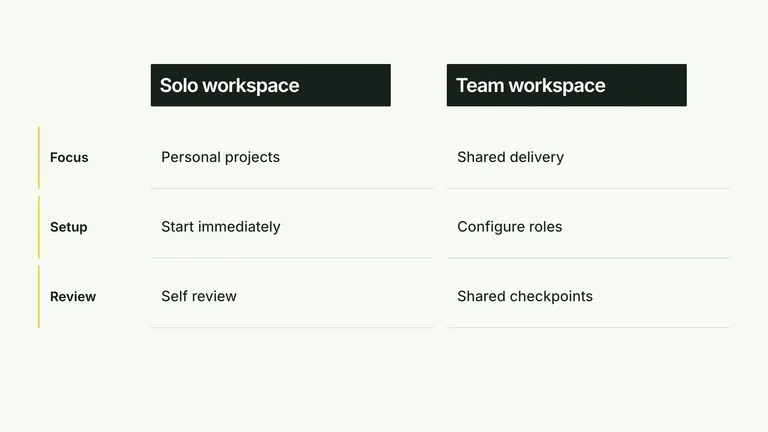
Why a SkillTemplate appsPrompting from scratchCreatorMotion
Starting pointPick a template, then retype itA blank promptYour script line, numbers or clip
Your words and numbersYou type every label by handCan drift or get inventedKept exactly as you give them
MotionThe same looks everyone usesDifferent every run122+ designed movements, timed to be read
Text behind youManual maskingHit or missAutomatic cutout of your footage
What you getA clip inside that appWhatever the agent writesAn MP4 plus an editable project

Happy with CapCut templates for quick posts? Keep them. CreatorMotion is for the explainer moments a template can’t fake.

FAQ

AI motion graphics FAQ

What is the difference between A-roll and B-roll?

A-roll is your main footage, usually you talking to the camera. B-roll is everything you cut to while you keep talking: charts, screen recordings, diagrams and other visuals that show what you are saying. CreatorMotion makes motion graphics for both: 24 effects that work on your talking-head shot, 89 explainer clips you cut away to, and 9 chapter cards and transitions.

How do I put text behind a person in a video?

In CapCut or Premiere Pro you duplicate the clip, remove the background on the top copy and place the text layer between the two. With CreatorMotion, ask your agent for Title Behind Subject and give it your clip: it cuts you out of the shot automatically and sets the title between you and the background. The free Title Scene Takeover also puts a title behind you, then cuts to it full screen.

Can Claude AI do video editing?

Claude Code will not replace your editor, but it can build and render motion graphics. With CreatorMotion installed, Claude Code, Codex or Cursor turns a script line, your numbers or your clip into an editable project and renders an MP4 for your timeline.
Does it work with CapCut, Premiere Pro or DaVinci Resolve?

Yes. Every effect renders to a standard MP4 in 1080p or 4K. Import it like any other clip in CapCut, Premiere Pro, DaVinci Resolve or Final Cut Pro and place it on your B-roll track.

Can I make vertical videos for TikTok, Reels and Shorts?

Yes. For a vertical post, place the rendered clip in the top half of a 9:16 frame with your talking head underneath, the stacked layout many Shorts and Reels use. Scale it up if you want the effect to fill the top half.

Do I pay for an API or a subscription per video?

No. Effects are generated on your own machine with Node.js, FFmpeg and the open-source HyperFrames CLI, with no paid API calls. The CreatorMotion bundle with all 122+ effects comes with Skillry Pro; single effects can also be bought once, and two are free to try.

Remotion vs HyperFrames: what does CreatorMotion use?

CreatorMotion builds HyperFrames projects: plain HTML, CSS and GSAP animation that render to MP4, so your agent can read and change every title, number and color. You do not need Remotion to use it.

Is CreatorMotion a CapCut alternative?

No. CapCut is a full editor; CreatorMotion makes the motion graphics you drop into it. Keep editing in CapCut, Premiere Pro or DaVinci Resolve and let your agent build the explainer moments.

Your next video deserves better B-roll

Install CreatorMotion and let your agent handle the motion graphics while you handle the story.

Works in Claude Code, Codex and Cursor