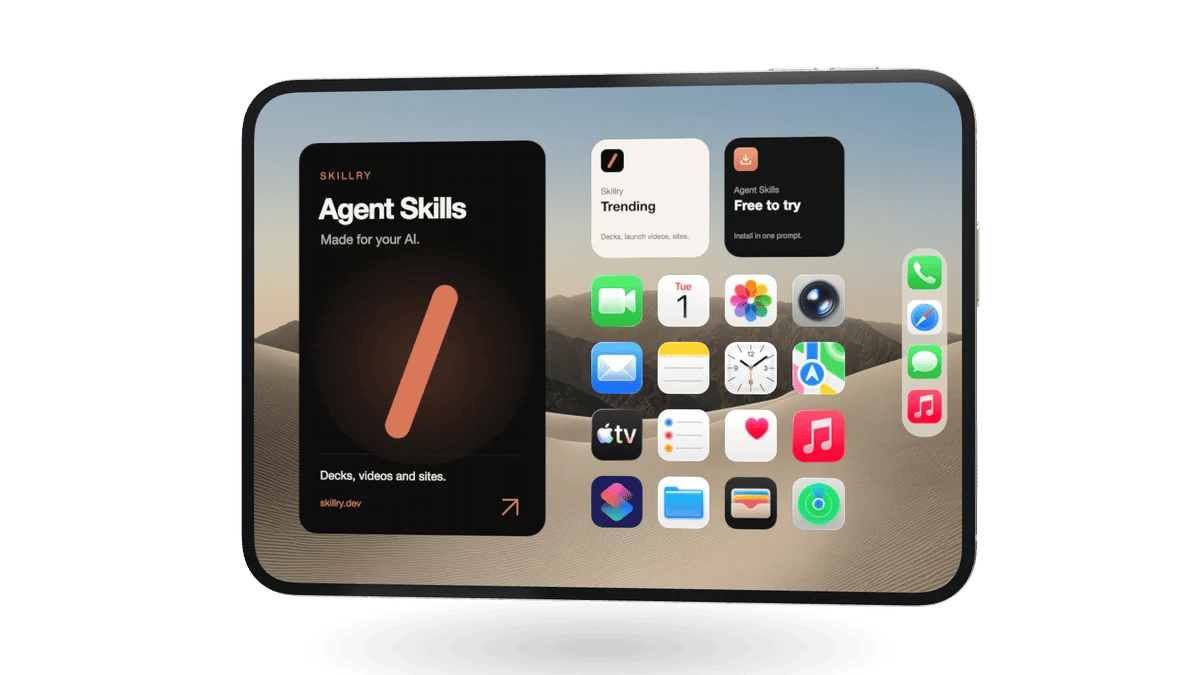
Big screen (inner)
Landscape, about 1.42 : 1
2048 × 1440
Shown when the phone is open. The incoming card slides in on the left half while the right half stays sharp, so keep key content to the right if you use the fold animation.
Put your screenshot or screen recording on a real 3D iPhone Duo. Fold it, set the angle and background, then export a transparent PNG or a fold animation MP4. Free, in your browser.
HOW IT WORKS
No sign-up and no upload: the studio runs entirely in your browser, so your unreleased screens never leave your computer.
Drop a landscape image or video on the big inner screen and a portrait one on the small cover screen, or mirror the big screen on the cover.
Drag the phone sideways, click it, or use the slider. The screens blur, slide and come into focus as the hinge turns, just like the real device.
Choose a 16:9, 1:1, 4:5 or 9:16 frame, rotate and tilt the phone, and pick a transparent, solid, gradient or photo background.
Download a transparent PNG of any pose, or a 60 fps MP4 of the phone unfolding, folding or both, in 1080p, 2K or 4K.
IN MOTION
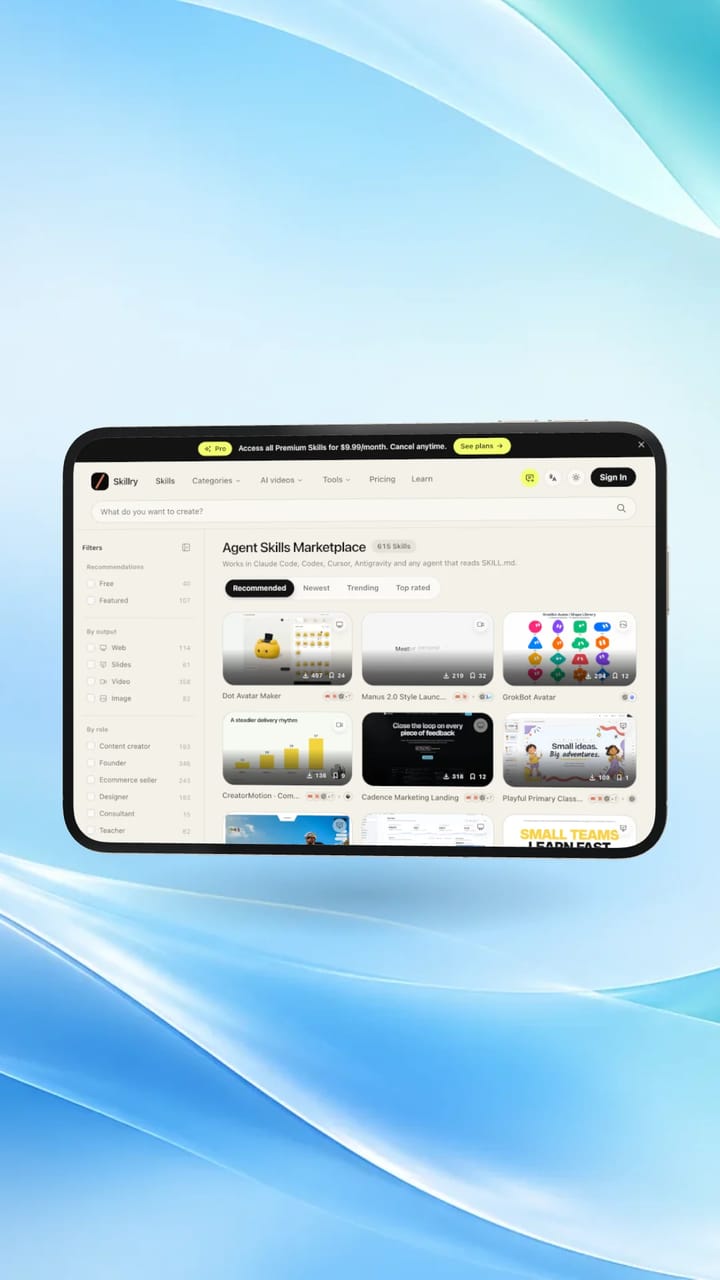
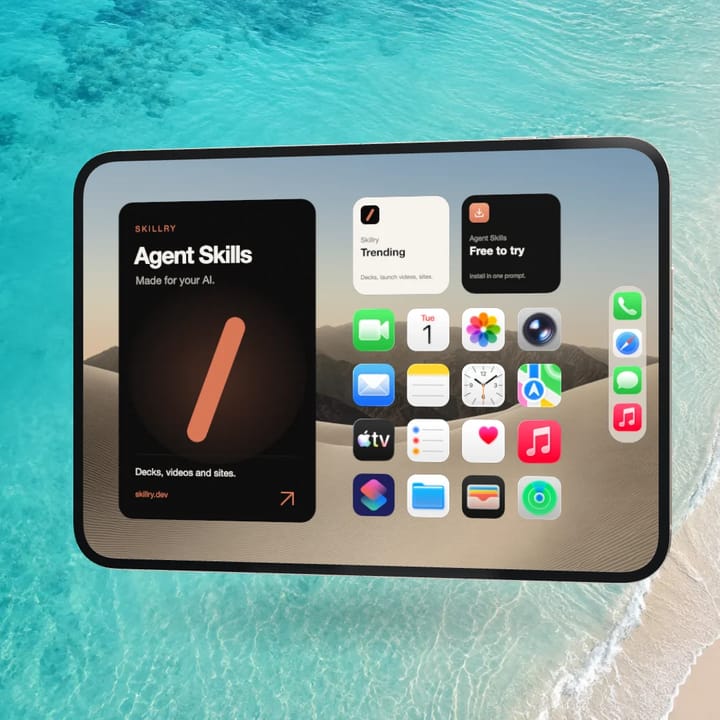
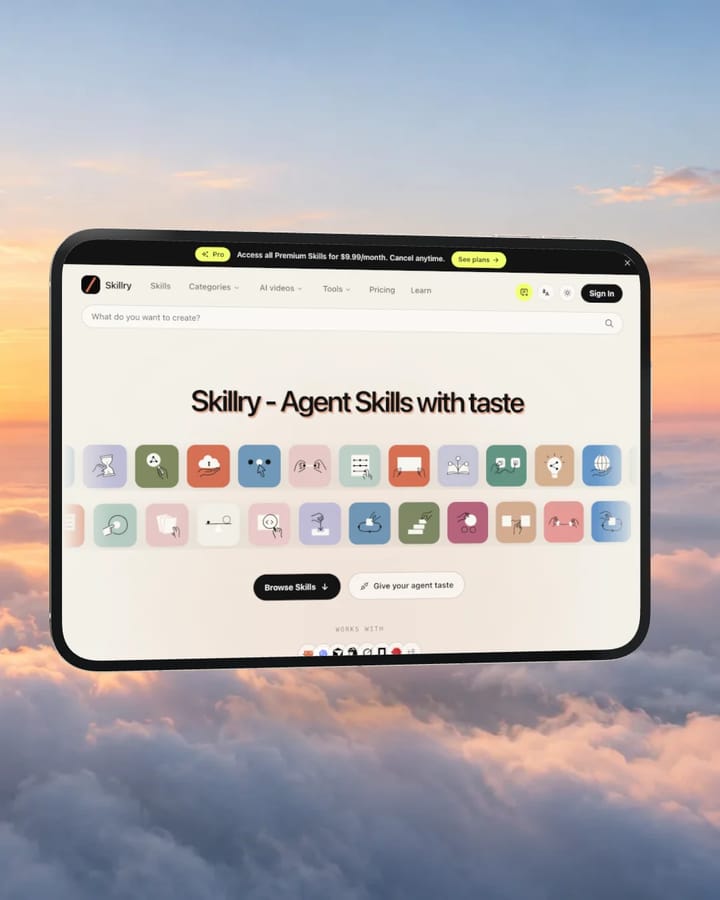
Real exports, not renders from a 3D app: skillry.dev and the Skillry demo home screen, folding open and shut in three social formats.
AGENT SKILL
The same studio is also a Skill for Claude Code, Codex and other agents. Hand over your screenshots and your agent opens the studio with everything set, or renders the PNG and MP4 for you. You also get the full HTML source to turn into your own tool.
Install the Skill
One prompt installs it in your agent.
Share your screens
A screenshot or recording for each screen, plus the look you want.
Get the files
A transparent PNG, a fold MP4, or the studio ready to tweak.
Works withClaude CodeCodexCursorGitHub CopilotOpenCode
You
Put my app screenshot on the iPhone Duo and give me a 9:16 MP4 of it unfolding.Agent
Done. Your screenshot is on the inner screen, the cover mirrors it, and the clip is on the blue glow background.
iPhone Duo Mockup
1080 × 1920 · 6 s · 60 fps
MP4 · PNG
Included with Pro. No API key needed.
SCREEN SIZES
The iPhone Duo has a landscape inner display and a portrait cover display. Export your screens at these sizes for a perfect fit; anything else can be cropped or fitted with one click.
Landscape, about 1.42 : 1
2048 × 1440
Shown when the phone is open. The incoming card slides in on the left half while the right half stays sharp, so keep key content to the right if you use the fold animation.
Portrait, about 0.69 : 1
1032 × 1500
Shown when the phone is closed and while it turns away. A camera sits in the top-right corner, so leave a little room there.
BACKGROUNDS
Start transparent for a clean PNG, or place the phone on dunes, ocean, misty ridges, clouds, soft light gradients or a studio sweep. Your own image works too.

Desert dunes

Turquoise ocean

Misty ridges

Sea of clouds

Alpine lake

Warm glow
Blue glow

Green glow

Sand studio

Grey studio
FEATURES
A detailed 3D model with a working hinge, metal frame and glass, lit like a product shot. Drag, click or scrub to any angle.
PNG, JPG, WebP, AVIF and GIF, or MP4, WebM and MOV screen recordings that loop on either screen.
Each display takes its own file with fill or fit, position sliders and a fill colour, and a warning when the shape does not match.
Export any pose on a transparent background, ready for slides, App Store art or your landing page.
Frame-accurate 60 fps video of the phone unfolding, folding or both, 2 to 12 seconds, with optional camera sway.
Everything renders locally with WebGL. Nothing is uploaded, and there is no account, watermark or limit.
USE IT FOR
Show your new foldable layout in launch posts on X, LinkedIn and Product Hunt.
Hero images and short loops that show both the open and the closed phone.
Vertical 9:16 fold clips that stop the scroll in a few seconds.
Transparent PNGs that sit on any slide background.
Check how your screens read on the inner and cover displays before you build.
FAQ
Yes. It is free with no sign-up, no watermark and no export limit. Everything runs in your browser.
The big inner screen is landscape, about 1.42 : 1, so 2048 × 1440 fits exactly. The small cover screen is portrait, about 0.69 : 1, so use 1032 × 1500. Other sizes work too: Fill crops to the screen and Fit whole shows everything.
Yes. MP4, WebM and MOV screen recordings play muted and loop on either screen, and the exported MP4 keeps them in sync with the fold.
Yes. Pick the checkered background and download a PNG with full transparency. Videos cannot be transparent, so they render on white or any colour or photo you choose.
MP4 (H.264, 60 fps) in 1080p, 2K or 4K, framed 16:9, 1:1, 4:5 or 9:16. Browsers without MP4 encoding fall back to WebM.
No. The studio renders on your device with WebGL; your files never leave your browser.
No. Skillry is independent and not affiliated with Apple. The 3D phone model comes from Apple and remains Apple’s property; iPhone is a trademark of Apple Inc.
Yes. The iPhone Duo Mockup Skill, included with Pro, lets Claude Code, Codex, Cursor and other agents open the studio with your screens or render PNG and MP4 files for you, and includes the full source.
Agent Skills for launch videos, decks, sites and images. Pair your iPhone Duo mockups with the rest of the kit.