



Access all Premium Skills for $9.99/month. Cancel anytime.Upgrade now
Updated October 16, 2026 · 8 tools compared

8 Claude Motion Alternatives, Compared

Claude Motion is only on Claude Team and Enterprise plans. These Claude Motion alternatives make the same kind of animated explainer on Pro, Max or Free. We compare eight tools by what they make, what they need and what they cost, then walk through one complete example from a single prompt to a finished film.

  • 8 tools
  • Real screenshots
  • Prices checked Oct 16, 2026
  • No Team plan needed

Claude Code

> /bs-launchmotion Make a launch film for Skillry from skillry.dev: hook, product demo, proof and a call to action. Use our real screenshots and Skill covers.
  1. Storyboarded 6 scenes
  2. Wrote every line from the homepage
  3. Rendered the film with one music bed
Skillry's launch film, made with LaunchMotion in Claude Code
Skillry launch film · made with LaunchMotion0:47

You keep

  • 6 scene projects
  • storyboard
  • launch.mp4

Edit any file, render again.

Quick answer

Need Claude Motion without a Team plan?

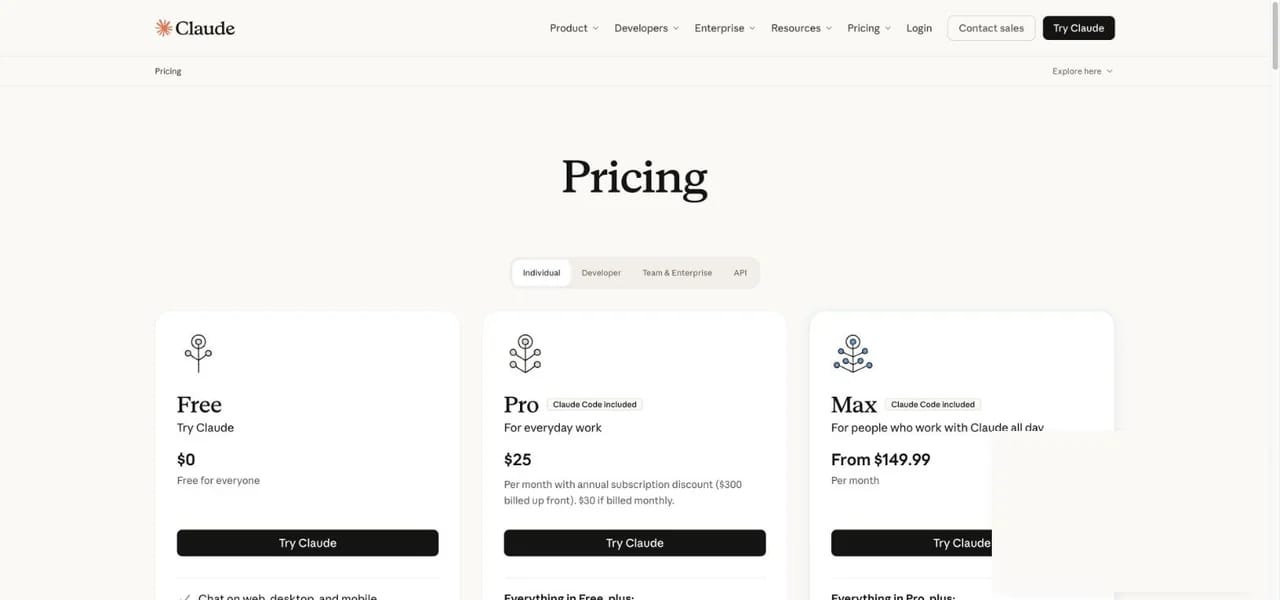
You cannot turn on Claude Motion on Free, Pro or Max today. The closest Claude Motion alternative is to let a coding agent write the animation as code and render it on your computer. Claude Pro and Claude Max include Claude Code, which is enough for that route. Claude Free does not include Claude Code, so Free users either pick a browser tool such as Canva or Jitter, or use another agent such as Codex.

  • Claude FreeNo Claude Motion · no Claude CodeCanva, Jitter or Codex
  • Claude Pro / MaxNo Claude Motion · Claude Code includedSkillry LaunchMotion
  • Team / EnterpriseClaude Motion betaUse the official feature
claude.com/pricing
Claude pricing page showing Claude Code included on Pro and Max
Claude pricing page, checked October 16, 2026: Claude Code is included on Pro and Max.

Before you pick

The one question that sorts every Claude Motion alternative

Do you want your own words and numbers animated exactly, or do you want new footage generated? Claude Motion is the first kind. Most "AI video" tools are the second.

Animate your exact content

Charts, lists, steps and titles built from code, so every number and label is yours. Tools 1 to 7.

Generate new footage

Scenes, camera moves and people made by a video model. Useful, but it will not draw your chart. Tool 8.

At a glance

Claude Motion alternatives compared

ToolBest forWithout TeamOutputEdit laterStarting price
Skillry logoSkillry LaunchMotionLaunch videos and explainers in Claude Code, Codex or CursorYesScene projects + filmYes$9.99/mo, all 208 scenes
claudemotion.designclaudemotion.designDocs and blogs into narrated decks and videosYesPPT, MP4, share linkYes$19.9/month
RemotionRemotionDevelopers who write ReactYesMP4 + React codeYesFree for teams of 3 or fewer
HyperFramesHyperFramesAgent-made HTML videosYesMP4 + HTMLYesFree, open source
JitterJitterDesigners animating in the browserYesMP4, GIF, LottieYesFree; Pro $15/editor/month
CanvaCanvaSocial posts from templatesYesMP4, GIFYesFree; Pro paid
Adobe After EffectsAfter EffectsProfessional motion designersYesAny video formatYesPaid; 7-day trial
RunwayRunwayGenerated footageYesMP4 clipRegeneratePaid plans from $12/month

Prices come from each tool's official page on October 16, 2026 and can change. Canva and Adobe show prices by country, so we do not list one number.

Skillry logo

1. Skillry LaunchMotion: the closest Claude Motion alternative for Pro and Max

Our pick for Claude Code users
skillry.dev/ai-videos/product-launch-video
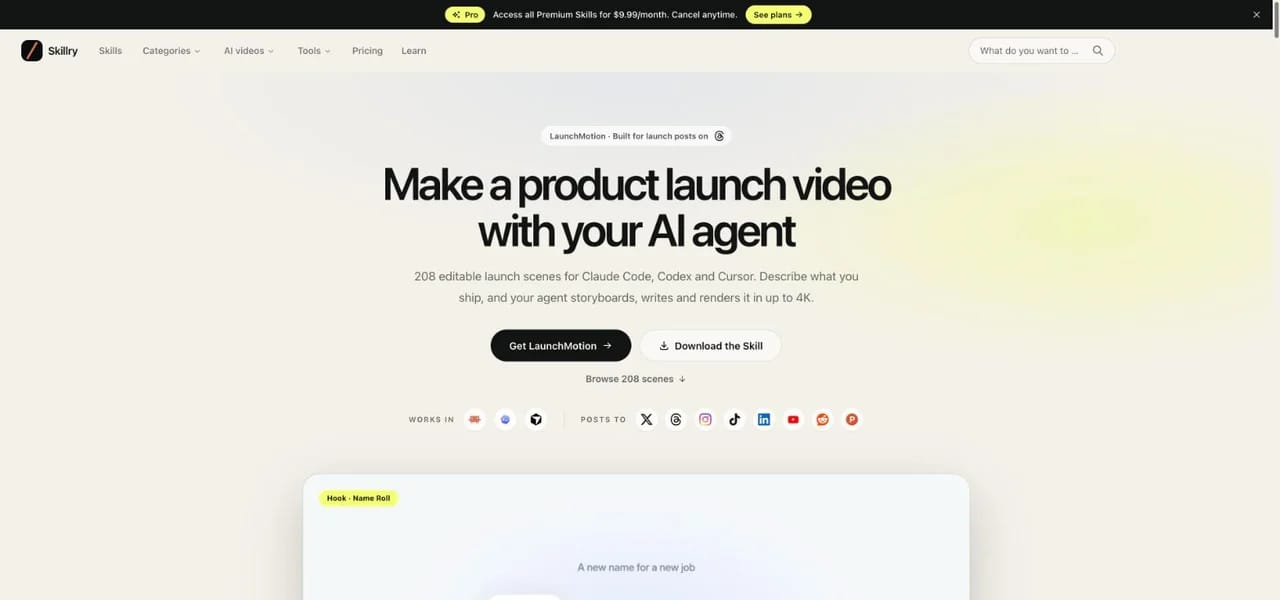
Skillry LaunchMotion homepage
LaunchMotion
LaunchMotion
LaunchMotion

What it is: A library of 208 editable motion scenes packaged as Agent Skills: product UI, prompt boxes, agent flows, data reveals, kinetic type, galleries and calls to action. Install it in Claude Code, Codex or Cursor and describe what you ship. The agent picks a scene for each beat, rewrites the text for your product, renders every scene in one consistent look and joins them into one film with optional music.

Best for
Founders, indie makers and marketers on Claude Pro or Max who need launch videos, product explainers and animated data without After Effects.
Pricing
Pro $9.99/month unlocks all 208 scenes and every other Premium Skill.

Pros

  • Works on plans without Claude Motion
  • 208 scenes in one consistent look
  • Every scene stays an editable project
  • Renders up to 4K, with an optional music bed

Cons

  • One-time setup: Node.js, HyperFrames and FFmpeg
  • One blue house style; other colours mean editing the project

CreatorMotion

Also from Skillry

Making YouTube or TikTok explainers? Try CreatorMotion

122+ motion effects for talking-head videos: text behind you, split-screen charts and explainer B-roll. 2 effects are free, and Pro unlocks all of them.
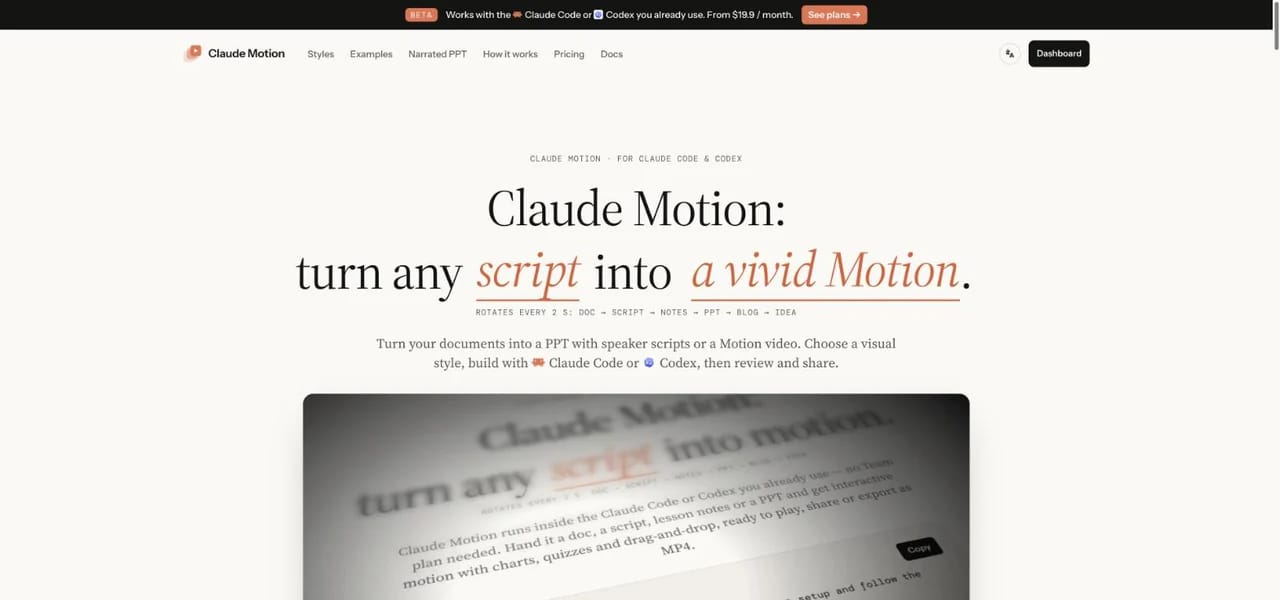

claudemotion.design

2. claudemotion.design: documents into narrated decks and motion videos

Best for teachers and consultants
claudemotion.design
Claude Motion by claudemotion.design homepage

What it is: An independent product, not Anthropic's feature, that shares the Claude Motion name. It runs inside the Claude Code or Codex you already use: drop in a document, blog post, script or notes, choose PPT or Motion and a visual style, and it builds a web presentation with speaker scripts or an animated video. It adds interactive charts, quizzes, optional AI voiceover, MP4 export and share links.

Best for
Teachers, consultants and growth teams who turn long documents into narrated presentations every week.
Pricing
Creator $19.9/month · Studio $49.9/month. No free plan.

Pros

  • Starts from a whole document, not one chart
  • Voiceover, quizzes and share links built in
  • Works with Claude Code, Codex, Cursor and more

Cons

  • Paid subscription required
  • Voiceover and music use monthly credits

Want the fastest start?

Install LaunchMotion in Claude Code, describe your launch and render your first film today.

Remotion

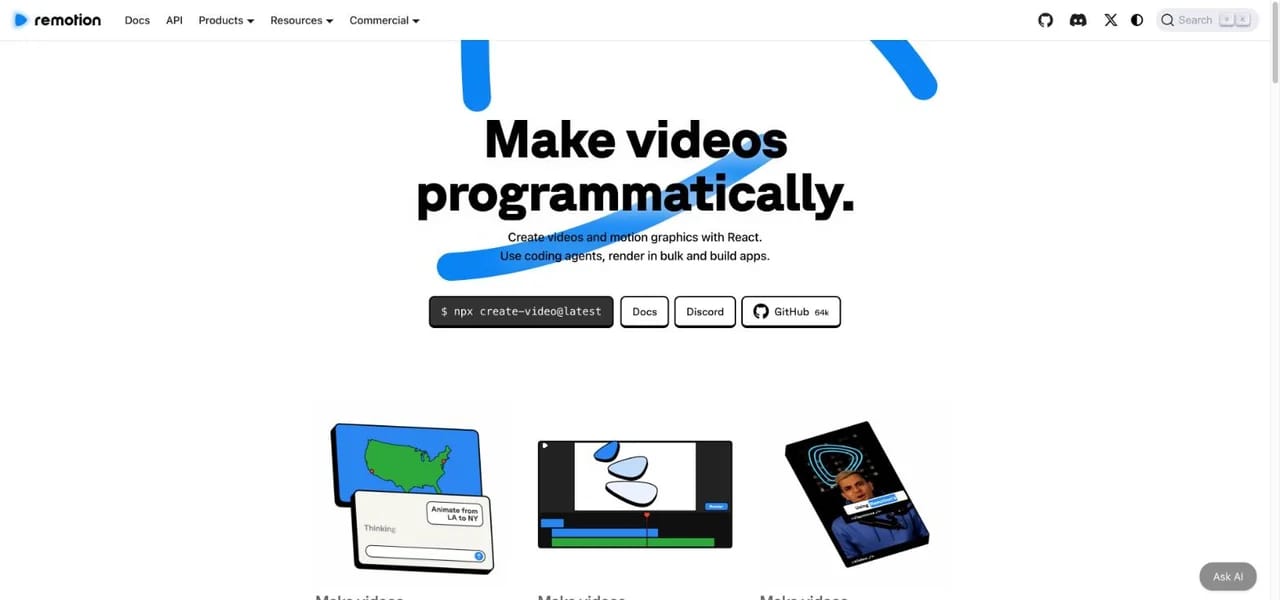
3. Remotion: code-first video for developers

Best for developers
remotion.dev
Remotion homepage

What it is: A framework for making videos with React. You, or a coding agent, write components and Remotion renders them to MP4. It is powerful and flexible, and you build every animation yourself.

Best for
Developers and teams who want full control and may automate videos later.
Pricing
Free for individuals and companies of up to 3 people. Larger teams need a company license, for example $25/month per seat for creators.

Pros

  • Huge ecosystem and documentation
  • Render in bulk or build video apps

Cons

  • You design the motion from scratch
  • Company license above 3 people
HyperFrames

4. HyperFrames: HTML in, MP4 out

Best for agent-made HTML video
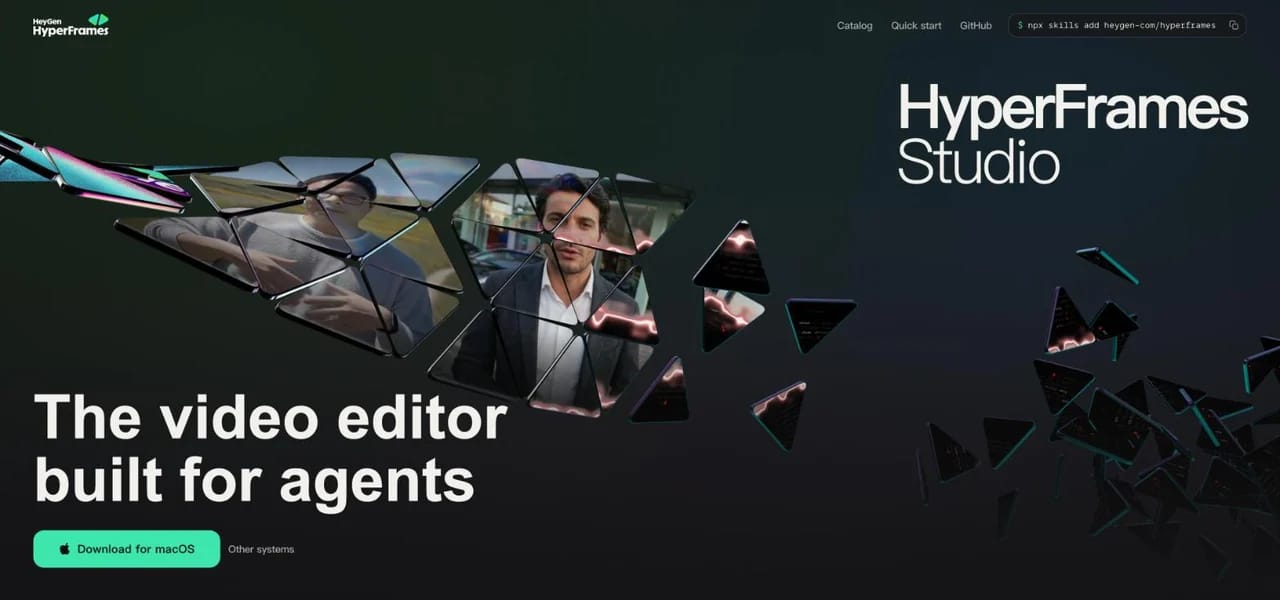
hyperframes.heygen.com
HyperFrames homepage

What it is: An open-source framework from HeyGen that turns HTML, CSS and seekable animations into deterministic MP4 videos. It ships agent skills for Claude Code and a desktop Studio editor. LaunchMotion renders with HyperFrames under the hood.

Best for
Builders who like writing web pages and want their agent to produce video.
Pricing
Free and open source under the Apache-2.0 license.

Pros

  • Same input, same video, every render
  • Plain HTML is easy for agents to edit

Cons

  • No ready-made effect library
  • Still a developer tool
Jitter

5. Jitter: motion design in the browser

Best for designers
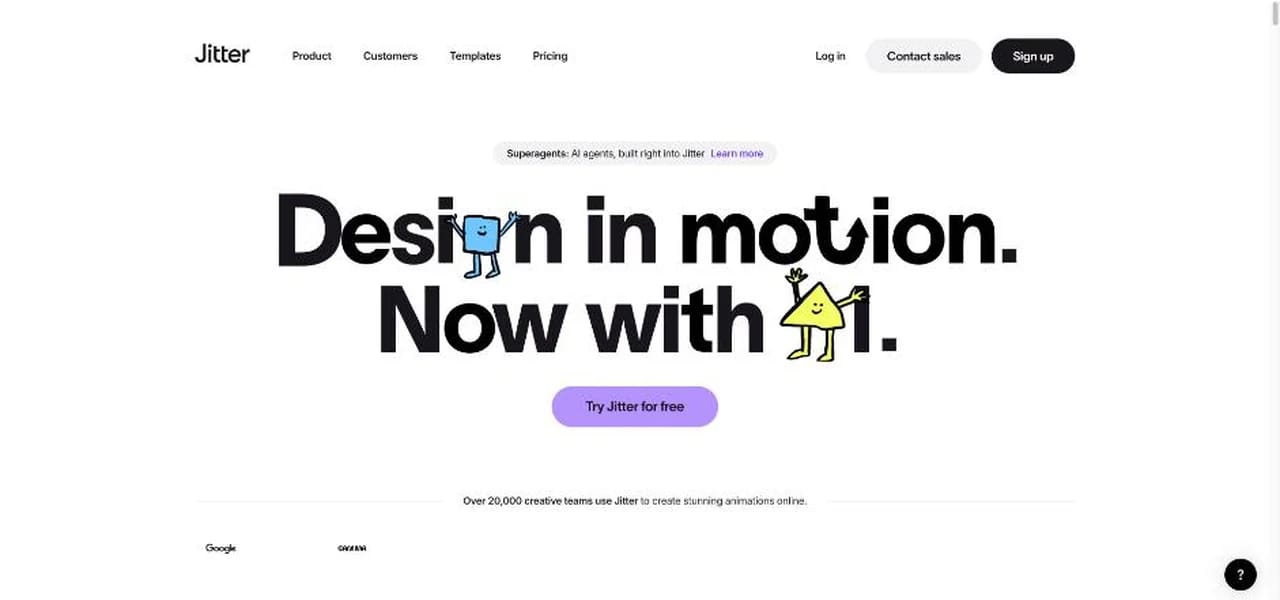
jitter.video
Jitter homepage

What it is: A browser-based motion design tool with Figma import, templates and built-in AI. You animate on a canvas and timeline instead of writing code.

Best for
Product and brand designers who want polished UI and logo animations.
Pricing
Free plan exports at 720p and 30 fps. Pro is $15 per editor per month, billed annually.

Pros

  • Visual editor, no code
  • Exports video, GIF and Lottie

Cons

  • Free plan limited to 720p
  • You animate each scene by hand
Canva

6. Canva: animated videos from templates

Best for quick social posts
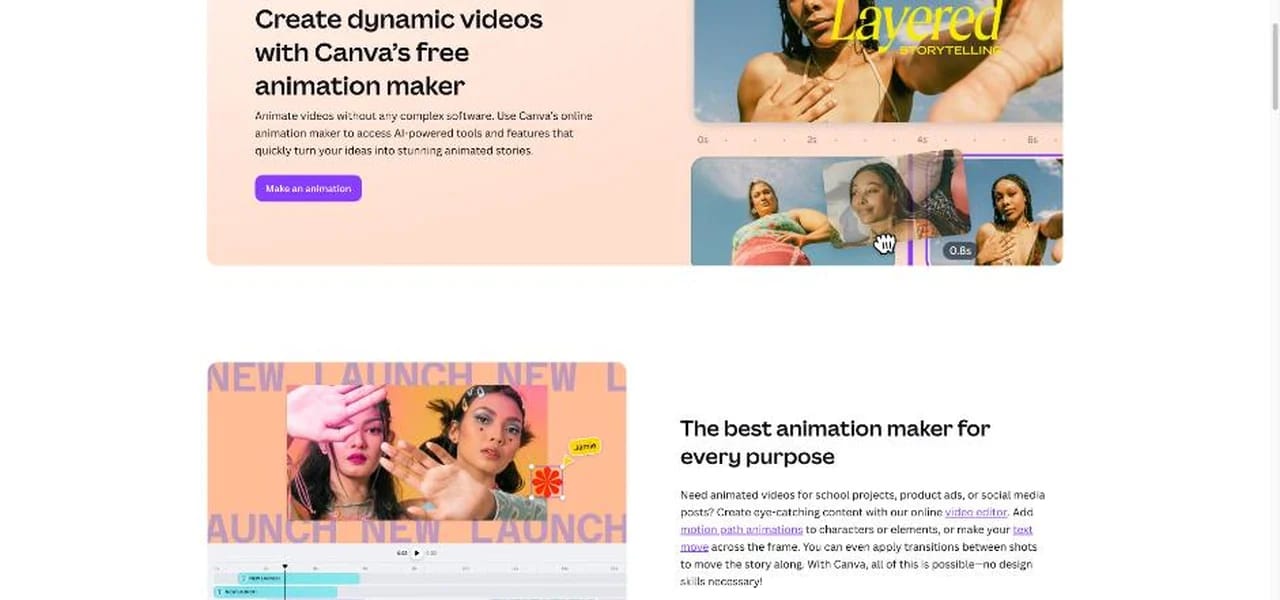
canva.com
Canva homepage

What it is: Canva's animation maker adds motion to text, elements and transitions inside its editor, with a large template library and AI tools.

Best for
Non-designers who need on-brand social videos fast.
Pricing
Free plan available. Pro is paid; the price depends on your country.

Pros

  • Very easy to learn
  • Millions of templates and assets

Cons

  • Template look is common
  • Charts are not driven by your data in code
Adobe After Effects

7. Adobe After Effects: the professional standard

Best for motion designers
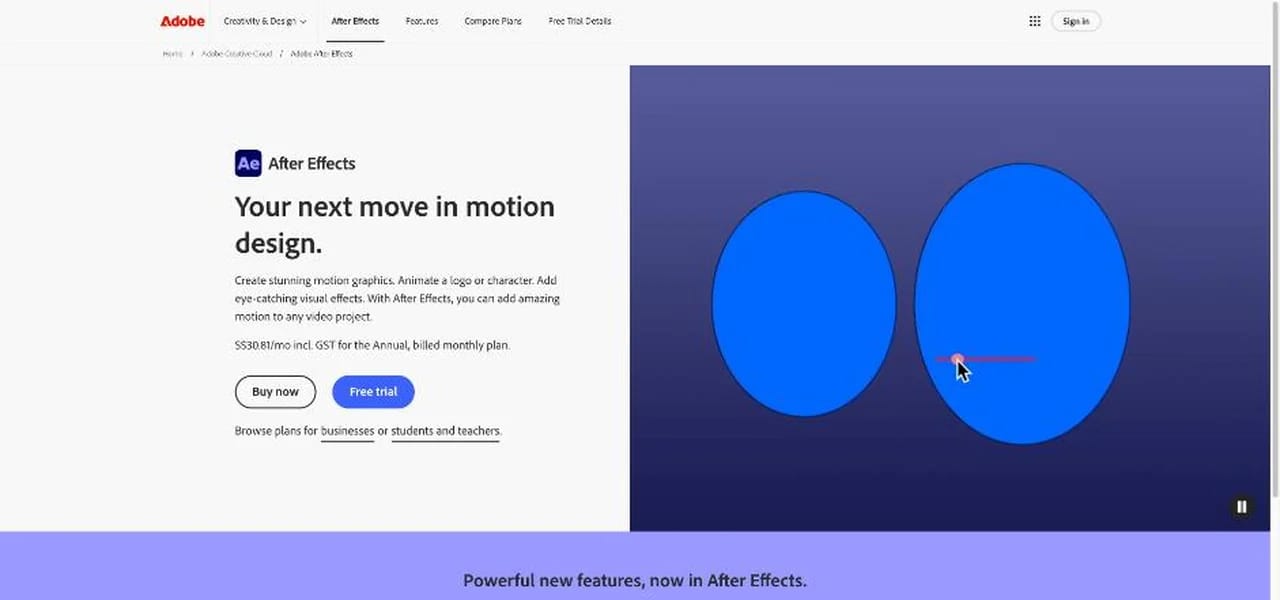
adobe.com/products/aftereffects
Adobe After Effects homepage

What it is: The industry standard for motion graphics and visual effects. Anything is possible, but you build it by hand on a timeline.

Best for
Professional motion designers and studios.
Pricing
Paid subscription with a 7-day free trial. The price depends on your country.

Pros

  • No creative limits
  • Huge plugin and template market

Cons

  • Steep learning curve
  • Slow for one-off explainers
Runway

8. Runway: when you need generated footage

Best for generated shots
runwayml.com
Runway homepage

What it is: An AI video platform that generates and edits footage from text and images. It is not a like-for-like Claude Motion alternative, because it does not animate your exact numbers, but it is the right tool for cinematic shots.

Best for
Filmmakers and marketers who need scenes, not charts.
Pricing
Paid plans from $12/month, per Runway's pricing page.

Pros

  • Realistic, cinematic footage
  • Image-to-video and editing tools

Cons

  • Will not draw your chart or labels
  • Credits per generation

Try alternative 1 in 10 minutes

Claude Code motion graphics: from one prompt to a launch film

Here is the whole Claude Motion alternative route on one real job: we made Skillry's own launch film with LaunchMotion.

Skillry's launch film, made with LaunchMotion from one prompt
Skillry launch film · made with LaunchMotion0:47

Skillry's own launch film, made with LaunchMotion from one prompt. Below: the scenes it picked for each beat.

  1. Hook
    1 · Hook
  2. Product demo
    2 · Product demo
  3. Proof
    3 · Proof
  4. Close
    4 · Close
  1. 1Brief

    One prompt: a launch film for skillry.dev, written from our homepage, with our real screenshots and Skill covers.

  2. 2Skill

    bs-launchmotion · 6 scenes picked by the agent for hook, demo, proof and close

  3. 3Command

    /bs-launchmotion in Claude Code; the agent renders the scenes and joins them

  4. 4Output

    A 47-second film with one continuous music bed, plus 6 editable scene projects

The agent read skillry.dev, wrote every line from the homepage, swapped in our logo and Skill covers, picked six scenes for the hook, the product demo, the proof and the close, and rendered the film with one music bed under all of it. Every scene stays an editable project, so changing a line or a number means editing one file and rendering that scene again.

Before you start

What you need for this Claude Motion alternative

  • CodexCursor

    A coding agent

    Claude Code (Claude Pro or Max), Codex or Cursor, signed in with your own account.

  • Node.js

    Node.js

    The Skill's generator runs on Node.js. Any current LTS version works.

  • HyperFrames

    HyperFrames CLI

    Renders each scene to MP4. Your agent runs it with npx, so there is nothing to install by hand.

  • FFmpeg

    FFmpeg

    Used by the renderer to write the MP4 file.

  • Your content

    Your content

    Your product name, website or screenshots, and the lines you want on screen.

No paid API is called during generation. Your agent plan's normal usage still applies.

Install, describe, render

How to make your first launch video

  1. 1Install LaunchMotion

    Read https://skillry.dev/skills/bs-launchmotion/install.md and follow the instructions to install the skill.

    Paste this into Claude Code, Codex or Cursor

  2. 2Describe the launch

    Make a 40-second launch video for Kite, a note-taking app: hook, product demo, "2 hours saved a week", then a CTA to try it free.

  3. 3Let the agent render

    The agent storyboards the beats, renders each scene and joins them into one film. Ask for 4K if you need it.

Pick by job

Motion scenes for the jobs Claude Motion is used for

  • Name Roll
  • Prompt Whip-Pan
  • Agent Checklist
  • Billion Views
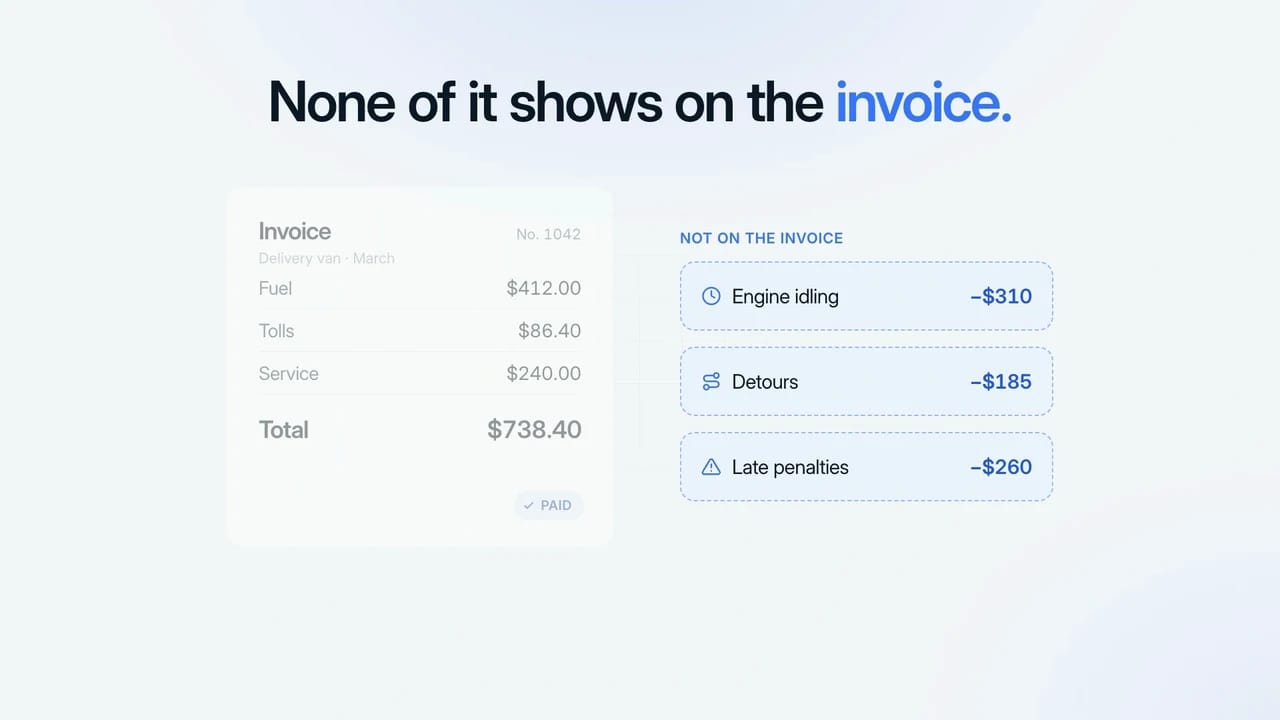
  • Hidden Costs
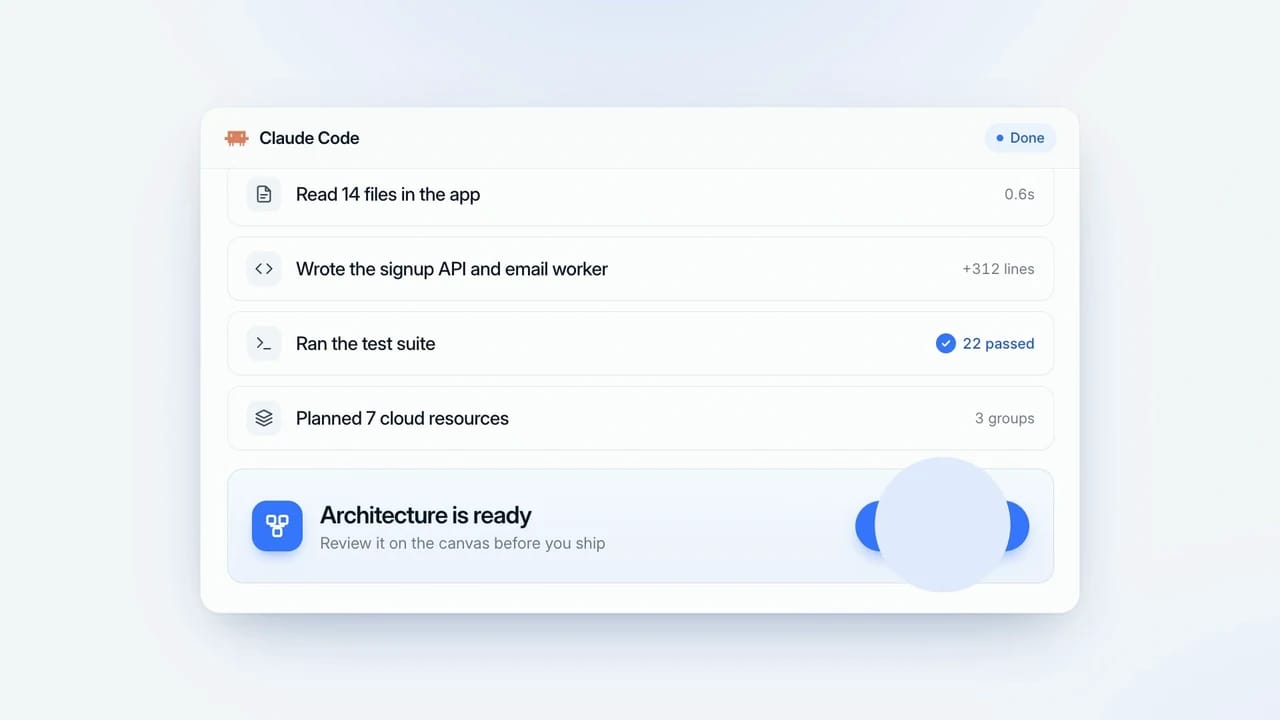
  • Architecture Canvas
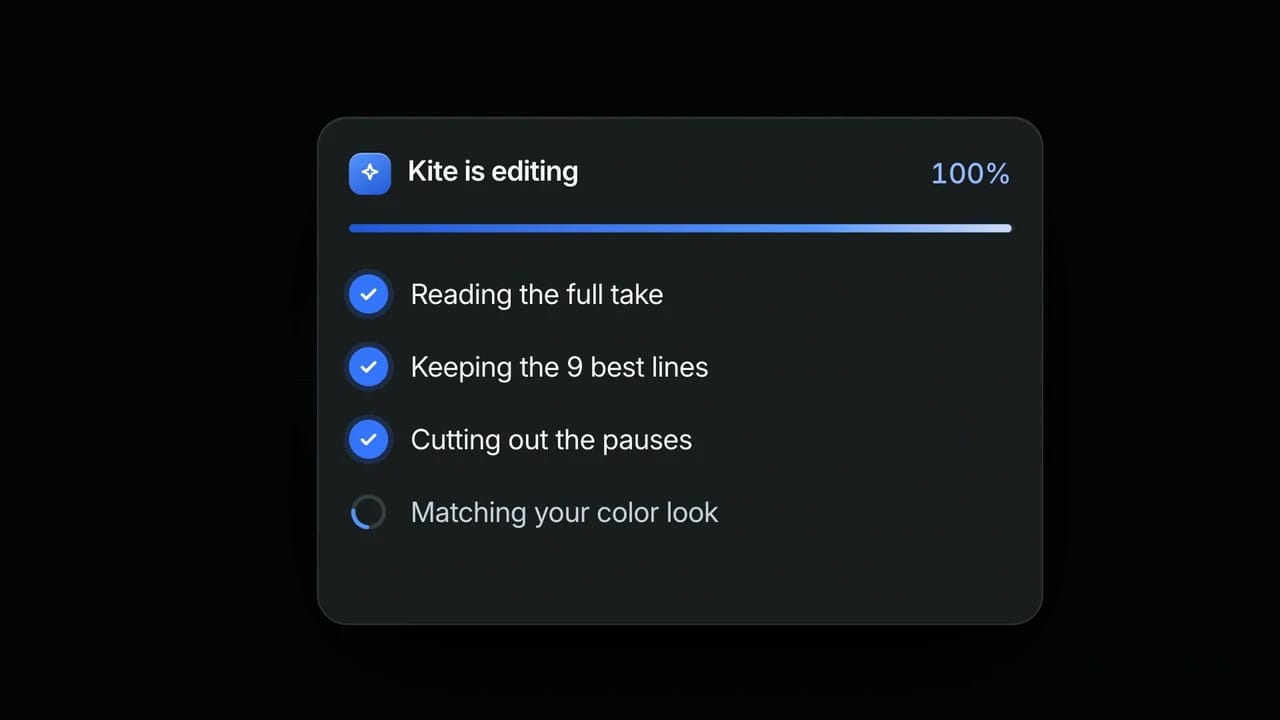
  • Brief to Teaser
  • Brush Wipe Finale

Pricing

What the Skillry route costs

Skills are the only Skillry cost. Your coding agent plan and its usage are separate and not sold by Skillry. Rendering runs on your own computer.

Cancel anytime

Monthly

$9.99 / month

Full Premium access, billed monthly.

  • Access all Premium Skills
  • Install from the web or CLI
  • Secure browser-authorized CLI access
  • Ongoing Skill updates
  • New Premium Skills included
  • Cancel whenever you need

Save 34% a year

Most popular

Yearly

$79 / year

Full Premium access for a lower annual price.

  • Access all Premium Skills
  • Install from the web or CLI
  • Secure browser-authorized CLI access
  • Ongoing Skill updates
  • New Premium Skills included
  • Cancel whenever you need

Pay once · Founding price

Founding offer

Founding Lifetime

$169 one-time

Founding price — increases as the library grows.

  • Access all Premium Skills
  • Install from the web or CLI
  • Secure browser-authorized CLI access
  • Ongoing Skill updates
  • New Premium Skills included
  • No subscription or renewal bill

Cancel anytime. Payments are non-refundable.

FAQ

Claude Motion alternatives FAQ

What is the best Claude Motion alternative?

For Claude Pro and Max users, the closest Claude Motion alternative is a coding agent with a motion Skill such as Skillry LaunchMotion, because it animates your exact content and keeps every scene as an editable project. For YouTube explainers, CreatorMotion is built for talking-head videos. If you start from long documents, claudemotion.design is built for that. Designers usually prefer Jitter.

Is there a free Claude Motion alternative?

Yes. Skillry has 2 free CreatorMotion effects, HyperFrames is open source, Remotion is free for teams of up to 3 people, and Jitter and Canva have free plans. Pro unlocks all 208 LaunchMotion scenes for $9.99/month.

Can I use Claude Motion on Claude Pro or Max?

Not as of October 16, 2026; Claude Motion is a Team and Enterprise beta. Pro and Max include Claude Code, which is all the Skillry route needs.

Does Claude Free include Claude Code?

No. On Claude Free, use a browser tool such as Canva or Jitter, or another compatible agent such as Codex or Cursor.

Is claudemotion.design the same as Anthropic's Claude Motion?

No. It is an independent product that runs on your own Claude Code or Codex. Anthropic's Claude Motion is a feature inside Claude for Team and Enterprise plans.

Which Claude Motion alternatives keep my numbers exact?

Tools that build animation from code or a design file: LaunchMotion, CreatorMotion, claudemotion.design, Remotion, HyperFrames, Jitter, Canva and After Effects. AI video generators such as Runway create new footage instead.

Can I make vertical videos?

LaunchMotion and CreatorMotion render 16:9 at 1080p or 4K; for 9:16, place the render in a vertical layout in an editor such as CapCut. Jitter, Canva and After Effects support any size.

Does LaunchMotion work with Codex and Cursor?

Yes. Paste the same install prompt into your agent, then call it by name: /bs-launchmotion in Claude Code and Cursor, $bs-launchmotion in Codex. CreatorMotion works the same way.

Make your first motion video today

Unlock all 208 LaunchMotion scenes and every Premium Skill with Pro for $9.99/month.

Browse 208 scenes
Skillry logo

Pro $9.99/mo unlocks every Premium Skill, LaunchMotion included