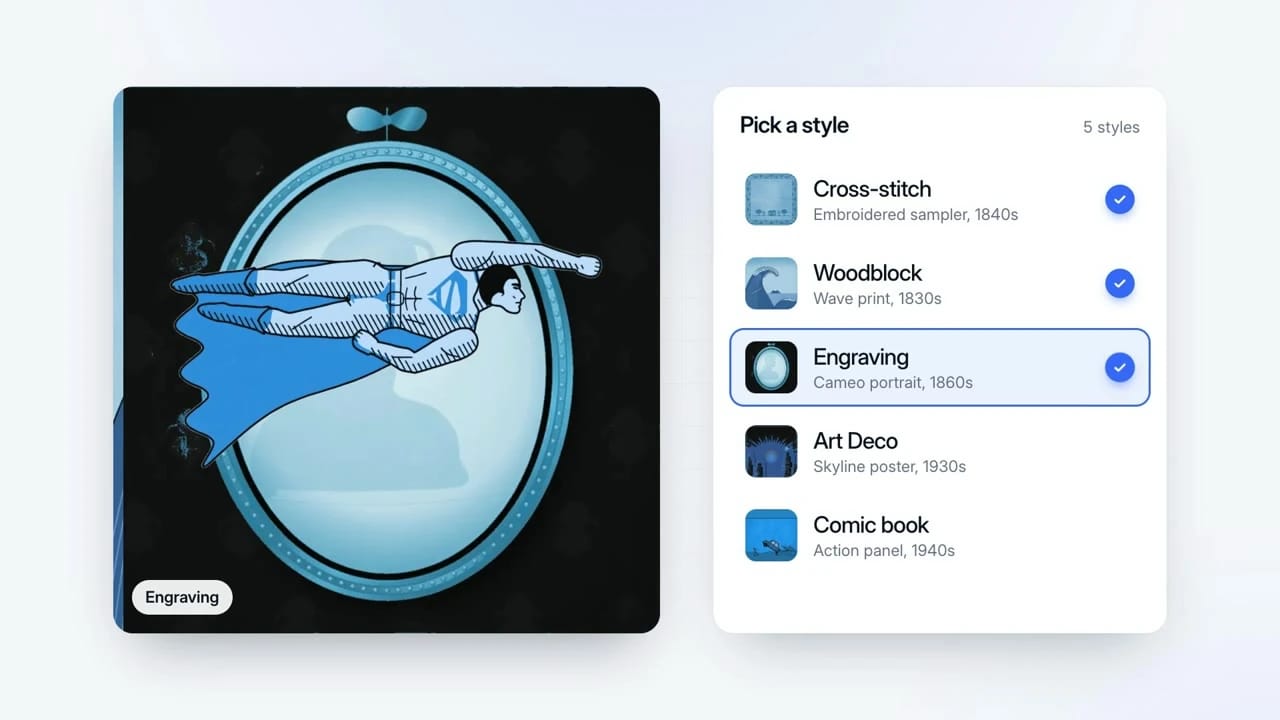
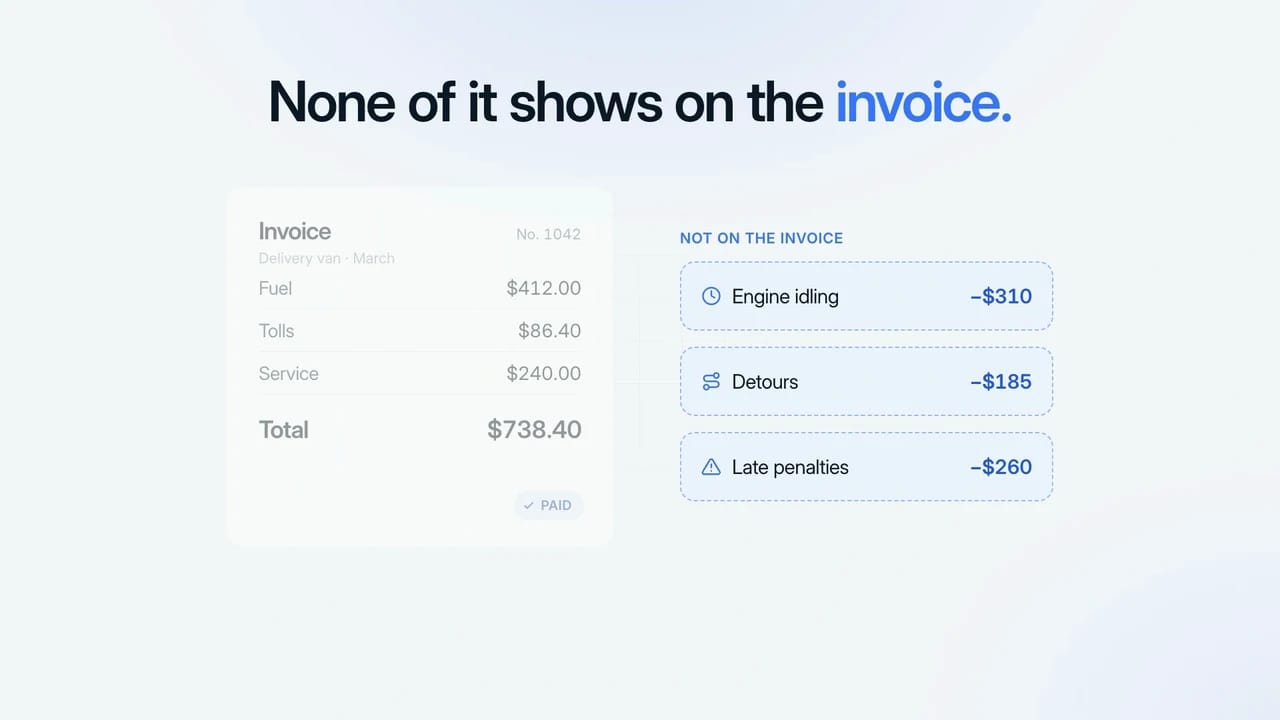
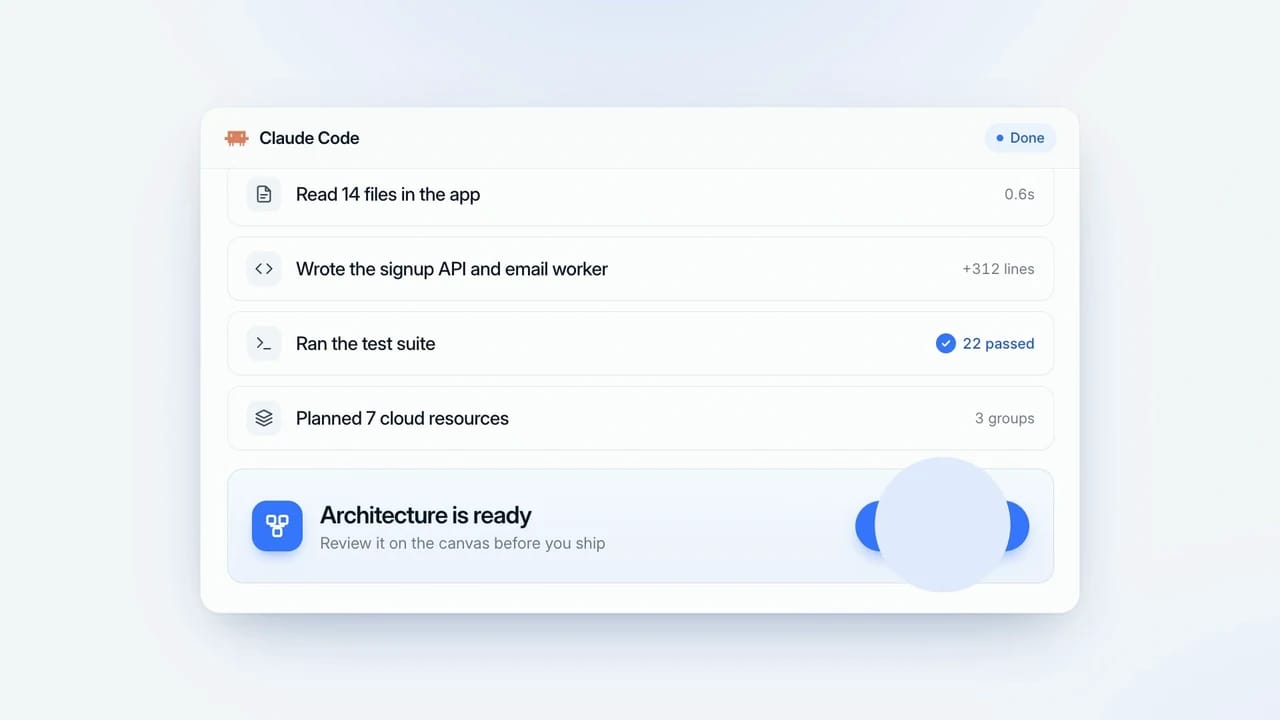
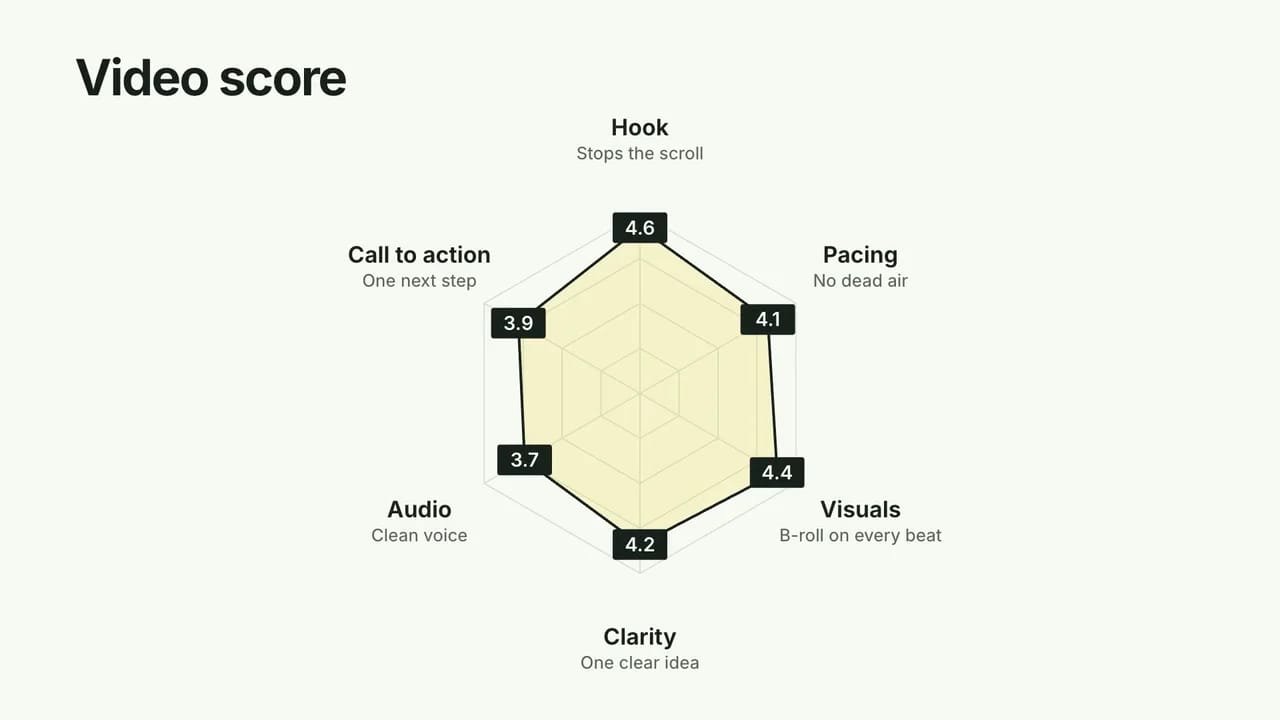
Example made with LaunchMotion in Claude Code: the same kind of code-based animation Claude Motion makes. Not a screenshot of Claude or of Claude Motion.
Quick answers
Claude Motion in 30 seconds
What is Claude Motion?
A Claude feature that animates text, charts, shapes and images with code, so you can edit the result and export an MP4.
Who can use it?
Claude Team and Enterprise plans, while it is in beta. Free, Pro and Max plans do not include it.
Is it an AI video generator?
No. It animates content you provide. It does not generate filmed footage or realistic people.
Does it cost extra?
There is no separate price. Each request counts toward your Claude plan's usage limits.
The basics
What is Claude Motion?
Claude Motion is part of Anthropic's October 2026 Dashboards and Motion release. Add your text, numbers or images and Claude writes the animation as code, so you can keep asking for changes.
Export the result as an MP4 for a deck, a post or your video editor. The same request can also become an interactive Claude dashboard.
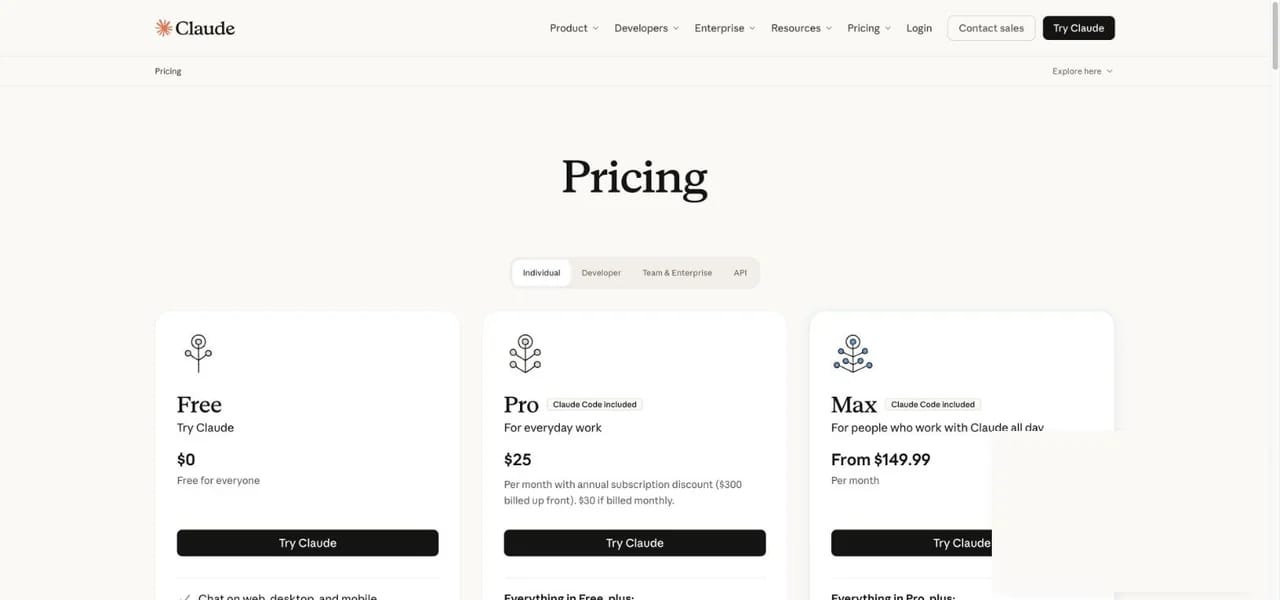
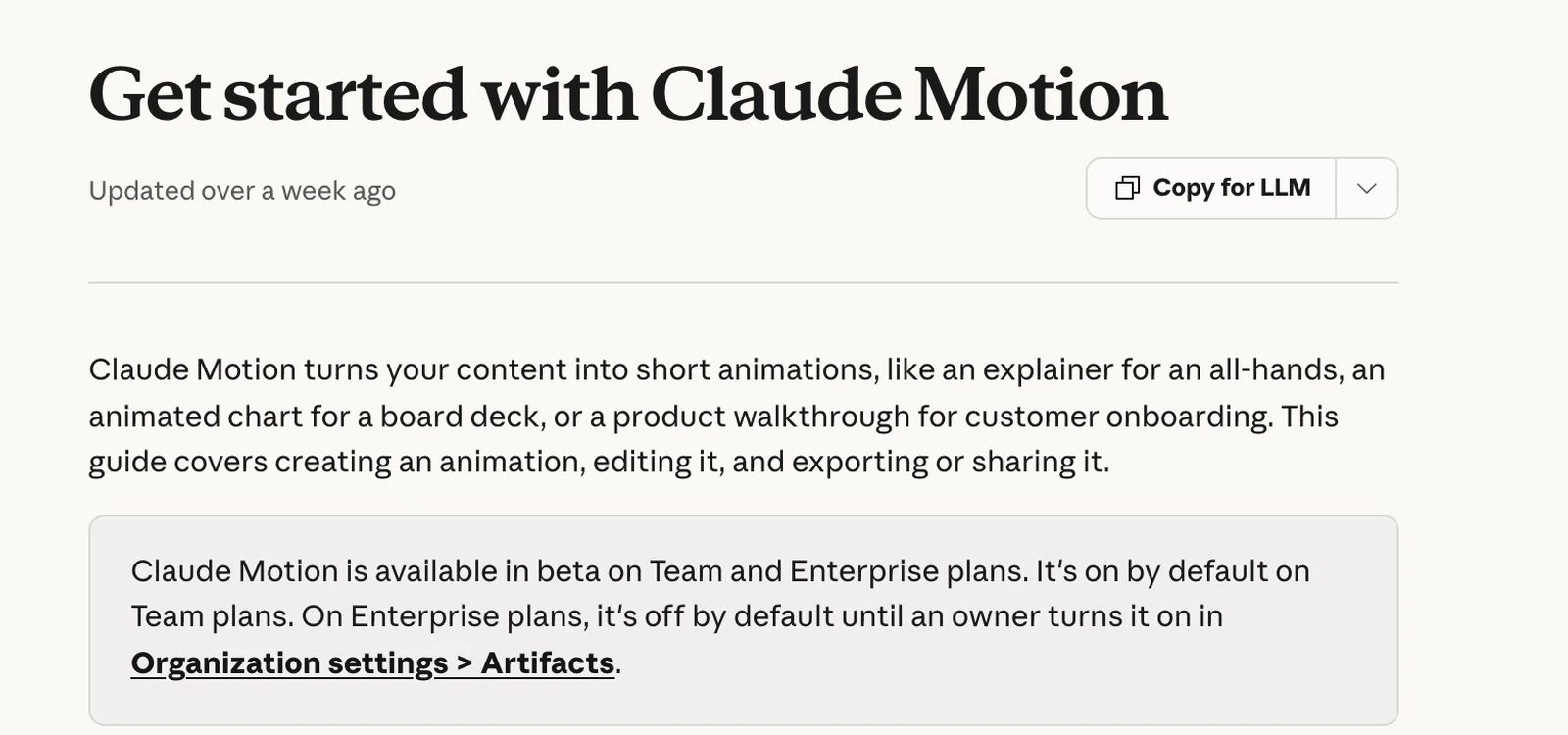
The feature is a beta on Team and Enterprise plans. On Team it is on by default. On Enterprise, an Owner turns it on in the organisation's Artifacts settings. Claude Code is a separate product with its own plan rules, so the table lists both.
Claude plan
Claude Motion
Claude Code
What to do
Free
Not included
Not included
Use an animated web page, or another coding agent
Pro
Not included
Included
Use Claude Code with a motion Skill
Max
Not included
Included
Use Claude Code with a motion Skill
Team
Beta, on by default
Included
Open Motion from a chat
Enterprise
Beta, Owner enables it
Included
Ask your Owner to enable it
Source: Claude pricing and the Claude Help Center article "Get started with Claude Motion", checked October 16, 2026. Plans can change; we re-check before each update.
claude.com/pricing
Claude pricing page, checked October 16, 2026.
Step by step
How to use Claude Motion
To use Claude Motion, follow the four steps from the official help article below. We describe the documented flow; the step panels are diagrams, not product captures.
support.claude.com
The official "Get started with Claude Motion" help article.
Output → Motion01
Step 1
Start a Motion
Ask for an animation in a normal chat, choose Output → Motion, or start from a Motion template in Artifacts. The announcement also shows a /motion shortcut.
Mon 4.8k · Tue 4.6k02
Step 2
Add your content
Paste the script, numbers or bullet points, and attach images or a logo. Say who will watch it and how long it should be.
"hold the last frame"03
Step 3
Edit by asking
Ask for changes in plain words: "make the bars grow one by one", "hold the last frame for two seconds", "use our brand blue".
animation.mp404
Step 4
Export the MP4
Export the finished animation as MP4 and place it in your deck, post or video timeline.
Tips for better results
One idea per animation. Split a long story into several short motions.
Give exact numbers and labels. The animation uses exactly what you provide.
State the format: length in seconds, 16:9 or 9:16, light or dark.
Ask for a held final frame so viewers can read the result.
Every scene is a Skill you can install in Claude Code, Codex or Cursor.
Make it in Claude Code
Make Claude Motion-style videos with Skillry
Not on Team or Enterprise? These two Skillry libraries run in Claude Code, Codex or Cursor, write the animation as code and render it on your own computer. Pick by the video you make.
Skillry launch film · made with LaunchMotion
LaunchMotion
Launch videos
208 editable scenes for product launch videos: product UI, prompt boxes, agent flows, data reveals, kinetic type and calls to action. Describe what you ship and your agent storyboards, writes and renders the film.
Radar Explanation Reveal · made with CreatorMotion
CreatorMotion
YouTube explainers
122+ motion effects for YouTube, TikTok and Reels creators: text behind you, split-screen charts and explainer B-roll for your talking-head videos. Hand your agent a clip or a line from your script.
Good Claude Motion prompts name the audience, the length and the one change the viewer should notice. Replace the bracketed parts with your own facts.
Animated chart
Data story · 10 s
Make a 10-second Claude Motion animation for [our investors]. Show monthly revenue for [Jan 18k, Feb 27k, Mar 41k, Apr 63k] as bars that grow one at a time. Highlight April in [brand colour], then hold the final frame for 2 seconds. 16:9, light background.
Animate a side-by-side comparison of our [Starter] and [Pro] plans for [new visitors]. Reveal three rows: [price], [seats], [support]. Slide a check mark into each Pro cell, end on the line "[Pro pays for itself at 5 seats]". 16:9.
Turn these onboarding steps into a 20-second explainer for [first-time users]: [1 connect your account, 2 import contacts, 3 send the first campaign]. Use simple shapes and a cursor that moves between steps. Number each step and finish on our logo.
Claude Motion vs other ways to make motion graphics
Claude Motion is one of several ways to turn content into animation with AI. The right route depends on your plan and on where you want the files to live.
Claude Motion
Coding agent + motion Skill
Animated web page
Remotion by hand
Who can use it
Claude Team, Enterprise
Claude Pro, Max; Codex; Cursor
Any Claude plan
Developers
Where it runs
Inside Claude
Your computer
Inside Claude or a browser
Your computer
Output
MP4
Editable project + MP4
HTML page
React project + MP4
How you edit
Ask in chat
Ask your agent or edit files
Ask in chat
Write code
What it costs
Plan usage
Agent plan + Skill price
Plan usage
Your time; license terms apply
Only documented facts are compared. Skillry has not run the official feature, so we make no quality claims about it.
In depth
When Claude Motion is the right tool
01
Short explainers from facts you already have
It works best when the content exists: a set of numbers, a list of steps, a before-and-after. It is quick to ask for an animated version and to iterate on timing in the same chat, without opening a timeline editor.
02
Brand-consistent motion across a team
On Team and Enterprise plans everyone works in the same Claude workspace, so a shared prompt with your colours and type can keep motion graphics consistent from one person to the next.
03
Claude Motion vs AI video generators
The official feature animates content you give it, so a chart shows your real numbers and every label can be changed later. AI video generators such as Runway or Veo create new footage from a prompt: great for scenes and people, but they will not draw your chart accurately.
04
When another route fits better
If you need filmed scenes, realistic people or voices, an AI video generator fits better. If you need hundreds of videos from a spreadsheet, a video API is built for that. If your plan has Claude Code but not Claude Motion, a motion Skill gives you a similar animation as an editable project.
FAQ
Claude Motion FAQ
Is Claude Motion free?
No. It is not on the Free plan. On Team and Enterprise plans there is no separate price, but every request counts toward the plan's usage limits.
Can I use Claude Motion on Claude Pro or Max?
Not as of October 16, 2026; it is a Team and Enterprise beta. Pro and Max do include Claude Code, so you can make code-based motion graphics there with a motion Skill. Our Claude Motion alternatives guide shows the options.
Will Claude Motion come to Pro, Max or Free?
Anthropic has not announced a date. As of October 16, 2026 the help article lists it as a Team and Enterprise beta. Until that changes, Pro and Max users can use Claude Code with a motion Skill instead.
Is Claude Motion an AI video generator?
No. It animates text, charts, shapes and images that you provide, using code. It does not generate filmed footage, realistic people or voices.
Can I export Claude Motion animations as MP4?
Yes. The help article says you can edit an animation and export it as an MP4 file for slides, social posts or a video editor.
How do I open Claude Motion?
Ask for an animation in a chat, choose Output → Motion, or start from a Motion template in Artifacts. If you are on Enterprise and do not see it, ask your Owner to enable it in the Artifacts settings.
What is the difference between Claude Motion and Remotion?
Remotion is a React framework for making videos with code, which developers set up and render themselves. Claude Motion is a feature inside Claude: you describe the animation and Claude writes it for you.
Does Claude Motion work in Claude Code?
No, it lives in the Claude apps. In Claude Code you can get a similar result with a motion Skill that writes the animation project and renders an MP4 on your machine.
Can I make Claude Motion-style videos for YouTube?
Yes, in Claude Code, Codex or Cursor. CreatorMotion has 122+ motion effects made for talking-head videos, such as text behind you and split-screen charts, and 2 of them are free. For launch and product videos, LaunchMotion has 208 scenes.
Is Skillry part of Anthropic?
No. Skillry is an independent marketplace for AI agent Skills. Claude and its Motion feature are products of Anthropic. This page explains the official feature and links to Anthropic's own documentation.