Skillry Pick
CreatorMotion · Status Focus Sidebarv1.0.2
Use this Skill to create broll animation.
5.097 downloads7 likes7 saves
$4.99
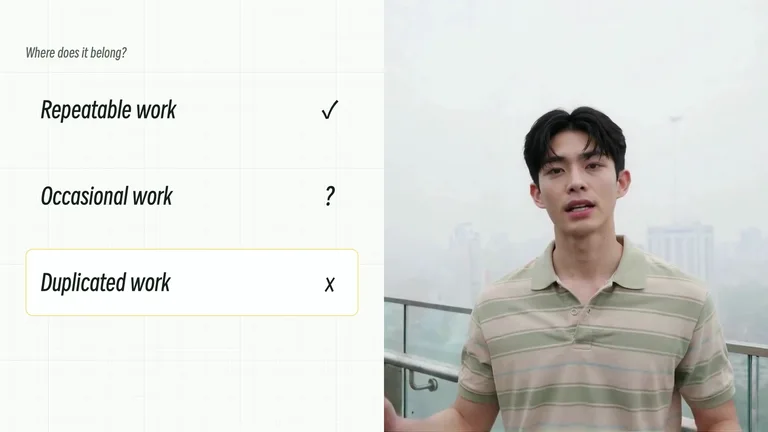
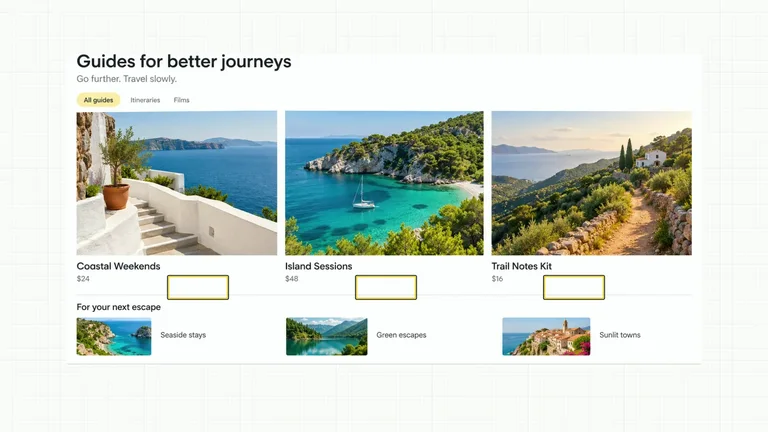
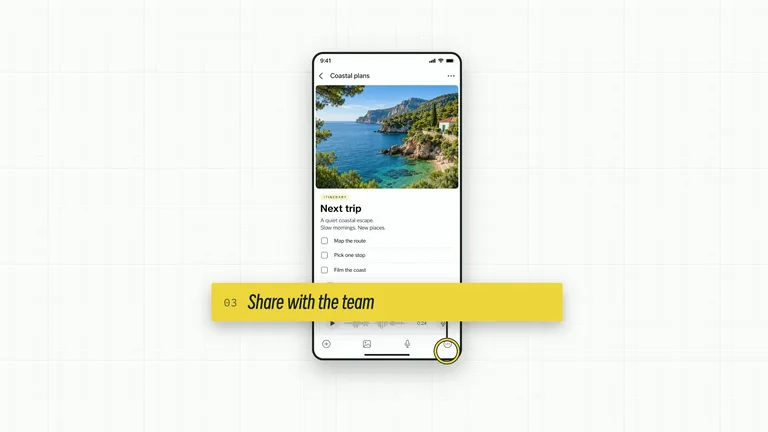
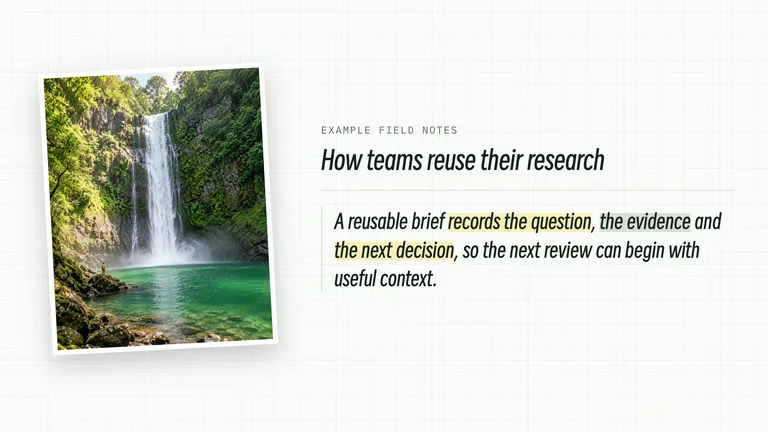
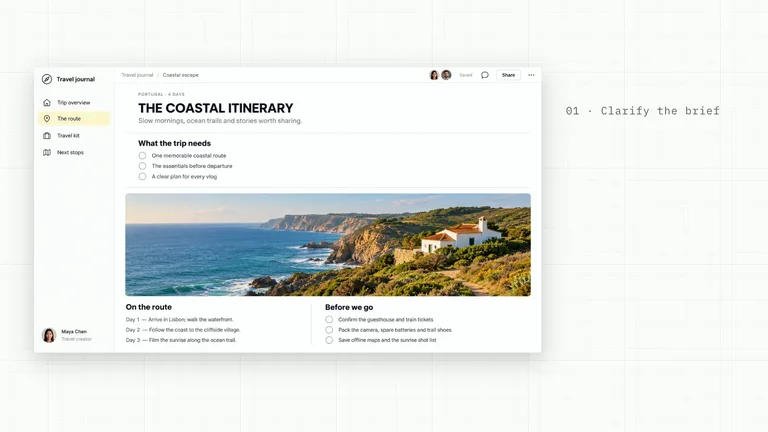
What do I get when I buy this Skill?A close presenter crop shares the frame with three widely spaced statements. A compact highlight moves between statements and each status resolves as a separate editorial beat.
 Part of a seriesCreatorMotion · Complete Motion Effects Library122 Skills in CreatorMotion · Complete Motion Effects Library, all included with Skillry Pro.View the full series
Picked most often by
Updated Nov 9, 2026
Preview gallery
Runs in


Install guides
Generates with
Host Agent LLMClaude Fable 5.2 (Anthropic)Claude Opus 5.5 (Anthropic)
Claude Fable 5.2 (Anthropic)Claude Opus 5.5 (Anthropic)Uses tools
 HyperFrames
Similar Skills
View all skills
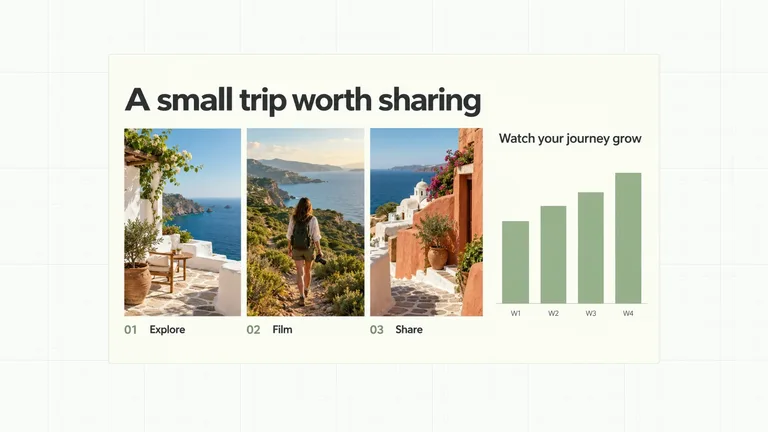
What you get
- Status Focus Sidebar with editable content and a documented motion sequence.
- Three coordinated palettes, four aspect ratios and 4K output by default.
- A local video project, generator and focused visual review instructions.
Good fit
- Creator explanations that benefit from a visual argument.
- Short teaching passages with concise labels.
- A series that needs consistent motion and typography.
Not for
- Automatic editing of an entire long-form production.
- Copying a reference creator’s identity or source footage.
- Generating an unsupplied presenter performance or soundtrack.
Content Creation & PublishingCreate Broll AnimationStyle-lockedSeries-consistentEditable OutputMinimalistEditorialTypographic
Good forAnimated B-roll
About this Skill
Status Focus Sidebar
A close presenter crop shares the frame with three widely spaced statements. A compact highlight moves between statements and each status resolves as a separate editorial beat.
Prepare
Choose concise original content. Bundled generated images are reused automatically; supply local images only when replacing them. Presenter effects still require suitable footage. The sample values are illustrative. Read the included motion specification before replacing an essential relationship.
Generate
Run the installed Skill or use its bundled generator. Supply an output folder with --out, optional content JSON with --data, and a local video with --media for presenter effects. An optional --images JSON map replaces only its named slots; relative paths resolve beside that JSON file. Read references/image-policy.md before adapting visual material. Choose the aspect ratio (16:9, 9:16, 4:3 or 3:4) and the resolution (4K by default, or 2K or 1080p) with --aspect and --resolution; each aspect ratio has its own layout, and the bottom of the frame stays free for subtitles. The default style is white-yellow; alternatives are Charcoal & Lime (charcoal-lime) and Black & White (the compatible midnight-ice ID), all on a light-grey grid. Smiley Sans sets all text and IBM Plex Mono sets measurements and ordinal labels; pass --zh-font noto-sans-sc to set Chinese content in Noto Sans SC.
Refine
Change content at its input, and motion in the effect source. Use semantic color tokens and keep type consistent. Rebuild the editable composition, run HyperFrames checks, and render the MP4. Review the beginning, key change and settled state before using it in a finished edit.
Inputs
- items: provide your own content or retain the illustrative default.
- statuses: provide your own content or retain the illustrative default.
The output directory contains the complete local composition and build record. Generated image defaults and provenance are included in the installable Skill; preview videos and review reports are delivered separately.
What you need before you start
- You bring
- items: provide your own content or retain the illustrative default. · statuses: provide your own content or retain the illustrative default.
- Dependencies
- Claude Code with Opus 5.5 or Fable 5.2 — recommended · HyperFrames CLI 0.8.30 or compatible — required · Node.js 22 or newer — required · FFmpeg — required
- Last tested
- v1.0.2 — Claude Code / Claude Desktop / Cowork / Codex / ChatGPT
User reviews
Loading reviews…