
The short answer
- 1Agent already open? Use Copy install prompt. Working in a terminal? Use the CLI. Got a folder from GitHub? Copy it in.
- 2Claude Code needs
--agent claude-code. Codex and Cursor use the default folder,~/.agents/skills/. - 3You’re done when
SKILL.mdsits directly inside the Skill’s folder and your agent lists it.
Which method should you use?
Go by where you are right now. All three end the same way, with the Skill’s folder sitting where your agent can find it.
Your agent is open
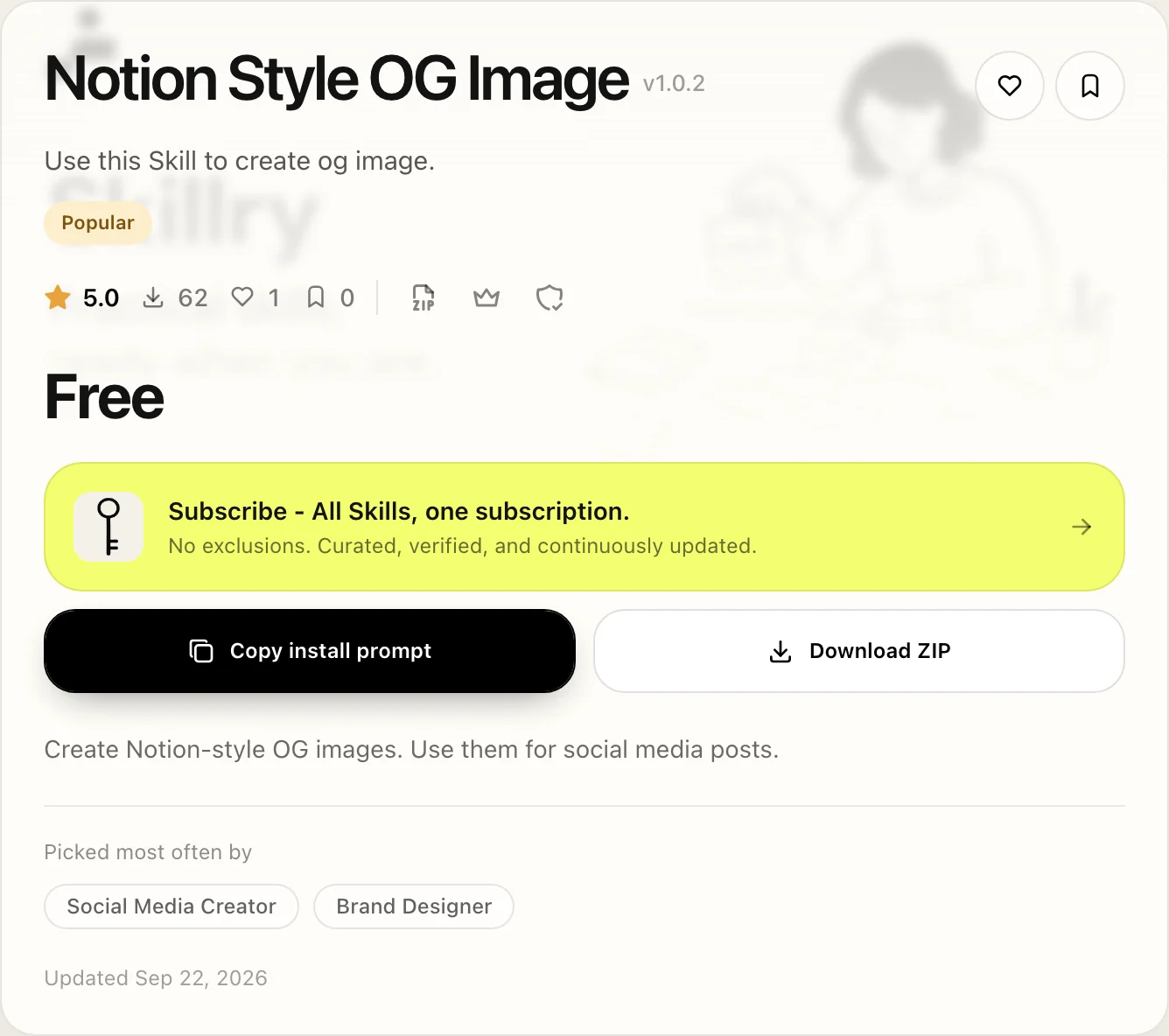
Copy install prompt on the Skill page, then paste it into the agent
You like working in the terminal
The Skillry CLI (macOS or Windows, Node.js 22+)
You’re on Linux, or want to read the files first
Download ZIP, then copy the folder in by hand
The Skill is on GitHub
Clone or download the repository, then copy the folder in by hand
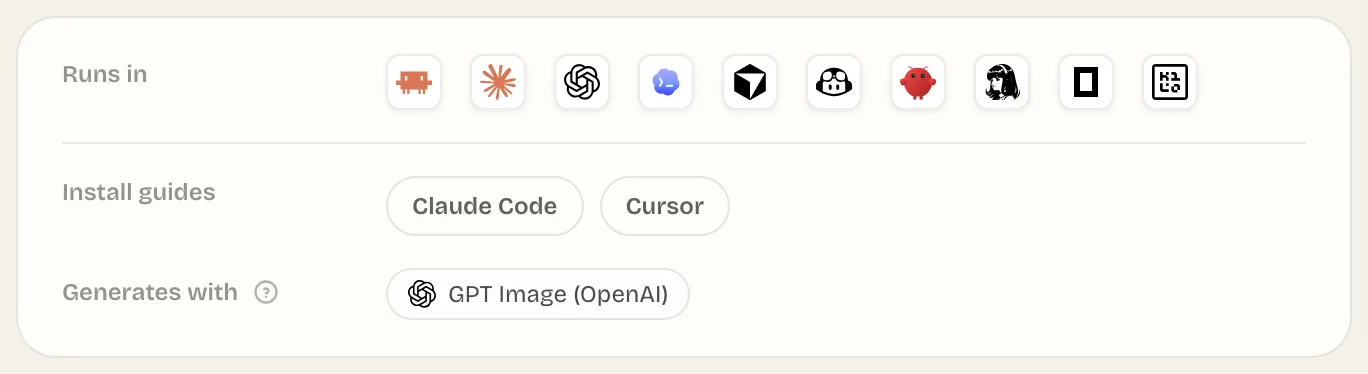
Where does each agent look for Skills?
Each agent reads Skills from its own folder, and the CLI picks the folder for you. Codex and Cursor both read ~/.agents/skills/, so one install covers both.
| Agent | Skillry CLI | Installs to |
|---|---|---|
| Claude Code | --agent claude-code | ~/.claude/skills/<slug>/ |
| Codex | Default, no flag | ~/.agents/skills/<slug>/ |
| Cursor | Default, no flag | ~/.agents/skills/<slug>/ |
How to add Skills to Claude Code, Codex, or Cursor
Open the tab for the method you picked. The first two report the version and folder when they finish; with a manual copy, you check the folder yourself.
- 1
On the Skill’s page, select Copy install prompt, then Copy in the dialog.
- 2
Paste it into your agent. The agent reads Skillry’s install instructions and runs the right command for itself.
Install prompt Read https://skillry.dev/skills/<slug>/install.md and follow the instructions to install the skill. - 3
When asked, approve the device code in your browser.
You should see: the agent reporting the version it installed and the folder it used.
- 1
Sign in once. A browser window opens and asks you to approve a device code.
Terminal npx --yes skillry-cli@latest login - 2
Install the Skill. For Claude Code, add
--agent claude-code.Terminal npx --yes skillry-cli@latest install <slug>You should see:
Installed <slug> <version> to ~/.agents/skills/<slug> - 3
Reinstalling later? Add
--force. Without it, the CLI stops instead of overwriting your copy.
Skillry never asks you to paste an API key. Your sign-in is stored in the macOS Keychain or Windows Credential Manager.
Copy the whole folder, not just SKILL.md. The instructions often point to files that sit next to it.
mkdir -p ~/.claude/skills
mv ~/Downloads/my-skill ~/.claude/skills/One level deep
~/.claude/skills/my-skill/SKILL.md
An extra level from the ZIP
~/.claude/skills/my-skill/my-skill/SKILL.md- or
SKILL.mdsitting loose inskills/
How do you install a Skill for just one project?
Point --target at the project’s Skills folder. The CLI has no separate project switch, but --target accepts any Skills folder, so run this from inside the repository:
npx --yes skillry-cli@latest install <slug> --target .claude/skillsCommit that folder and everyone who clones the repository gets the same Skill.
Use --agent or --target, not both. The CLI rejects the combination.
How to check the install worked
Take thirty seconds to confirm it now, before you need the Skill for real work.
- 1Open the folder and make sure
SKILL.mdis right there, not one level down. - 2List your Skills:
/skillsin Claude Code and Codex, Customize → Skills in Cursor. - 3Run it once by name.
Not in the list? Troubleshooting walks through every cause.
Common questions
How do I install a Skill with npx?
Run npx --yes skillry-cli@latest install <slug>, and add --agent claude-code for Claude Code. It signs you in through the browser and prints where it installed the Skill.
How do I install Claude Skills from GitHub?
Download or clone the repository, then move the Skill’s folder, with SKILL.md directly inside, into ~/.claude/skills/ or the project’s .claude/skills/.
Can I add Skills to the free version of Claude?
In Claude Code, Codex, and Cursor, a Skill is a folder you install yourself. Whether you can use Skills in the claude.ai app depends on your Claude plan and settings.
Sources
Did this guide help?
