
The short answer
Installing a Skill isn’t the finish line. You’re done when your agent lists it, uses it when you ask, and produces what the Skill promised.
What you need before you start
An agent
Claude Code, Codex, or Cursor
Node.js 22+
Only for the Skillry CLI, which runs on macOS and Windows
A Skillry account
You need to sign in, even for free Skills
Any one of the three agents is enough. Use the one you already have open; the steps below barely change between them.
Which Skill should you try first?
Pick one whose result you can judge in under a minute. Image Skills are good for this, because you can tell at a glance whether they worked. All three of these are free:
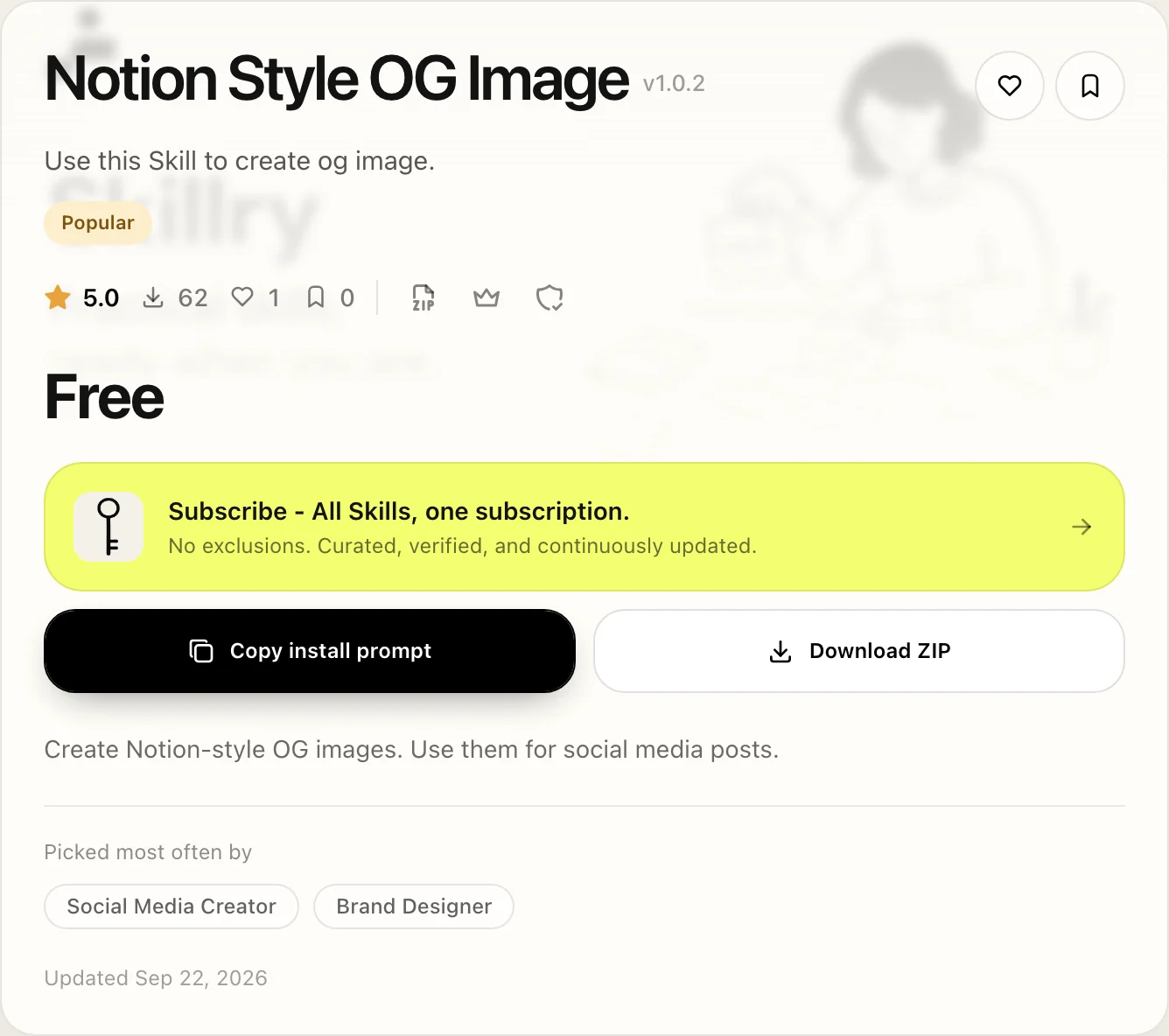
Notion Style OG Image
Image. A 16:9 Notion-style share image for a launch or a post.
Claude Style Illustration
Image. Turns one idea into an editorial illustration.
Scrapbook Resume Site
Web. A one-page résumé site built from your details.
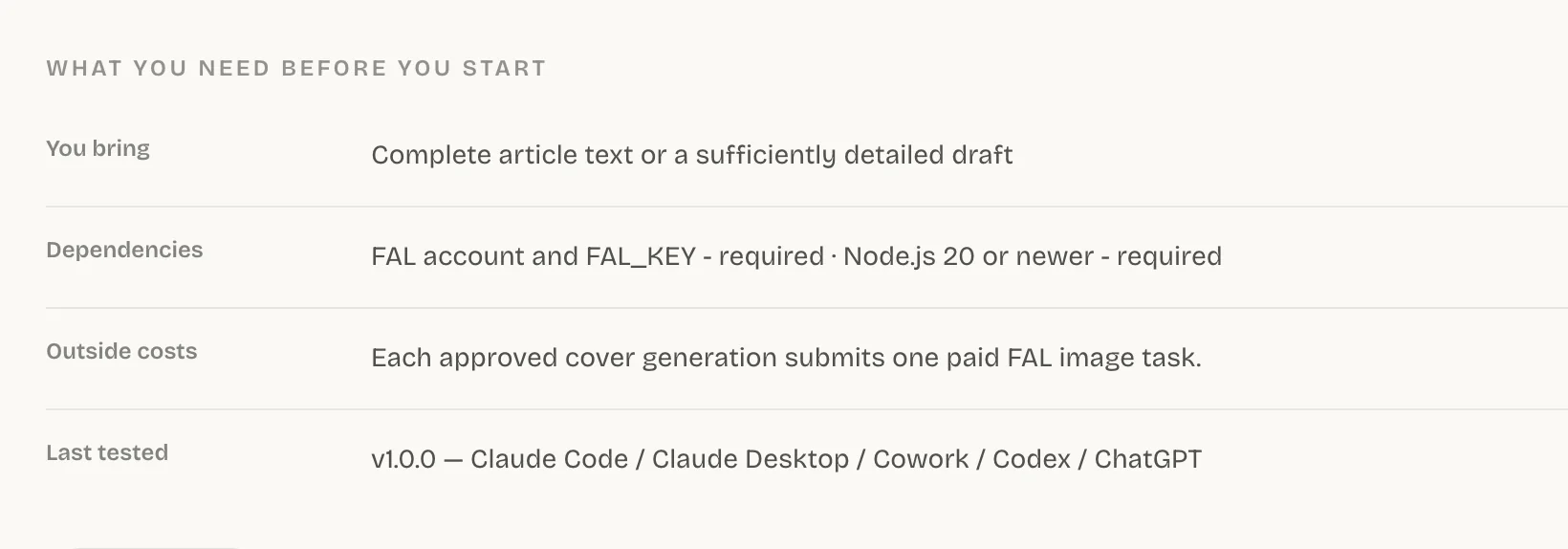
Before you install, open the Skill’s page and read the requirements under About this Skill. Notion Style OG Image needs Node.js 20 and a FAL API key, and every image it makes is a paid FAL generation. Claude Style Illustration needs Node.js 20 and Python, and can call paid FAL image generation if you choose.
Install the Skill
- 1
Open the Skill on Skillry and select Copy install prompt. The dialog lets you copy a prompt for your agent, or switch to Install via terminal for a command.
- 2
Run the command for your agent in a terminal. Claude Code needs
--agent claude-code; Codex and Cursor don’t. If you aren’t signed in yet, the CLI opens your browser to do it.Claude Code npx --yes skillry-cli@latest install bs-notion-style-og --agent claude-code - 3
Read the last line of the output. It tells you the version and the folder the Skill went into.
You should see:
Installed bs-notion-style-og <version> to ~/.claude/skills/bs-notion-style-og
If you’d rather skip the terminal, paste the install prompt into your agent instead. Install Skills covers that route and the ZIP one.
How to use a Skill: run it twice
Run it once by name, then once in plain words. The first run tests the Skill on its own, so if something breaks, you know where. The second shows whether its description matches the way you actually ask for things.
| Claude Code | Codex | Cursor | |
|---|---|---|---|
| By name | /bs-notion-style-og | $bs-notion-style-og | /bs-notion-style-og |
| In plain words | “Make an OG image for our launch post” | Same | Same |
Claude Code and Codex notice a new Skill in the session you already have open. Cursor only looks for Skills when it starts, so if the Skill is missing, open a new chat or reload the window.
How do you know it really worked?
Judge the output, not the install message. If the Skill loaded but the result looks like something your agent would have made anyway, it hasn’t done its job.
You’re done when
- The agent says it used the Skill, or you can see it following the Skill’s steps.
- The result has the Skill’s look or format, not a generic answer.
- The files it promised are in your project folder.
It isn’t in the list
The folder is in the wrong place. Check Skill locations.
It’s listed, but plain words don’t trigger it
Some Skills are like that. Call it by name, or read Triggering.
It starts, then stops
Something it depends on is missing. Check the Skill page, then Troubleshooting.
Once one Skill works end to end, the next one takes about a minute. How to use Skills covers everyday use from here.
Common questions
Do I need coding skills to use Agent Skills?
No. The install prompt handles the setup, and you run a Skill by typing its name and describing what you want.
What is a good first Skill?
A free one whose result you can judge at a glance, such as Notion Style OG Image. It needs a FAL API key, and each image uses paid FAL credits.
Does the Skillry CLI work on Linux?
Not yet. It keeps your sign-in in the macOS Keychain or Windows Credential Manager. On Linux, use the install prompt or Download ZIP.
Sources
Did this guide help?