The short answer
- 1The first time, call it by name:
/skill-namein Claude Code and Cursor,$skill-namein Codex. - 2Put your facts, files and sizes in that same message.
- 3Open the files it made, then ask for one specific change at a time.
Give it everything in the first message
Your first message decides most of the result. The Skill fills every gap you leave with a guess or a placeholder, so name the product, the audience, the key facts and the files in one go.
Specific and complete
- “
/launch-pageParcelo, parcel tracking for small online shops. Audience: shop owners. Three features: live map, SMS alerts, returns. Logo: assets/logo.svg.”
Vague
- “Make a landing page.”
- The Skill has to ask you questions or fill the gaps with placeholder text.
Claude Skills examples: what to bring for each output
Each kind of output needs different inputs. Run through this table before you start; anything missing from your message is something the agent will make up.
| Output | Bring |
|---|---|
| Images | Subject, style or reference images, size or aspect ratio, and any on-image text spelled exactly |
| Video | Length, aspect ratio, script or key points, footage, logos and music |
| Web pages | Real copy and product facts, brand colors and logo, and the sections you need |
| Slides | Source notes or a document, who the audience is, and a rough slide count |
Check what it actually made
Don’t judge by the agent’s summary. Open the files.
A “done” message can sound fine while a headline overflows or a link goes nowhere. These quick checks catch most problems:
Images
Check the size and ratio, and read every word on the image letter by letter.
Video
Watch it to the end and make sure on-screen text is readable.
Web pages
Open it in a browser, narrow it to phone width and click every link.
Slides
Count the slides, look for text that spills over, and check numbers against your source.
Get a better second draft
Ask for changes in the same chat, where the agent still has the Skill’s steps and your earlier answers. Then be precise about what changes and what stays.
- Point at the file and the spot: “In
hero.png, make the headline larger.” - Say what must stay: “Keep the layout. Only change the colors.”
- Ask for one change at a time, so you can see what each one did.
- If the first draft is way off, start a new run with better input. Patching a bad draft takes longer.
When something goes wrong
The agent ignores the Skill
Call it by name. If it still doesn’t load, see Troubleshooting.
It stops partway
Something it needs is missing. Install what the Skill page lists under Dependencies.
It asks for an API key
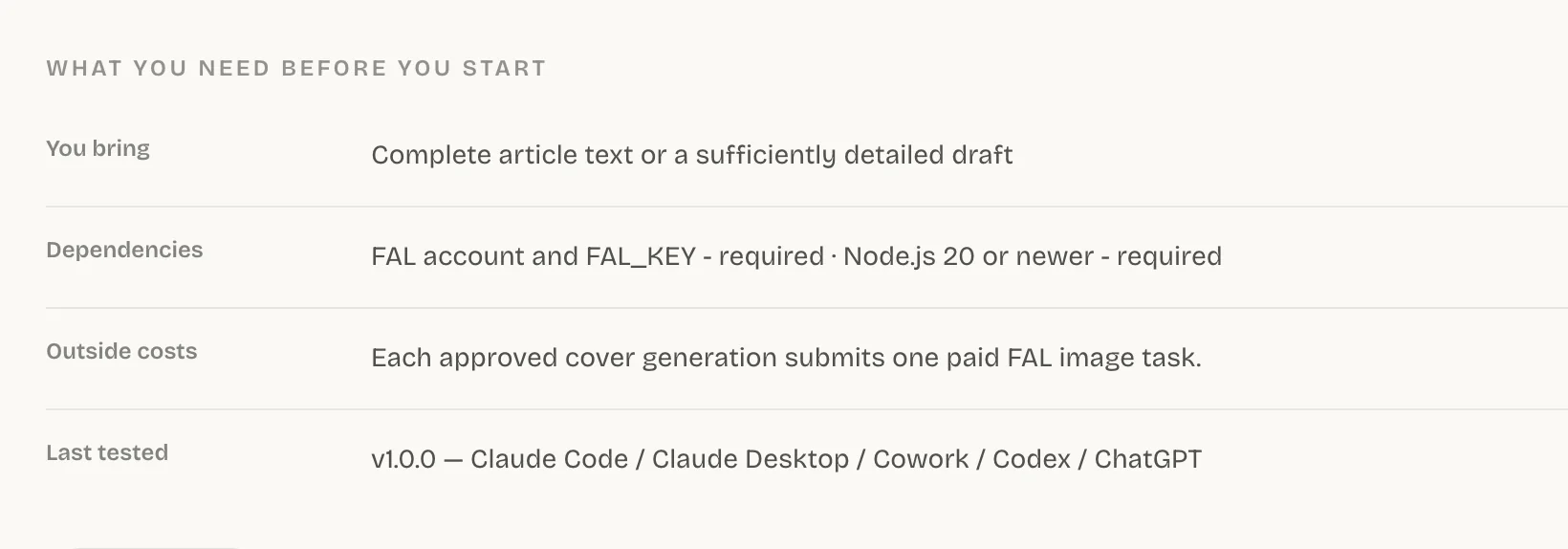
The Skill uses a paid service listed under Outside costs. Set the key the way that service’s docs describe, never in chat.
The result misses your brief
Give it the missing facts or files and ask it to redo just that part.
Common questions
How do I use Claude Skills?
Type / and the Skill’s name in Claude Code, then describe what you want in the same message. After that first run, plain requests that match the Skill’s description load it automatically.
Do I have to call a Skill by name every time?
No. Call it by name the first time to confirm it works; after that, describing the task is usually enough. If the agent picks a different Skill, use the name again.
What are some Claude Skills examples?
Good examples are Skills for work you repeat and want to look consistent, such as launch pages, slide decks, covers and explainer videos. You can browse Skills by output to see more.
Why did the Skill give me placeholder text?
Your message was missing facts it needed. Add the real product details, copy and files, then ask it to redo that part.
Sources
Did this guide help?