
The short answer
Treat a Skill like code you downloaded. Read SKILL.md and every script, check what it costs and what it connects to, and stop if it wants more access than the job needs.
The five-minute checklist
Go through this before a Skill’s first run, and again after any update that changes its scripts.
- Read
SKILL.mdand every file it links to. - Read each script and note what it writes, deletes, uploads or installs.
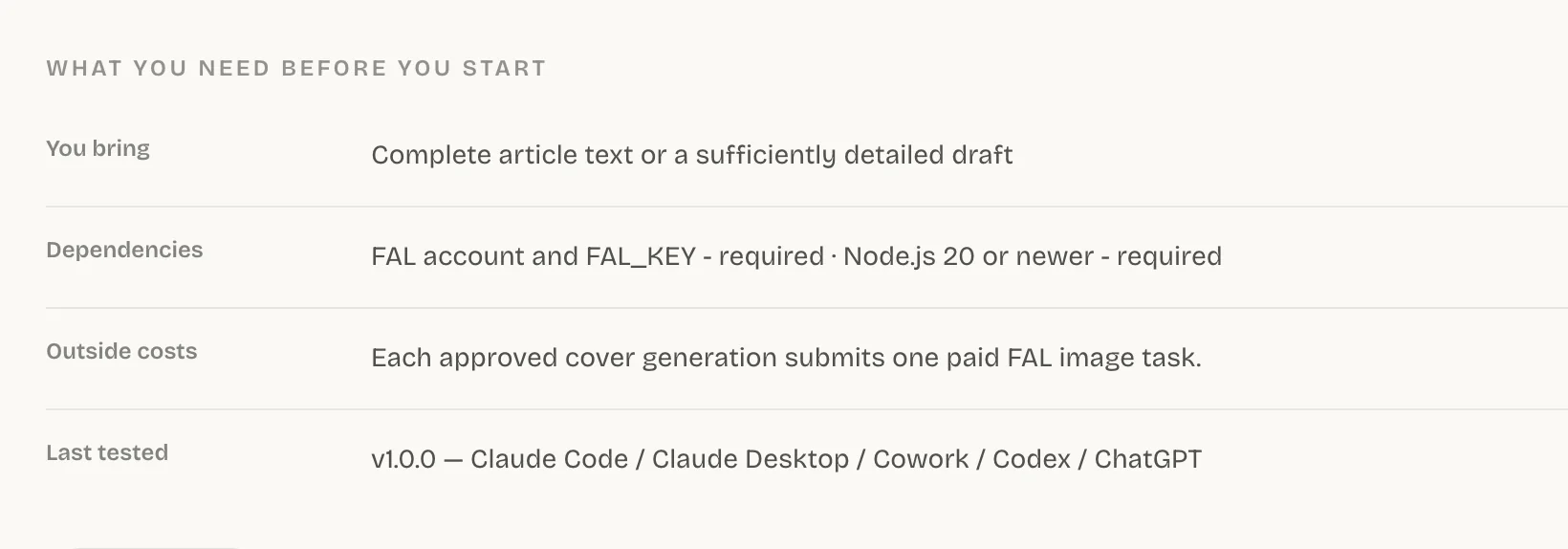
- Check Dependencies and Outside costs on the Skill page.
- List every outside website or service it calls.
- Ask whether that access matches the result it promises.
Red flags that mean stop
Any one of these is a reason to stop and read more closely before you run anything.
| You see | Do this |
|---|---|
| A request to paste an API key or password into chat | Stop. Skillry never asks for this; sign-in happens in your browser. |
| A script that downloads and runs code from a URL | Don’t run it until you’ve read what it fetches. |
| A design or writing Skill that wants to deploy, or to edit files across your system | Ask why. Narrow its access or skip it. |
| Publishing, deleting or paid generation with no pause to confirm | Ask for a confirmation step first. |
Check the Skills that come with a repo
Easy to miss
Cloning a repository can bring its .claude/skills/ folder along. In Claude Code, a project Skill’s allowed-tools applies even in folders you haven’t marked as trusted, so read a repo’s Skills before you start working in it.
After you clone, a quick look inside .claude/skills/ tells you whether there’s anything to read.
Keep secrets out of Skills
Set API keys the way the service documents, usually as an environment variable. Never put them in SKILL.md, examples, chat or committed files. The Skillry CLI keeps its own sign-in in the macOS Keychain or Windows Credential Manager, and skillry-cli logout revokes it.
Do a safe first run
Before you point a new Skill at real work, run it once where a mistake costs nothing.
- Use a scratch folder and throwaway input.
- Use test credentials if the service offers them.
- Look over the changed files and any network calls before you use it on real work.
Web pages and documents a Skill reads can contain instructions too. Your request and the SKILL.md you reviewed define the job, and a page it reads shouldn’t quietly widen it.
Common questions
Are Claude Skills safe?
They’re as safe as the scripts they bundle. The format is plain text files, but scripts run on your computer with your permissions, so read them first like any code you download.
Can a Skill steal my API keys?
A script can read anything your user account can read, so a malicious one could. Keep keys in a secret store or environment variable, never in chat or Skill files.
Does Skillry check Skills?
Each Skill page lists its Dependencies and Outside costs, installs never ask for an API key, and sign-in happens in your browser. You should still read a Skill before you run it.
Is it safe to run Skills that come with a cloned repo?
Only after you read them. In Claude Code a project Skill’s allowed-tools applies even in folders you haven’t marked as trusted, so check .claude/skills/ before you start working.
Sources
Did this guide help?