01
Muse launch video
Concept edit from public pages · 1:34

Claude Opus 5.5
- Researching the site and capturing sharp UI
- Writing the storyboard from the site’s own facts
- Rendering every cut on the beat
AI launch video Skill · Claude Opus 5.5
Paste your product URL. The Skill researches your site, writes a storyboard from your own facts and renders a 75–120 second launch video: big kinetic type, real UI push-ins, frosted glass cards on landscape plates and a One More Thing reveal, all cut to the beat.
Built on
Claude Opus 5.5 GPT Image 2.5
 Seedance 2.5
 ElevenLabs Music
 FAL
FALThree films, three prompts
Three launch films made with the Skill from public product pages. Muse and Grok Bot are concept edits; the Skillry film is our own launch video.
01
Concept edit from public pages · 1:34
Claude Opus 5.5
02
Concept edit from public pages · 1:44
Claude Opus 5.5
03
Our own launch film · 1:51
Claude Opus 5.5
Side by side
The official Manus 2.0 launch film on the left, the film this Skill made from a single URL on the right.
The style
The grammar of a modern keynote film, rebuilt as a Skill: calm, bright and confident, with your product’s own interface and words carrying the story.
Huge words build line by line on a light, dotted canvas, with one calm accent color for the payoff.
Each chapter rolls in like a slot machine: New Engine, New Workspace, New App, one noun at a time.
Camera push-ins and a live cursor on interface shots captured sharp at 2x or 3x from your own site.
Frosted cards and phones over calm landscape photography, generated with GPT Image 2.5 up to 4K.
The music dips, the last surprise lands and a burst of characters celebrates it.
The soundtrack’s beat grid drives every cut, from the cold open to the end card.
How it works
Five steps from URL to MP4. You approve the storyboard and any paid generation before anything renders.
Add it to Claude Code or the Claude desktop app. It always runs on Claude Opus 5.5.
Give it your product URL, the length you want and the resolution: 1080p, 2K or 4K.
The promise, 3–5 pillars and your One More Thing, written only from facts on your site.
Optional landscape plates, 5-second b-roll and music through your FAL key, or your own images and track.
Get the MP4 and keep the editable HTML film to change a line or a shot later.
Example prompt
/bs-manus2-0-style-launch-video Make a launch film for https://your-product.com, about 100 seconds, in 4K.Use cases

New versions, pricing changes and feature drops, told through your real dashboard.
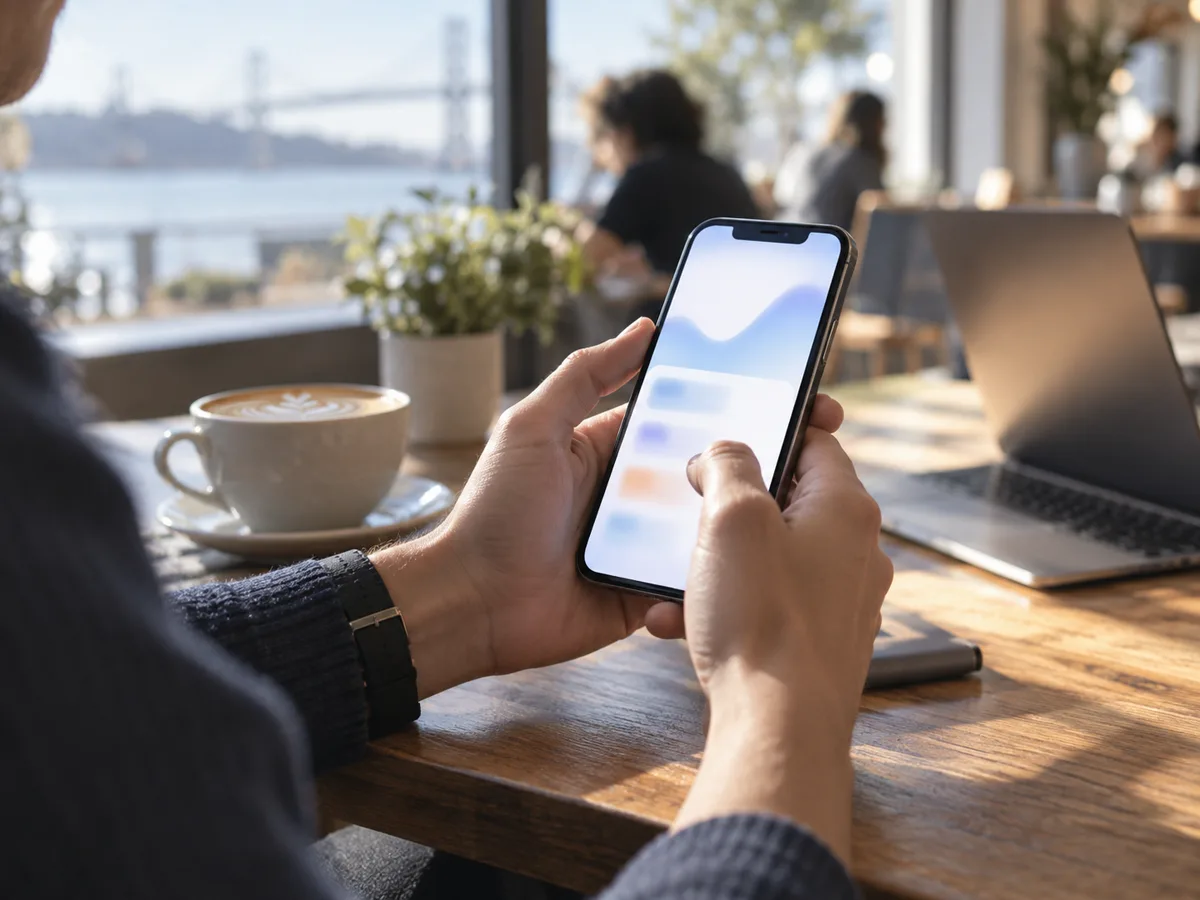
Mobile and desktop apps with phone mockups, window shots and a live cursor.

Product Hunt day, Show HN and investor updates, with a film that looks like a keynote.

Changelog recaps, launch trailers and teasers for X, LinkedIn and YouTube.
FAQ
A calm, bright keynote-style product film: large kinetic words, “New ___” chapter dividers, your real product UI and a One More Thing reveal, cut to a steady electronic beat. The Skill applies that grammar to your own product.
Install the Skill and give it your URL. It captures your site, writes the script from your own copy, lets you approve the storyboard and renders the MP4.
Yes. 1080p is the default; 2K and 4K render the same film at a higher resolution. Text, UI and generated plates stay sharp, while b-roll clips are 1080p and scaled up.
No. Rendering runs on your machine for free. Generated plates, b-roll and music are optional and billed by FAL with your own key; the Skill lists every job and waits for your approval.
Yes. You keep the storyboard and an editable HTML film; change a line or a shot and render again.
No. It is an independent style study, not affiliated with or endorsed by Manus, and it never uses Manus footage, music, characters or logo.
Get the Skill and turn your product URL into a launch video in the Manus 2.0 style.
The Muse and Grok Bot films are concept edits built from those products’ public pages to show the style. This Skill is an independent style study and is not affiliated with or endorsed by Manus.