Mood boards and visual directions
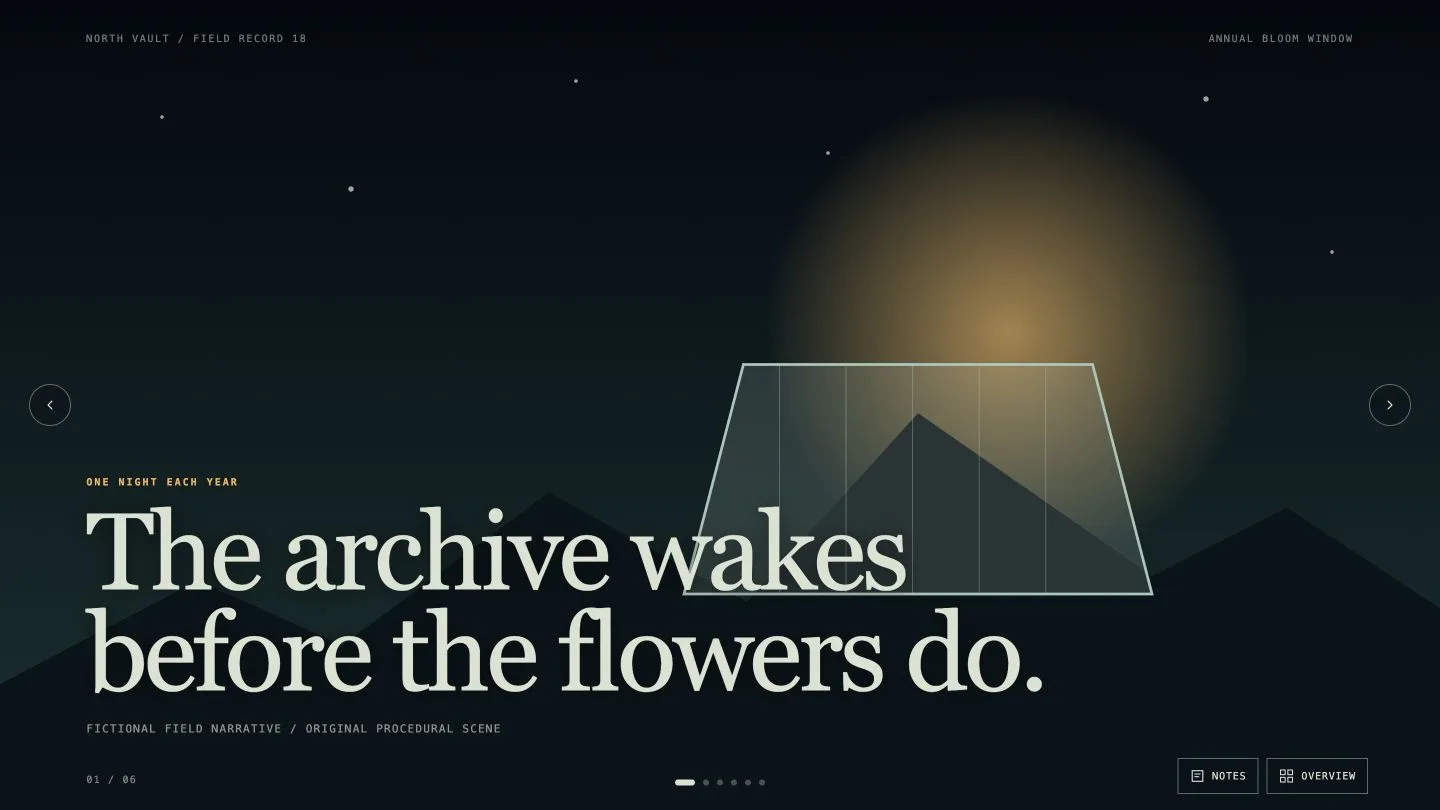
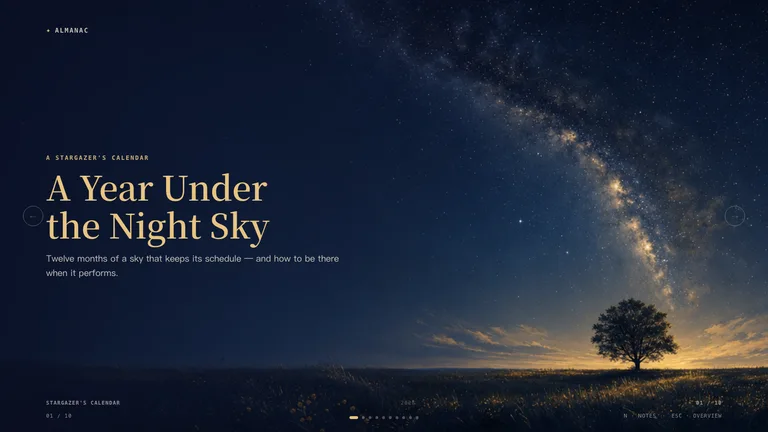
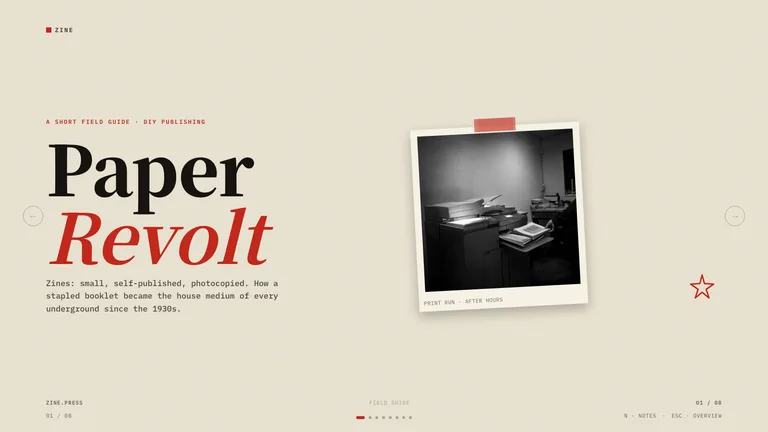
Three distinct visual directions per request, with composition, color and texture side by side.
Storyboards, shot grids and visual direction boards your agent sketches before anyone shoots, animates or edits.



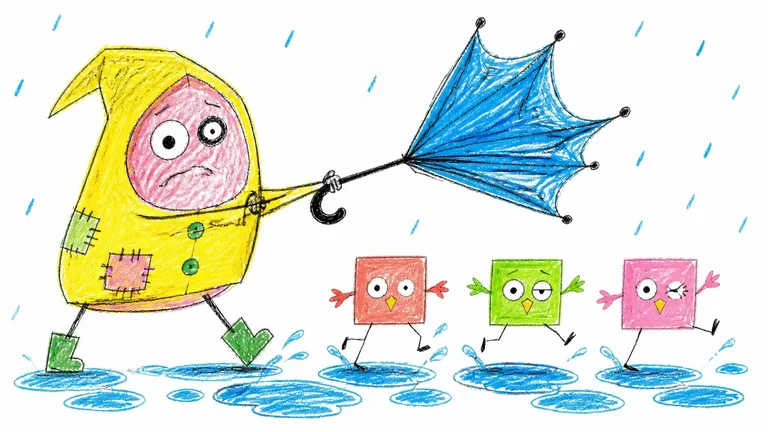
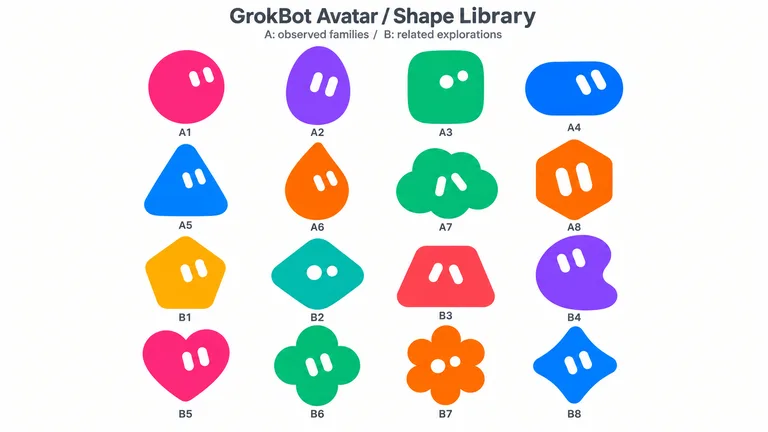


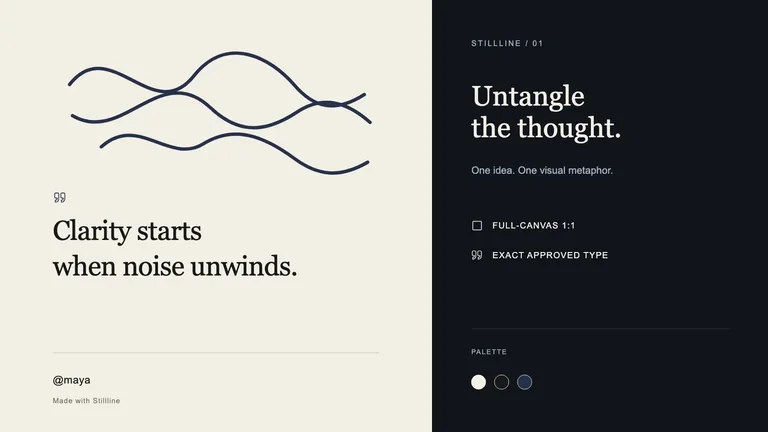
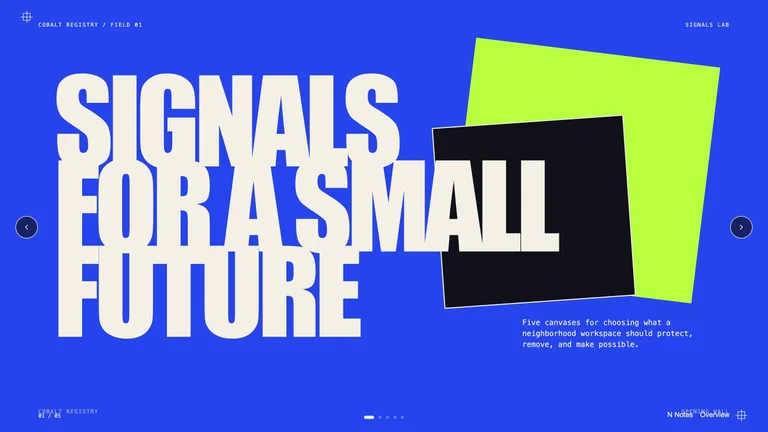
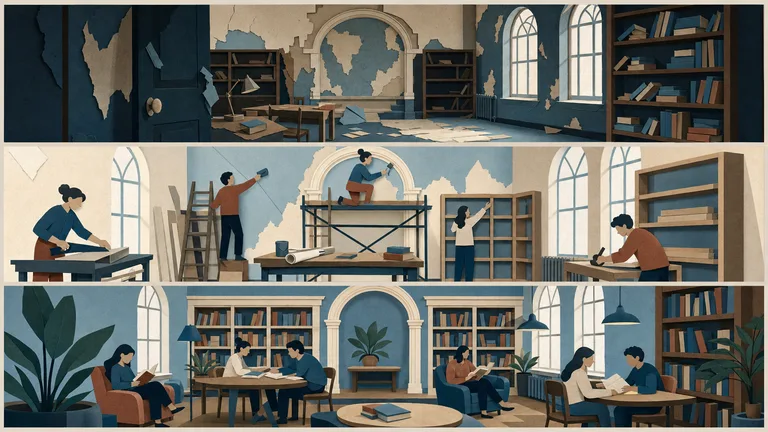
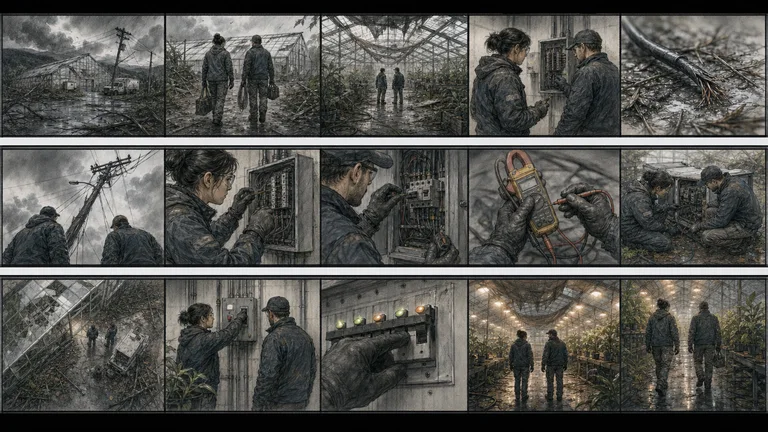
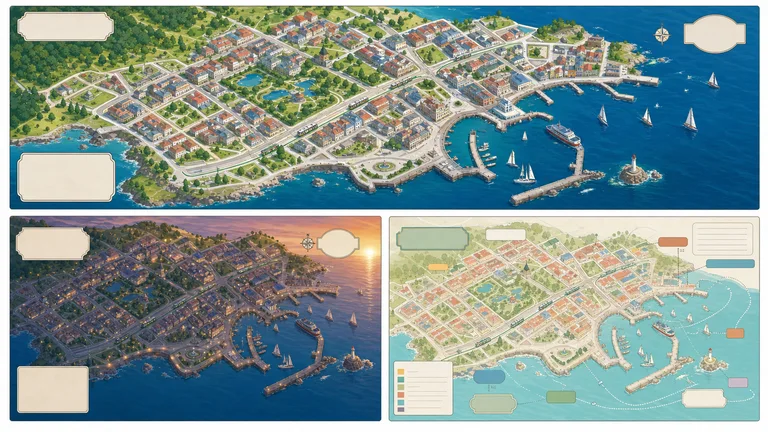
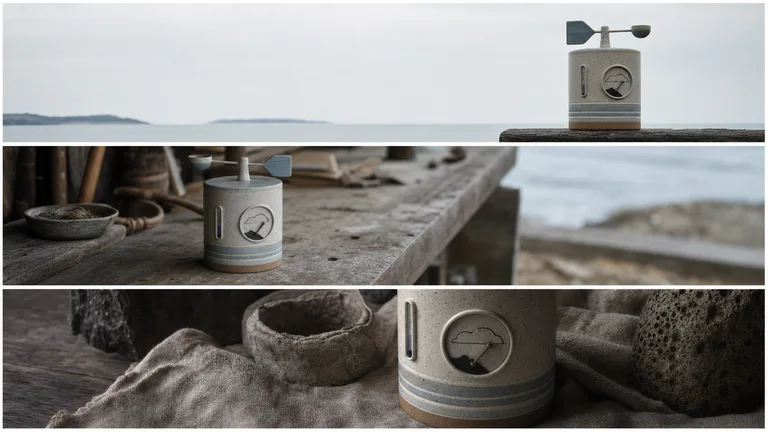
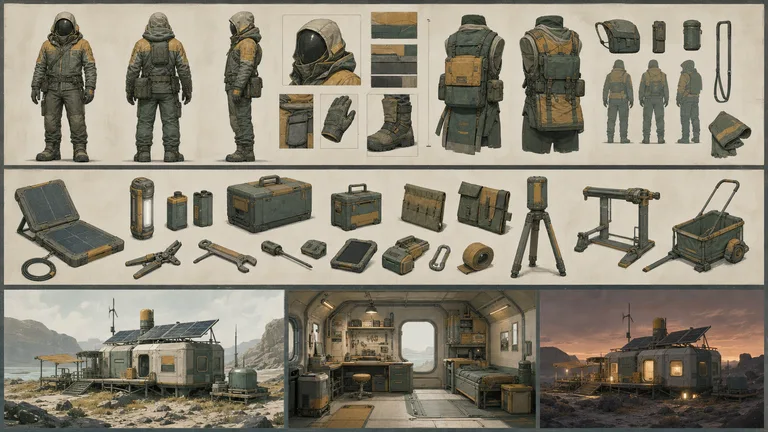
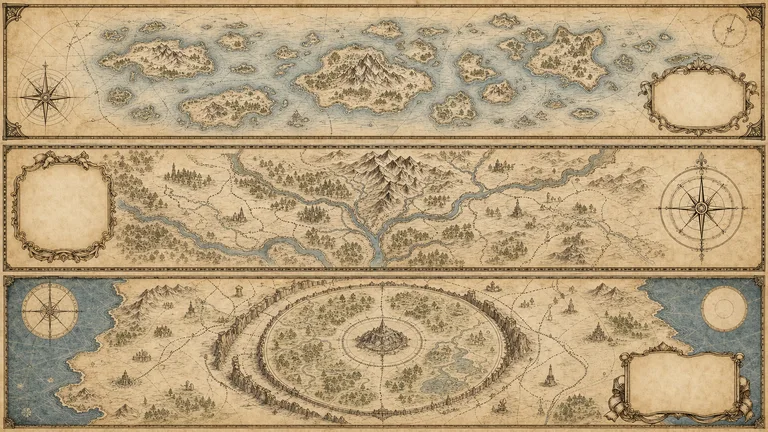
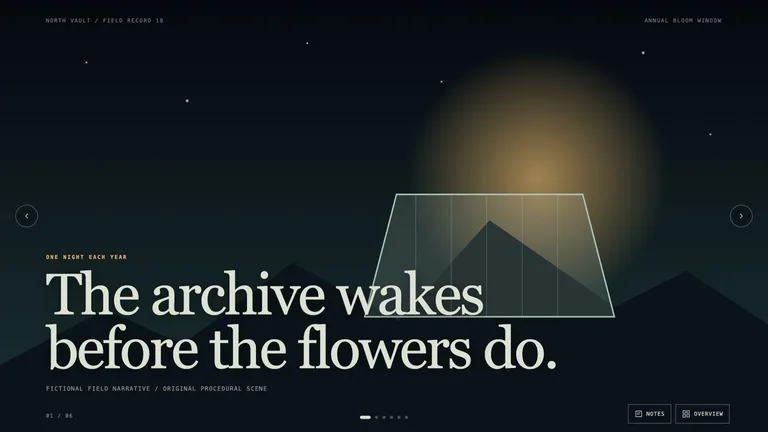
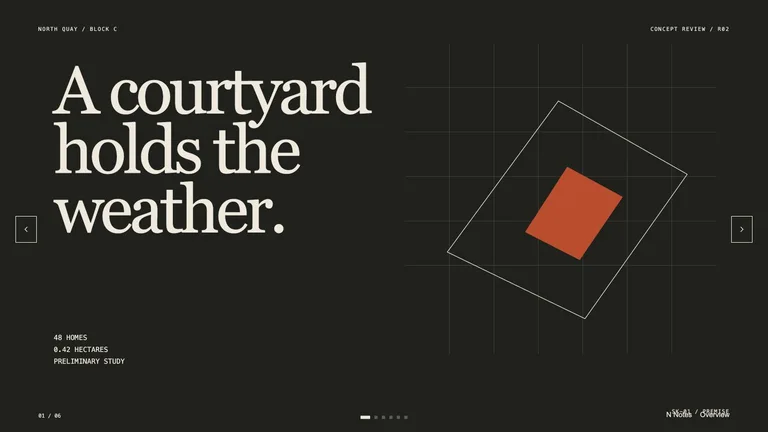
Agree on the look before anyone picks up a camera. A rough frame now saves a reshoot later.
Three distinct visual directions per request, with composition, color and texture side by side.
Panel-by-panel storyboards that vary shot size, angle and camera movement.
Matched character, prop and environment studies that stay consistent from frame to frame.
Each role page picks the Skills that fit that job best.
 For content creatorsCovers, social cards and talking-head overlays in your style.
 For designersA design system your agent repeats, so you work on the details.
 For marketersCampaign pages, launch videos and social images from one brief.
 For foundersProduct sites, pitch decks and launch videos before the first hire.
Three steps in Claude Code, Codex or Cursor. No design app needed.
Copy the install prompt into your agent, or run the command below. The Skill lands in your agent's skills folder.
npx skillry-cli@latest install bs-image-narrative-deckType a slash and the Skill name, then say what you want in plain words.
/bs-image-narrative-deck Develop three visual directions from this brief with rationale and references.Open the file it made, ask for changes in the same chat, then publish or hand it off.
deck.html → .pptxA prompt can give you one striking frame. A Skill gives you storyboards, shot grids and mood boards you can compare side by side and hand to the crew before anything is shot.
| Aspect | A plain prompt | A Skill |
|---|---|---|
| The question | Make something that looks good and see | Decide one thing at a time: style, shot, character, prop or set |
| Variations | Change the prompt and compare from memory | Keep the constraints fixed and vary only the choice you are making |
| Handoff | The chosen frame becomes the brief | Boards with notes, references and continuity the crew can work from |
Install any Skill on this page and every new one we add. Cancel anytime.
Cancel anytime
$9.99 / month
Full Premium access, billed monthly.
Save 34% a year
Most popular$79 / year
Full Premium access for a lower annual price.
Pay once · Founding price
Founding offer$169 one-time
Founding price — increases as the library grows.
Cancel anytime. Payments are non-refundable.
Yes. Give your agent the script or shot list, and a storyboard Skill lays out a frame for each shot in order, with notes on framing and action. Treat it as a planning tool and refine it with your director or DP.
Only if the Skill takes a fixed reference, such as a character sheet, and you reuse it every time. Judge consistency from a Skill's examples across several frames, not from its single best image.
A mood board sets the look: color, light, texture and references. A storyboard sets the sequence, meaning what each shot shows and in what order. Most projects settle the mood board first.
Previsualization is for making decisions. When you need finished stills, browse image Skills, and for finished motion, head to the video directory.
Storyboards, mood boards and shot lists before the shoot.
Browse all Skills