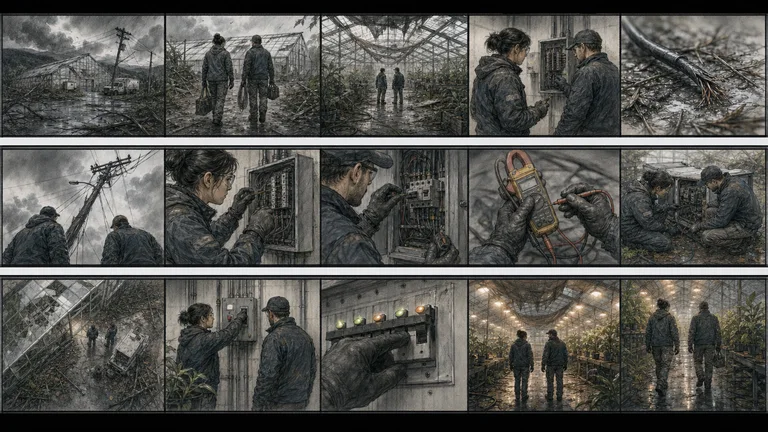


Cinematic Shot Gridv1.0.0
Use this Skill to create article illustrations.
5.056 downloads3 likes3 saves
$4.99
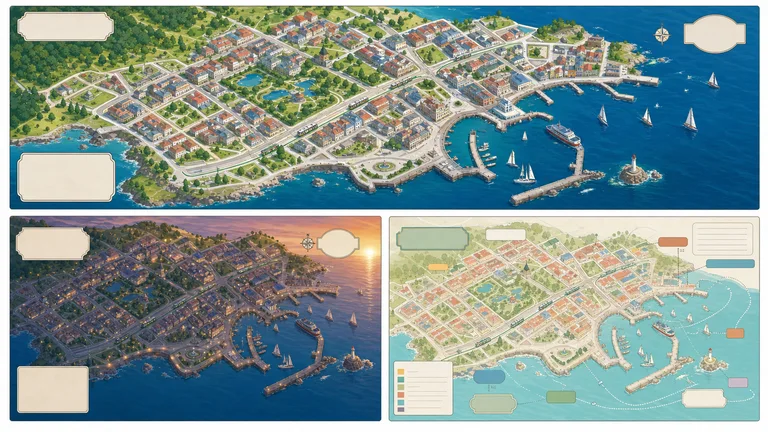
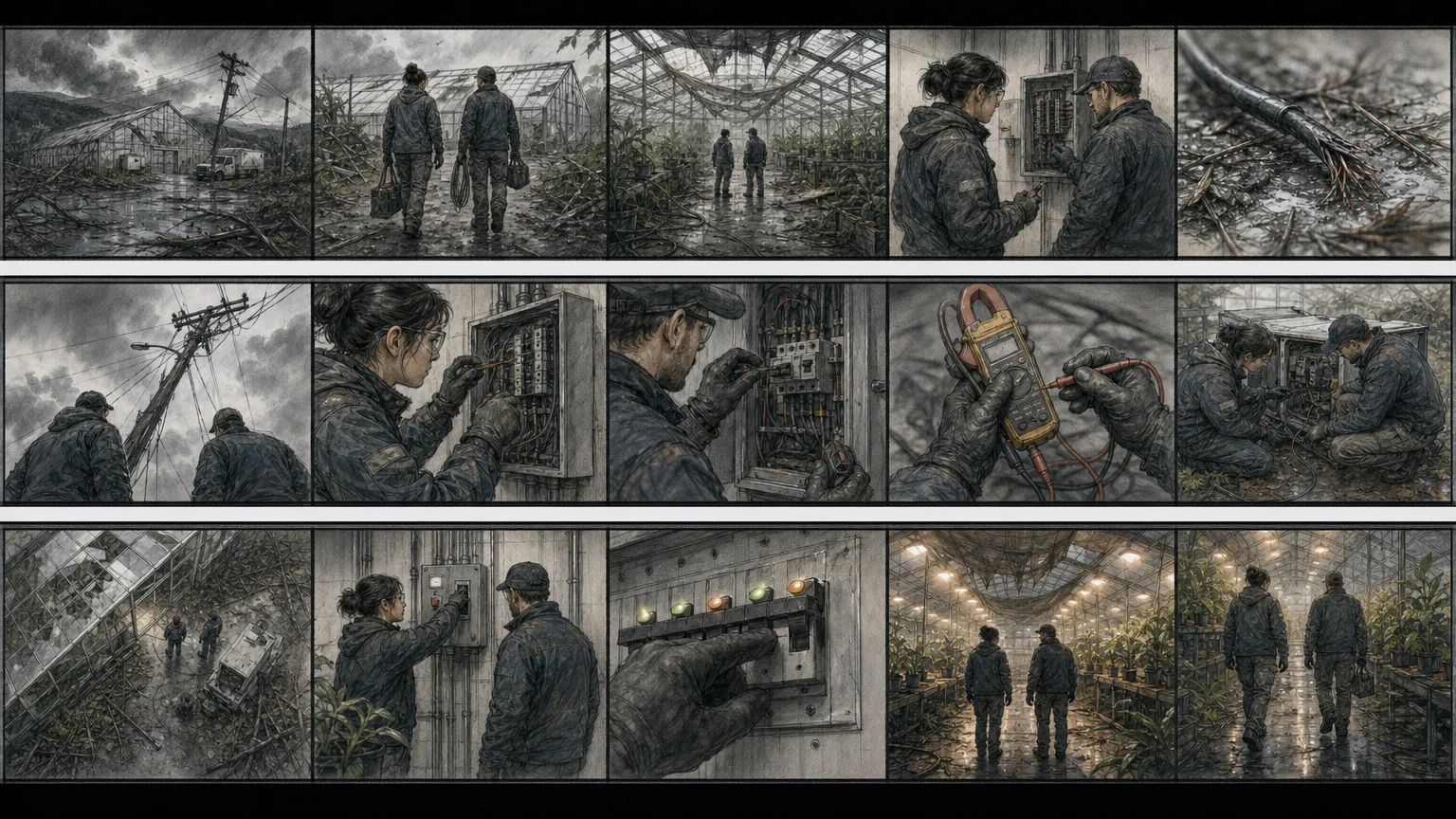
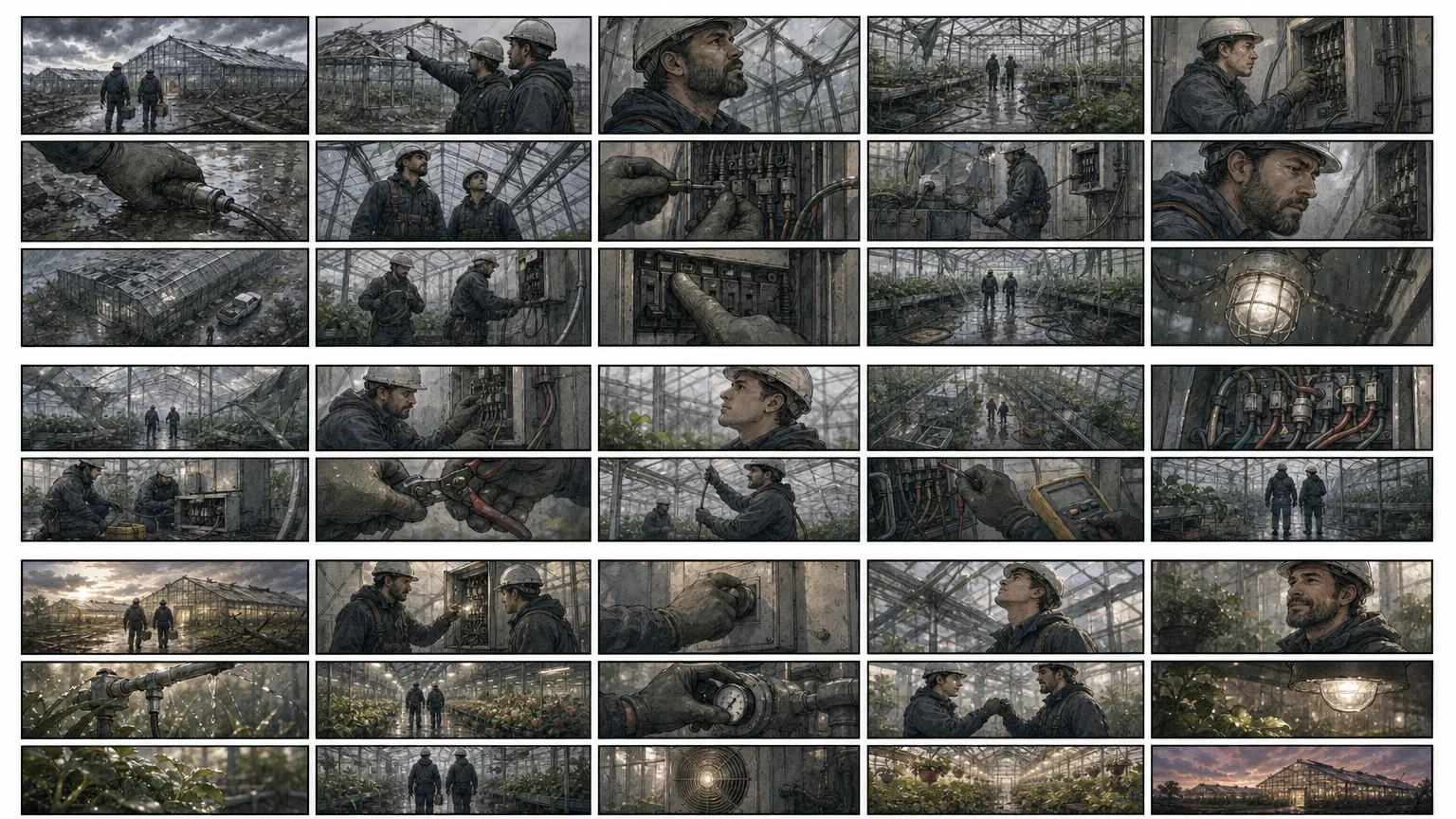
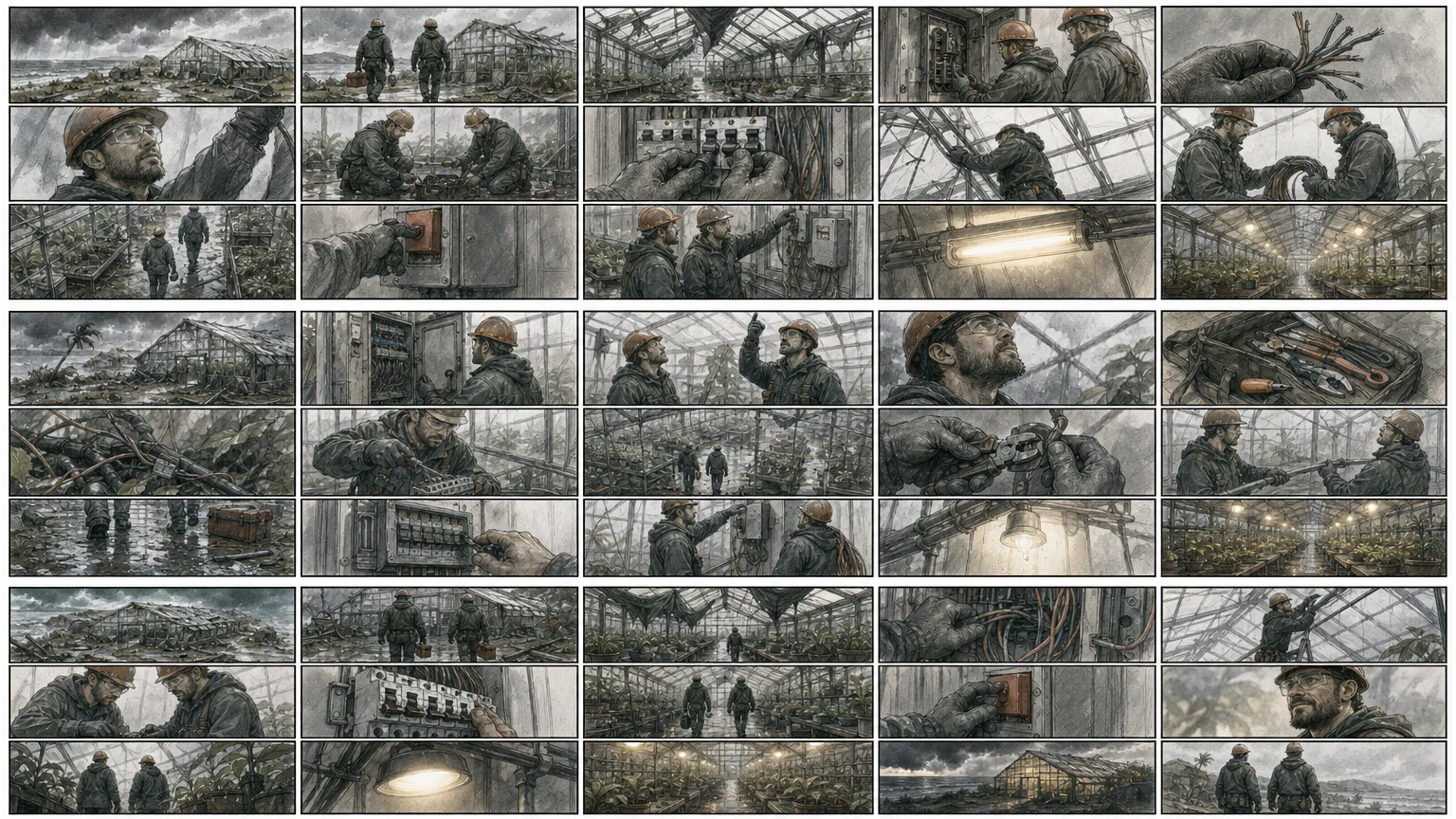
What do I get when I buy this Skill?Builds a continuity-aware storyboard contact sheet with deliberate changes in shot size, angle, movement, and blocking. It delivers exactly three distinct 16:9 visual directions with explicit evidence, rights, and review boundaries.
Picked most often by
Updated Aug 29, 2026
Preview gallery
Similar Skills
View all skills
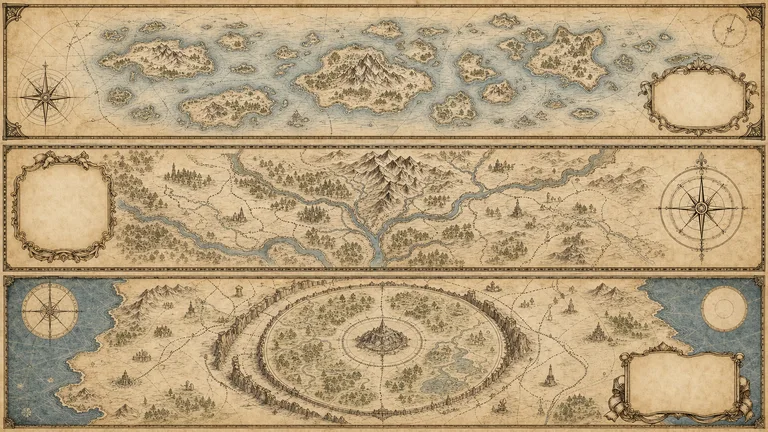
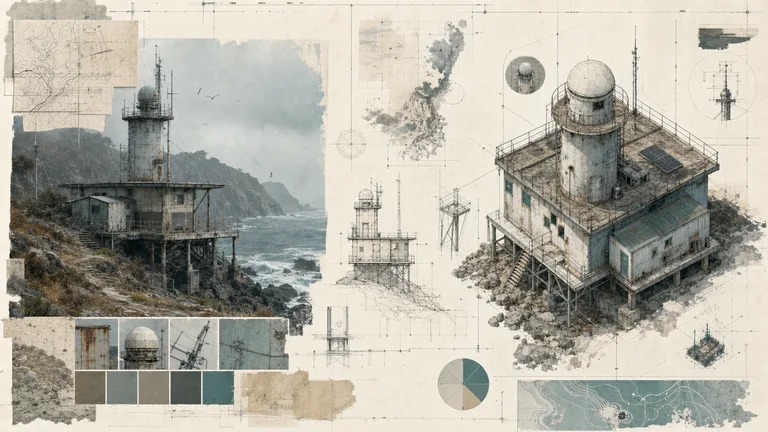
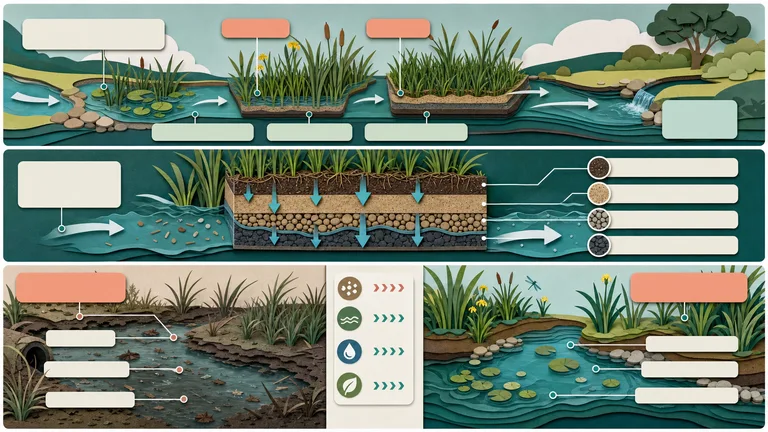
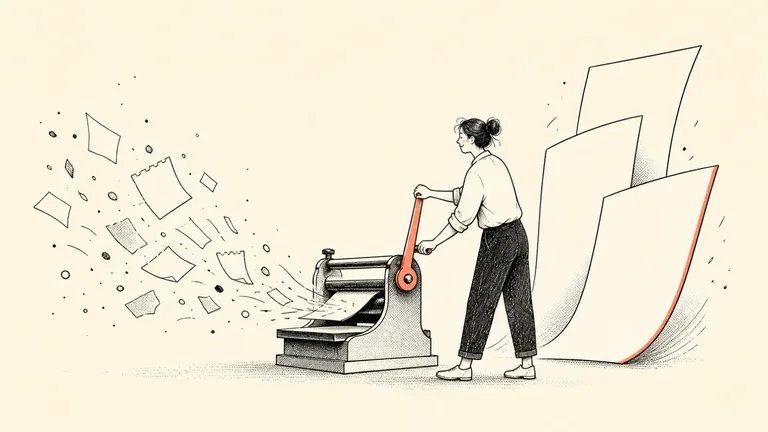
What you get
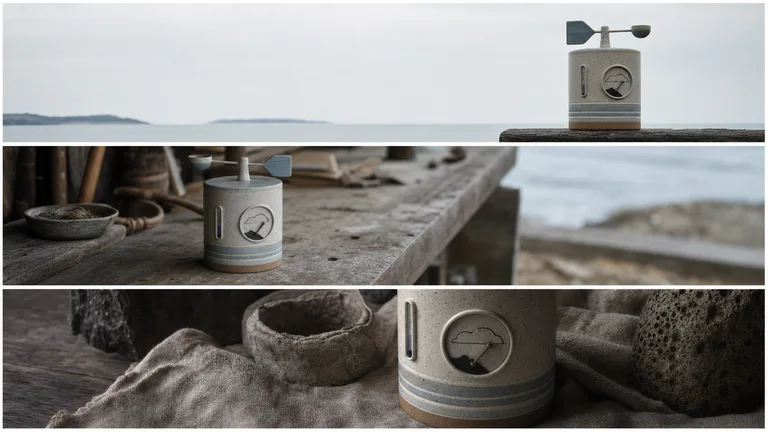
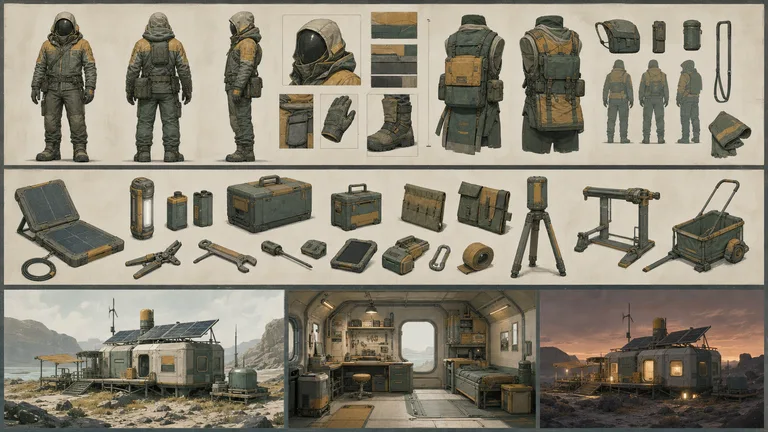
- Three distinct 16:9 finished previews demonstrating cinematic shot grid
- A reusable workflow that keeps supplied facts, assumptions, rights, and unresolved items separate
- A production brief and quality gate for repeatable visible output
Good fit
- Editors commissioning an original visual from approved content
- Publishers who need a coherent reusable visual system
- Creators who can review rights and meaning before delivery
Not for
- Inventing facts, measurements, citations, owners, permissions, or guarantees
- Reusing source-platform branding, watermarks, protected characters, or unlicensed assets
- Replacing subject-matter, legal, accessibility, or final human review
Content Creation & PublishingCreative Development & PrevisualizationCreate Article IllustrationsCreate Visual SetEvidence-firstText-accurateVisually PolishedModular GridOriginal IllustrationCinematic Shot
About this Skill
What you need before you start
- You bring
- Approved scene beat, characters, location, and duration · Continuity anchors for wardrobe, props, lighting, and screen direction · Required shot sizes, movements, and editorial rhythm · Aspect ratio, panel count, rights, and prohibited content
- Dependencies
- FAL account — required · Node.js 20 or newer — required
- Outside costs
- Image generation uses one paid FAL task for three directions. Review the brief before submission; a failed task is never retried automatically.
- Last tested
- v1.0.0 — Claude Code / Claude Desktop / Cowork / Codex / ChatGPT
User reviews
Loading reviews…