

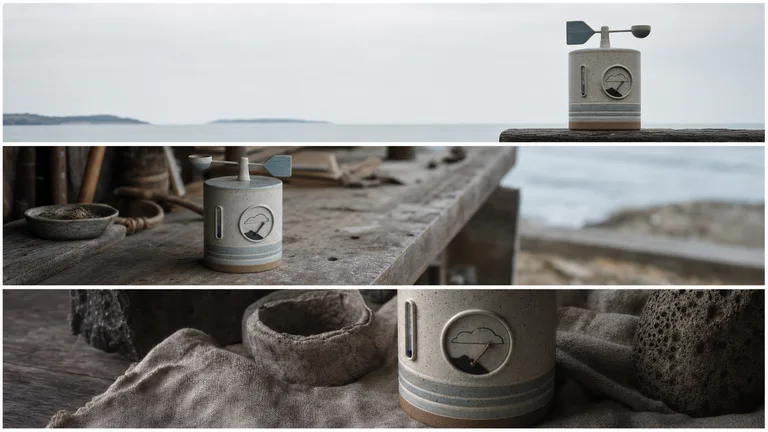
Skillry Pick
Claude Style Illustrationv1.0.5
Claude-Style Illustration Skill
Use this Skill to create article illustrations.
5.0297 downloads13 likes20 saves
$4.99
What do I get when I buy this Skill?Create an Anthropic Style editorial illustration that turns one idea into an immediately readable visual metaphor. This independent workflow helps writers and product teams add a warm, human focal image and is not affiliated with or endorsed by Anthropic.
Picked most often by
Updated Nov 28, 2026
Preview gallery

Runs in


Install guides
Generates with
GPT ImageClaude Fable 5.2Similar Skills
View all skills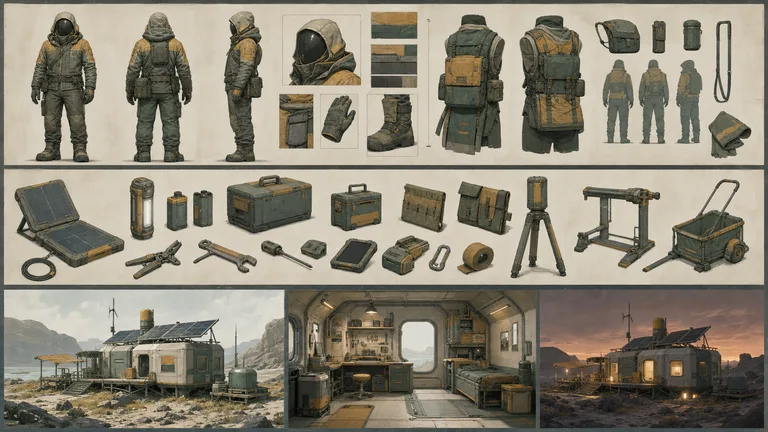

What you get
- One standalone editorial illustration for each requested concept, never a collage or card grid
- A compact visual metaphor built from two to four meaningful elements
- A strict muted-background, warm-paper, and black-ink palette with deterministic normalization, a saved prompt, and repeatable QA checks
Good fit
- Article headers and thumbnails that need one idea to read at a glance
- Technology or business concepts that benefit from a simple physical metaphor
- Small illustration series that must keep the same restrained visual language
Not for
- Photorealistic scenes, glossy 3D renders, or highly detailed environments
- Posters, diagrams, or social cards that depend on dense generated text
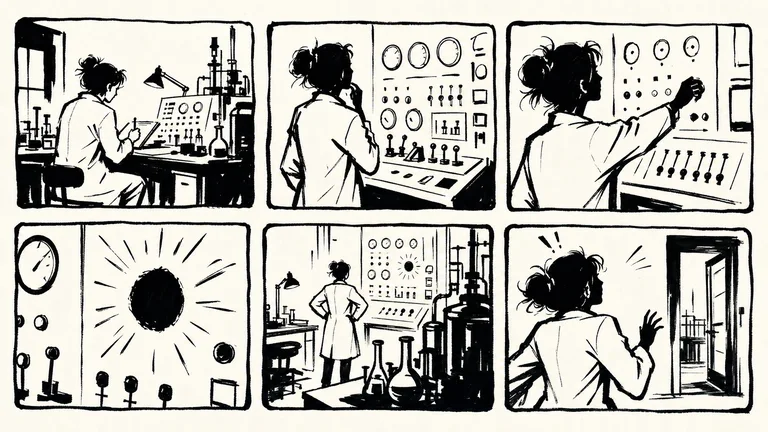
- Collages, moodboards, storyboards, or multi-panel narrative layouts
Content Creation & PublishingSocial Media Content & CampaignsCreative Development & PrevisualizationCreate Article IllustrationsBuild Editorial Illustration SeriesCreate Article ThumbnailCreate Concept IllustrationStyle-lockedSeries-consistentGuided WorkflowFlat Paper CutHand Drawn MonolineMuted EditorialThree Color Minimalist
About this Skill
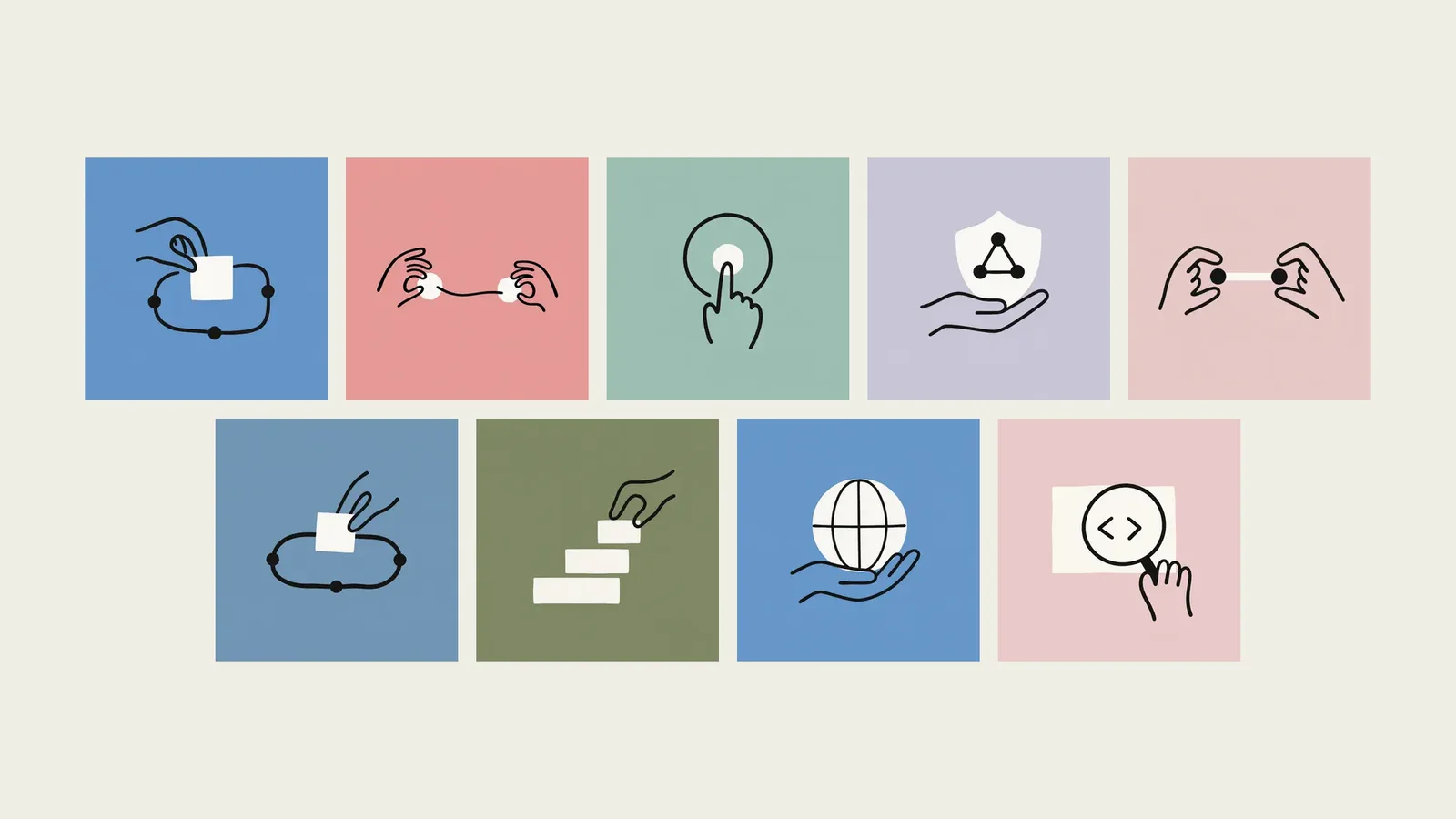
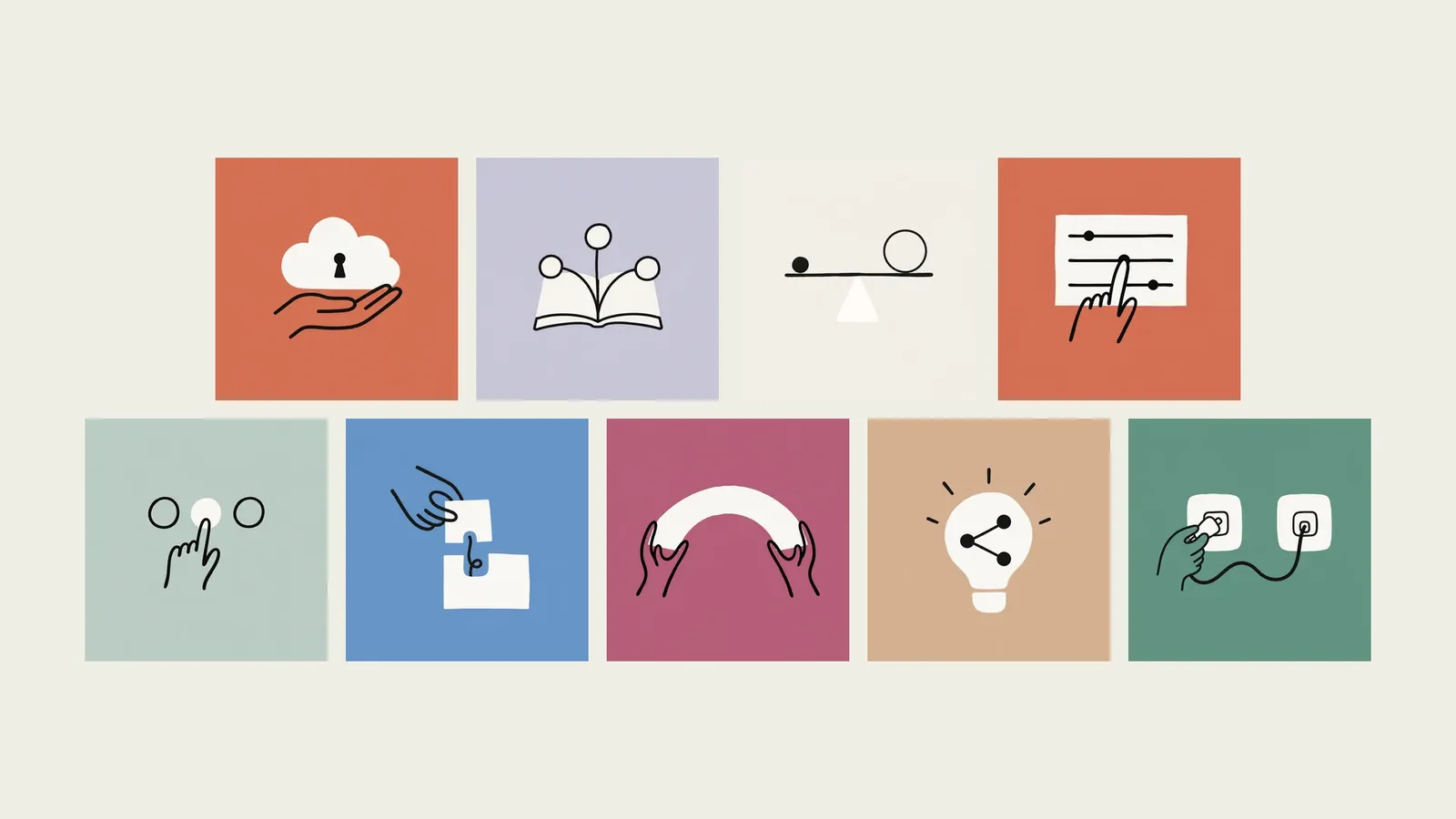
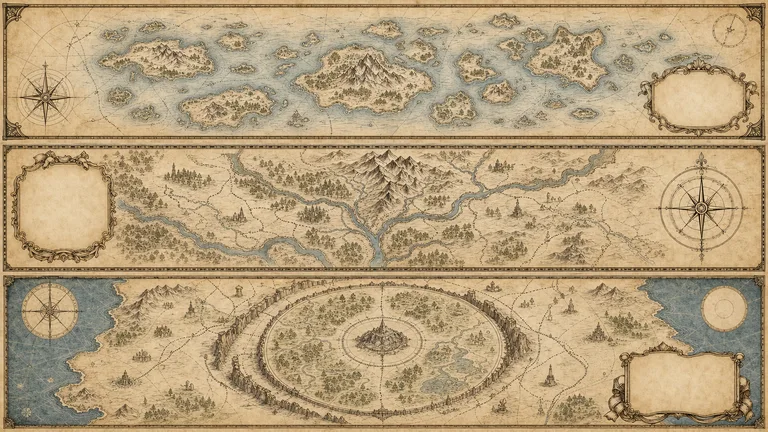
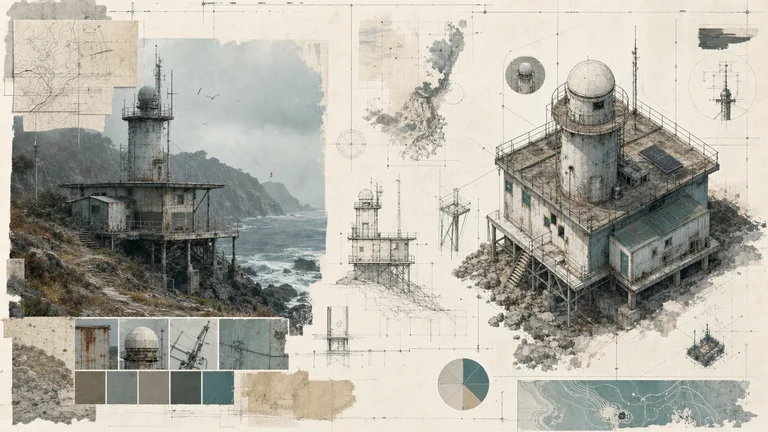
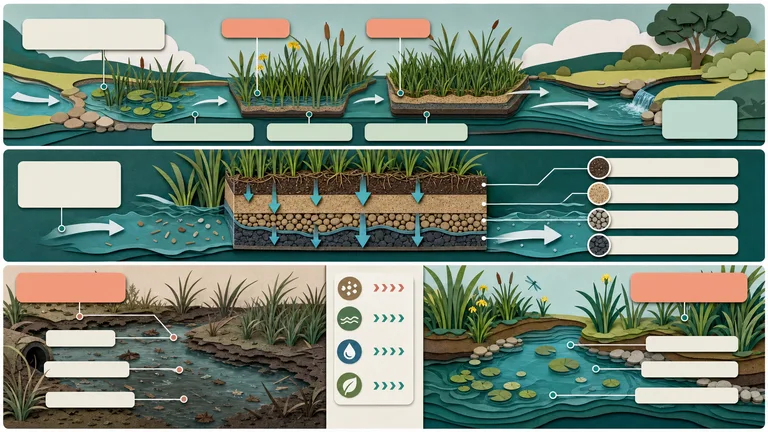
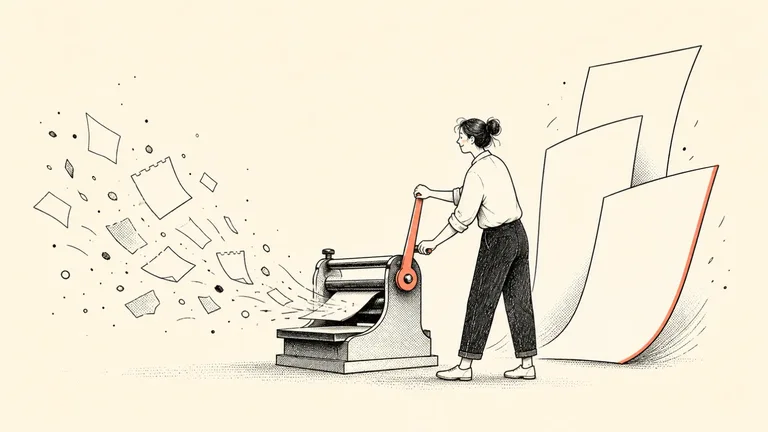
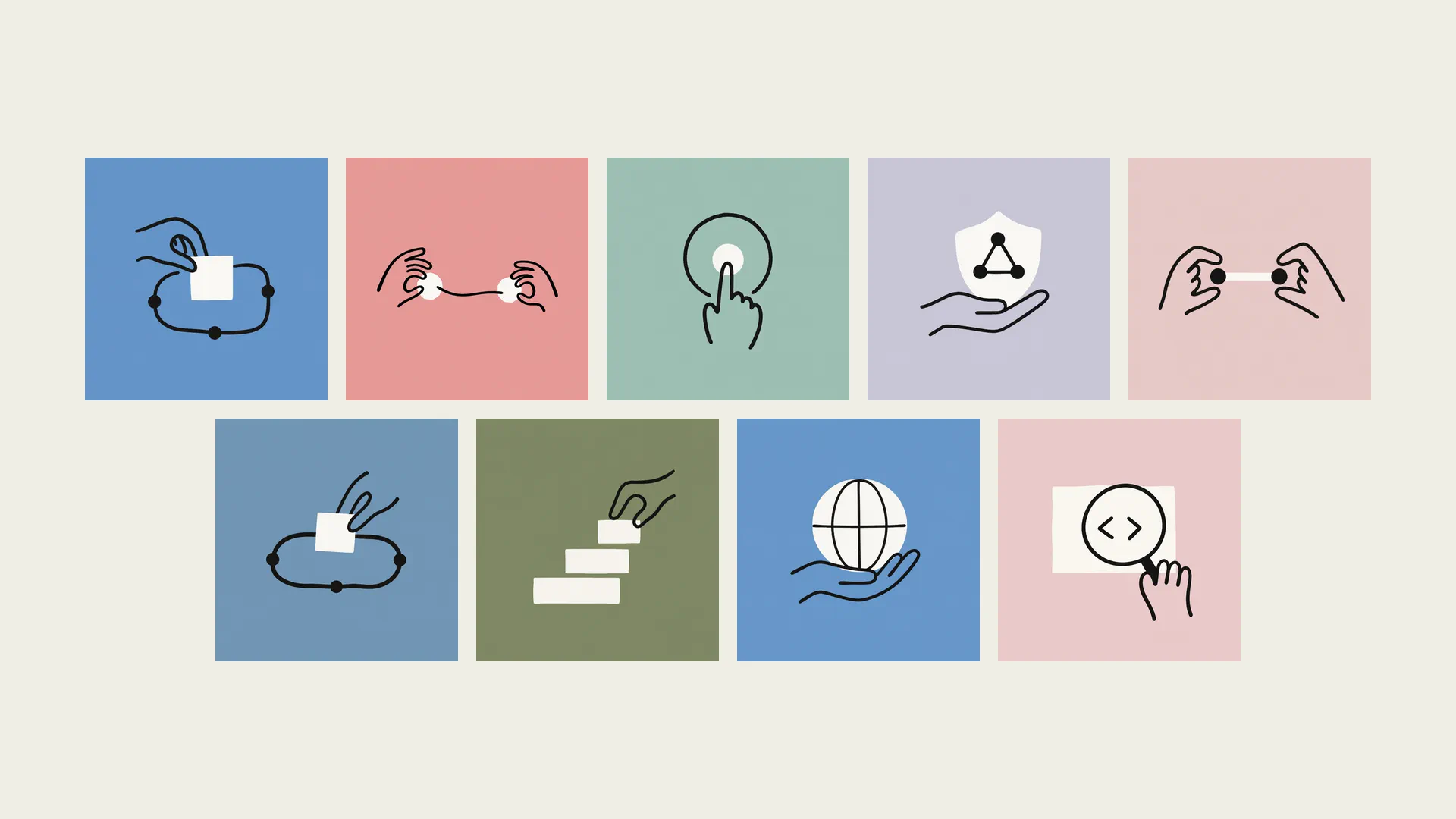
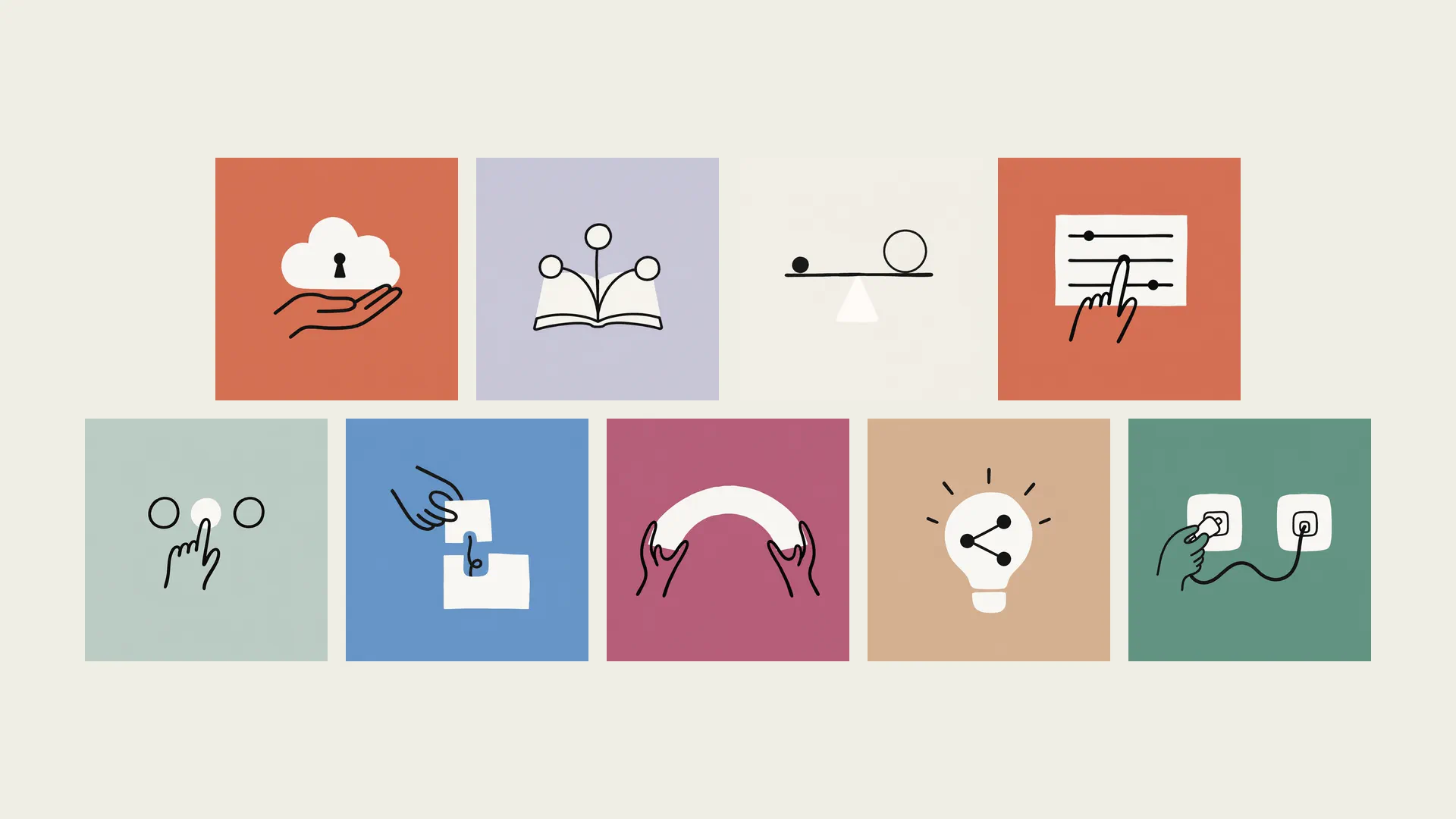
This workflow turns an abstract idea into one quiet visual metaphor: a muted field, warm paper-cut shapes, and loose black felt-tip lines. The image stays simple enough to read at thumbnail size without captions or UI. The catalog boards below collect nine earlier square examples per image to show the range; the installed workflow still returns one standalone illustration per requested concept.
What you get
- One independent illustration for each concept, never a collage or card grid
- Two to four meaningful elements arranged around one clear focal point
- A choice of five aspect ratios, from square to wide or vertical
- A flattened three-color result plus the original generation and a QA record
How to use it
- Give it the topic or idea you want the image to communicate.
- Add an object, action, metaphor, or aspect ratio only when you have a preference.
- Review the proposed metaphor and authorize the image-generation request.
- Check the final image for one focal point, clean silhouette, flat color, and generous breathing room.

An available agent-native image tool needs no FAL key. The optional portable
FAL path requires FAL_KEY, and each request submitted through it is billed.
What you need before you start
- You bring
- Topic or idea to communicate
- Dependencies
- For image generation, use Skillry credits by default through Skillry MCP, a signed-in Skillry CLI, or a Skillry API key with models:invoke + images:generate access. · Optional alternatives are Codex built-in image generation or your own FAL_KEY for GPT Image 2. · Node.js 20 or newer - required · Python 3 with Pillow - required for strict palette normalization
- Skillry credits
- Supported steps use Skillry credits. Review the estimated credits or spending limit before running.
- Outside costs
- Generation and editing default to Skillry account credits via Skillry API Key or Skillry MCP (billed separately from Skill access after quote and budget approval; no automatic paid retries). Codex built-in image generation or your own FAL_KEY are optional alternatives.
- Last tested
- v1.0.5 — Claude Code / Claude Desktop / Cowork / Codex / ChatGPT
User reviews
Loading reviews…