Headspace Style OG Image


 +7
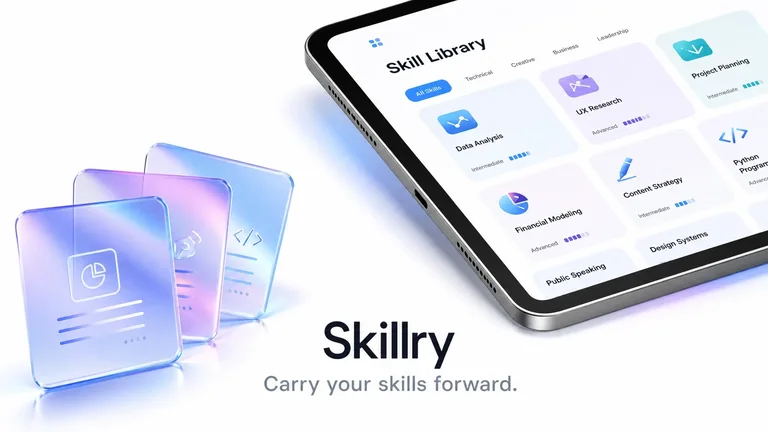
Create 1200×630 Open Graph and 1200×600 X cards, preview X & LinkedIn, and copy <meta> tags.
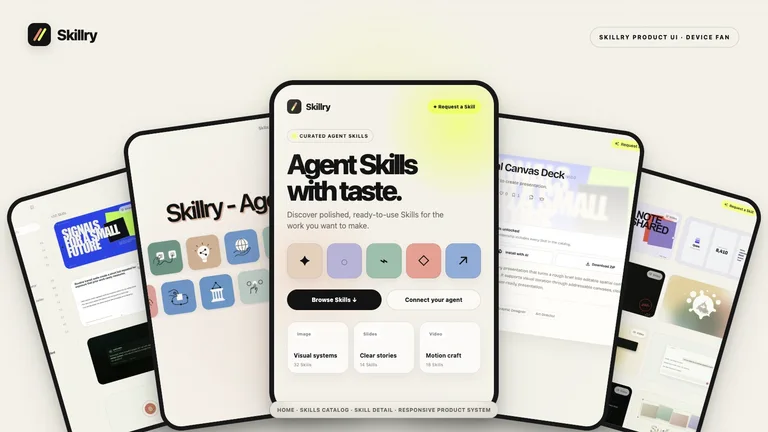
Browse real Open Graph examples below — install any Skill so Claude Code or Codex renders matching cards for every route.
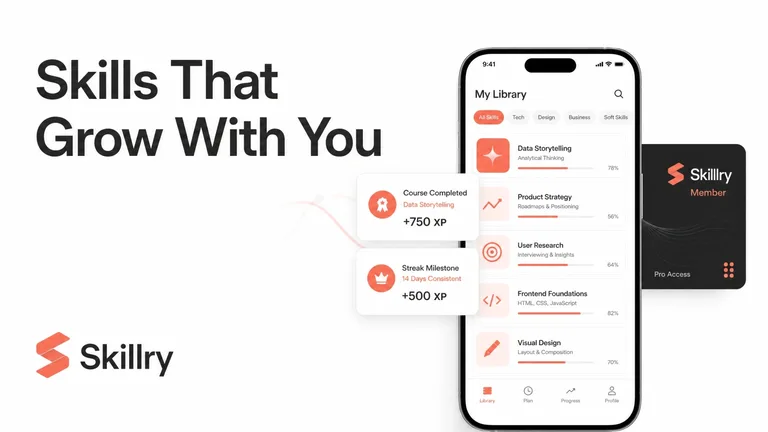
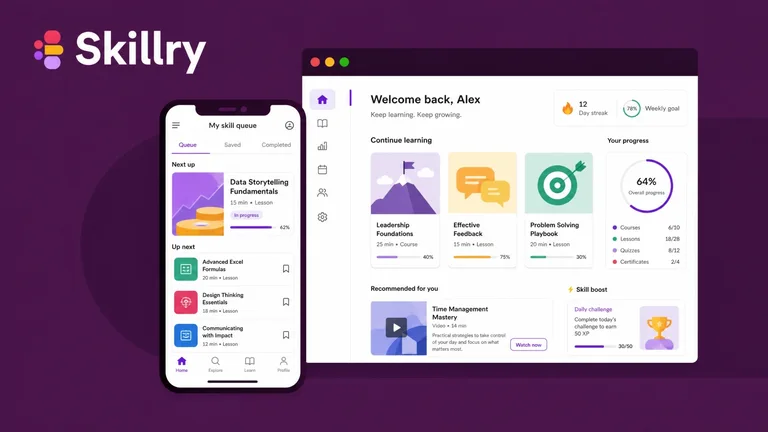
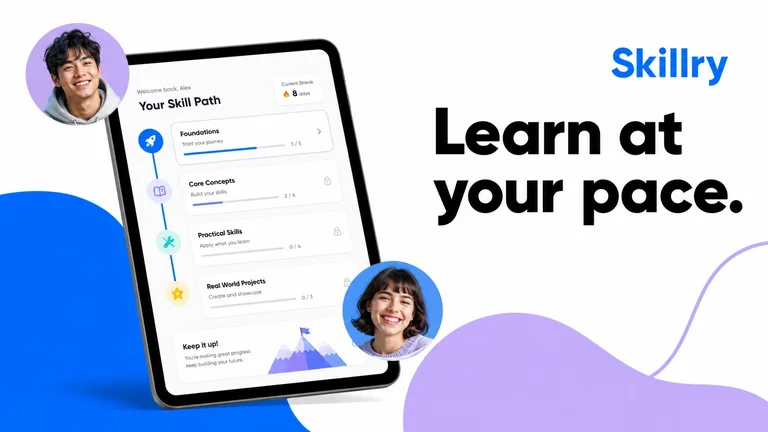
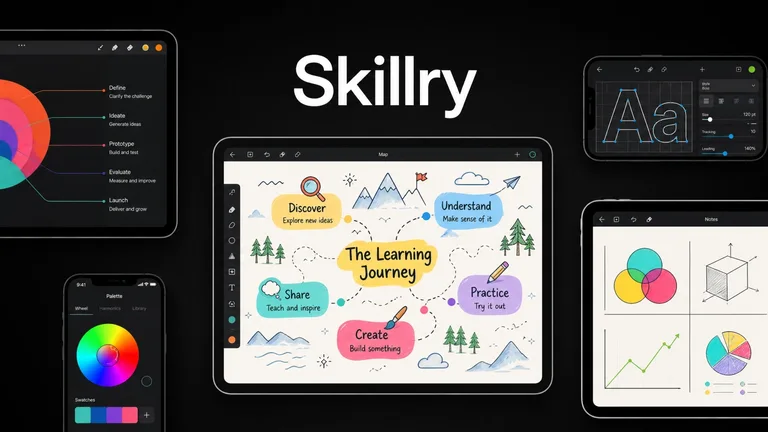
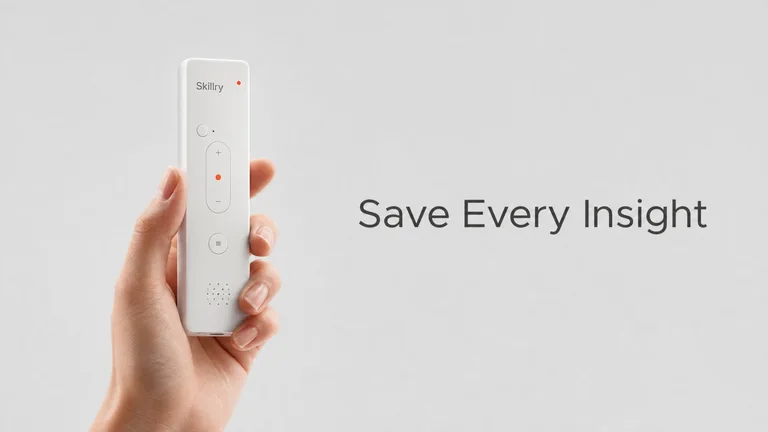
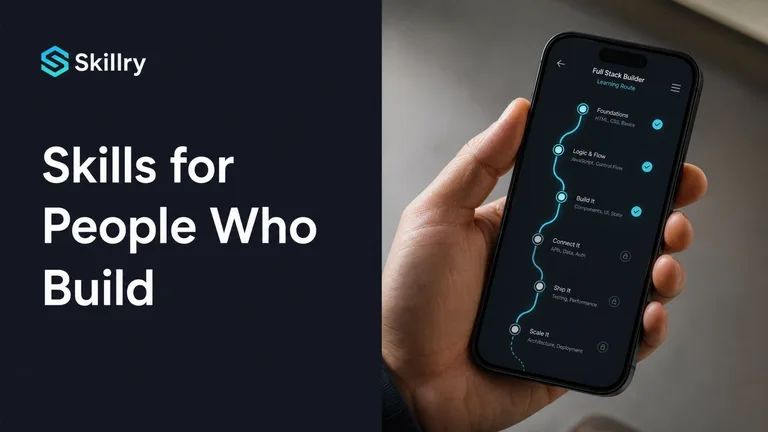
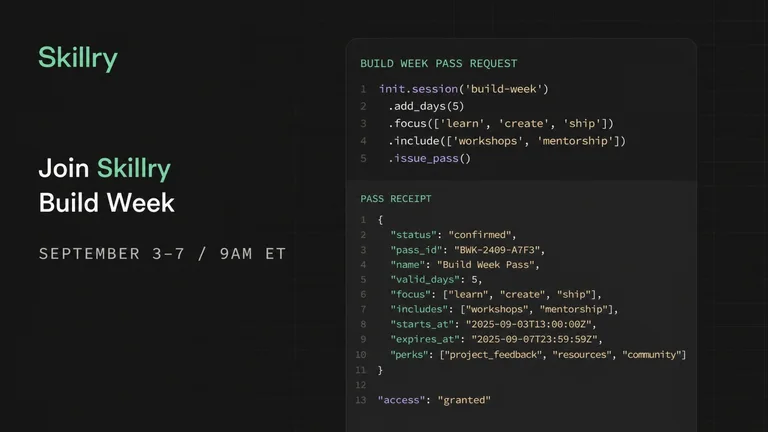
Split, Spotlight, Logos, Centered, Inline, and Article with grain.
Check 2:1 X card crop and LinkedIn title strip before publishing.
Export pure 1200×630 / 1200×600 PNGs and grab ready HTML meta tags.
Exact Open Graph dimensions and aspect ratios so your headlines and logos never clip on mobile feeds.
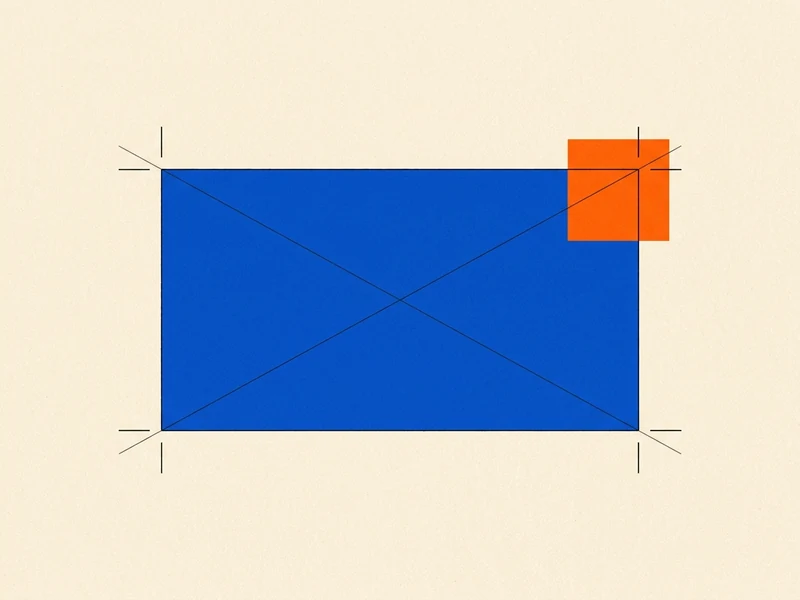
The universal Open Graph dimension supported by LinkedIn, Facebook, Slack, Discord, and iMessage.
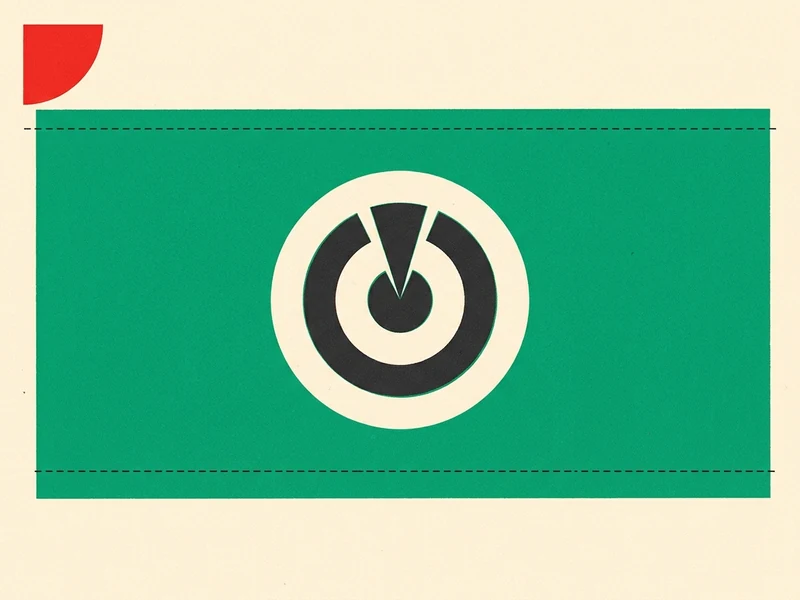
Validate summary_large_image framing live in our X Preview shell and check bottom-left badge overlap.
Preview your exact 1.91:1 image stacked above LinkedIn’s title and domain footer before sharing.
Copy complete og:title, og:image, og:image:width/height, and twitter:card tags for Next.js or HTML.
 1
Choose from 6 layouts, type your title, and drop or paste (⌘V) art.
 2
Switch between Canvas, X Preview, and LinkedIn to verify framing.
 3
Download a clean 1200×630 or 1200×600 PNG and paste tags into <head>.
| Capability | Skillry Free Studio | Placid Free | Vercel OG Playground |
|---|---|---|---|
| Ready-made OG layouts & textures | 6 layouts · 32 gradients | 5 basic layouts | Blank code editor |
| Built-in X & LinkedIn preview shells | Live 1-click toggle | Canvas only | Canvas only |
| Clean PNG + <meta> tag generator | Save, Copy PNG & Meta | Image only | Manual JSX only |
| Watermark & sign-up wall | Free · No login | Account required | No visual editor |
1200 × 630 pixels (1.91:1 aspect ratio) is the standard Open Graph size for LinkedIn, Slack, Discord, Facebook, and iMessage. For Twitter/X summary_large_image cards, you can also switch to 1200 × 600 (2:1) so nothing is cropped.
Click X Preview or LinkedIn in the top stage bar. You will see your live card framed inside an authentic X post (including X’s bottom-left title pill) or LinkedIn link card, while exporting always saves the clean PNG.
Yes. Unlimited PNG downloads, clipboard copies, and <meta> tag exports are free with zero watermark and no sign-up.
Place the saved PNG in your public/ folder, click Meta tags to copy the og:image and twitter:card tags, and paste them into your <head> or Next.js metadata.openGraph object.
X displays large link cards at a 2:1 ratio (1200×600), trimming 15px from top and bottom of a 1200×630 image. Keep text inside safe margins or export directly in 1200×600 mode.
Explore the 30+ brand-styled OG image Skills on this page (Linear, Stripe, Vercel, Figma, Raycast, Notion) and install them for your AI coding agent.
No. Rendering happens 100% locally in your browser; your images never leave your device.
Free OG image generator with live X & LinkedIn previews — no watermark, no sign-up.