iPhone Duo Mockup


 +7
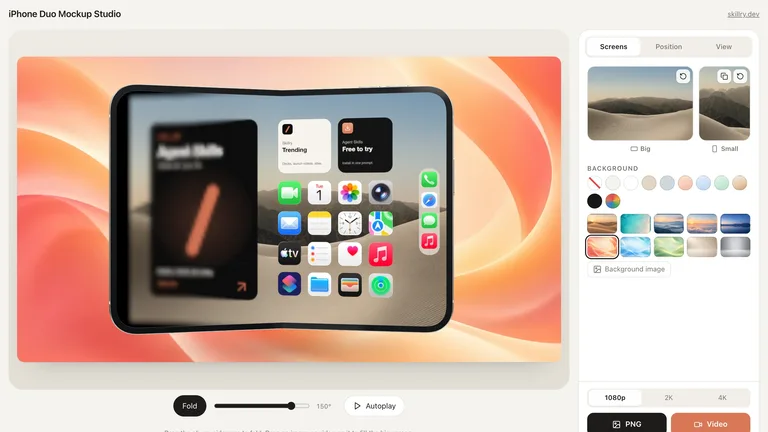
Paste screenshots with ⌘V into iPhone, MacBook, or browser frames. Free 4K PNG & 3D video.
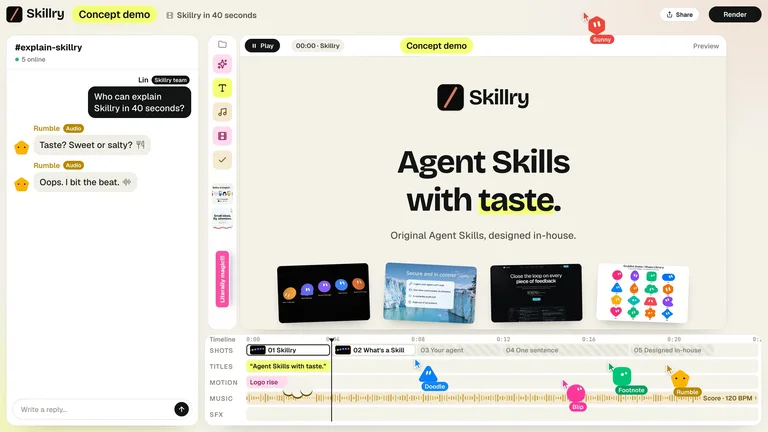
Turn product screenshots into choreographed 3D device launch films or interactive web demos with your agent.
Safari/Arc/Chrome windows, iPhone Duo, MacBook Pro, and image frames.
Sculpt 3D angles with undo/redo and auto-match colors from your shot.
Export 3200×1800 4K stills, transparent PNGs, or 60fps 3D videos.
Skip hunting for bloated PSD packs — paste your UI screenshot and export crisp PNGs or 3D videos instantly.
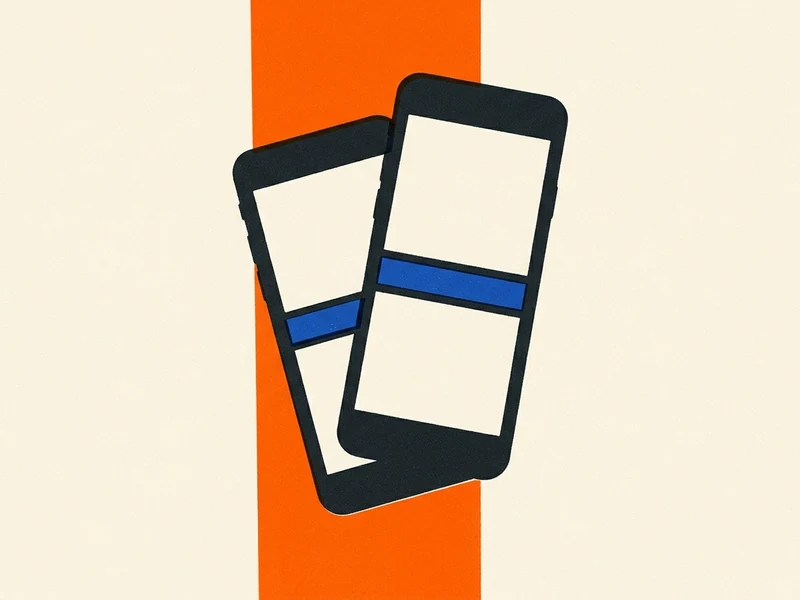
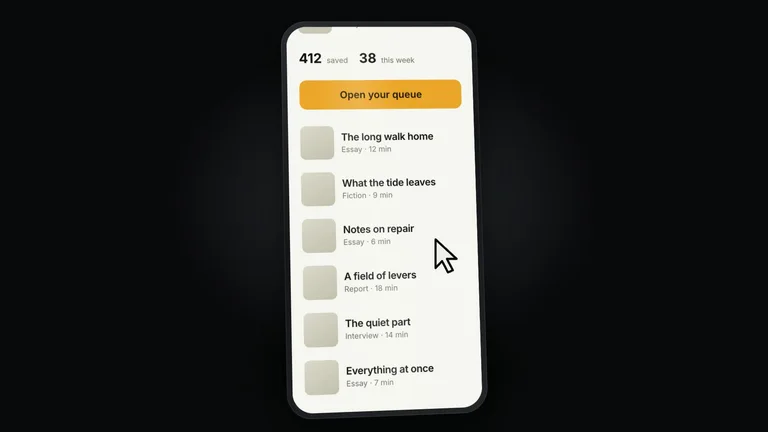
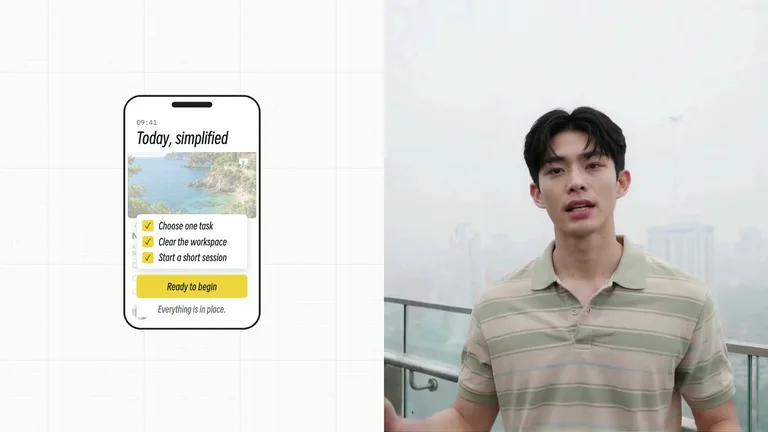
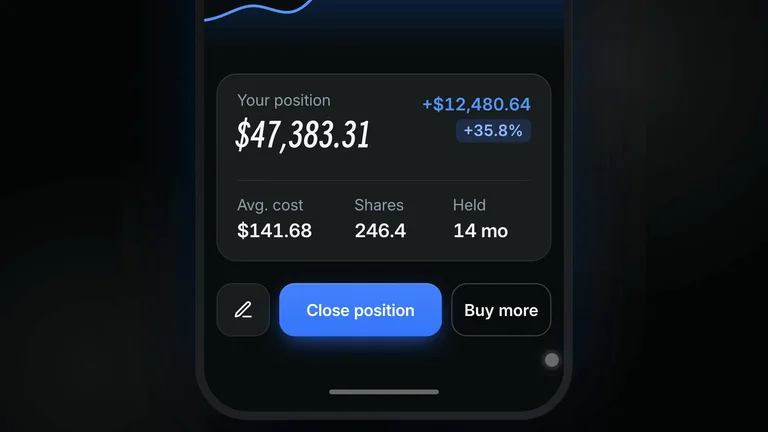
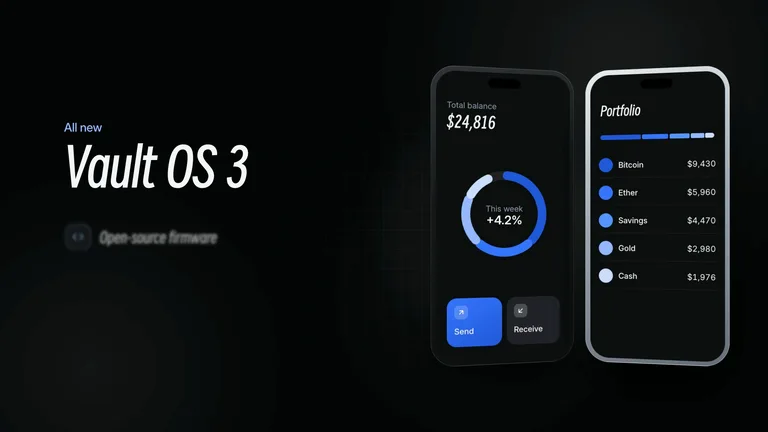
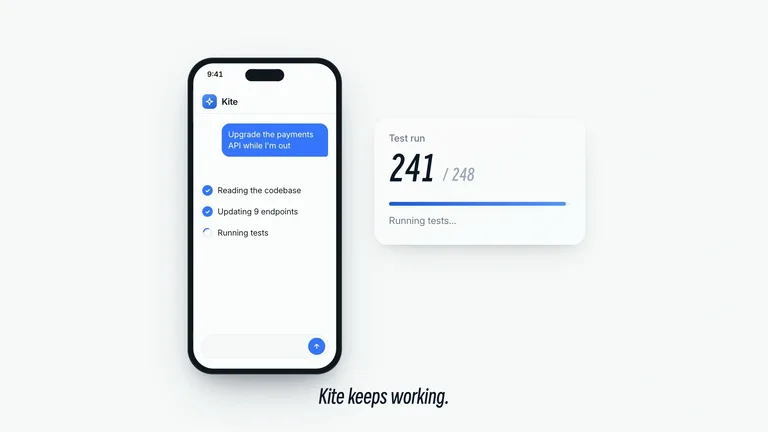
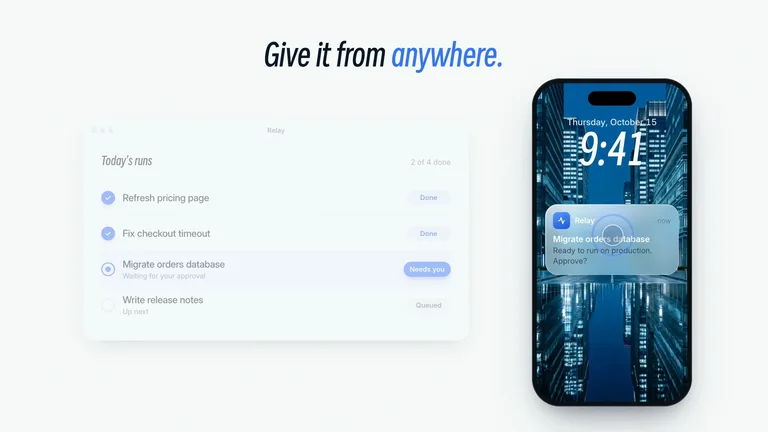
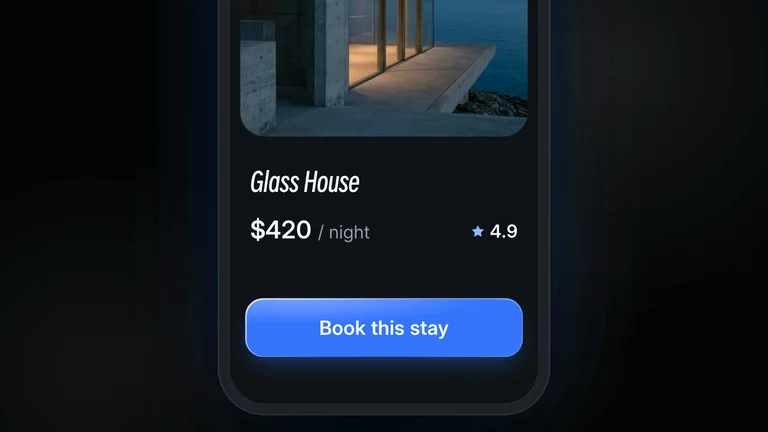
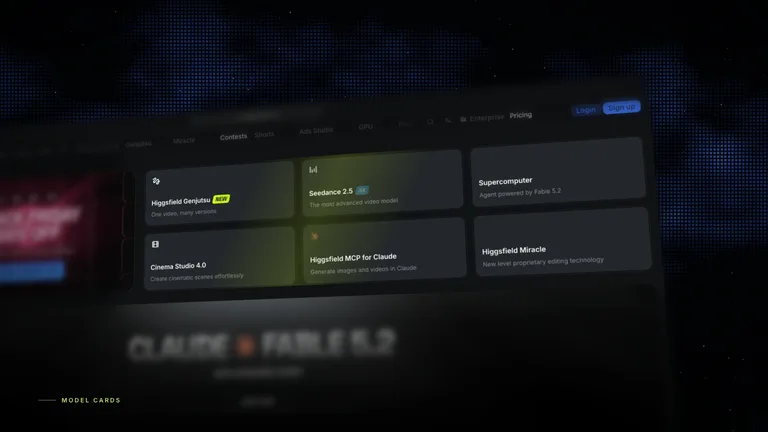
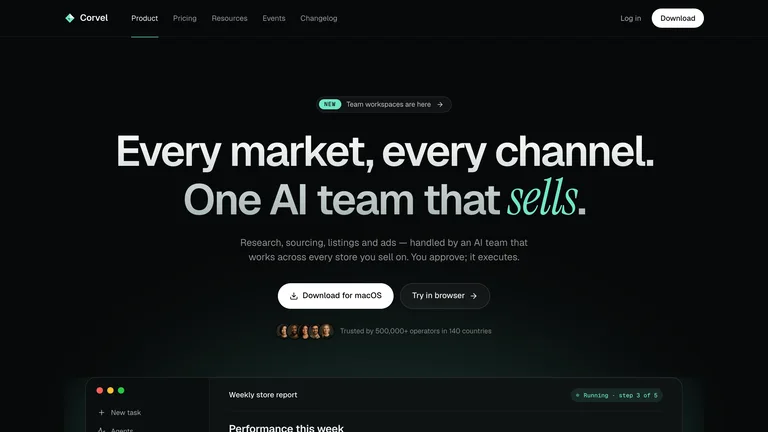
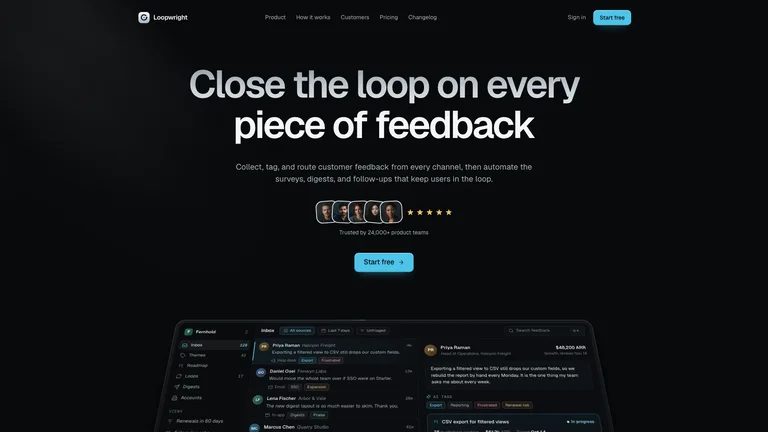
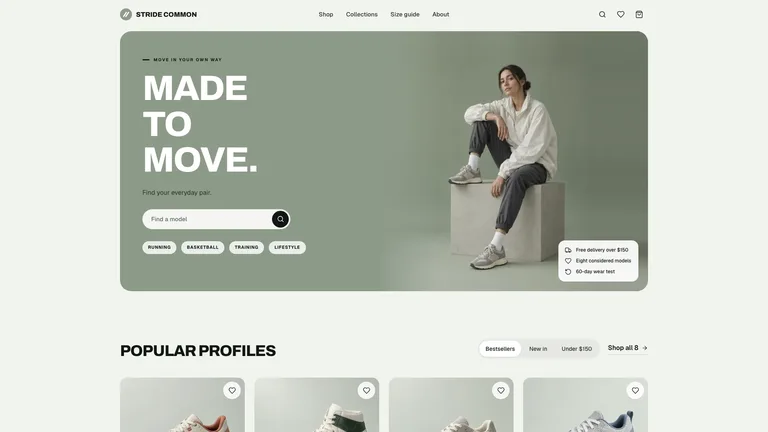
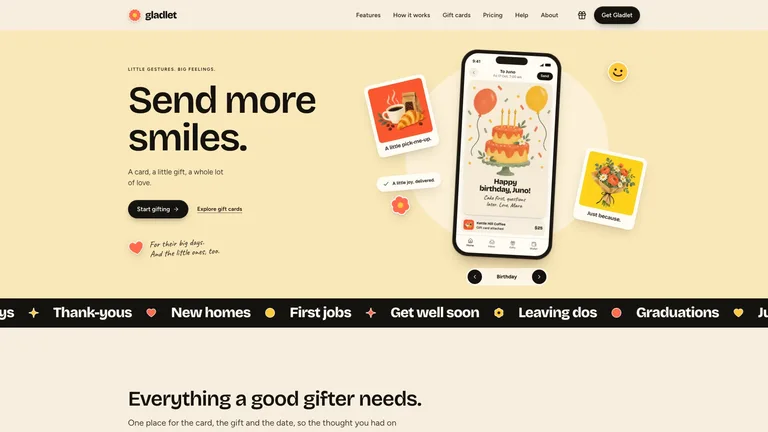
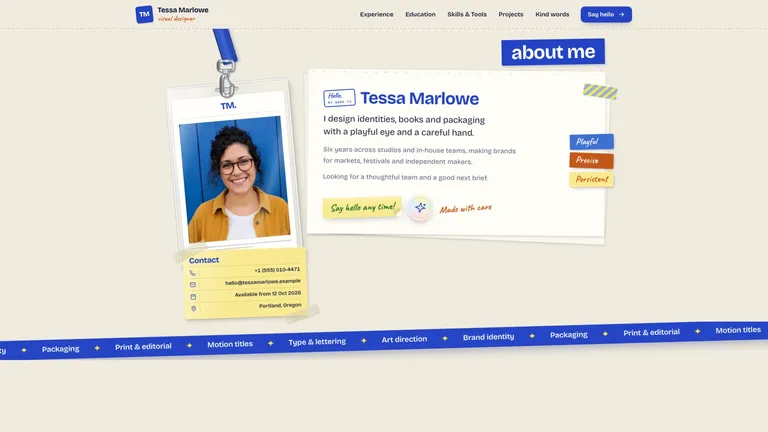
Drop mobile screens into sleek overlapping iPhone mockups for App Store visuals and product launches.
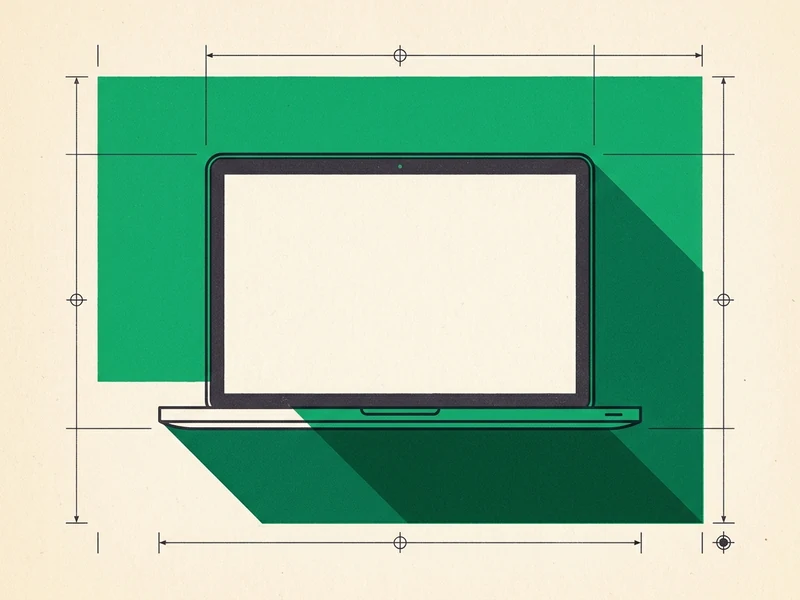
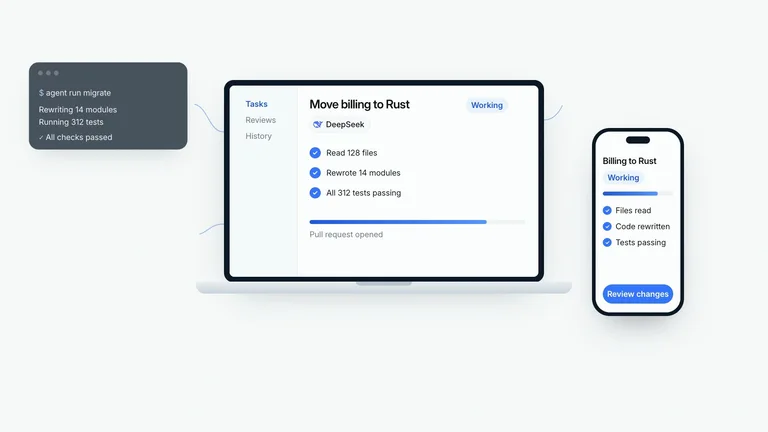
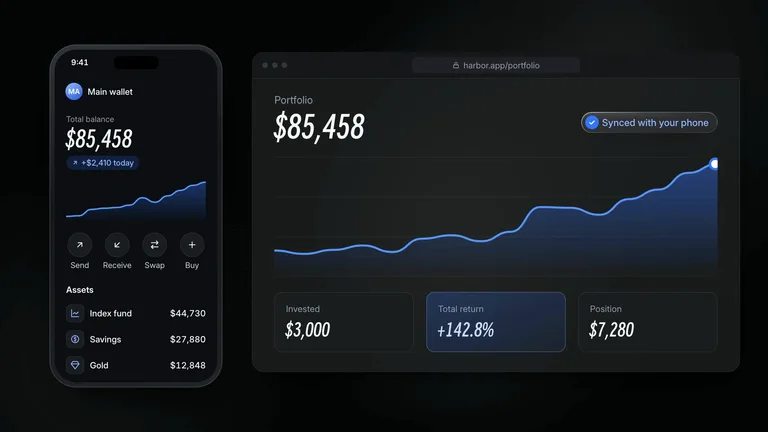
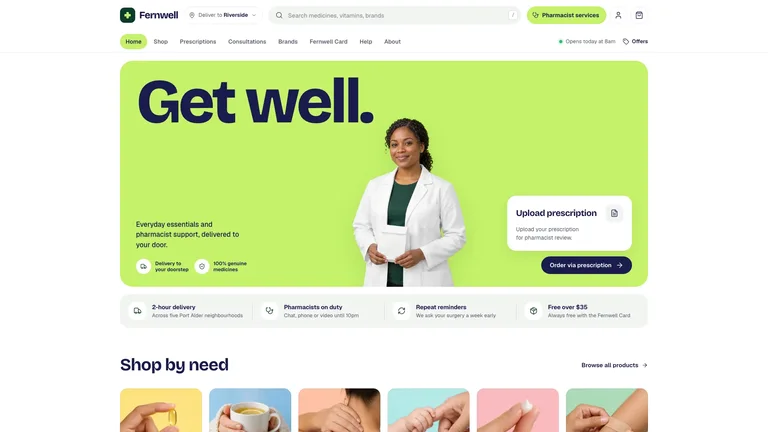
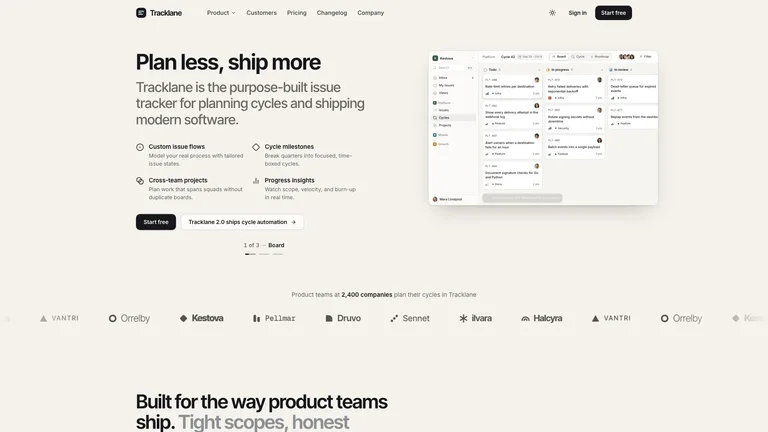
Present SaaS dashboards and web apps inside crisp MacBook Pro stages with soft studio shadows.
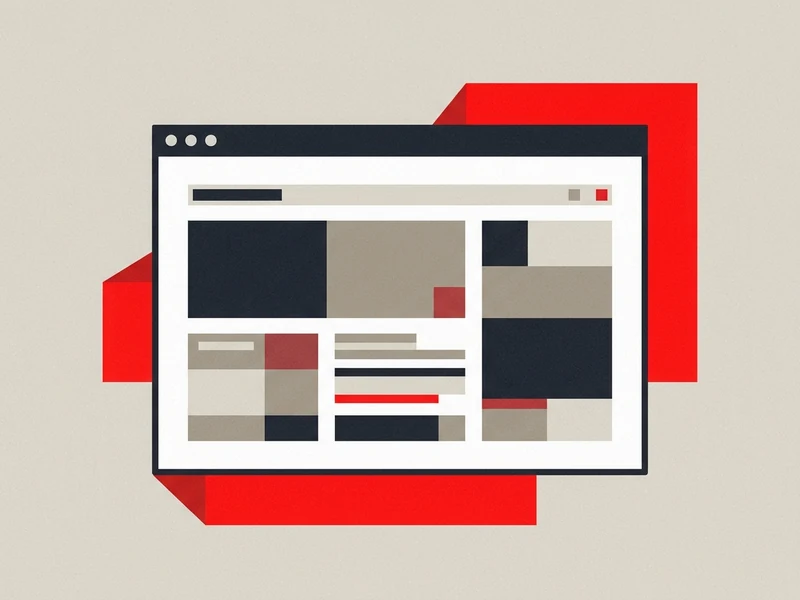
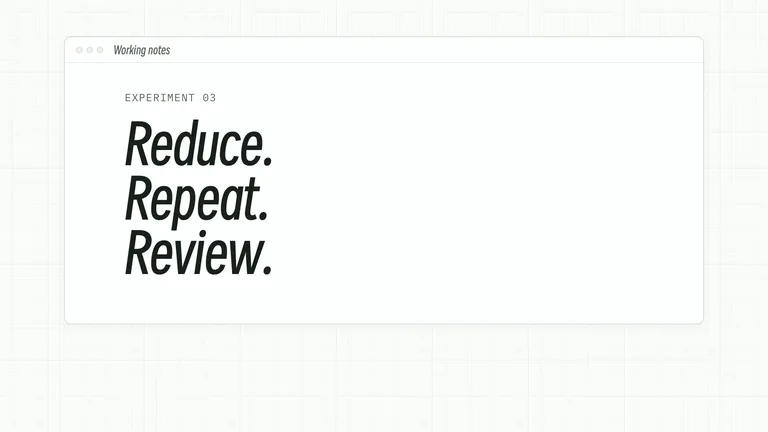
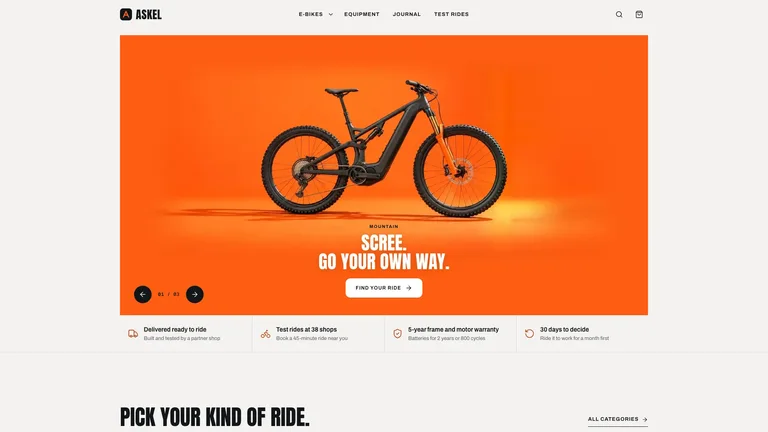
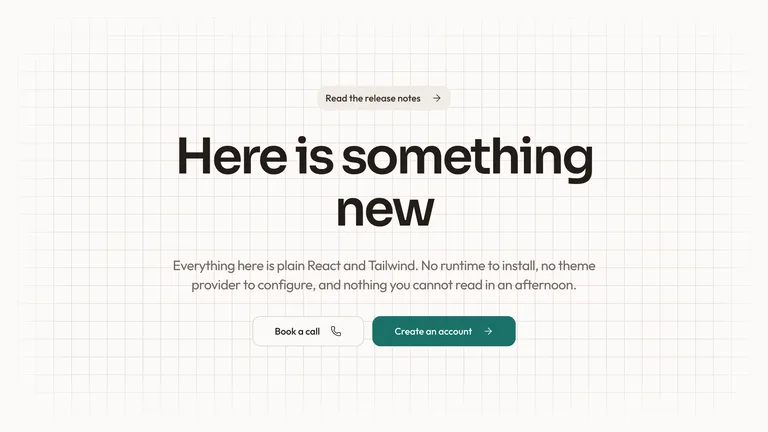
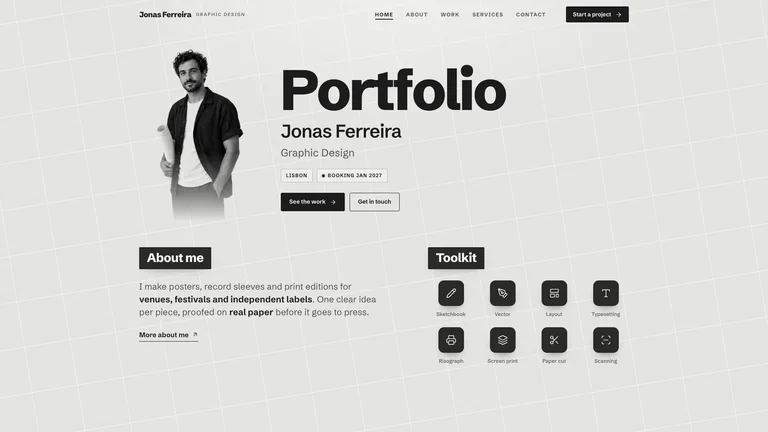
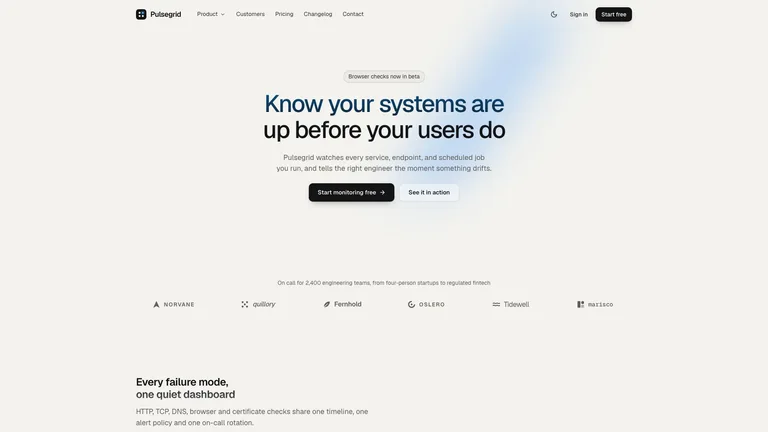
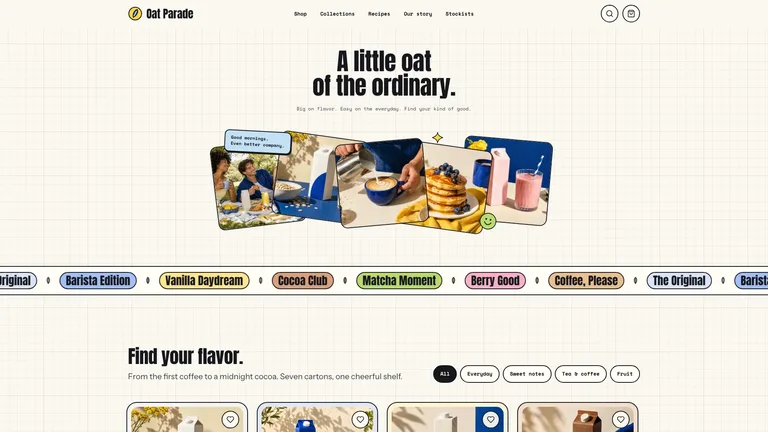
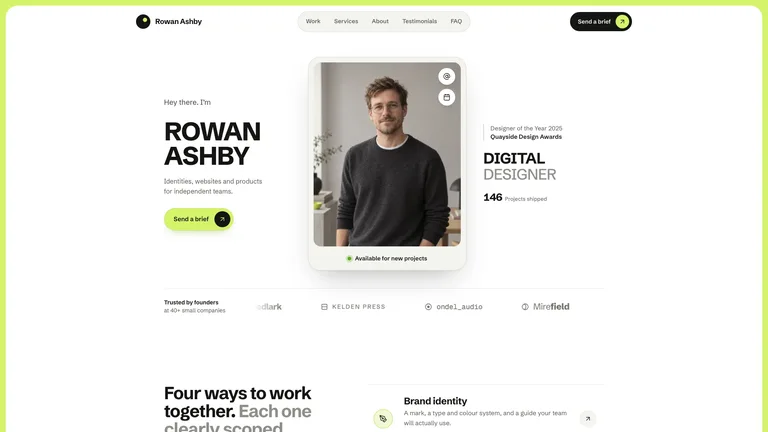
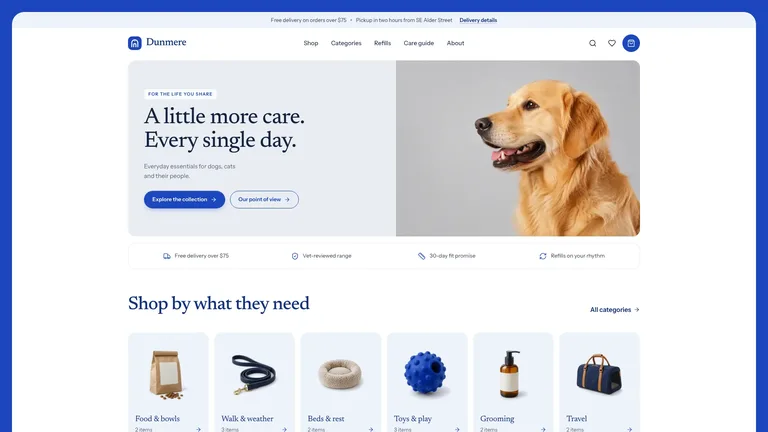
Frame landing pages in clean dark or light browser chrome with an editable URL bar and bottom-bleed layout.
Download transparent iPhone/browser mockup PNGs for pitch decks, or export a 60fps floating 3D launch clip.
 1
Press ⌘V anywhere or drop a PNG/JPG — website or mobile shots work.
 2
Choose Bottom Bleed, SaaS Hero, Isometric, or iPhone Duo poses.
 3
Copy to clipboard, save 4K or transparent PNG, or export 3D MP4.
| Capability | Skillry Free Studio | Shots.so Free | Static PSD Packs |
|---|---|---|---|
| iPhone + MacBook + Browser frames | All in one studio | Single focus | Separate PSD files |
| Transparent mockup PNG & 4K export | Free · Up to 3200px | Limited / Pro | Needs Photoshop |
| Auto-extracted "From Your Shot" colors | Real pixel sampler | Manual gradients | Manual editing |
| Animated 60fps 3D floating video | Included free | Pro subscription | Static only |
Yes. 4K PNG downloads, transparent mockup PNGs, clipboard copies, and 60fps floating 3D video exports are 100% free with zero watermarks or sign-up.
Yes. Click Alpha in the export bar to save a high-resolution transparent PNG ready to drop onto pitch decks, landing pages, or Figma frames.
Yes. Switch between Browser (Safari Dark/Light, Arc Minimal, Chrome Light), Device (iPhone Duo & MacBook Pro), and clean Image frames in one click.
Press ⌘V (or Ctrl+V) anywhere on the page to paste a screenshot straight from your clipboard, hit S to shuffle studio backdrops, and click Copy or Export 4K PNG.
Yes. Click Animate 3D to preview the floating perspective motion and export a smooth 60fps 3D MP4 right in your browser — no Rotato license needed.
Our iPhone Duo page offers an interactive foldable WebGL phone, while this unified Mockup Generator handles Browser windows, iPhone Duo, MacBook stages, lighting overlays, and auto color extraction.
Never. Everything stays strictly inside your local browser memory.
Free iPhone, MacBook & browser mockup generator — export 4K PNG, transparent PNG, or 3D video.