Product Redesign Launch Videov1.0.0
Use this Skill to create product launch film.
5.01 downloads0 likes0 saves
$4.99
What do I get when I buy this Skill?Turn a screenshot of your new design into a 20-30 second redesign launch film. The camera closes in on each change and that exact spot blends from the old design into the new one with a soft gradient or a before/after slider, then the whole window switches and the new name is typed, all cut to an upbeat soundtrack. No old screenshot? The agent derives one from the new design; you get an editable project, the soundtrack with interface sounds and a 1080p, 2K or 4K MP4.
Picked most often by
Updated Nov 16, 2026
Preview gallery
Runs in


Install guides
Generates with
Host Agent LLM
Uses tools
 ChatCut
Similar Skills
View all skills
What you get
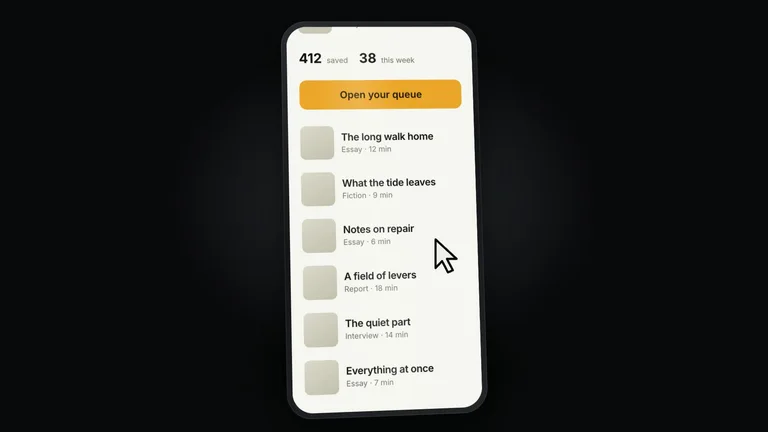
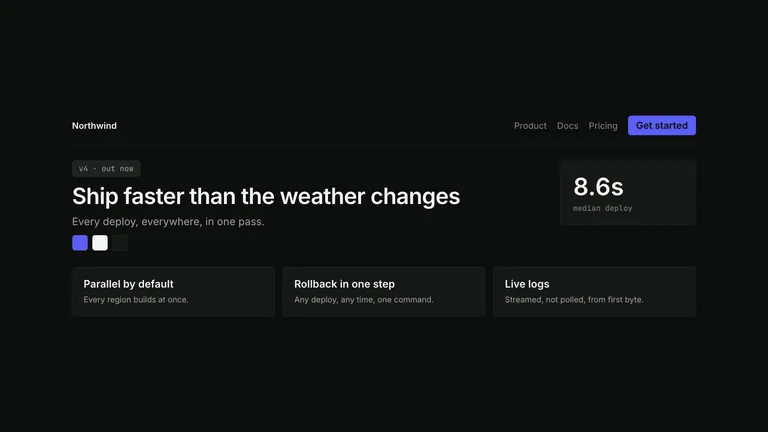
- A 20-30 second launch film in 1080p, 2K or 4K: your real screen in perspective, each change blending from old to new in place, then the full switch and the new name, cut on the beat.
- The old and new screenshots, pixel aligned, with every changed area marked; the old one is derived from your new screenshot when you do not have it.
- An editable film project with storyboard, a scrubbable preview, a soundtrack with frame-timed interface sounds, and scripts to check, mix and render again.
Good fit
- Software teams announcing a redesign, a rebrand, a new version or a new theme.
- Founders who want a premium before/after teaser for X, LinkedIn or a launch page without a motion designer.
- Designers presenting a redesign of an app or website, change by change.
Not for
- Talking-head videos, voiceover narration, subtitles or walkthroughs longer than a minute.
- Products with no screenshot of the new design yet; the Skill never invents the final interface.
- Official material for a product you do not own; third-party redesigns are labelled as concept pieces.
Product Launch & App GrowthCreate Product Launch FilmEditable OutputVisually PolishedCinematicSoft GradientMotion GraphicsKinetic TypographyClean Ui
About this Skill
Product Redesign Launch Video
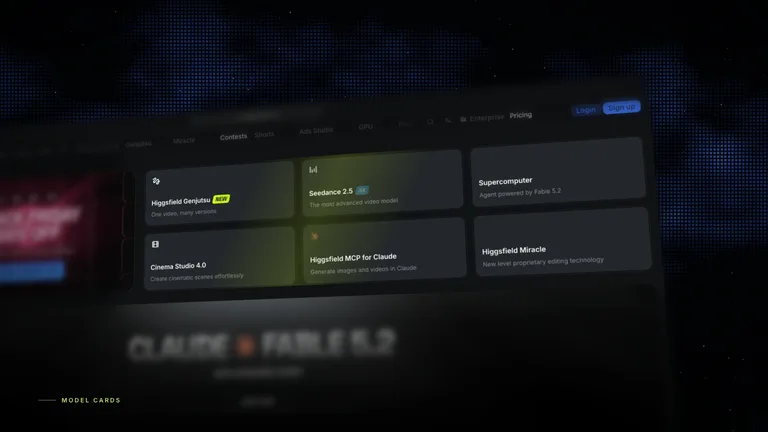
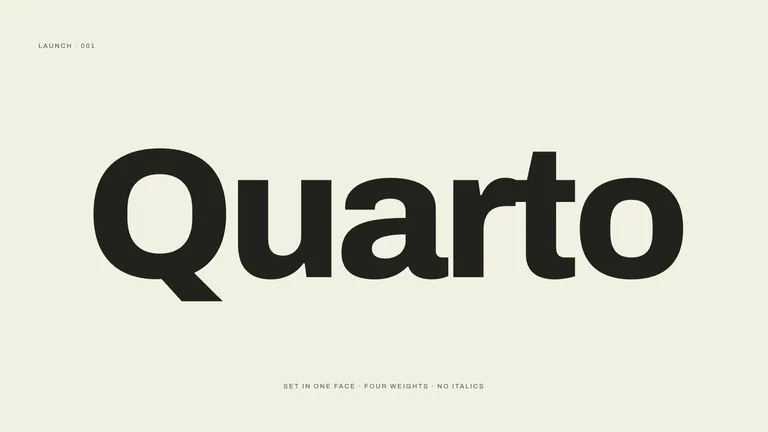
A Skill for short films that announce a redesign. Give it a screenshot of your new design - and the old one if you have it - and it makes a 20-30 second, premium and upbeat before/after film: the old screen floats in perspective over a slowly drifting dot-matrix nebula, the camera closes in on each change, and that exact spot turns from the old design to the new one in place, cut on the beat of the music. The whole window then switches to the new design and the film closes on the new name typed key by key.
How it works
- Screenshots - your new screenshot is the final frame of the story. If you also give the old one, it is aligned to the same size; if not, the agent derives the old version from the new screenshot (removing what is new, restoring the previous accent, labels and colours) so every unchanged pixel lines up.
- Changes - the two screenshots are compared and every changed area is marked. You pick four to six, or the agent picks the clearest ones.
- Shots - an establishing shot of the old screen, one close-up per change (old design first, then a soft gradient blend, a before/after slider or a quick cross-fade into the new design), the whole-window switch and the wordmark ending.
- Music - an upbeat, premium instrumental from ChatCut by default, or from your ElevenLabs API key, ElevenLabs Music through FAL, or a track you own. Whoosh, chime and typing sounds are synthesised locally on the exact frames.
- Render - the film is checked frame by frame and rendered to MP4 at 1080p (default), 2K or 4K.
Requirements
An AI agent that can run scripts (Claude Code, Codex, Cursor and others),
Node.js 20+, FFmpeg, playwright-core with Google Chrome, and one music
route: ChatCut Desktop, an ElevenLabs API key, a FAL key, or your own track.
Examples
The three previews are concept films made from public screenshots of well-known products, to show the style. In each, only the new design was captured; the old version was derived by the Skill. They are not affiliated with those companies.
- Notion 3.0 - page icon, views, coloured status board, an Agents section and a New chat button appear one by one.
- Higgsfield Neon - model cards gain icons and badges, the nav gains badges and the accent moves from blue to lime.
- Linear Agents - a Pulse view, agent favourites, agent activity and an agent panel arrive in the issue view.
Tips
- Capture screenshots at 2x or larger (3x for 4K); close-ups are only as sharp as the screenshot.
- Name the changes you are proudest of; each becomes a shot.
- Screens with several visible, separate changes make the best films.
What you need before you start
- You bring
- A screenshot of the new design (required): the main screen after the redesign, 2x or larger. · Optional: the old screenshot (otherwise derived), changes to show, old and new name, tagline, resolution, music route or your own track.
- Dependencies
- Node.js 20 or newer — required · FFmpeg — required · playwright-core with Google Chrome or Playwright Chromium — required · Music: ChatCut Desktop (default), ELEVENLABS_API_KEY, or FAL_KEY for ElevenLabs Music through FAL — one of them, or your own track
- Outside costs
- Rendering and the interface sound design are local and free. The music bed is generated by the route you choose (ChatCut credits, ElevenLabs or FAL, billed by that provider), or you bring your own track; the Skill names the route and waits for your approval before submitting.
- Last tested
- v1.0.0 — Claude Code / Claude Desktop / Cowork / Codex / ChatGPT
User reviews
Loading reviews…